
Create the course
- In the Easytools panel, open Courses.
- Click + New course.
- Enter the project name and click Create.
- Open the Files tab and choose + Add first file.
- Add the lesson title, the material type, the source, the length and a description.
- Group the lessons into categories.
- Adjust how the player looks.
Connect it to sales
- Create a product in Easycart.
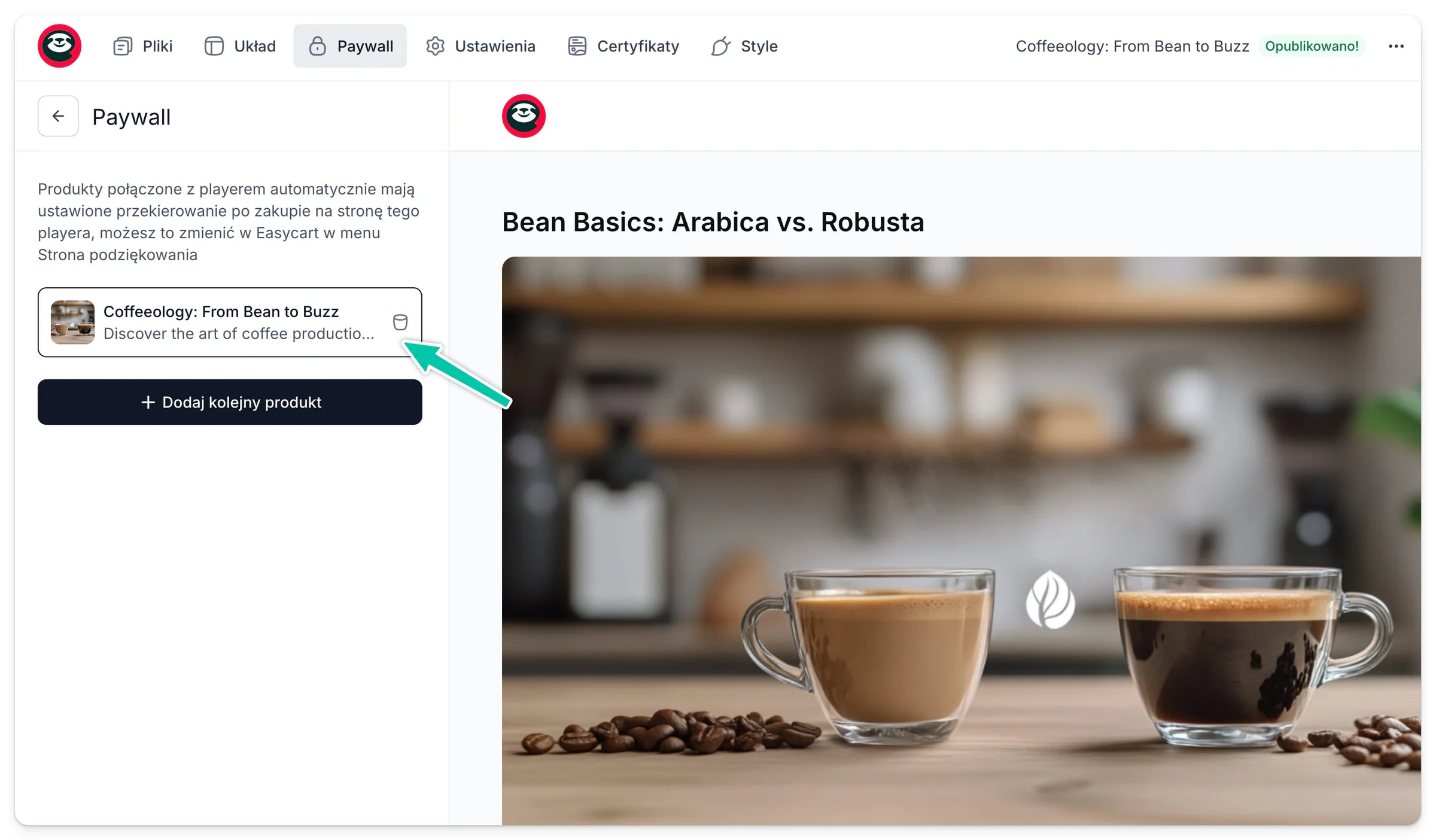
- In Easyplayer, turn the paywall on.
- Connect the player to the right product or price variant.
- Check that someone without a purchase sees the sign-in screen and the offer.
- Make a test purchase.
Test the whole path first: purchase, email, sign-in and opening the first lesson. That way a walkthrough recording for customers shows exactly the same journey.