Changelog
Roles are here - invite your team to Easytools
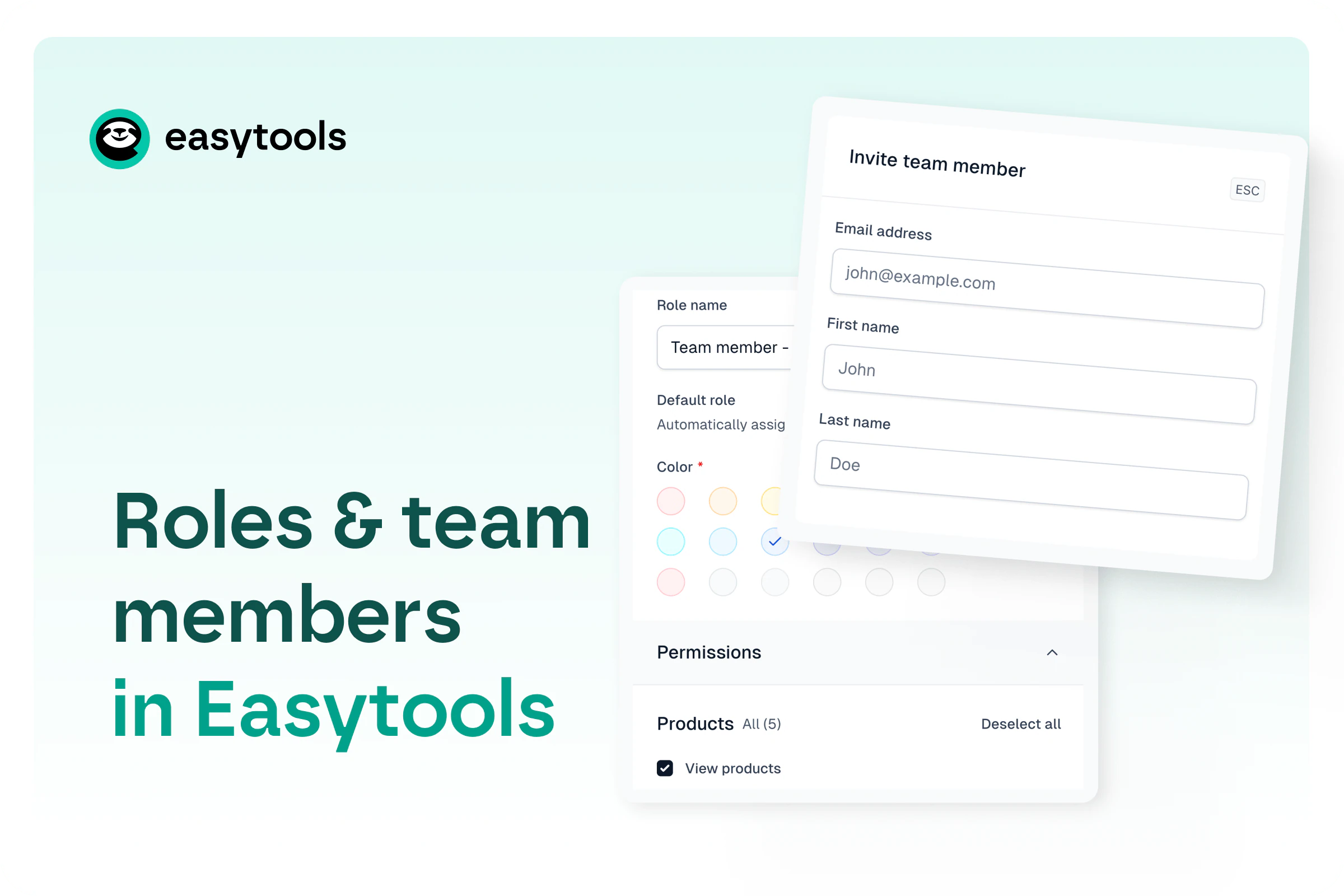
Invite teammates to your Easytools account and assign roles with granular permissions. Safer access, easy invites, and smooth account switching.
Published
This one’s been on the waitlist for a while - and it’s finally here: Roles in Easytools.
Until now, if you wanted someone to help inside your account, you basically had two options: do it yourself or share your login and password. Not great. Roles make it smarter (and safer).
Invite people to your account
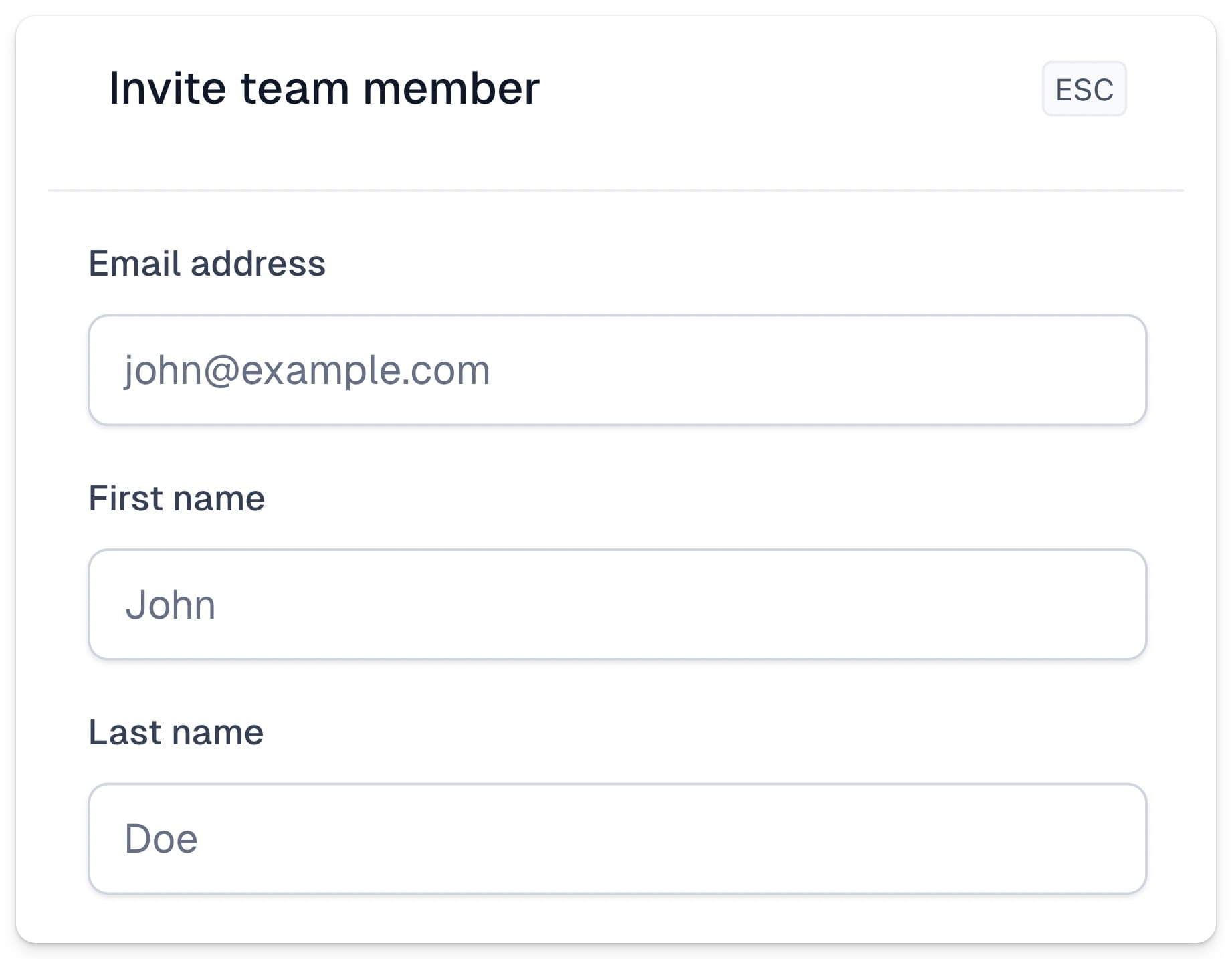
Add their email and full name, and we’ll send an email invite. Once they accept, they’ll get access to your Easytools account without needing your credentials.
Create roles (with granular permissions)
Roles let you define what someone can and can’t do. You can keep it tight or go broad, depending on what you need. For example:
- Create a role for an automations partner so they can manage automations - and nothing else
- Create a role for an integration partner who’s setting things up, with access to all the key features they need
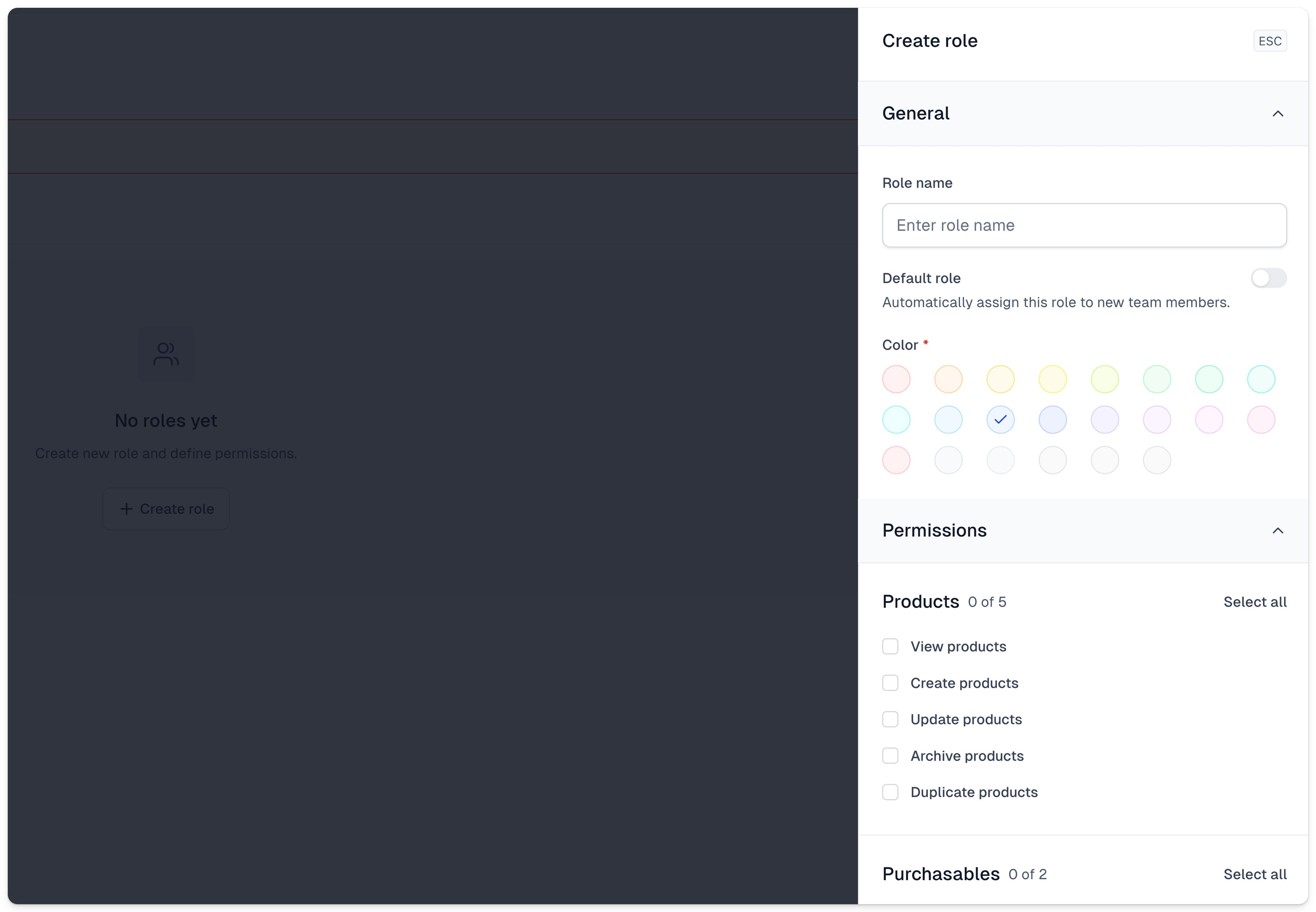
When a role is ready, assign it to specific team members. You can also set a default role that gets automatically applied to every new invite.
Smooth switch between accounts
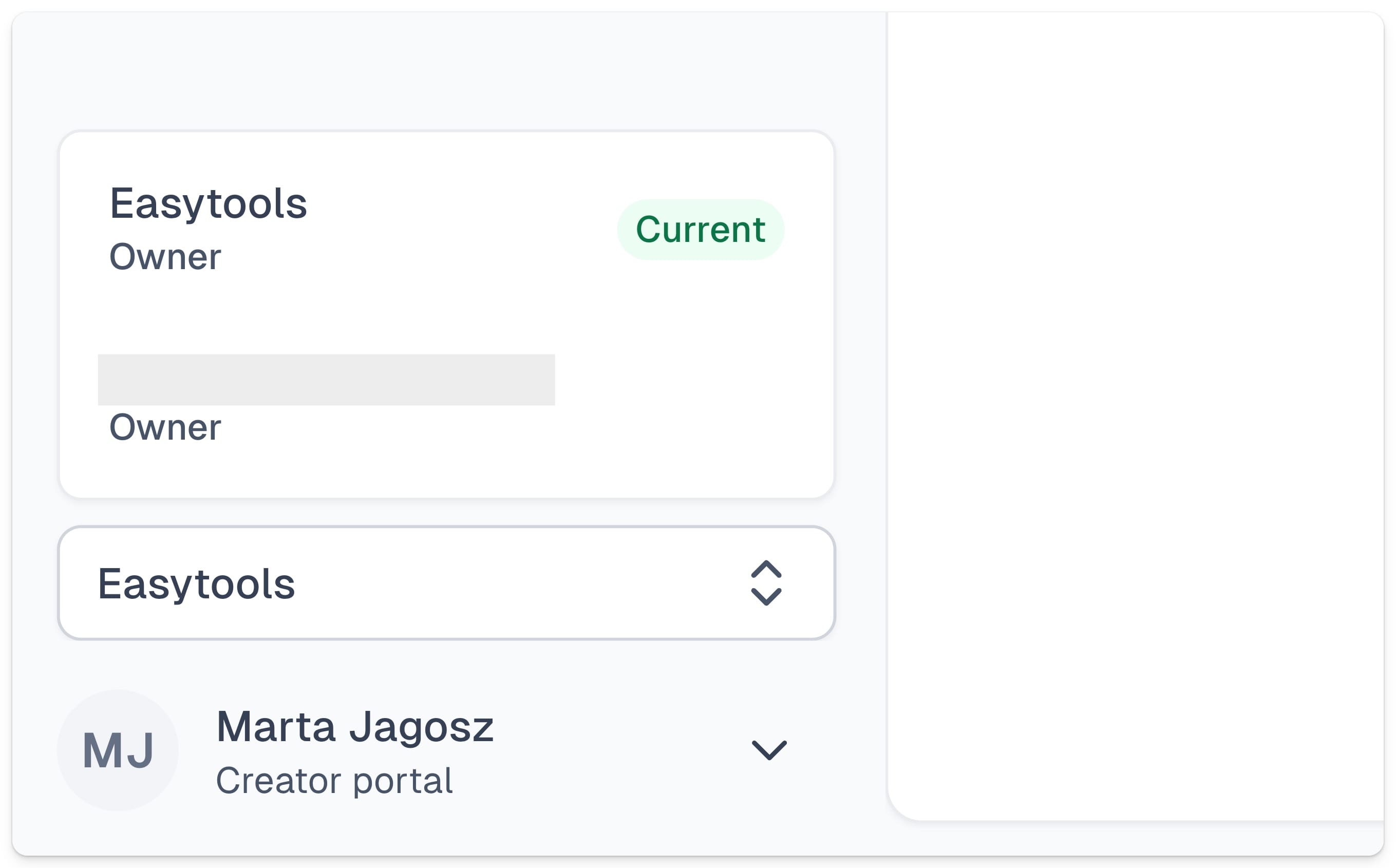
If someone already has their own Easytools account under that same email, they can switch between accounts from a simple tab in their Easytools dashboard.
Go set up your first roles, invite your people, and try it in your real workflow.