Changelog
Manage your store from Claude
You can now connect your Easytools store to Claude and other AI assistants and run it in plain language - orders, analytics, products and email campaigns, all from a chat.
Published
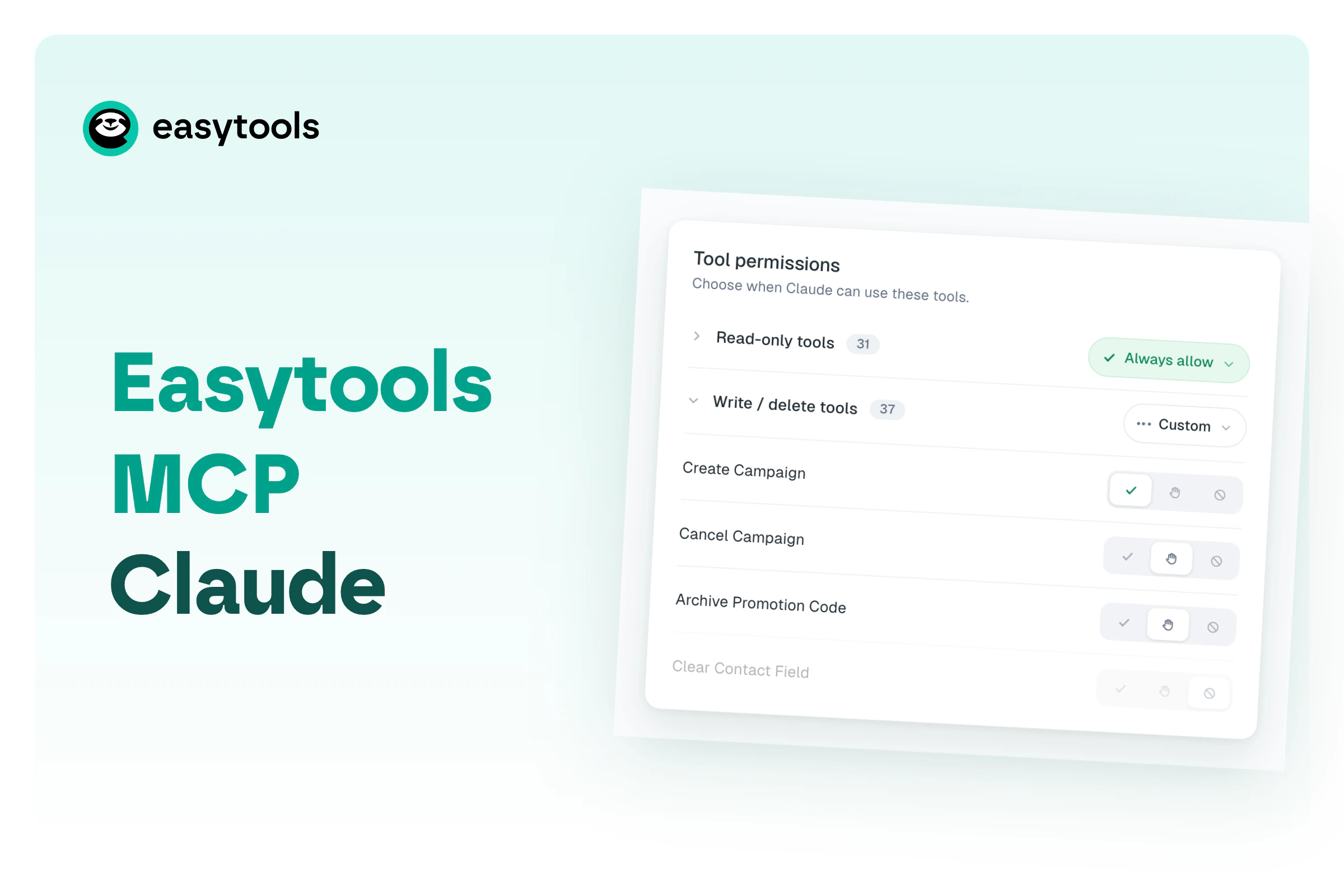
Easytools now ships an MCP server, so any MCP-capable AI assistant - Claude, and a growing list of others - can act on your account for you. Instead of clicking through the panel, you describe what you want and the assistant picks the right action.
One connection covers both sides of Easytools: your store (products, orders, customers, subscriptions, invoices, promotion codes, analytics) and your email marketing (contacts, lists, segments, campaigns). You stay in control - read-only actions can run freely, while anything that changes or deletes data waits for your approval.
It takes one setup: point your assistant at https://mcp.easy.tools and approve the connection with your Easytools account. After that, ask away - “pull this week’s orders”, “how do my page stats look”, “publish that product”.
See the full walkthrough in Connect Easytools to Claude.