Changelog
List signups in Easypage analytics
Easypage analytics now counts mailing list signups as a conversion, so you can see how well a page grows your list, not just how much it sells.
Published
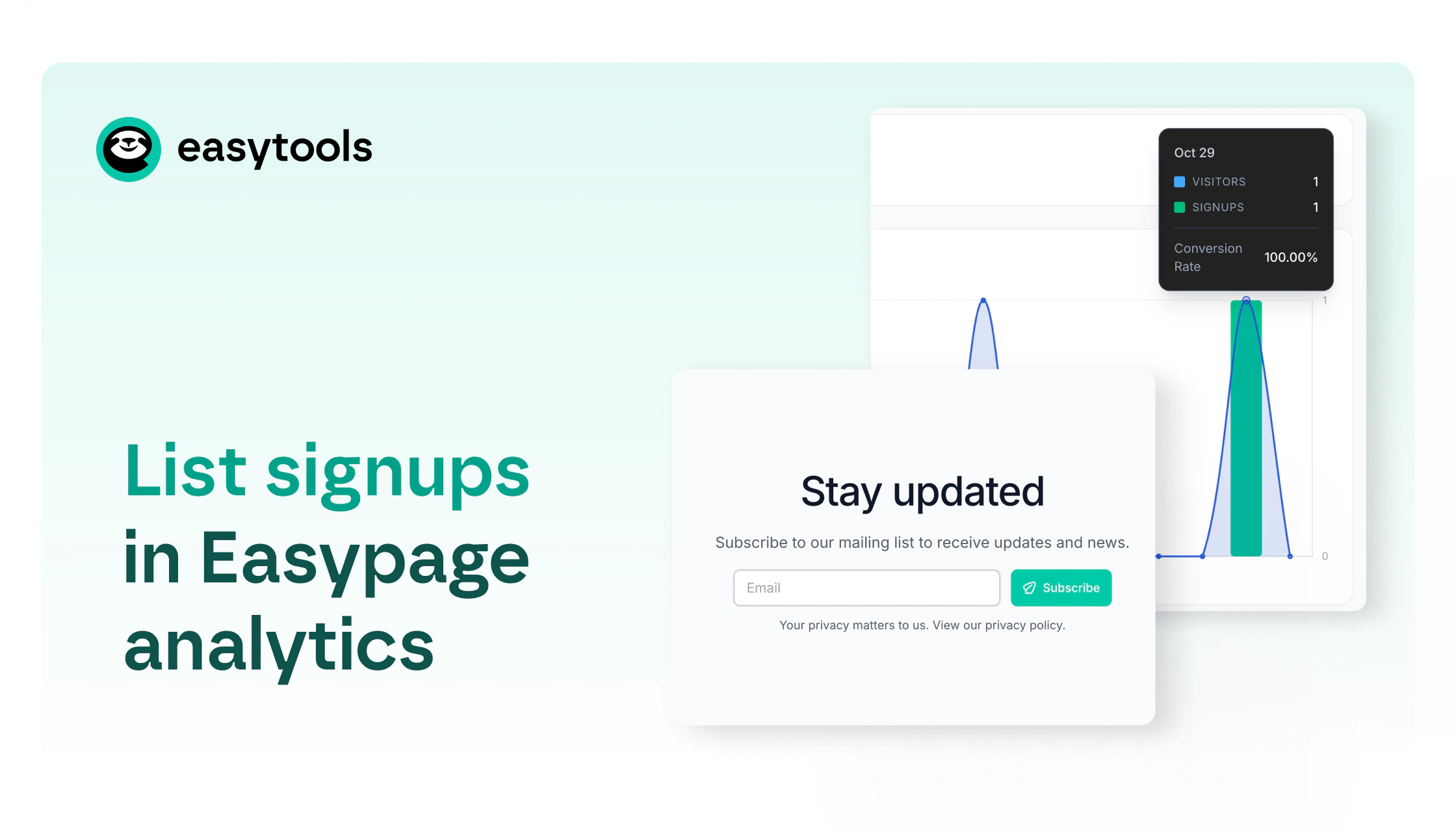
Until now, a page conversion meant an order, even for a free product. If your page was built to collect subscribers, Easypage built-in analytics couldn’t exactly tell you whether it was doing that job. Now it can.
How it works
Signups to your mailing list count as their own conversion, next to product orders.
If a page has both sales and a signup form, you’ll see a Products / List signup switch. If a page has only sales, or only signups, it opens in the matching view with no switch.
Free products stay under Products: the chart and tables show order counts instead of money, and the Revenue cards are hidden.
What counts as a signup
→ A signup counts when the person is actually on your list. With double opt-in, that means after they confirm, and it’s counted on the day of confirmation.
→ Unconfirmed submits never count. Confirmation links expire after 7 days.
→ An address that’s already on the list isn’t counted again. Someone who unsubscribed and signs up again is counted.
→ Joining a product waitlist counts once, even if the product has no Easymail list. If that person is later added to a list, it isn’t counted a second time.
Where to find it
Open the analytics of any Easypage that has a mailing list form. If the page also sells something, use the Products / List signup switch to move between orders and signups.
If it only collects signups, it opens straight in the List signup view, so there’s nothing to set up.