
Generate a link in a given language
- Open the checkout in the editor.
- In the preview language selector, pick the language you want.
- Check the texts, the product description and the form fields.
- Click Share.
- Copy the new link and replace the addresses you used before.
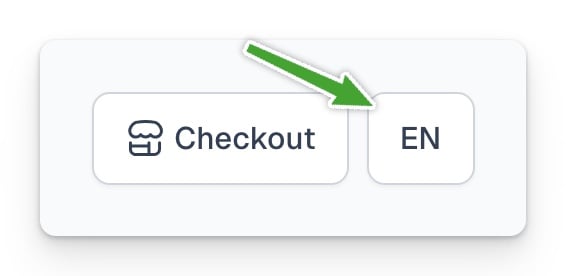
Easytools can also match a supported language to the customer’s browser. To force a language, use the link generated in the editor. As a quick fix you can add a parameter, ?lang=pl or ?lang=en for example.
Switching the preview does not change an old link. Always use Share → Copy link again.