
Connect the account
- Open Store → Store settings.
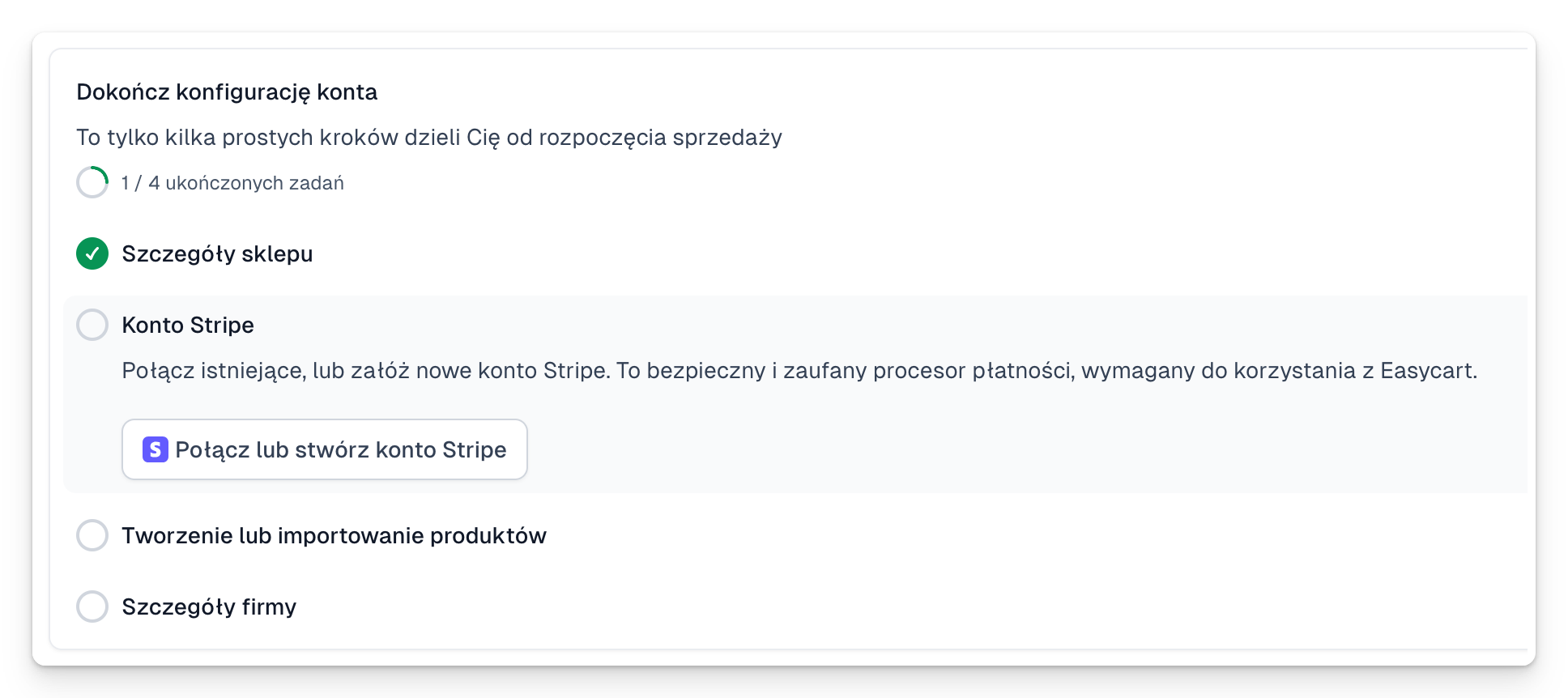
- Go to the payment settings and choose Connect Stripe.
- Sign in to an existing Stripe account or create a new one.
- Fill in your company, owner and bank account details.
- Upload any documents Stripe asks for.
- Come back to Easytools and check the connection status.
If verification takes a while
Open your Stripe dashboard and read the messages in the section listing required actions. Stripe may ask for an extra document or for missing details. Once it is approved, come back to Easytools and refresh the status.
The details in Easytools and Stripe should match. Payouts will not start until Stripe has completed the verification it requires.