
Create the product
- Open Store → Products.
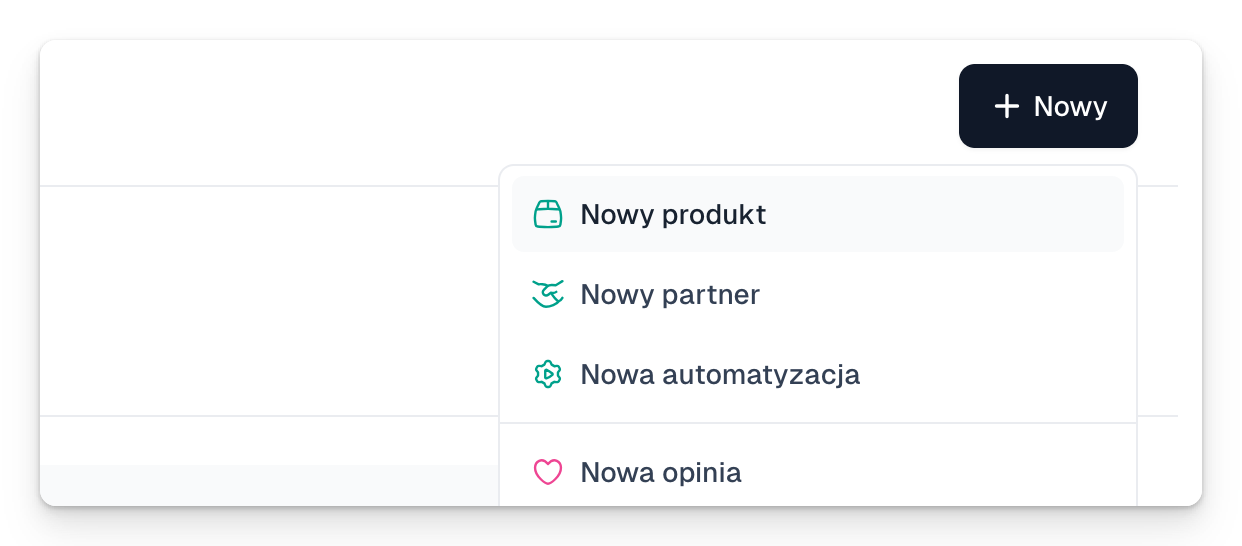
- Click New product. You can also use + New → New product.
- Enter a name and pick a product type.
- Add a price variant: one-off, a subscription or another model.
- Fill in the description, the image and the checkout fields.
- Configure what happens After purchase.
- Click Save.
Before you publish
- Open Preview and read the checkout the way a customer would.
- Check the price, taxes, form fields and the delivery method.
- Make a test purchase.
- Click Publish → Share → Copy link.
After the first real sale some price details get locked for accounting reasons. That is why it pays to test the product before launch.