
Set the standard fields
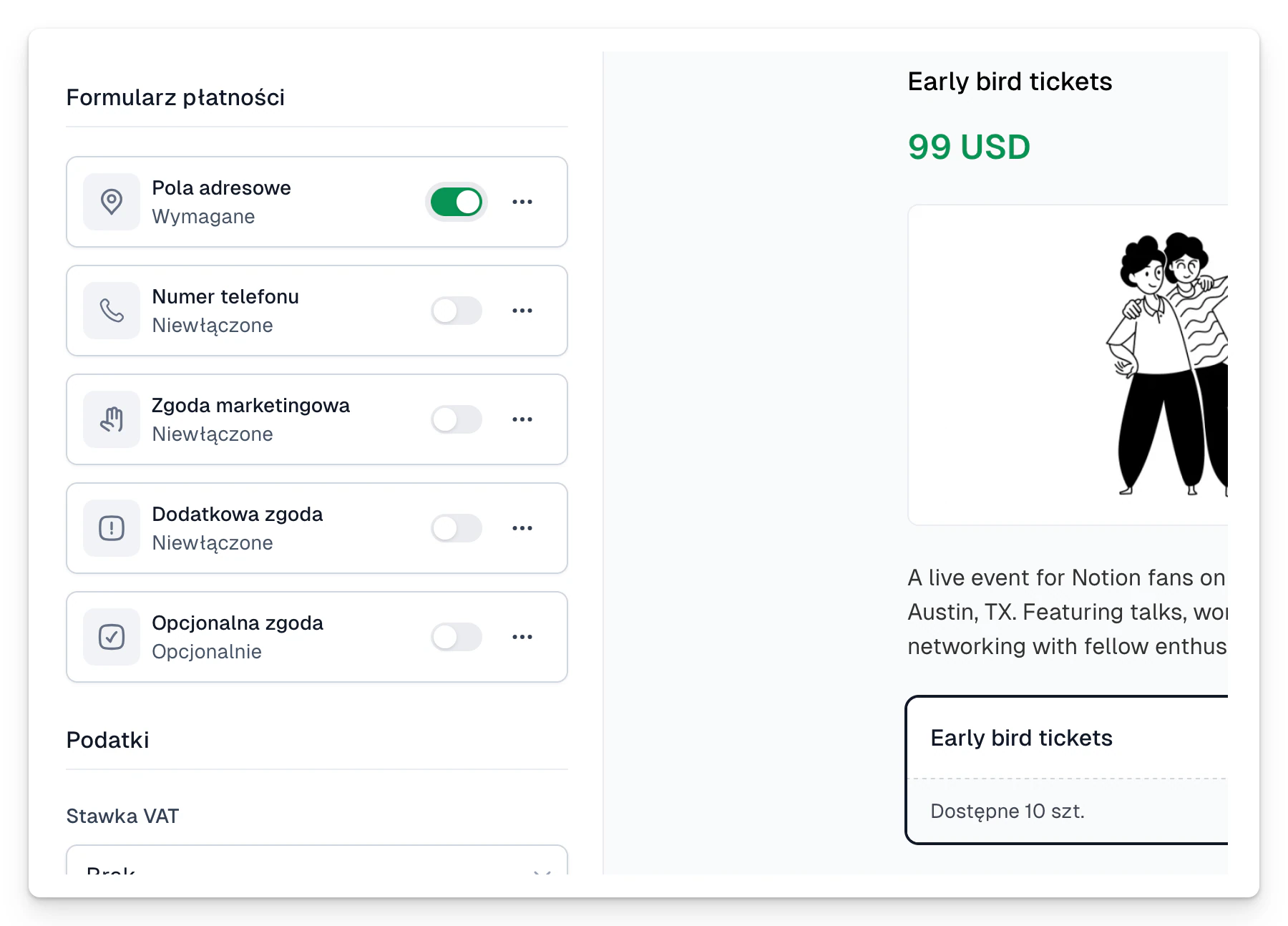
- Open the product and go to Checkout → Form fields.
- Turn the available fields on or off, the phone number or company details for example.
- Click a field to change its settings.
- If different variants need different data, go to Price variants → Form fields.
Add a custom field
- Click + Add custom field.
- Pick a type: text, long text, checkbox, number, list, date or date and time.
- Write a label people will understand.
- Optionally add helper text.
- Only tick Required when you cannot fulfil the purchase without an answer.
- Save and make a test purchase.
Do not collect data “just in case”. Every field should have a clear purpose and match your privacy policy.