
Add the material
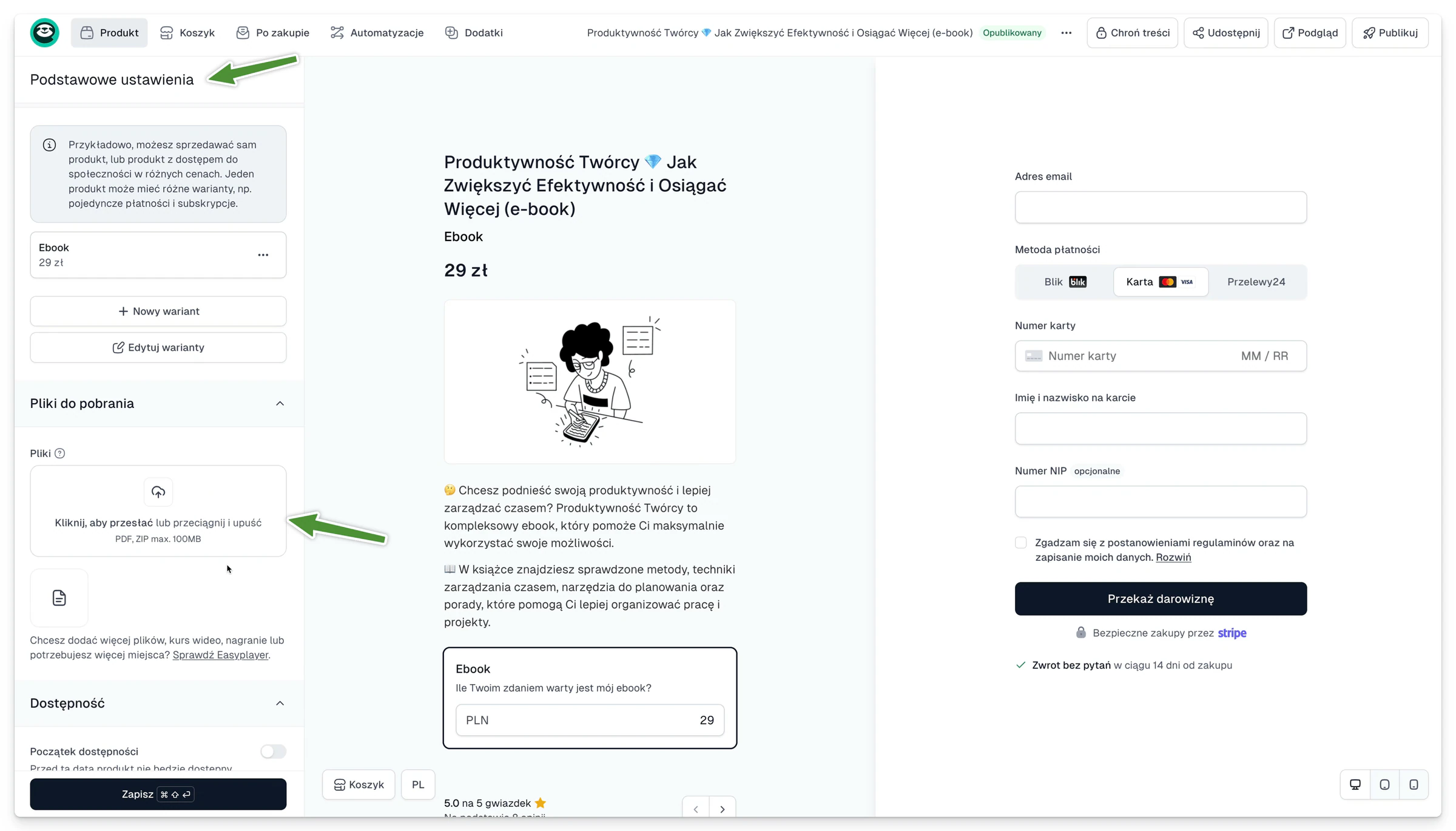
- Open the product in Easycart.
- Go to the After purchase or Digital downloads section.
- Upload the file.
- Give it a short, recognisable name.
- If you have several items, put them in a readable order.
- Save the changes and check the thank-you page.
- Make a test purchase and download the file the way a customer would.
Before you publish
Check the name, the format and the size of every file. A simple “Start here” file helps when the bundle holds several items.
Do not share a file only in the product description. The most reliable delivery goes through the files feature, so the customer can get the material back later in the Customer portal.