
Create a code for a product
- Open the product.
- Go to Checkout → Discount codes.
- Click New discount code.
- Enter the code and choose an amount or percentage discount.
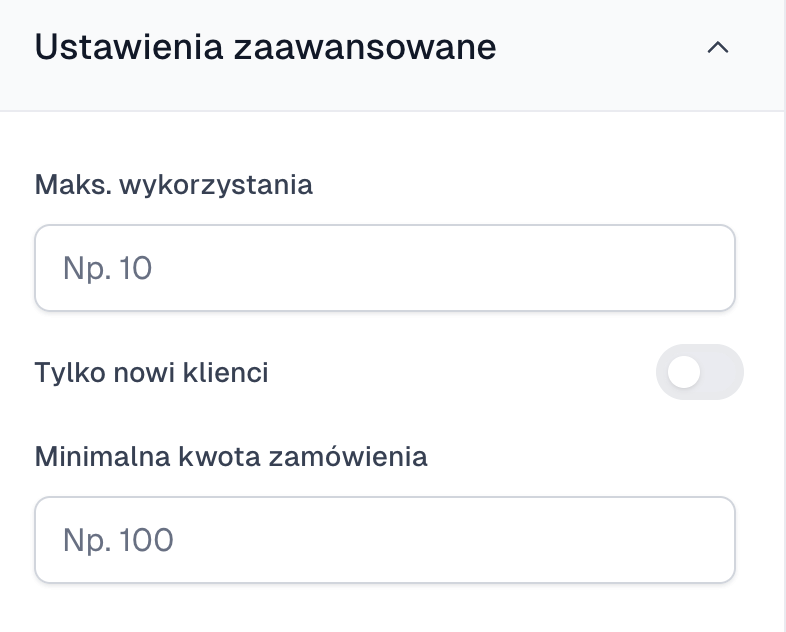
- Optionally set an end date, a usage limit, a minimum amount or new-customers-only access.
- Save the code.
- Turn on the discount code field in the checkout, or generate a link with the code built in.
When a code does not work
Check the exact spelling, the expiry date, the usage limit, the minimum cart value and whether the code is attached to the product being bought. With a link, make sure the discount parameter has not been stripped.
Test the code in a private window before you send a campaign. That way you see the checkout the way a new customer does.