
Team roles
Invite teammates without sharing your password, assign granular permissions, and switch smoothly between Easytools accounts.
- Invite people by email instead of sharing your login details.
- Create roles with precise access to the tools and actions each person needs.
- Set a default role for new invitations and switch between accounts easily.
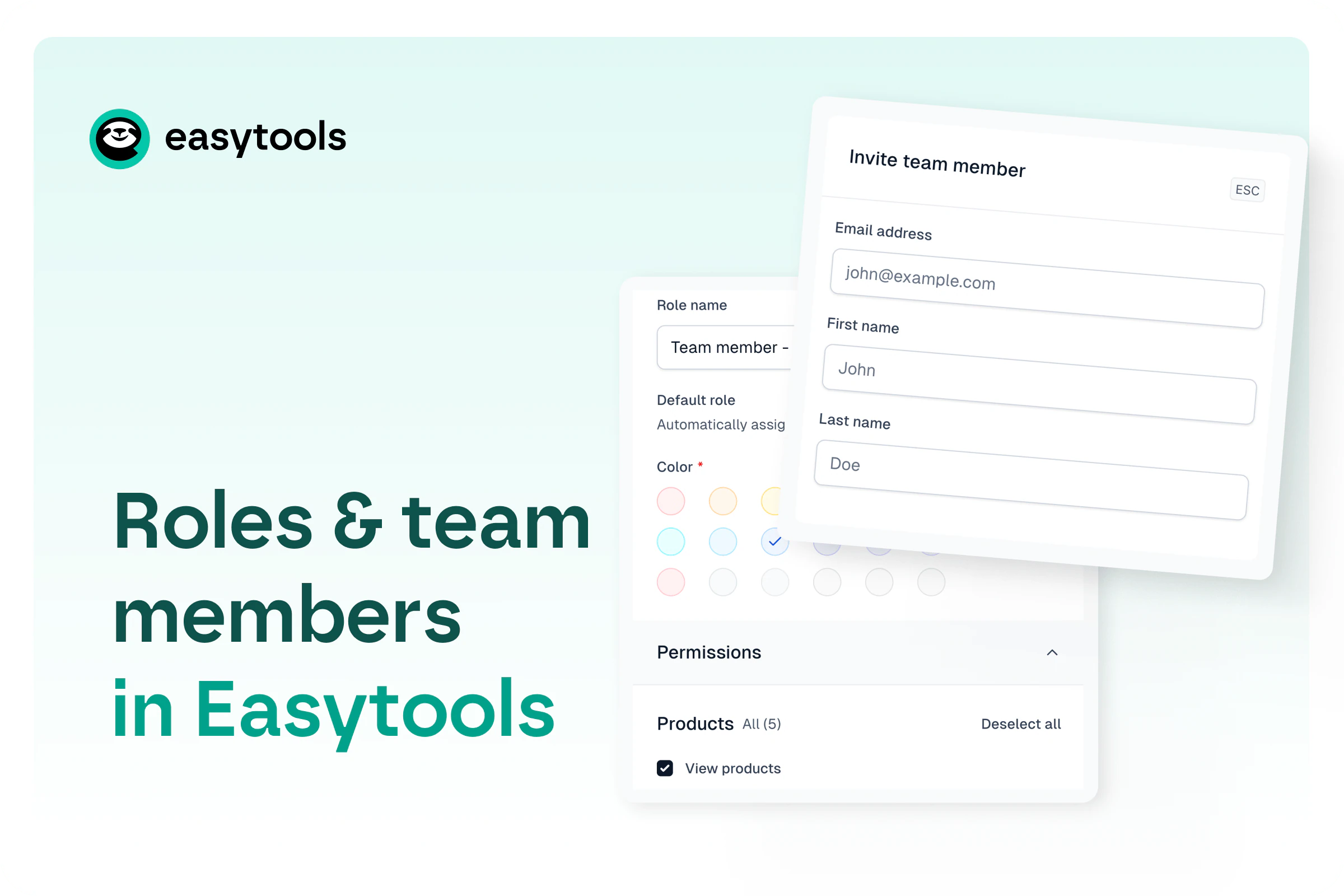
Collaborate without sharing credentials
Invite a teammate with their name and email address. They get access through their own Easytools login, so your password stays private and every person has a separate account.
Match permissions to the job
Create a focused role for an automation specialist, integration partner, support teammate, or any other collaborator. You decide which parts of Easytools they can see and manage, from narrow access to a broader operational role.
Make repeat invitations consistent
Assign roles to individual members or choose a default role for every new invitation. This makes onboarding faster while keeping access rules predictable as your team grows.
Move between accounts smoothly
People who use the same email for their own Easytools account and a shared account can switch between them from the dashboard without signing out or juggling passwords.
Resources
Learn from our resources

Documentation

Product updates
FAQ
Here’s what we’re being asked
Have any questions about Easytools? Feel free to browse our list of frequently asked questions below or just drop us a line, we're always here and ready to lend a hand.
Can I integrate Easytools with my existing tool stack?
Absolutely! We’re continually expanding our list of native integrations because we believe that using tools you’re familiar with makes your work faster and easier. And if a tool isn’t on our integration list yet, no worries! You can always send your data from Easytools to a webhook and set up advanced automations or integrations using Make or Zapier.
What kind of support do you offer?
You can reach us via chat and email (and book a call when you need it). You also get access to our knowledge base, onboarding help, and weekly sessions - plus a creator community if you want to connect with others.
Take it easy with Easytools
Focus on creating, and let Easytools handle the behind the scenes work.
No coding · No credit card required · Built on Stripe