
Invite someone
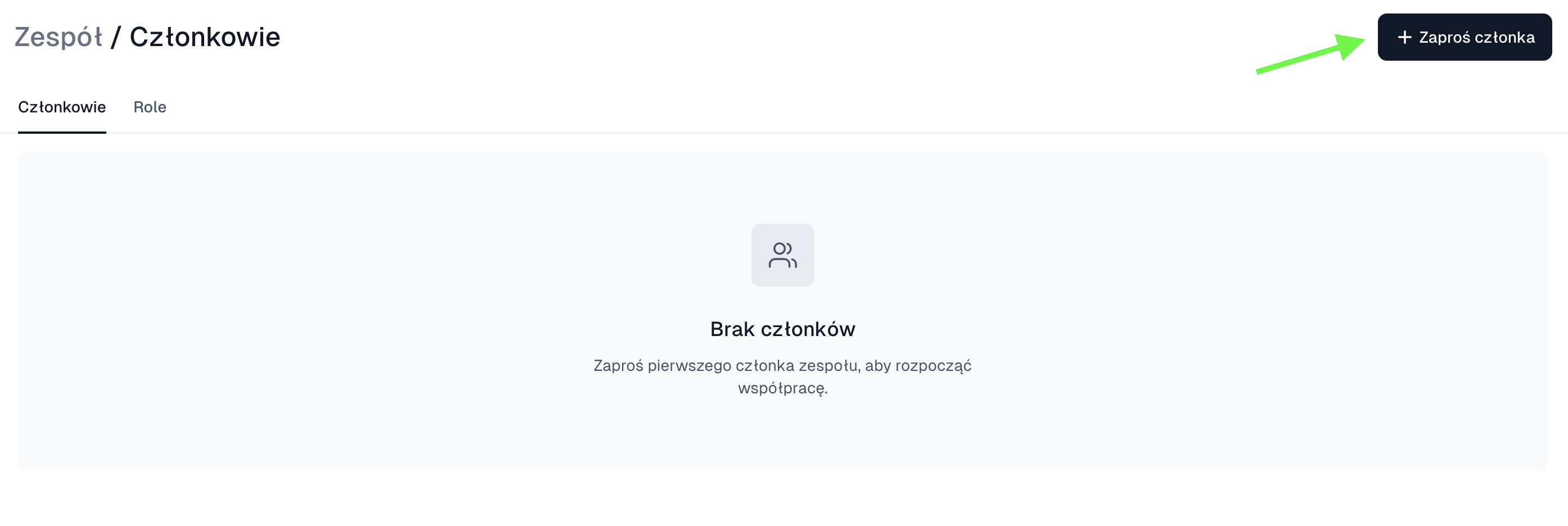
- Open the account settings and go to Team → Members.
- Click Invite team member.
- Enter the email address.
- Pick an existing role.
- Send the invitation.
- Ask the person to accept it from their own mailbox.
Create your own role
- Go to Team → Roles.
- Click Create role.
- Turn on only the areas that are needed, orders without payment settings for example.
- Save the role and assign it to the right people.
Do not share one password between several people. Separate accounts and roles make access easy to revoke and reduce the risk of someone changing store settings by accident.