
Add a subscription price
- Create or open a product.
- Go to Price variants.
- Add a new variant and choose Subscription.
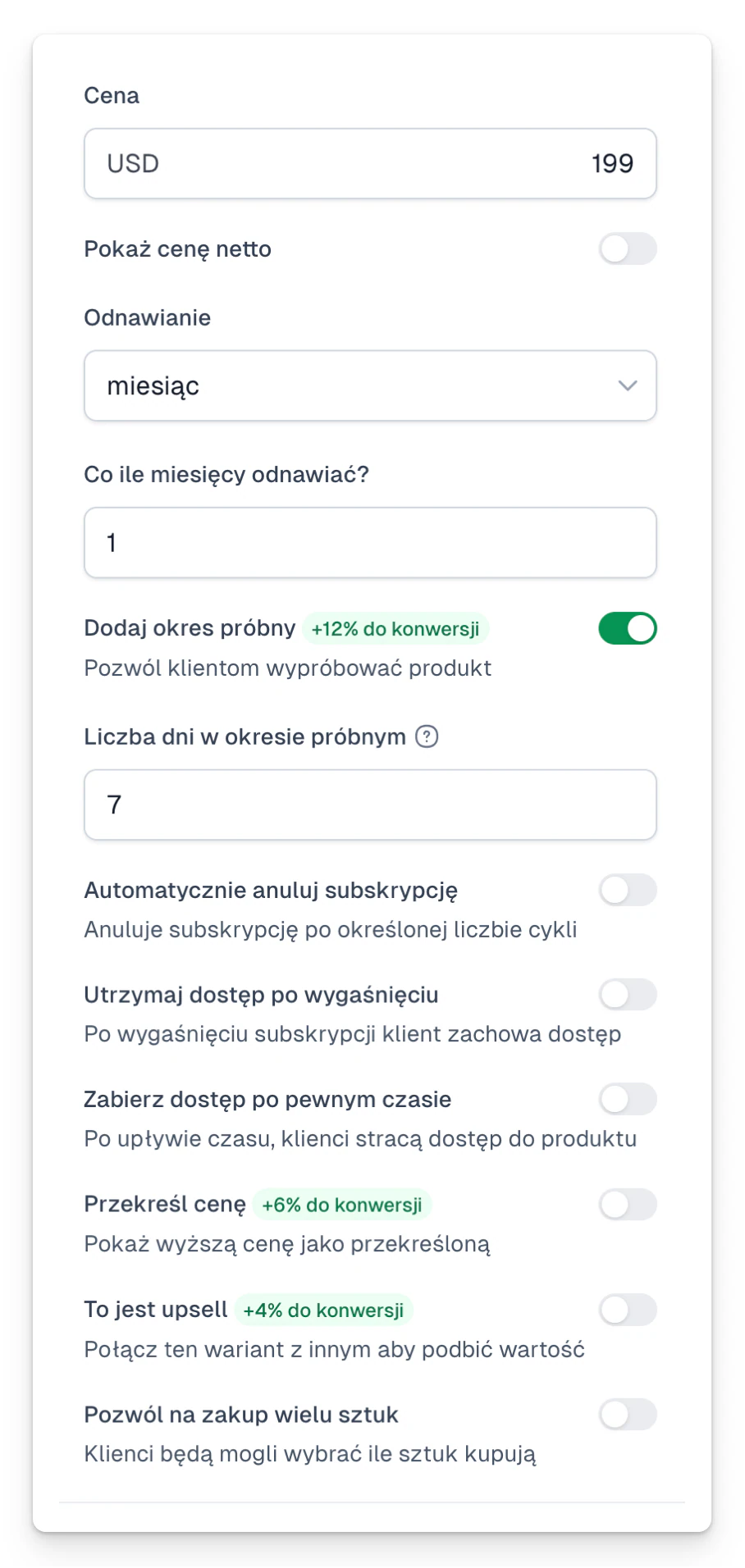
- Set the amount and the cycle, every 1 month for example.
- Optionally add a trial period.
- If the offer should be time-limited, turn on automatic cancellation after a set number of cycles.
- Decide whether the customer keeps access once it ends.
- Save and test the checkout.
Before you publish
Next to the buy button, state clearly the amount, how often it renews, the trial period and the cancellation rules.
For automatic renewals the customer needs a payment method that supports recurring payments, usually a card.