
Switch the language
- Sign in to the Creator portal.
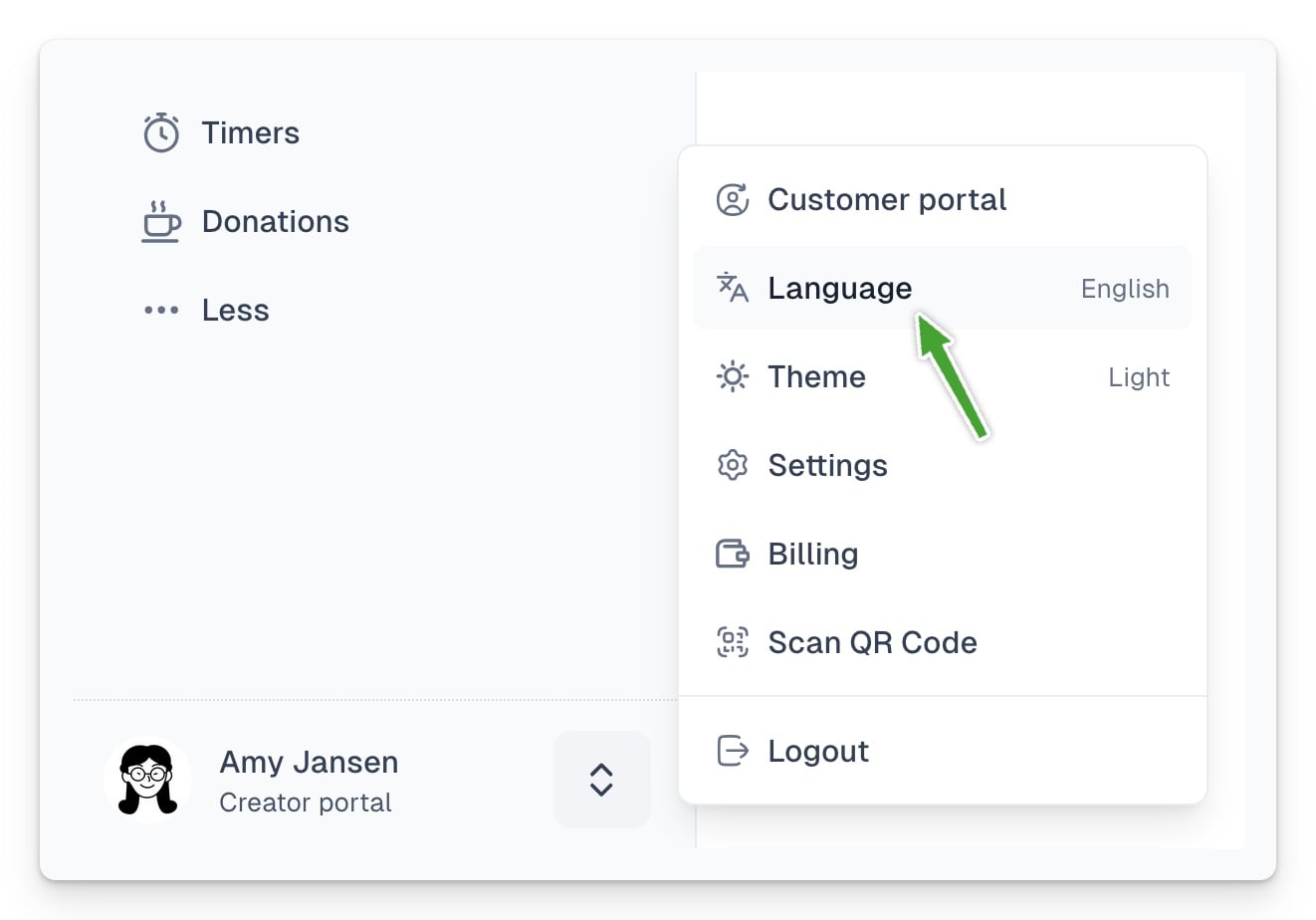
- Look at the bottom of the left-hand menu.
- Click the language selector next to your profile.
- Choose English or another available language.
- Wait for the interface to reload.
The panel language sets the default language of new checkouts and projects. It does not automatically change links you have already published.
If the panel does not remember your choice
Refresh the page, sign out and sign in again. Also check that your browser is not blocking the site’s local settings.
To change the language of an existing checkout, switch its preview language and use Share → Copy link again.