
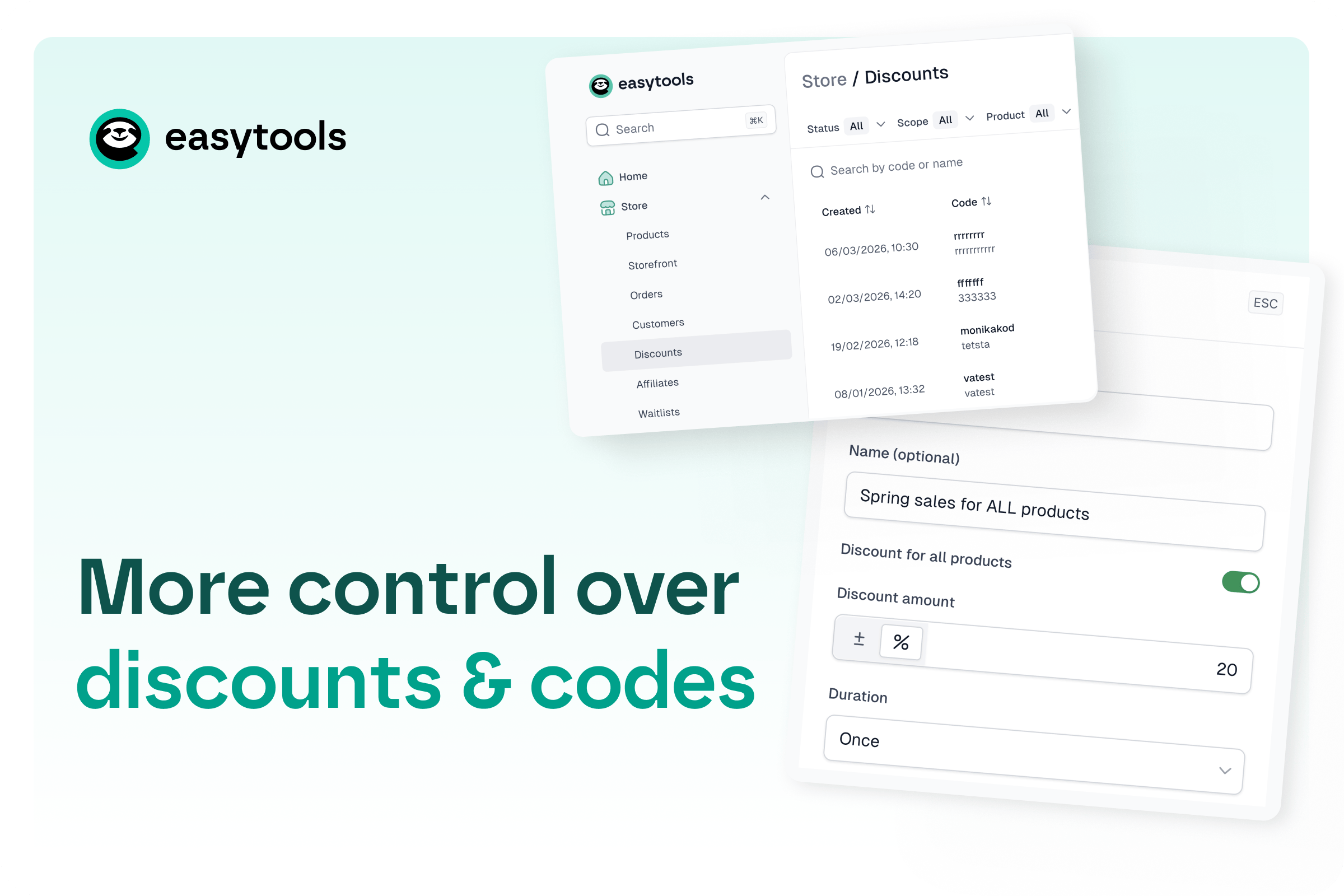
Discounts just got a lot easier to run
You can now manage every discount code from one place, add global discounts across all products, and fine‑tune a couple of key rules - without jumping between checkouts.
A real discounts dashboard
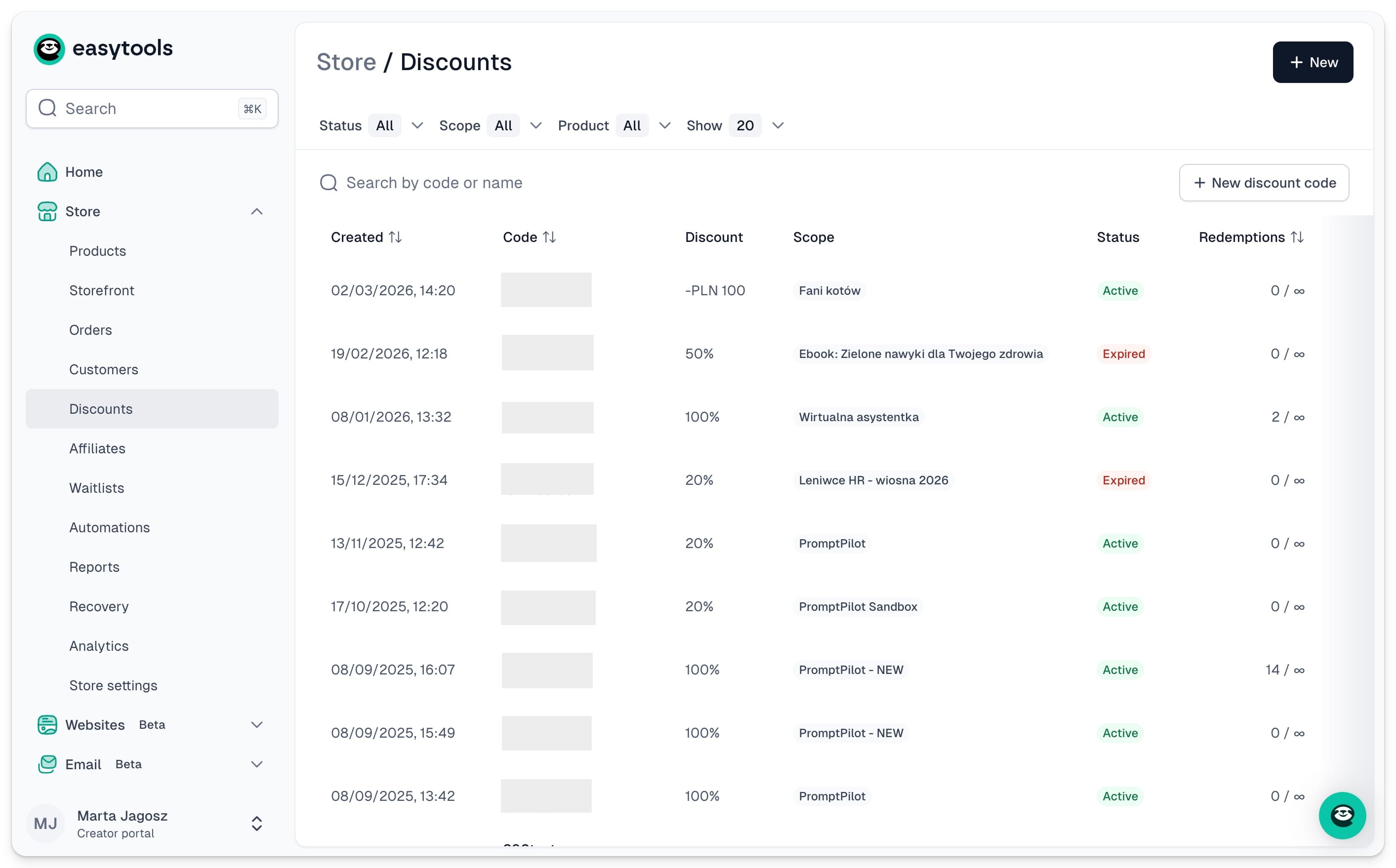
No more manually tracking which codes you’ve created (or whether they’re still active). Every discount now lives in a dedicated dashboard where you can see:
- How many times a code was used
- Which orders used it
- The settings behind it (duration, redemption limits, etc.)
You can also delete codes right there, and filter everything by status and by the product it applies to.
More control over how codes apply
When you create a discount (from the dashboard or straight from checkout), you can now add a couple of extra rules:
- First-time customers only (or not)
- Minimum order amount required to use the code
- Max redemptions of each code
Global discounts (for multi-product sellers)
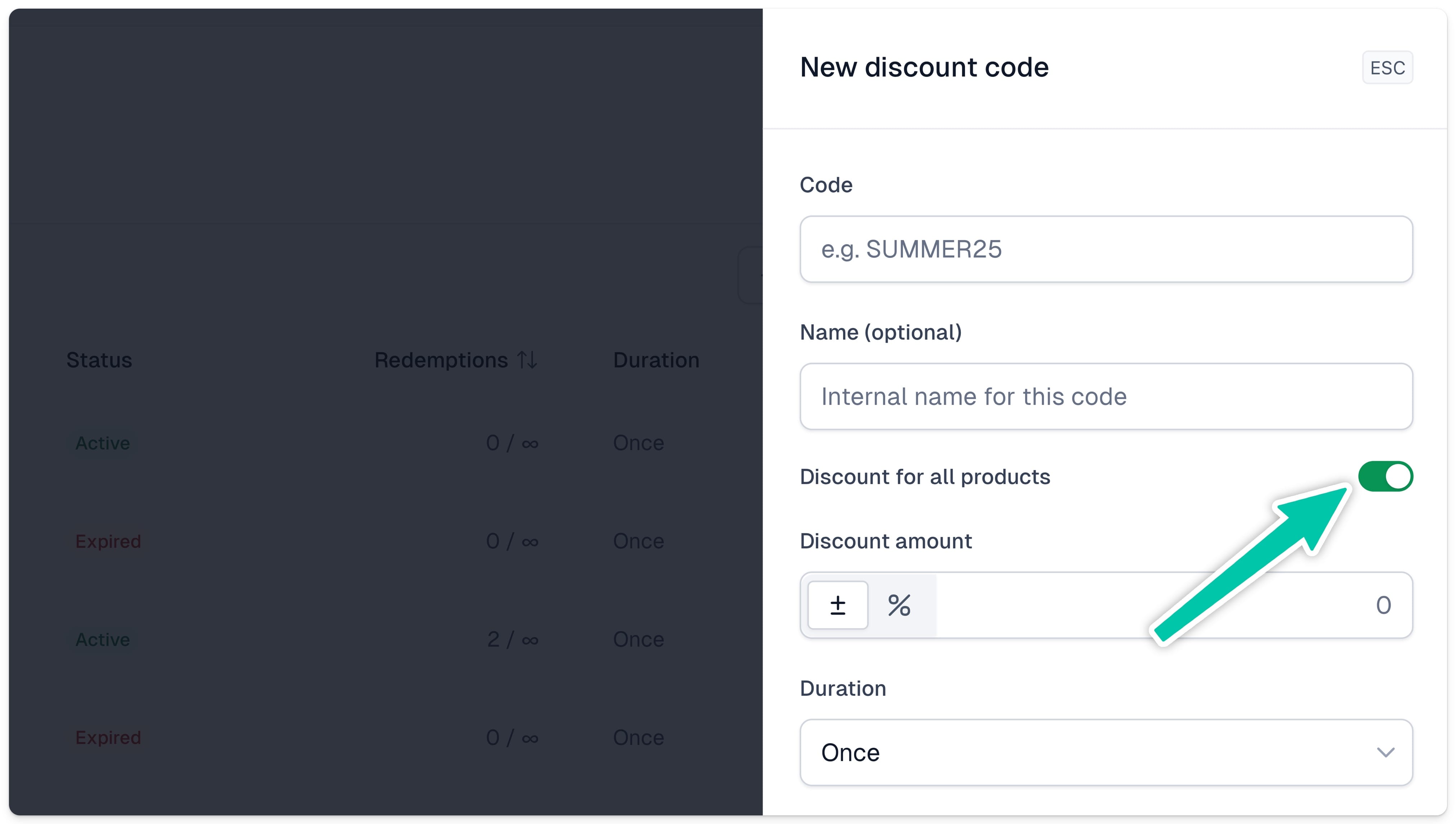
If you sell more than one product, this one’s for you: you can now create a global discount that applies to all offers automatically.
Super useful for flash sales, seasonal promos, or Black Frida - set it once, and you’re done.
Go take a look in your discounts dashboard and spin up a code in a minute. Need additional guidance - check our docs space for discounts for a step-by-step instruction