Blog
How to create a membership site in 5 easy steps (A practical guide)
Learn how to create a membership site with simple steps, top platforms, pricing tips, and a few common mistakes to avoid.
The 2024 Online Membership Industry Report found that 82.8% of membership creators said the stability of recurring revenue was their top motivator for starting a membership.
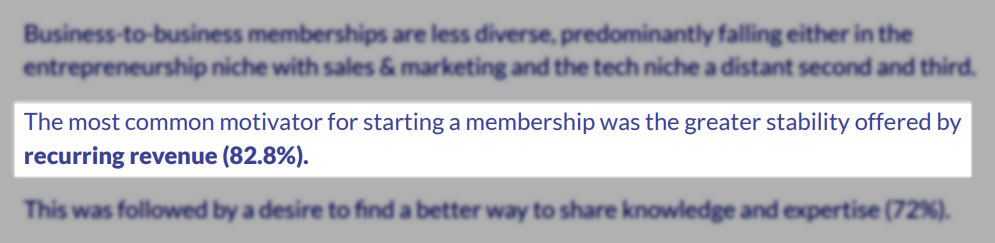
I understand why they all mentioned stability.
When you create a membership site, you have a predictable and recurring income stream. You know how many members you have and how much you charge them monthly or yearly.
This means you’ll always have a clear idea of how much money ends up in your pocket.
Now, I’m sure creating a membership site is where most of the challenge is.
That’s why I wrote this article. To show you, with practical and easy steps, how to create a membership site that generates recurring income.
This guide will teach you everything, including common mistakes you must avoid.
Let’s go!
Key Takeaways
-
A membership site is a website where clients sign up to access exclusive content, products, resources, or community features not available to the general public.
-
To create a membership site, you must:
-
1. Choose a profitable membership idea
-
2. Decide your membership model
-
3. Create your core content and experience
-
4. Build the site and set up payments
-
5. Launch, market, and retain members
-
Depending on the website builder or Content Management System (CMS) you use, it costs $10-$10,000+ per year to create and maintain a membership site.
-
Popular tools for building a membership website include Easytools, WordPress, Wix, Framer, and Webflow.
-
Easytools is a platform that lets you build a high-quality membership site with AI and sell membership programs directly on your website.
How to create a membership site
There are five steps to consider when creating a membership site:
- Step 1: Choose a profitable membership idea
- Step 2: Decide your membership model
- Step 3: Create your core content and experience
- Step 4: Build the site and set up payments
- Step 5: Launch, market, and retain members
Let’s go through this step by step.
Step 1: Choose a profitable membership idea
Let’s kick off with the first step to create a membership site: choosing a profitable membership idea.
Rather than being something you’re passionate about, a profitable membership is something people are willing to pay for monthly or yearly.
It should solve an ongoing problem or fulfill a long-term need for a specific group of people.
Because what’s the point of creating a membership site when people don’t need you anymore right after you solve their only problem? You will be better off selling a one-time product.
A profitable membership works best when the problem:
- Doesn’t disappear after one solution
- Targets a specific group of people
- Requires support, updates, and accountability
- Makes people feel behind or stuck
I watched the YouTube story of Tony Polecastro & Levi Kajula about how they came up with their membership idea.
They were originally only doing guitar reviews on their YouTube channel. But at one point, so many people kept asking them, “How do you play that?”
Since the demand was high, they launched Tony’s Acoustic Challenge, a membership site dedicated to guitar enthusiasts.
As of today, they have 41k+ guitar students and have offered 2.7 million guitar sessions.

What can we learn from that story?
- Tony and Levi started a membership because the demand was high
- Their membership site is for a specific group of people (guitar learners)
- They kept growing in numbers because their program is solving an ongoing problem
That’s how you know whether a membership idea is profitable.
Now, there are popular membership ideas that convert well:
- Education & tutorials
- Personal coaching or live sessions
- Tools, templates, or weekly resources
- Podcasts
- Exclusive content feeds
- Recipes and cooking
- Self-care and wellness
- Fitness and exercise
- Networking
You can’t say: “I’m creating a membership site to help people grow.” The idea must be specific and should target a specific group of people.
You’re not serving everybody (it’s also technically impossible), you only focus on your niche.
For instance, JoAnn, a writer and coach, founded Self-Care for Success Membership Society, a space for high-achieving professional women.
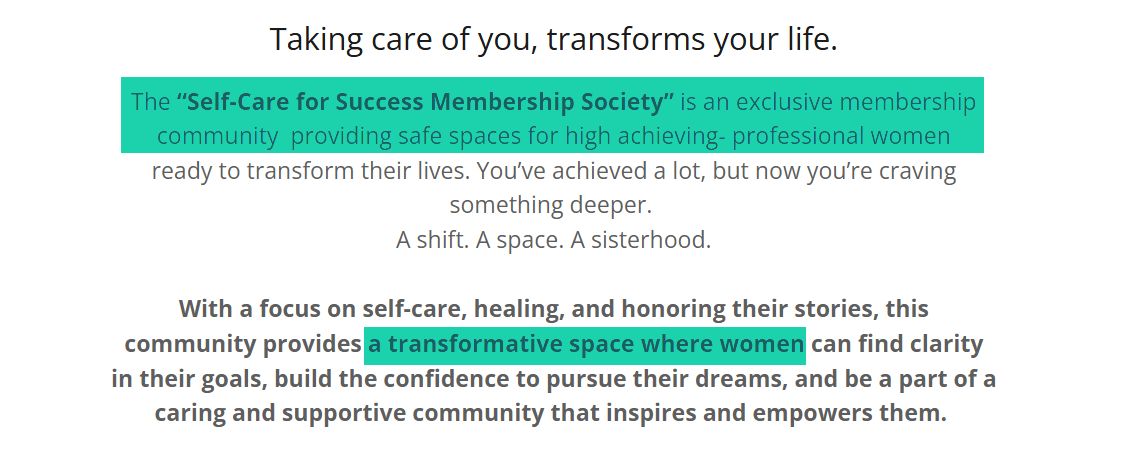
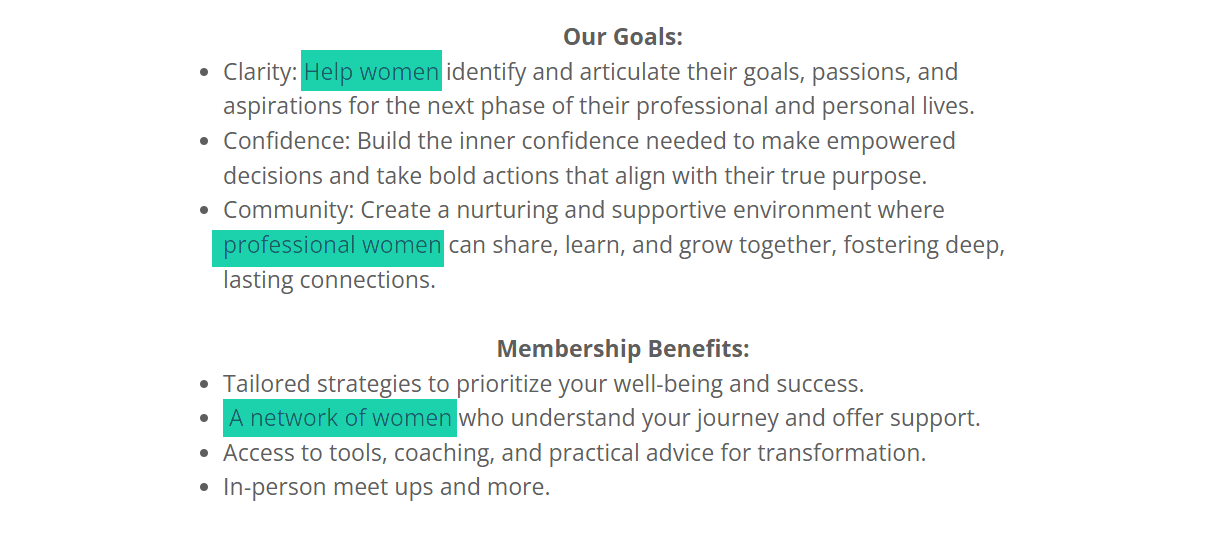
Professional women are the main target. You can confirm it by reviewing their goals and membership benefits. This means, as a man, you can’t access their membership site.
Another example is the membership site Founders Network. Kevin Holmes created this space for tech startup founders to share their experiences daily and help one another.
You will notice how that “tech founder” repeats almost everywhere in his story.
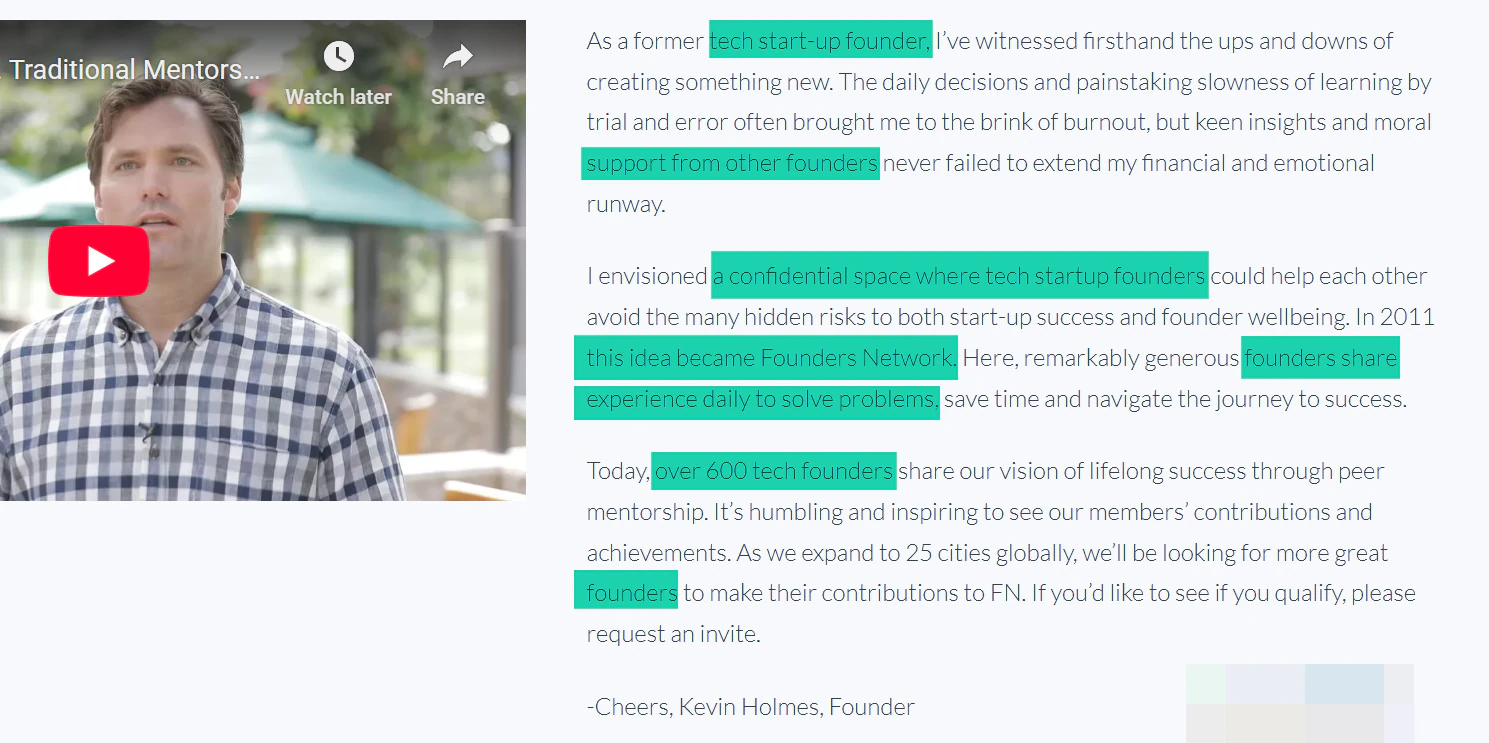
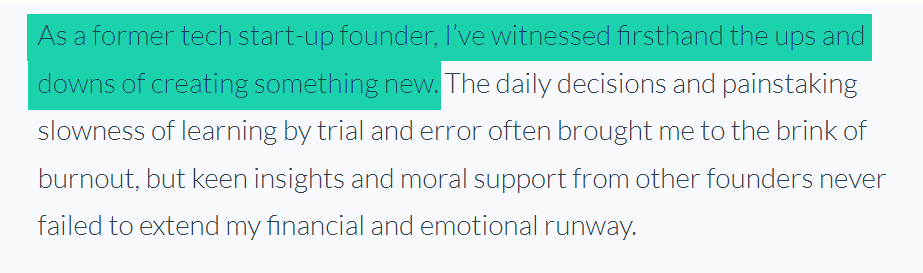
His membership idea came from his firsthand experience as a former tech startup founder with the struggles that go into creating something new. That’s what his membership is trying to avoid through the support from other founders.
Does it work? Well, a lot of people are convinced it does.
One of them, Doming Guerra, the founder of Appthority, even said he’d saved $24k on cloud hosting thanks to that membership.
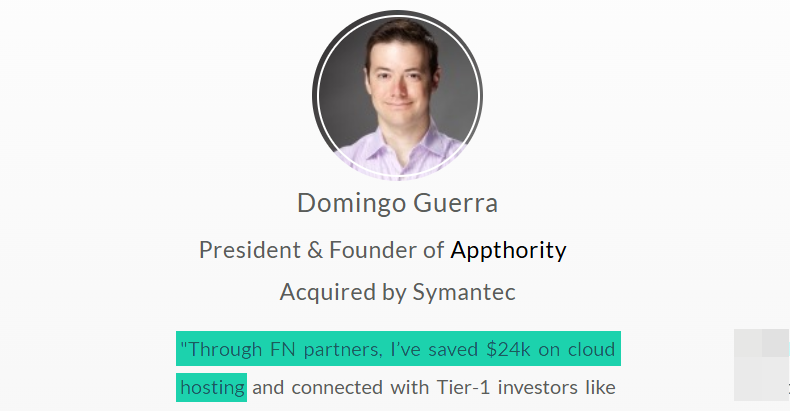
Now, tell me why Domingo won’t pay for using the Founder’s Network membership?
You see, people should recognize themselves in your membership idea. When someone sees your offer and says,” This is exactly for me.” You win.
So again, for you to choose a profitable membership idea, you need to ask yourself these questions:
- Can I solve an ongoing problem for a specific audience?
- Can I teach a specific skill?
- Can I make someone’s life easier?
Answering these questions positively will lead you to a great membership idea.
You remember the story I shared earlier of Tony and Levi, right? They could easily teach others to play the guitar. This made them launch their membership.
I can also think of Anna Digilio, the founder of The Simply Skilled Teaching Members Club, a space only for 1st, 2nd, and 3rd Grade Teachers.
She makes these teachers’ lives easier by providing lots of lesson plans and fun activities they can use for their students.
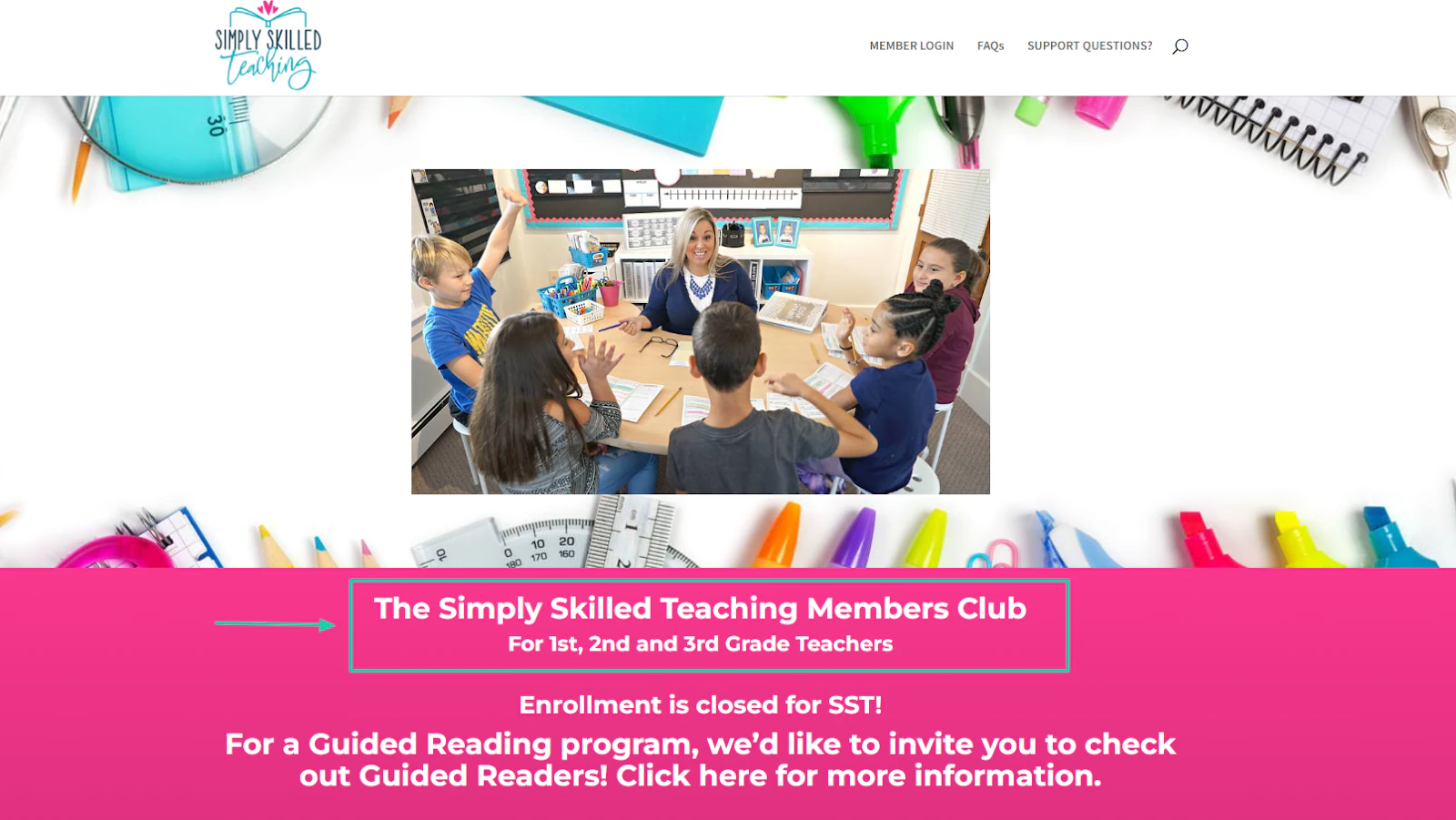
Apparently, it works! Over 3,000 teachers joined her membership.
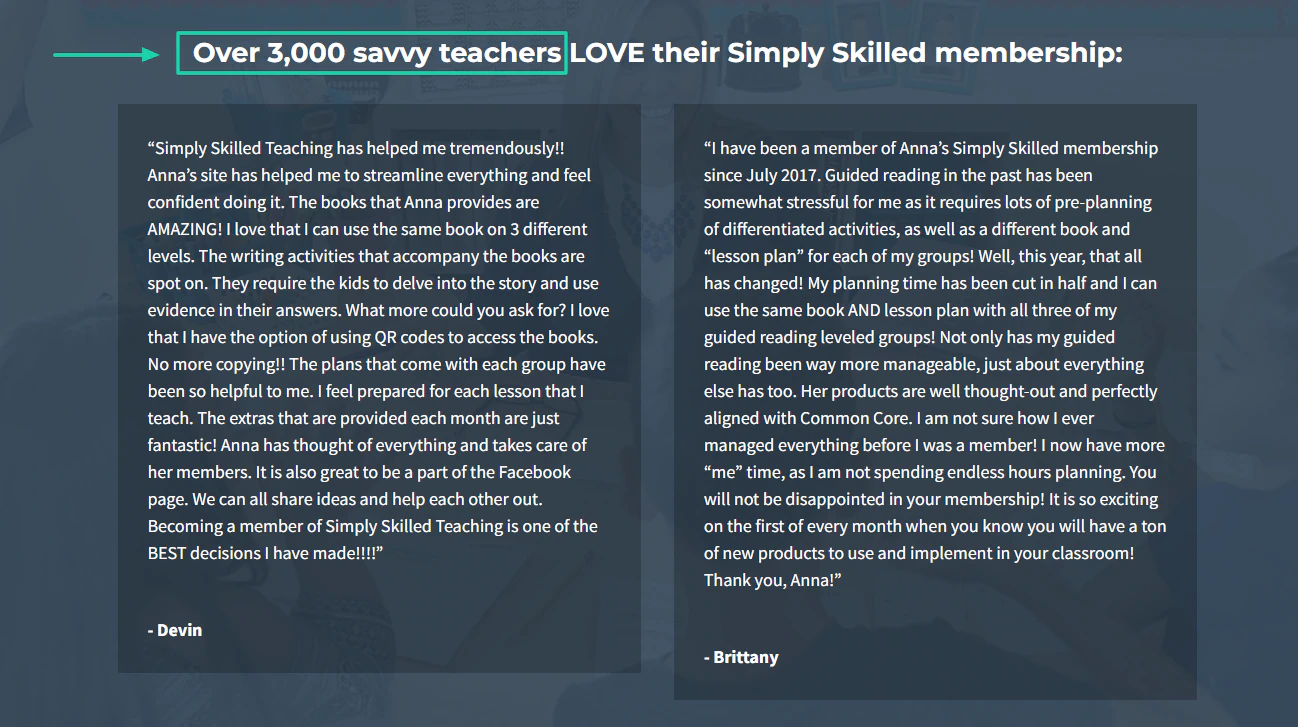
This is how I’ll summarize Anna’s membership idea.
She is solving an ongoing problem (time waste) for a specific audience (1st, 2nd, and 3rd Grade Teachers), teaching what she knows best(lesson plans + engaging activities).
That is how you should go about choosing your membership idea.
Let’s say you’ve always been good at solving marital problems, and people always come to you for that. It can be your reason to create a membership site.
Perhaps you’re an expert at selling digital products online. You can use this expertise to teach people how to do it on your membership site.
Or say you were on the brink of divorce, but then found a way to live a perfect love story again. If this is something you can teach and help other couples with, why not?
That’s what led Eric and Temeka Thompson to launch the Marriage Takeover Family. They almost got divorced. But they worked things out and learned from that experience.
Now, they share strategies and tools to help couples overcome obstacles in their marriage.
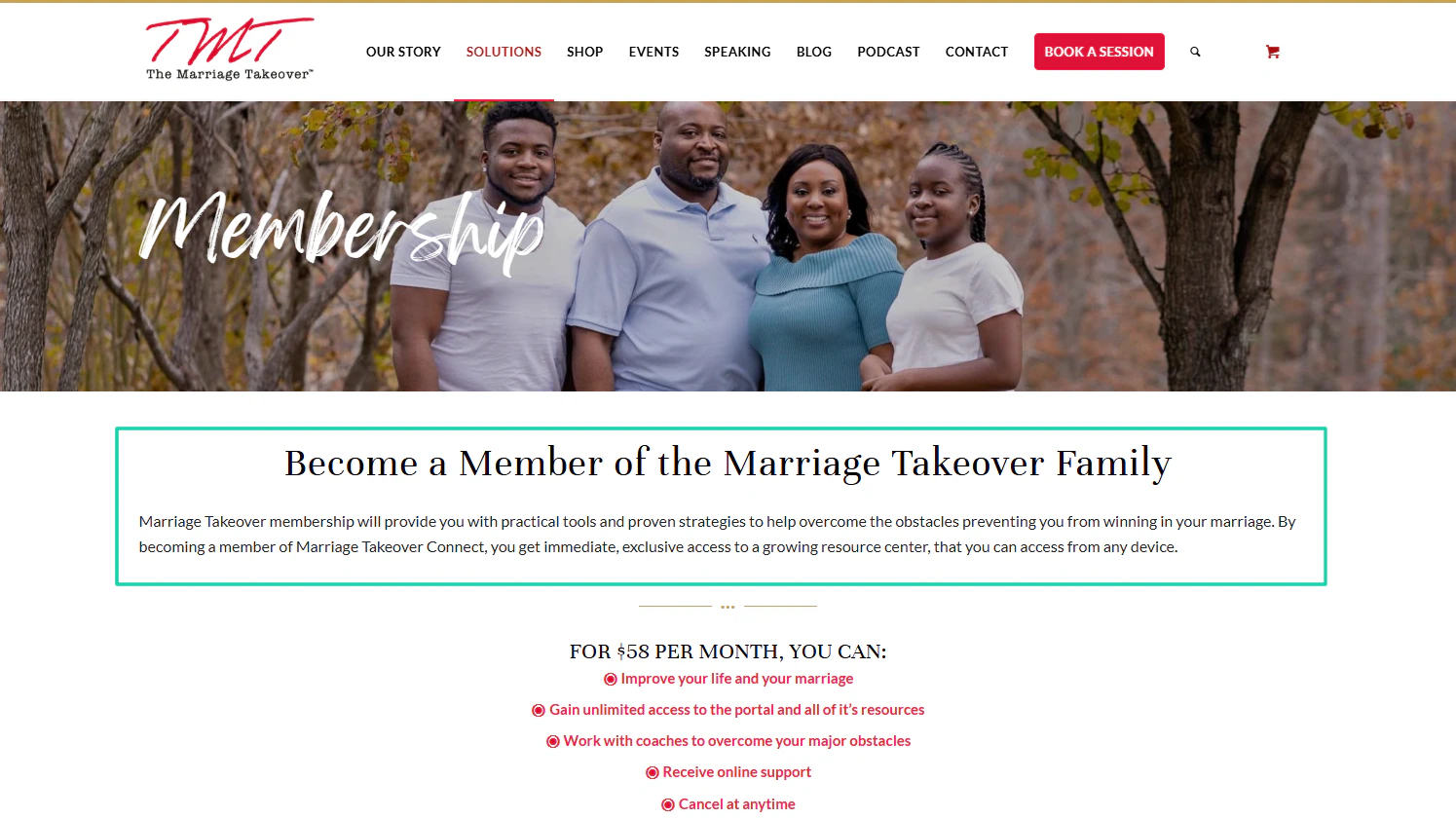
So, think deeply about your experience or skill. Make sure it solves an ongoing problem, you can teach it, and it can make people’s lives easier.
Then you have a profitable membership idea.
Keep reading, though. This was only the first step!
Step 2: Decide your membership model
The next step to create a membership site is to decide on your membership model. This is what helps you define how people access your content and what they pay for.
The model you choose affects your pricing, retention, and even how much content you will need to create. Let me start by saying there is no single best model.
But some models work better than others, depending on your audience and goals.
Here’s what I mean.
1. All-access membership model
This is a pretty simple model. Members have access to everything in the membership once they pay a single monthly or yearly fee.
It’s ideal for those who want to offer content libraries, tutorials, educational platforms, and resource hubs.
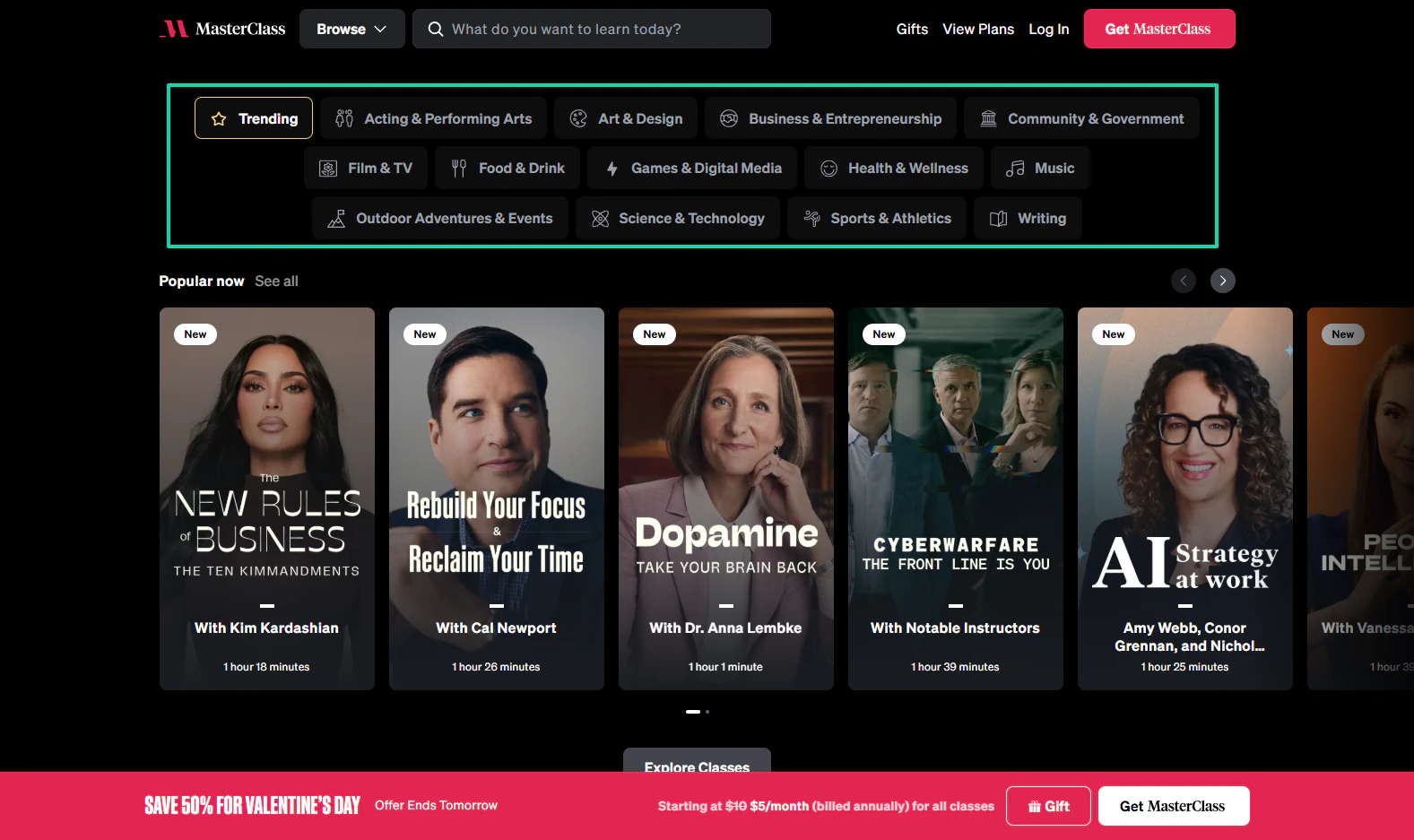
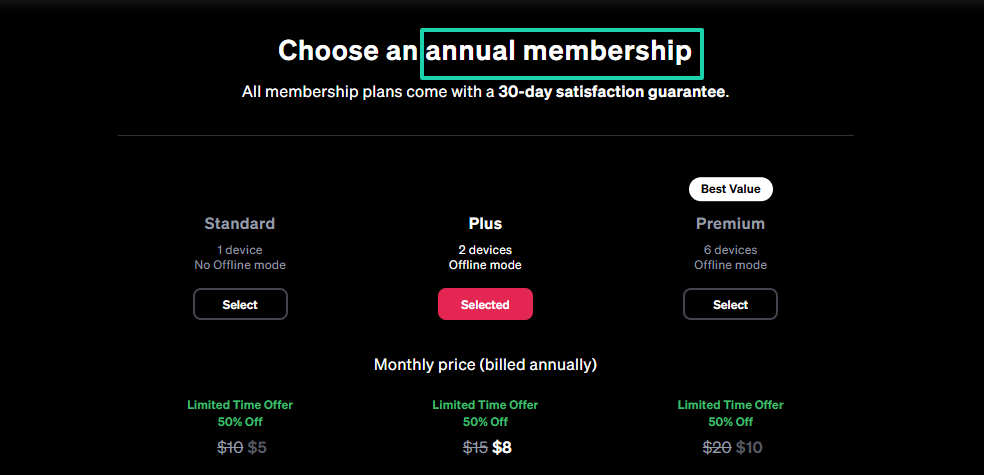
An example is MasterClass. They offer unlimited access to thousands of lessons.
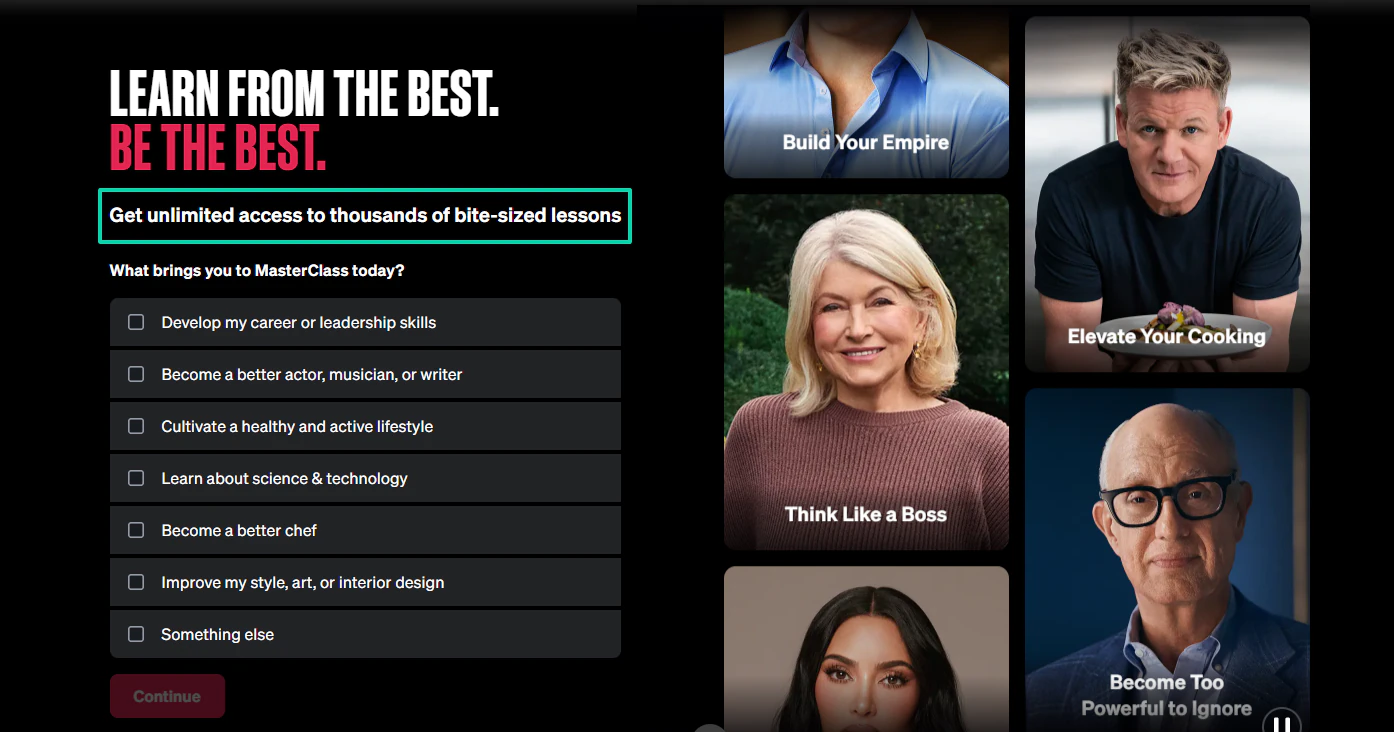
It includes lessons in film and TV, sports and technology, business and entrepreneurship, food and drink, and many more.
To join, you need to choose an annual membership.
2. Tiered membership model
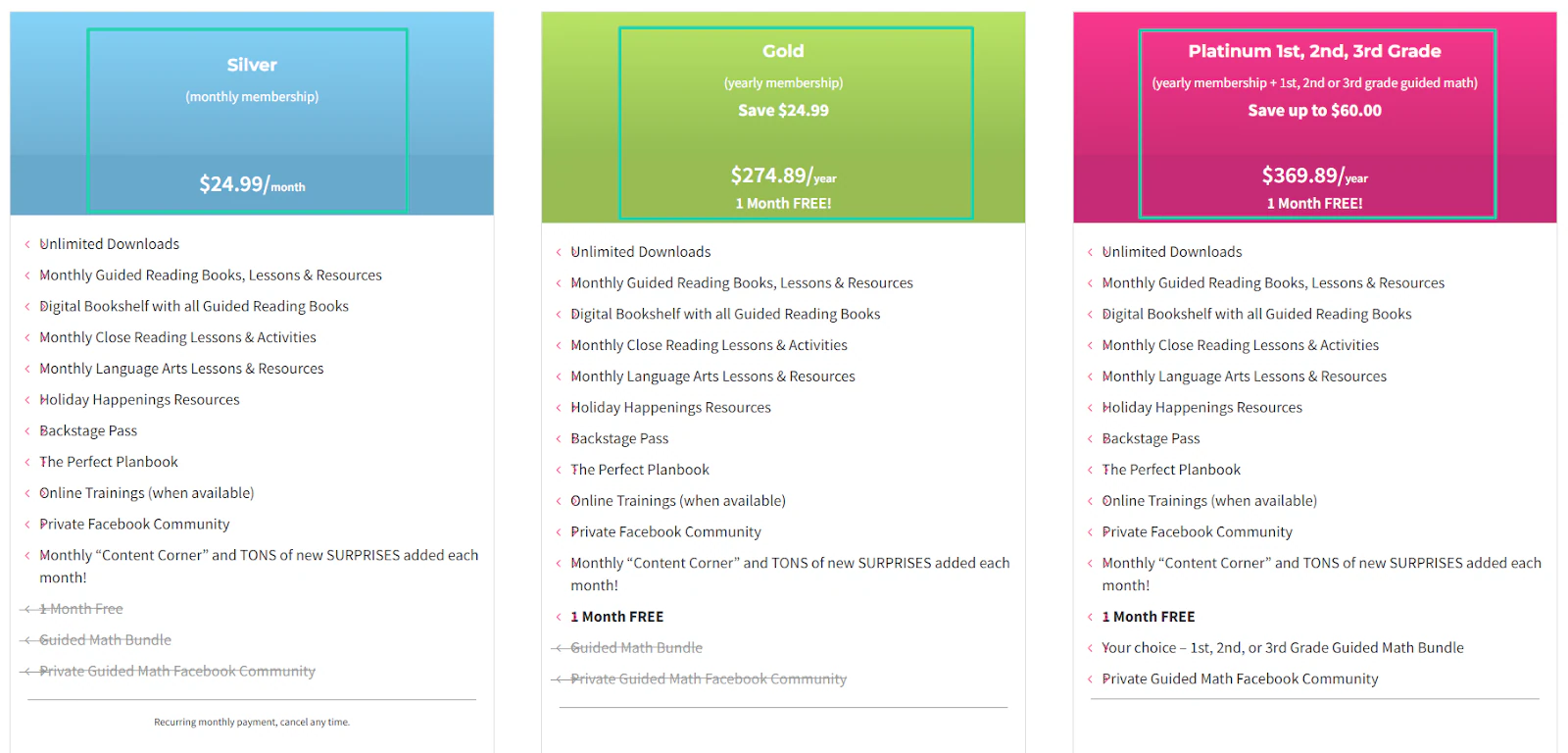
With this model, you offer multiple pricing levels, and each comes with its own benefits. Members receive more access, support, and exclusivity as they select higher tiers.
This is the model that the Simply Skilled Teaching Club uses. They offer three different tiers: Silver, Gold, and Platinum.
3. Community-First Membership Model
This model is mostly best for founders, learners, professionals, and any group that benefits from shared experiences.
The focus is not on selling a course or product. It’s about growing with like-minded people.
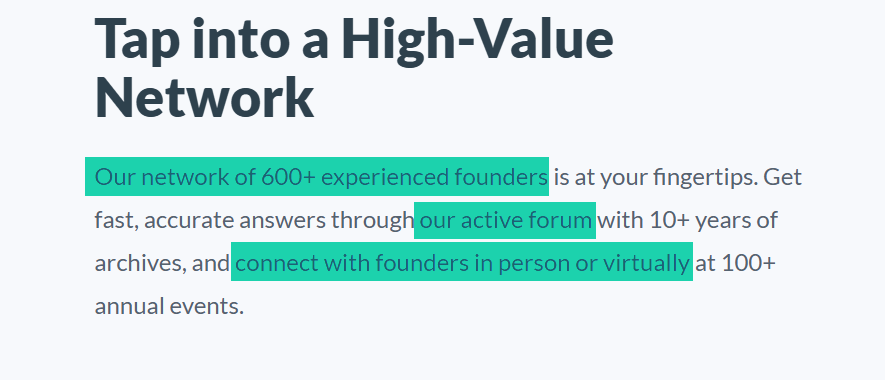
Founder’s Network is a great example. It’s an invite-only community that accepts only those who can add value.
They have a network of 600+ experienced founders, an active forum, and encourage you to connect in person or virtually.
You know it’s difficult to cancel a membership that connects you to others. It’s like calling off a relationship. That’s why this model works great.
4. Drip / Ongoing Content Membership Model
In this membership model, members don’t receive all of your content at once. You strategically release content at specific times so they keep coming back.
Take Netflix. They post new episodes from time to time, so users don’t see the need to cancel their subscriptions.
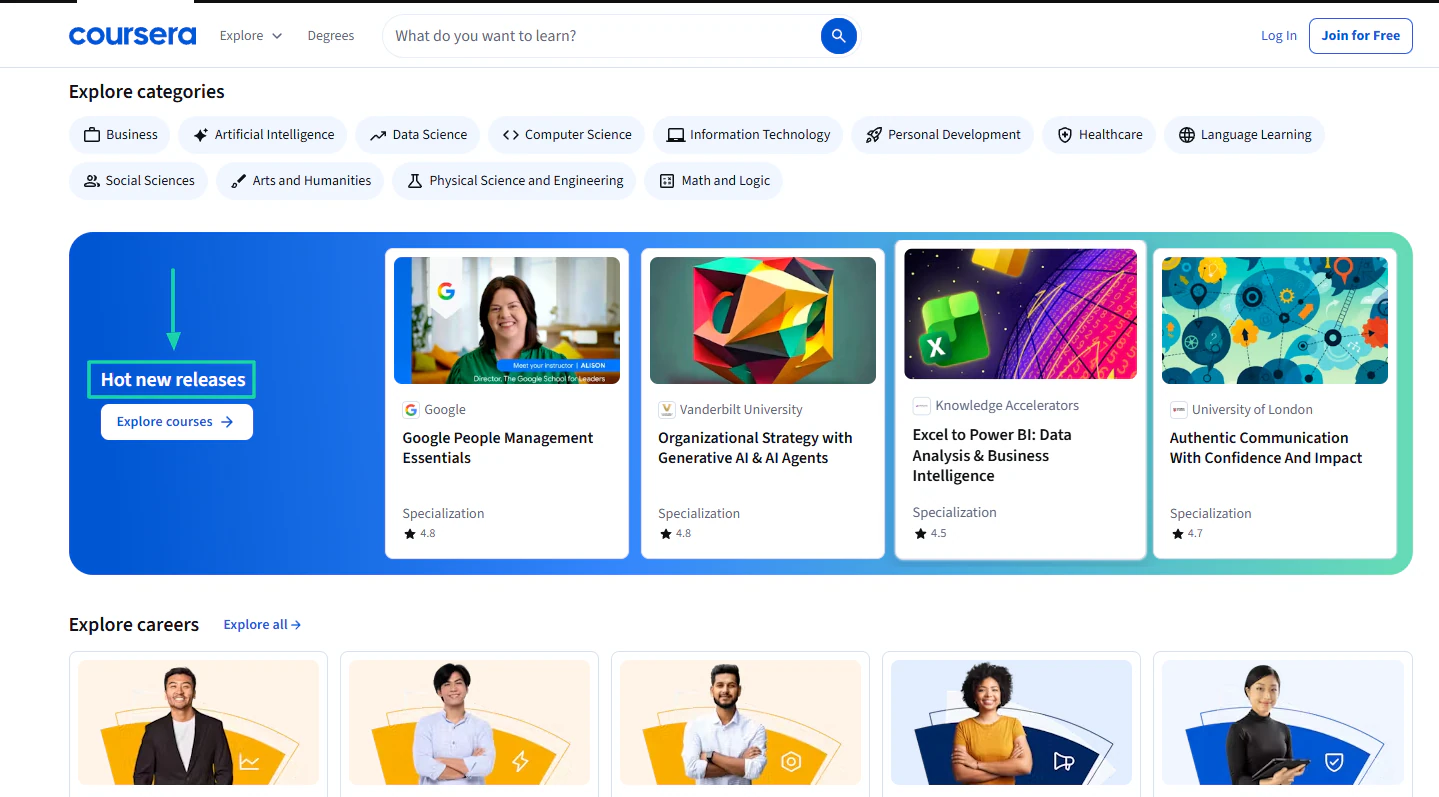
Coursera is another example of a site that uses the drip-content model. You can subscribe monthly or yearly.

Aside from the available courses on the platform, they keep releasing new ones at their convenience. This makes learners never get bored.
There is always something new for them to learn.
5. Hybrid Membership Model
This model is a combination of two or more models. This is where you can, for instance, offer content, community, and ongoing interaction.
It’s an approach that allows you to diversify revenue streams and increase customer retention.
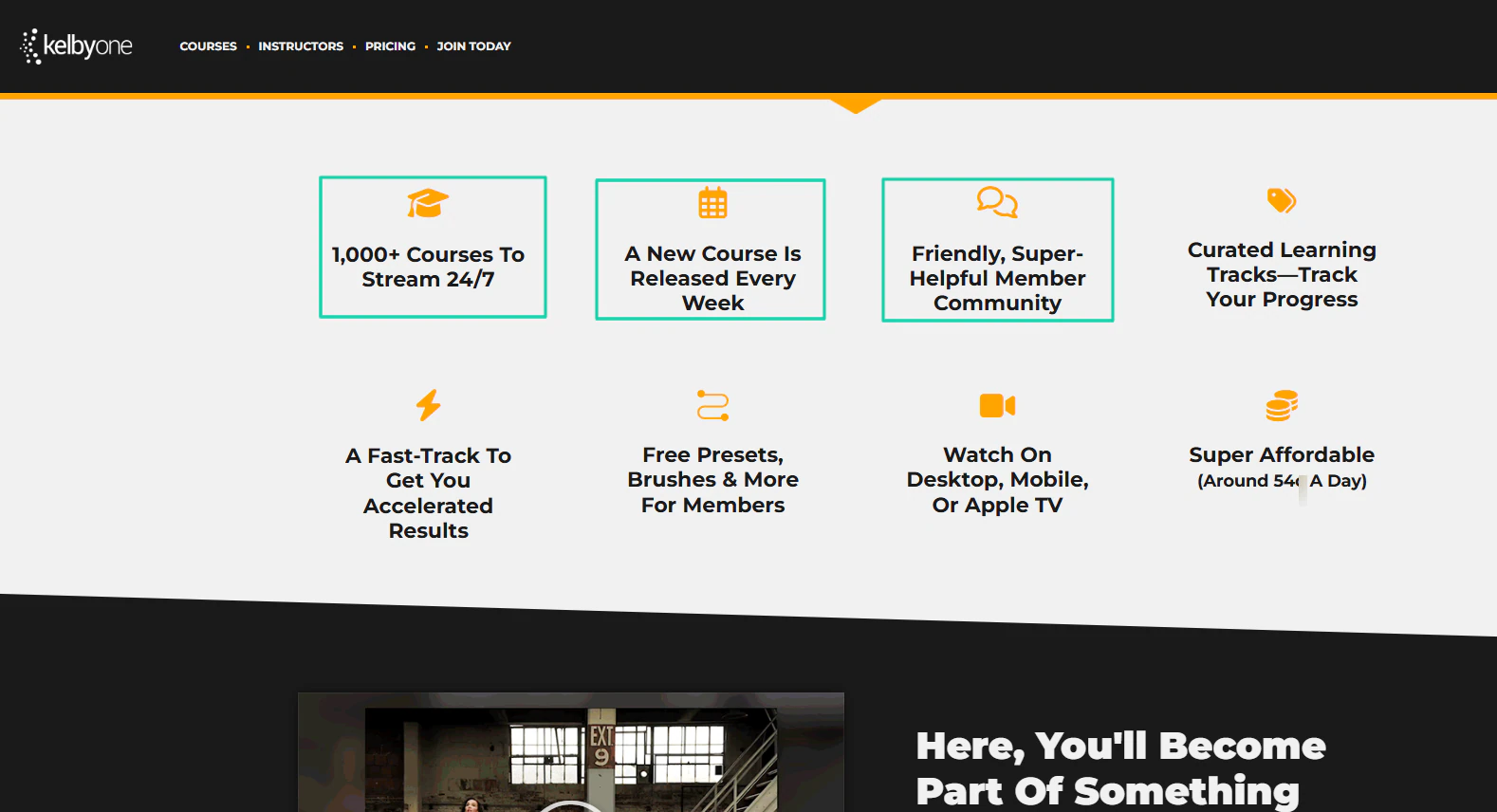
You can see this membership model with KelbyOne.
It’s a membership platform for photography enthusiasts. They offer courses to stream 24/7, release a new course every week, and have a community.
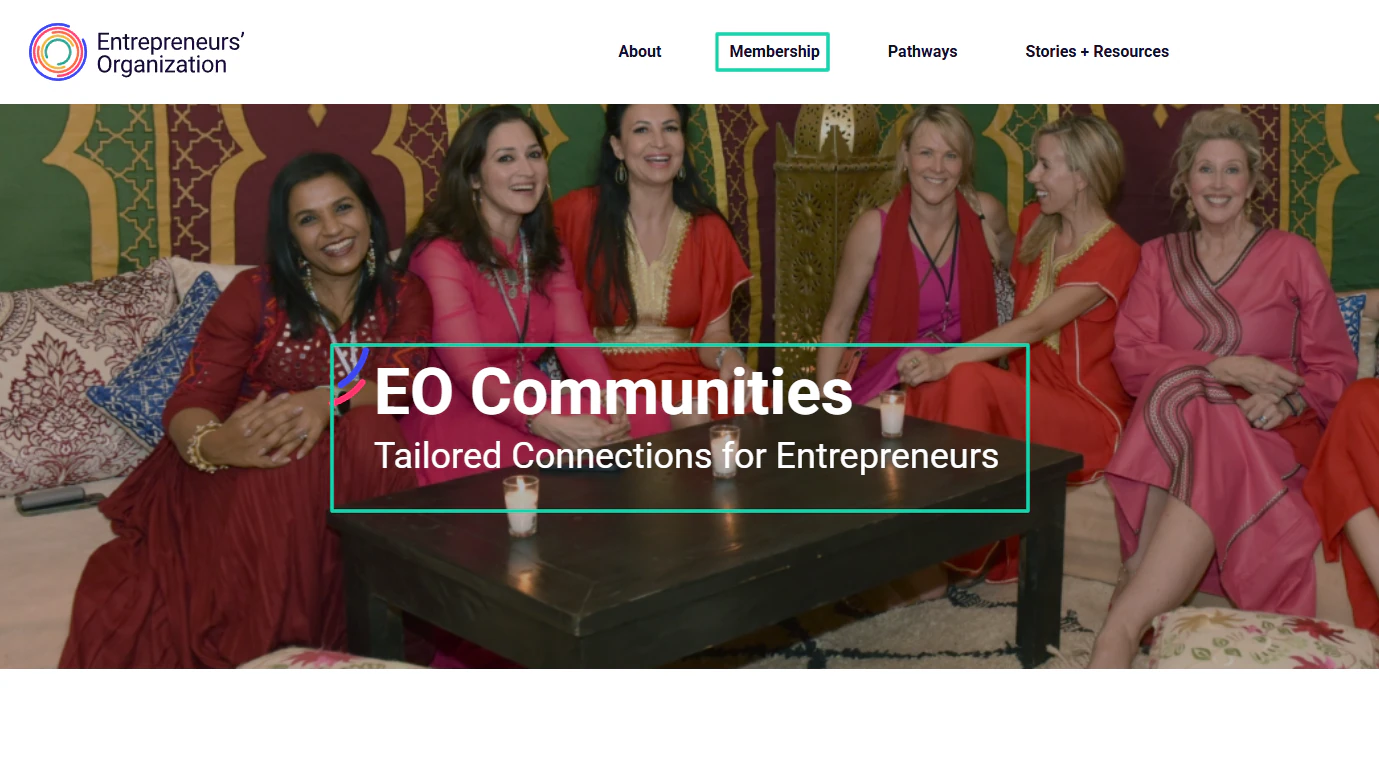
The Entrepreneurs’ Organization also uses this model. It’s a community for entrepreneurs.
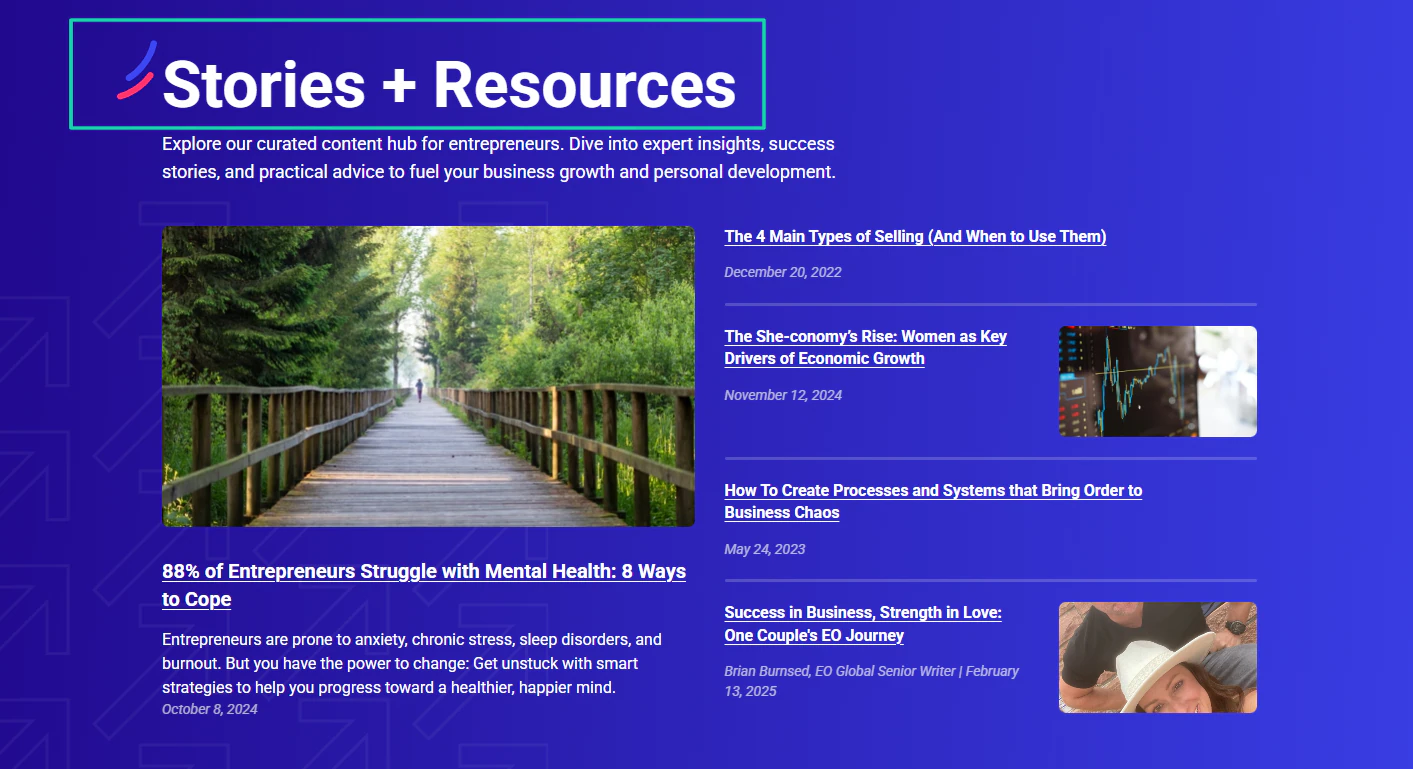
They also have a content hub filled with stories and resources, including podcasts, blogs, and courses.
I shared this to help you find the models you want to implement when creating a membership site.
I know there are still other membership models out there. That’s why I created a table with a few more, along with explanations and tier use cases.
Now that you know the different membership models, you should be able to choose the one that suits your site. These questions might help:
- Do people need ongoing updates? → Subscription
- Do people want different levels of access? → Tiered
- Is connection the main value? → Community-first
- Do people want unlimited, cross-device access to all content? → All-access membership
Pro tip: if you’re creating a membership site, start with one price, one clear promise, and one clear model.
Once people start paying and giving feedback, you can always add tiers or a community later.
Step 3: Create your core content and experience
After choosing your membership idea and model, the next step in creating a membership site is to define your core content and experience.
This is the stage where you create the right content and a great member experience. You should be concerned about giving members a clear win quickly and a reason to stay.
If not, they will leave right after joining.
Now, to help you create your core content, you must define your primary goal. Do you want to teach a skill?
Create accountability or community? Build long-term engagement?
Help members get results? It’s really up to you!
There are many types of content you can add to your membership site. To give you an idea, I’ll discuss some of the most popular ones.
1. Courses
Creating courses is probably the most popular one. This is ideal when you want to teach skills or knowledge step by step.
To do it well, you must have short, focused lessons (15mn-30mn), defined outcomes, and learning objectives.
You don’t need much. And in case you don’t know where to start, you can use a platform like Easytools to create an online course.
This is the easiest way to do it! After you sign in, you will find Courses in the sidebar menu.
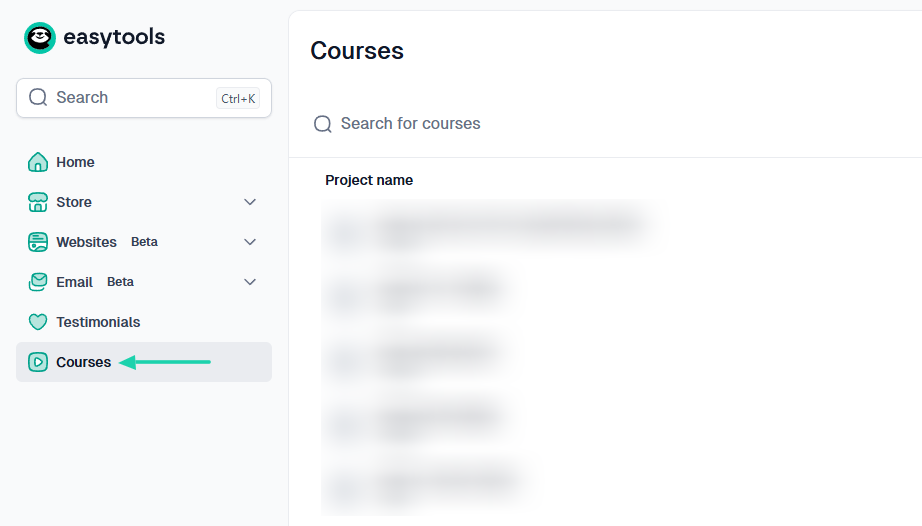
Enter your course’s name.
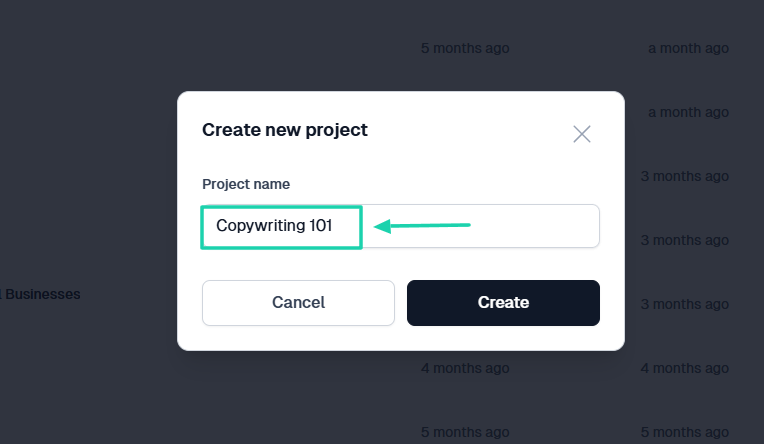
Because it’s your first time using the platform, you will start without a product. The best move here is to generate your course with AI.
So, choose a color palette and click Generate your course.
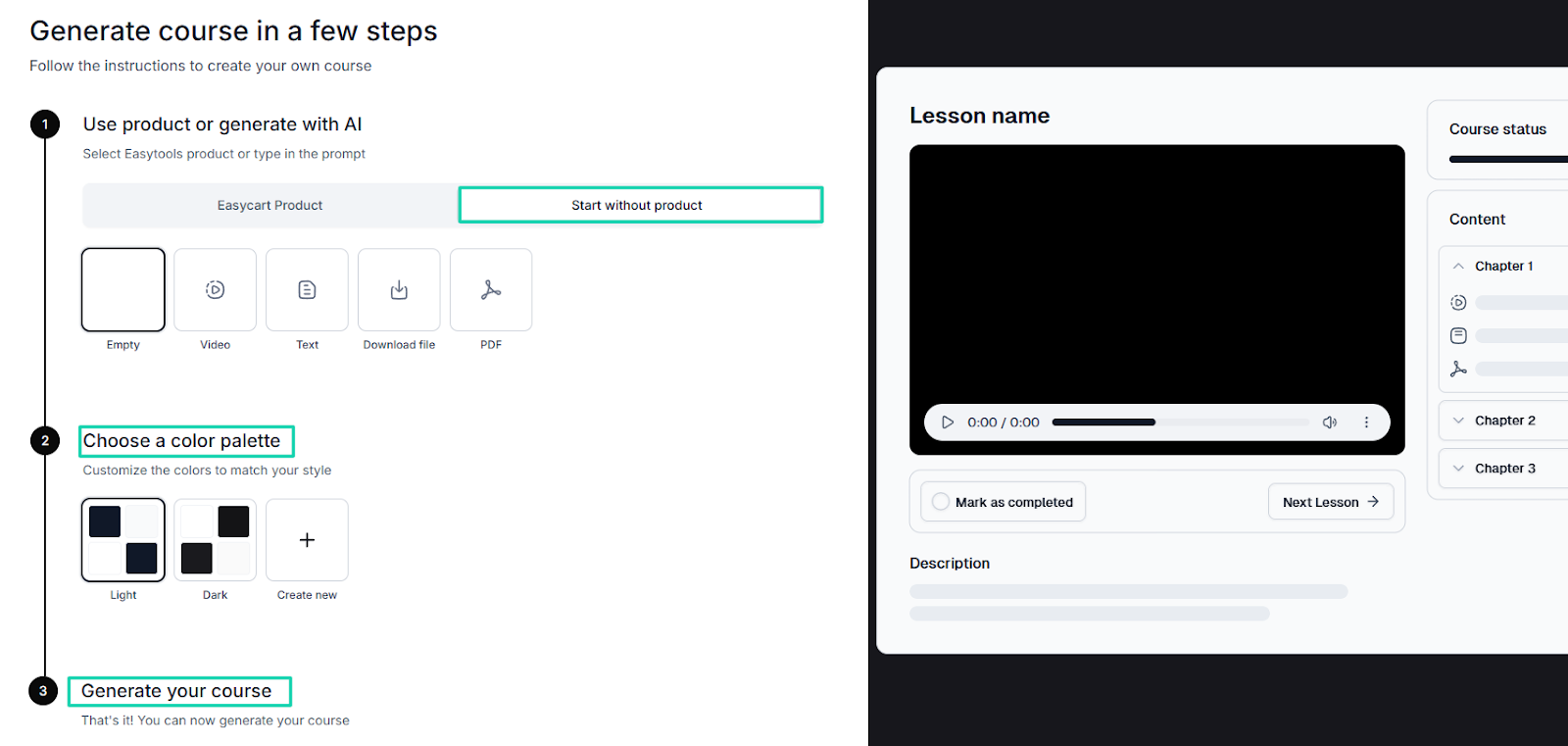
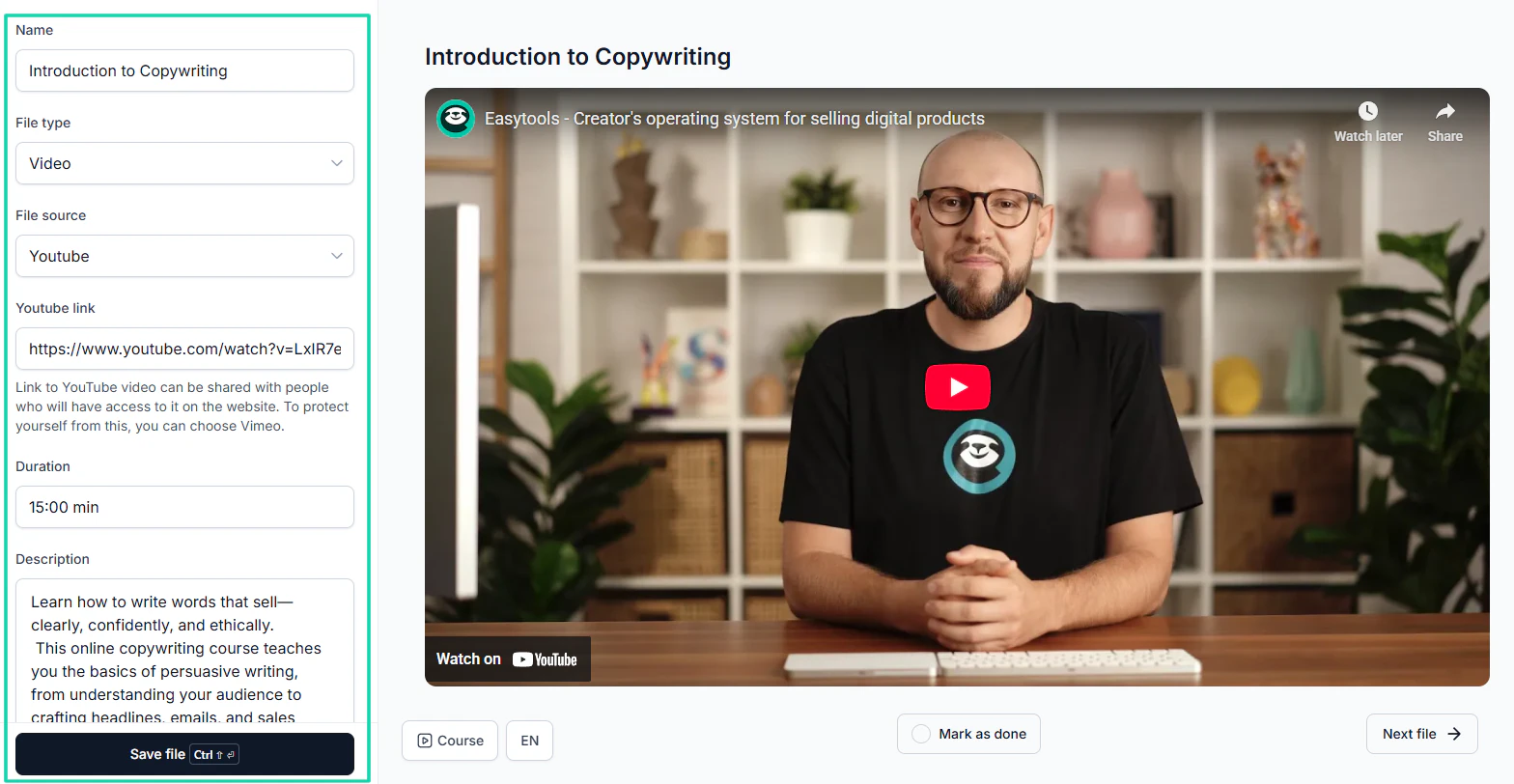
Once Easytools generates the course layout, you can add course details.
Name your course, choose the file type and file source, set the duration, and add a description. If the file source is YouTube, add the URL of a private or unlisted video.
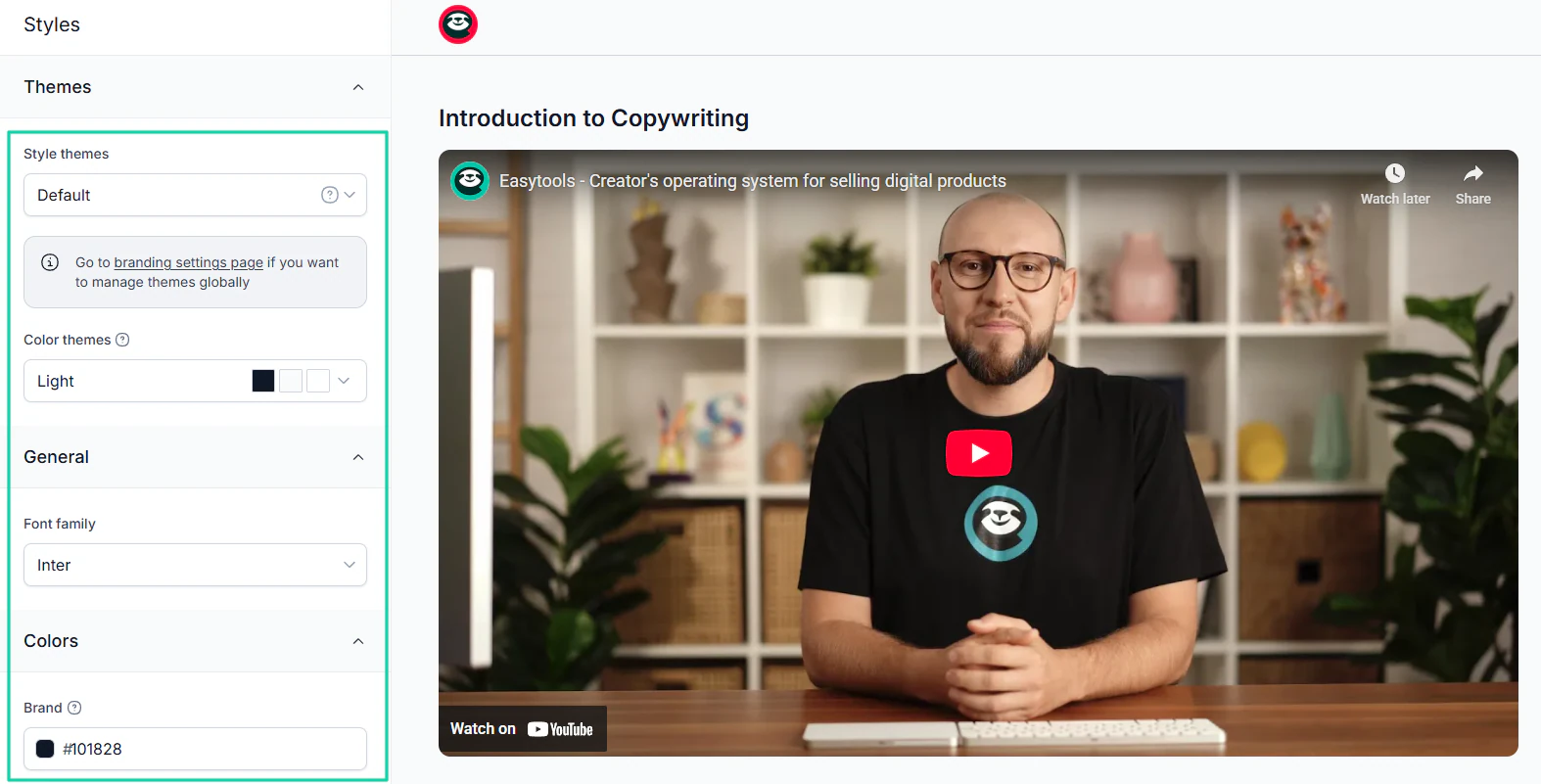
You can customize your theme by choosing your preferred colors and font.
You can repeat the same process for as many lessons as possible. Once you’re good to go, hit the Publish button.
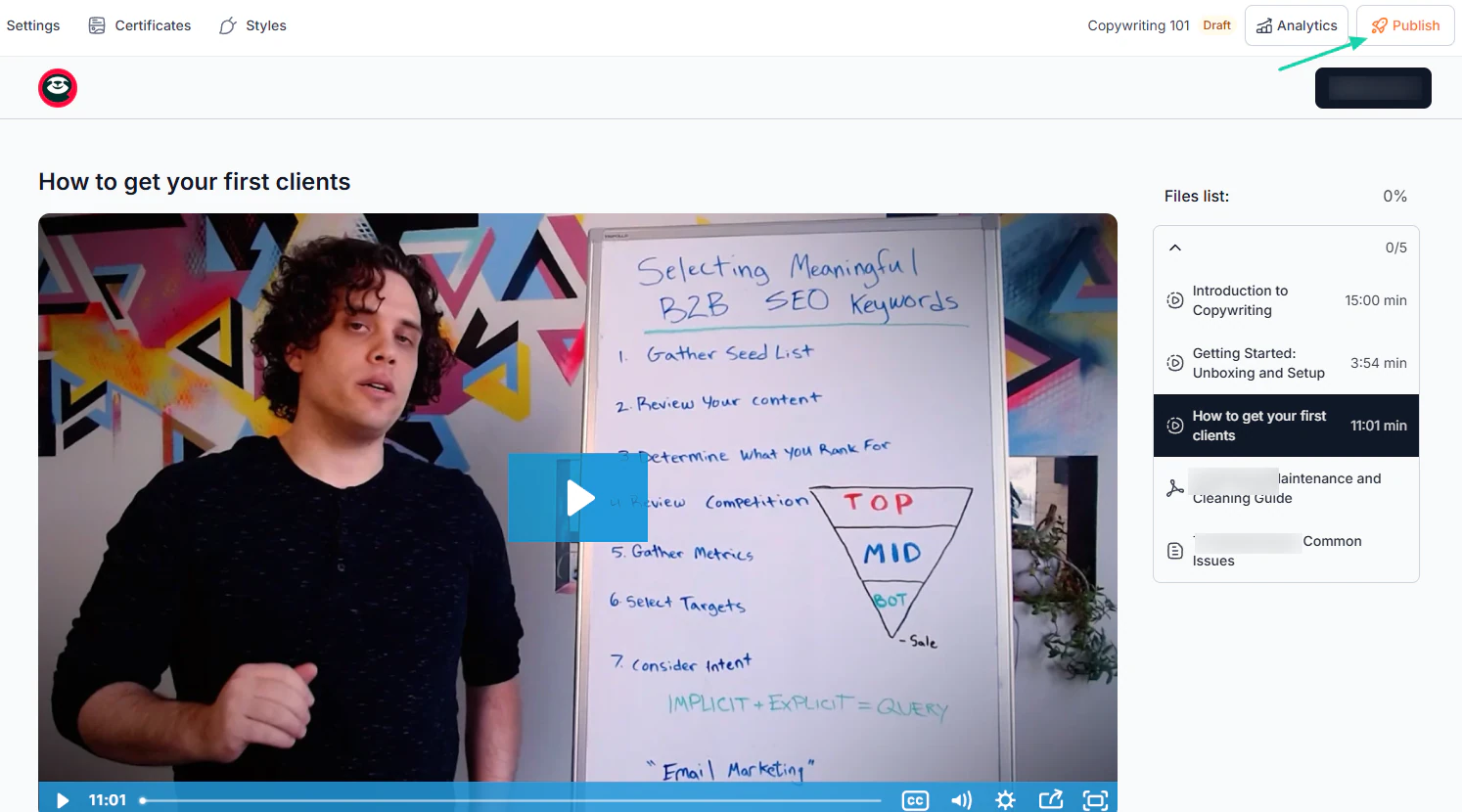
This is how you create an online course. But it’s not the only content you can add to your membership site.
2. Community
This is also another core content you can have in your membership site. It works well when the goal is engagement, accountability, and networking.
A membership platform like Founders Network makes it clear that it is a community and that its main goal is to facilitate meaningful relationships.
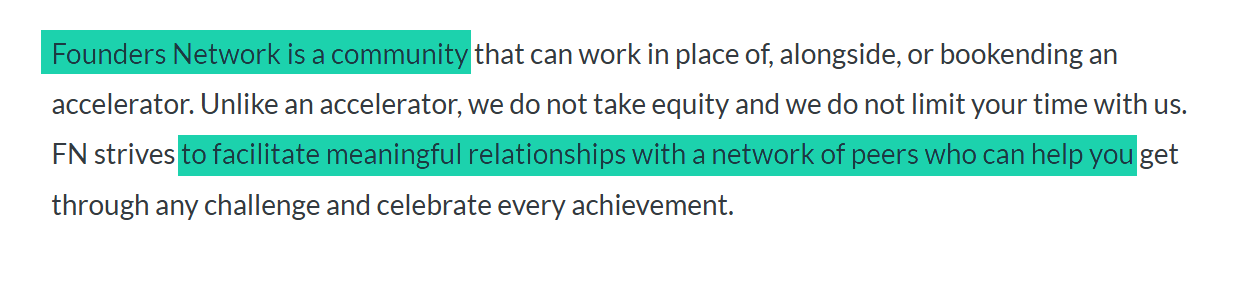
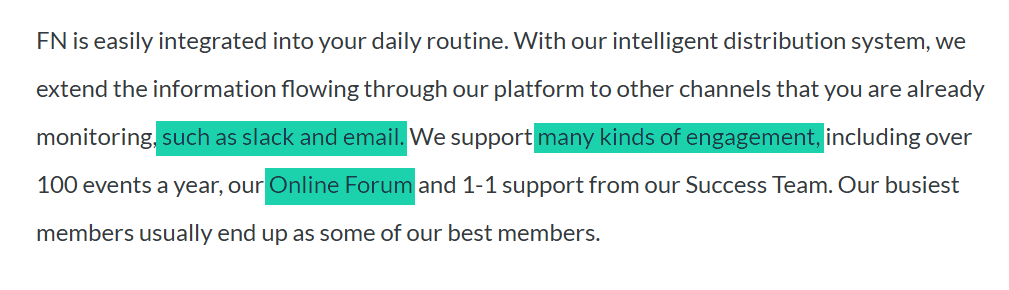
I said earlier that a community also focuses on accountability and engagement. That’s why Founders Network integrates into its members’ daily routines.
They use other communication tools like Slack and email to make sure everybody is on the same page. They even have a forum.
The advantage of community is that it turns membership from a product into an experience.
If you want to do this, you must seed discussions weekly, set clear community guidelines, and actively welcome new members.
Remember, people may cancel content, not relationships.
3. Live Webinars
Some specific topics or activities require live webinars. You know members won’t feel any value if you deliver it through online courses.
For instance, if you’re an expert relationship coach, you may sometimes organize live Q&A or Ask-Me-Anything sessions.
You see that the value here comes directly from real-time questions and answers. So, hosting live webinars will probably be the best option.
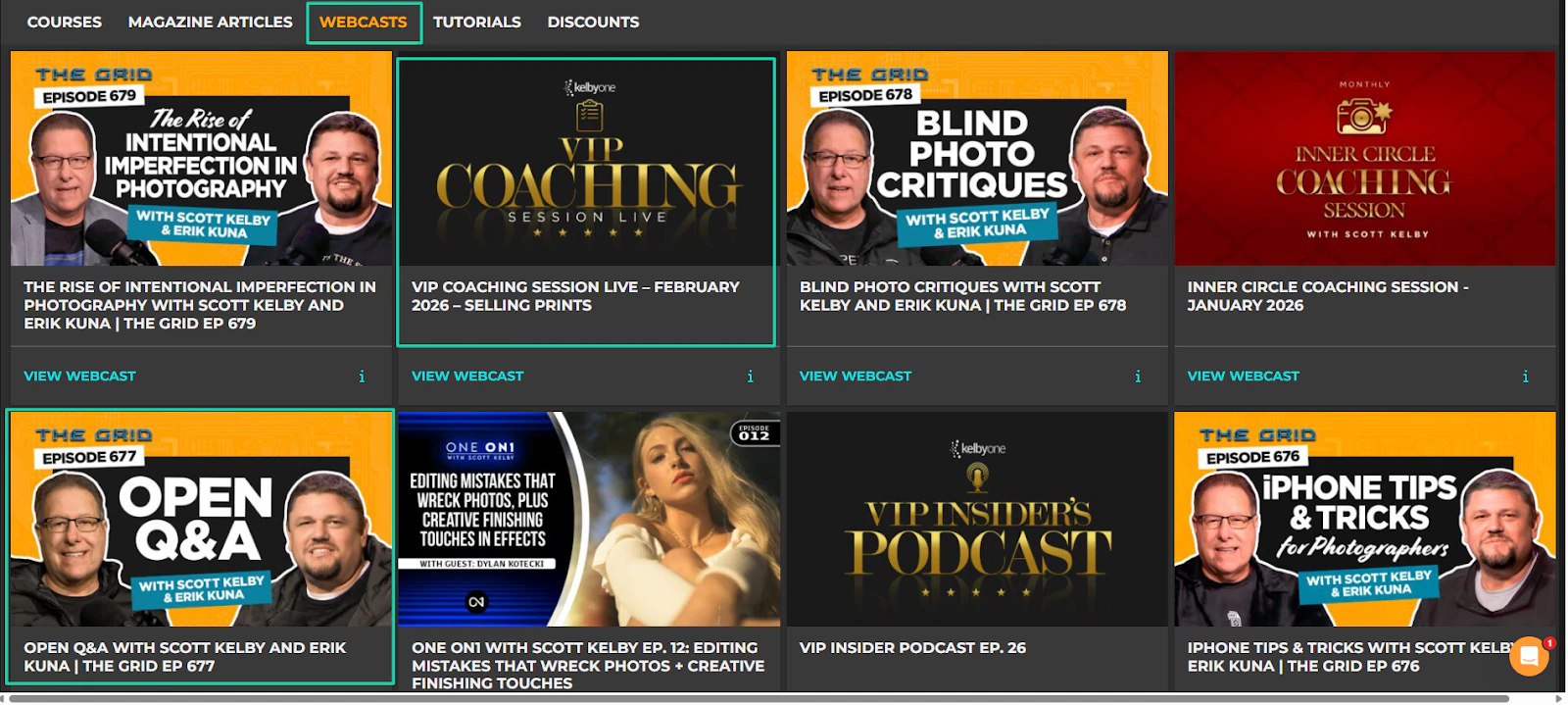
For instance, KelbyOne, the membership platform we discussed earlier, regularly hosts live sessions and open Q&A for its members.
4. Resources, templates, and tools
Offering resources or templates is a great way to improve member experience. Members want to feel that you’re concerned with their growth.
When you upload articles, templates, short instructions, and walkthroughs, you’re providing value.
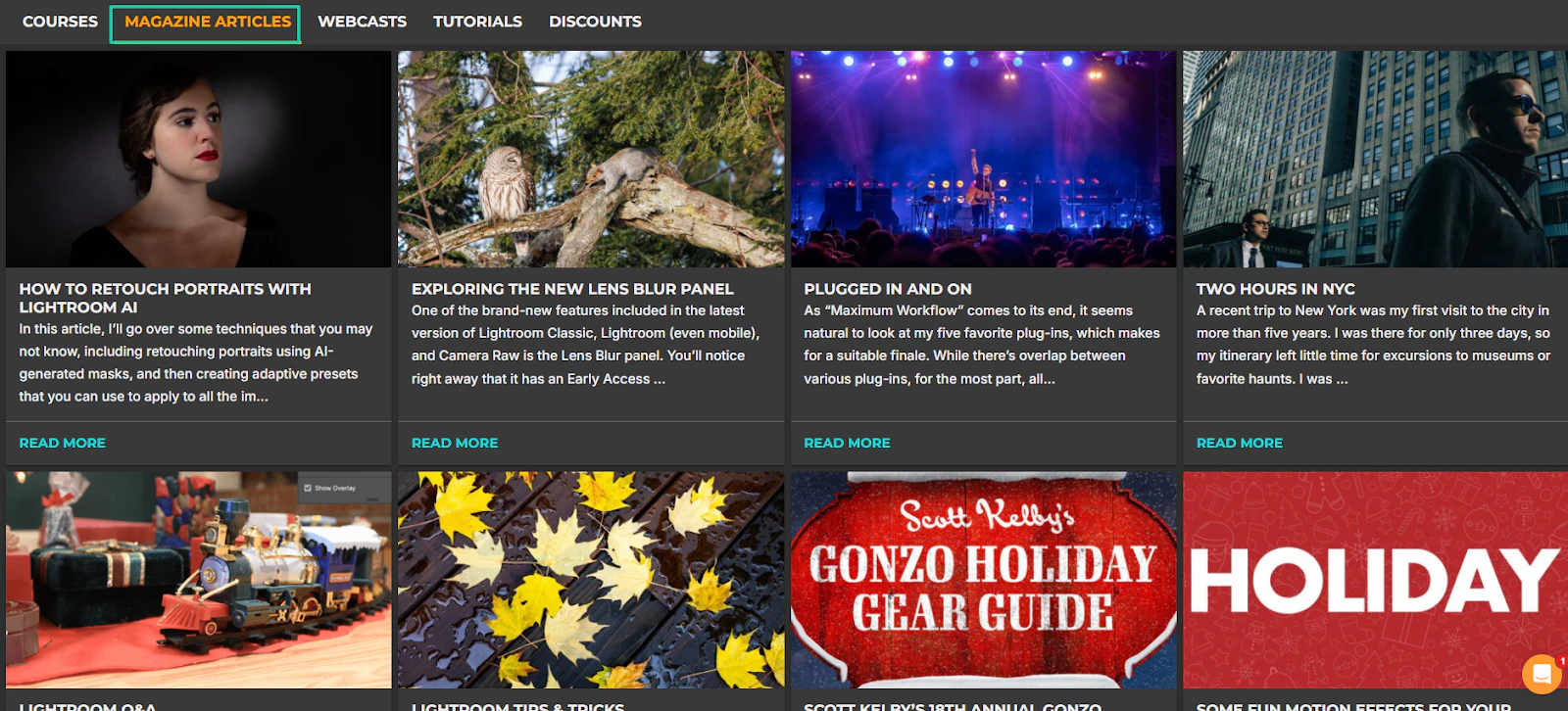
The list is long, so let me add it to a table to make it easier to view. Below is a list of other content you can add to your membership site, along with what each is best for.
Pro tip: The more you provide value to your members, the more likely they are to renew their memberships.
Step 4: Build the site and set up payments
It’s time to build the site and set up payments if your goal is to create a membership site that converts.
Your membership site is no longer an idea or a concept. It’s now turning into a real business that people can join.
To make it clear, this is the step where you should:
- Build the place where members will access your content
- Set up a payment system that collects recurring revenue smoothly and reliably
How you go about it mainly depends on your technical level, budget, your audience’s payment habits, and whether community or content is the core.
You can use WordPress to build your site, but like I said, it may require technical skills.
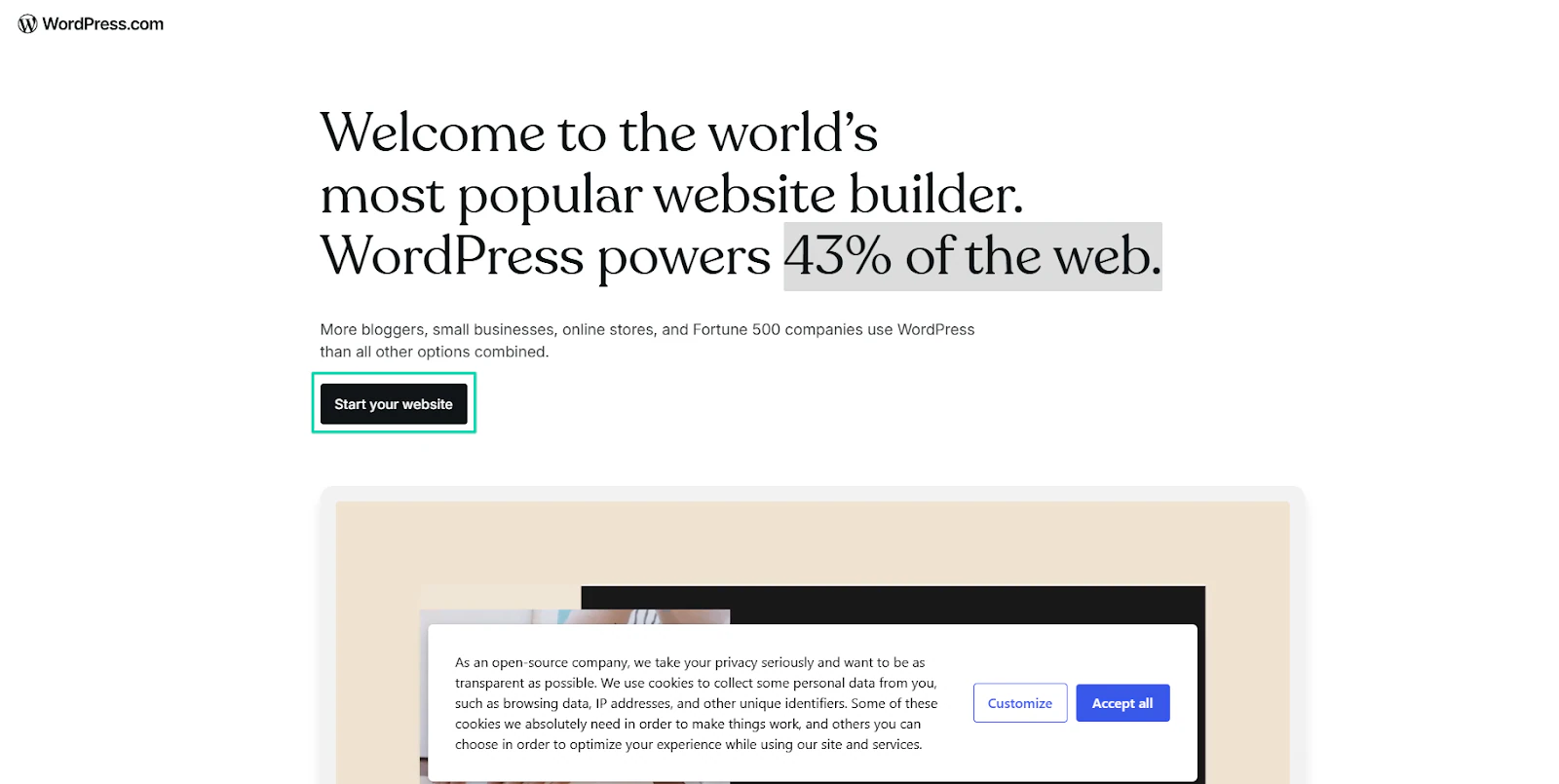
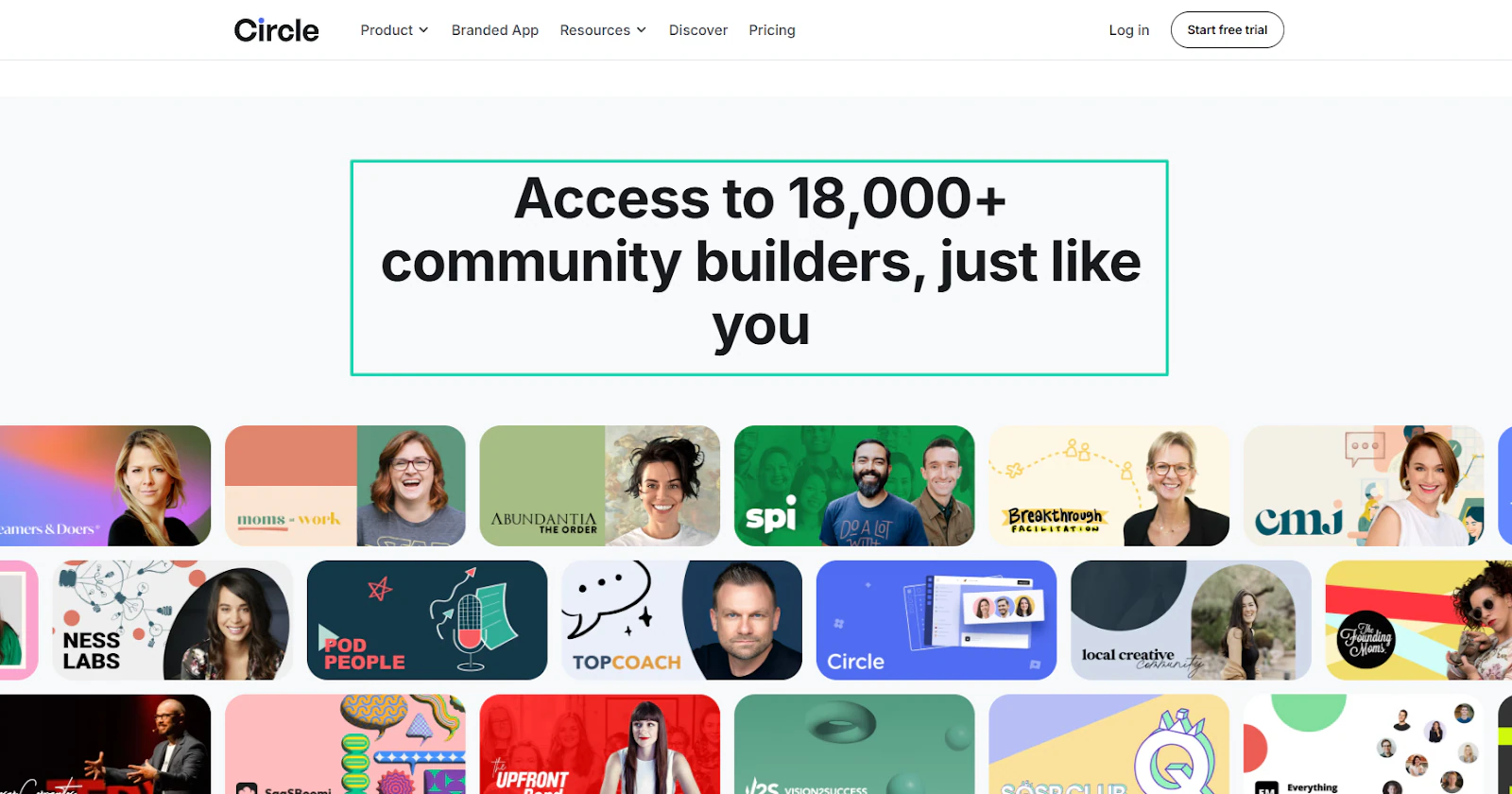
If you value community more, you should go to a platform like Circle. Over 18,000 people have built communities there.
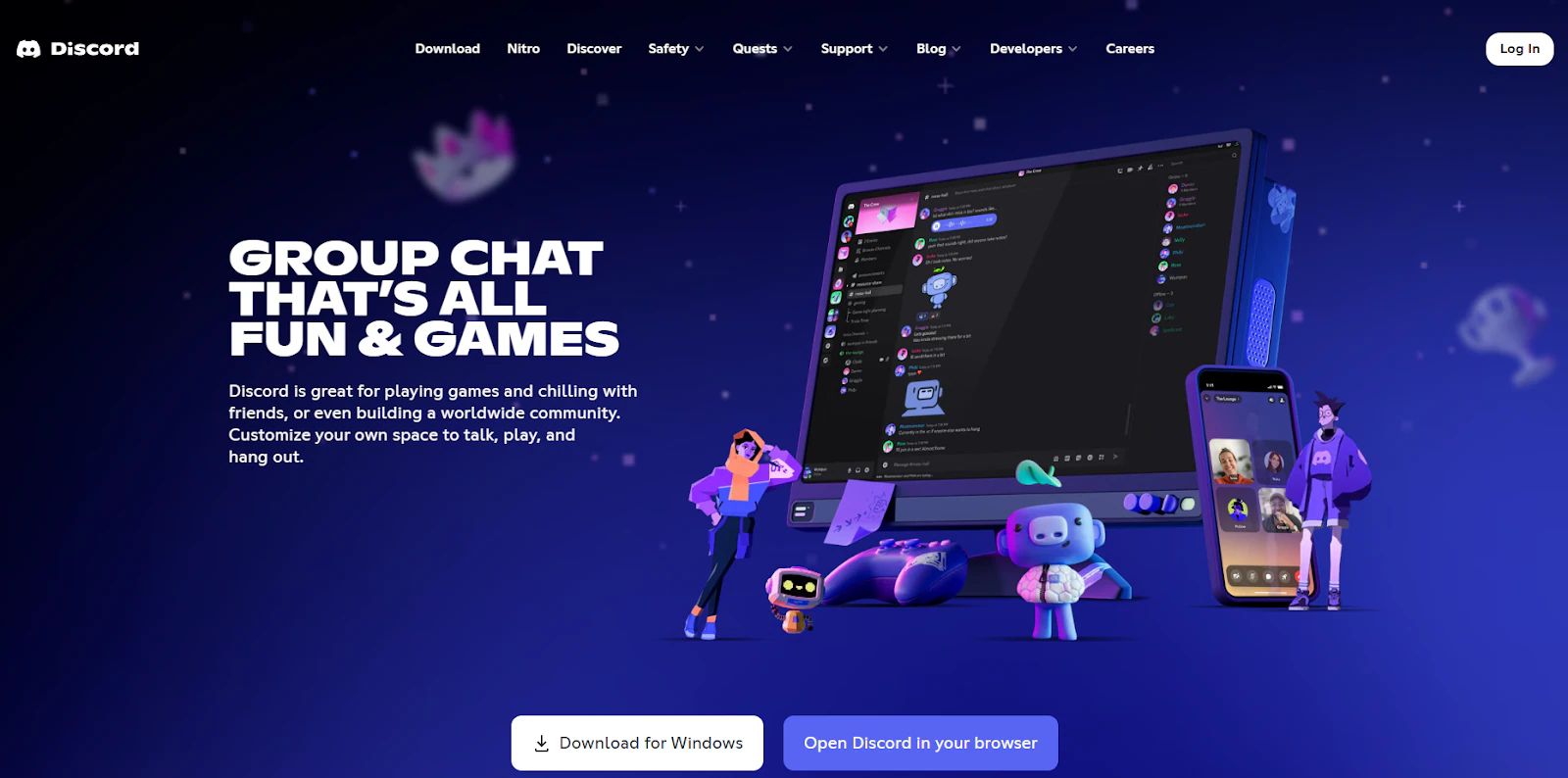
Discord is also another option for gated communities.
You can use any of the platforms I mentioned above to build your site. It’s really not a big deal. What is more important here is how you will get paid.
You need to set up a payment processor to accept subscription payments. And remember, customers want a smooth experience.
Transactions should also be easier between you and your customers. That’s why you need a secure payment gateway to facilitate that.
Choosing well will yield good results, like Radio 357. It’s a radio and podcast platform that processed 15,000 transactions in just 10 days using our payment automation tool, Easycart.
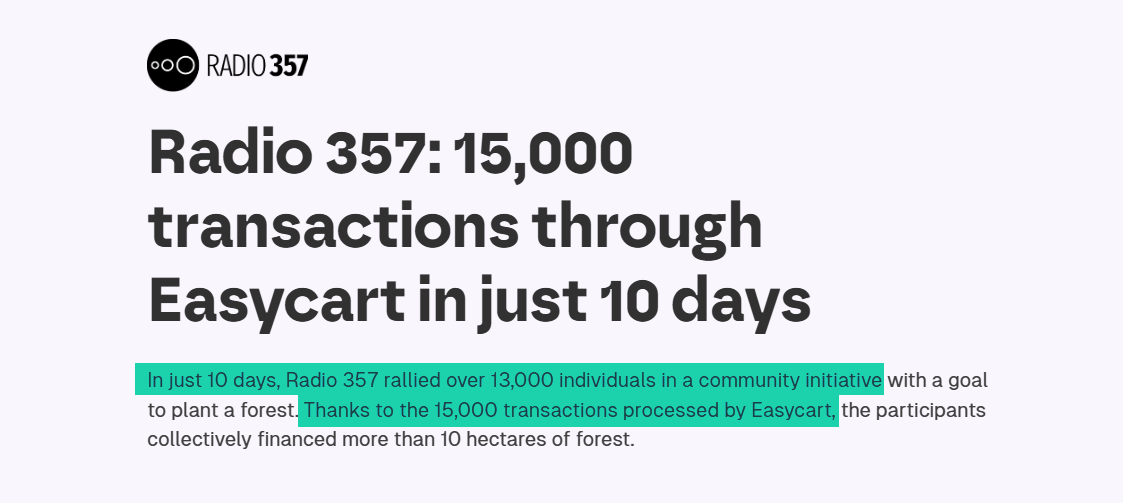
Without a good payment system built for ease of use and speed, they may not have been able to achieve it.
The most popular payment processing option is Stripe. There is also PayPal.
You must give everyone the same opportunity to make payments. That’s why the platform you use must support many payment methods, like cards, Google Pay, Apple Pay, and more.
Easycart supports all these payment methods. After creating a membership site, you can even use Easycart to accept payments.
The good news is that you can integrate Discord or Circle with Easytools if you built your membership communities on either platform.
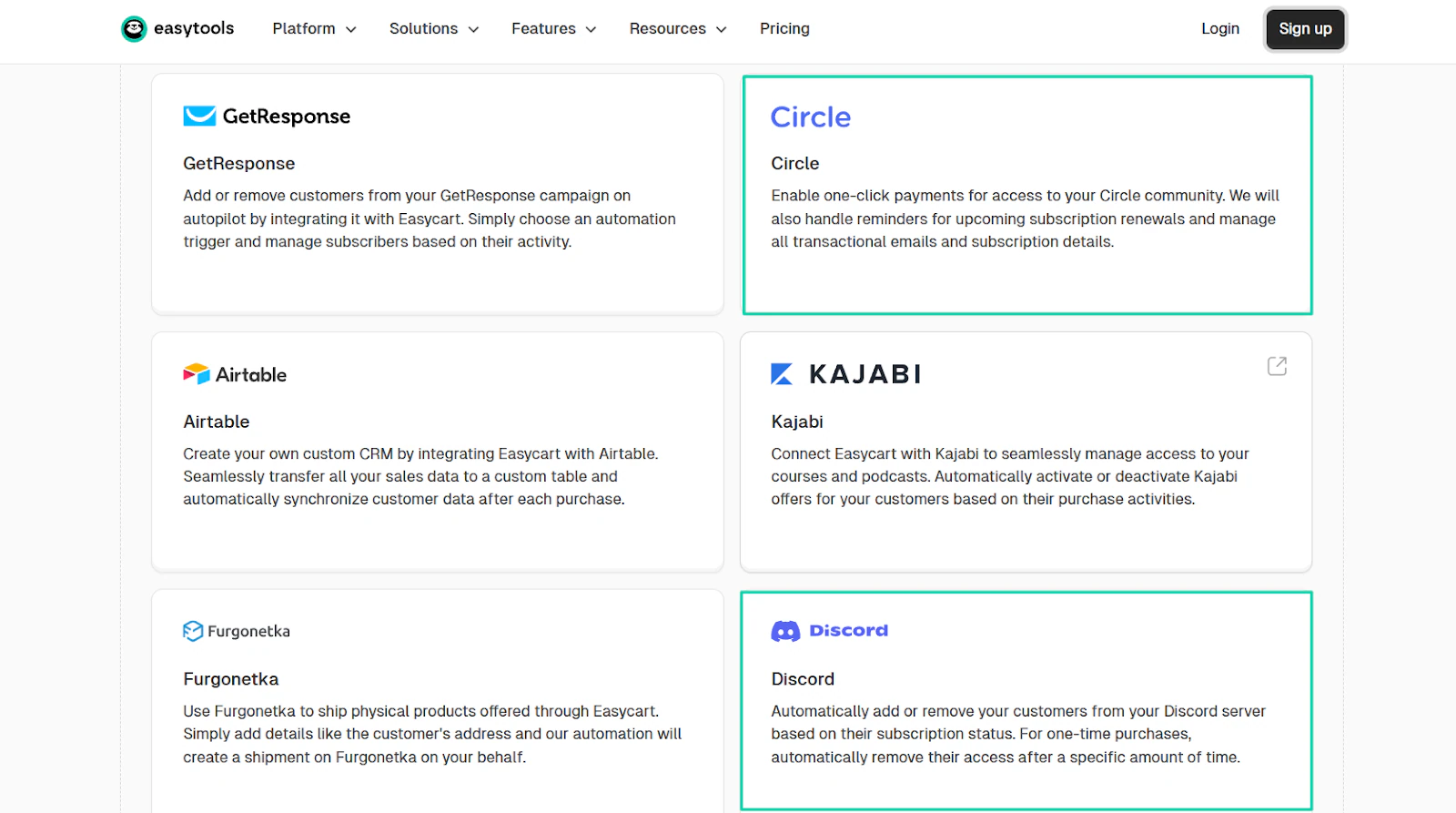
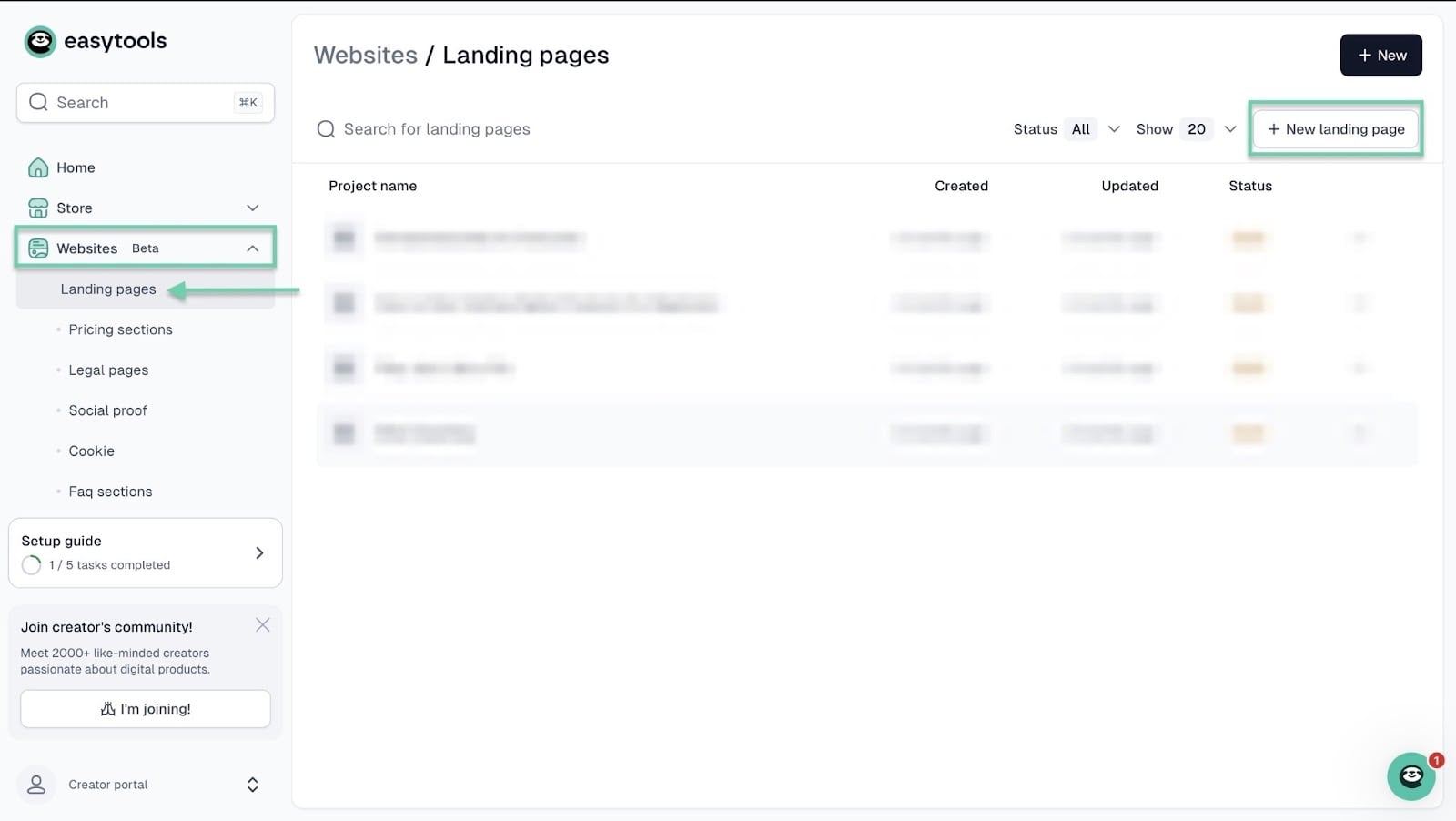
You can also create a website for a membership program with Easytools. Start by clicking “Websites” in the sidebar.
Then, select “Landing pages.” After that, click “+ New landing page” at the top right corner of the window.
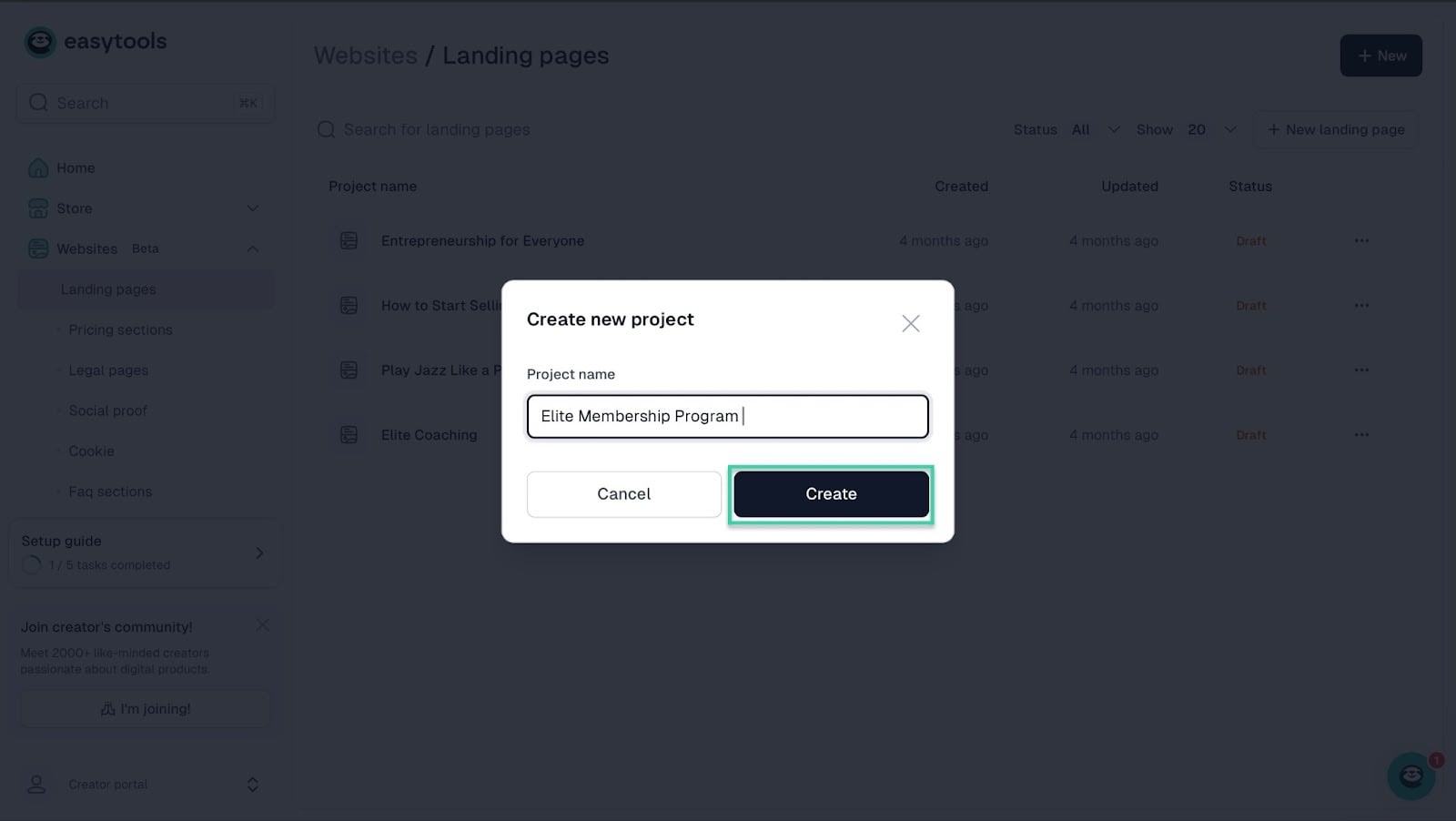
In the pop-up window, enter the project name and click “Create.”
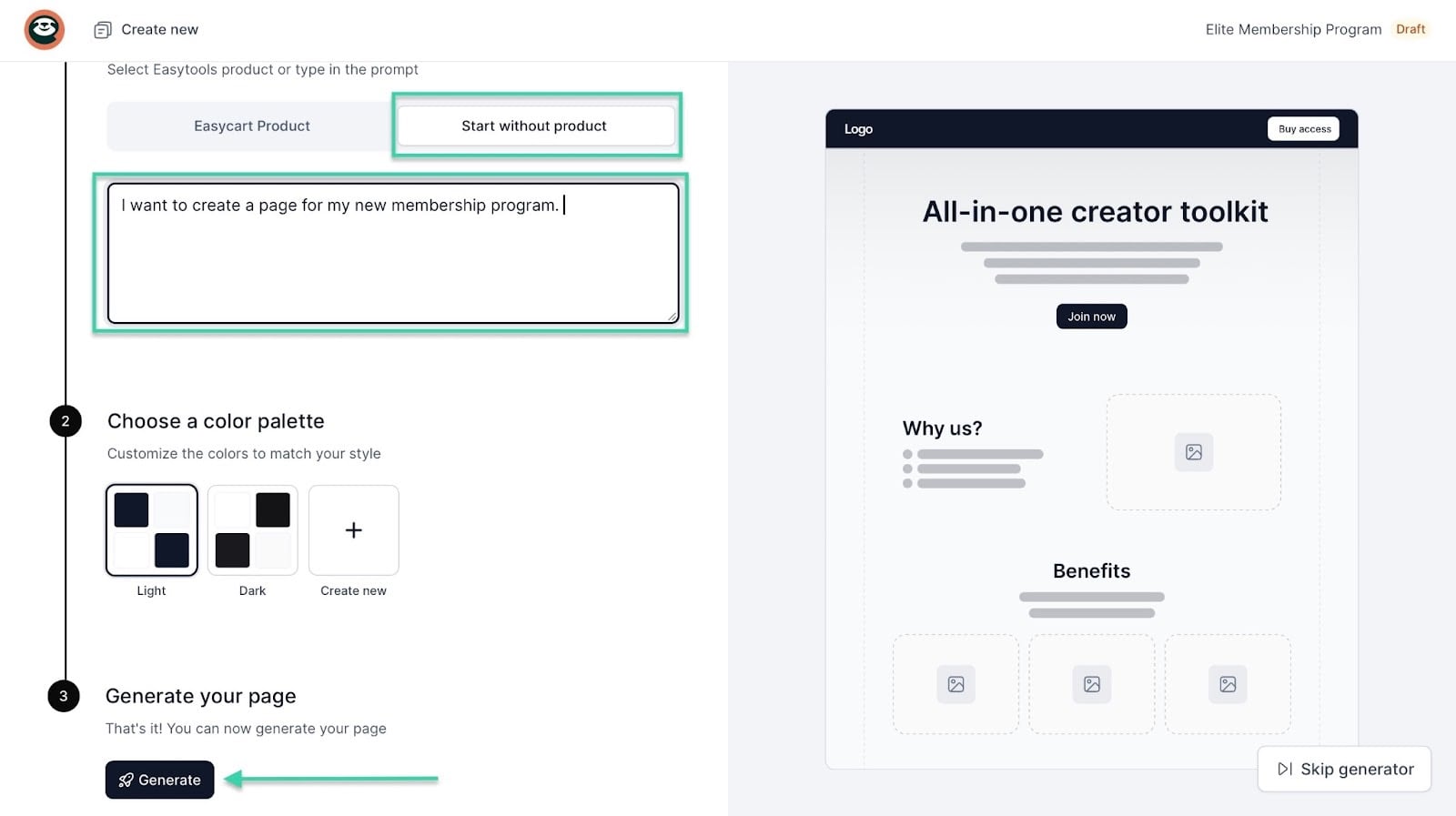
In the new window, select “Start without product.” From here, enter the description of the landing page you want in the textbox.
Next, choose a color palette and click “Generate.”
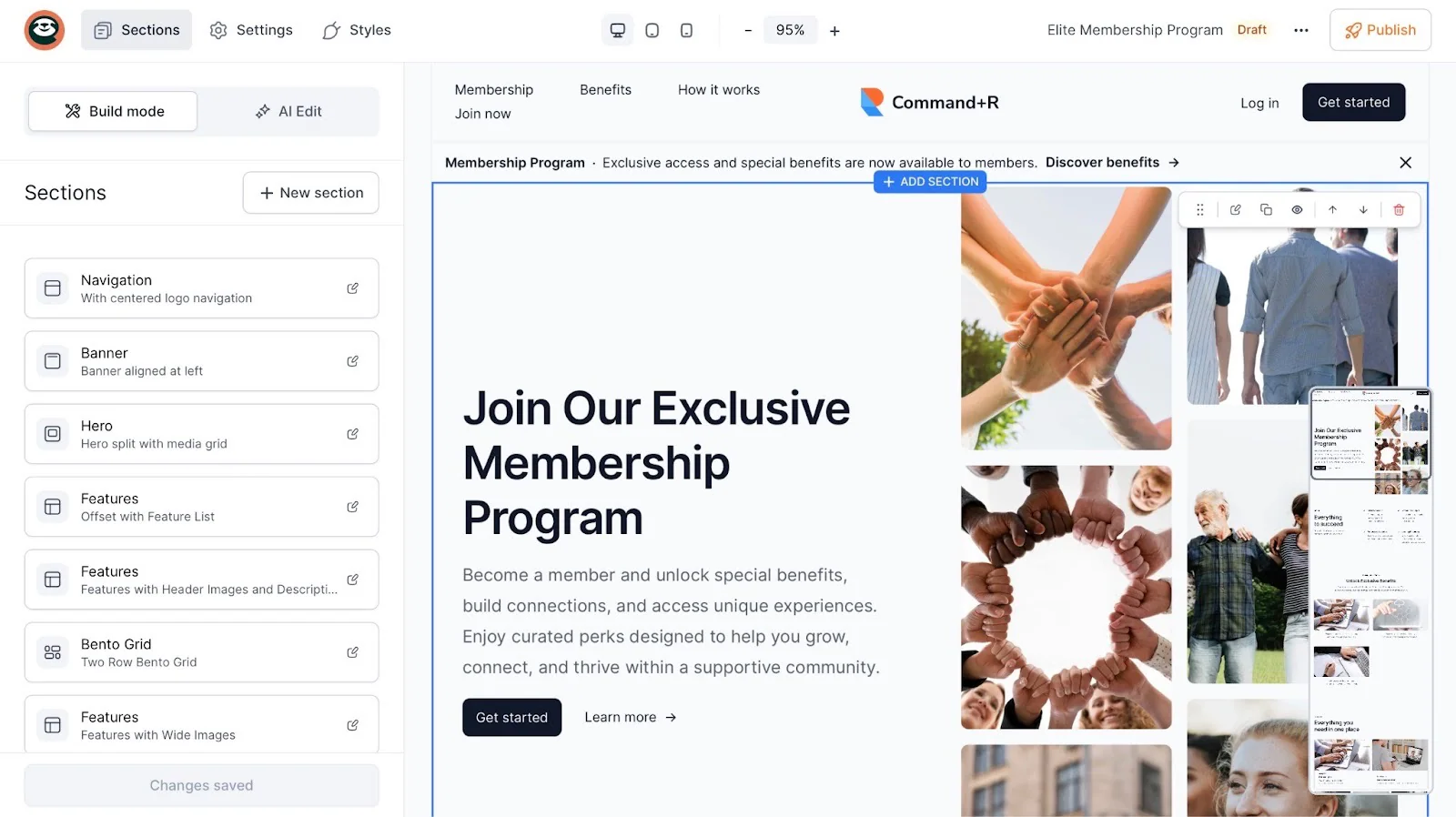
Easytools will use AI to generate a landing page in less than 2 minutes.
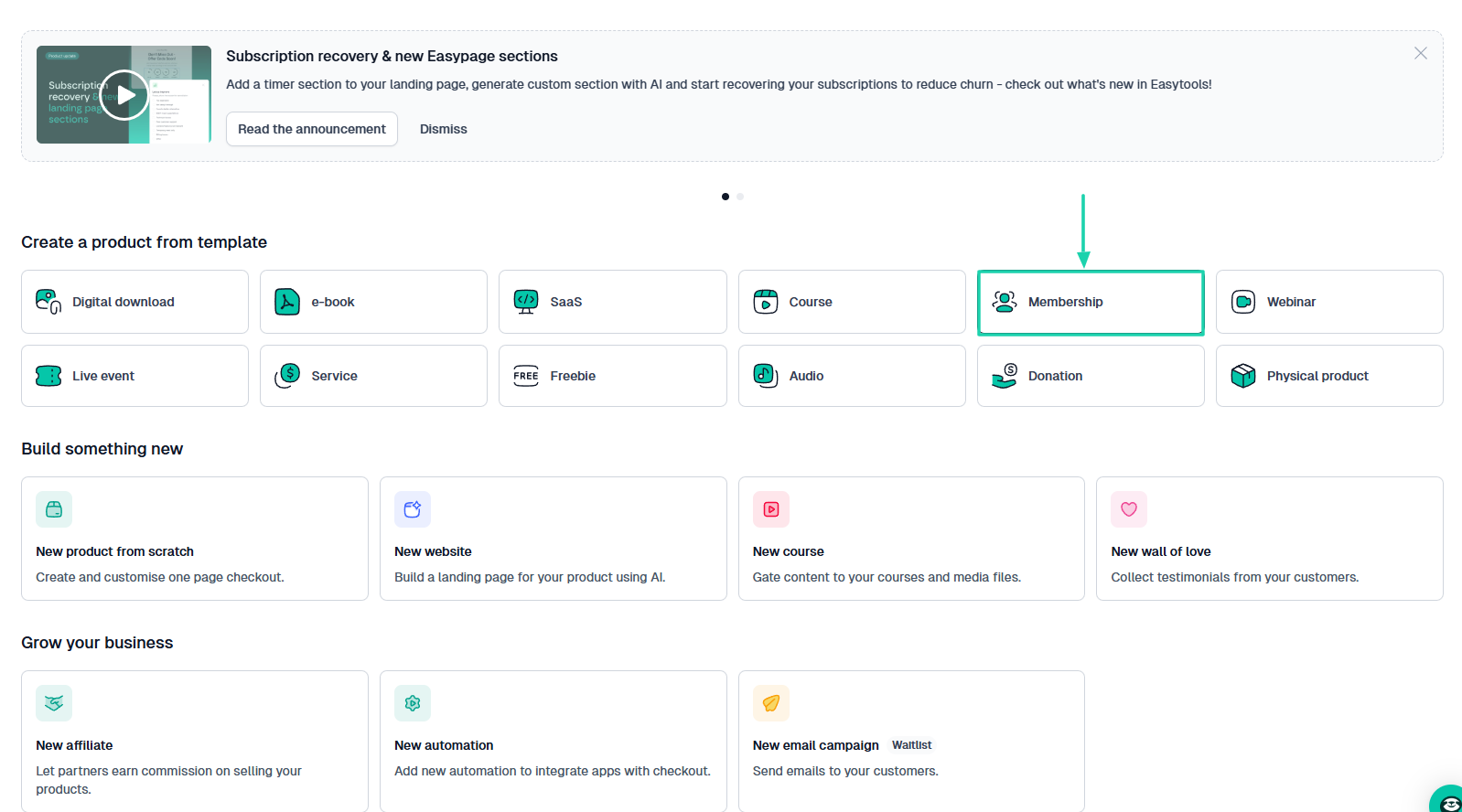
If you’d like to sell memberships using Easytools, let’s create a checkout for that.
Select “Membership” right from the homepage.
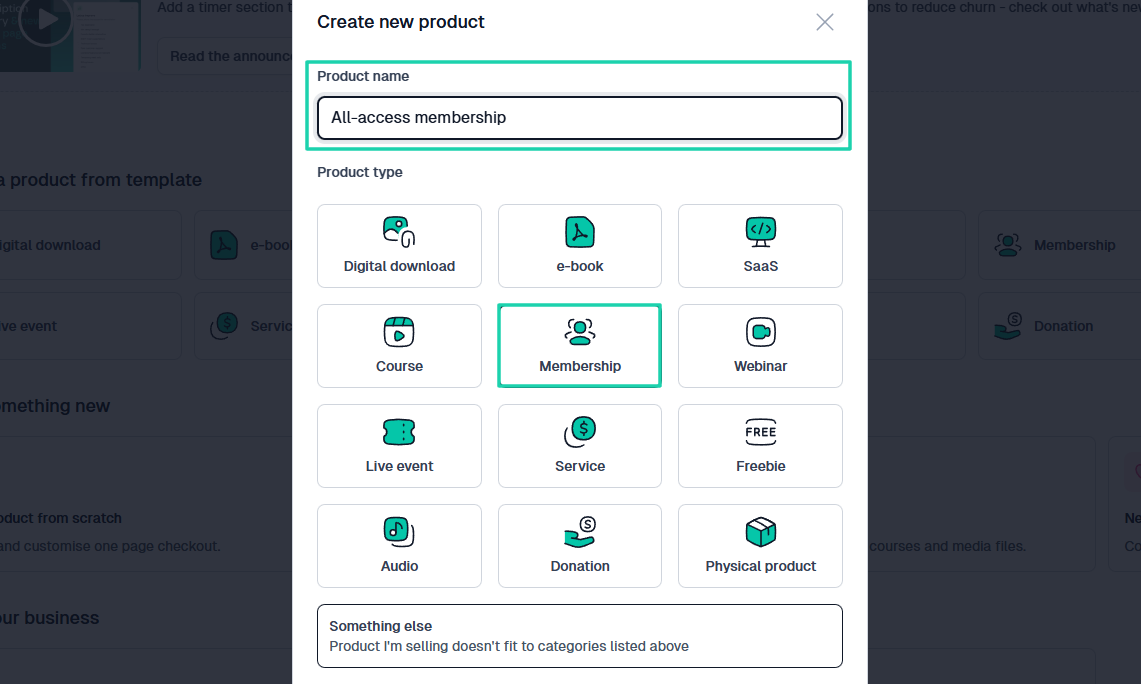
Then, name the membership.
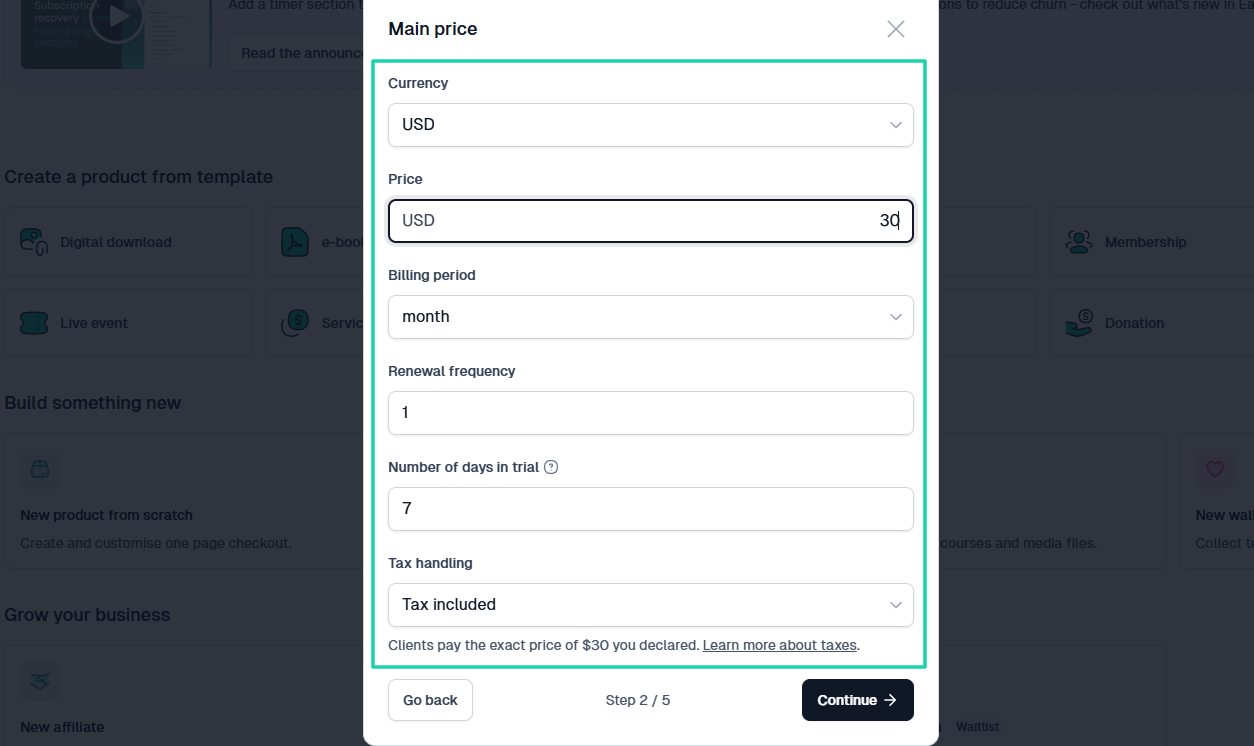
Choose the currency, enter your price, billing period(month/year), renewal frequency, and number of days in trial (in case it’s part of your offer). You can also specify how the platform should handle tax.
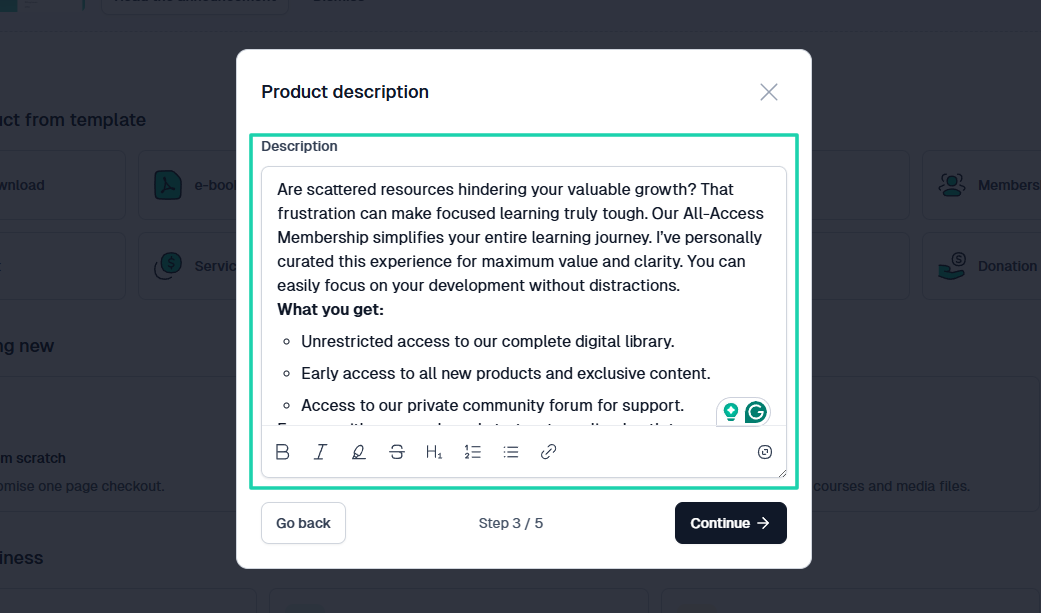
You can add a description for your membership.
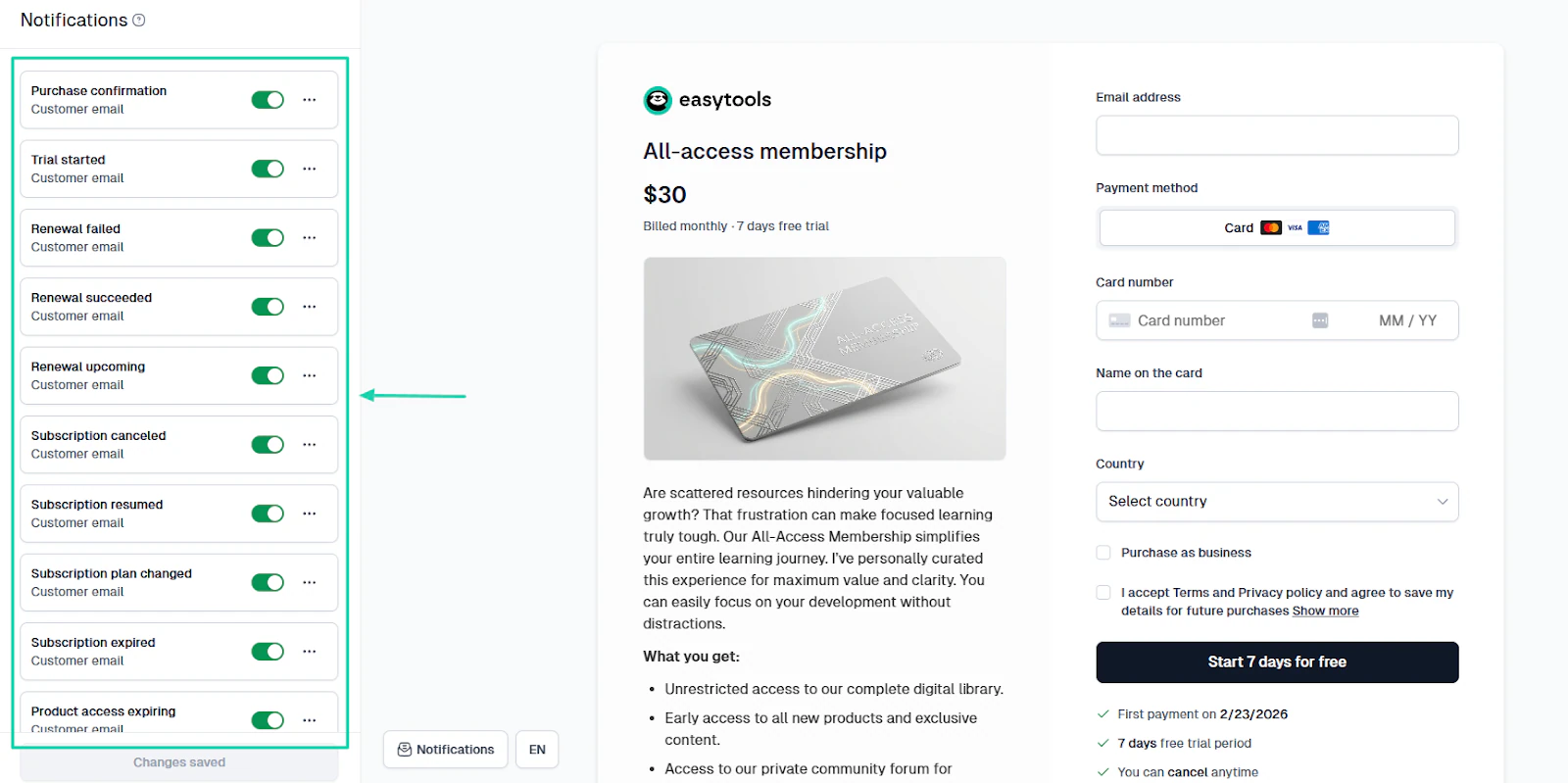
There are so many notifications you can enable. They are “Purchase confirmation,” “Trial started,” “Renewal failed,” “Subscription canceled,” or “Renewed,” just to mention a few.
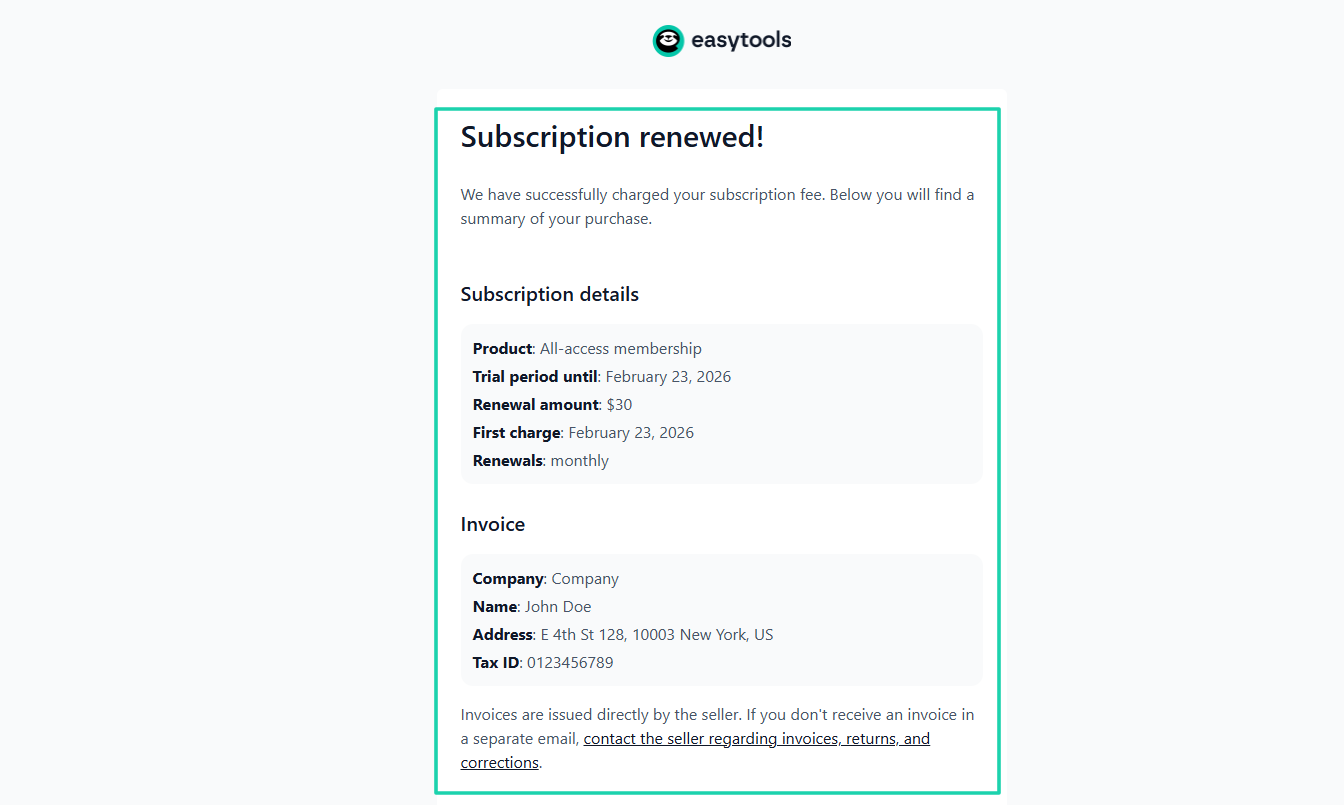
This is an example of the subscription renewal notification. It contains the subscription details and invoice.
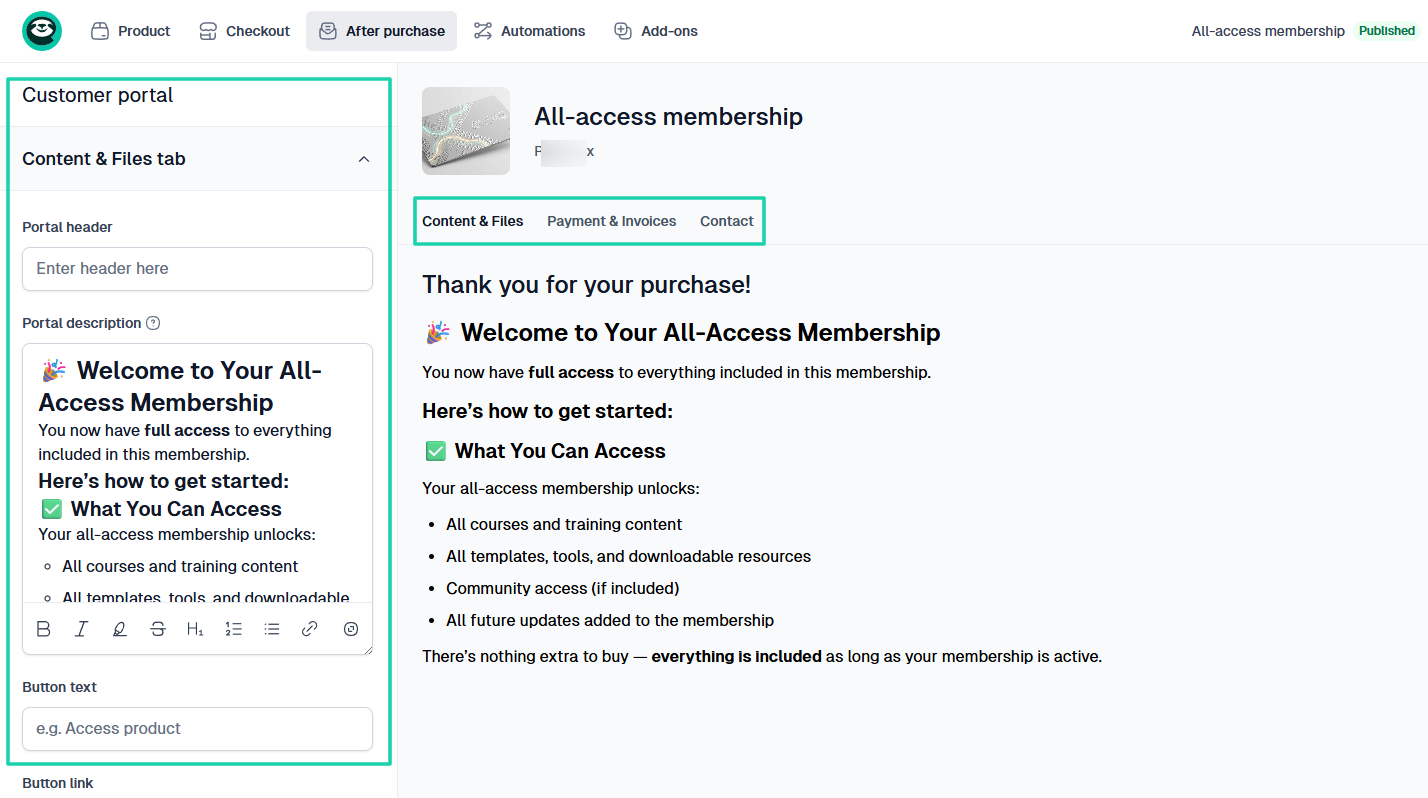
Your members will see the content and files they download, the payment, and the invoices in the customer portal.
You can also customize the message they will see when they access their portal.
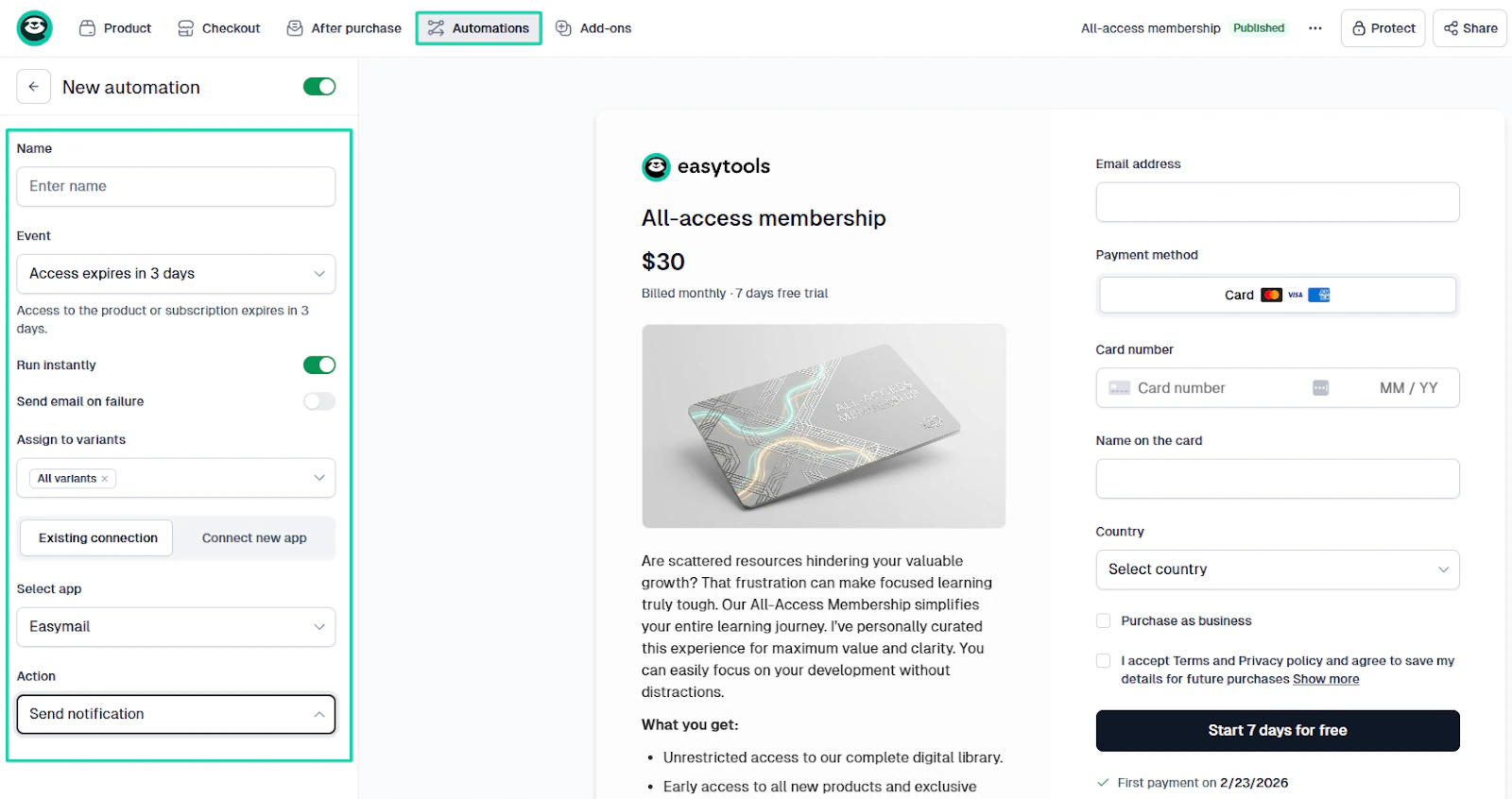
There is more! Easytools lets you run scenarios.
You can create an event and determine the outcome.
For instance, if the access expires in 3 days, the platform should send a notification to the member.
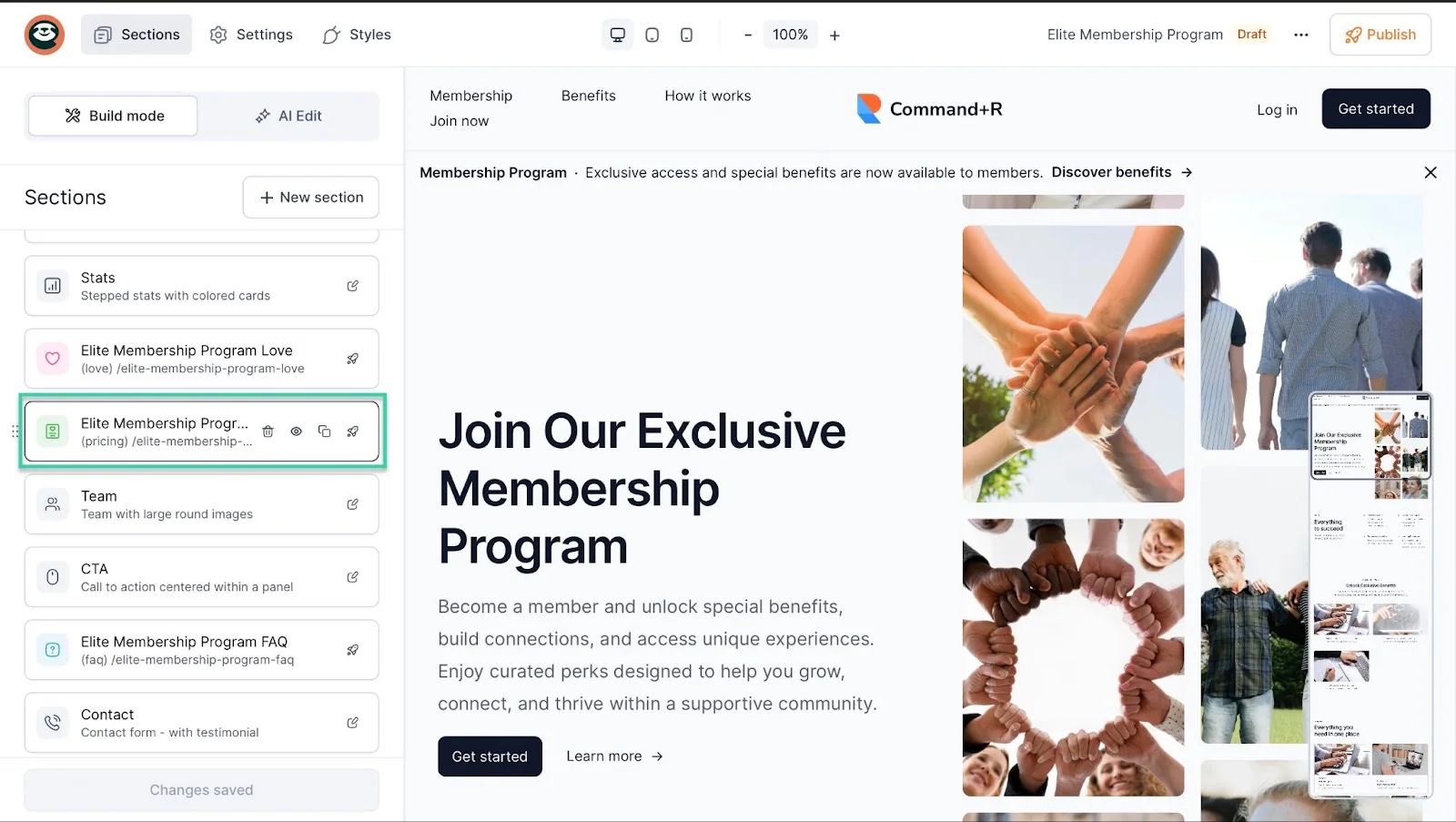
Now let’s add the checkout to our landing page.
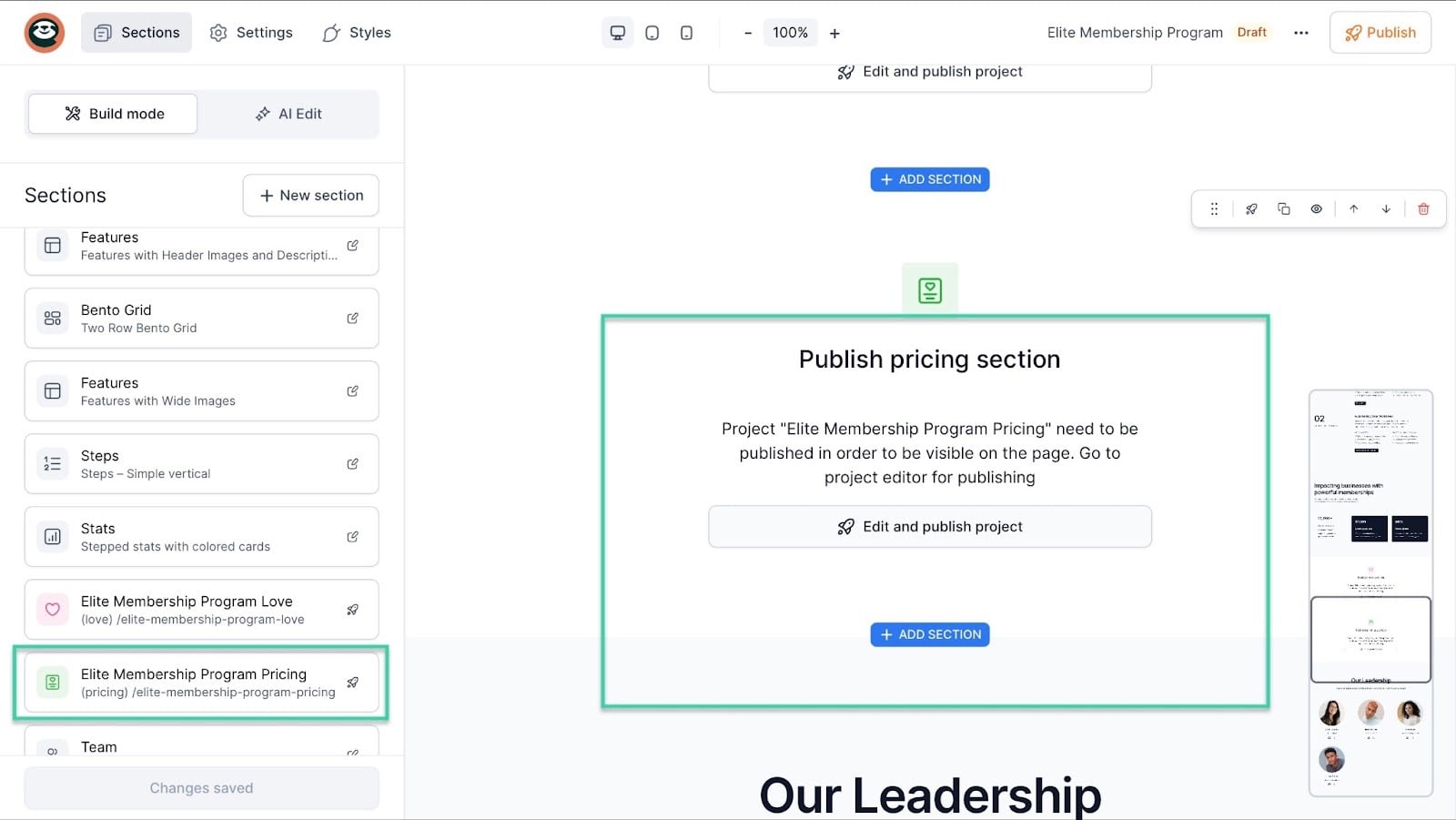
Click the pricing section in the sidebar. In our case, it’s “Elite Membership Program Pricing.”
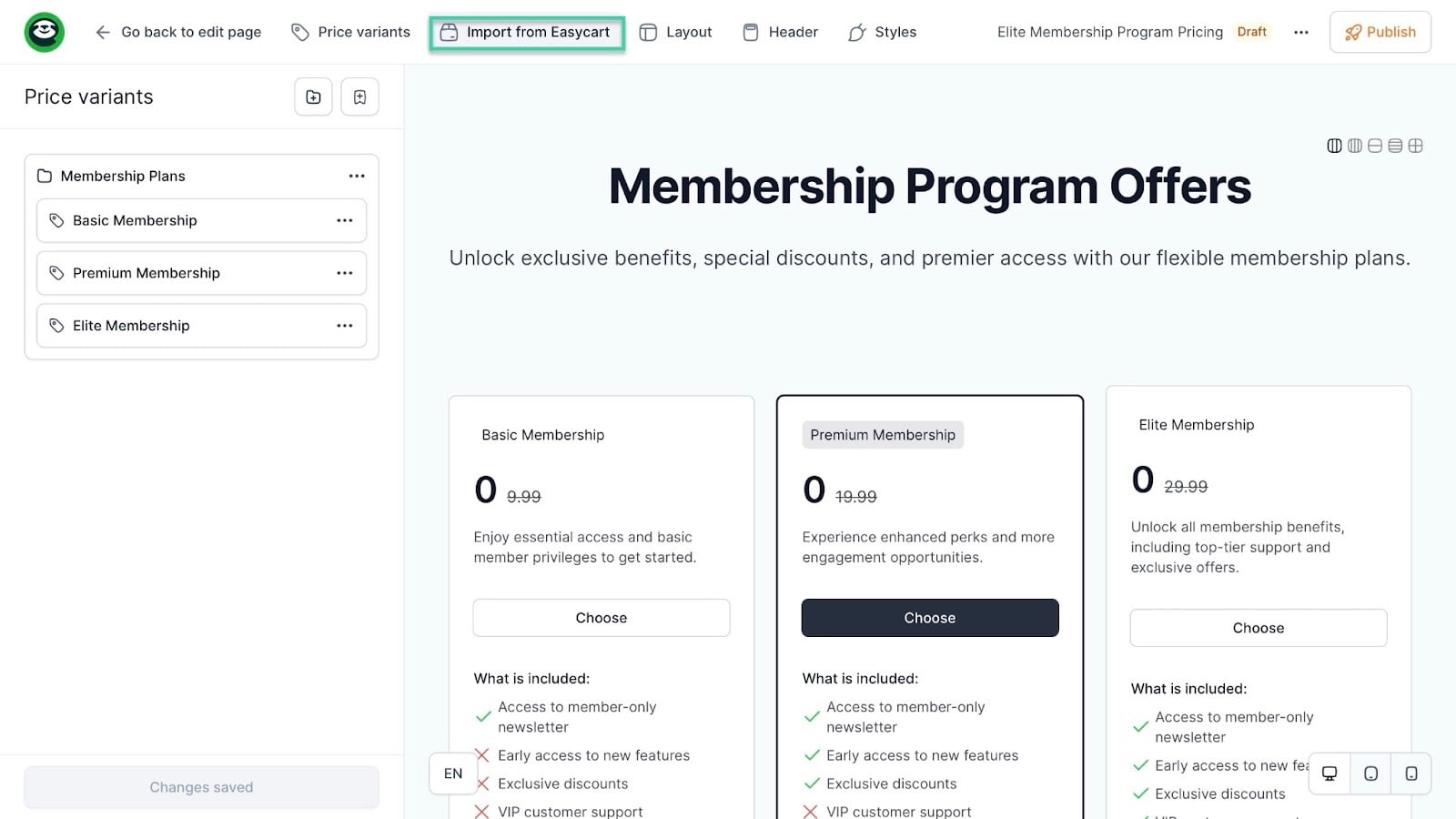
In the new window, select “Import from Easycart” in the navigation bar.
After that, click “Get products.” That will let Easytools list the checkouts for digital products you’ve already created on the platform.
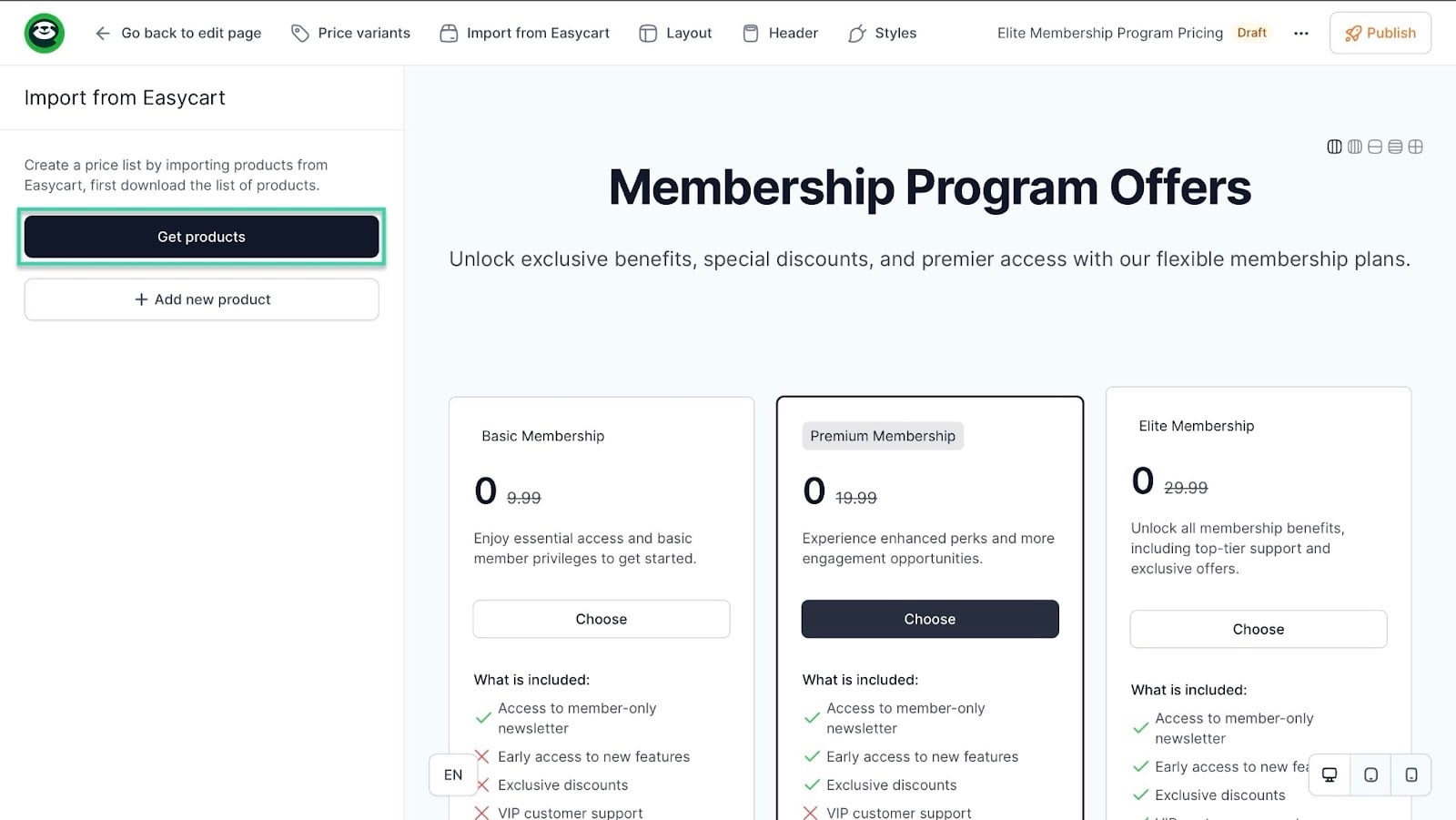
Now, let’s select the checkout we created: All-access membership.
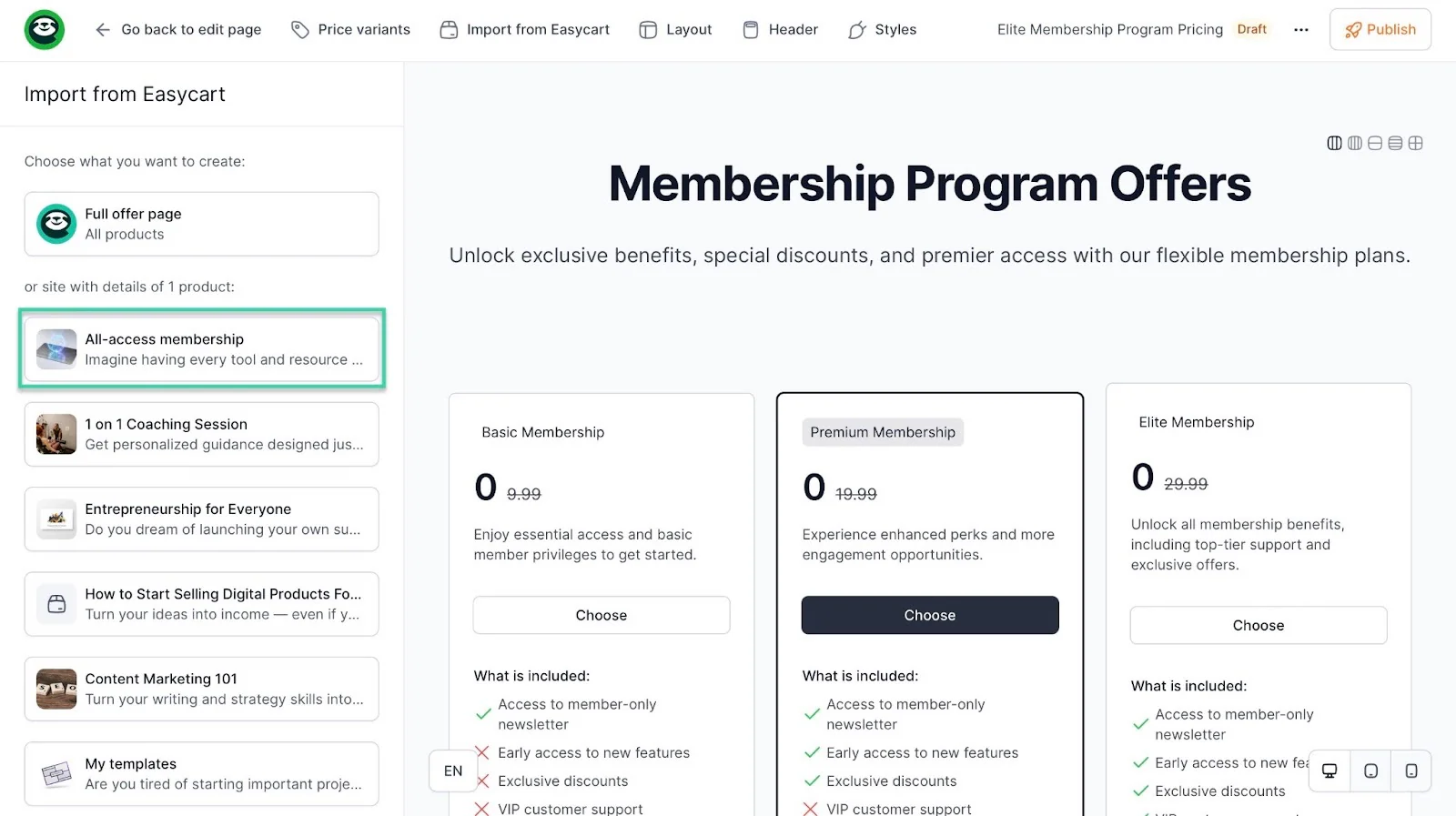
Once you’ve done that, click “Import data.”
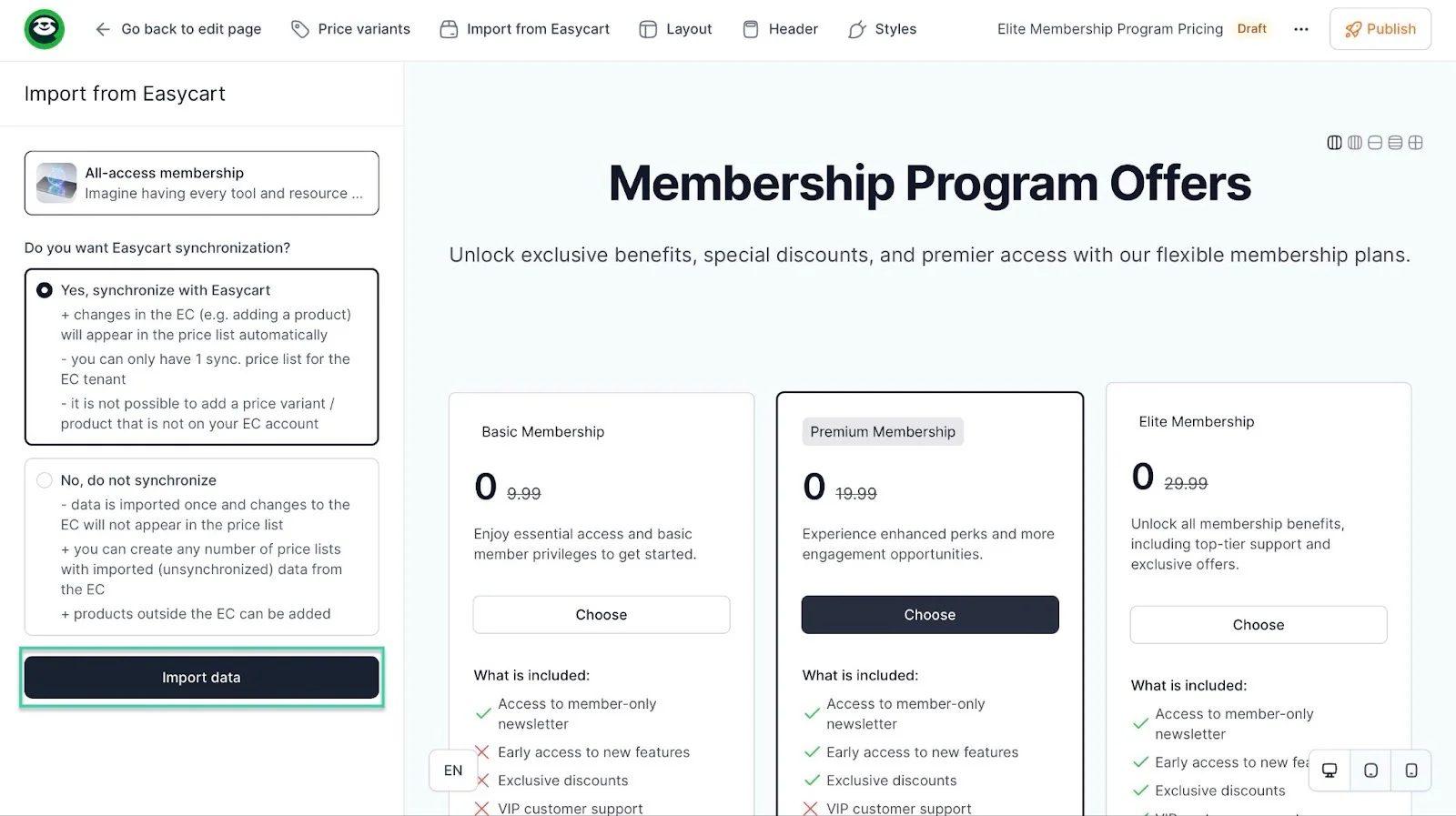
Easytools will now add that checkout to your landing page.
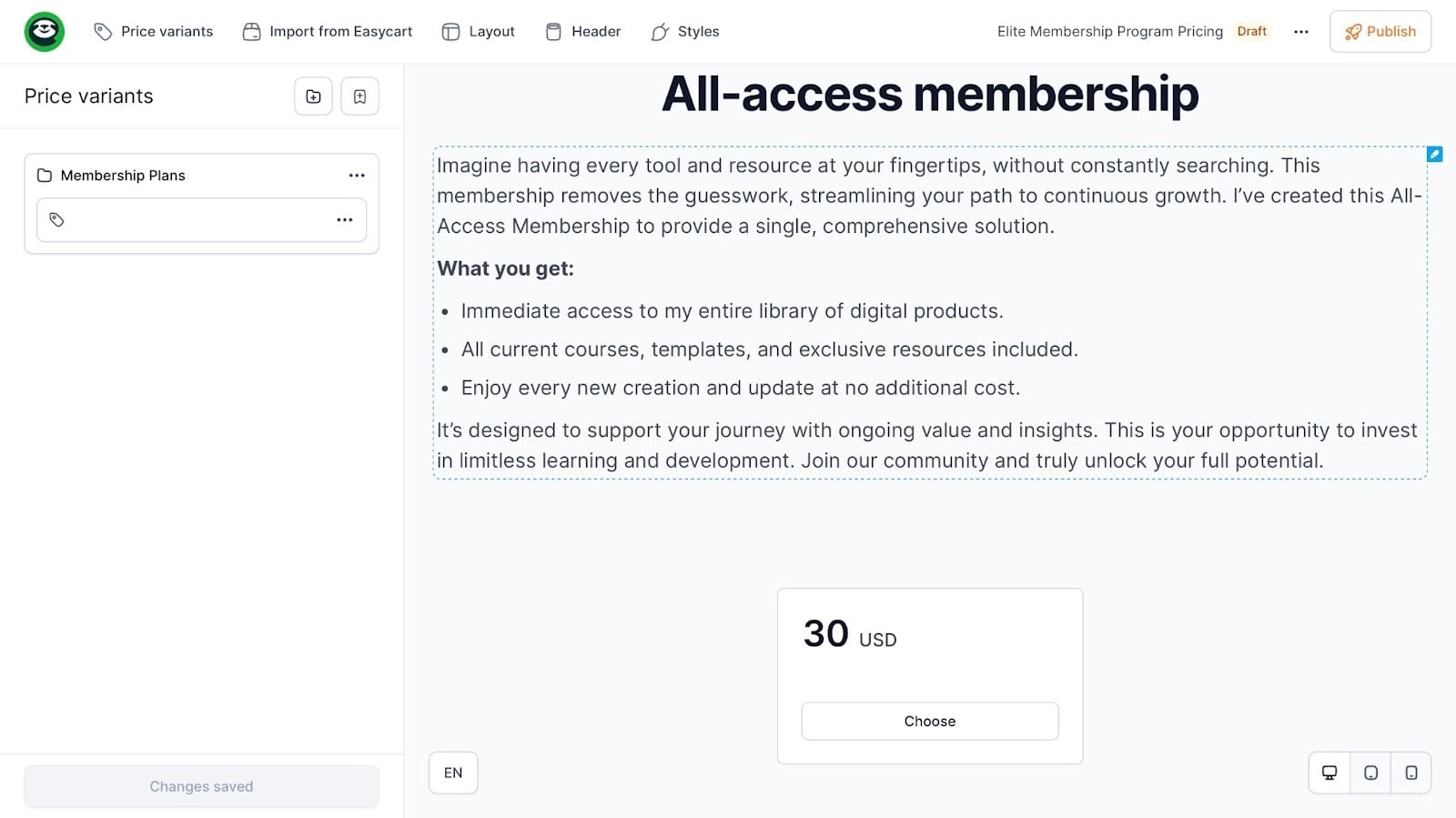
You may edit and publish your checkout.
All these steps help you build a great site and set up payments that benefit both you and the member.
Now, it’s time to go global with the last step.
Step 5: Launch, market, and retain members
The final step to creating a membership site is to launch it, market it, and retain its members.
Your launch should be strategic. If it’s your first time creating a membership site, and you’re still a beginner. You can have a founding member launch.
This means you open your membership only to those interested in becoming founding members at a special price. They will help shape the program, and this will help you validate before scaling and collect testimonials early.
To launch it successfully, you can announce it on your most popular social platform. It could be LinkedIn or Facebook.
You could write:
“I’m officially launching the Founding Circle Public Speaking Mastery Lab. I’m opening 20 founding member spots at a special price for a month.
In exchange, you’ll help shape the program. Lifetime discount.”
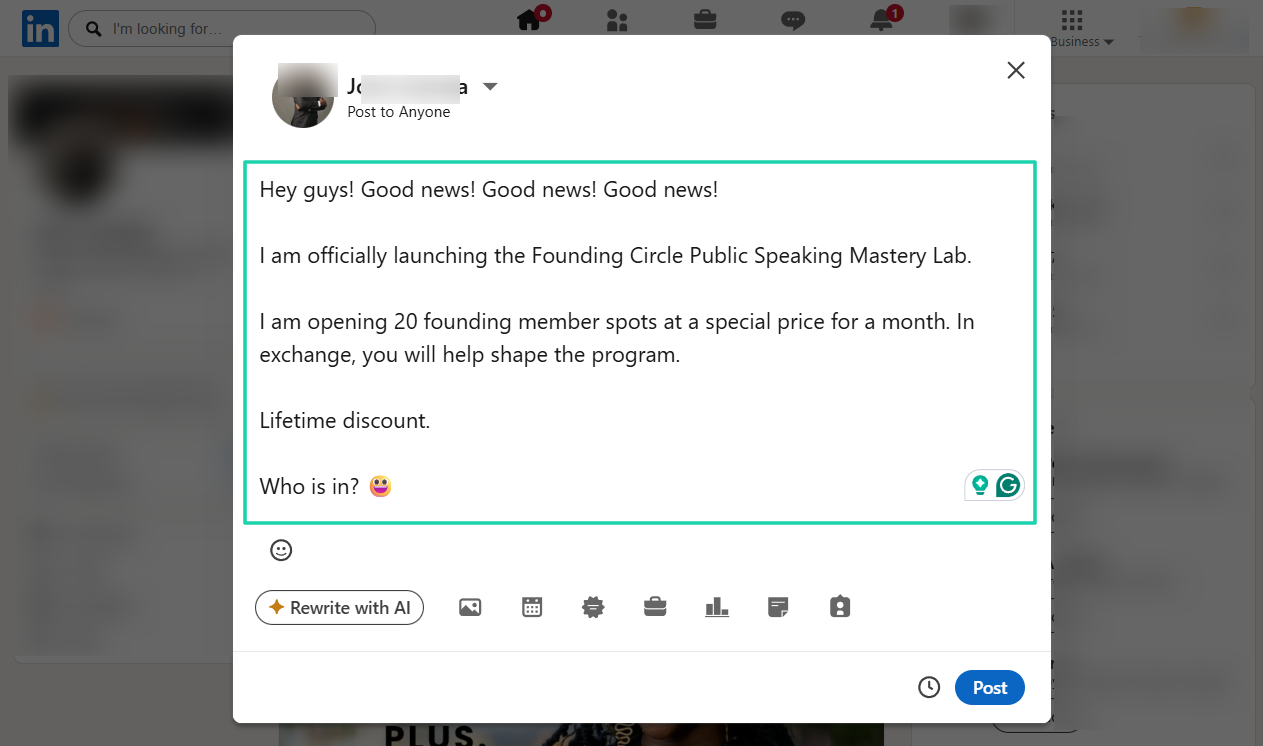
Those interested will join, and you will start from there.
You can also launch your membership with a trial. People respond well to free stuff, and it’s an opportunity to test before committing.
I came across the story of Michael Hyatt, the founder of Platform University. As a strategic move, he offered a 7-day trial for $1.99, giving people 24 hours to take advantage of it.
Surprisingly, the email reached out to 40,000 people, and about 819 signed up. Even though 292 canceled the membership, which was $37,527, people became members.
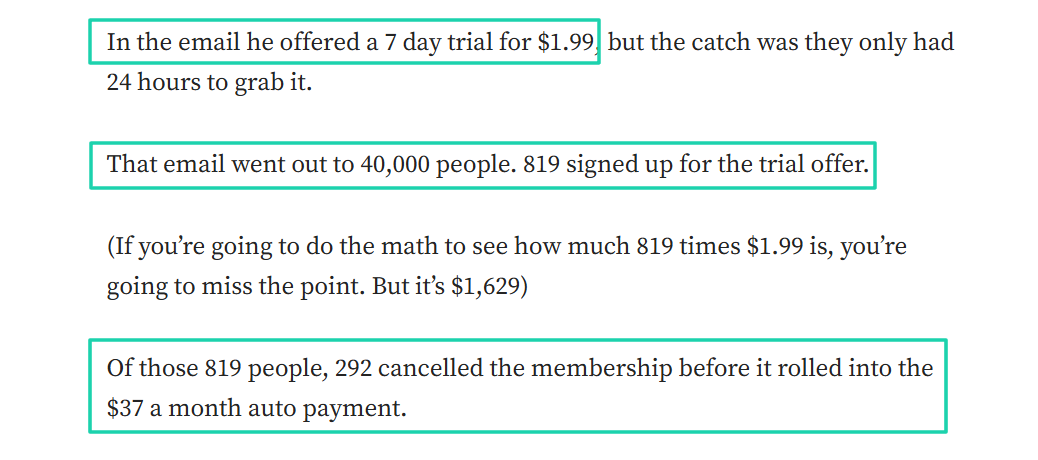
If we do the math, Michael got about $19,499 at the end of that month. Isn’t that good money?
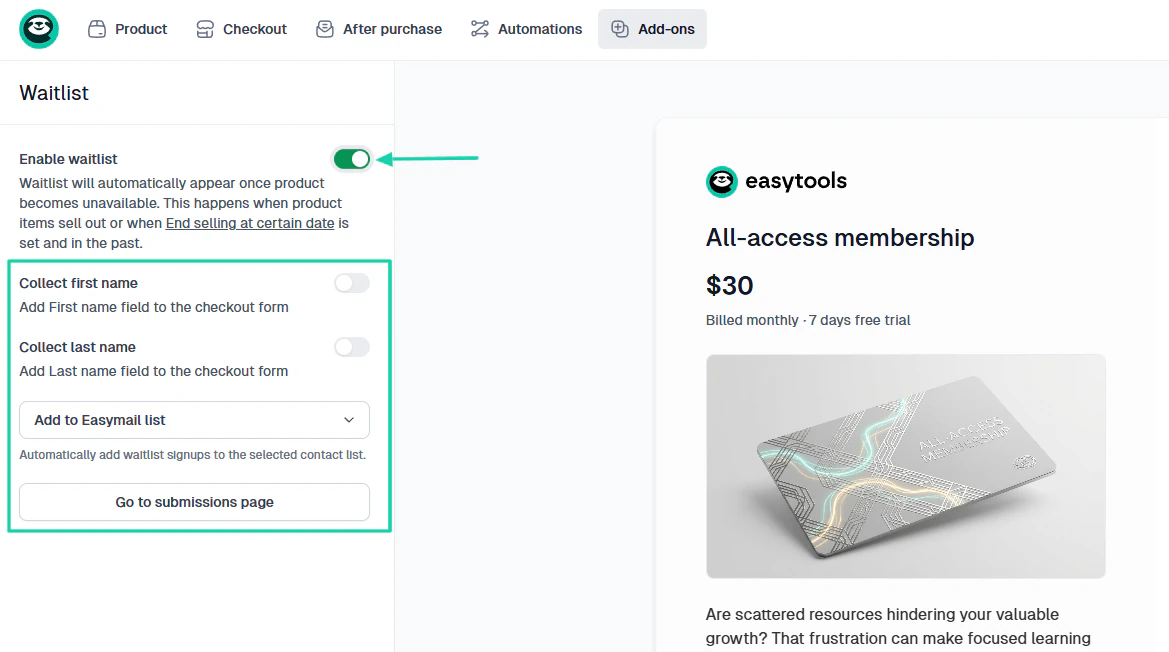
Another launch strategy is creating a waitlist.
People want something more when they have to wait for it. So make them wait and offer some value while they do. Then launch your membership site.
On Easytools, you can collect potential members’ names, and the platform will automatically add them to your contact list.
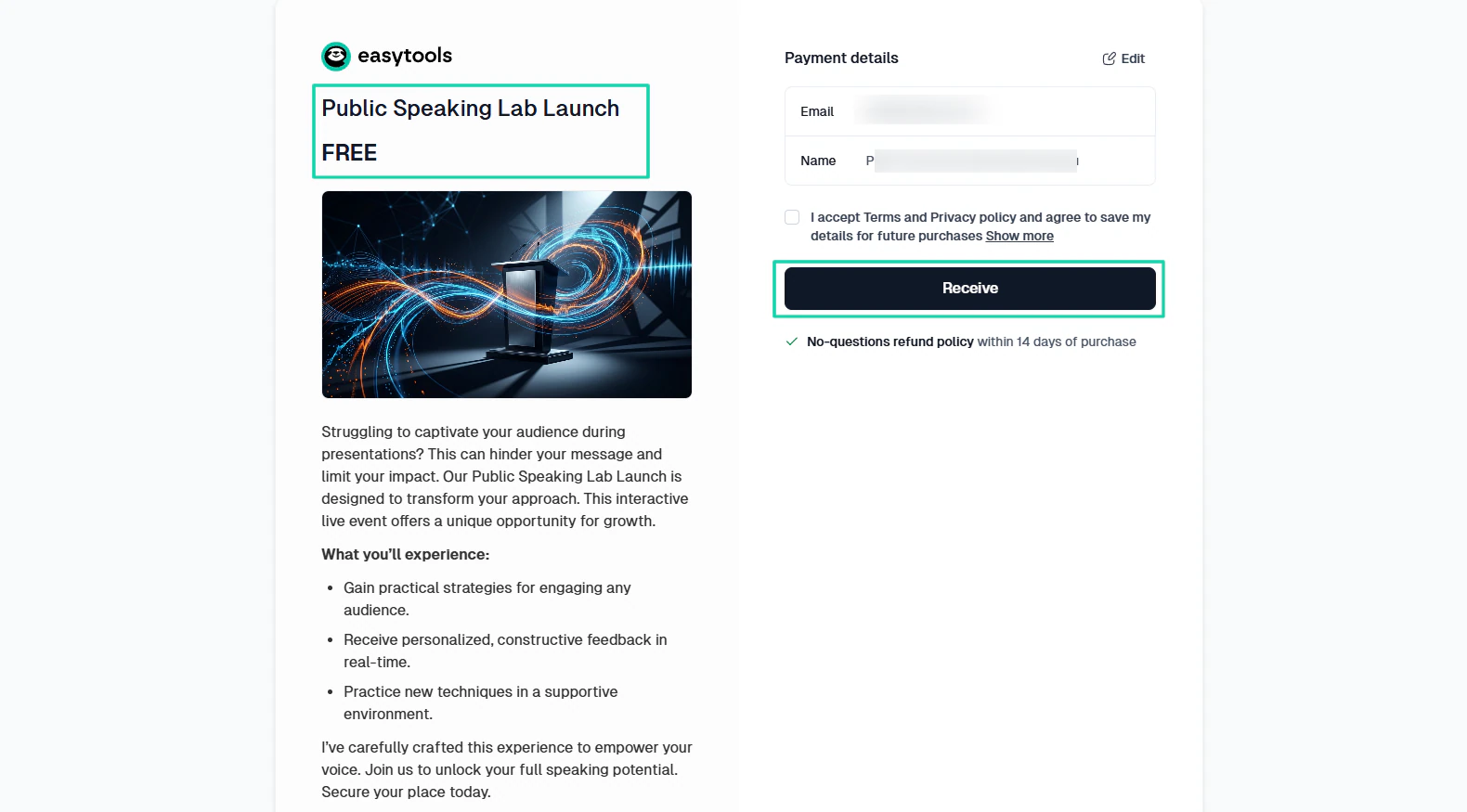
You can also launch with a live event.
It could be a free workshop, webinar, or 7-day challenge. The goal is to invite people to join the membership at the end of the event.
When it comes to marketing, you must always remember to sell transformation, not access.
Don’t say: “Join my membership for $30/month.”
But: “Become fluent and confident when speaking in public within 6 months through weekly live practice and structured feedback.”
It’s more about the outcome, identity shift, and long-term transformation.
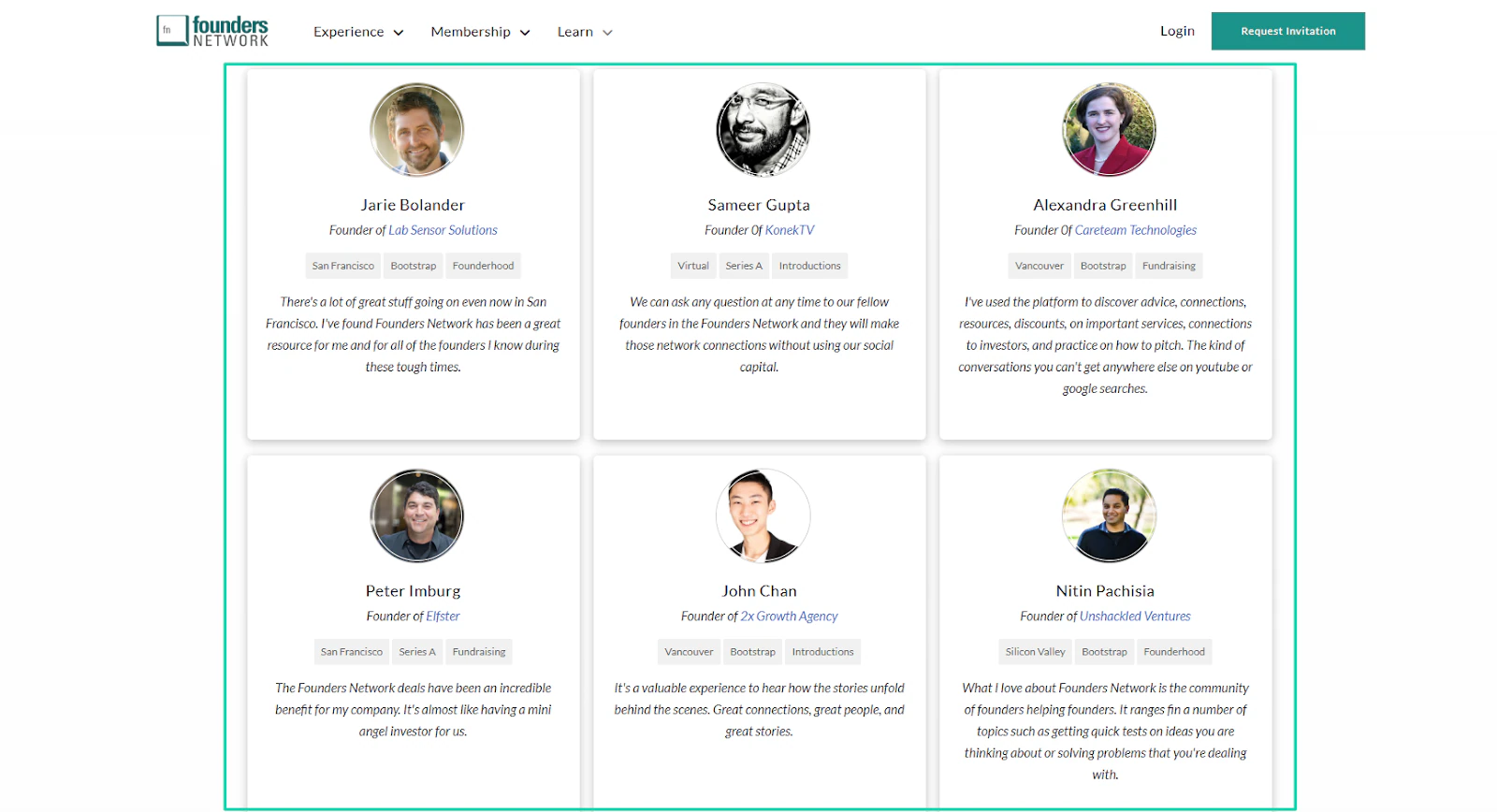
Also, proof content like testimonials, case studies, wins, screenshots, reviews, and ratings helps market your membership site.
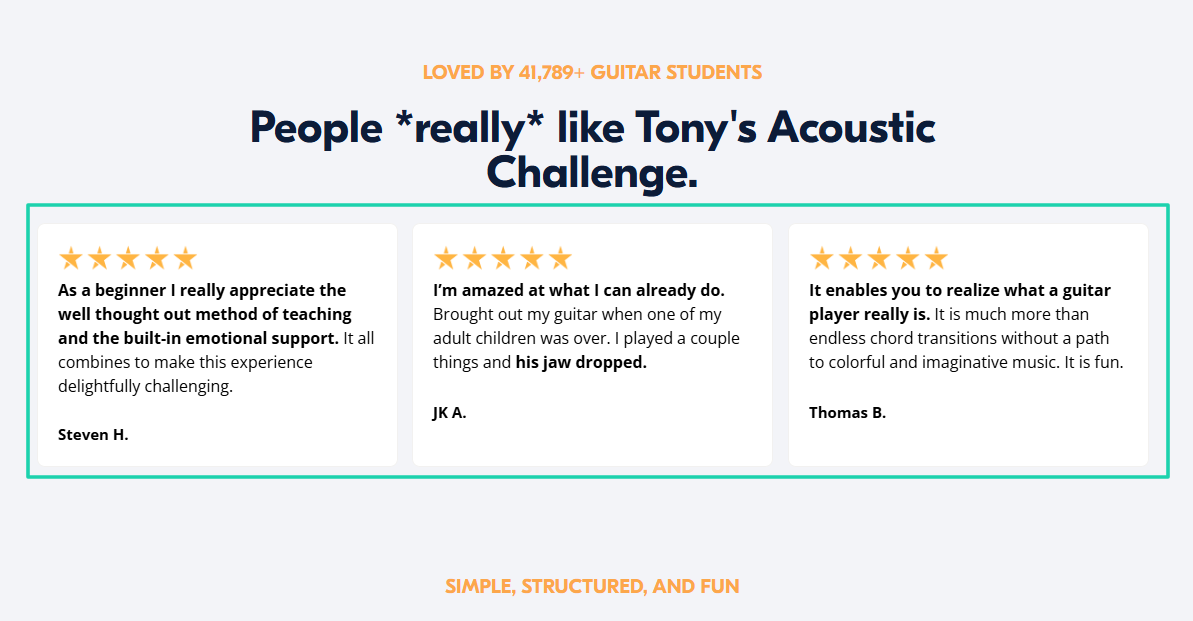
If many people say your membership has been a huge transformation for them, others will join, especially if it aligns with their pain points.
Marketing is good. It brings new members, but once they are in, your goal should be to retain them.
Just imagine someone paying $30/month for your membership.
After 3 months = $90
After 6 months = $180
After 12 months = $360
That’s just one member. If the number of members were 50, then the income after a year would be $18,000.
You see that retention will multiply your revenue. Losing members won’t help.
So, you must have a strong onboarding.
I’m talking about a welcome message, a clear “start here”, a first small win within 48 hours. These aren’t just random actions.
They make members feel safe and guided.
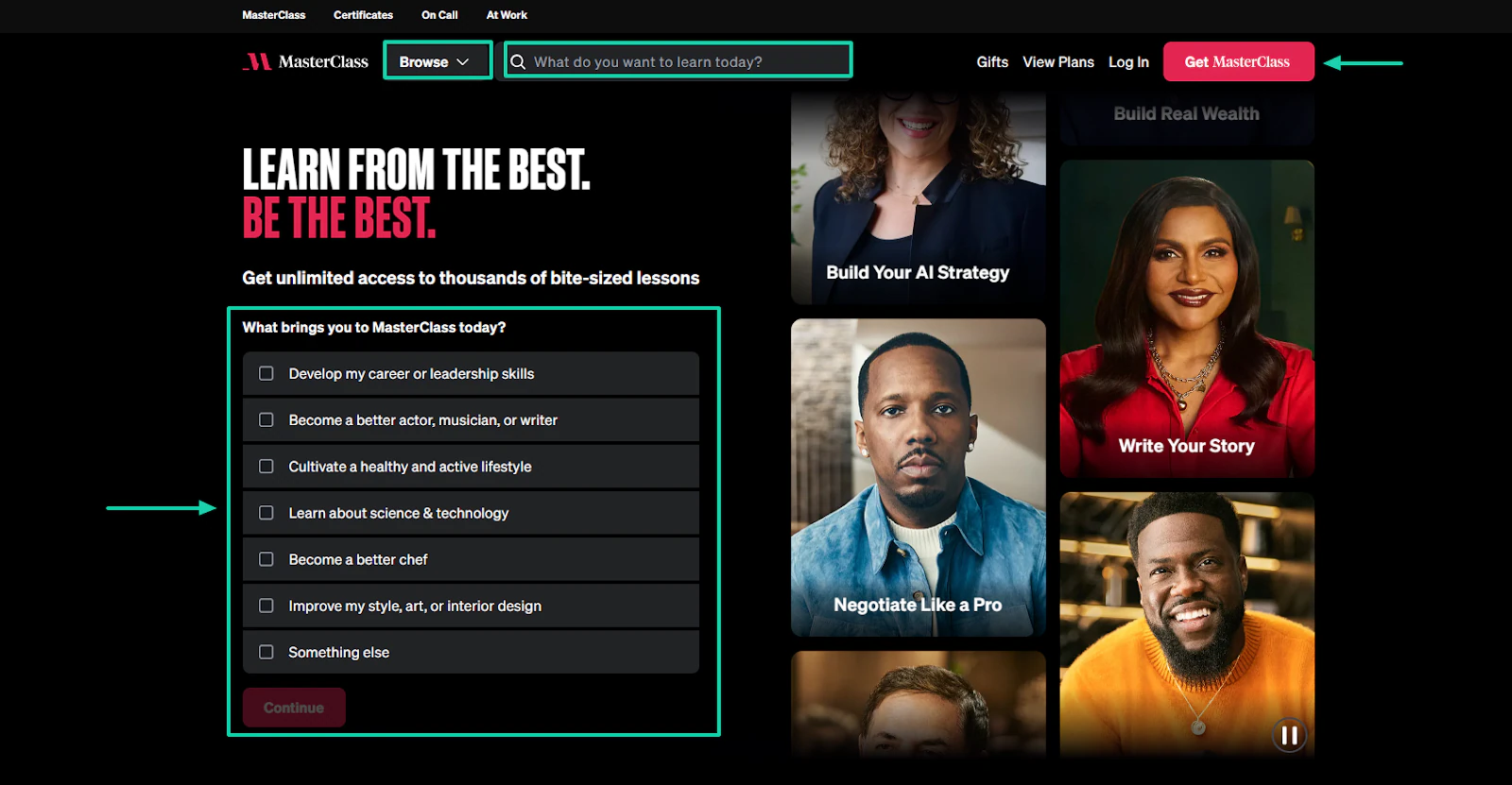
When you go to MasterClass, they want to know what brings you to them. They have even prepared a list of answers to guide your next actions.
You can quickly browse through the platform and search for what you want to learn today. Everything is well organized.
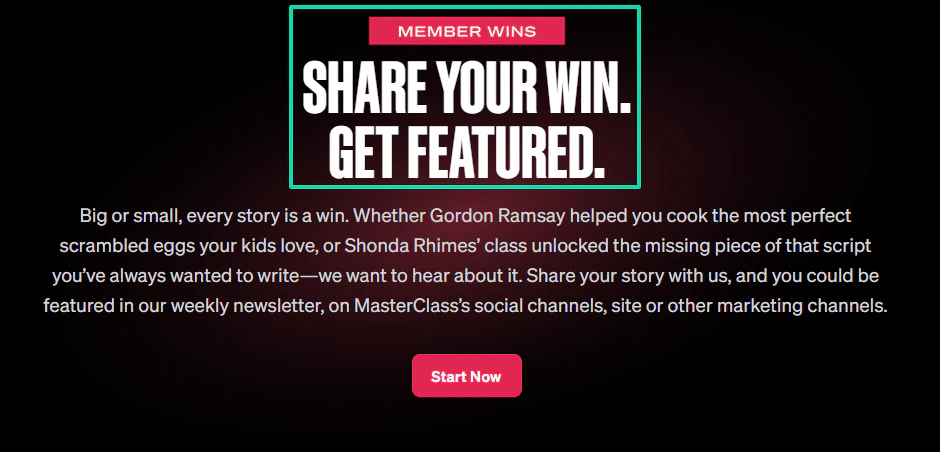
As a member, you can share your win with them. You enter your name, email, and the message you have.
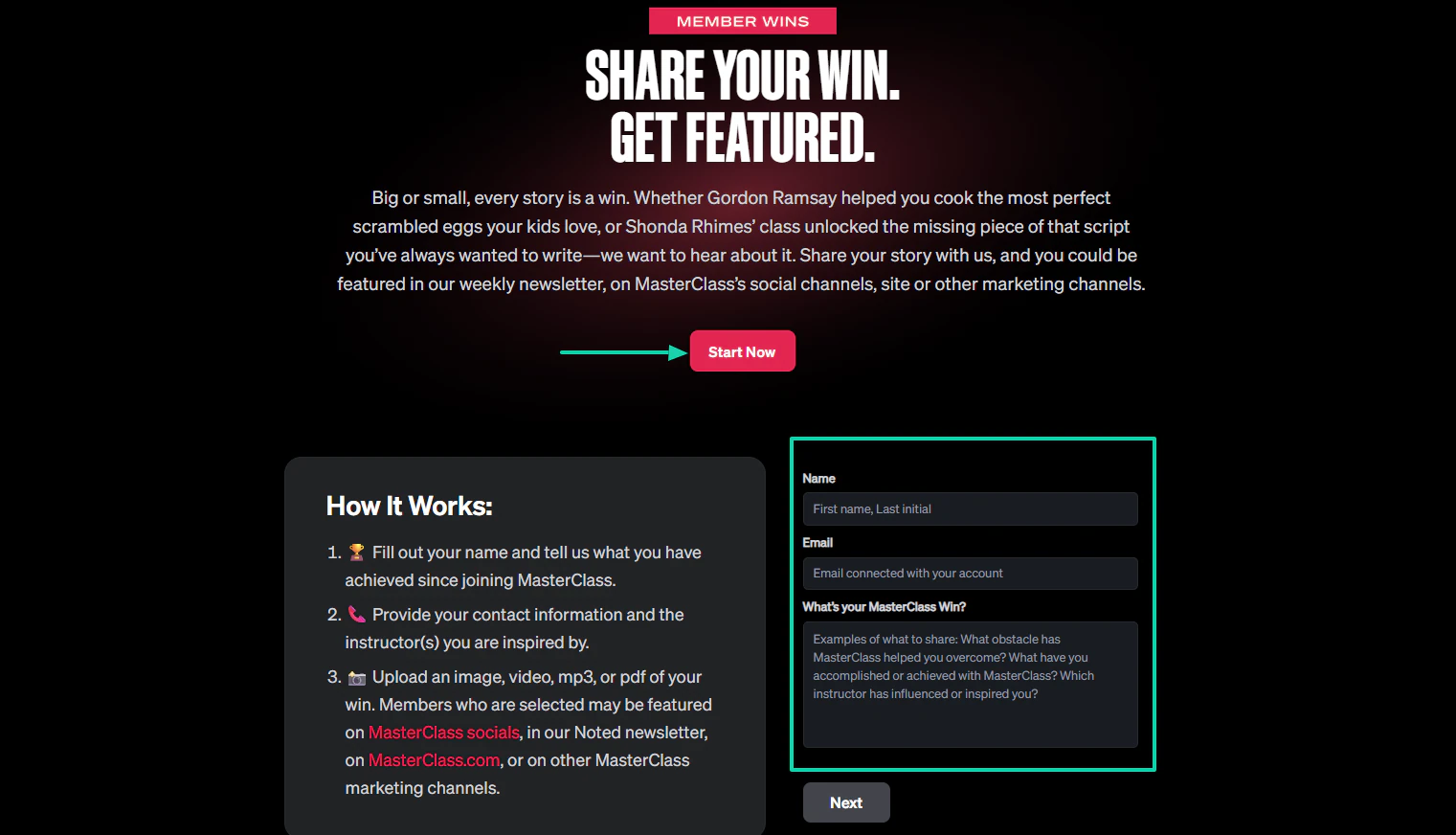
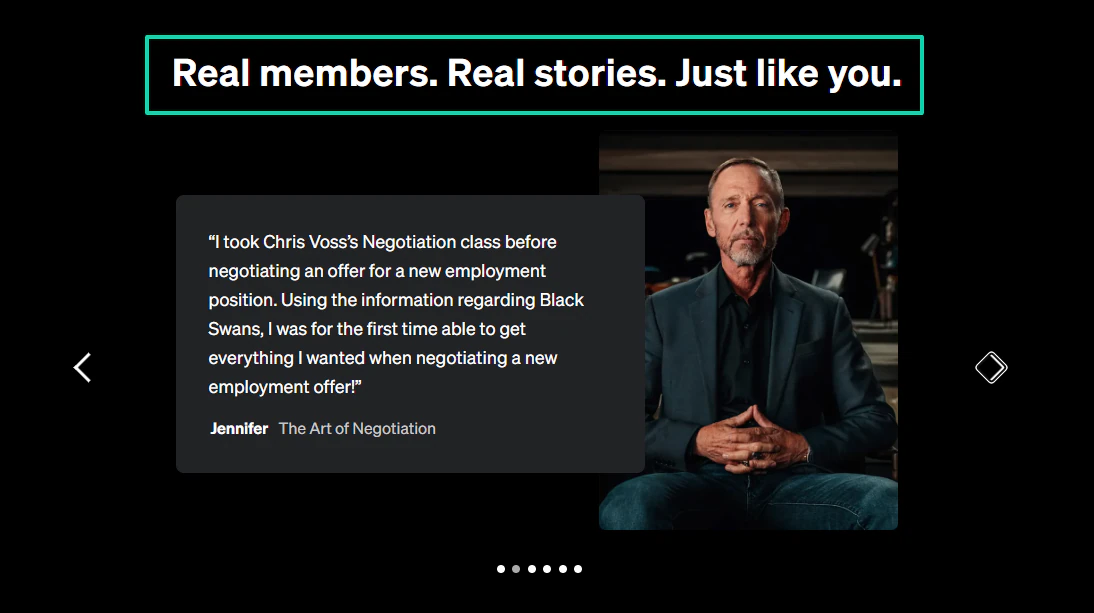
What’s impressive is that they feature you on their website with your profile and story. People will definitely think twice before leaving.
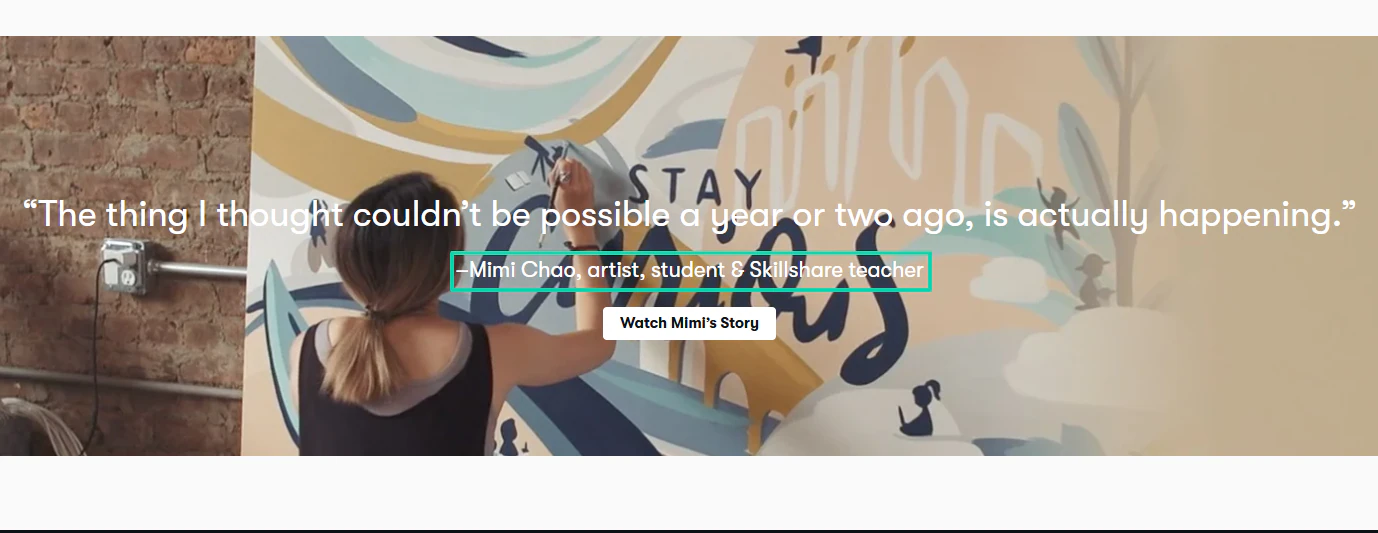
One thing I also want to say is that progress tracking is really something that can retain a member.
When people see growth, they hardly leave. Progress is a real source of motivation.
Take Mimi Chao, for example. Aside from being a student at Skillshare, she became a teacher.
With such growth, it’s difficult to leave the membership.
You also need to remember that members join your membership site because they want transformation. You need to work to add value to them from time to time.
You should, for instance, constantly add new materials or content, and announce upcoming ones.
It keeps them engaged and shows them that you care.
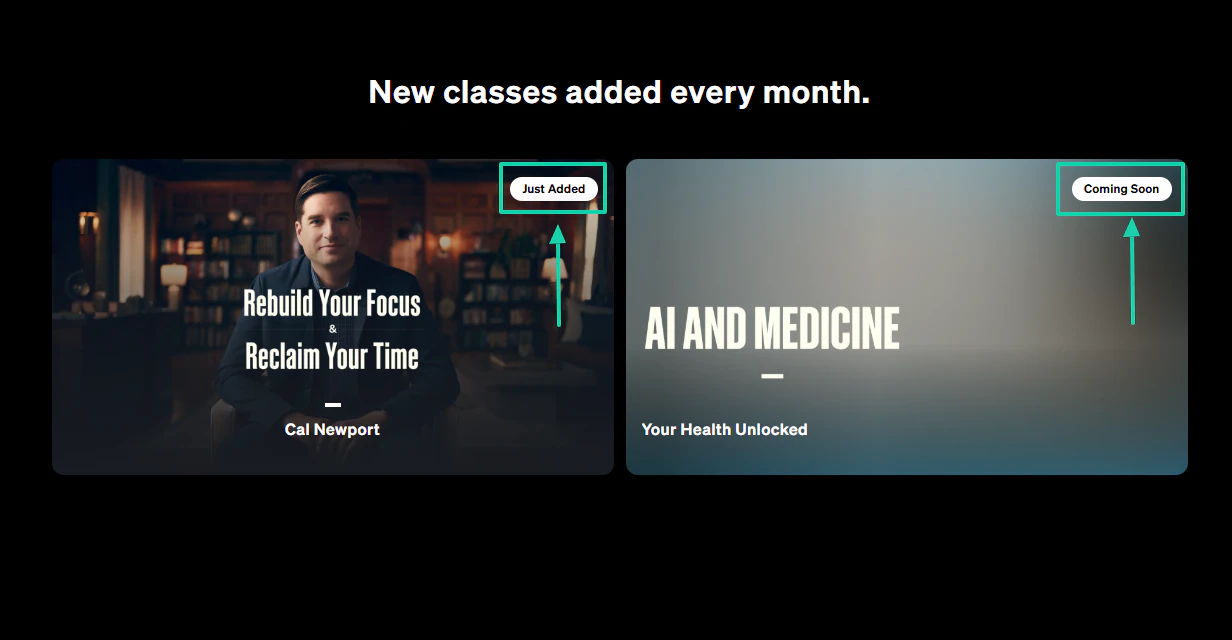
MasterClass adds new classes every month, and the ones coming soon. Members will be eager to watch these.
I couldn’t end this without mentioning discounts. Everybody, including you, loves discounts.
Now imagine you receive a discount for a service or product you already love. I’m sure your love will triple.
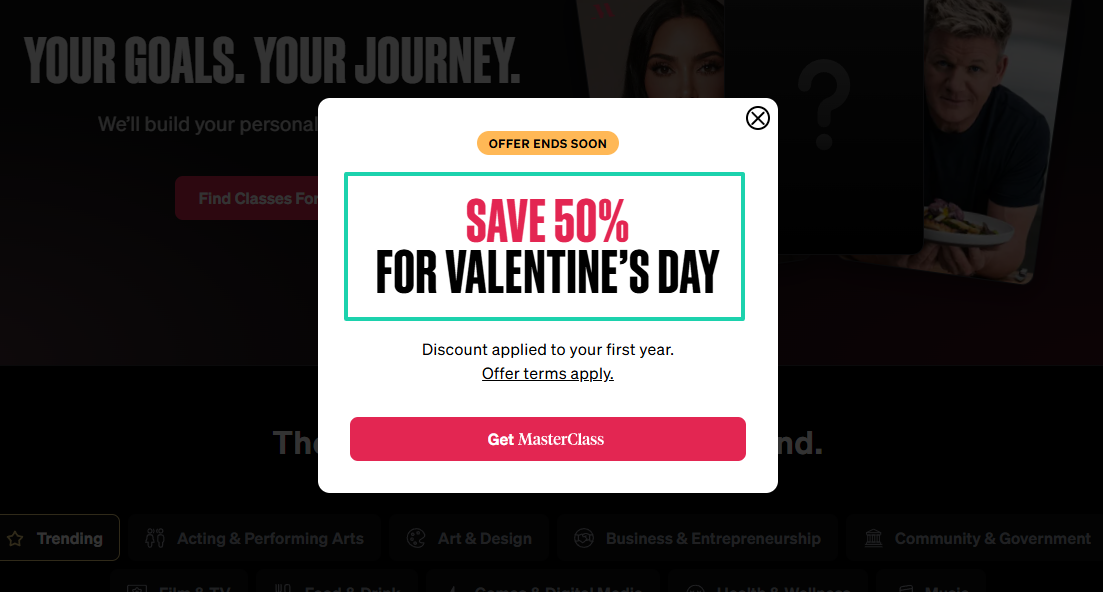
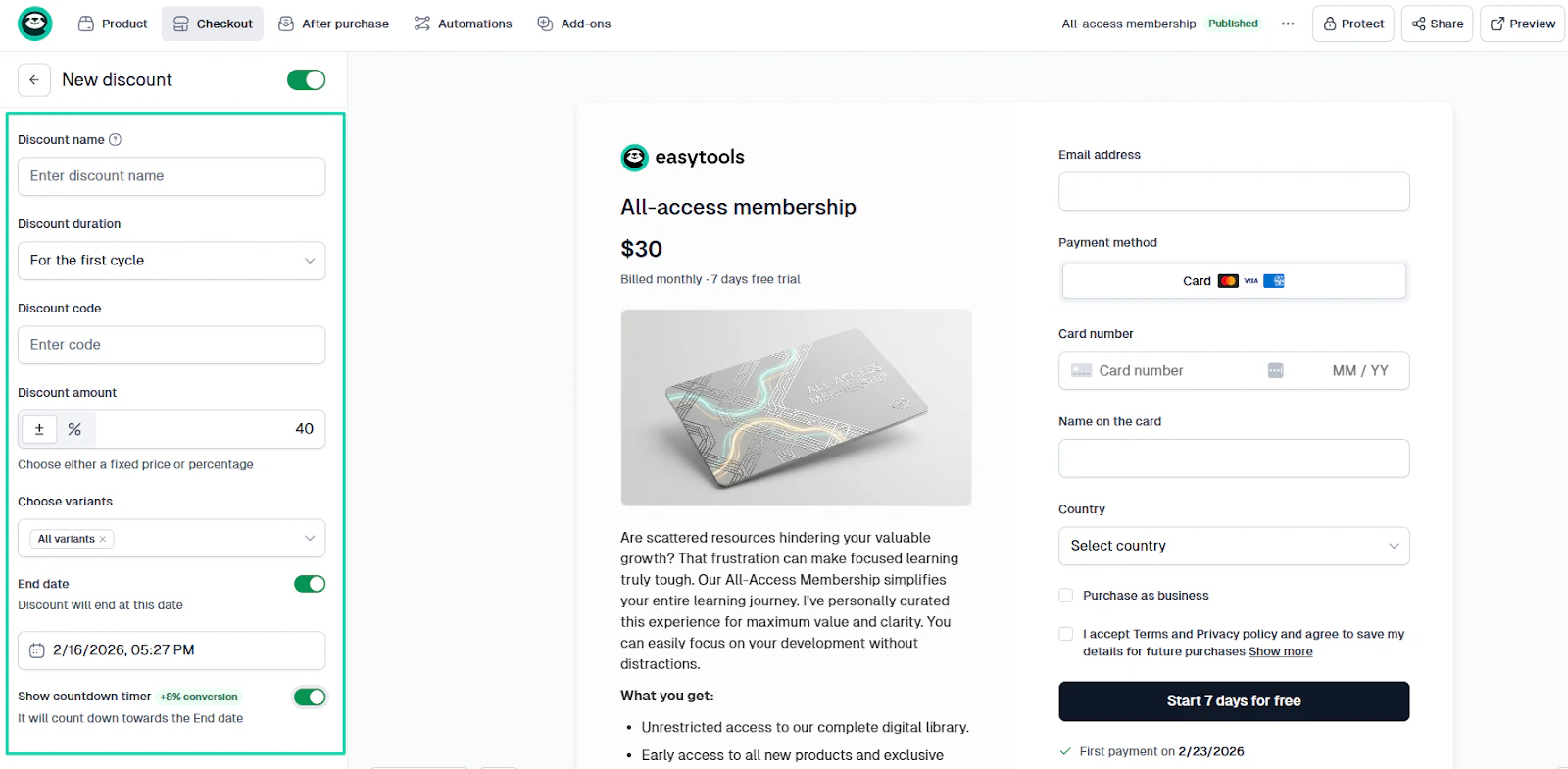
You can use any event to push your discount: Xmas, Black Friday, or Easter. Your membership site can, for example, offer a 50% discount for Valentine’s Day.
Some platforms let you offer time-limited discounts, specify the duration and amount, and even display a countdown timer.
I’ve said so many things, but this is what I want to leave you with: membership income is not built by selling harder.
It is rather built by making members stay longer. The longer they stay, the more you make.
Now, let’s move on to the next section of this guide, where we deal with the common mistakes.
Common mistakes to avoid
The most common mistakes to avoid include:
- Too much content upfront
- Poor onboarding
- Ignoring retention
- No automated systems
Let me help you avoid each one.
1. Too much content upfront
When you create a membership site, you must avoid the mistake of creating too much content upfront.
I’ve seen lots of membership sites fail after launch because of that mistake.
They ignore what members actually need. Instead, they flood the membership site and call it value.
The entrepreneur Anna Runyan is the perfect example. She created membership sites that failed. One reason for that failure is that she focused on adding more content.
She later realized that simplicity was what she needed
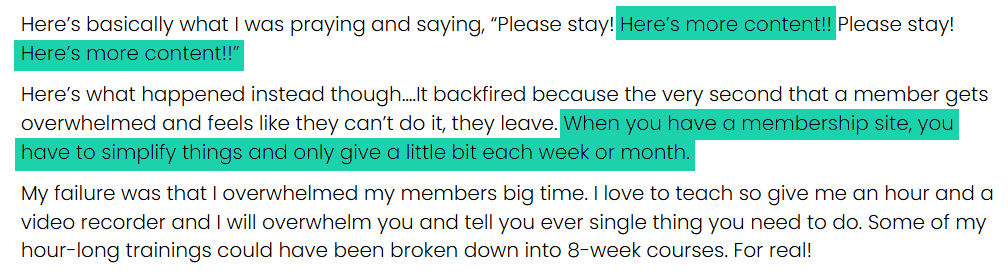
You might be thinking: “If I upload 100 videos, people will see massive value.” But the truth is that too much content upfront can:
- Overwhelm members
- Reduce completion rates
- Lower engagement
- Increase cancellations
I’ll be real with you.
Imagine, as a member, you log in and see: 200 videos, 50 modules, 300 lessons. I bet your brain will be like: “This is too much. I’ll start later.”
In psychology, it is believed to cause decision fatigue.
You can watch this short interview with Dr. Melissa Lems, who explains how information overload can impact your brain health.
You should understand that a large content volume does not necessarily guarantee engagement, loyalty, or completion.
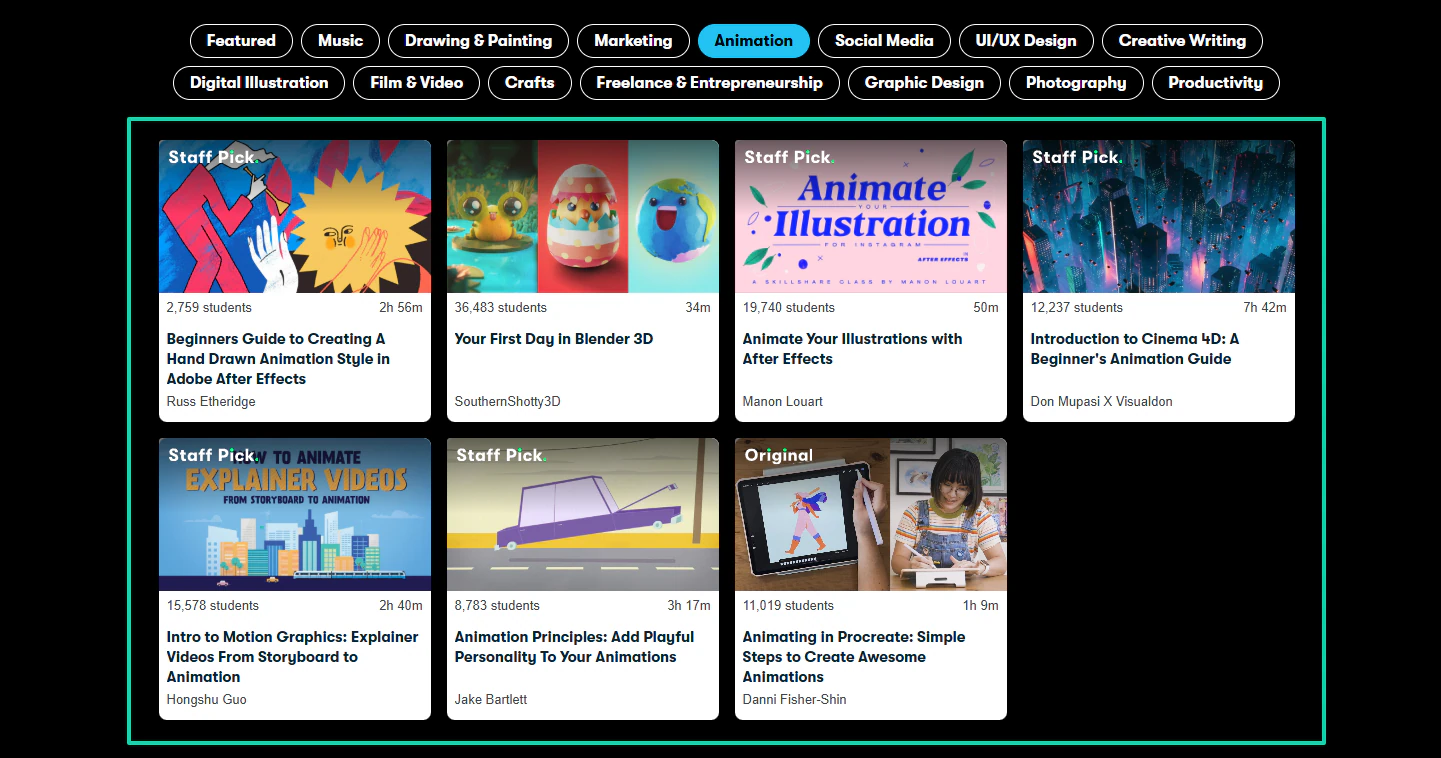
That’s why I love Skillshare. Even though they have many students, the course interfaces are still minimalist.
For example, the Animation category has seven courses.
You don’t need to impress members by uploading 1000 courses. You will actually chase them away and end up in burnout.
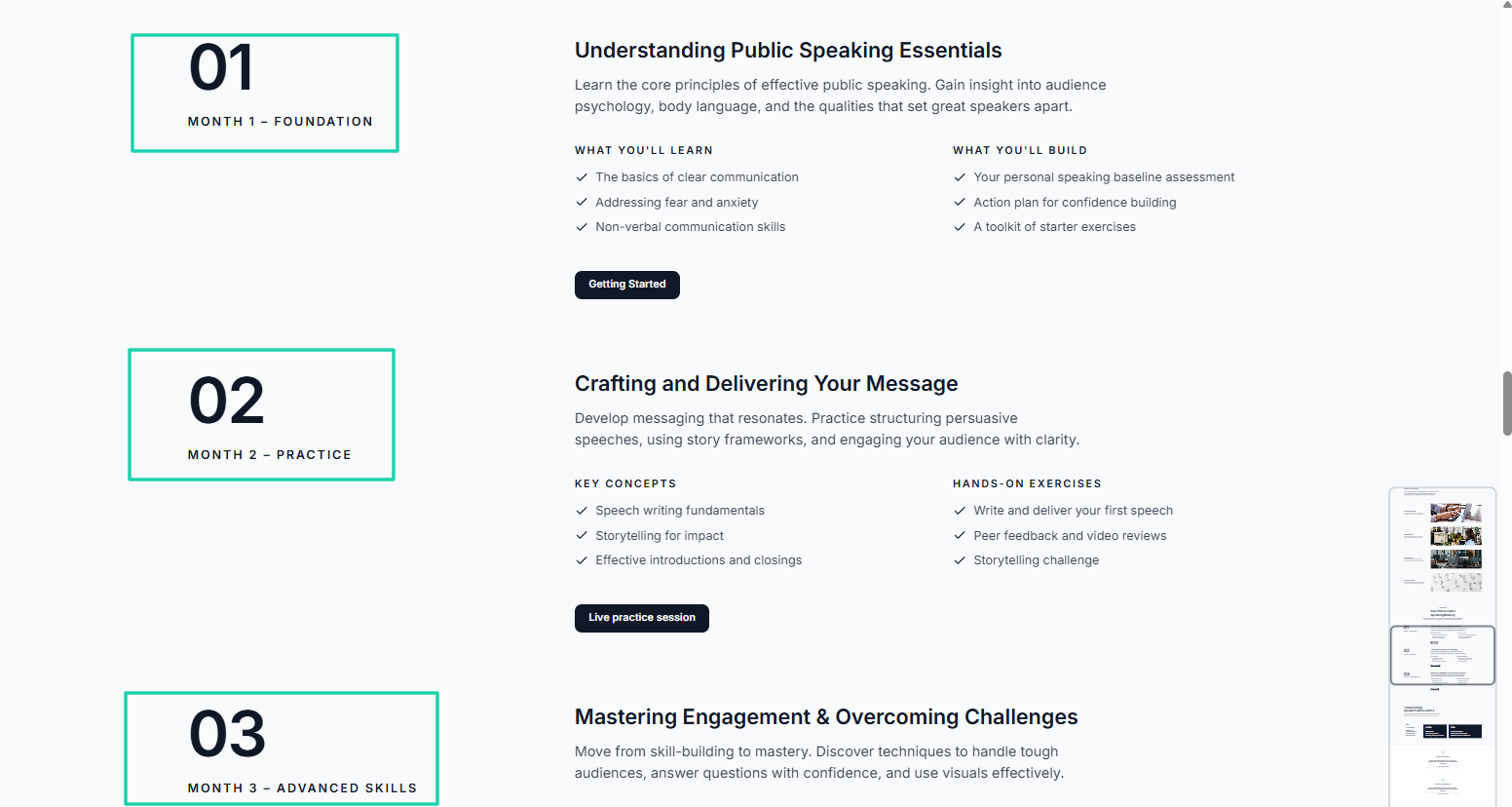
Instead, start small and stay organized. I would even suggest adding a monthly membership plan:
- Month 1: Foundation
- Month 2: Practice
- Month 3: Advanced skills
This is way better than just saying: “Here are 150 videos.”
Pro tip: if a new member logs in and decides to come back later because they’re overwhelmed by the amount of content, they probably won’t.
So try as much as you can to avoid that mistake. Your membership should feel intentional, organized, and guided.
Now, let’s continue with the next mistake.
2. Poor onboarding
Poor onboarding is among the common mistakes to avoid if you want to create a membership site.
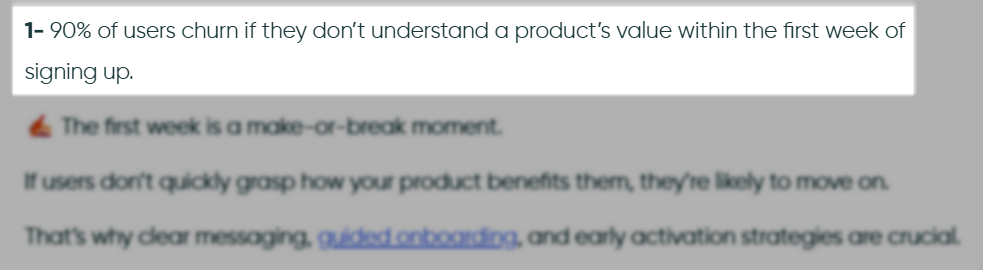
Research from UserGuiding shows that 90% of people leave when they don’t understand the product’s value within the first week of signing up.
Though the content may be good, people can still leave after they join. Onboarding might be the problem.
- Do they know where to start?
- What to do first?
- How would the membership help them?
These questions can determine whether they stay or leave. If you think members only leave because of the price, you’re wrong.
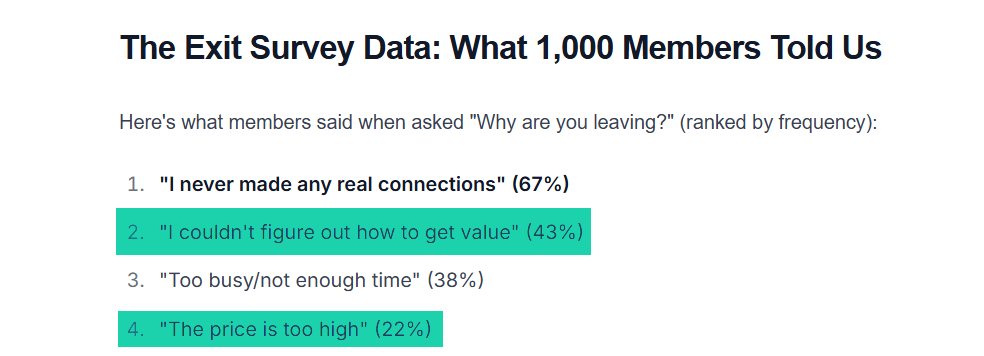
Dan Fisher surveyed about 1,000 people who canceled their memberships.
Pricing ranked 4th, with only 22% citing it as a reason. Surprisingly, 43% in 2nd place said they couldn’t figure out how to get value.
This is what happens: many members mentally unsubscribe before the billing date.
But if the process is smooth, it will be difficult for members to leave before reaching their goal.
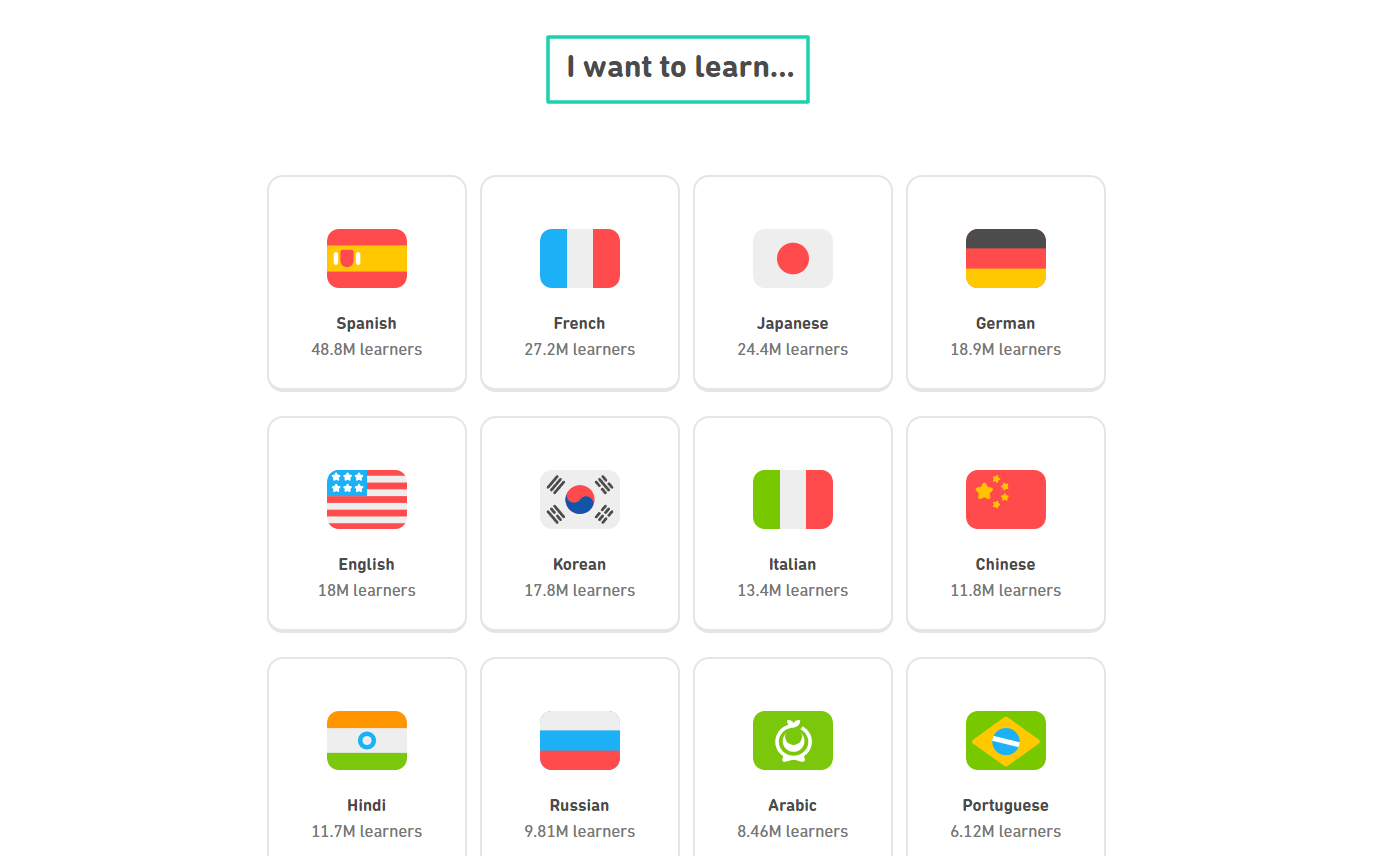
The language learning platform Duolingo is a perfect example of great onboarding. When you go to their site, the interface shows you two clear options: “Get started” or “I already have an account.”
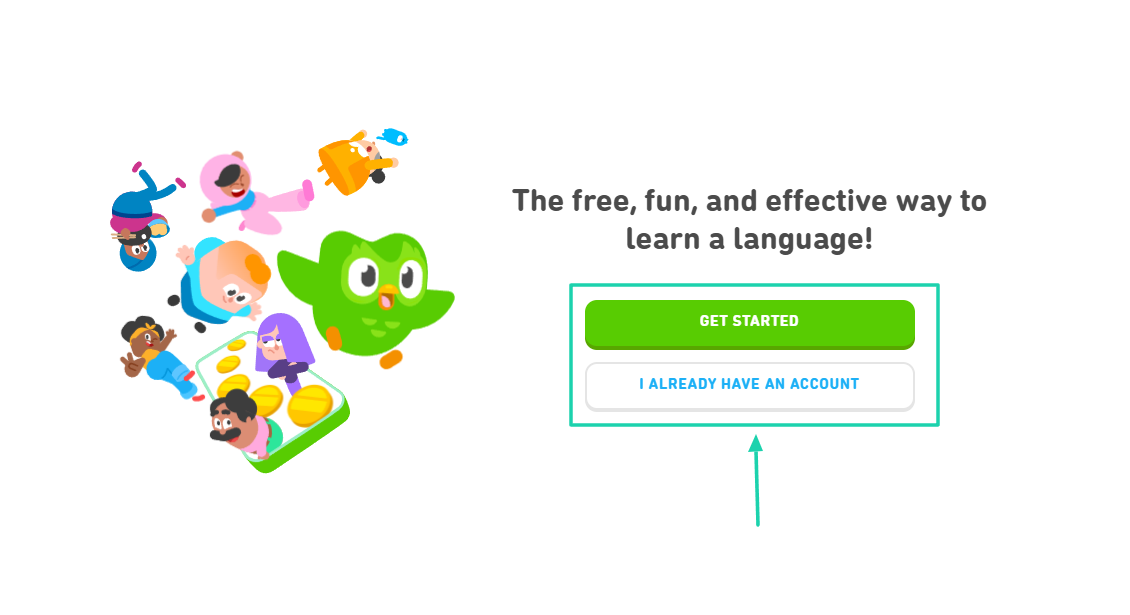
When you start, they guide you into choosing the language you want to learn.
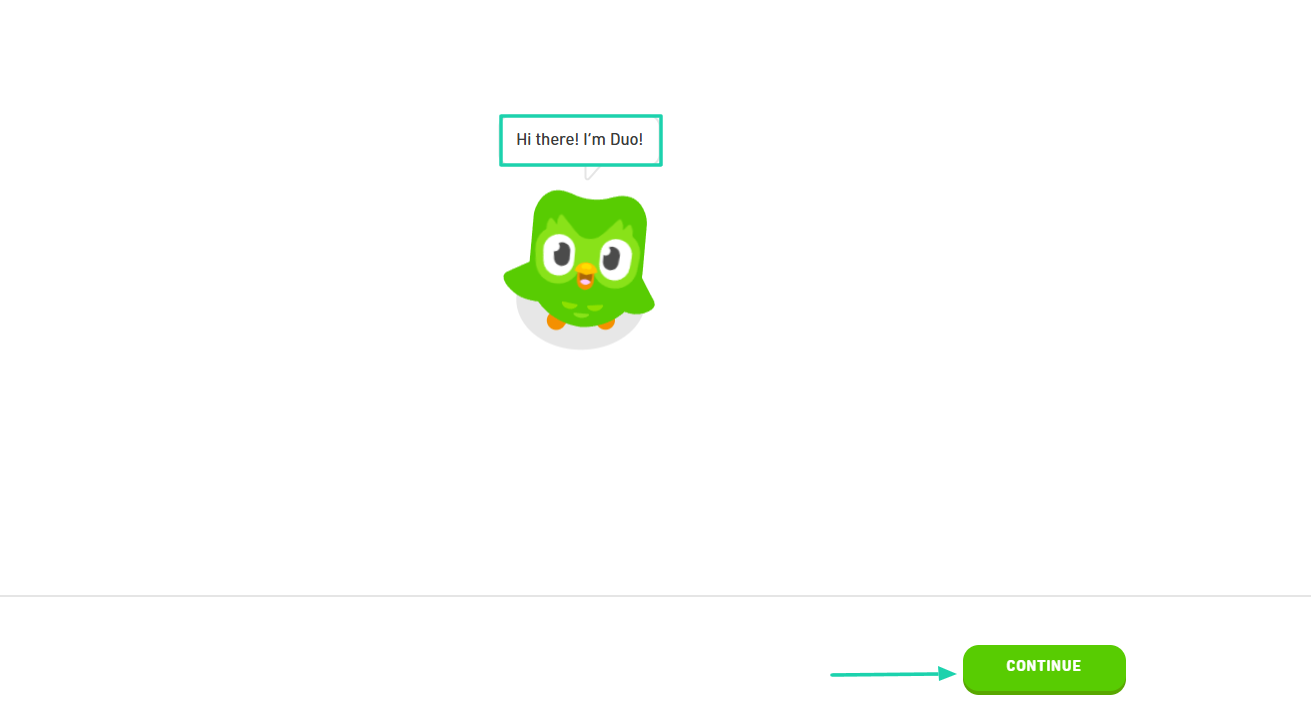
They greet you and show you the next step.
The platform wants to know the reason why you want to learn the language you selected. You can even select your reason among the ones they prepared.
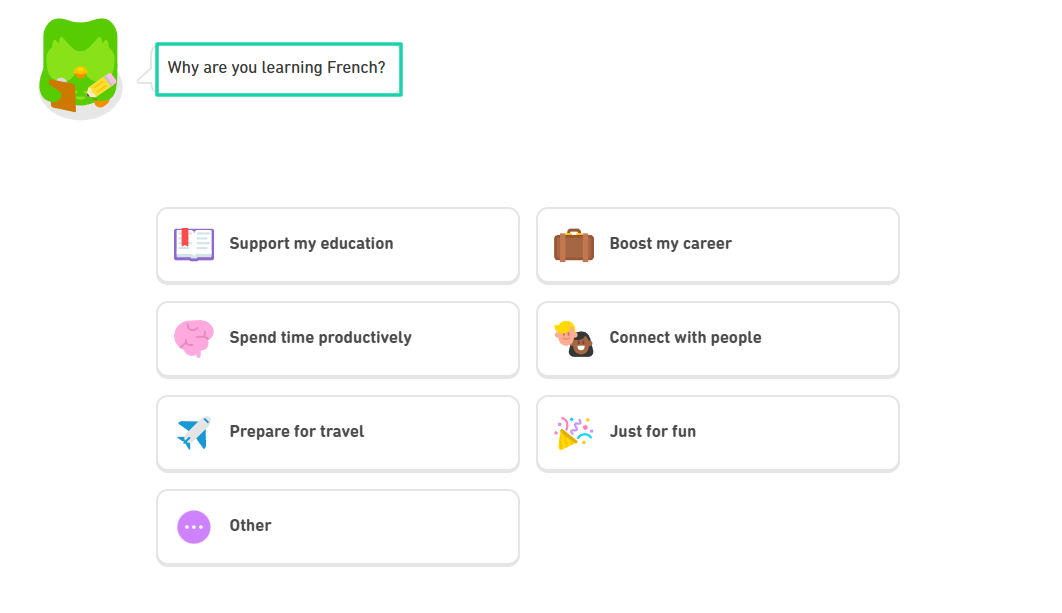
You see, the whole process feels guided. This is what good onboarding feels like.
It’s the same thing with MasterClass. When you try to sign up, they will first help you select your interests.
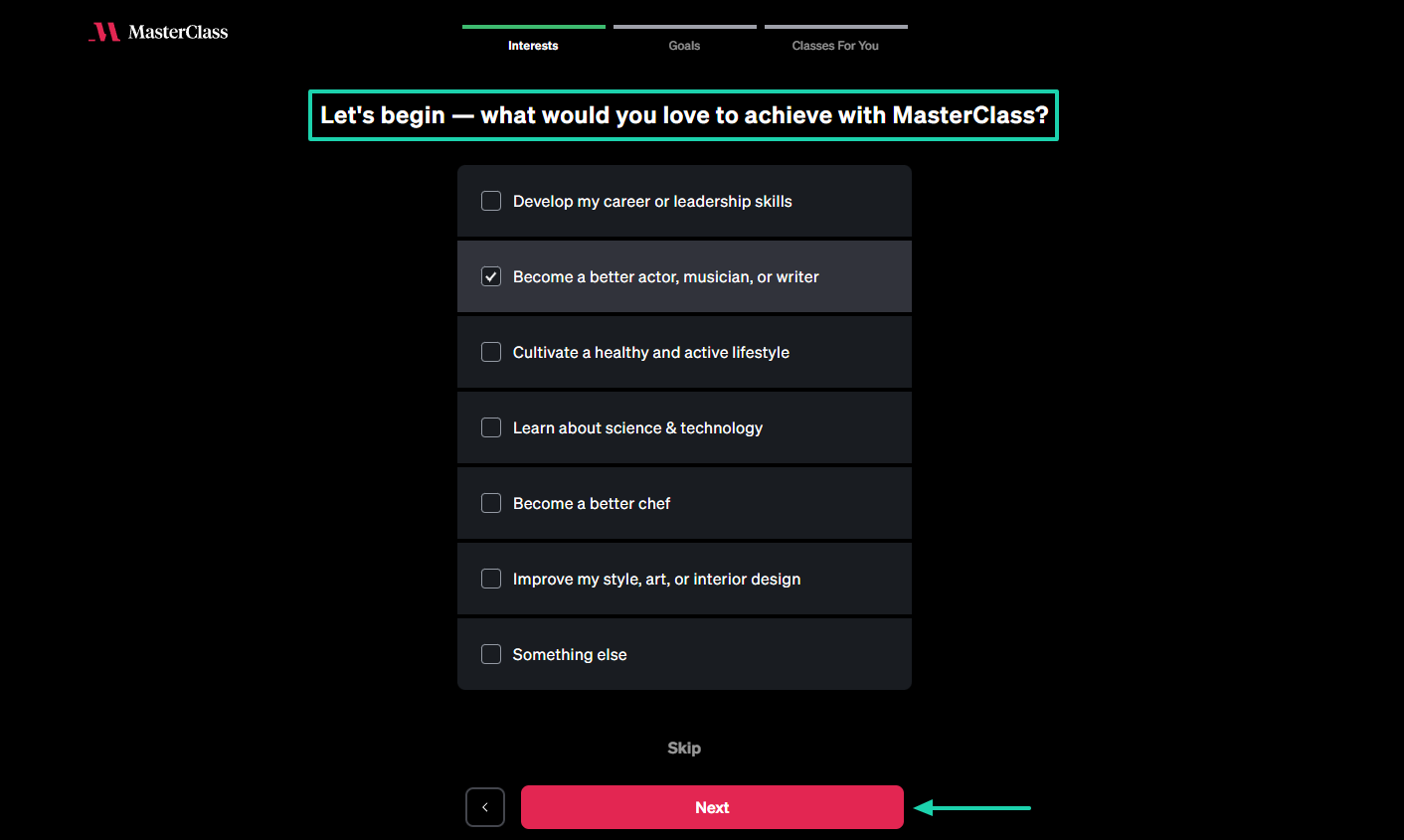
You will choose any topics that interest you.
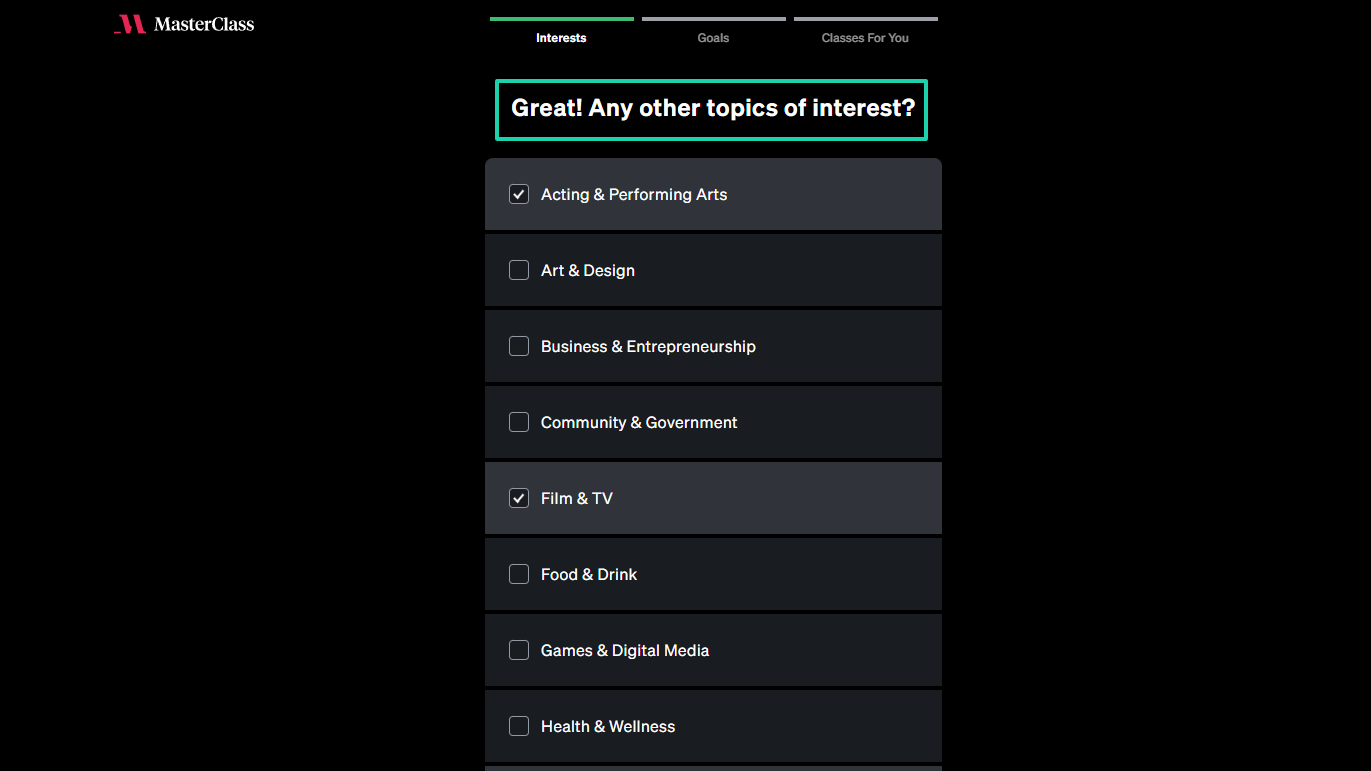
Still on your interests, they will help you be more specific.
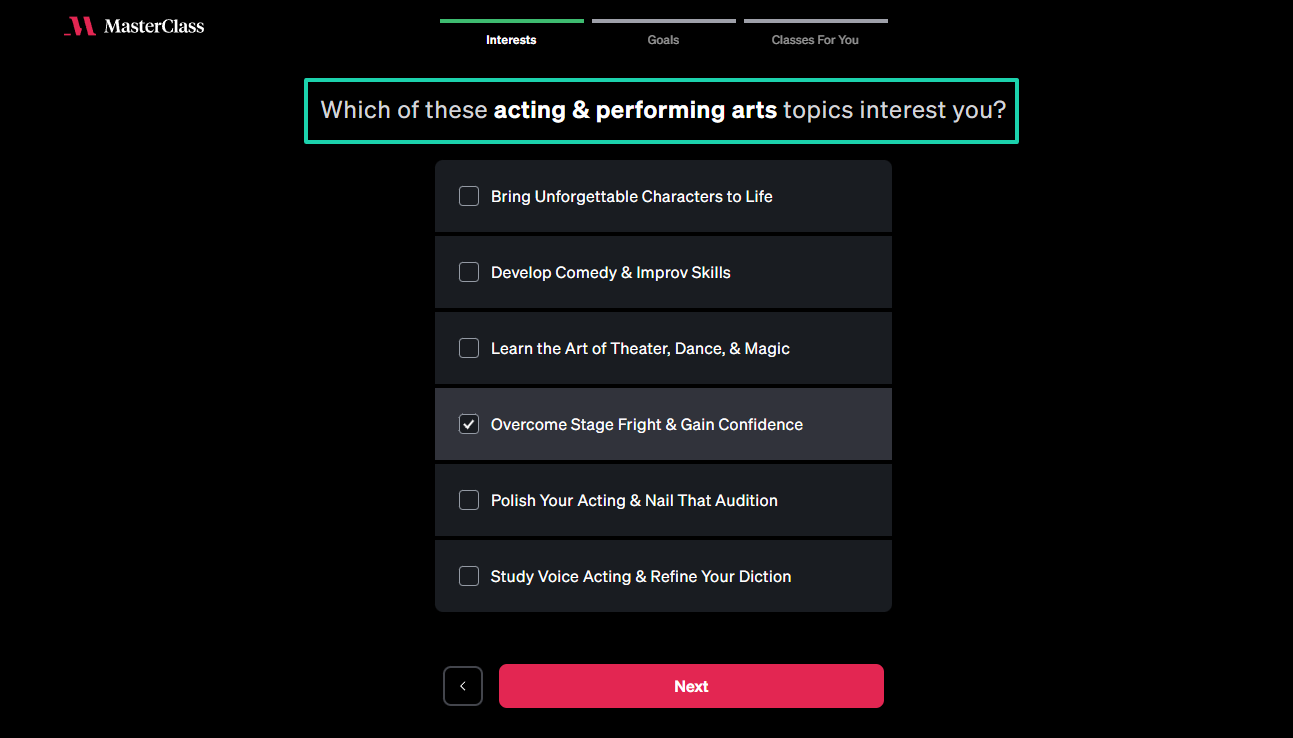
Then, they show you the instructors you’re likely to have if you sign up.
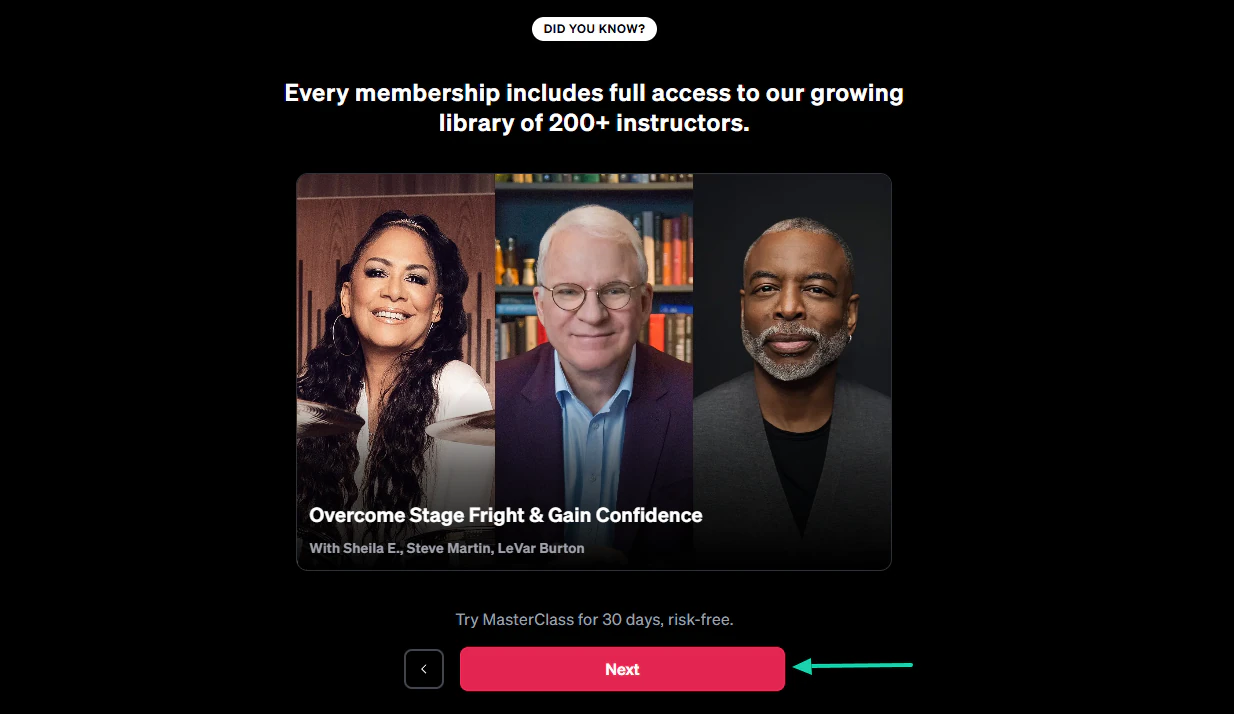
They also let you decide how much time you want to dedicate to your learning every week.
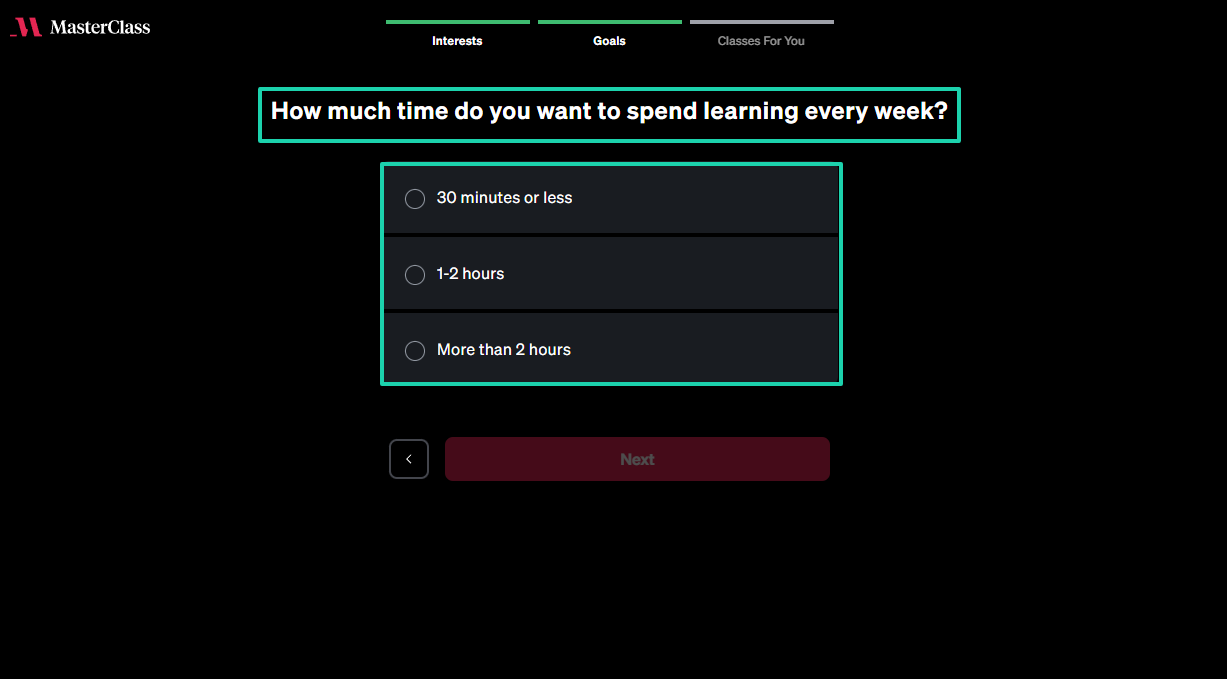
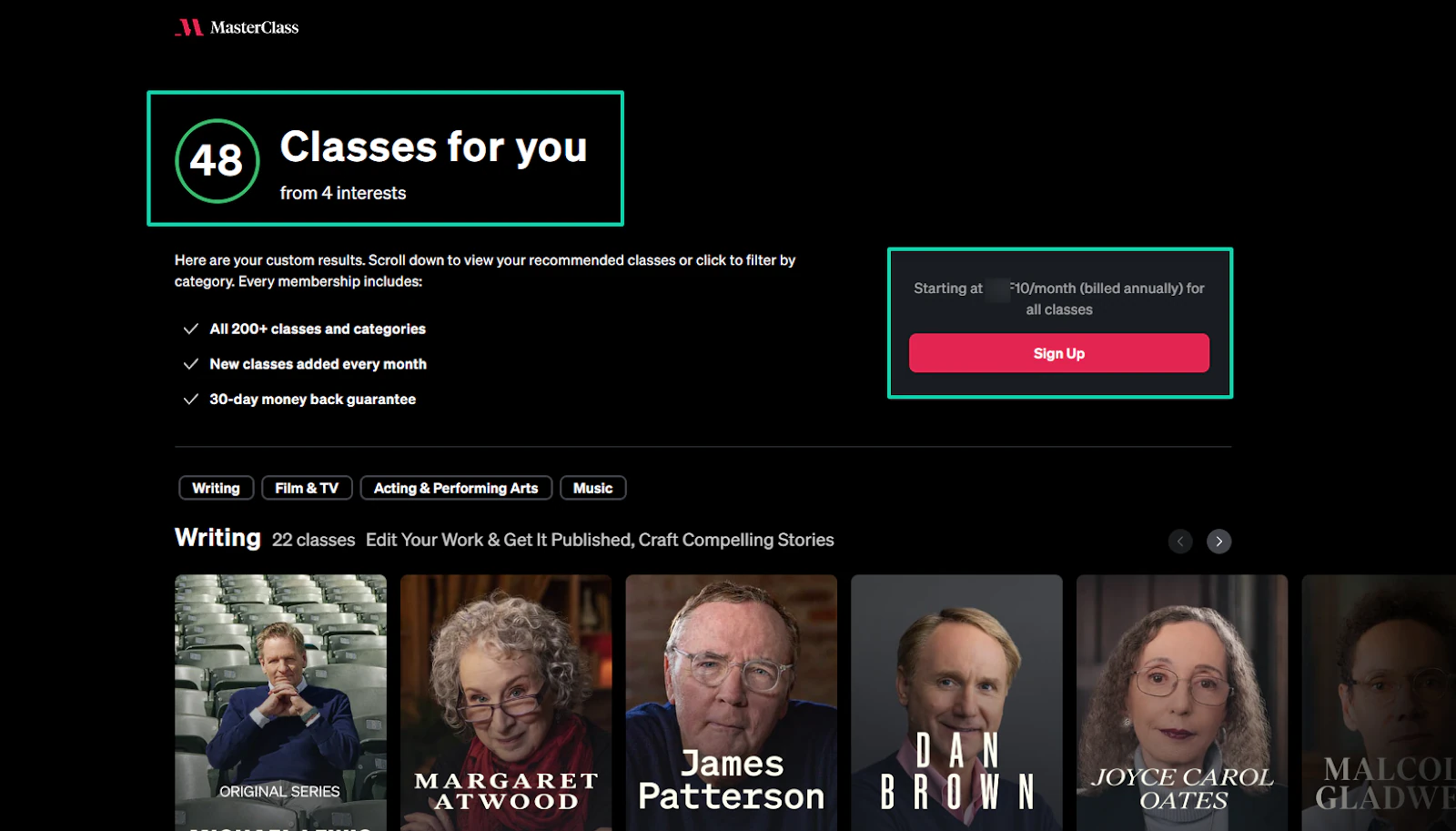
And only then, they show you the number of classes you may need based on the interests they gathered during onboarding.
At this stage, it’s much easier to pay for the membership.
As if that wasn’t enough, they have a dedicated section where members can share their wins and get featured.
Keep this in mind when you create a membership site: good onboarding retains members while bad onboarding pushes them out.
3. Ignoring retention
Ignoring retention is a common mistake to avoid when creating a membership site.
You’re likely to spend five times more when trying to get a new member. So, obviously, retention is better than acquisition.
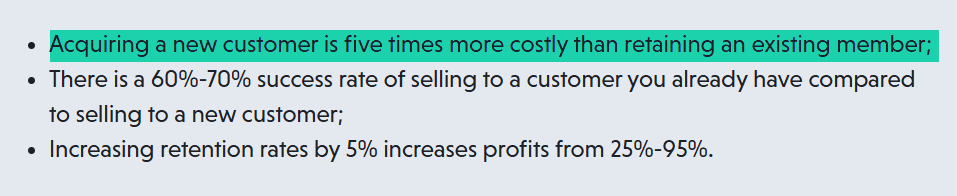
The truth is, a membership site doesn’t grow from signups every week but from members staying.
So it’s better not to spend all your energy and resources on more marketing when you can’t even keep the members you have.
Say that out of every 100 members, you lose 10 each month. Do you know that adding 10 new members doesn’t mean you’re growing?
You’re simply replacing losses.
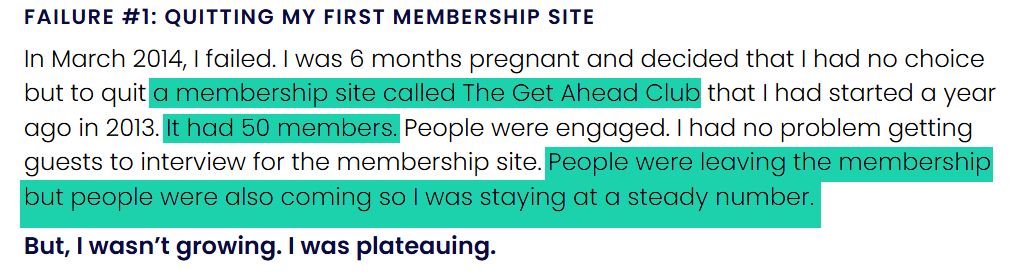
Anna Runyan experienced the same thing when she created her first membership site called the Get Ahead Club. She had 50 members.
She realized she was staying at a steady number because some members were joining while others were leaving. She said she wasn’t growing. She was plateauing.
The ideal membership site should attract members and retain them. Everything you do inside the membership site should answer this question:
- Why should members renew their subscription every month?
So put in place strategies to retain members, even those who desire to leave.
For instance, you can use a platform like Easytools to display a survey when members cancel their subscription.
It could be a last chance discount, an option to schedule a call, a recovery survey, or you showing them what they might miss.
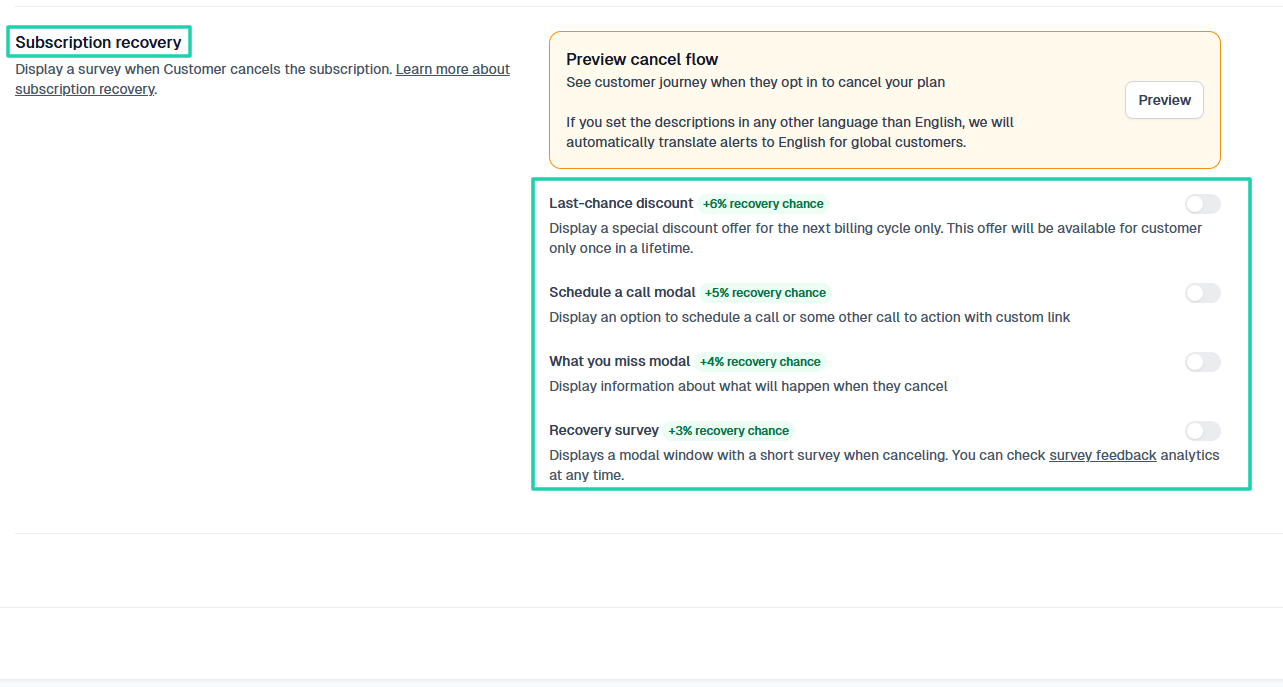
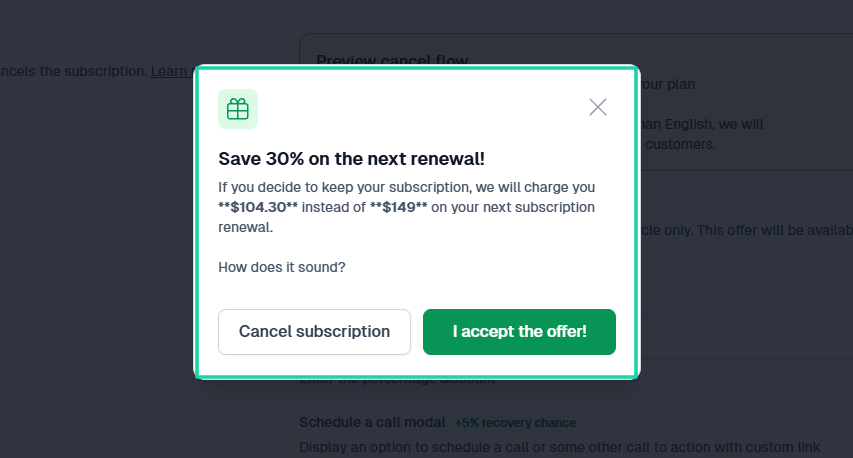
The last chance discount can make members think twice about canceling. You never know, pricing could be their worry.
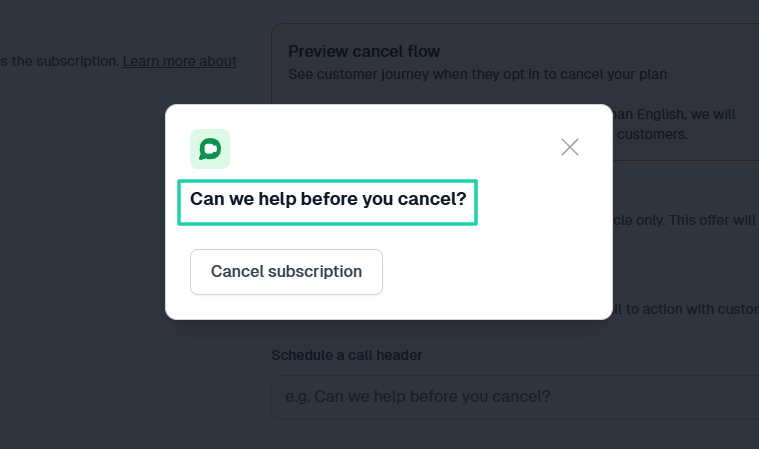
Or a gentle question like: “Can we help before you cancel?”
The point is you should do everything you can to retain your members. A satisfied member will definitely spread the word about how great you are.
4. No automated systems
Lack of automated systems is also a common mistake to avoid when creating a membership site.
This is a serious problem because, without automation, members get inconsistent experiences and important steps are missed.
As you grow your membership, demand increases. What used to require manual effort now needs to be automated.
If everything, such as onboarding, emails, renewals, payments, or follow-ups, still depends on you, I don’t think you own a scalable business.
This may lead to burnout, and eventually, your membership will fail.
But when systems are automated, you save time, allowing you to focus on other tasks, like creating your content.
For instance, when someone joins your membership, they should automatically receive a welcome message without needing your manual involvement.
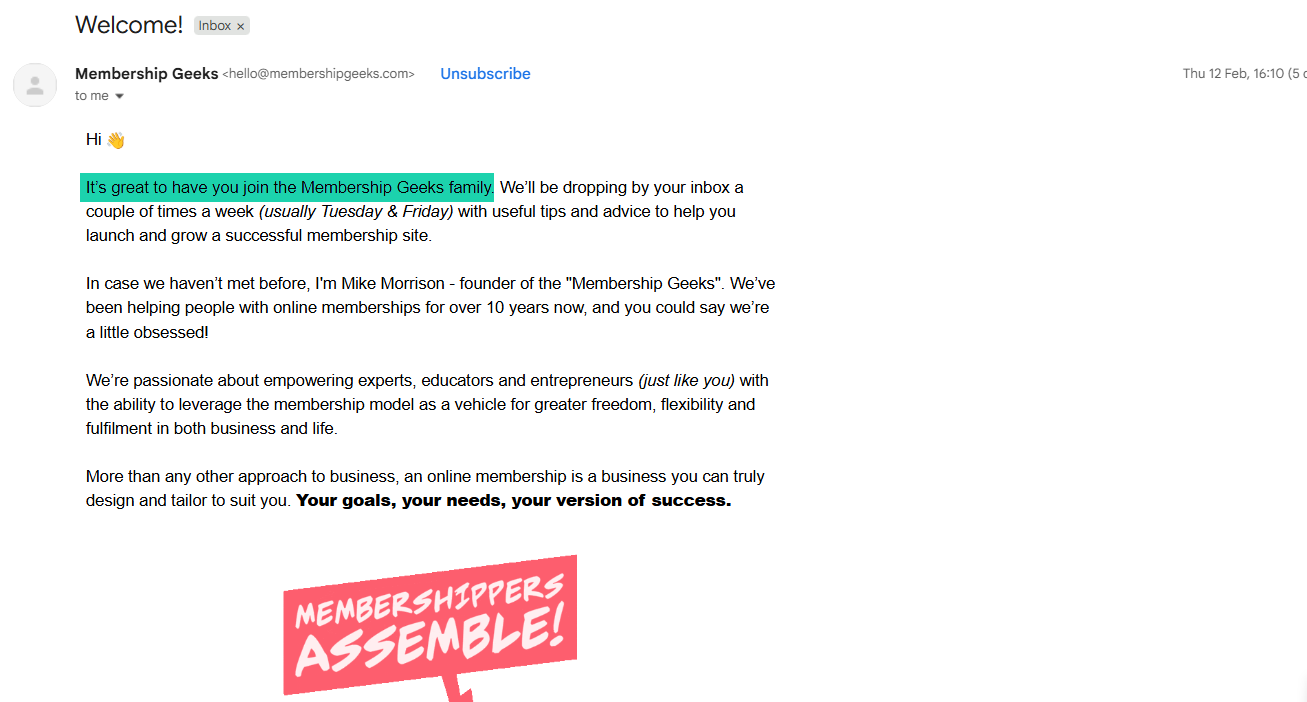
Medium, for instance, sends you an email after you sign up on behalf of Tony Stubblebine, the CEO, that welcomes and thanks you.
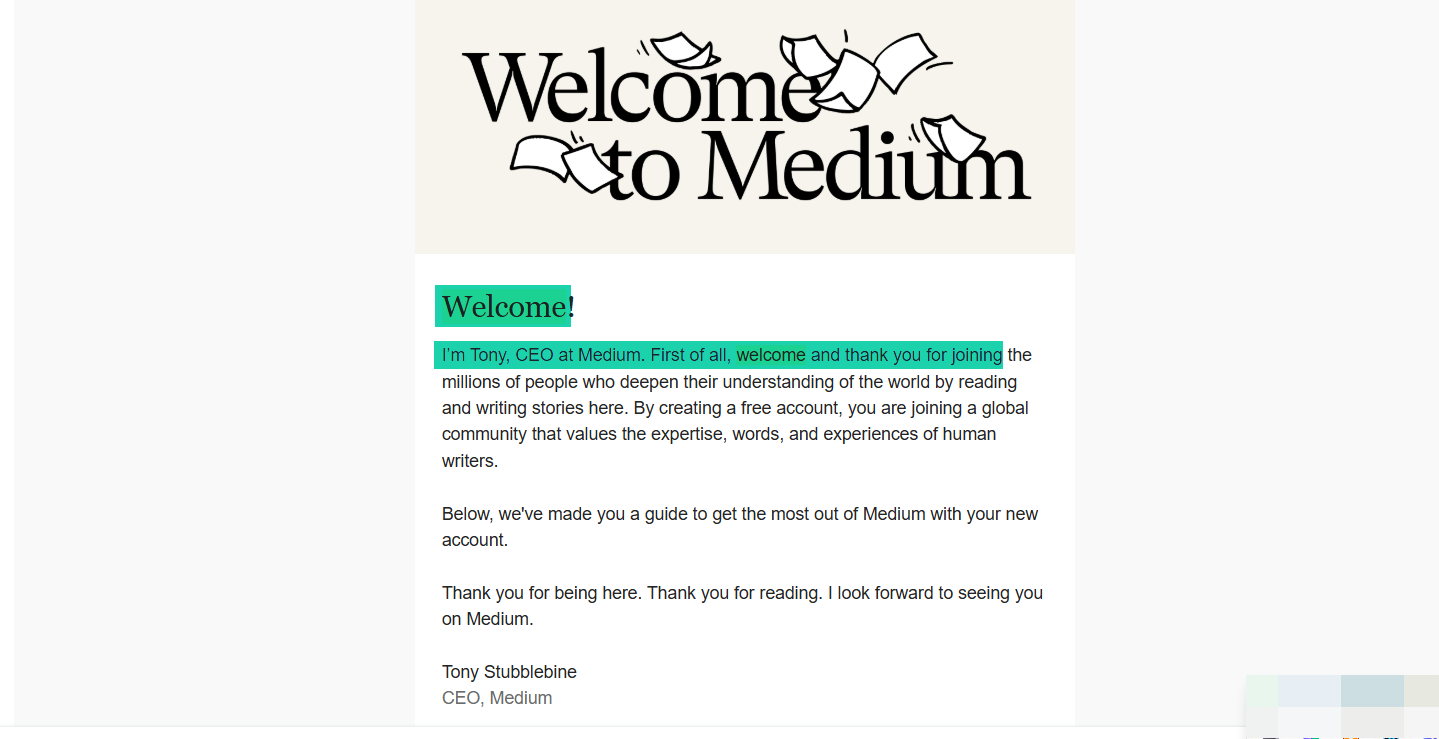
I don’t think he writes those emails manually, given the large number of people who connect on Medium every month (over 100 million).
Manually replying to even 1,000 people is impossible.

Here’s how you can use automated systems. If you offer a trial, those who join should be notified when that trial starts.
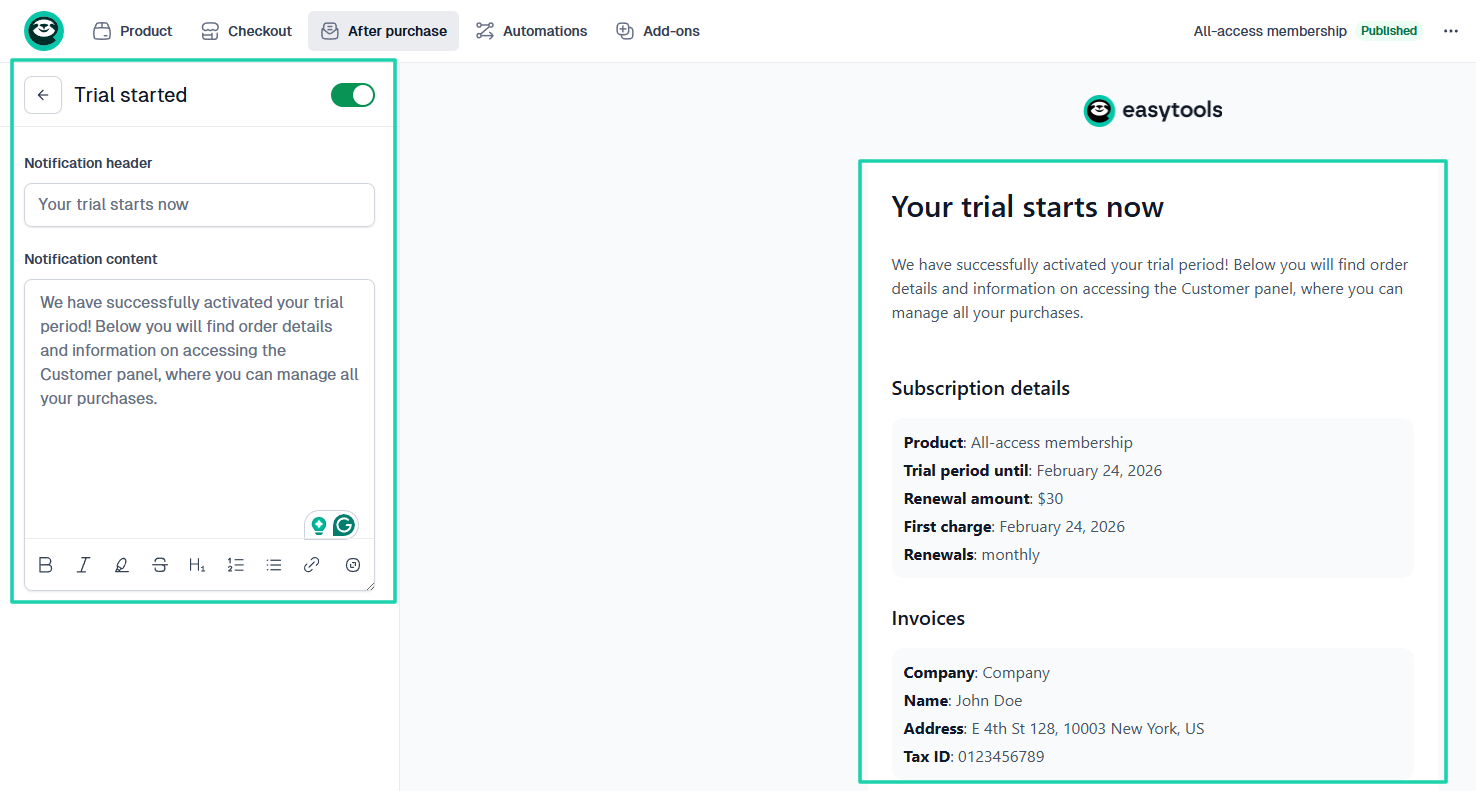
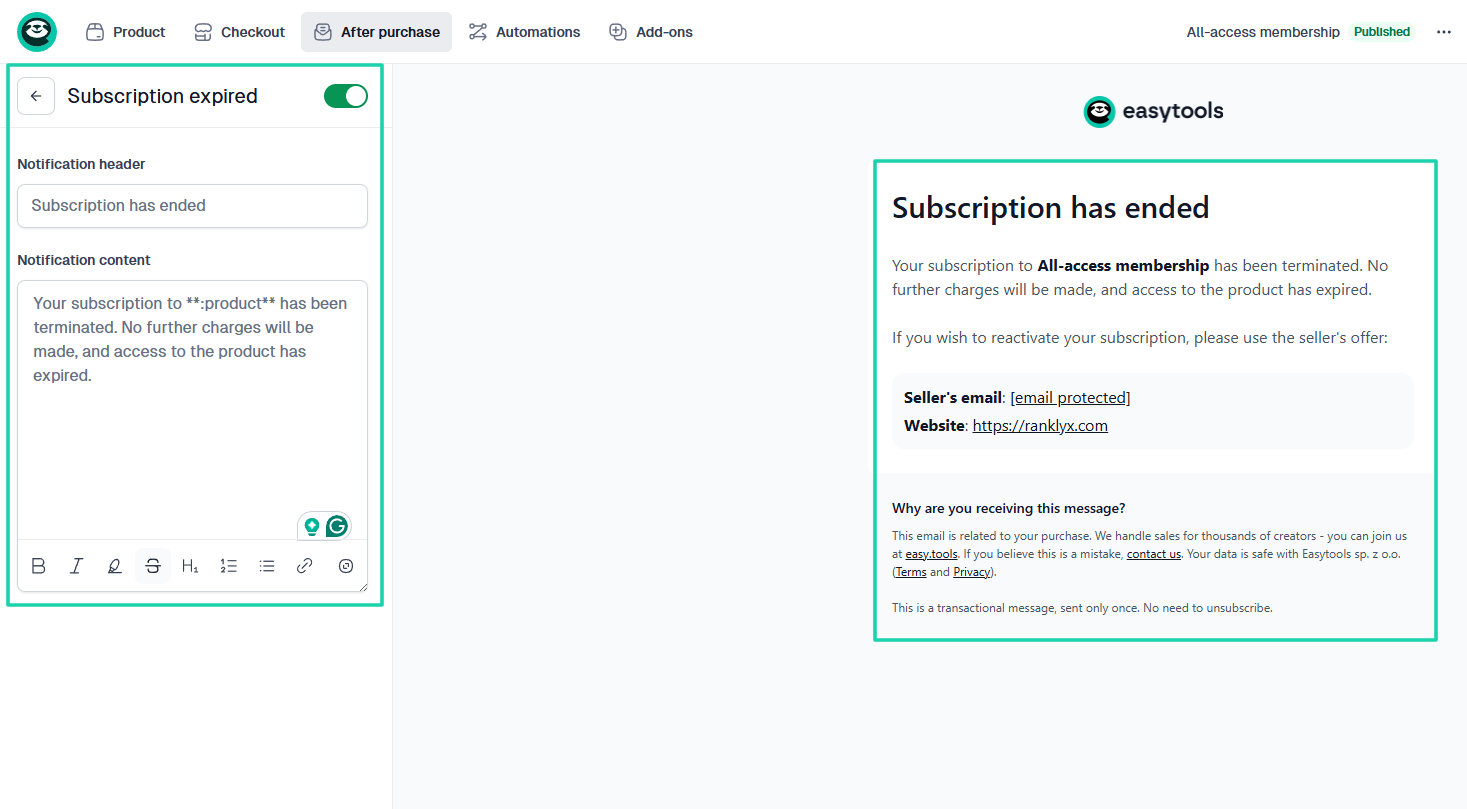
The same is true when a member’s subscription ends. This should be automatic.
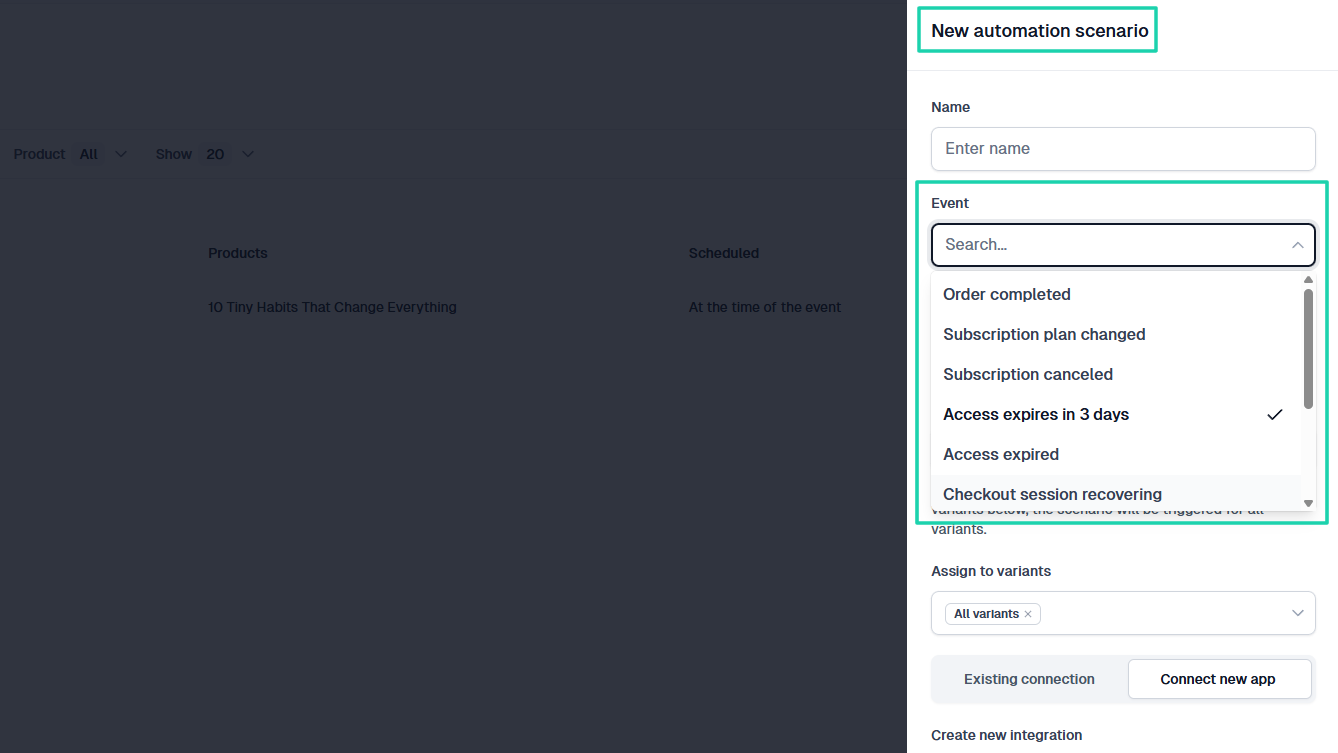
With Easytools, you can create automations for many events. Like “Order completed,” “Subscription plan changed,” “Subscription canceled,” “Access expires in 3 days,” “Access expired,” and more.
You can determine what will happen next.
As a new creator, you will be exposed to all the mistakes we discussed in this section. You should do your best to avoid them all while focusing on growing your business.
Start a profitable membership site online
After going through this simple guide with me, you will agree that starting a profitable membership site online isn’t difficult.
You need to choose a profitable membership idea, decide on your membership model, create your core content and experience, build the site, and set up payments.
Then you launch, market, and do your best to retain members.
I also shared some of the common mistakes to avoid: too much content upfront, poor onboarding, ignoring retention, and no automated systems.
With everything I shared, I believe you can now create a membership site.