Blog
How to sell Notion templates in 5 easy, practical steps (A simple guide)
Learn how to sell Notion templates with 5 simple steps, top platforms to use, pricing tips, and real examples to get you started …

Many creators sell Notion templates, priced from $1 to $30+ per template.
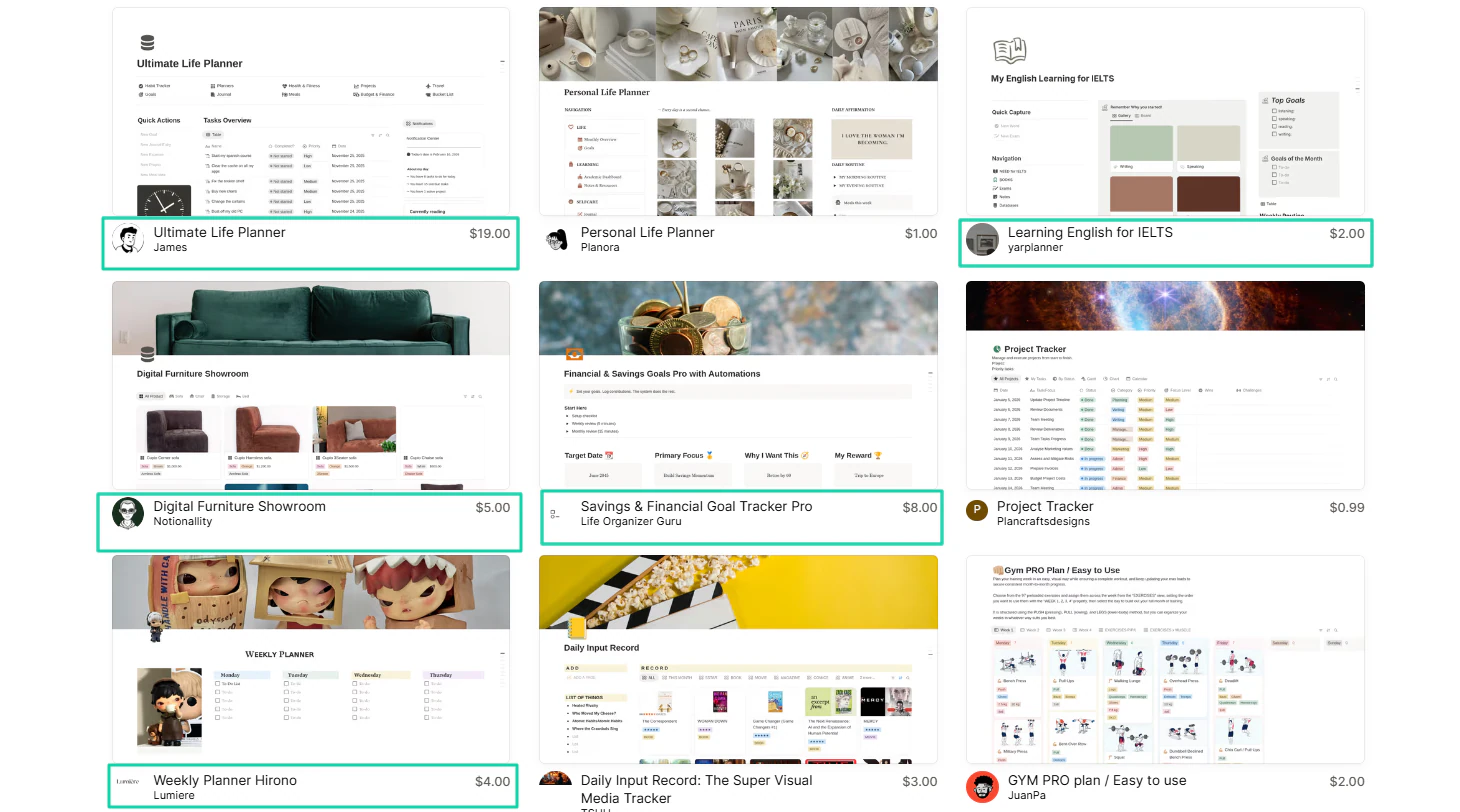
Imagine how much you could make selling yours to 500 people?
Remember, if selling Notion templates weren’t a reliable source of income, people wouldn’t be rushing into it.
But you could have the right motivation and build great templates, yet still be frustrated after making $0 in sales.
It won’t be your case since you’re reading this article. I must say you’re in the right place.
In this simple guide, I will show you how to sell Notion templates in 5 practical, actionable steps.
Let’s go!
Key Takeaways
-
A Notion template is a prebuilt, customizable digital product you can use immediately to save time and work more efficiently.
-
To sell Notion templates, you must:
-
1. Choose a specific problem to solve
-
2. Build a high-value Notion template
-
3. Package and price your template
-
4. Choose where to sell
-
5. Promote consistently
-
You can earn $5 to $100,000+ selling Notion templates in niches like:
-
1. Productivity management systems
-
2. Business operations systems
-
3. Freelancer OS
-
4. Finance and budgeting trackers
-
5. Student planners
-
You can sell Notion templates on Easytools, Notion Marketplace, your personal website, Pinterest, Instagram, TikTok, YouTube, and LinkedIn.
-
Easytools lets you build customizable, conversion-focused checkouts to sell Notion templates. You can even bundle them together and offer them on your storefront.
How to sell Notion templates online
If you really want to know how to sell Notion templates online, you should follow the steps below:
- Step 1: Choose a specific problem to solve
- Step 2: Build a high-value Notion template
- Step 3: Package and price your template
- Step 4: Choose where to sell
- Step 5: Promote consistently
No worries! We will go one step at a time.
Step 1: Choose a specific problem to solve
Choosing a specific problem to solve should be your first step if you want to sell Notion templates online.
The mistake many beginners make is solving problems that are too broad.
You must understand that people have specific challenges, and they know that a generic solution won’t make a difference in their lives.
That’s exactly why choosing a niche template is important.
Yes! Niche templates sell better. Unlike generic ones, they are outcome-driven and emotionally specific.
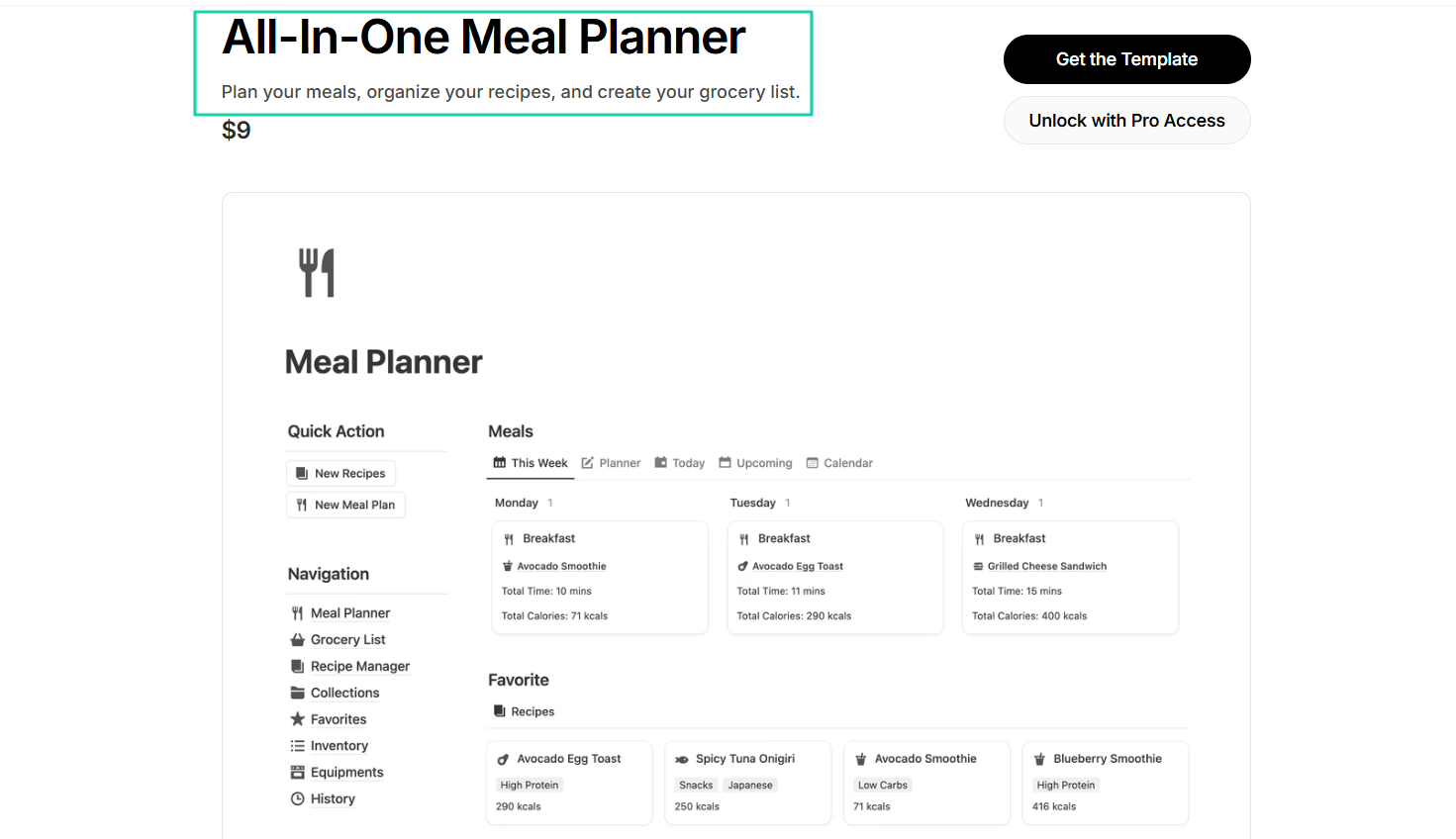
For example, this Notion template from Easlo called “All-in-one Meal Planner” is very specific. It’s for people who find it difficult to plan their meals, manage their favorite recipes, and track their grocery list.
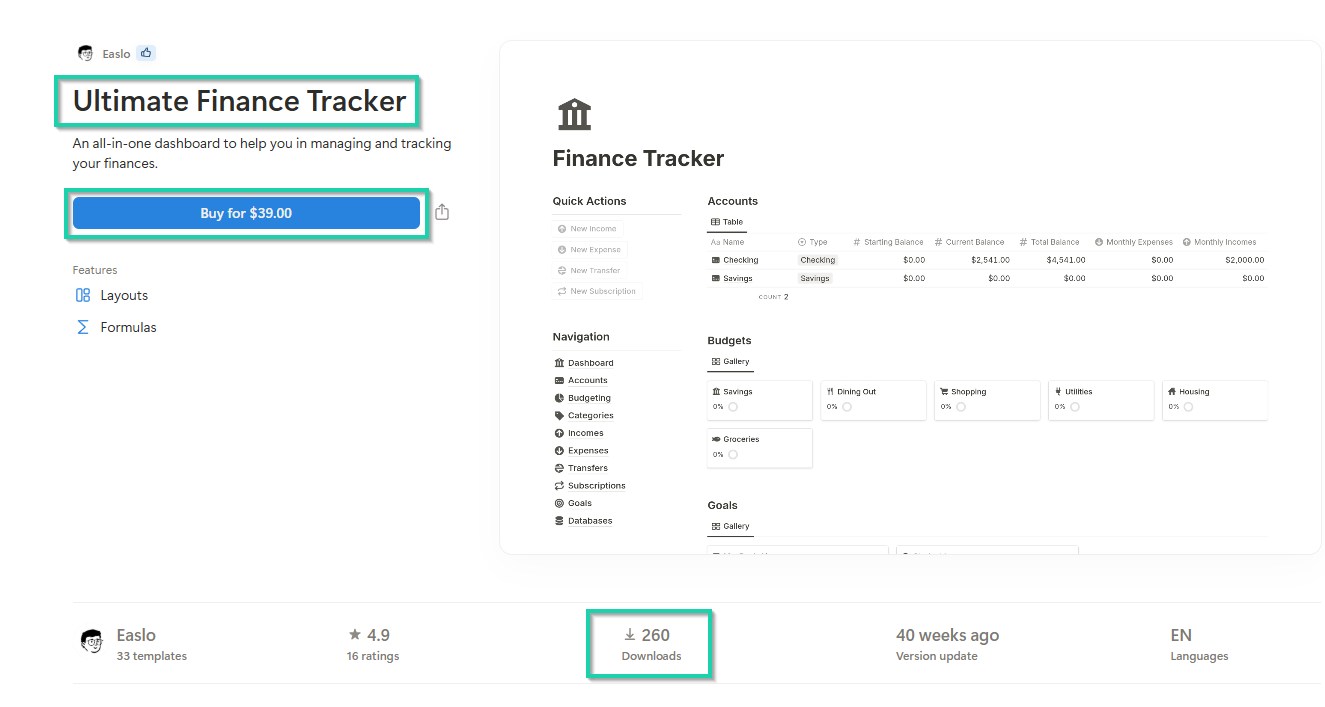
Easlo also built “Ultimate Finance Tracker.” It’s a Notion template to help people manage and track their finances.
It sells for $39, and 260 people have already bought it.
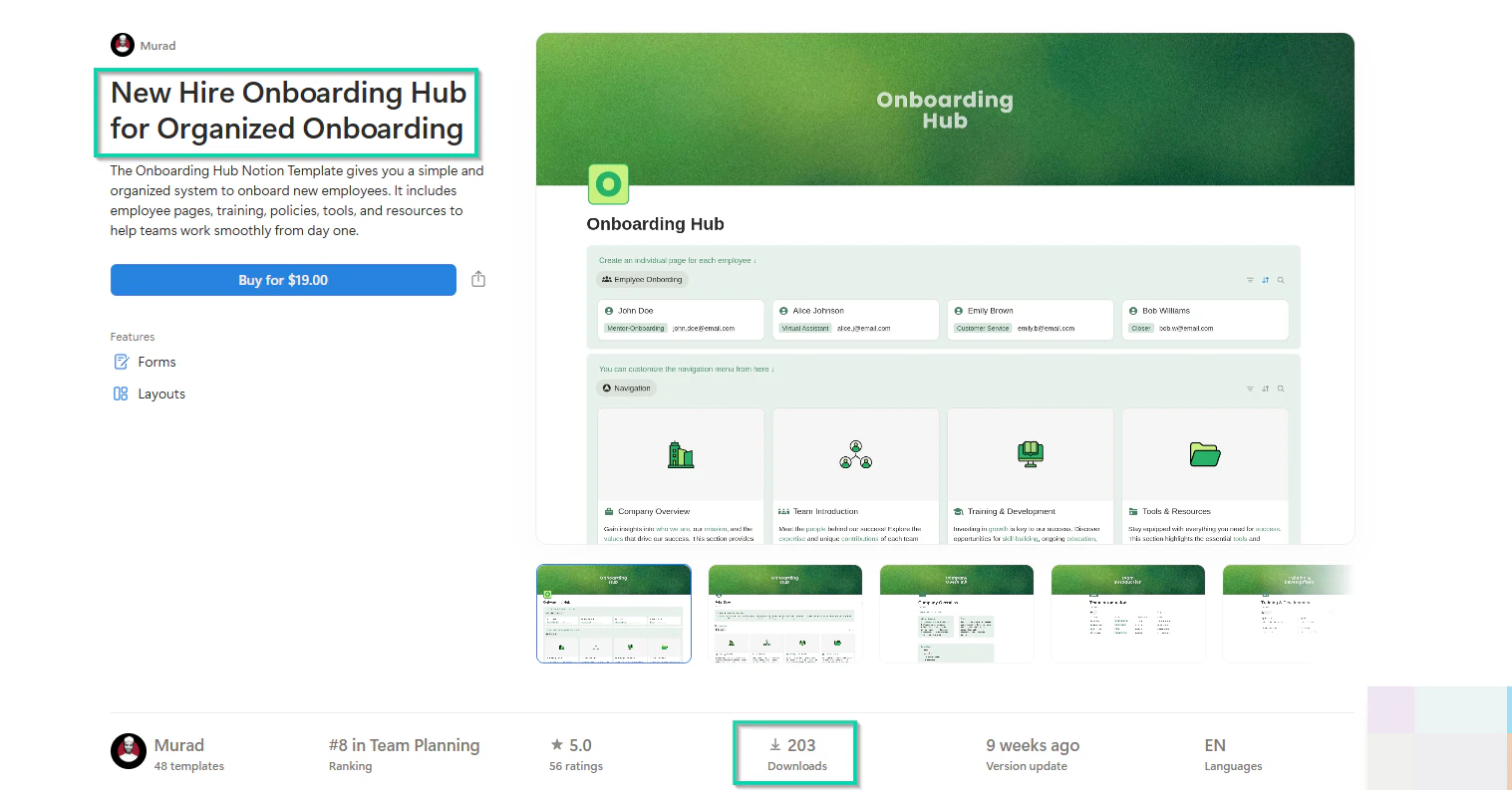
I’m also not surprised that over 200 people have already purchased Murad’s “New Hire Onboarding Hub for Organized Onboarding” Notion template.
The reason is that it solves a specific challenge. It’s a system that helps onboard new employees.
To help you get a clearer picture, here’s what the description of a generic template would say:
“This template helps organize your life.”
And that’s too vague.
On the other hand, the description of a niche template would read:
“This helps freelance designers track customers, send invoices on time, and stop missing payments.”
So, buyers immediately know the template solves a specific problem for a certain group of people.
Another thing you should know is that not everyone buys Notion templates. That’s another reason you need to identify those who will.
Buyers are usually those who want ready-made systems that save time. They tend to be:
- Students
- Freelancers
- Small business owners
- Productivity enthusiasts
- Remote workers
- Creators
- Entrepreneurs
- People seeking niche systems like ADHD planners
Those should be your target audience. The trick is to make sure you’re solving a specific problem these buyers face.
Take ADHD planners, for example. It has about 4,506 sellers offering it. It also has 120 searches per month and a 112% click-through rate.
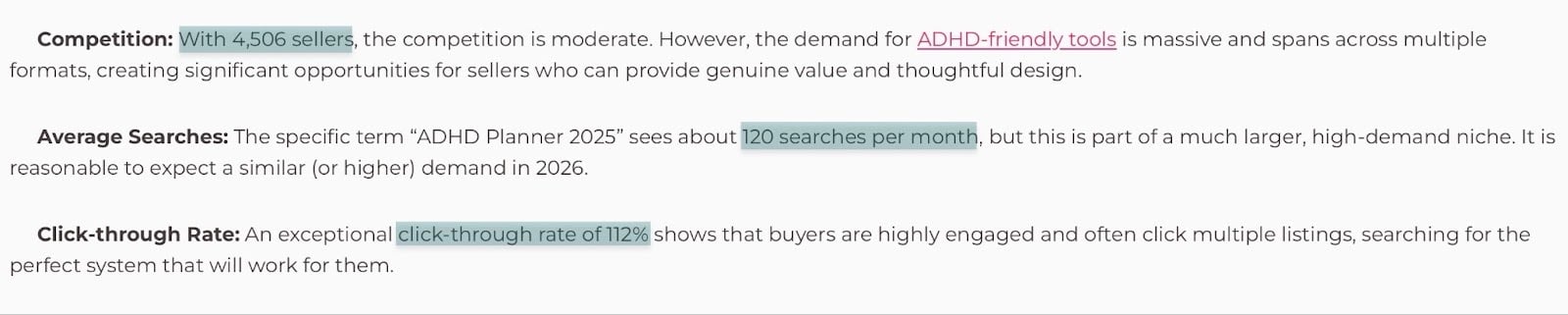
This kind of metrics speaks volumes about what buyers are looking for.
But if you don’t have statistics like these on hand, there are other ways to validate customer demand.
You could, for instance, go on X(formerly Twitter) and search “Freelancer workflows.”
One person whose name is in the top search results is Ismail.
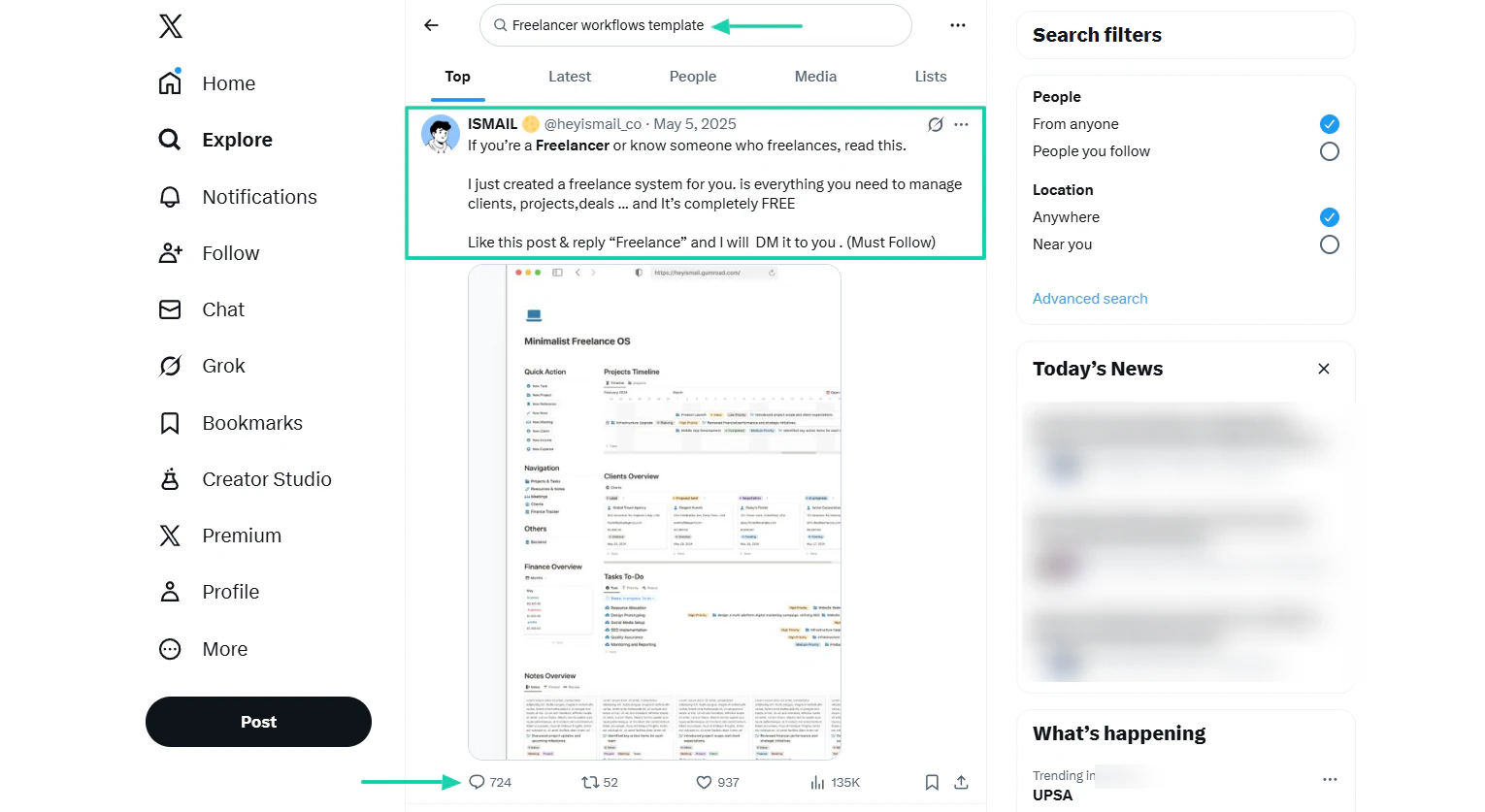
His tweet says he created a freelance system to help manage customers, projects, and deals. The post attracted 700+ people who showed interest.
He also asked them to like his post and comment “Freelance,” and he will send it to them. The whole comment section was flooded with this word.
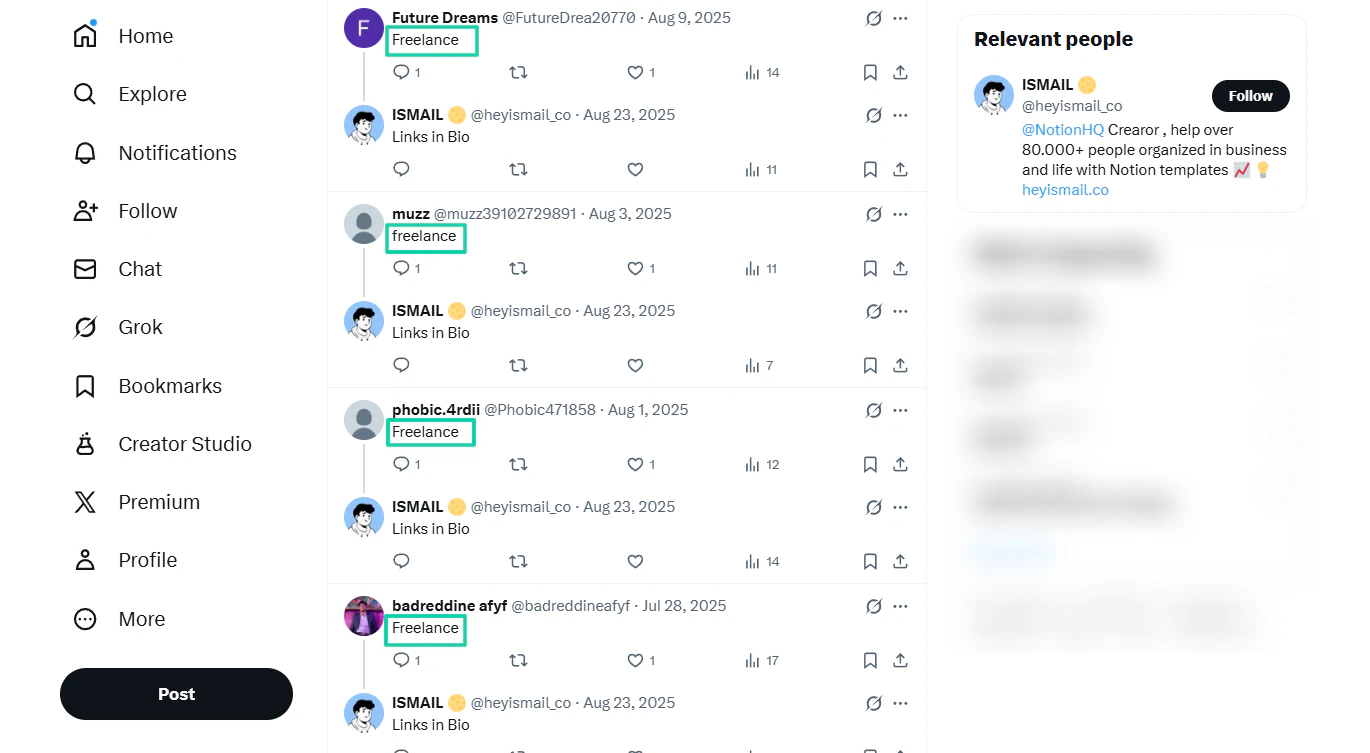
That shows you that buyers are interested in what Ismail is offering.
You can also check out some YouTube videos and read their comments (be intentional about it).
Let’s take this video from Matt Bio. He shared a guide for his Freelancer kit.
If you go through the comment section, you’ll realize people love it.
Some even promise to get his freelancer Notion template. Others had a thing or two to say about its cost, but still loved it.
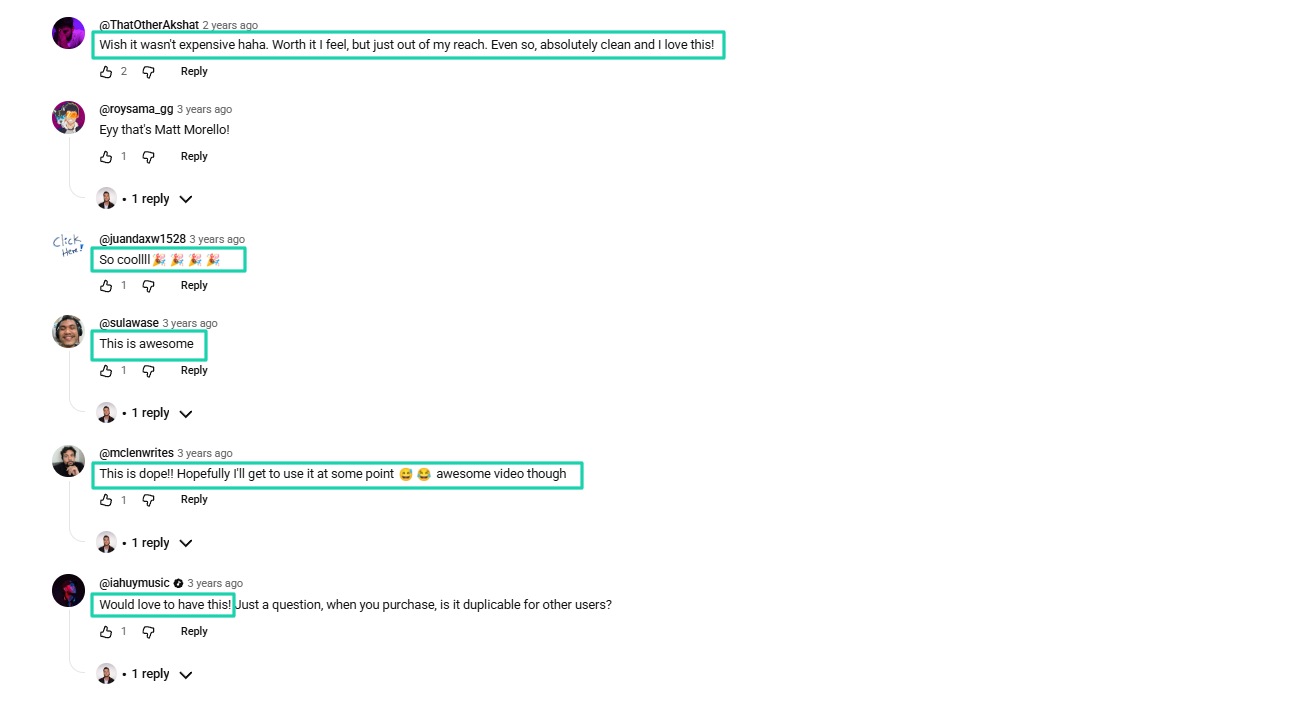
Still on demand validation. You can check if creators uploaded similar Notion templates on Pinterest.
After all, Pinterest is a popular visual discovery platform. Just type “Freelancer workflow Notion template” in the search box.
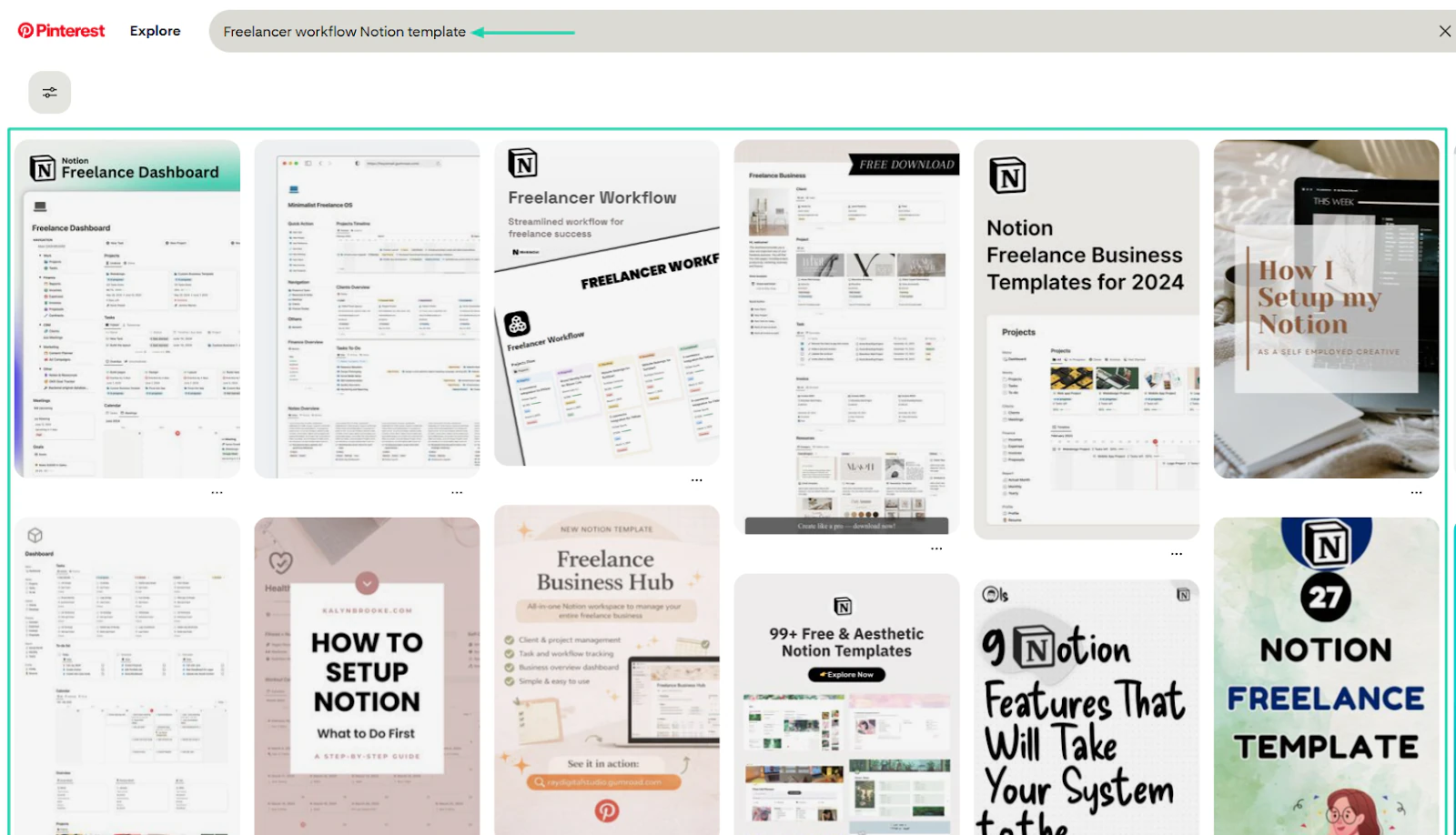
You could do the same thing on the Gumroad Marketplace with a similar search phrase to validate demand.
The search results for “Notion template freelancer workflow” shows many sellers offer it at prices ranging from $39 to $99.
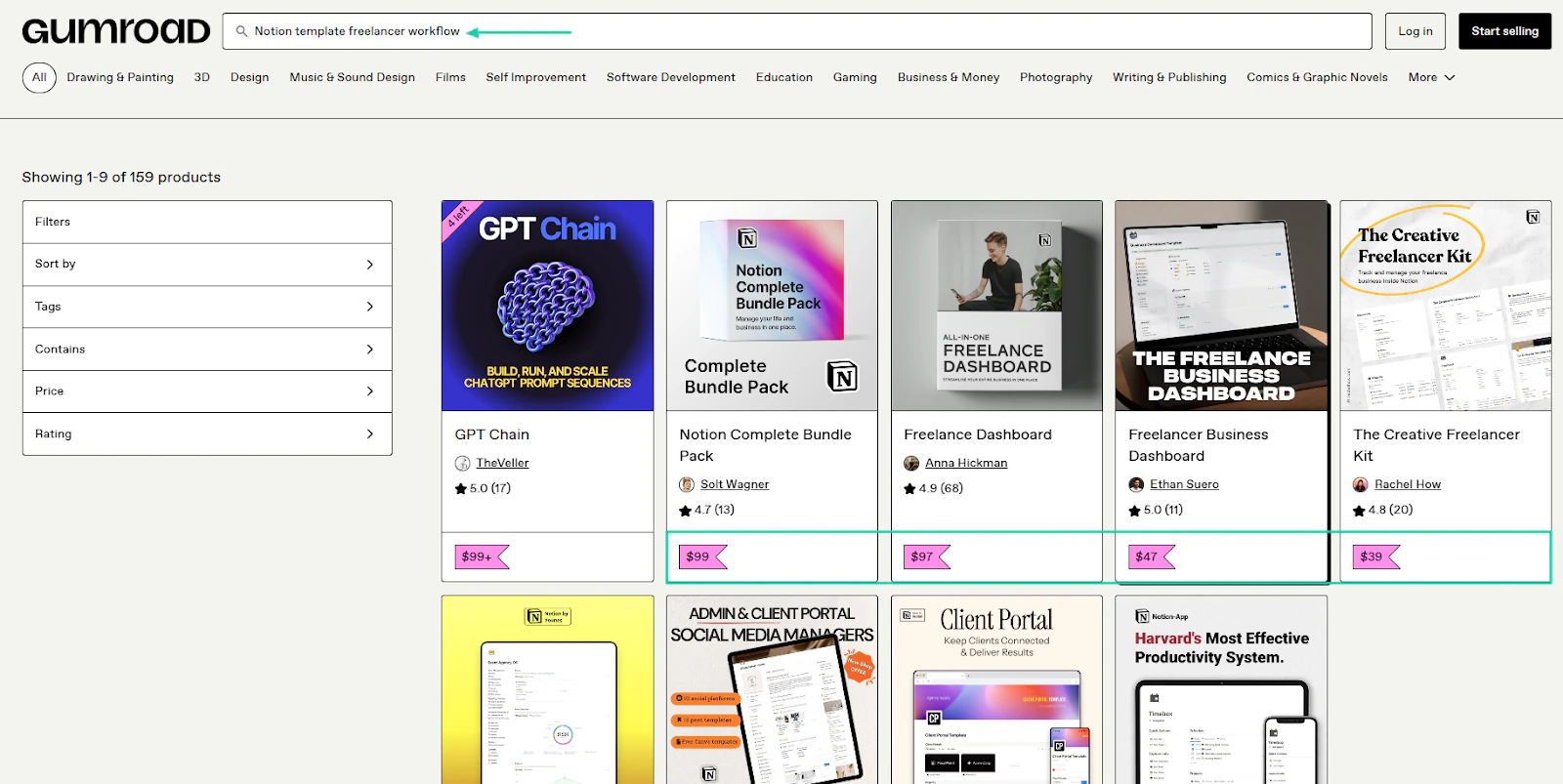
You could click a result for more details.
One search result item, “Freelance Dashboard,” created and sold by Anna Hickman, has already made 1,233 sales.
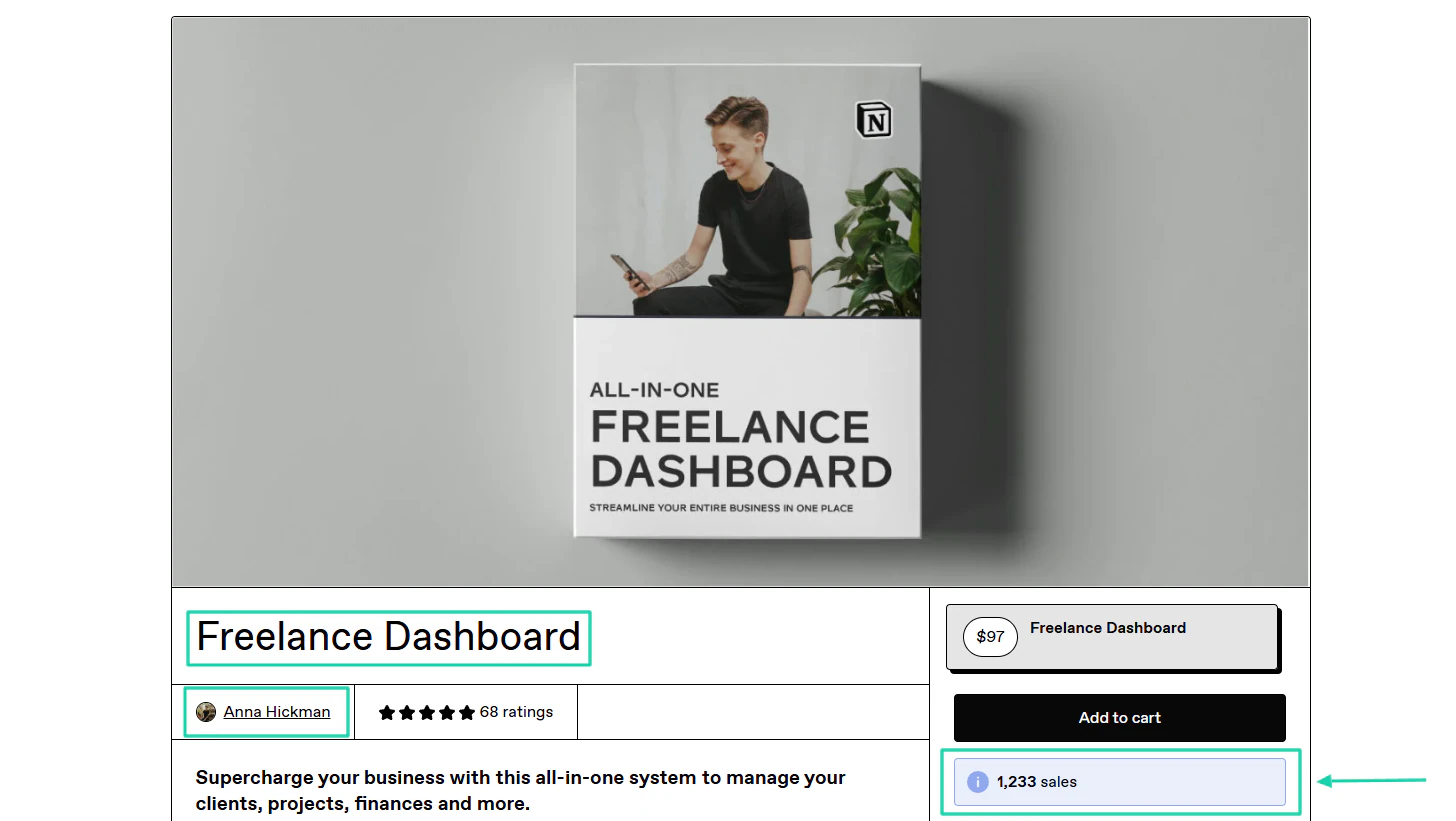
This shows that lots of freelancers/buyers are actually interested in this template.
Now that you know how to validate Notion template topics, remember that customers want results when they buy from you.
That’s why you must always define the outcome your Notion template will give them. When I say define, I mean you should answer these questions:
- What pain does my template solve?
- What changes after using it?
- What does success look like for the customer?
A clearly stated outcome is very profitable.
Like Ethan Suero’s “Freelancer Business Dashboard.”
It clearly states that you save hours every week and reduce the number of tools.
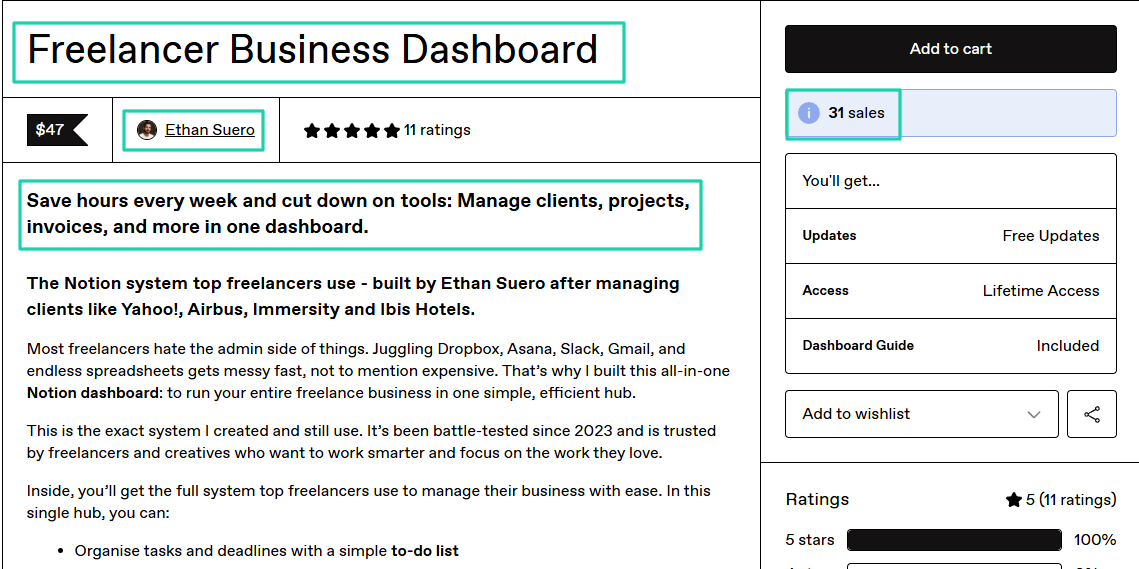
We’re just getting started! Let’s jump right into our next step.
Step 2: Build a high-value Notion template
The step is to build high-value Notion templates.
A high-value Notion template:
- Solves one clear problem
- Is easy to use immediately
- Delivers the promised outcome with minimal friction
You can build a habit tracker template in 4 hours that is highly valuable if you consider the points I listed above.
Before moving forward, here’s a table with a list of template types you can build, their difficulty level, the time to build, and the ideal audience.
Now, remember not to spend too much time on aesthetics because it doesn’t really matter. A structure that delivers the outcome buyers need matters more.
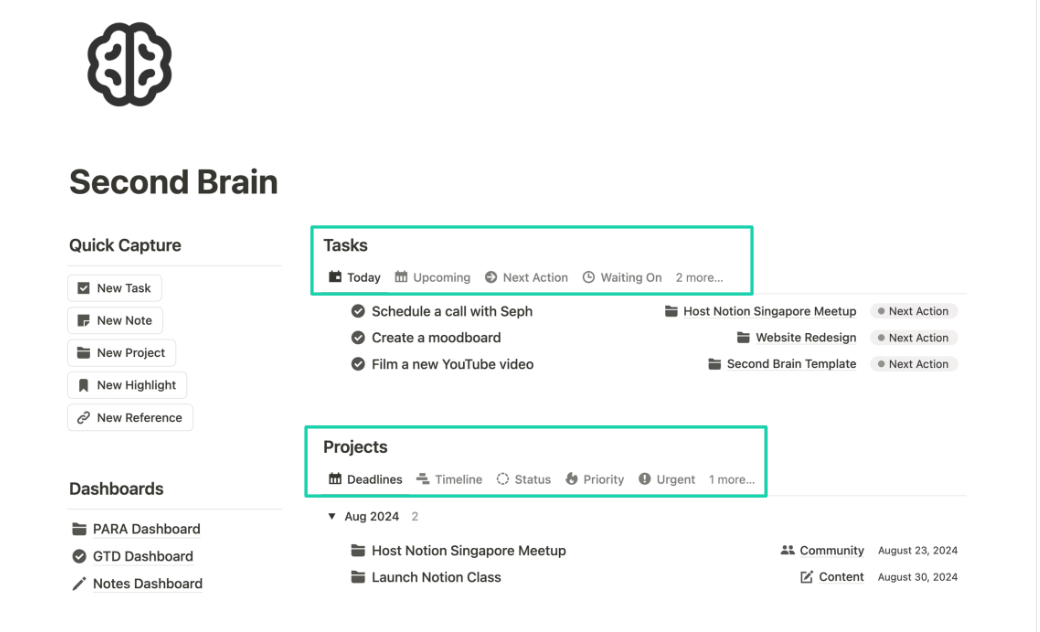
Take Easlo’s Second Brain Notion template. It’s minimalist.
Aside from the logo, there aren’t any fancy colors, covers, fonts, or anything else.
And yet, it costs $79 and over 900 people have already bought it.
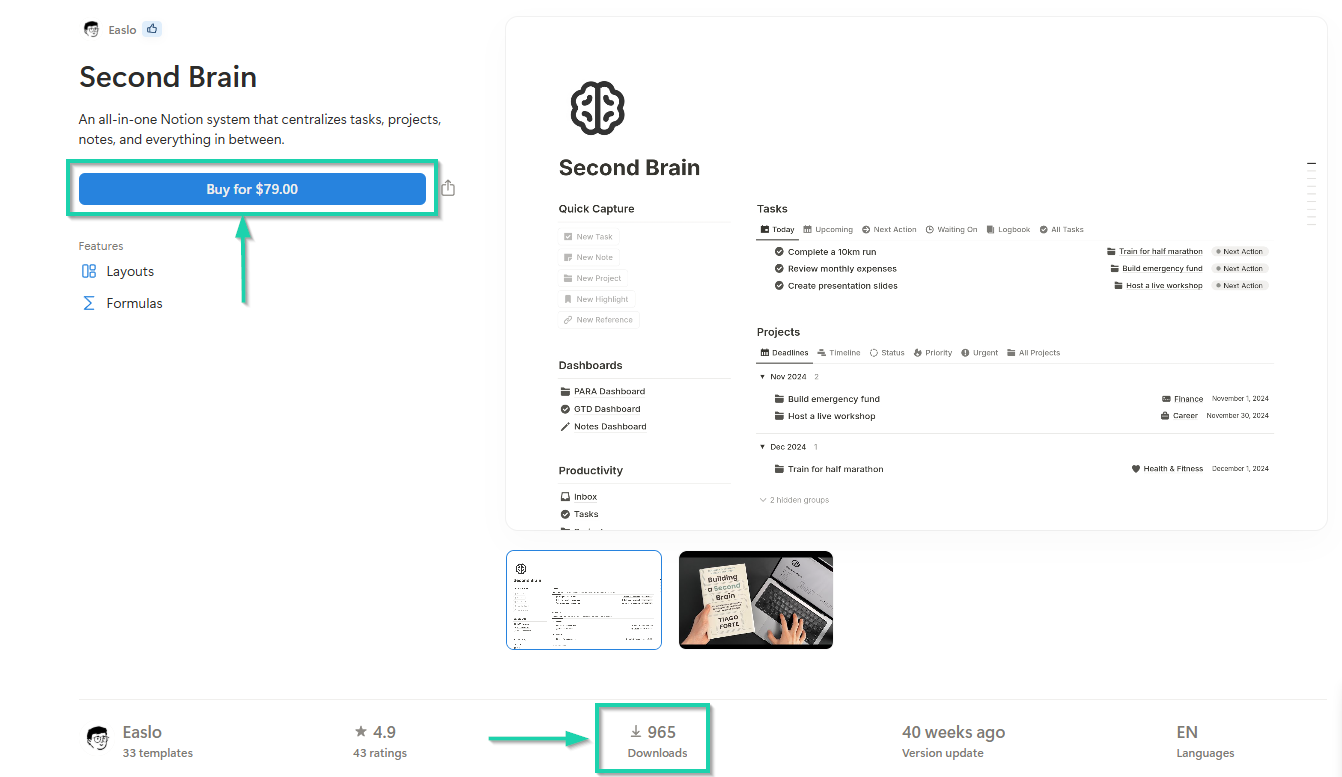
The reason is that he focused on structure over design.
So how do you design a high-value Notion template?
Start by defining the template’s main goal. Then design the action the user will take daily or weekly.
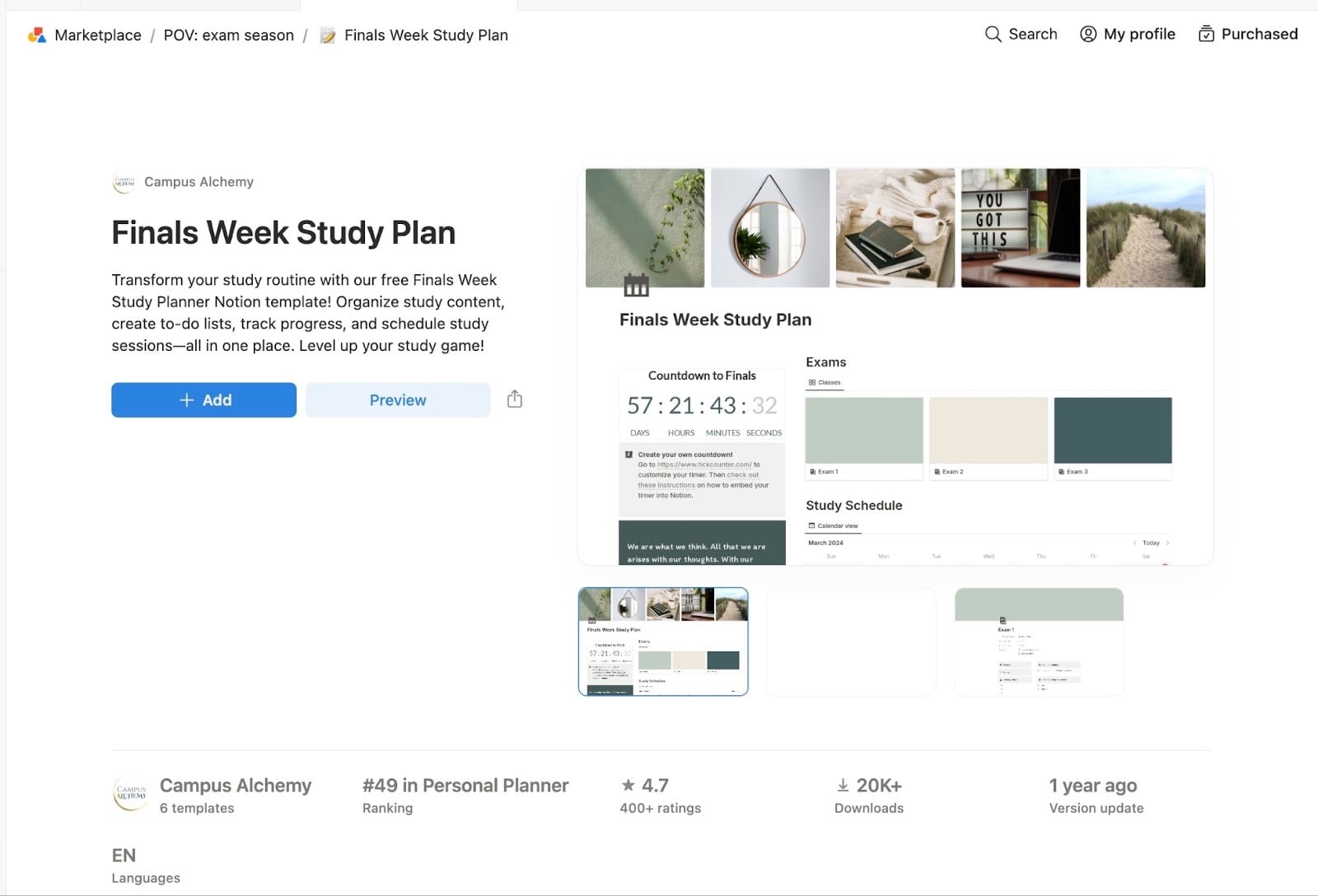
You should also add the information that needs to be tracked.
You need to think of it as a workflow.
Say you’re building a freelancer customer dashboard Notion template, the structure should be:
- Customer database
- Project tracker
- Invoice tracker
- Task board
- Weekly overview
It should just be simple with a clean layout and clear sections.
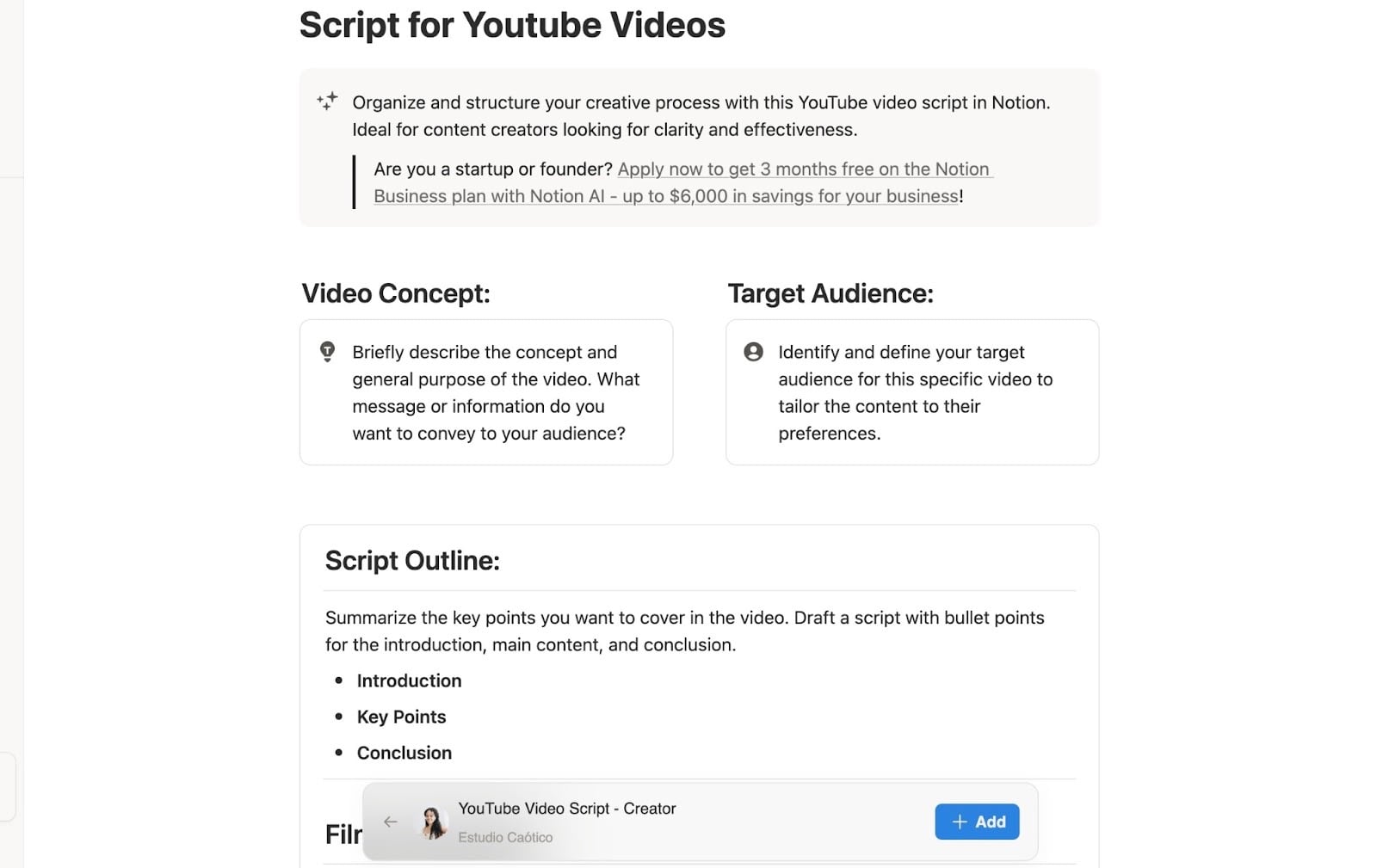
In terms of usability, your Notion template should be simple from the first click.
That means keeping the interface clutter-free, making sections intuitive, and using automations that support the workflow and reduce friction.
This free Travel Planner from Easlo is a typical example.
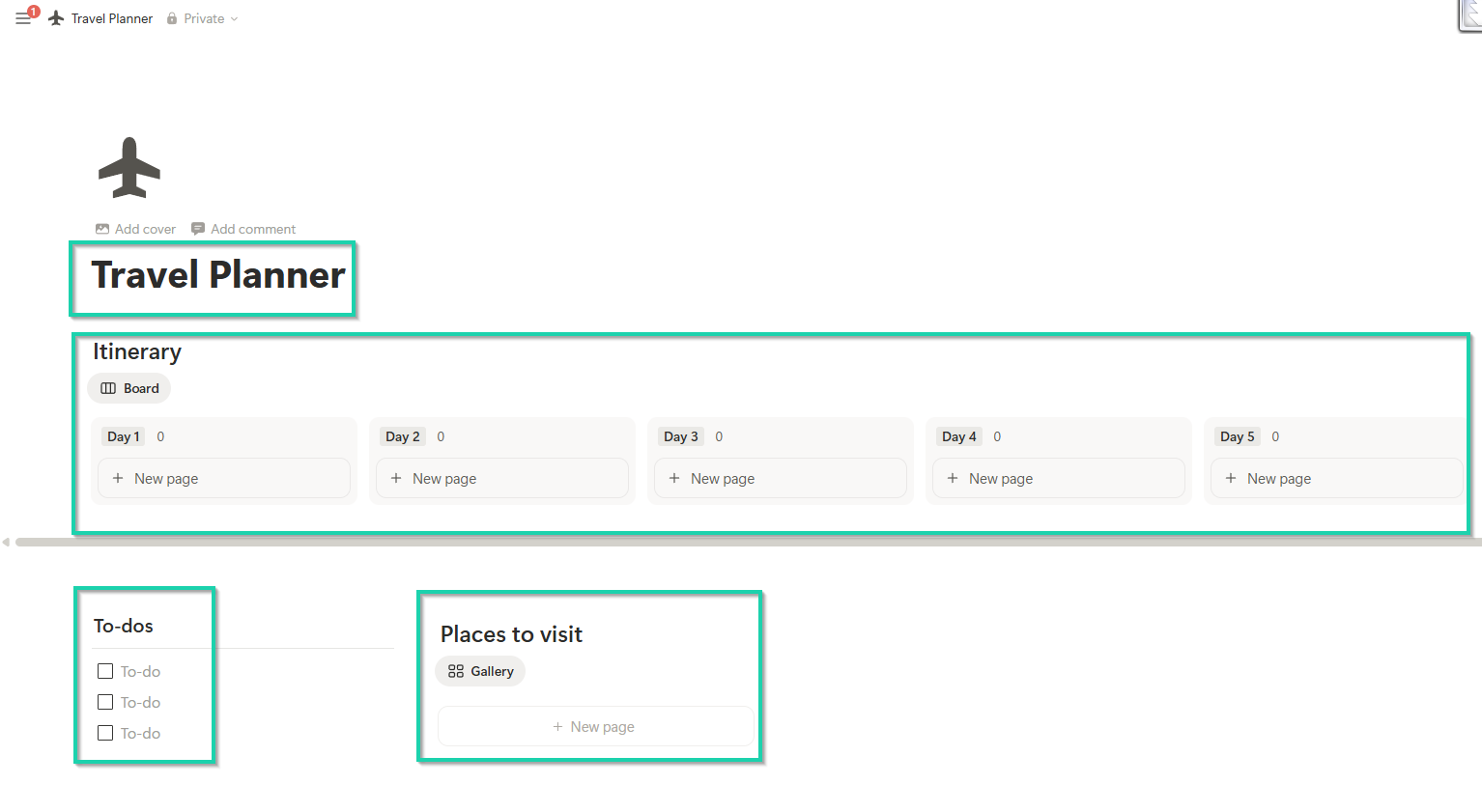
It’s a template that can help you organize daily itineraries, prepare to-do lists, and add places to visit.
The creator keeps it very simple.
Because his ideal customer might not be a Notion power user. They simply want a solution.
You can also build a high-value Notion template by adding instructions. That could be:
- A “Start Here” page
- A quick setup checklist
- Short explanations under databases
- Mini onboarding guide
- A short walkthrough video
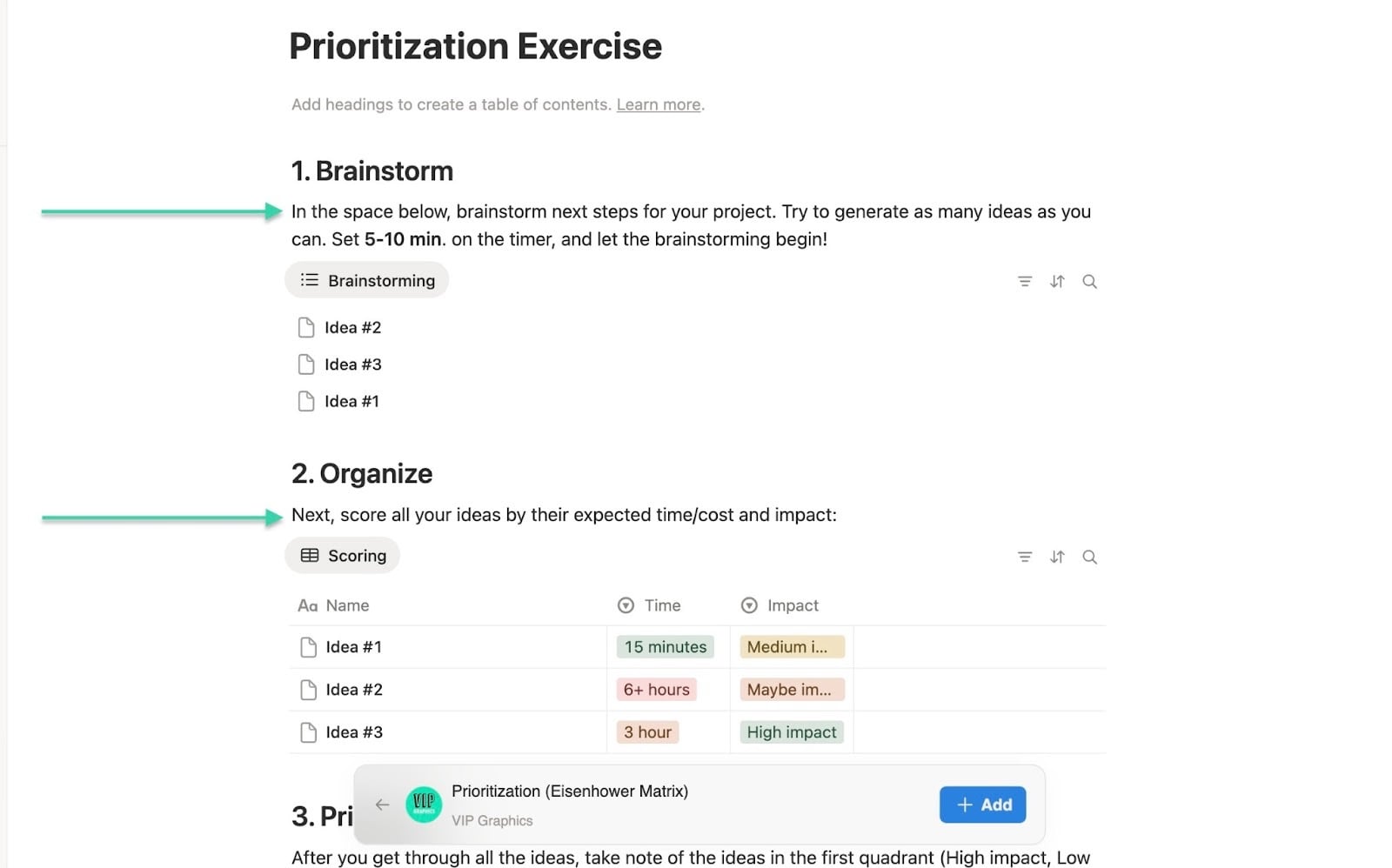
All these instructions not only reduce refunds but also increase user satisfaction. Users feel guided throughout the entire process.
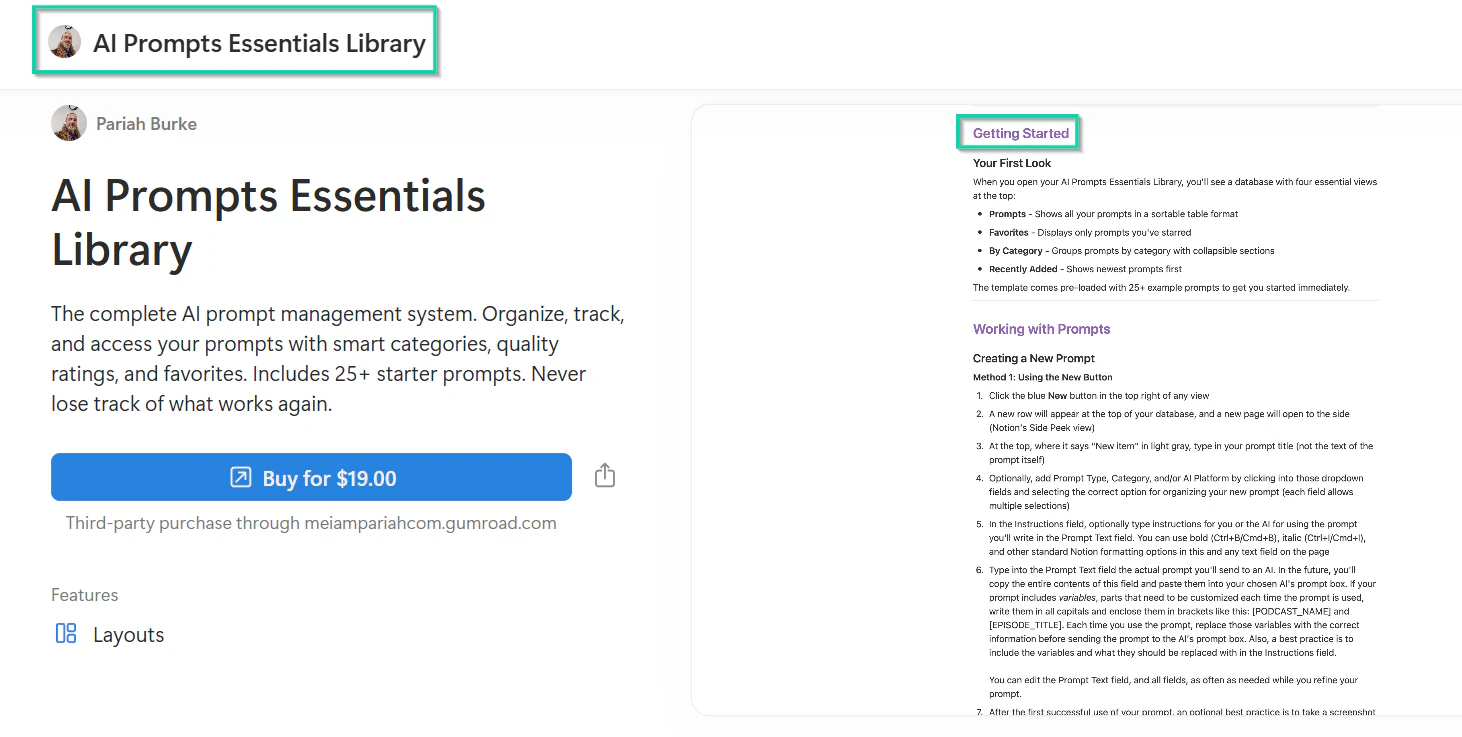
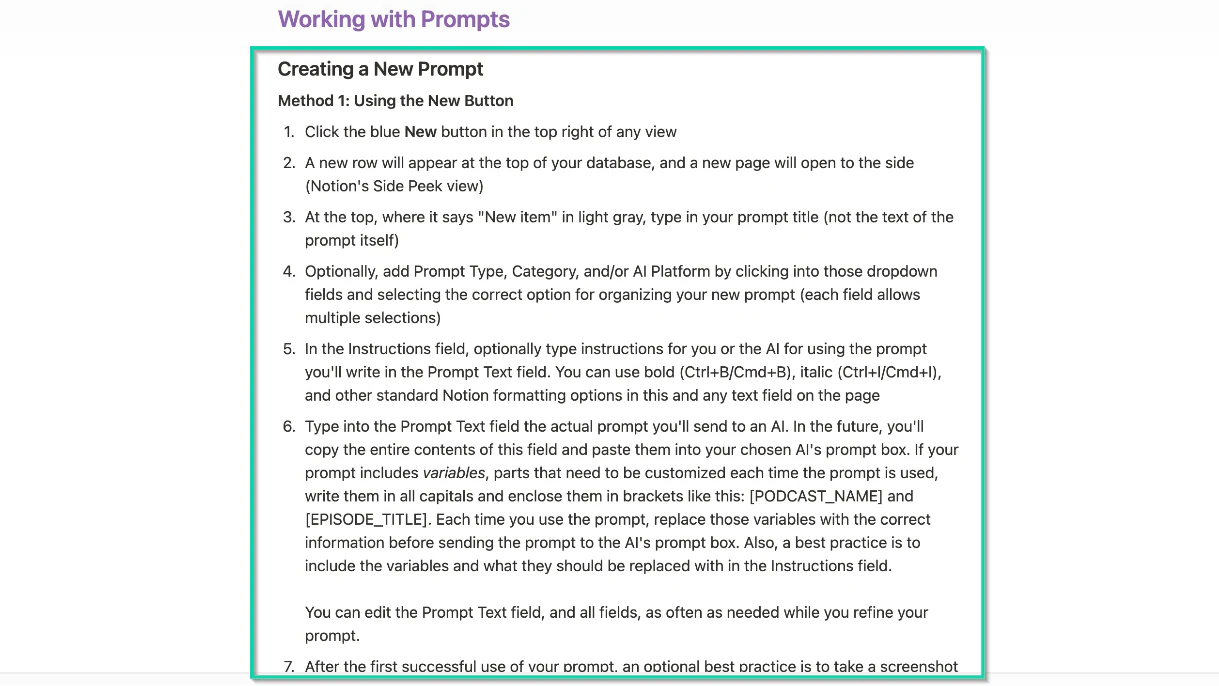
For example, when you take a look at the AI Prompts Essentials Library built by Pariah Burke, there is a dedicated page to help you get started.
It also shows you the different steps to help you create your first prompt.
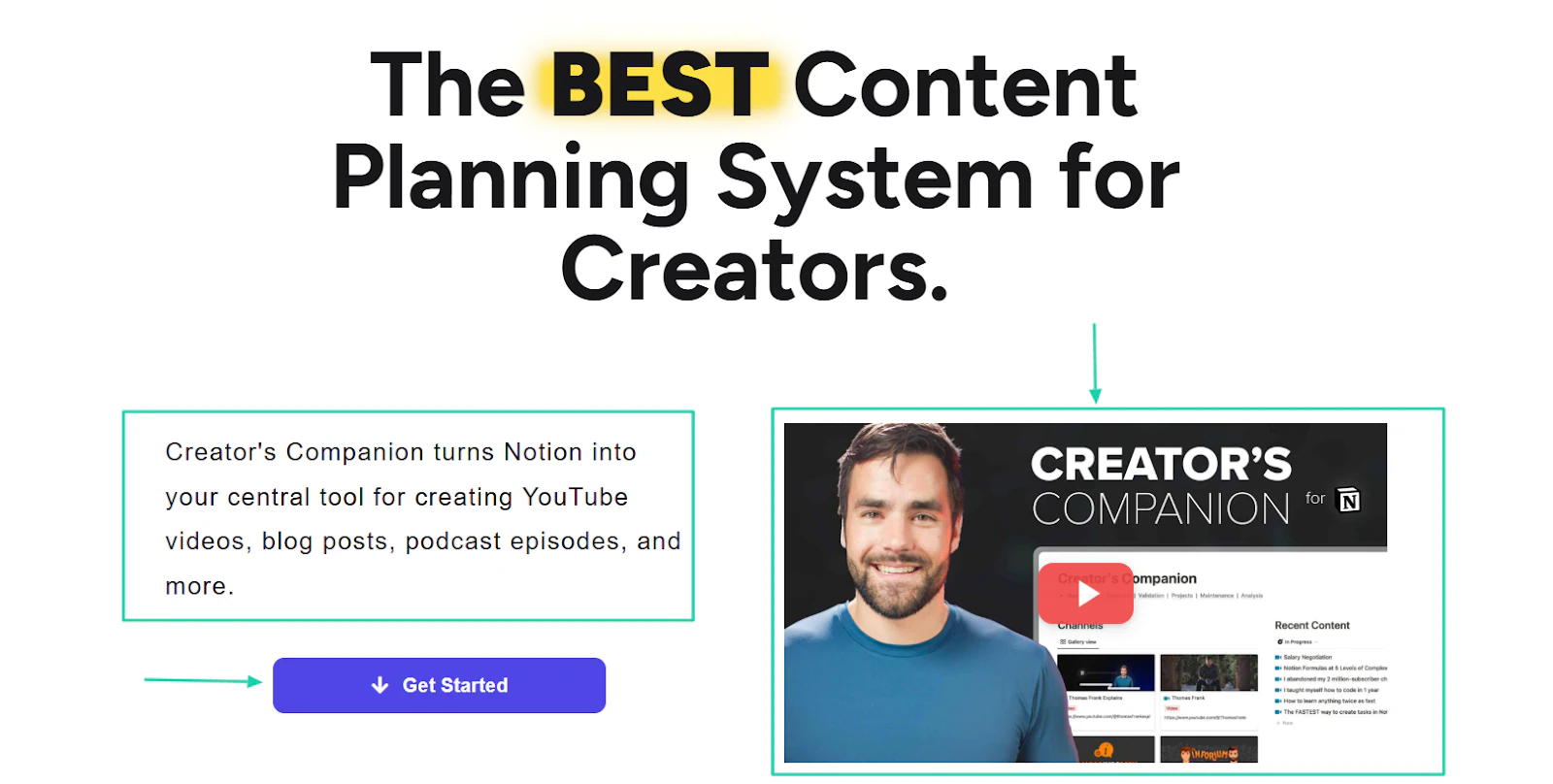
Thomas Frank built the Creator’s Companion, a Notion template to help creators plan and manage their content.
His homepage shows a “Get started” button and a walkthrough YouTube video to help you understand his Notion template.
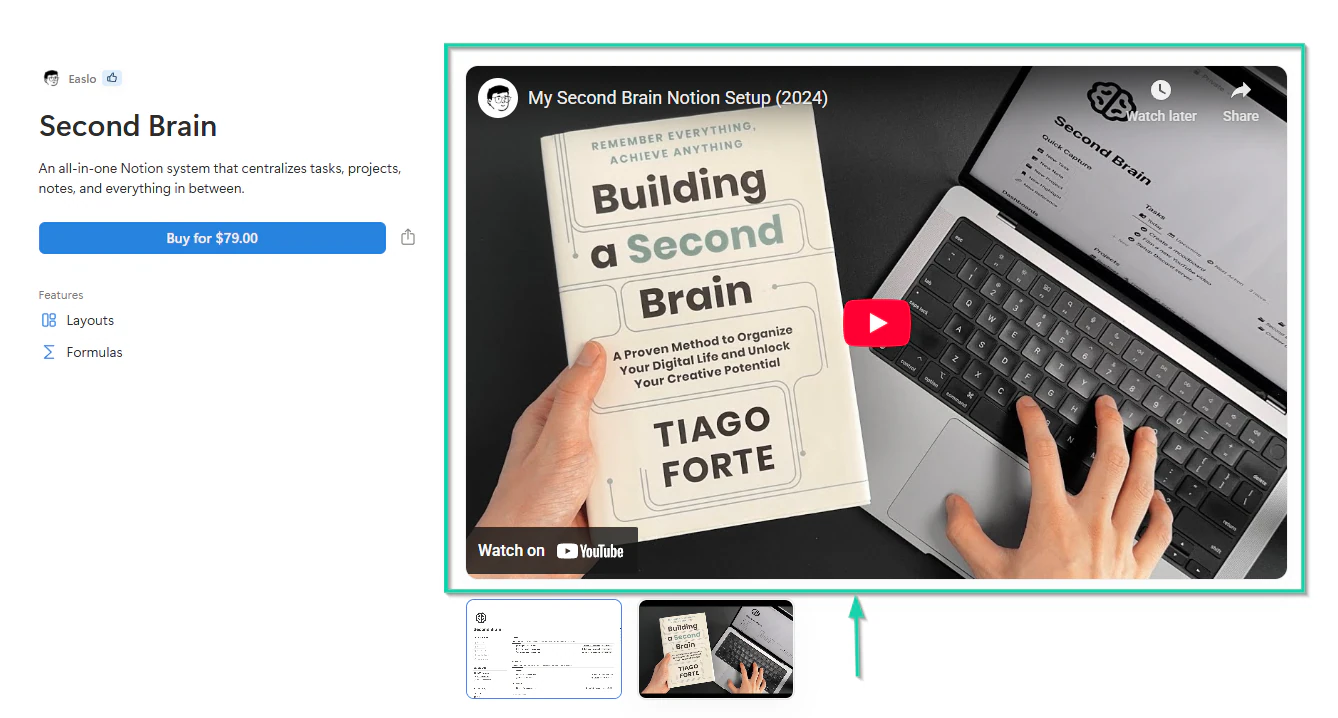
He’s not the only one with a YouTube video to guide people into setting up his template. Easlo also does the same with his Second Brain Notion template.
At this point, if you have your own template ready, you can test it yourself or with beta users. I recommend you use your template for at least 5-7 days yourself.
It allows you to put yourself in your future customers’ shoes. You might face some challenges during this period, but you can adjust.
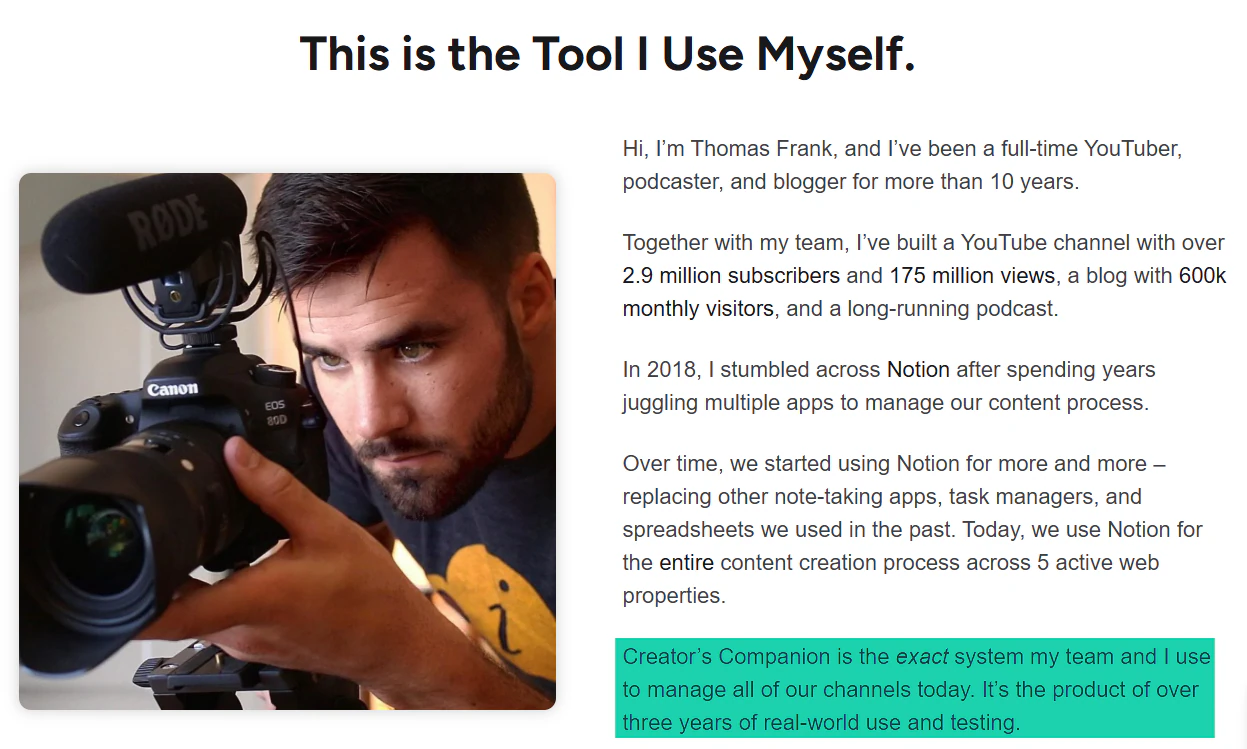
Before Thomas Frank could sell his Creator’s Companion, he used it with his team to manage their channels. He said: “It’s the product of over three years of real-world use and testing.”
Having beta users is also a great move. They may have a different experience and offer you great feedback to help improve your template.
This is the same strategy Ajinkya Bhat used. He onboarded beta testers who were like his ideal customers.
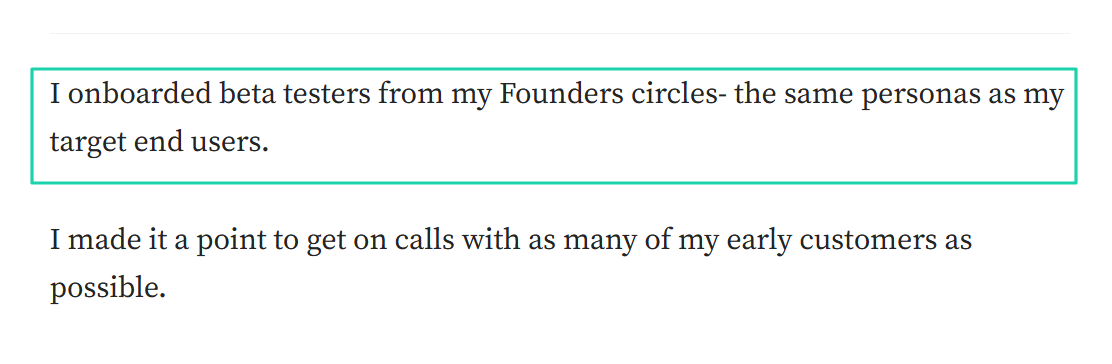
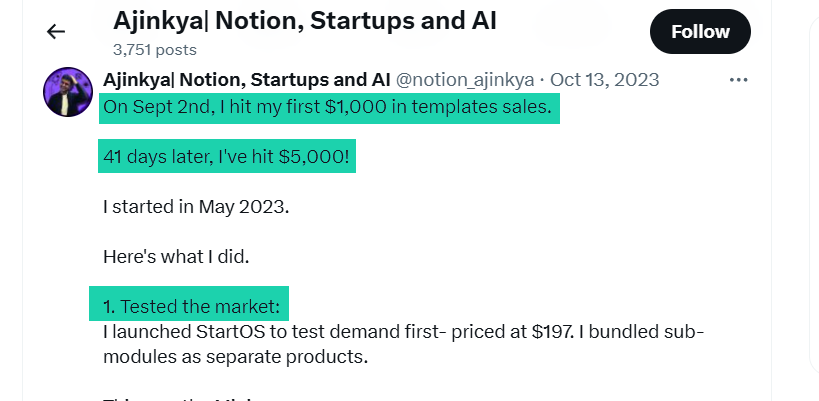
He shared on X how he hit his first $1,000 in template sales on 2nd September 2023. And 41 days later, he made $5,000. It all started with market testing.
The last thing I may want to touch on is optimizing Notion templates for both mobile and desktop.
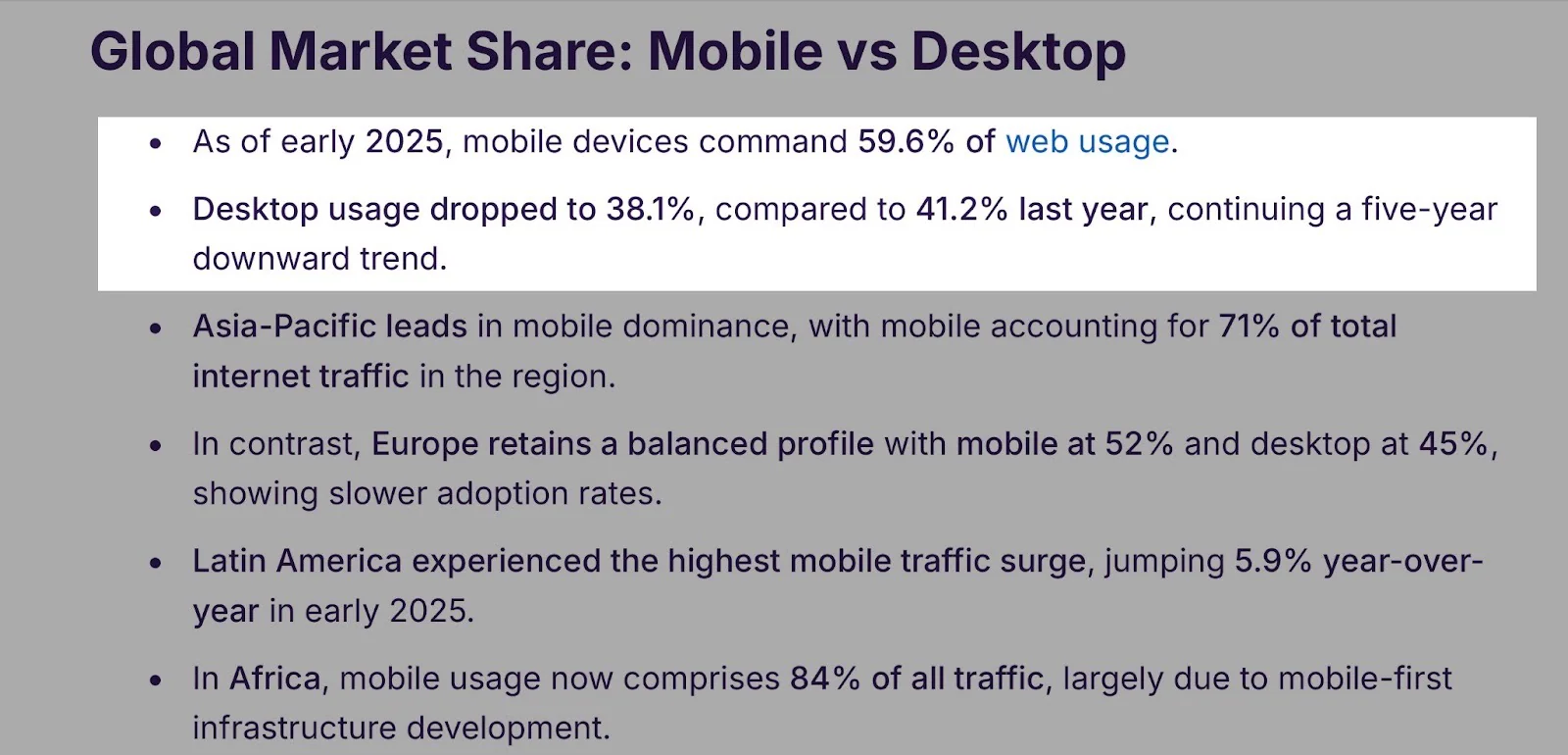
Mobile devices account for 59.6% of web usage. So, we can safely assume that a large portion of users access Notion via mobile devices.
Because of this, you need to know if:
- Databases are readable on small screens
- Buttons are easy to tap
- The layout is too wide
- Important views are at the top
Checking that will save you precious time. You need to learn from Roman’s mistake.
He’s the founder of Grizzly Templates. This optimization issue has made him rebuild entire dashboards.

You should also check your template on your desktop. It may feel too spacious, or the layouts might be a bit off.
The thing is, if it works smoothly on both, you have a high-value Notion template. Now, let’s see what step 3 has in store for you.
Step 3: Package and price your template
The third step in selling Notion templates is packaging and pricing them.
Perhaps you thought that uploading a Notion link and writing two sentences would be enough to expect sales. Well, I hate to break it to you, but it’s a big mistake that will result in $0 in sales.
Your Notion template is now a digital product, and how you package it will determine its value. This is what makes your template feel like a $2 download or a $20 professional system.
To achieve the best results, you must position your template around:
- The problem
- The transformation
- The results
Let me show you what that looks like.
Template A: “A Notion dashboard with 6 databases.”
Template B: “A system that helps freelancers stop missing invoices and know exactly what to work on each day.”
Template B might be more expensive than Template A because it contains a clear promise.
So it’s important to tell users what will change after using your template.
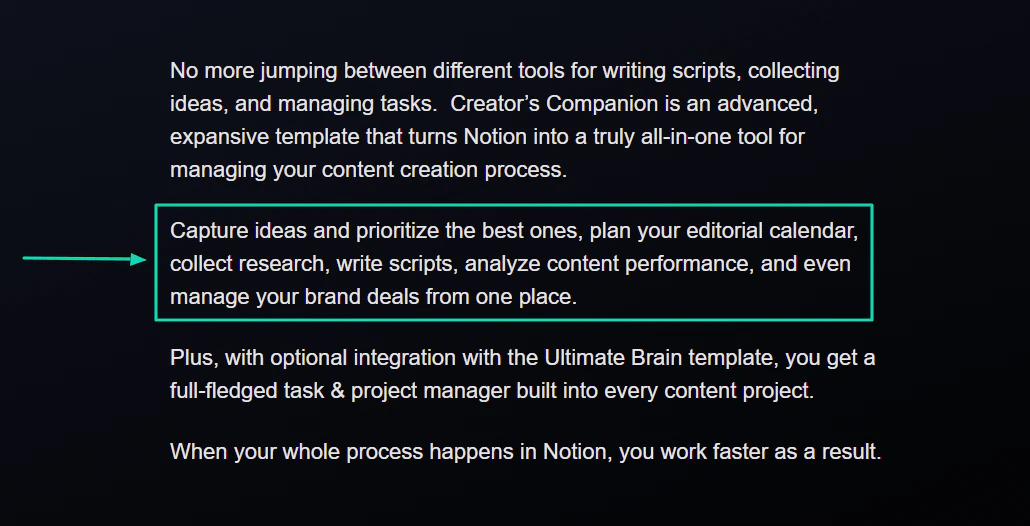
Frank, for instance, said that his Creator’s Companion can:
“Capture ideas and prioritize the best ones, plan your editorial calendar, collect research, write scripts, analyze content performance, and even manage your brand deals from one place.”
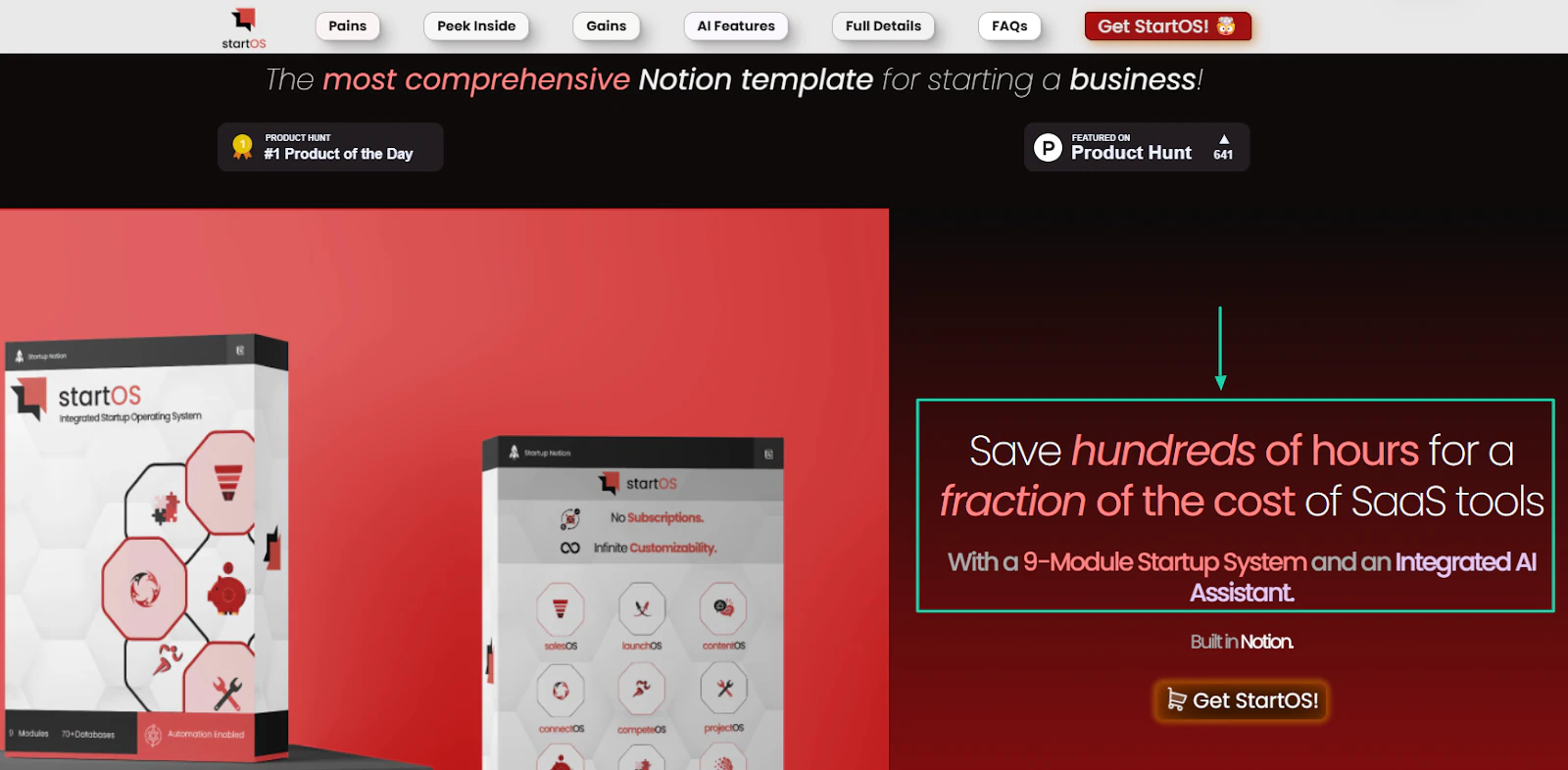
StartOS, the Notion template Ajinkya built for startups, also has a clear promise:
“Save hundreds of hours for a fraction of the cost of SaaS tools with a 9-Module Startup System and an Integrated AI Assistant.”
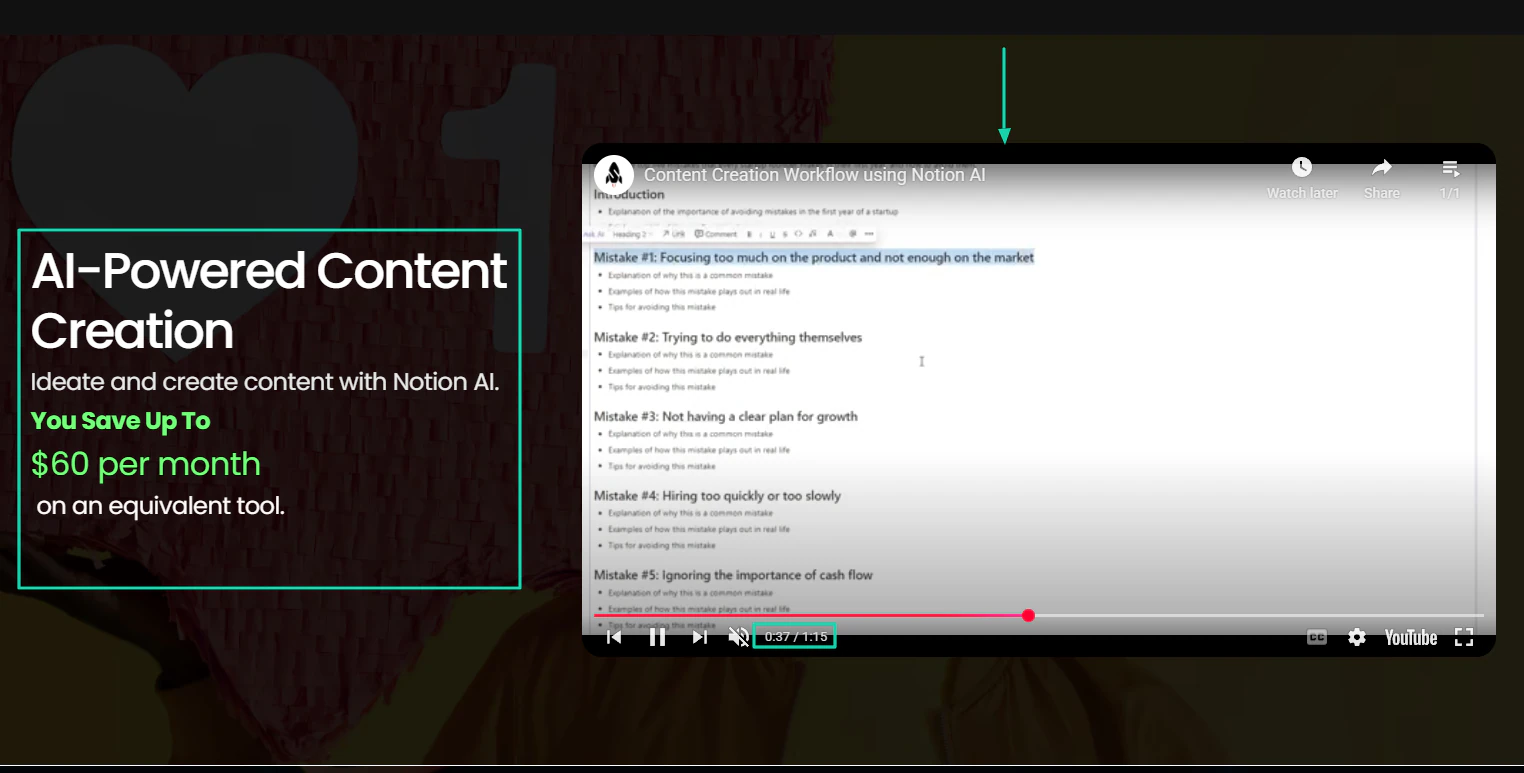
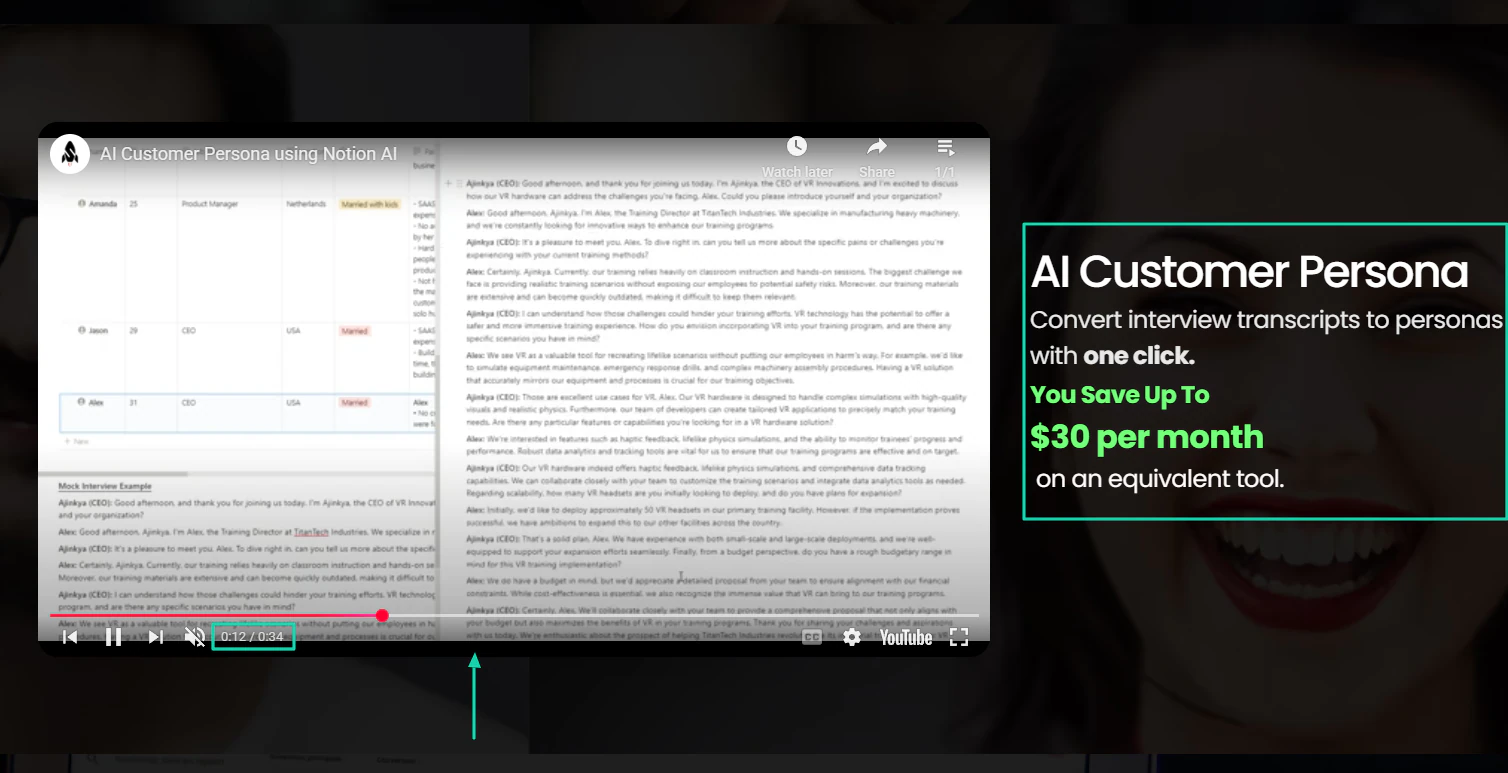
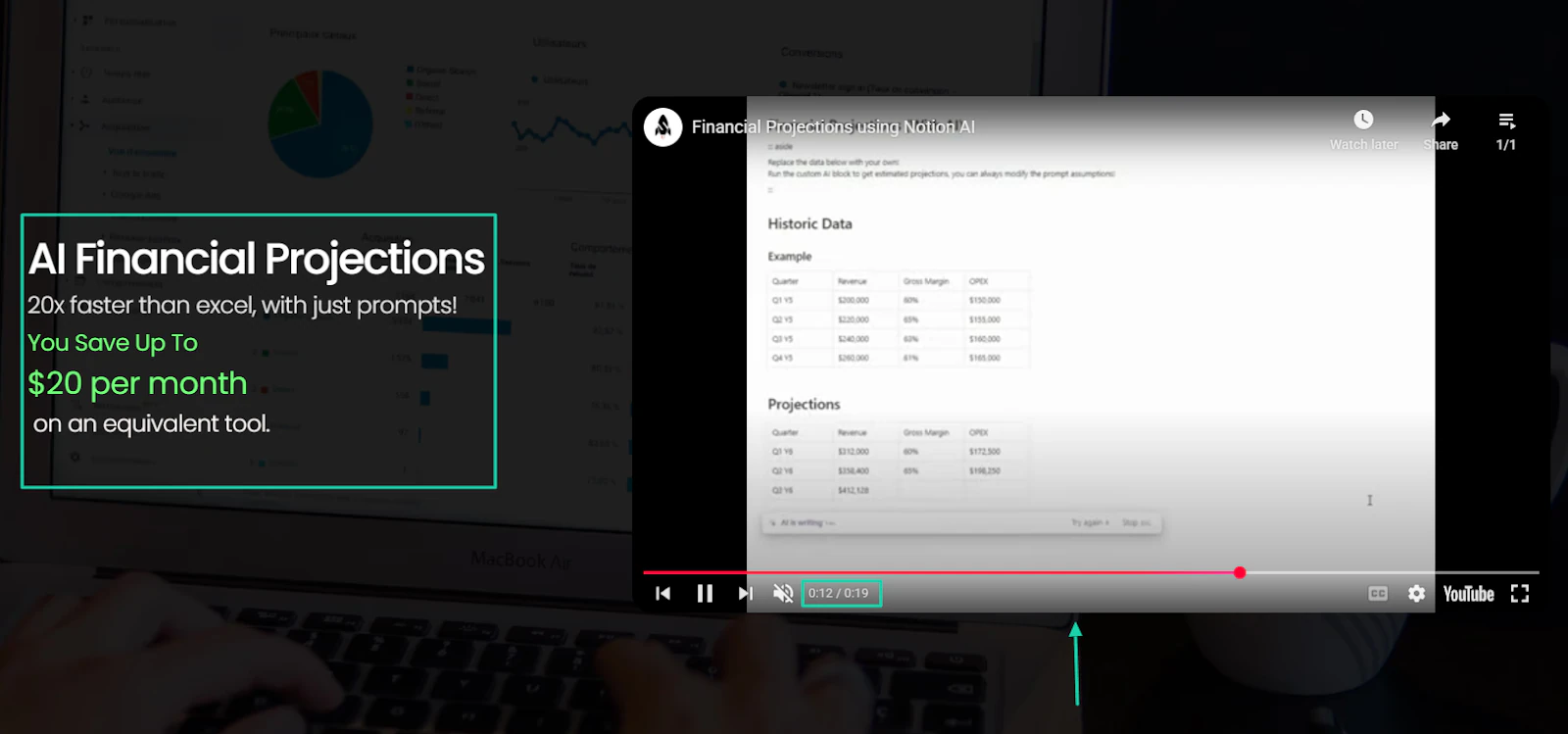
Packaging your Notion template also means adding visuals. For instance, you can create screenshots or short videos (ideally 60 seconds or less) showcasing the template in action.
Ajinkya does it perfectly. He created short videos for each feature of his Notion template.
You can see his AI-powered content creation feature in action for 1 minute and 15 seconds.
His AI customer persona features in action for 34 seconds.
Or his AI financial projections feature in action for 19 seconds.
But Frank opted for screenshots to show you how his Creator’s Companion works.
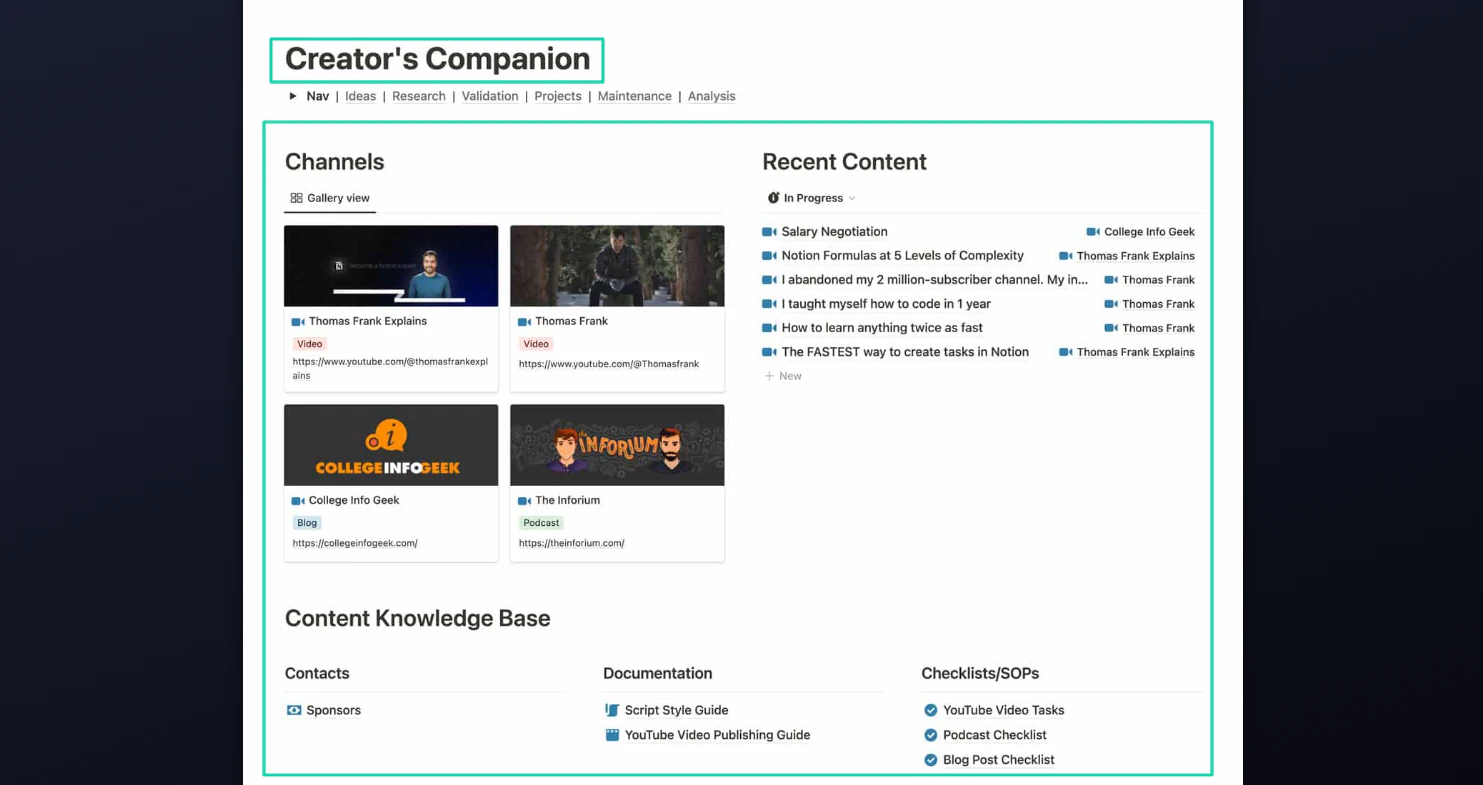
You can swipe to see other screenshots.
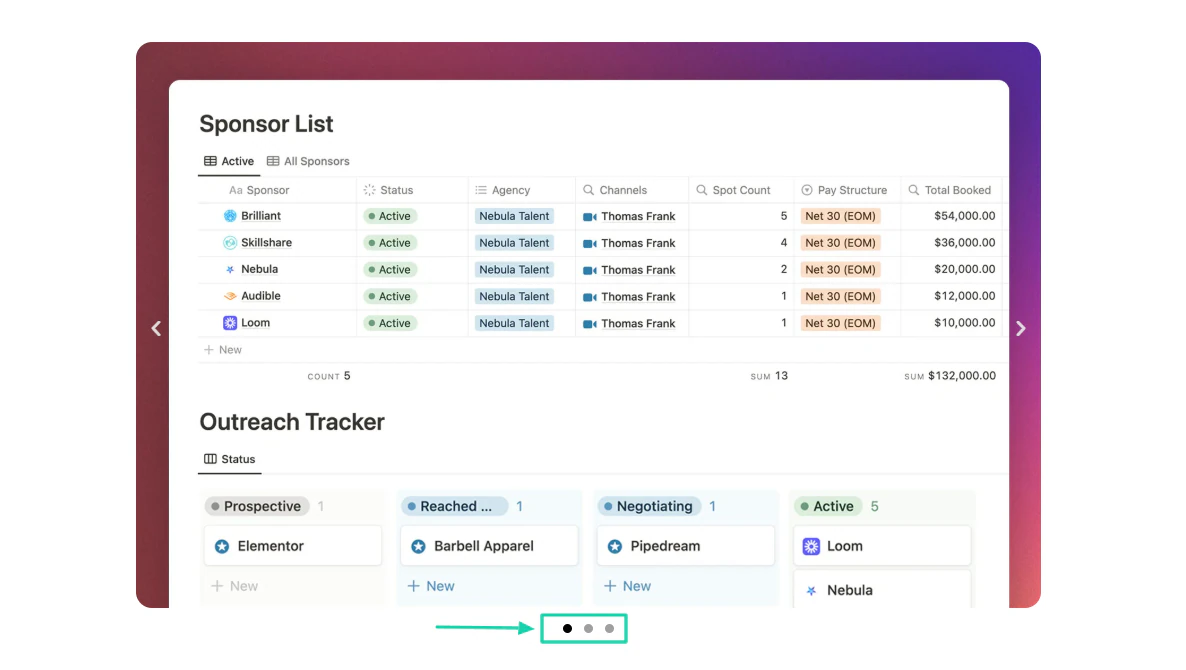
The goal is to give people an idea of what your template is about before they decide to commit. That can be one factor motivating them to buy.
Now, let’s talk about pricing. How do you price your template?
You need to avoid the trap of undervaluing your work. The best approach is to do market research.
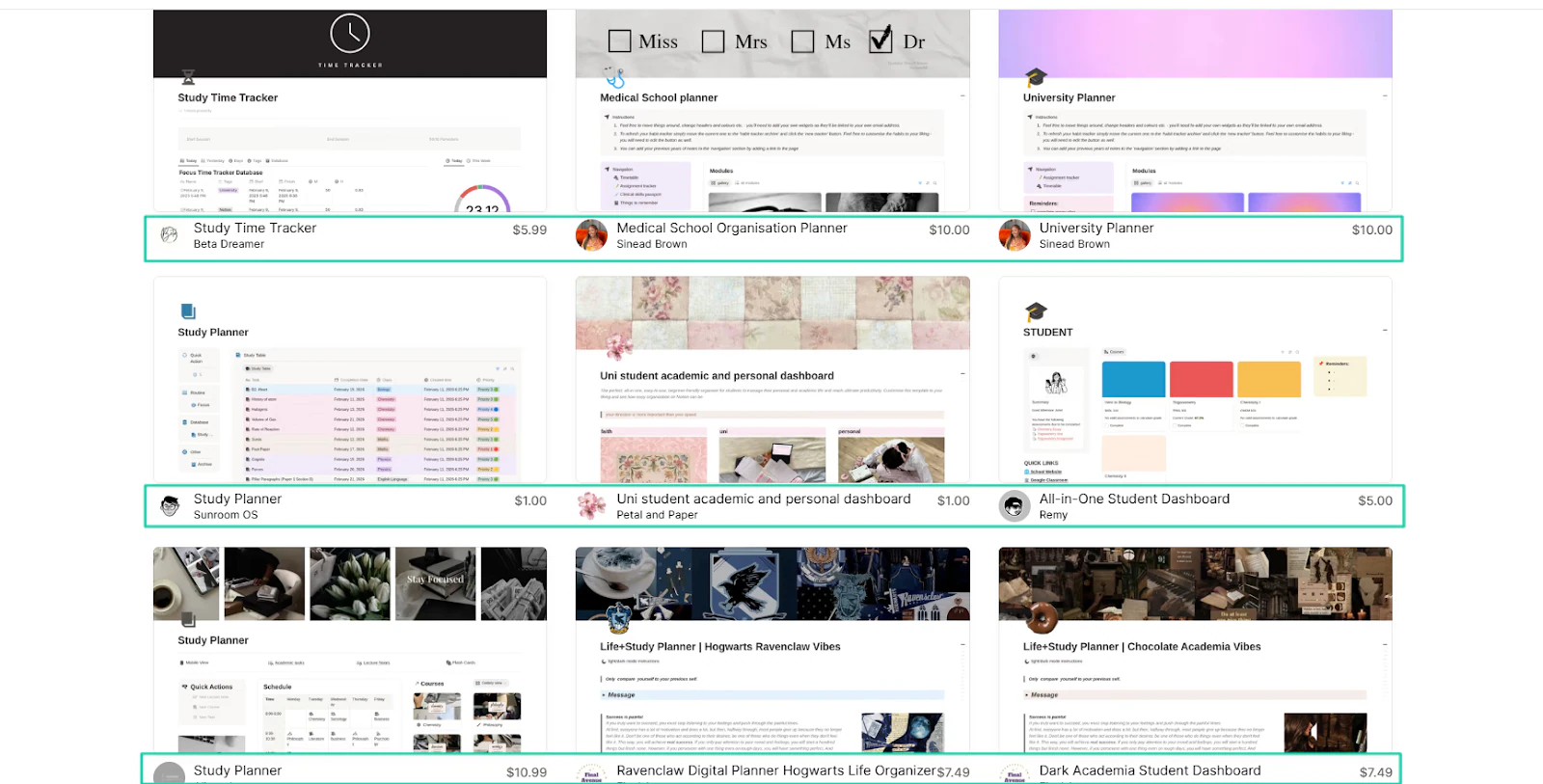
You can find this out by checking how much creators charge on Notion Marketplace.
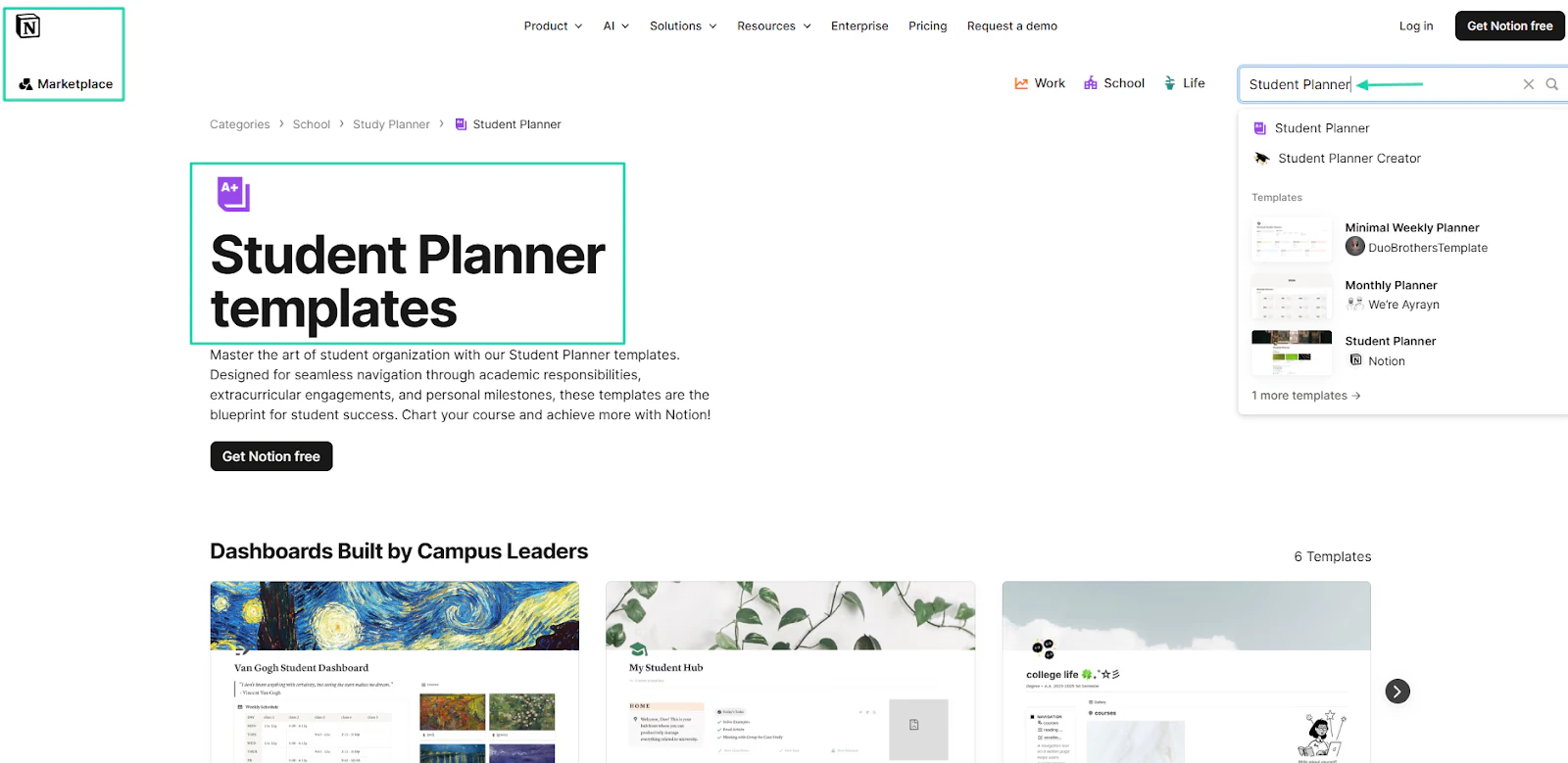
For example, creators sell student planners for $1 to $10.99.
You could also check on the Gumroad Marketplace.
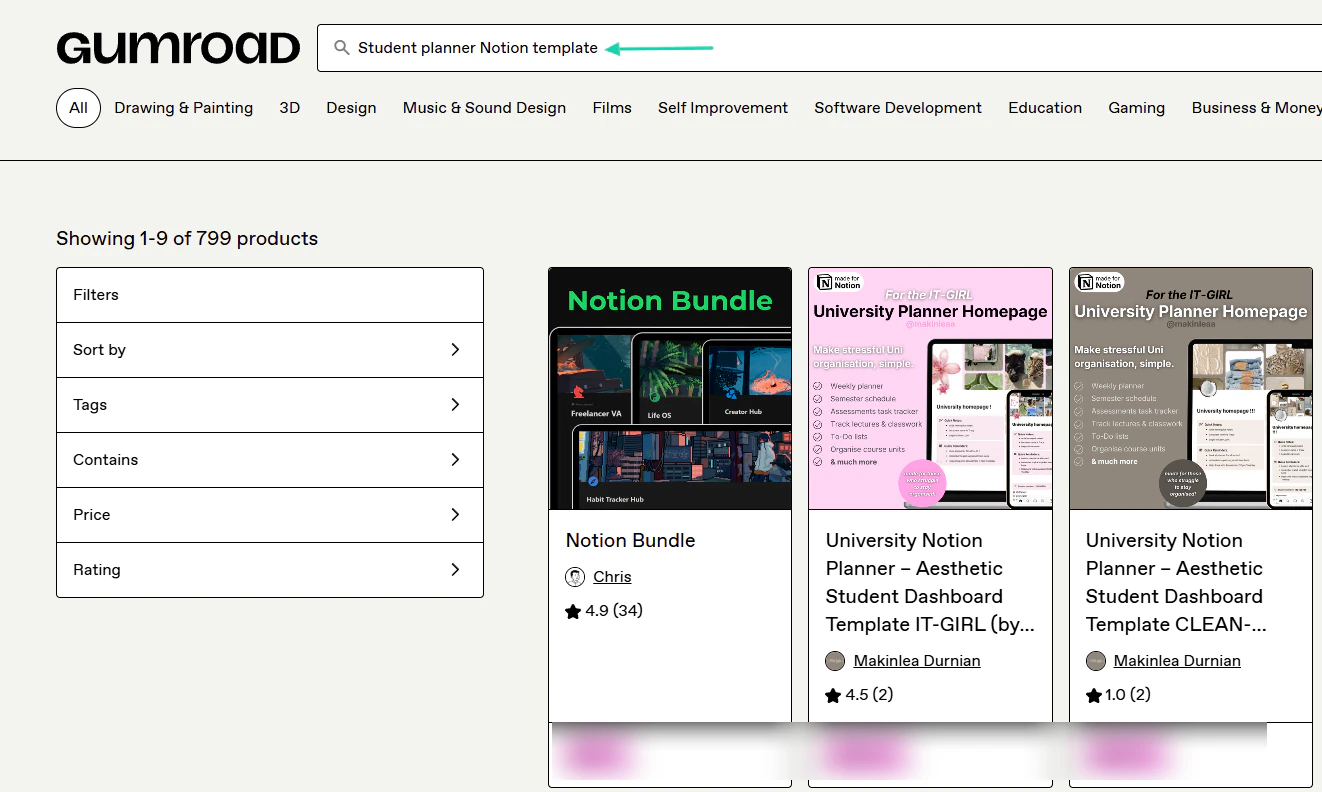
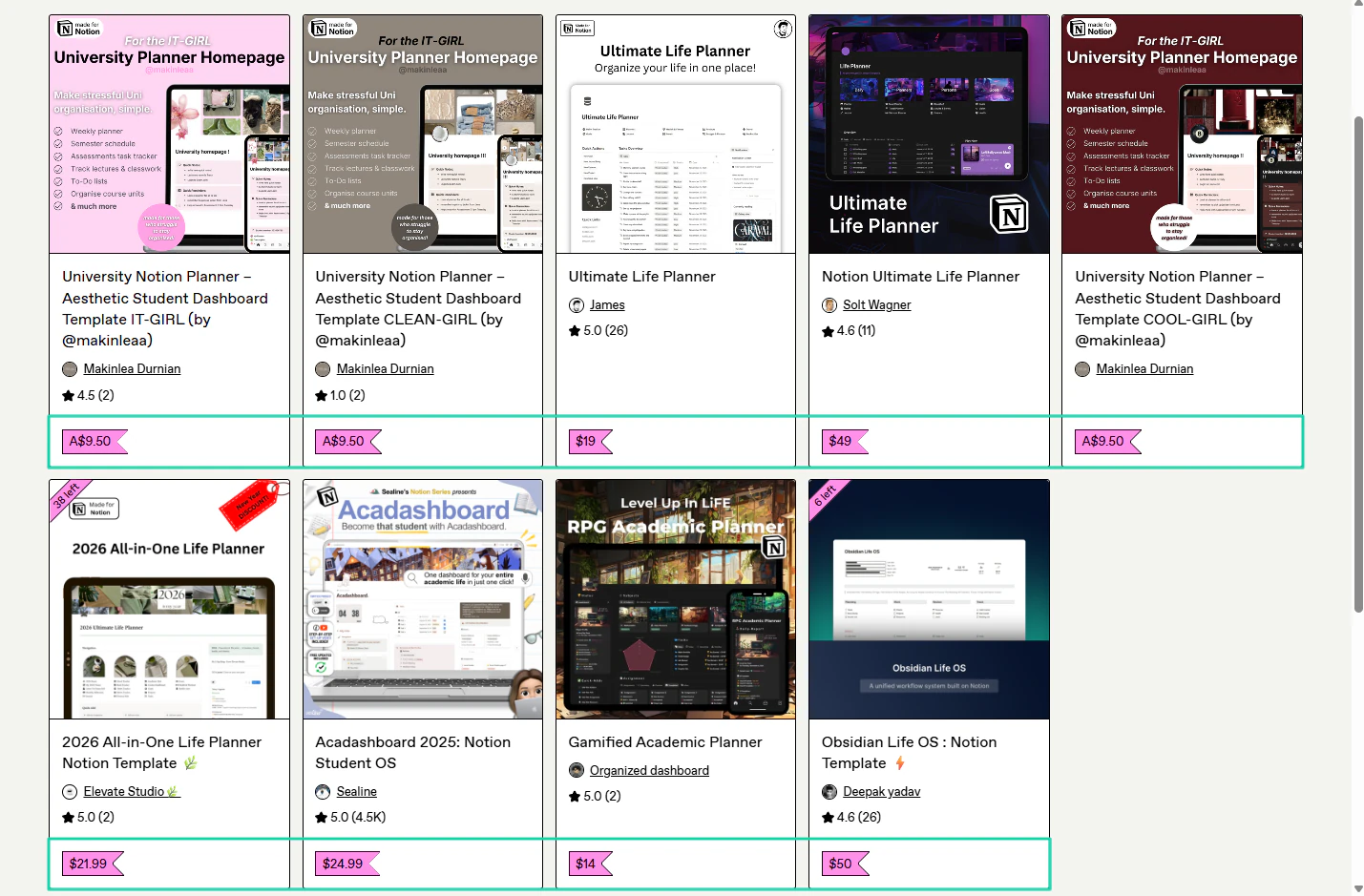
The lowest price of a student planner is $9.50, and the highest is $60.
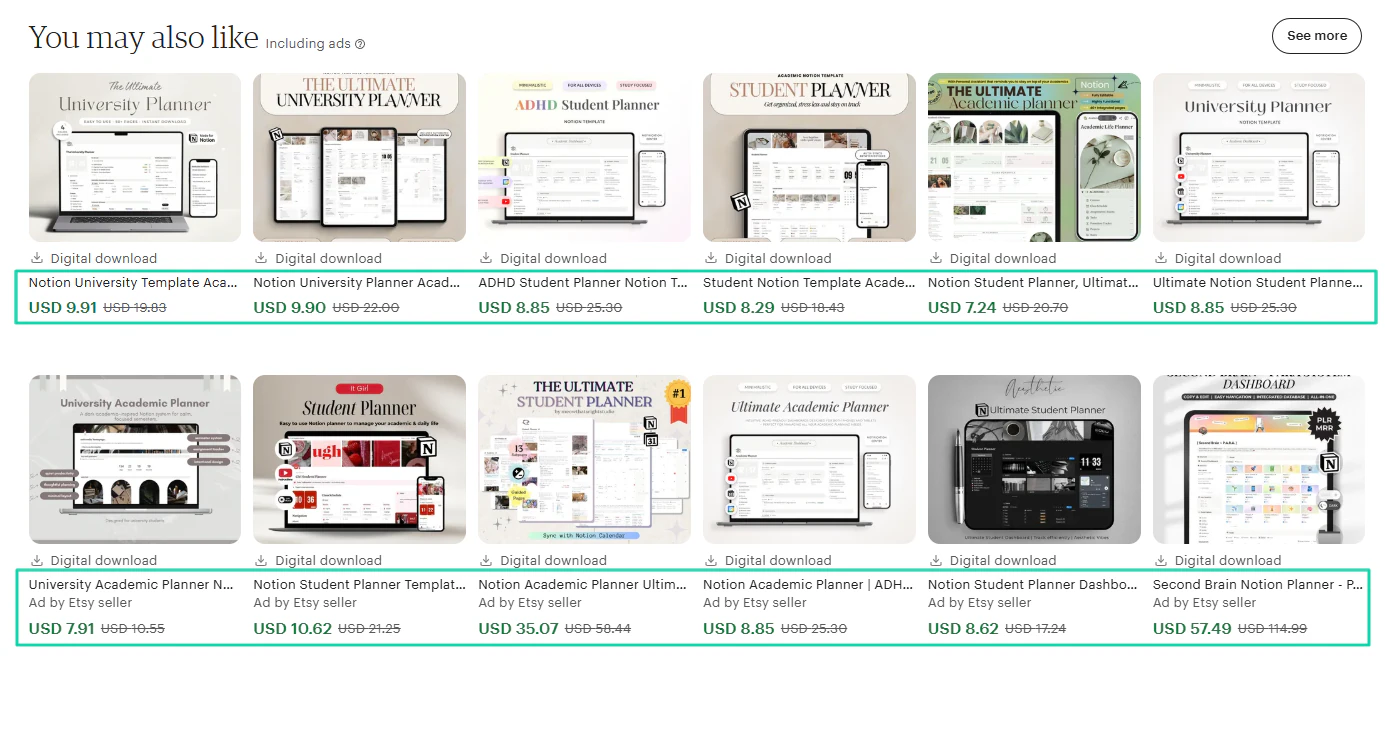
Or on Etsy, where it ranges from $7.24 to $57.49.
This exercise can give you an idea of what creators are charging, so you can price yours fairly. As a beginner, you price student planners around $5-$7.
You can also use the same approach to set pricing for any other Notion templates you want to sell.
Another thing you need to be aware of is that selling Notion templates is highly competitive.
Because of this, even creators like Easlo sometimes offer some of their templates for free.
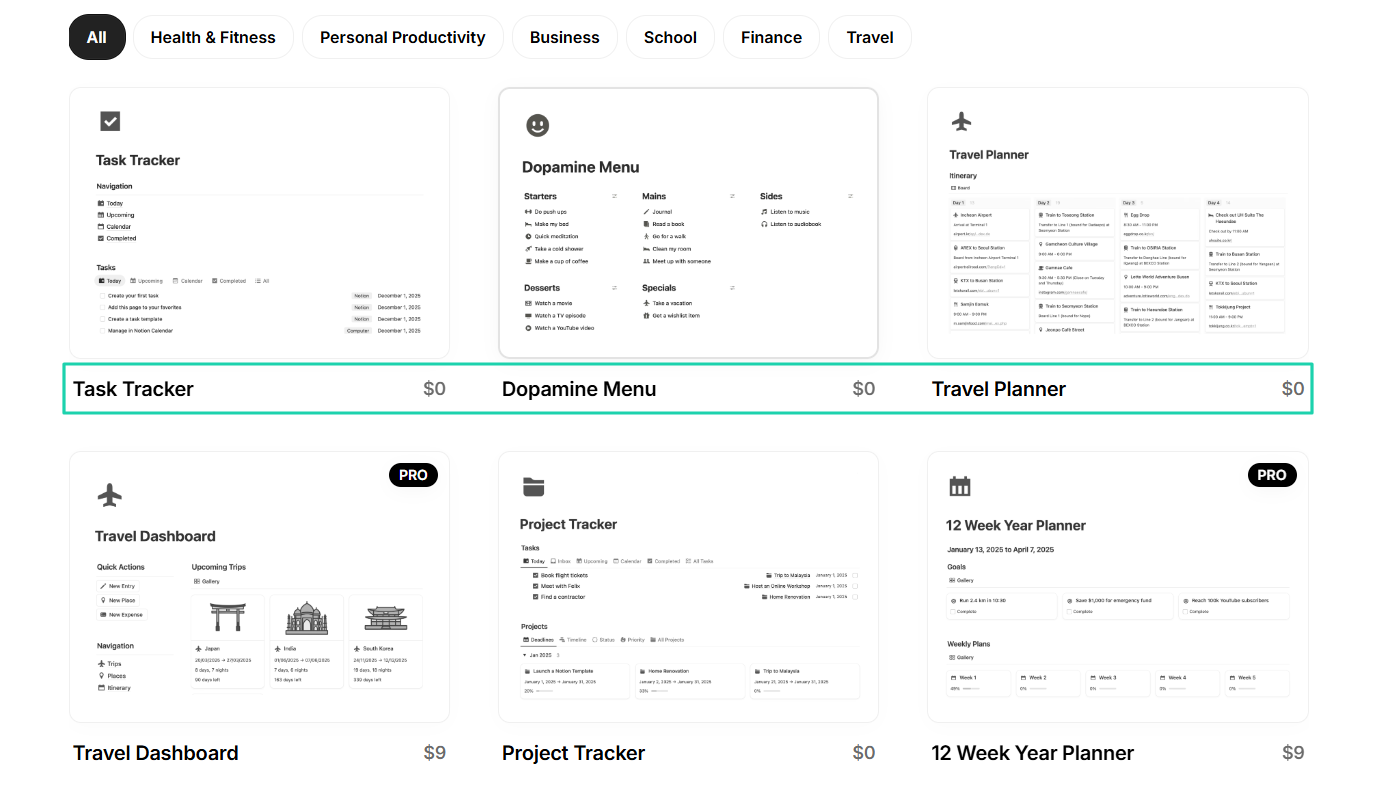
So, you can do the same thing to attract customers.
You can also use a pay-what-you-want model, so users can pay based on their perceived value. Some might give you more than you expect.
Established creators like Thomas Frank use a tiered pricing model. They offer multiple versions for different budgets.
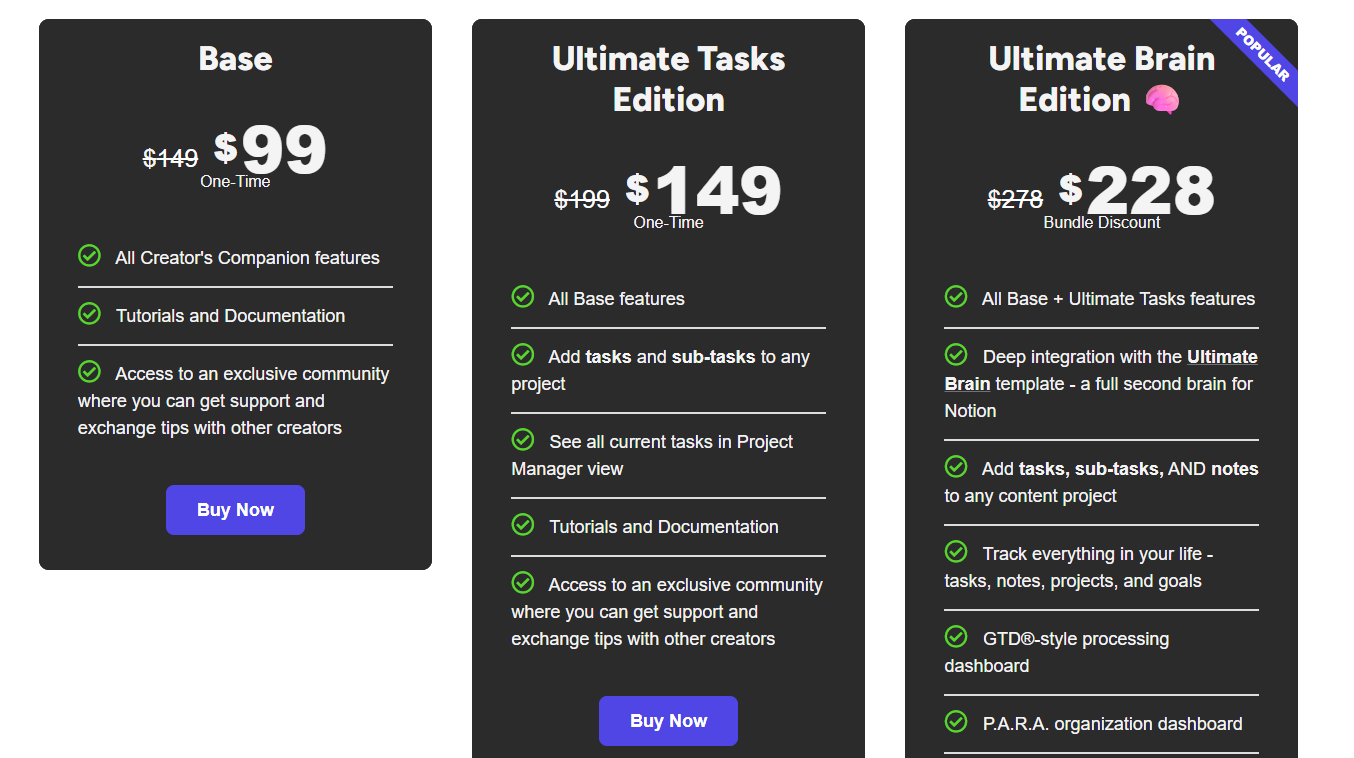
Whatever pricing strategy you choose, one thing is certain: it should be fair. Your goal should be to get users to be satisfied with your pricing because of the value they will receive.
But one big question remains. Do you know where to sell Notion templates?
Step 4: Choose where to sell
This next step will show you where to sell Notion templates.
First, I need to remind you that Notion has 100+ million users since 2024, showing how large the market is.
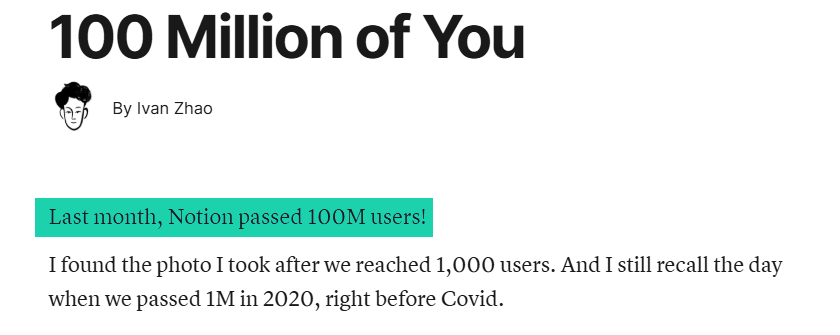
That number makes the Notion marketplace a popular choice.
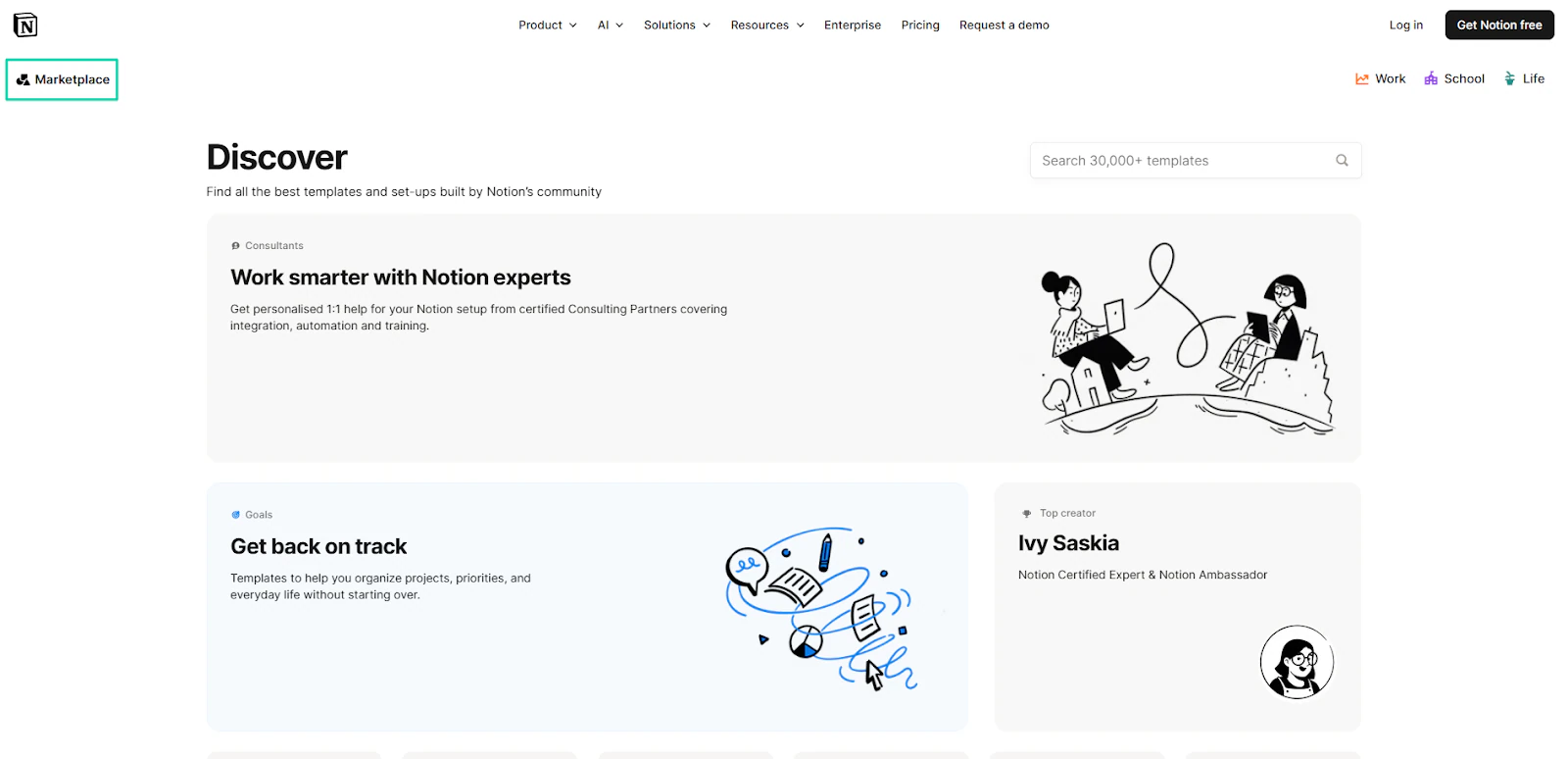
The main advantage is that people who browse this marketplace already want to buy or download templates.
Also, Notion Marketplace has credibility and trust. If your template is listed inside this marketplace, it’s trustworthy.
Now, there are a few things you need to know.
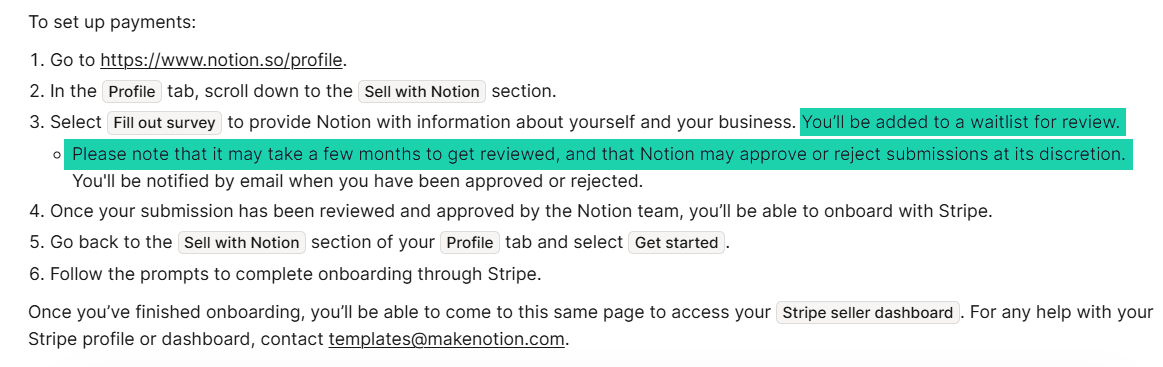
The application process is not as simple as you think. In fact, after submitting information about yourself and your business, Notion will add you to a waitlist for review.
This review can take months, and it doesn’t even guarantee approval. The Notion team can still reject or accept your application.
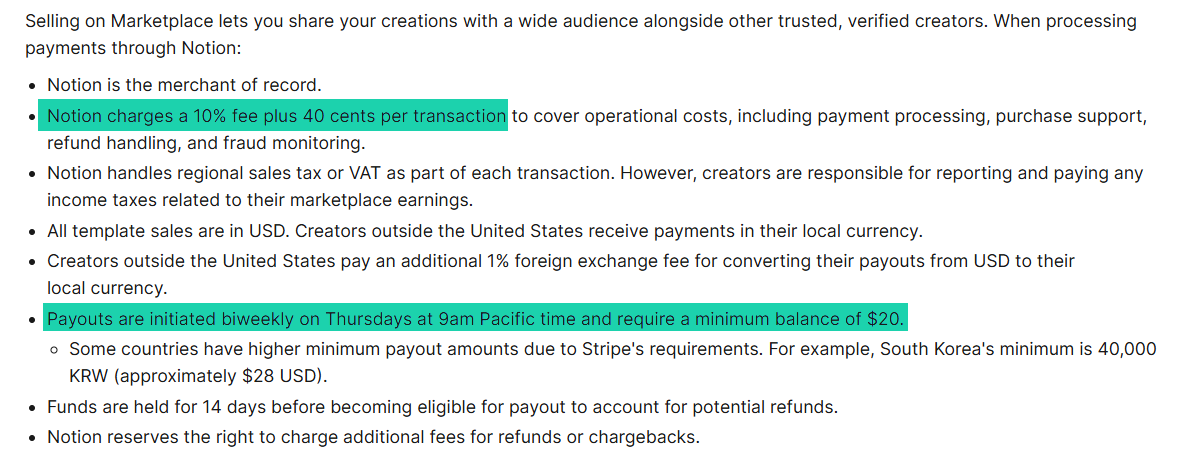
The other downside is the marketplace fees.
Notion charges a 10% fee plus a 40-cent per-transaction fee. In other words, if you sell a template to 100 people for $5 each, the gross revenue would be $500.
But Notion will take $50 (10% of $500) and $40 for all the transactions ($0.40 × 100 = $40). The total fees will be $90, leaving your net earnings at $410.
On top of that, Notion has a payment policy. To receive payouts, you need a minimum balance of $20. In other words, if you make $18, they won’t send it to you.
All these can limit new Notion template creators.
And if you still consider pricing competition, you might think twice before starting to sell on Notion. There are over 18k+ Notion template creators
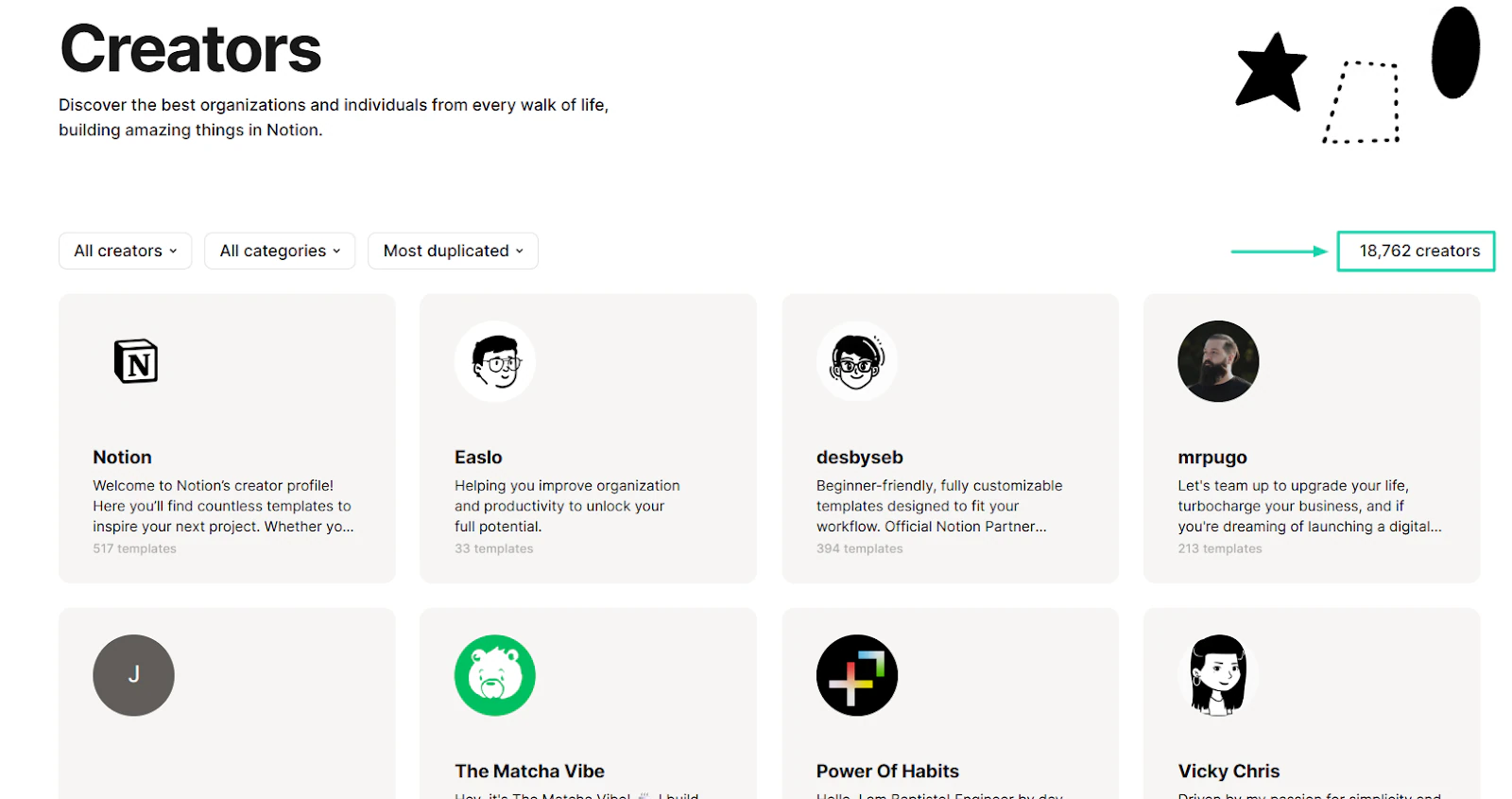
This means that when users browse the marketplace, they can instantly compare hundreds of templates. Because of that, creators often compete on price rather than on value.
You will be forced to underprice at all costs in the hope of getting one sale.
Now, the other option is to sell your Notion template on your own storefront, as Pascio does.
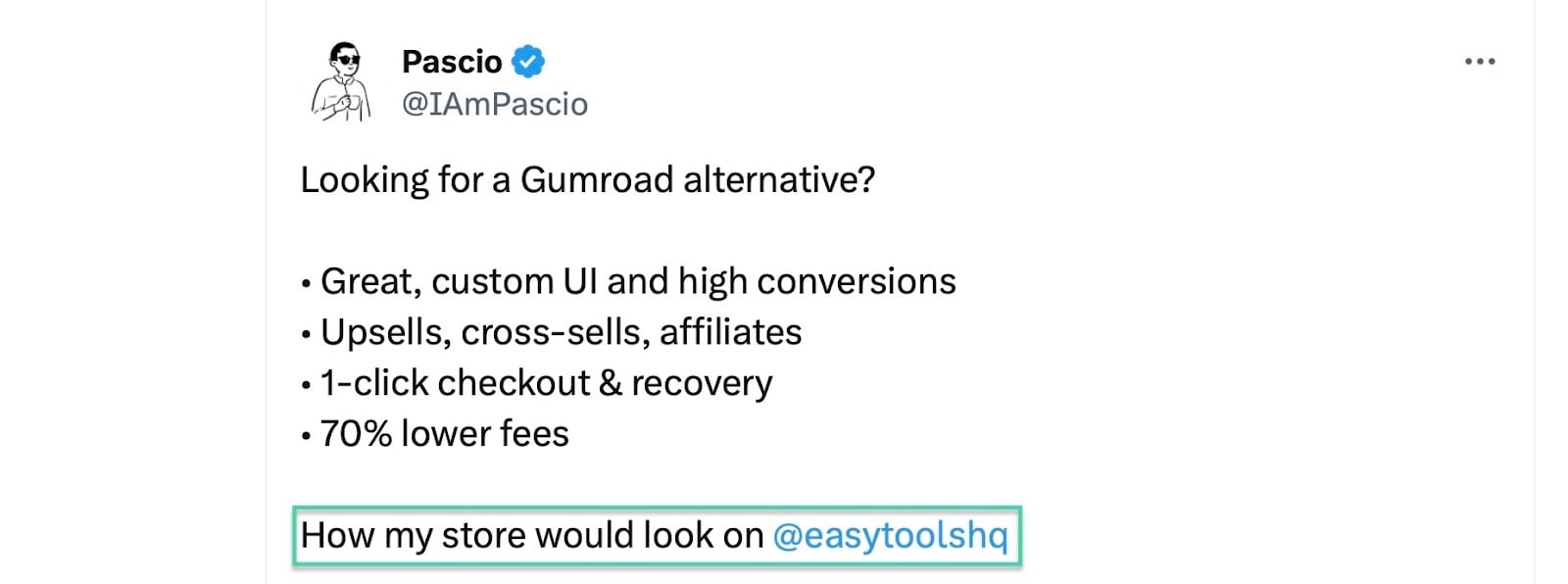
He uses Easytools to do that. And don’t worry, there won’t be any need to create a full website.
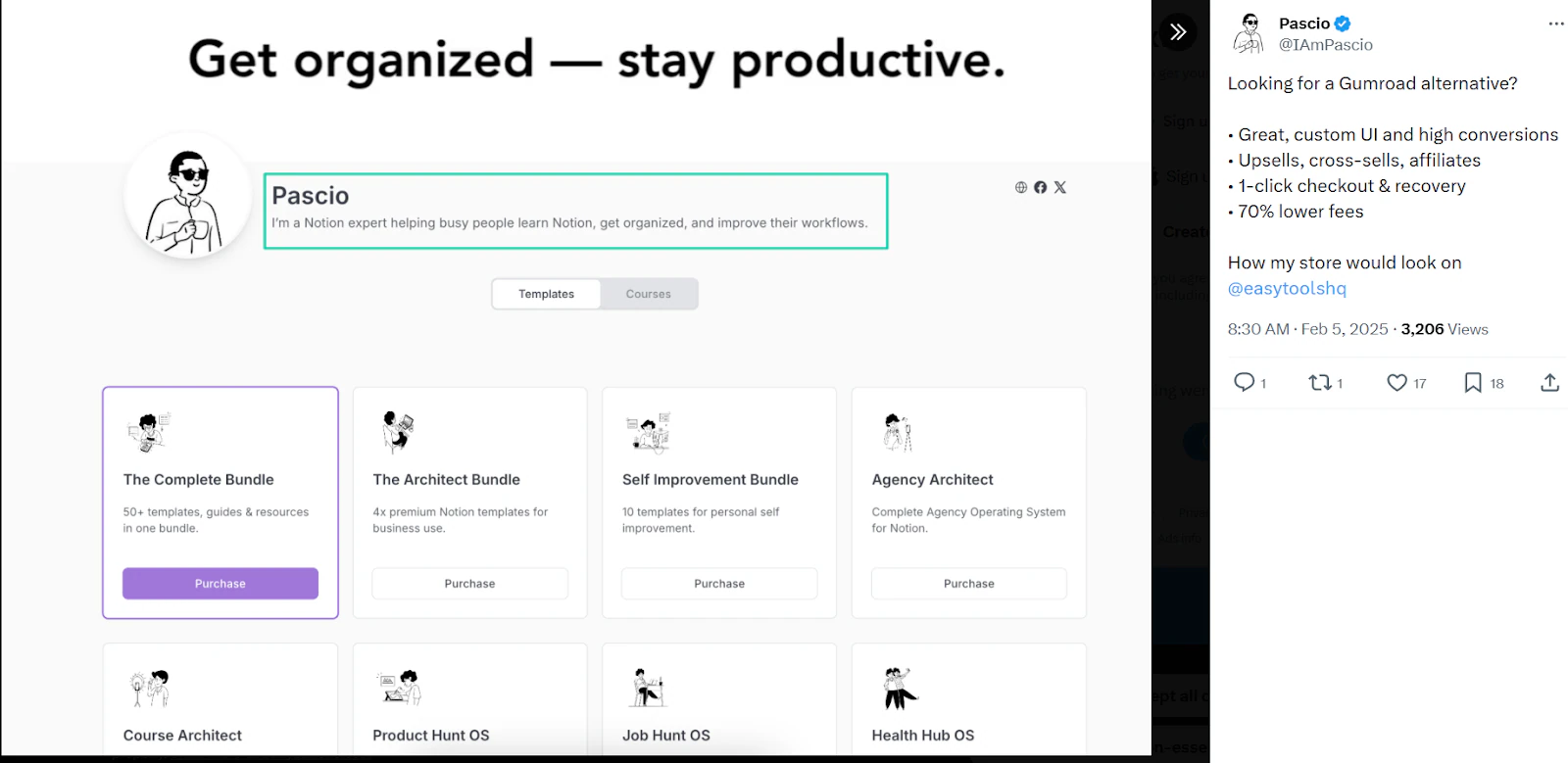
With your own store, you can easily add your Notion template among your digital products. You can then manage payments and also customer data, which is a great advantage for marketing.
Now, chances are you just got started and only have a few Notion templates. In this case, you can simply create a storefront on Easytools.
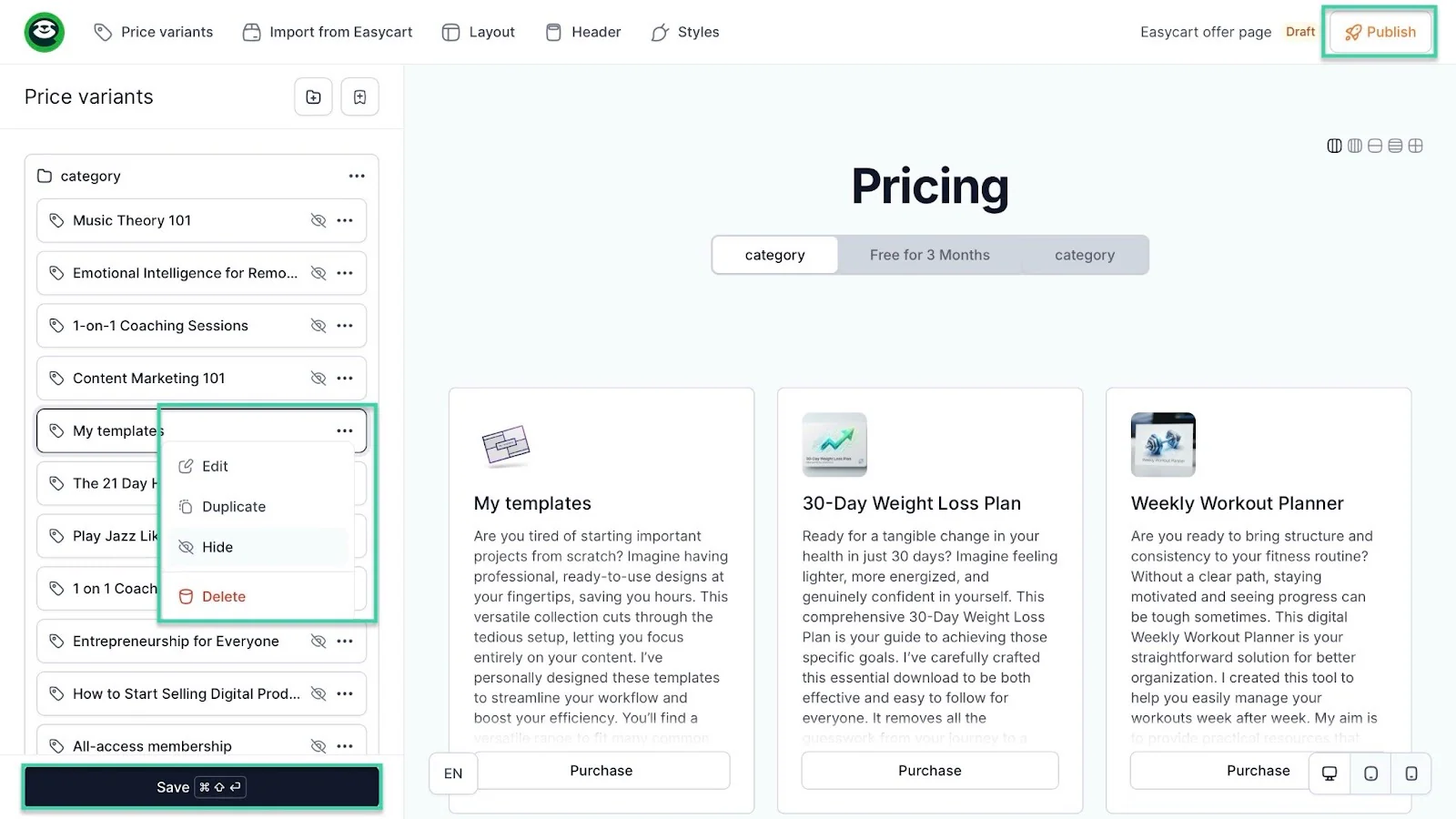
Start by selecting “Store” in the sidebar. Then, click “Storefront.” Next, hit the Edit button.
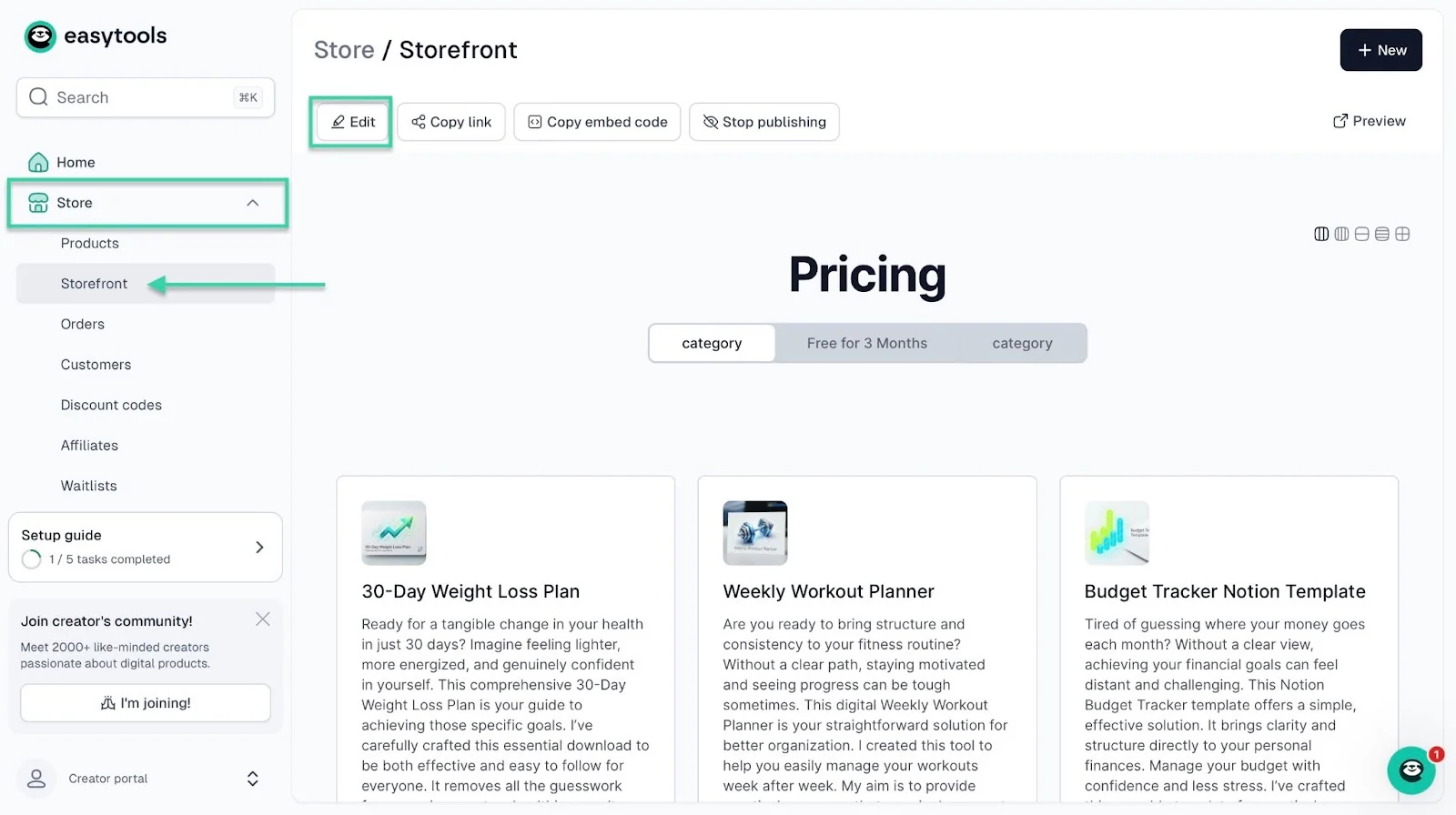
In the edit window, you can click the meatball menu in the sidebar to hide some products. After all, you only want to showcase your Notion templates.
Once you’ve done that, you can save and publish.
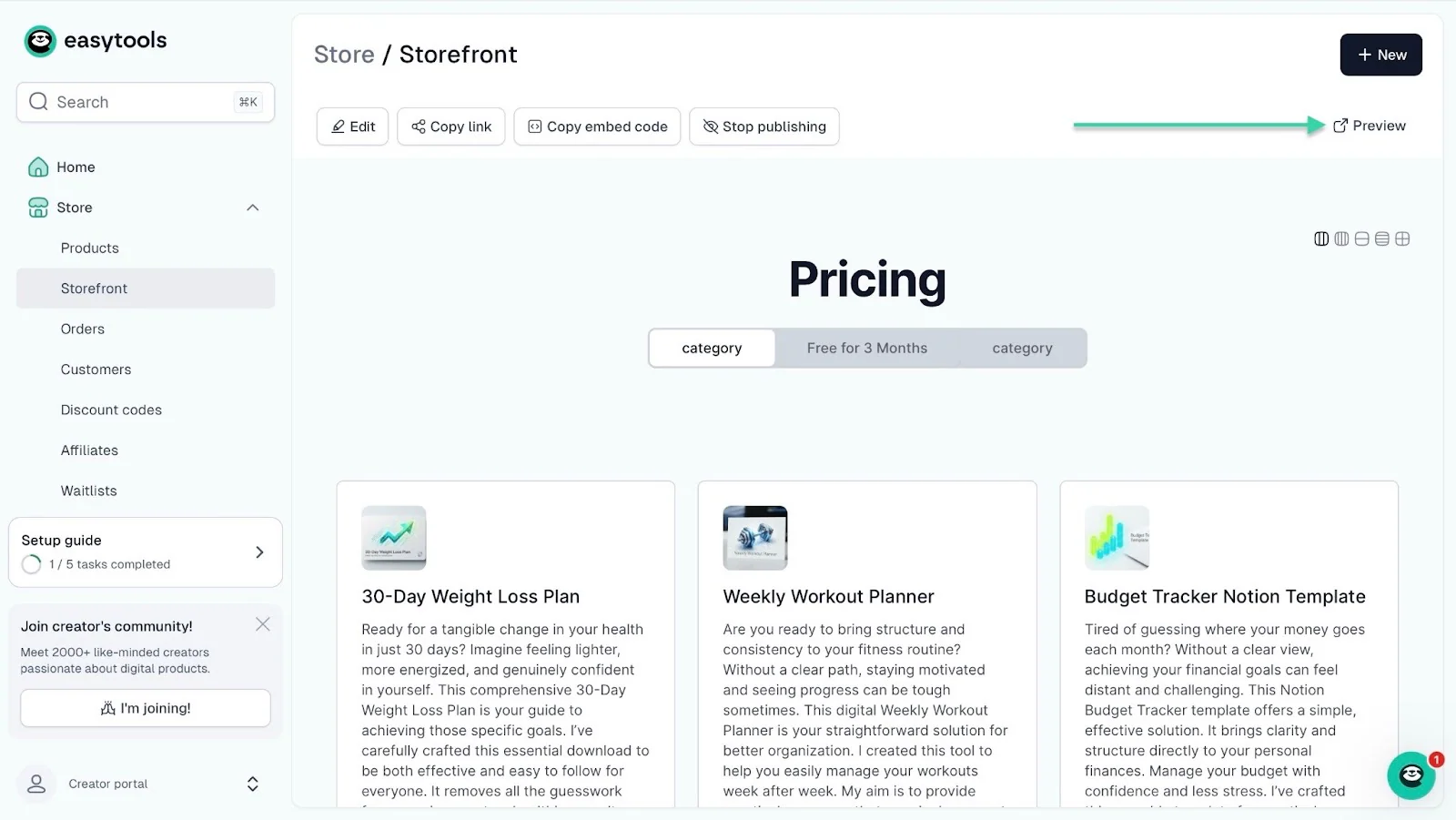
Now, back to the Storefront window, click “Preview” to see how your storefront will look.
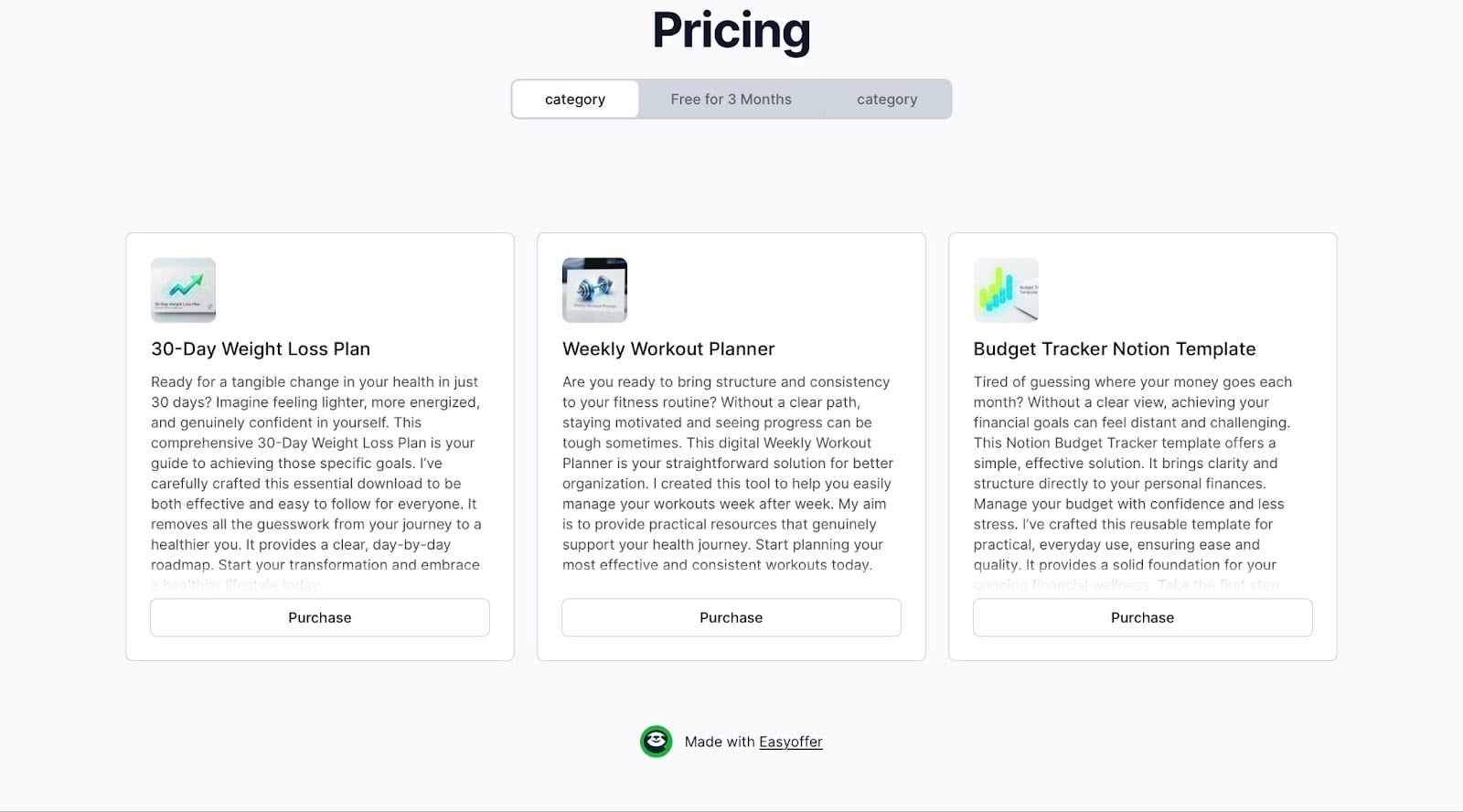
This is how your storefront will look.
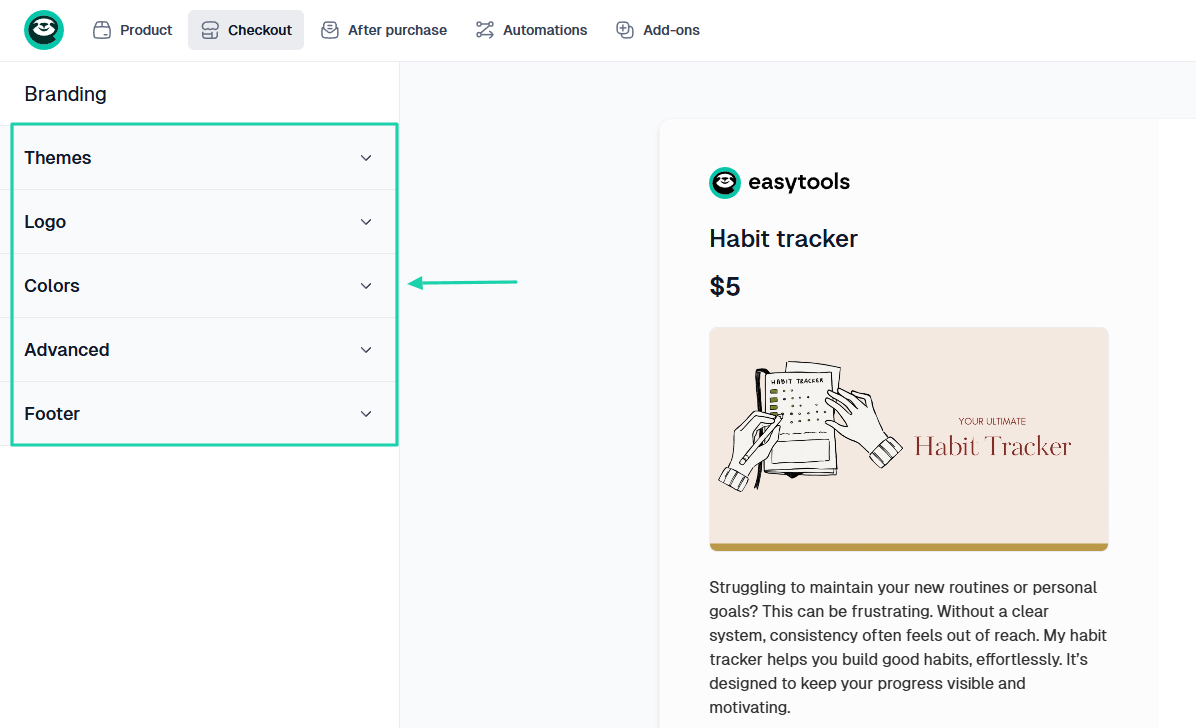
Aside from the storefront, you can create a fully customizable checkout page to sell your template.
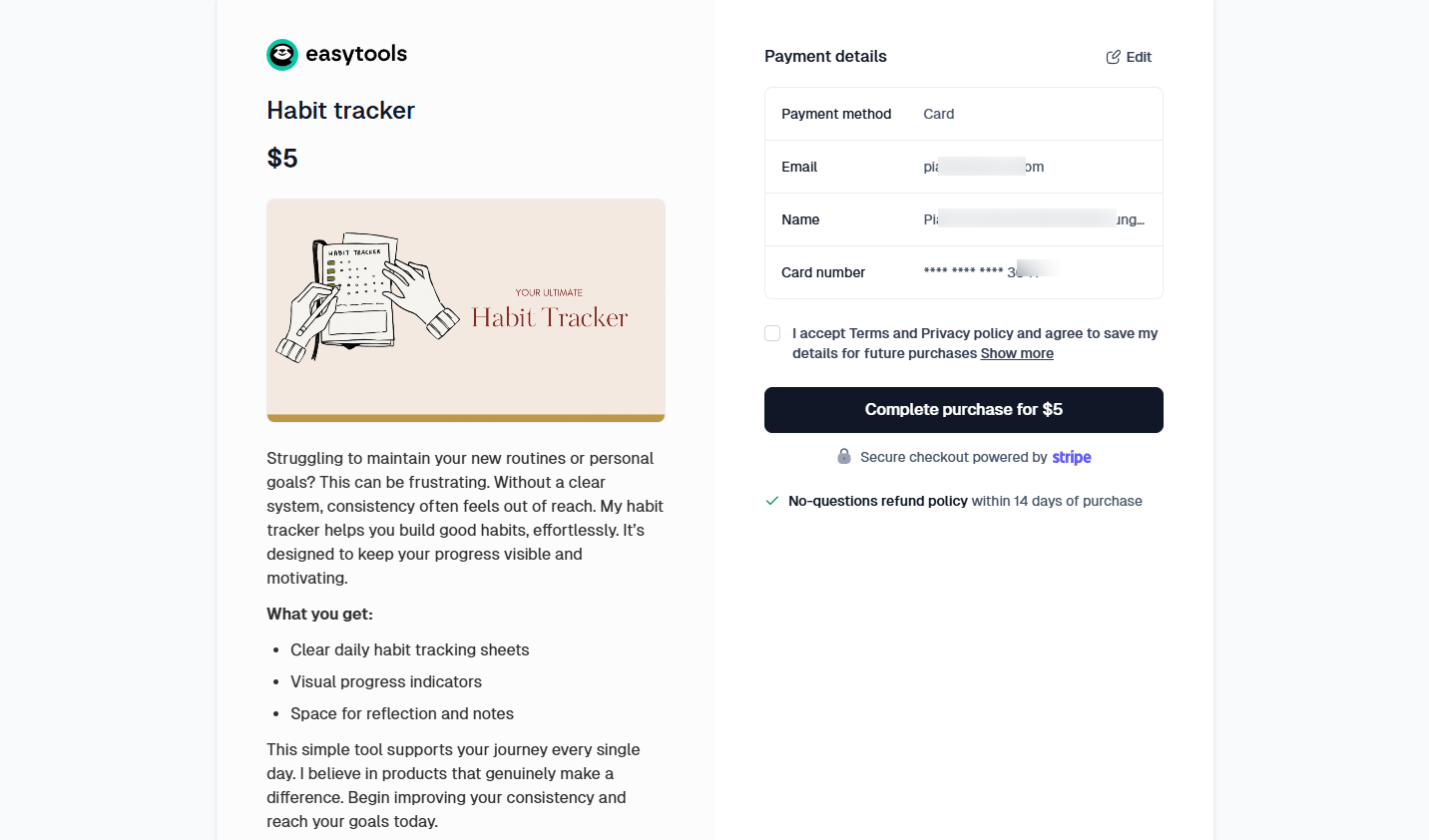
You can adjust the theme, colors, enter footer text, and add your logo.
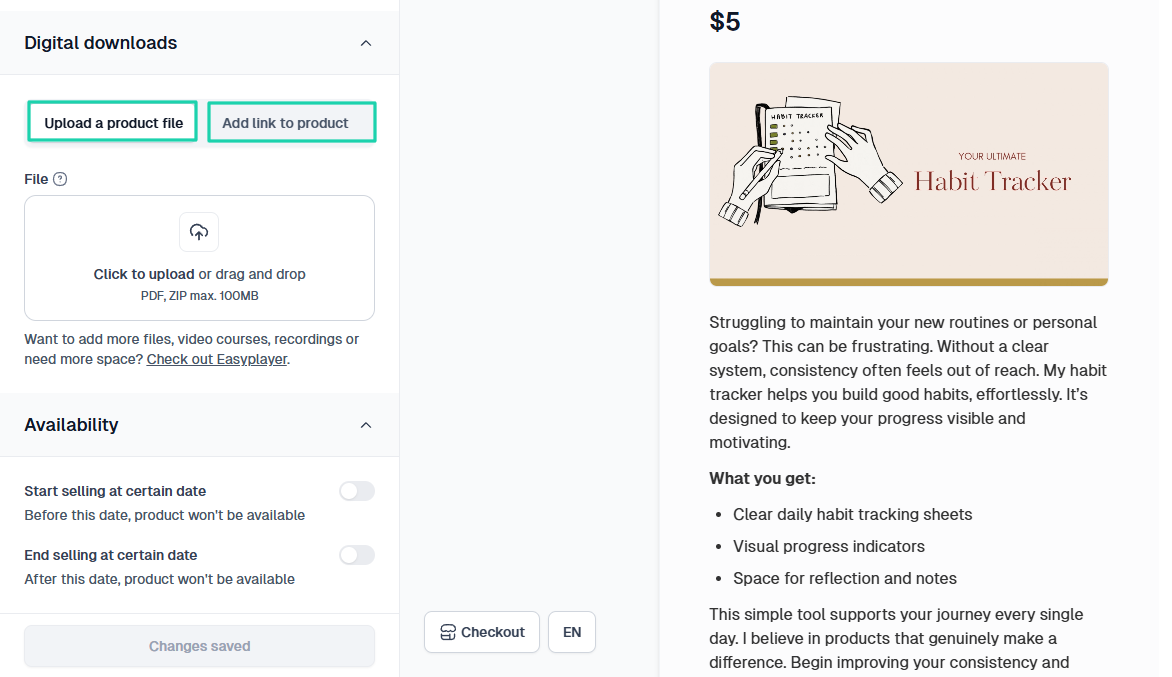
You will be able to add your template link or pdf with instructions.
There is so much you can do with Easytools.
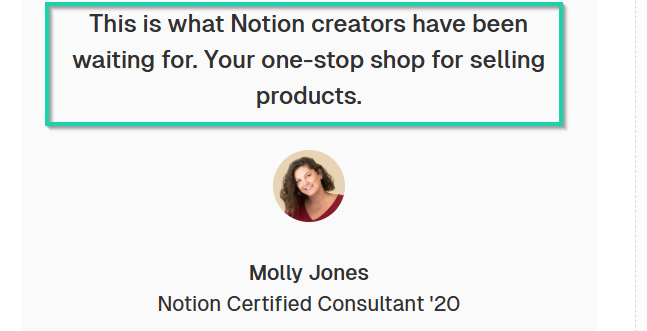
No wonder Molly Jones, who is a Notion Certified Consultant, said that it was your “one-stop shop” for selling products.
She believes that Easytools is what Notion creators have been waiting for.
{{cta-banner-1}}
For payment processing, you can connect Easytools to your Stripe account. The good news is that you won’t lose your customer data.
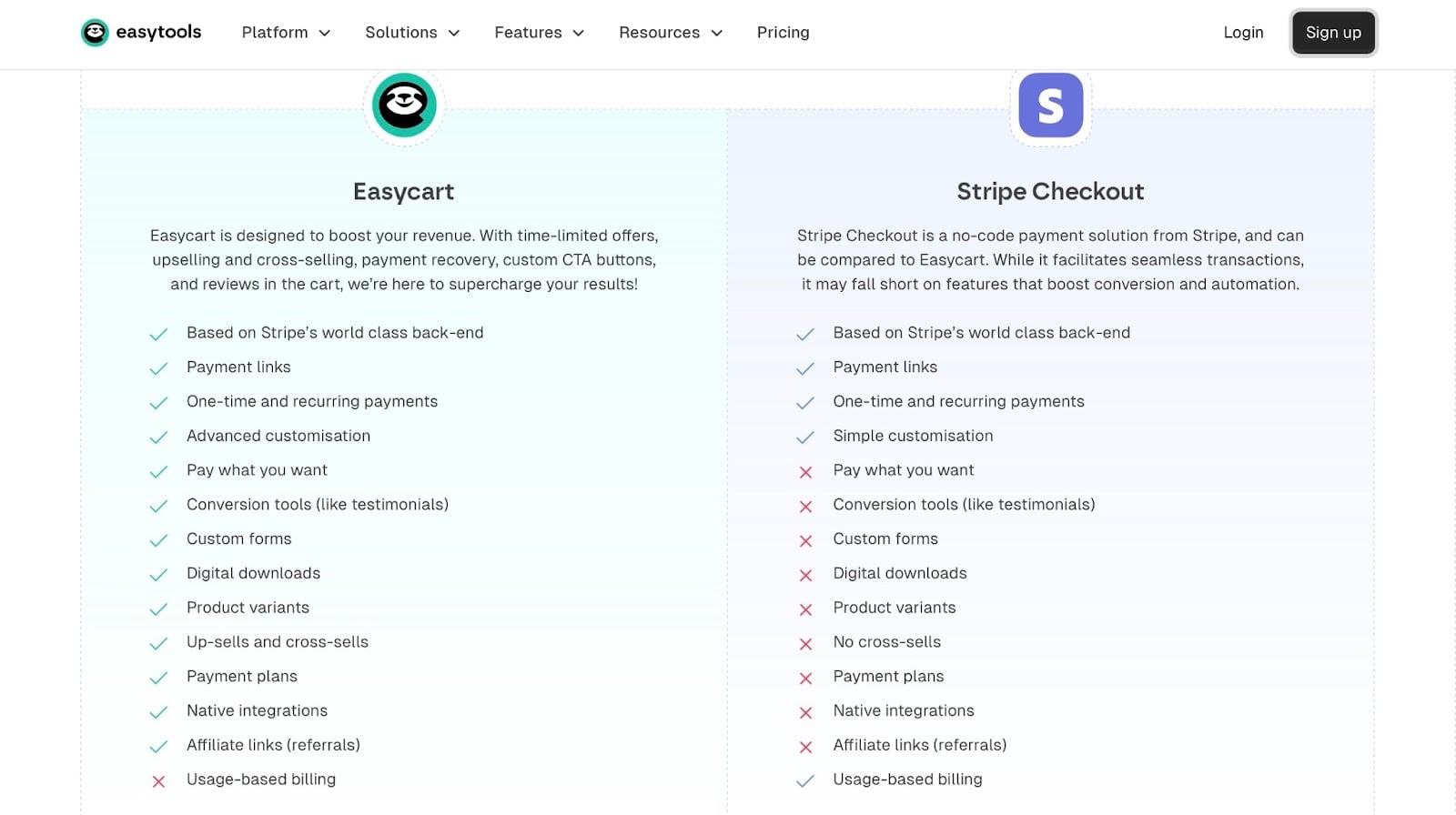
And unlike Notion marketplace, you don’t need a minimum payout balance to receive your money.
It’s also worth noting that Easytools only takes 5% per transaction when you start selling.
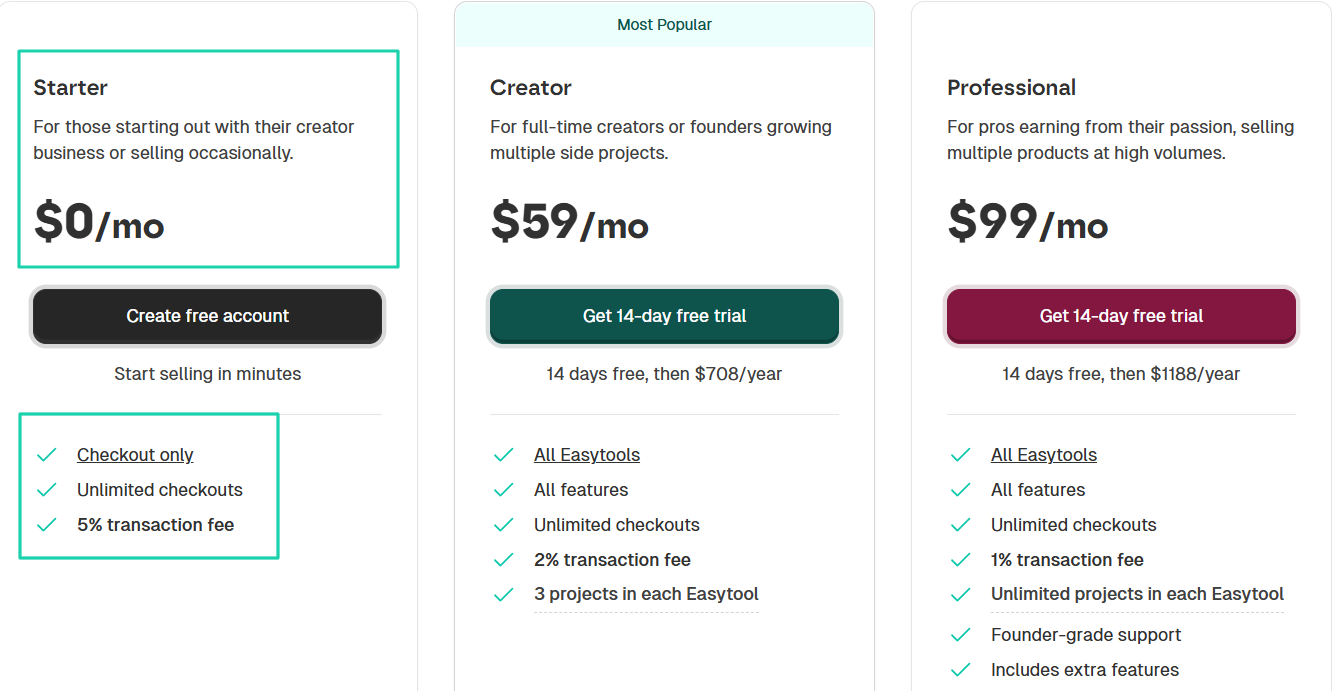
Here’s a revenue comparison table between Notion Marketplace and Easytools, considering the transaction fees each platform collects.
Let’s assume that you’re selling your Notion template at $5. We’ll see what it looks like from 100 to 5,000 sales.
As you can see in the table, after 1,000 sales, you will make $4,750 with Easytools and $4,100 on Notion.
The gap is $650.
This is an example of the kind of calculations you can make to see where you can sell and how much you can make.
The platform you choose to sell on will determine how much you take home after each sale.
Now, to the last step!
Step 5: Promote consistently
You can’t sell Notion templates efficiently without consistent promotion.
Building, packaging, pricing, and knowing where to sell your template is good. But how can you expect to make sales if people don’t know that your template exists?
It’s basically like you, selling an e-book. People must first learn about it before they can buy and read it.
The truth is, the gap between you and your first sale lies in how you position yourself. You can make your first sale on the very first day of your launch or after 2 months.
That’s why you should take it seriously.
One thing you can do is take advantage of Notion communities on social media platforms.
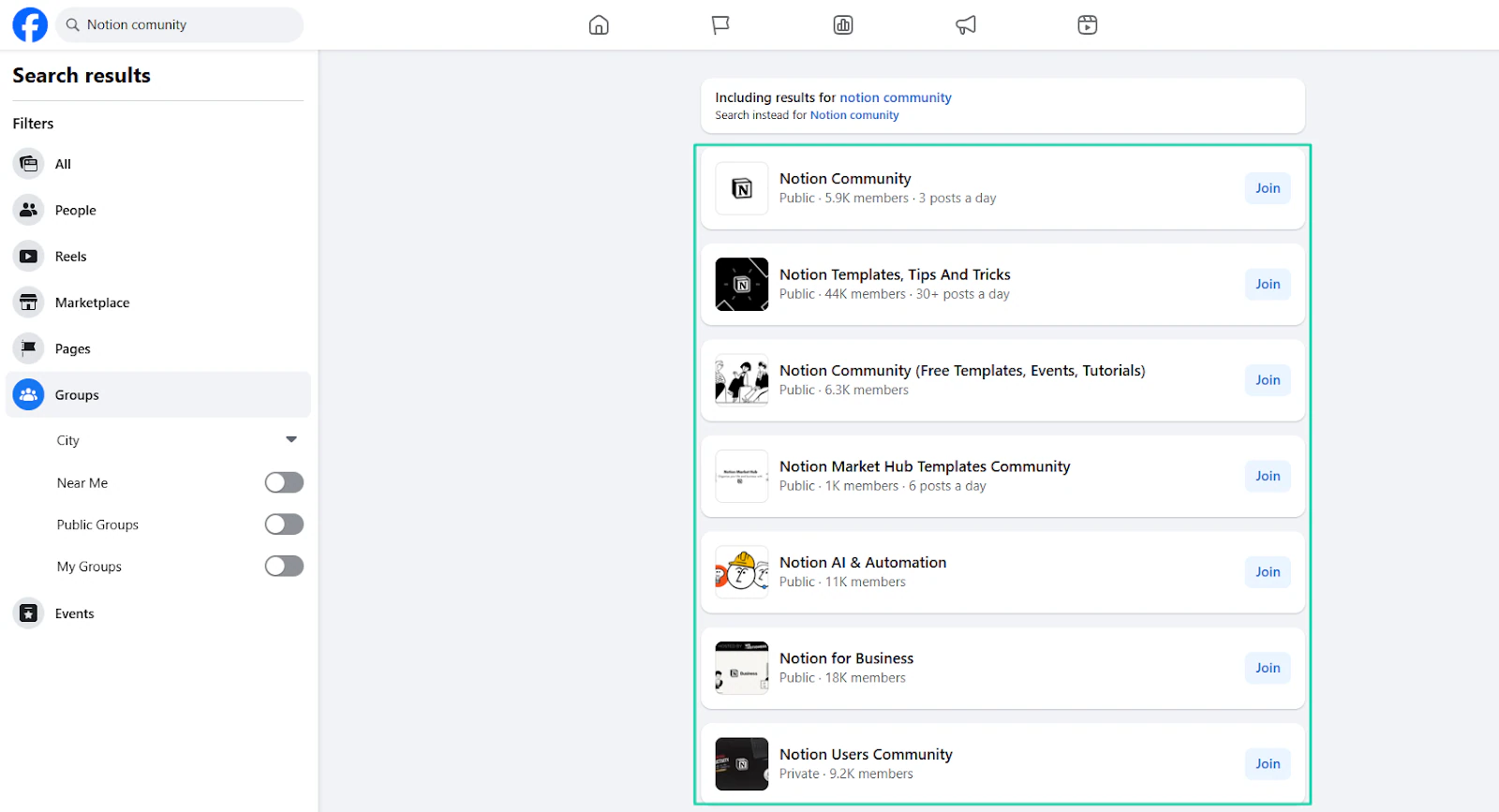
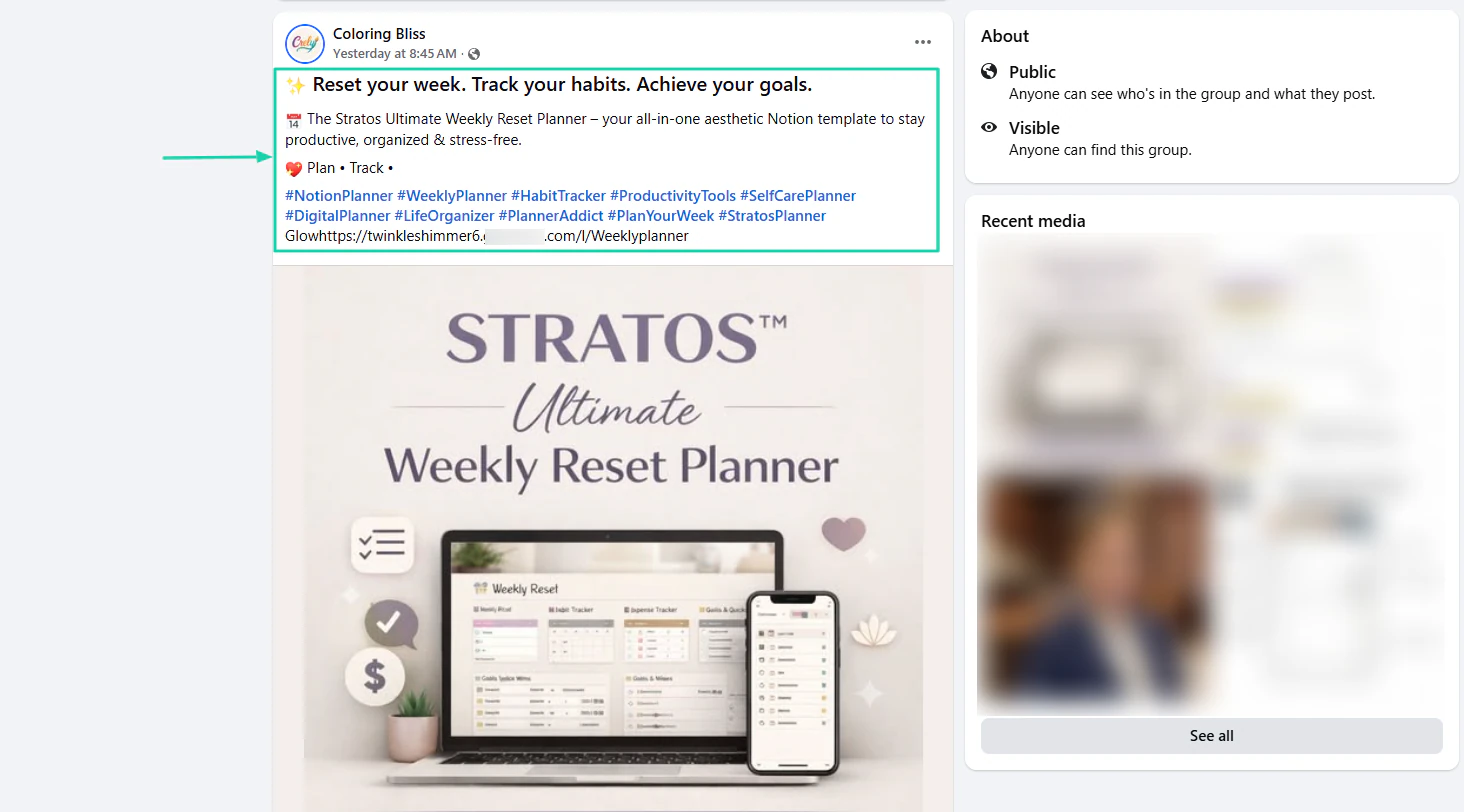
You can promote your template within those communities.
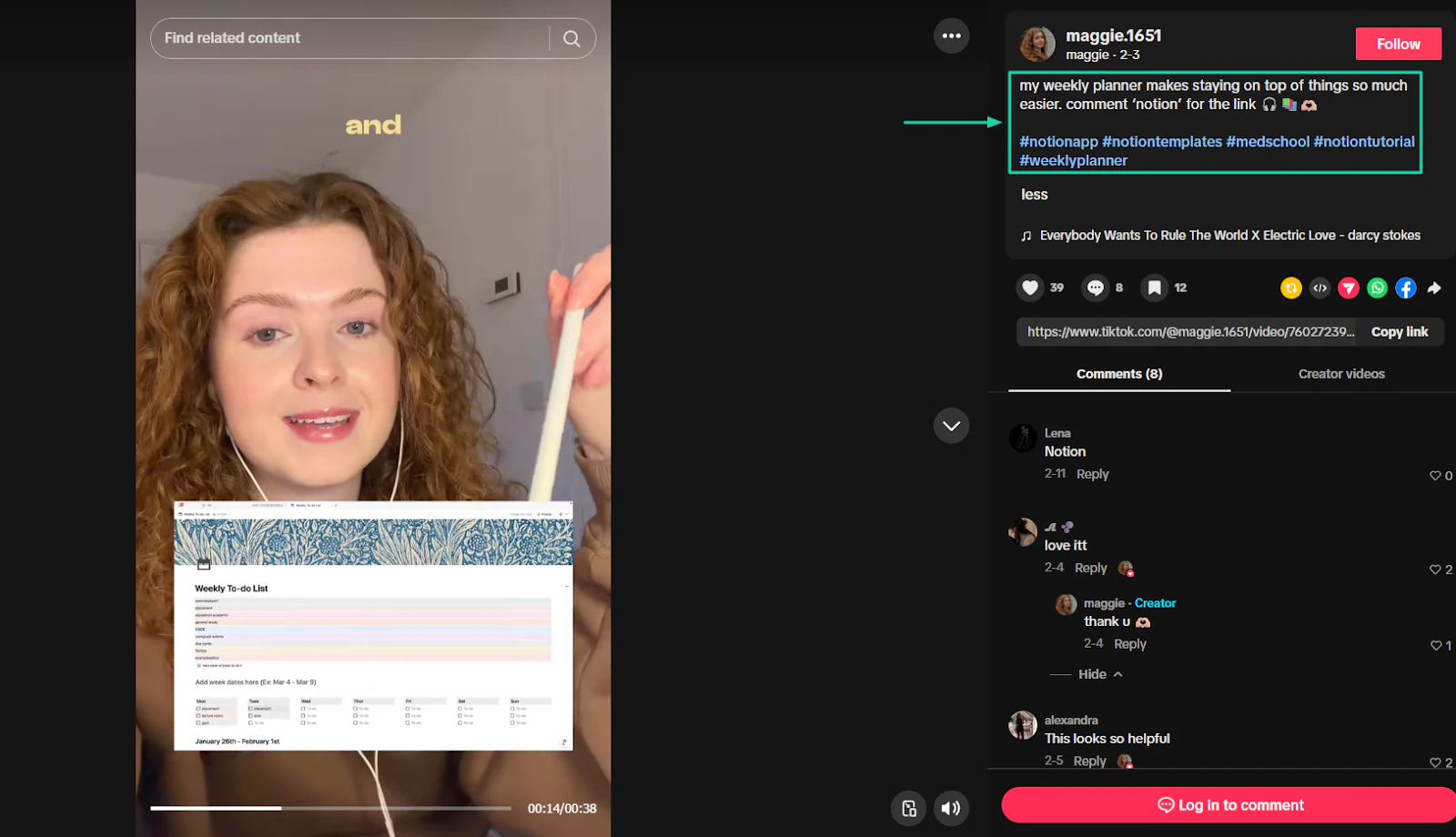
If you’re already familiar with a platform like TikTok, you can discuss it there, as Maggie does.
She promotes her weekly planner by asking people to comment, then sends them the link.
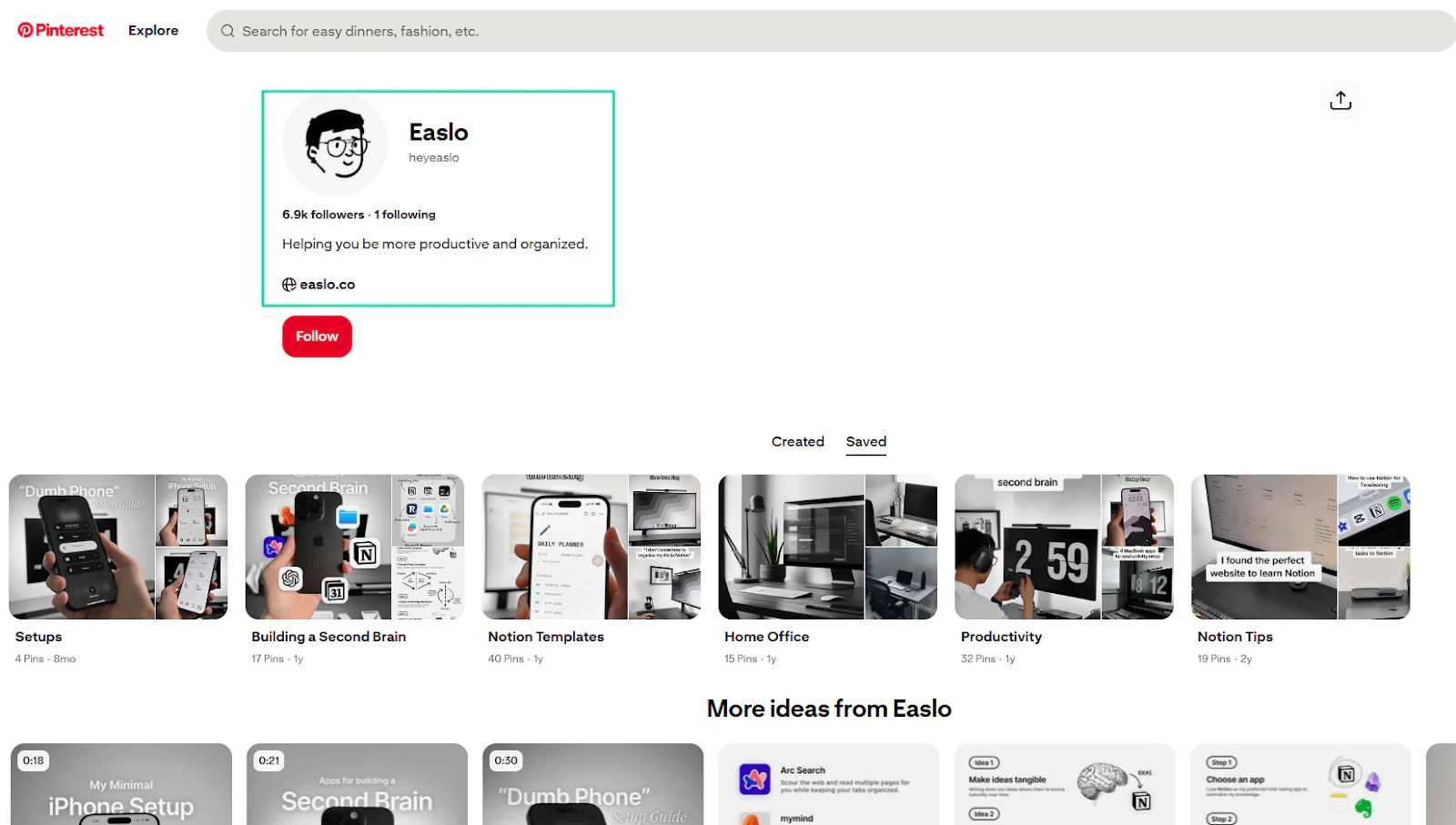
Many creators also use Pinterest to promote their templates. Easlo is a perfect example with almost 7,000 followers.
Now, even if you make your template free, you still need to promote it. In fact, making it free can also be a strategy.
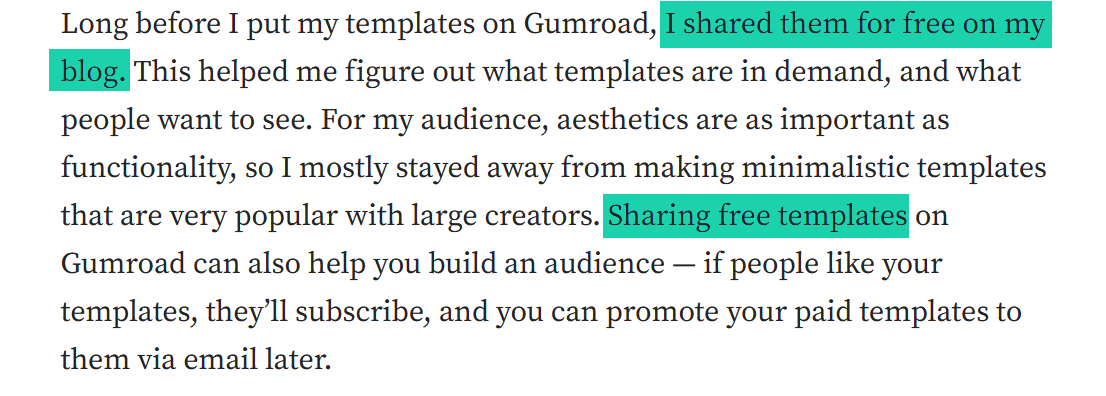
One Notion template seller, Hafsah, revealed she used her blog to share her templates for free. This helped her build an audience that she could reach out to later.
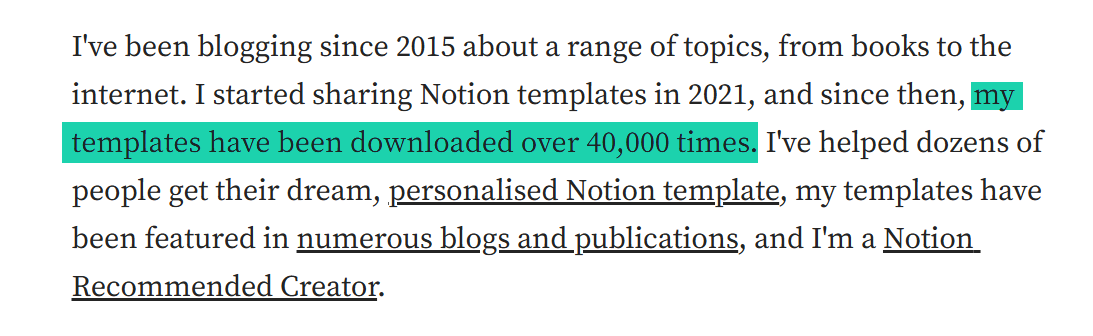
As of today, buyers have downloaded her templates over 40,000 times.
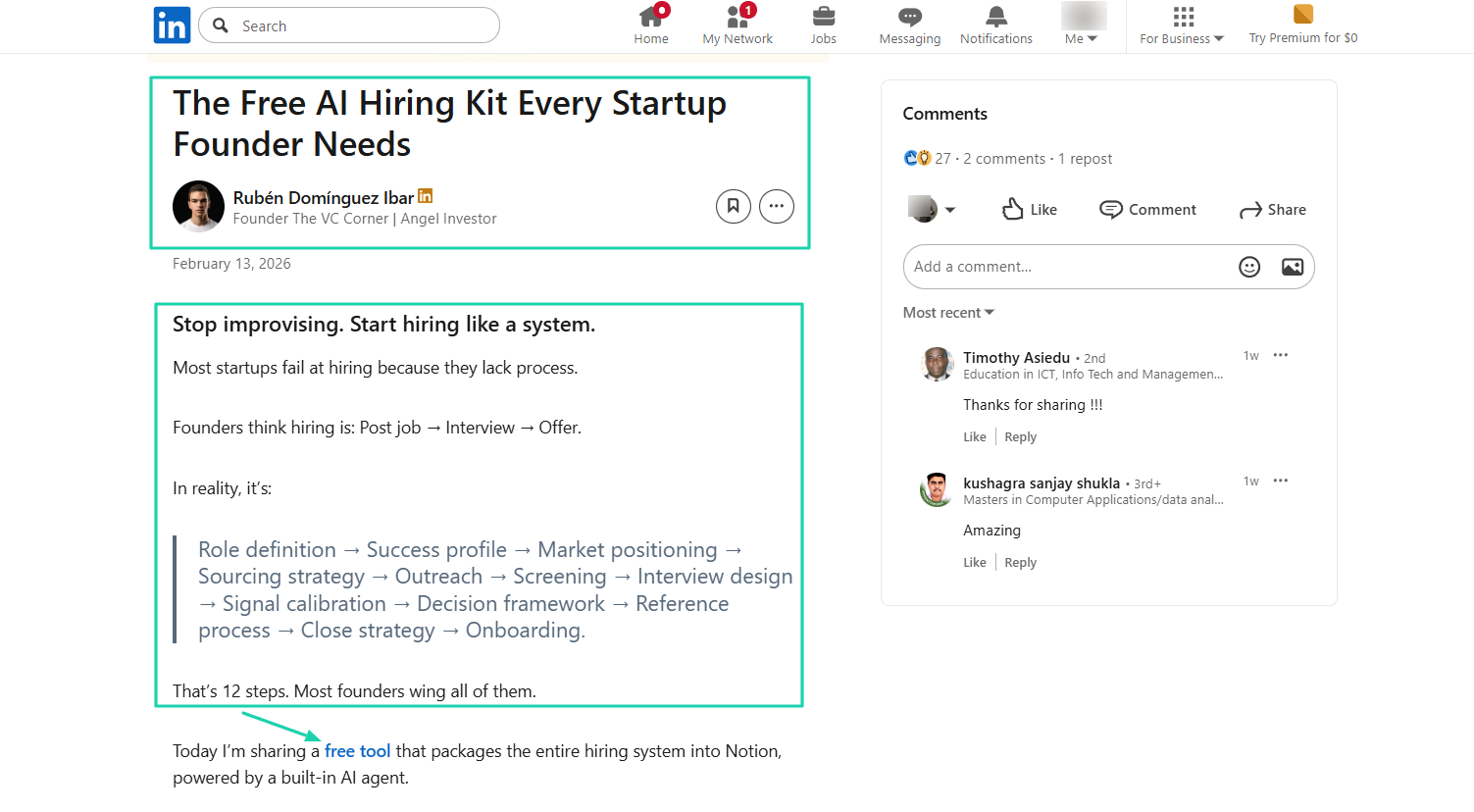
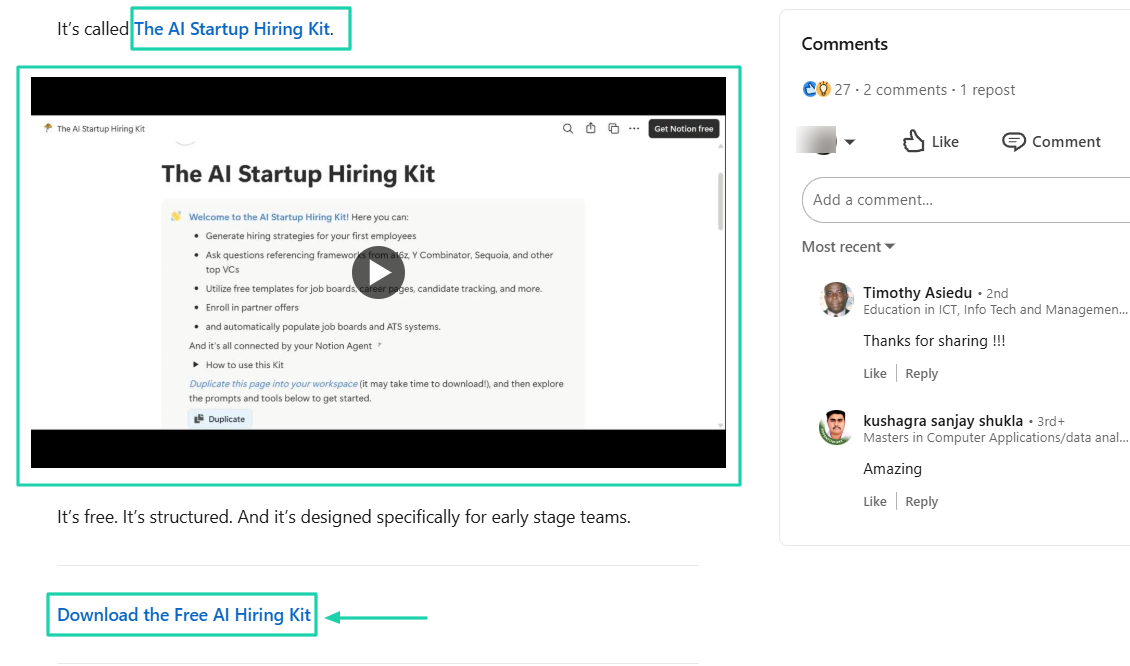
The founder of VC Corner, Rubén Domínguez, shared a LinkedIn post promoting his free AI hiring kit for startup founders.
In his post, he explains the mistakes people make and the problem his template solves.
He even added a video showing the template in action.
And to receive his free Notion template, buyers provide their work email address and answer a few questions.
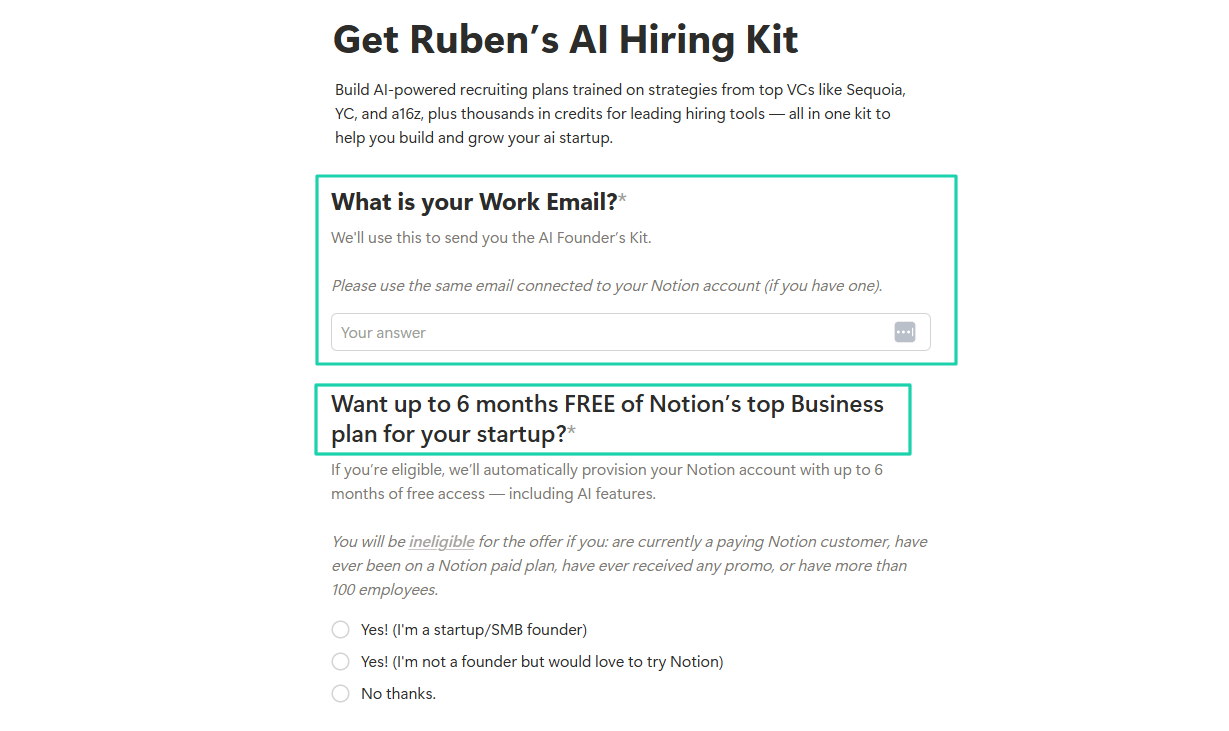
You can do the same thing and offer Notion templates as lead magnets.
Also, as a beginner, you may not be famous in this space. You can use affiliate marketing to promote your Notion template.
It’s just you giving commission to people who can promote your product.
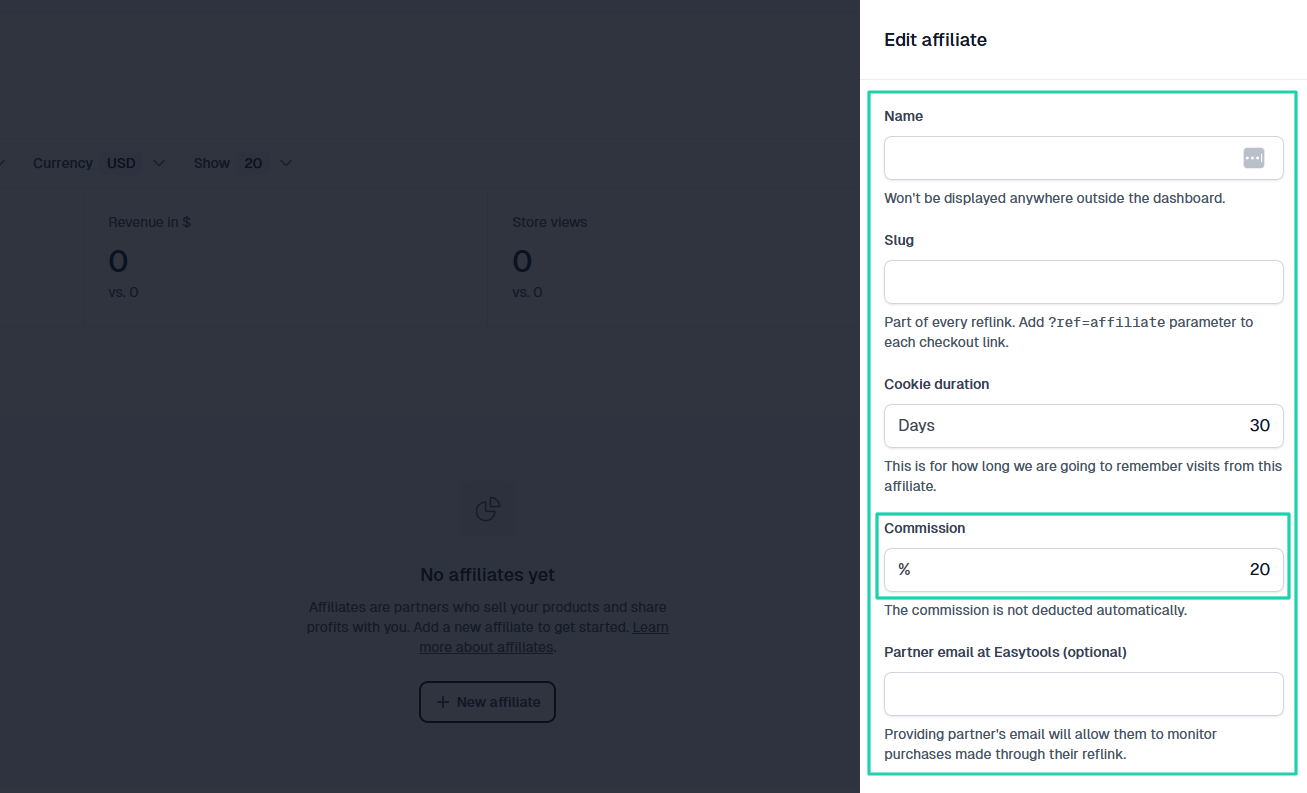
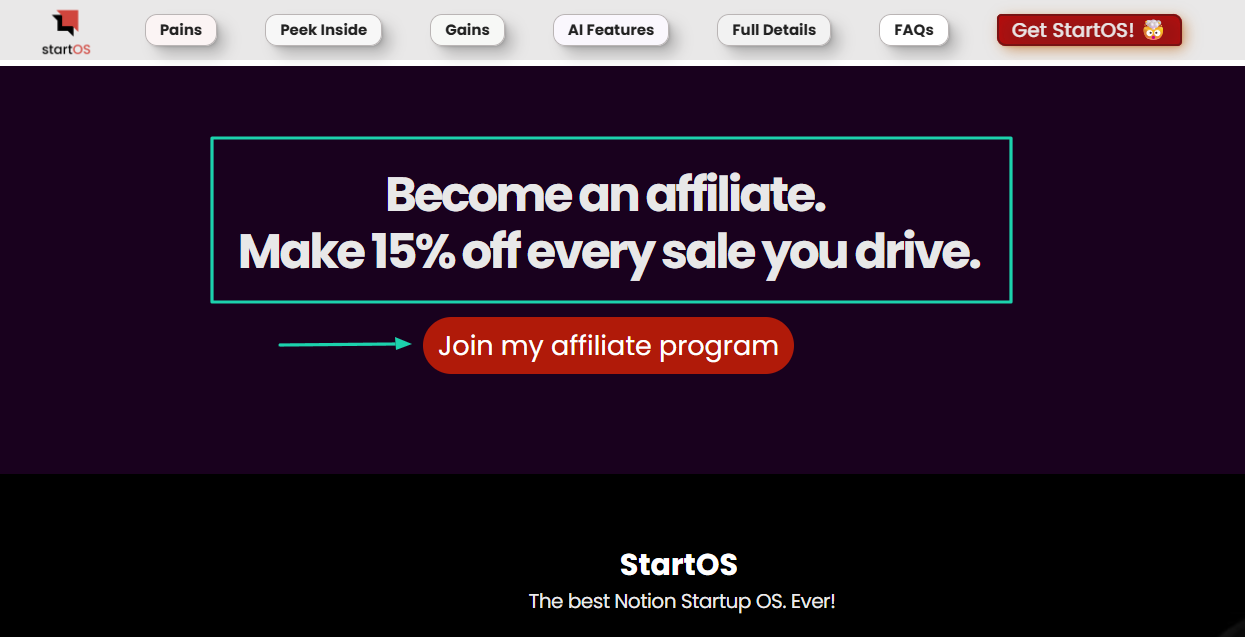
Ajinkya does it with his template StartOS. He offers 15% in commission to people who want to become affiliates.
There are also other promotional strategies, like discounts.
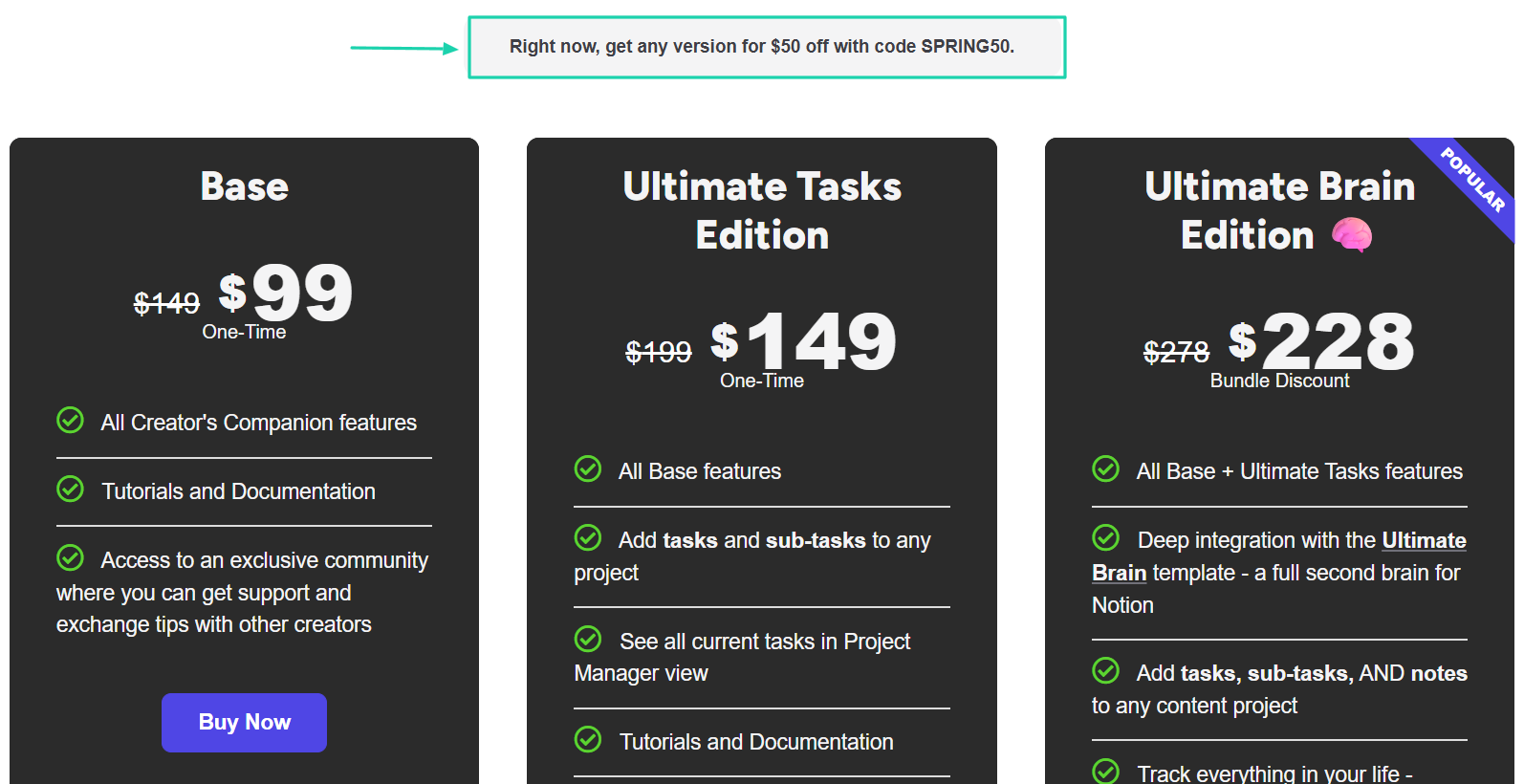
For example, before you see Frank’s pricing for his Creator’s Companion, you will notice there is a promo code you can use for $50 off.
On Easytools, you can enter a discount name or code, set a discount amount, and specify the end date.
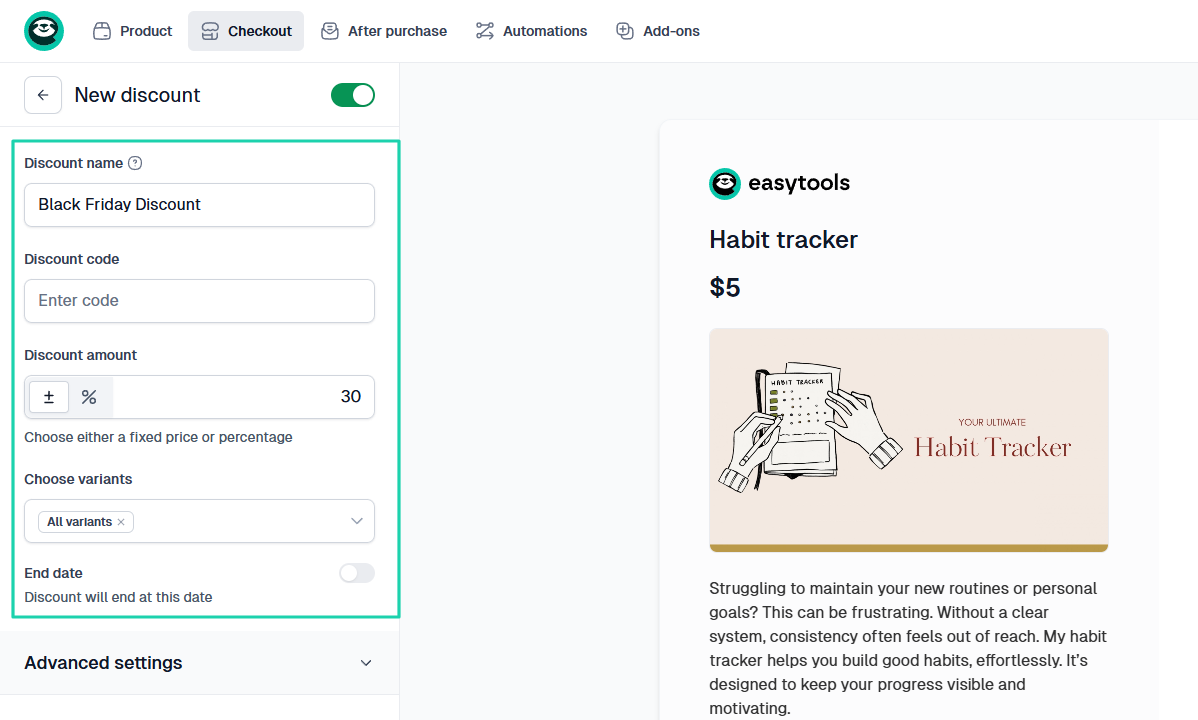
Watch the video below to see how this promotion and discounts feature works.
We can’t talk about product promotion without mentioning testimonials.
Positive reviews help buyers to make a buying decision. That’s because they see that someone has already used the product and gotten good results.
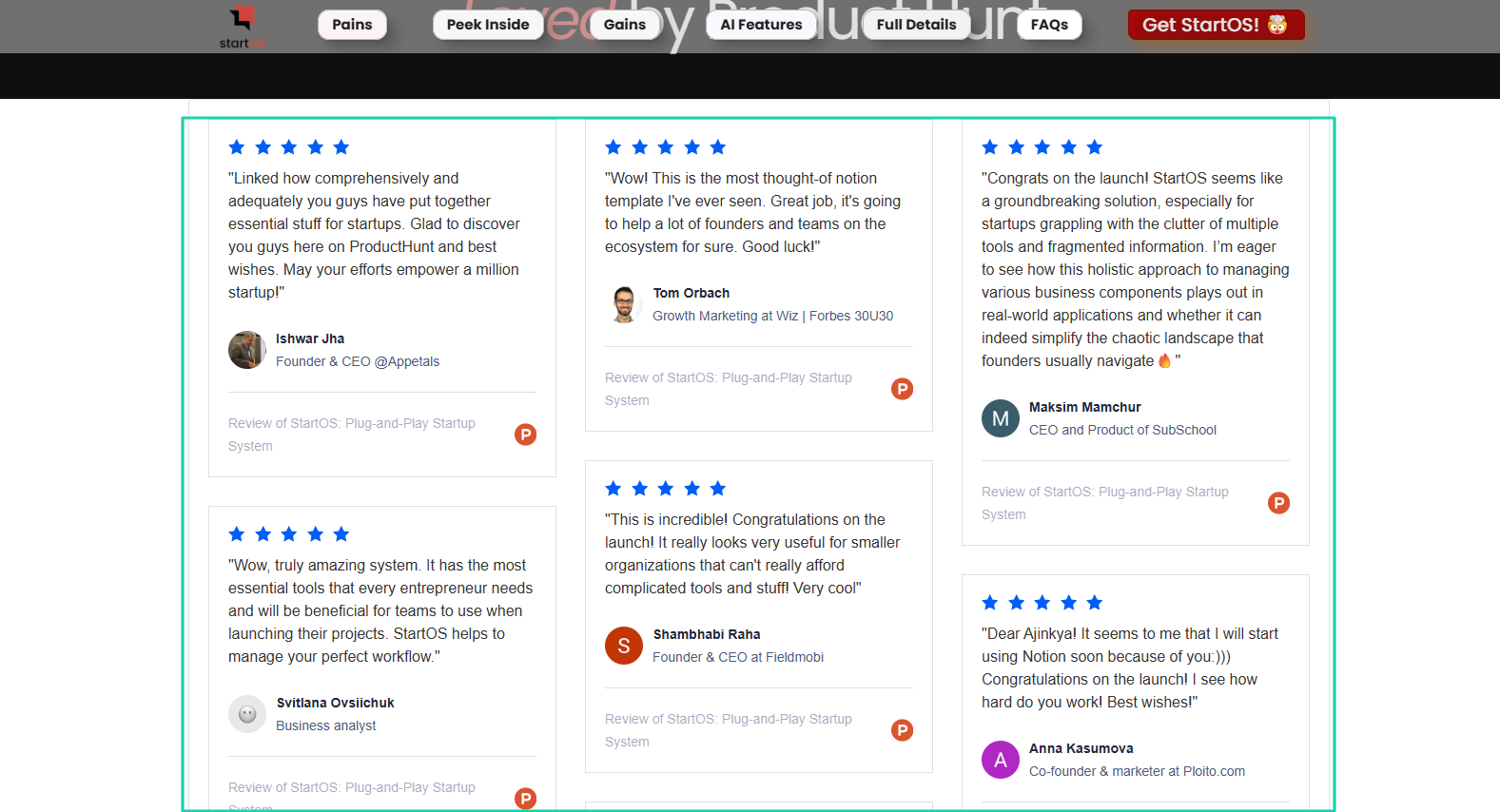
So, displaying testimonials is a good promotion strategy. There are lots of them on Ajinkya’s StartOs sales page.
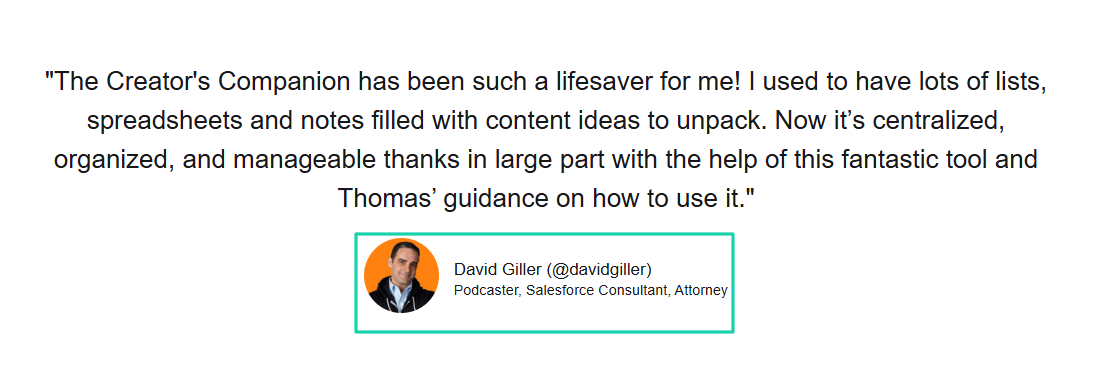
Thomas Frank also displays testimonials on his page. David Giller, a podcaster and Salesforce consultant, even shared his experience with the Creator’s Companion.
To do the same, use any tool that allows you to request testimonials from users.
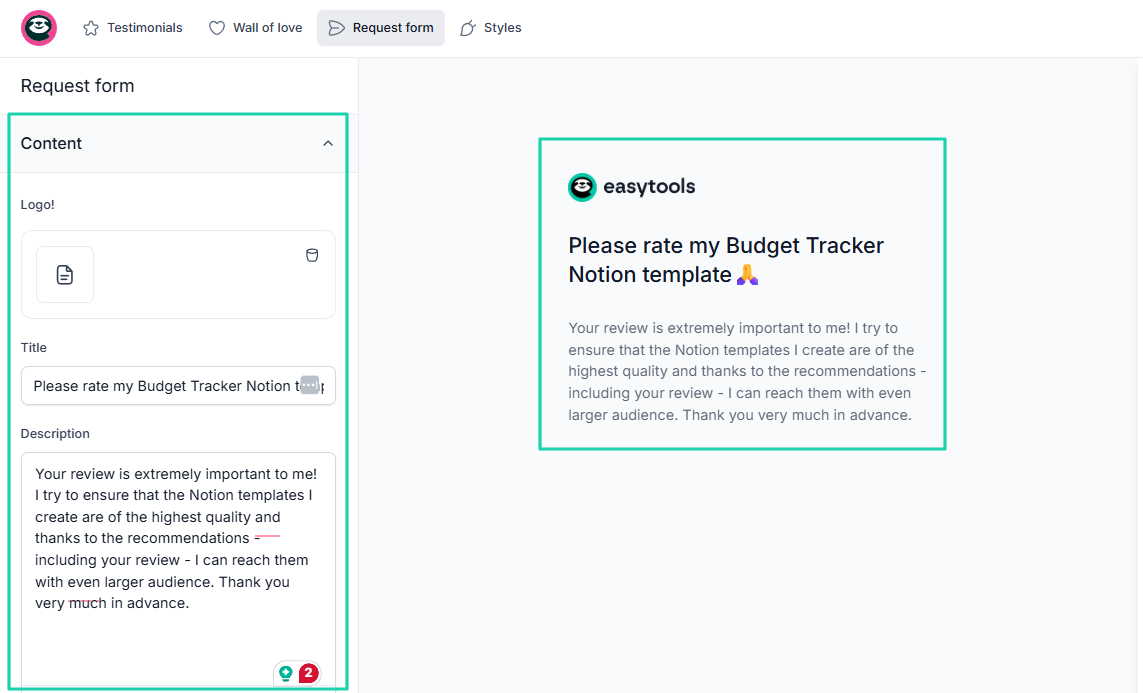
There is no way you will make 200 sales without promotion. You may be lucky to get a few sales from your family and friends at first.
In the long term, though, you’ll need most of the strategies I discussed in this section to boost your sales.
Pro tip: Building your Notion template takes 30% of the work. Promotion is the other 70%. So, do that consistently.
What types of Notion templates sell best?
The types of Notion templates that sell best are:
- Productivity management systems
- Business operations systems
- Freelancer OS
- Finance and budgeting trackers
- Student planners
To select these templates, I took into account the observable marketplace signals such as:
- The number of paid templates available in these niches
- The volume of reviews and ratings
- The number of similar templates competing within the same categories
They all indicate how profitable a template is.
1 . Productivity management systems
These are structured dashboards that help users plan tasks, track goals, manage projects, and organize their time in one central place.
Such templates sell well because professionals, creators, and entrepreneurs are aiming to become more productive.
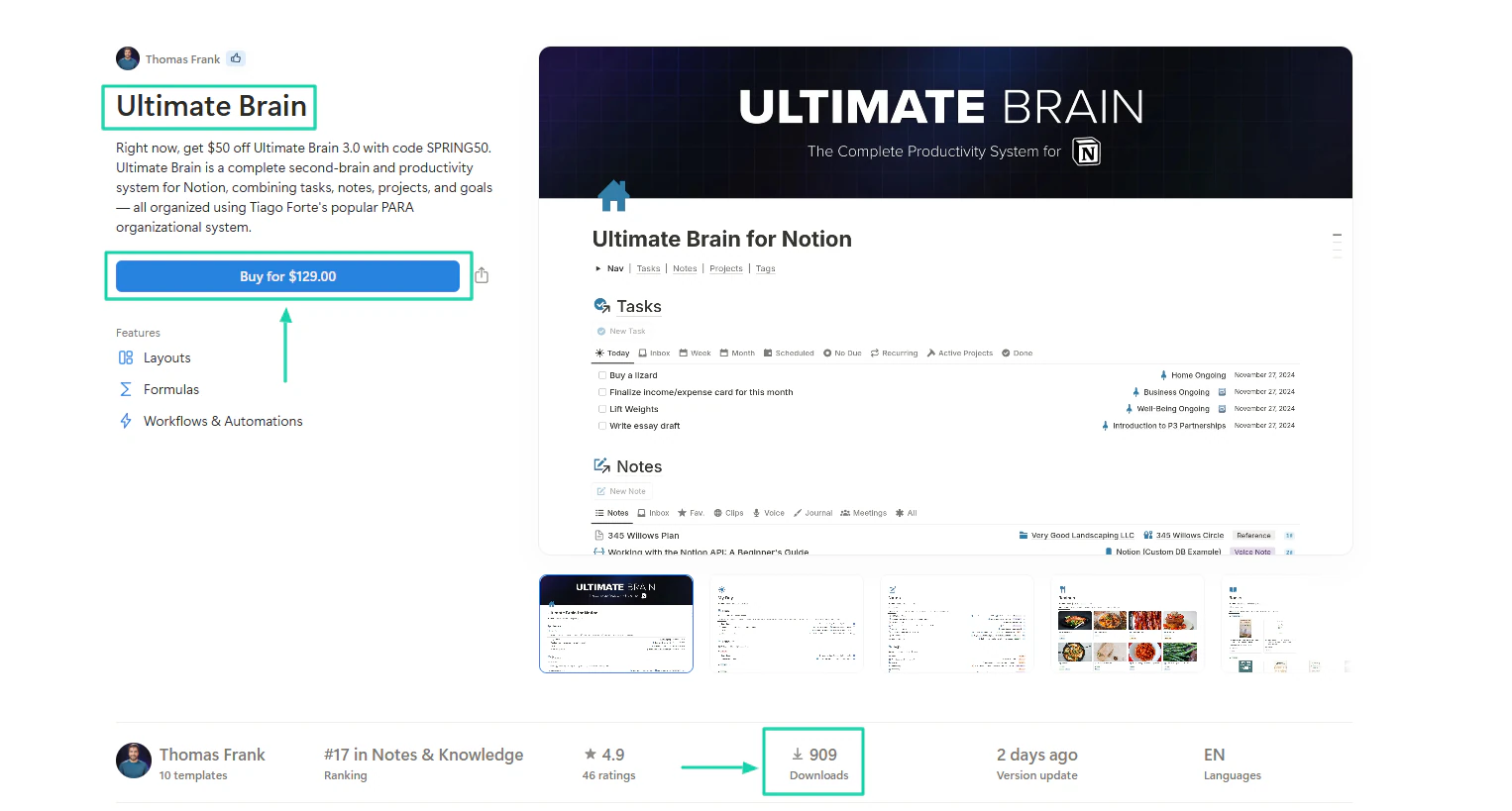
Take Thomas Frank’s Ultimate Brain (a productivity template). It sells for $129 and has about 909 buyers. That translates to $117,261.
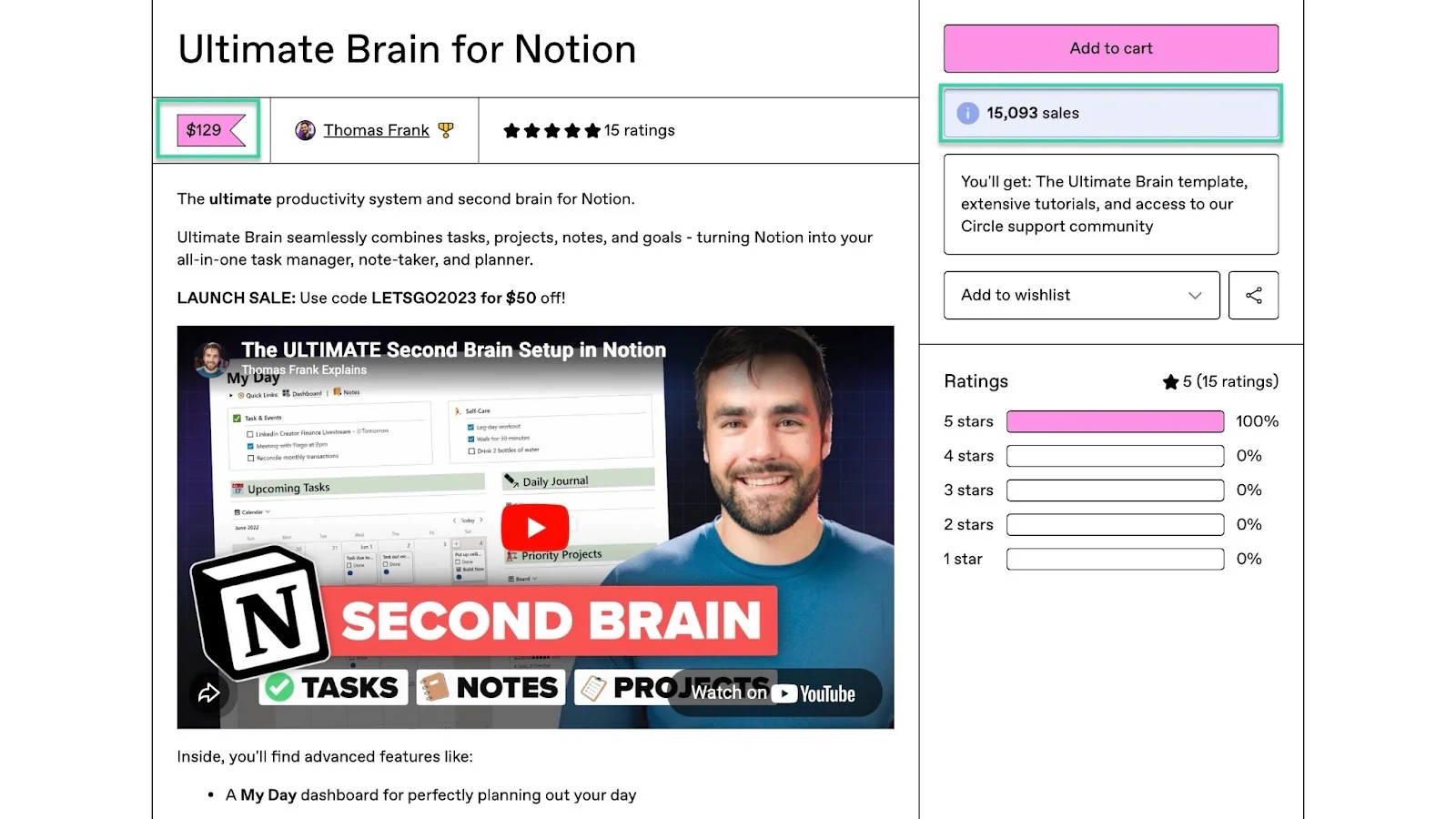
On the Gumroad Marketplace, it has done 15,093 sales at the same price ($129). That’s easily $1.9M+.
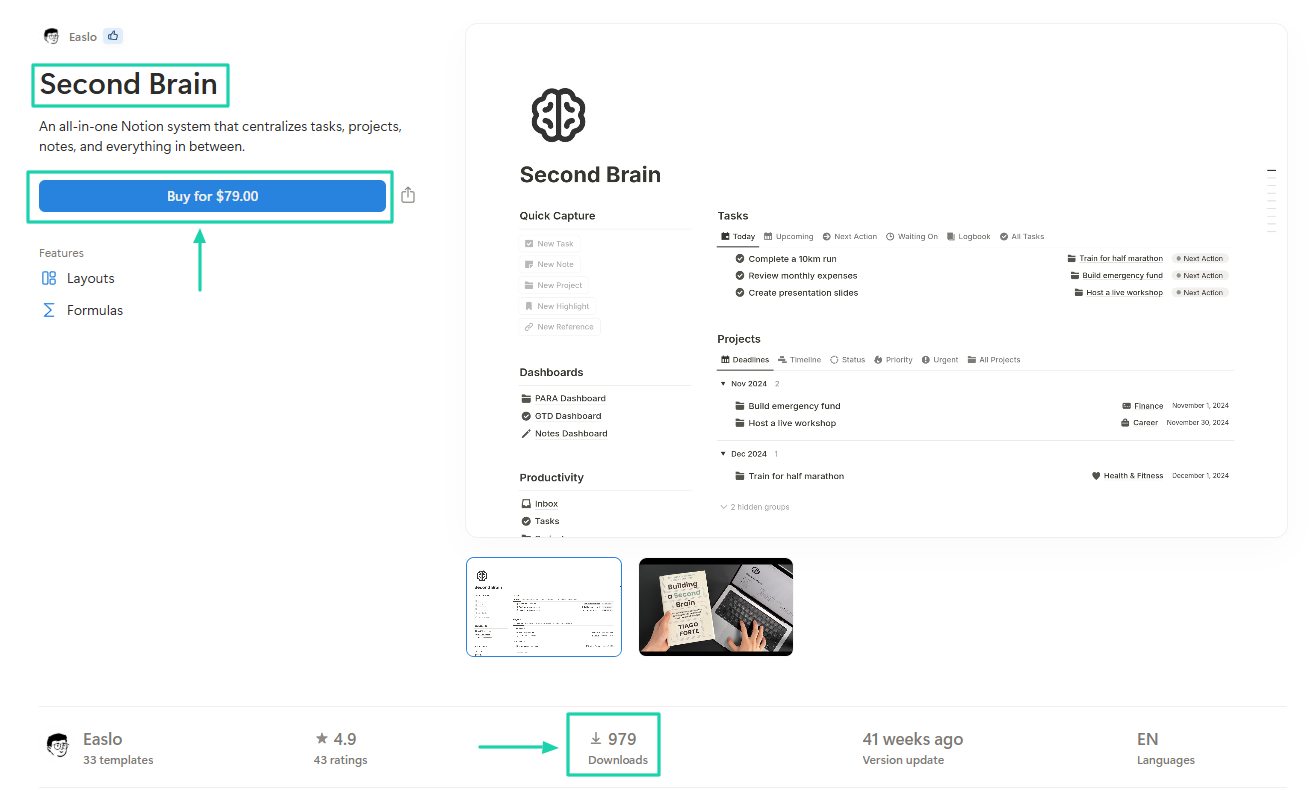
Easlo’s Second Brain Notion template has 979 buyers and costs $79. This means this creator made about $77,341 from it.
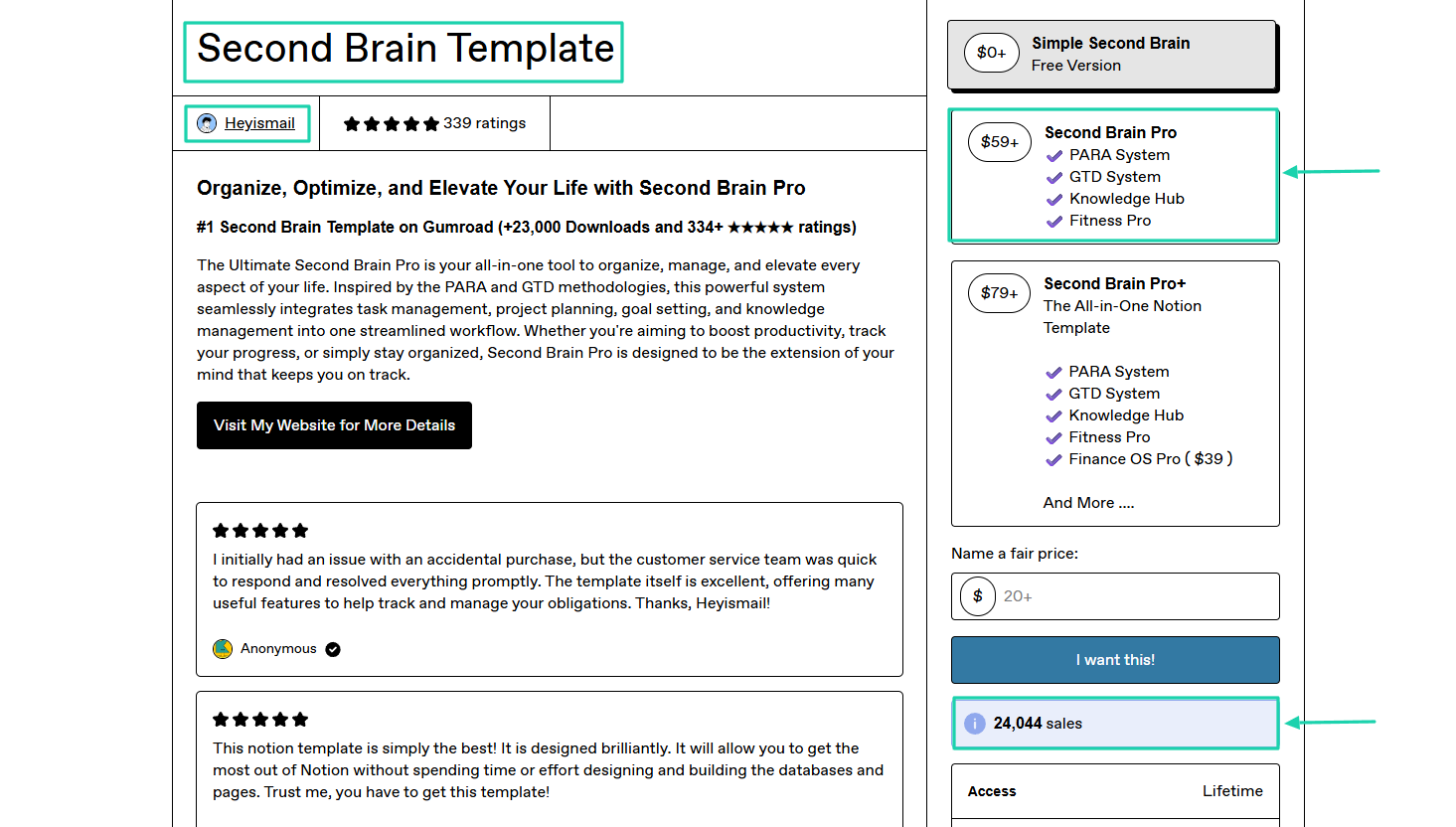
If a template has 24,044 in sales, we can conclude it really sells. That’s Heyismail’s Second Brain template.
2. Business Operations System
Businesses, startups, and agencies buy Business OS Notion templates to gain structure and operational clarity. They can manage customers, projects, finances, and team workflows.
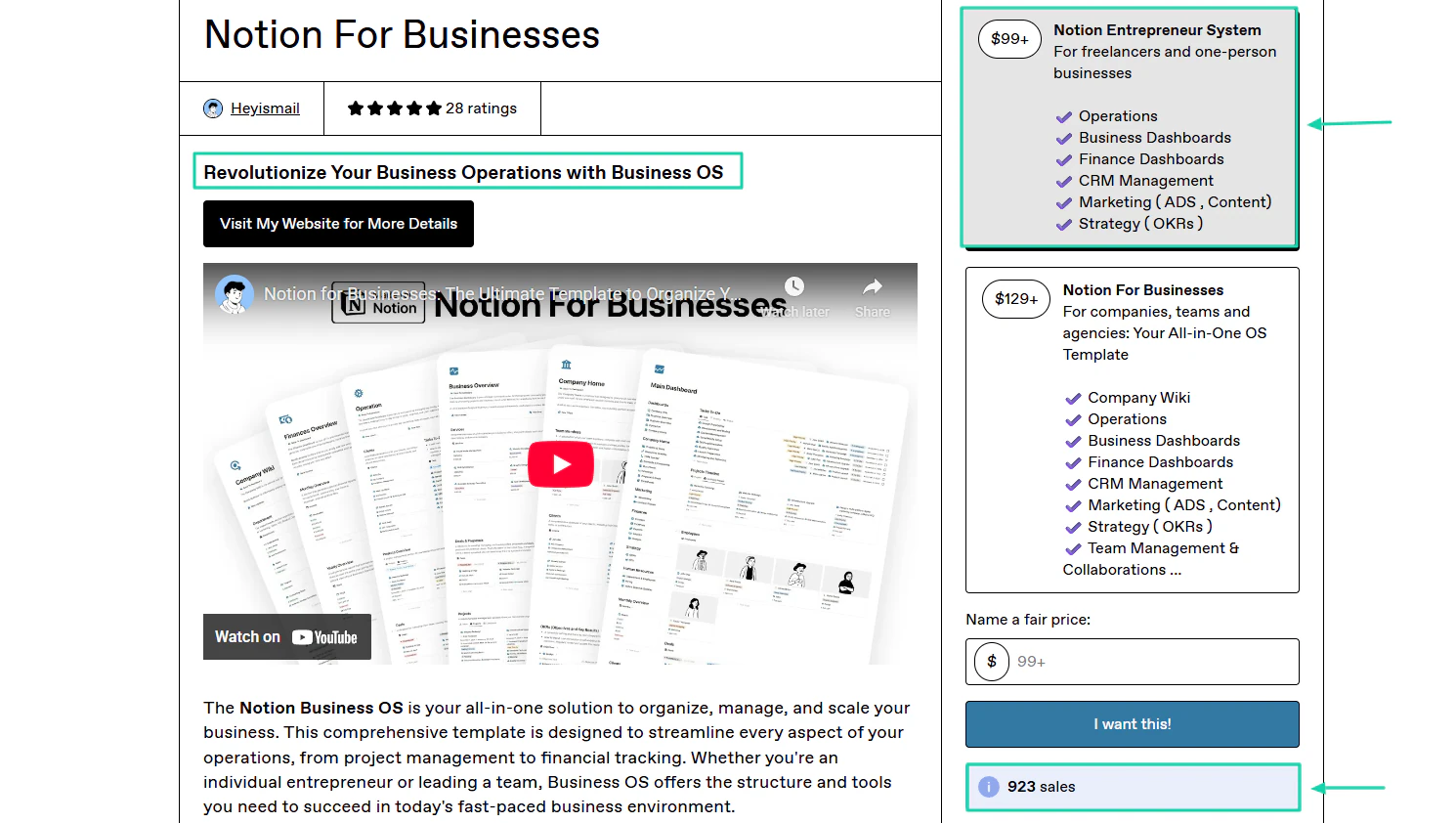
Heyismail built a Business OS template for entrepreneurs and businesses that costs $99+ and $129+. He’s had over 900 sales so far.
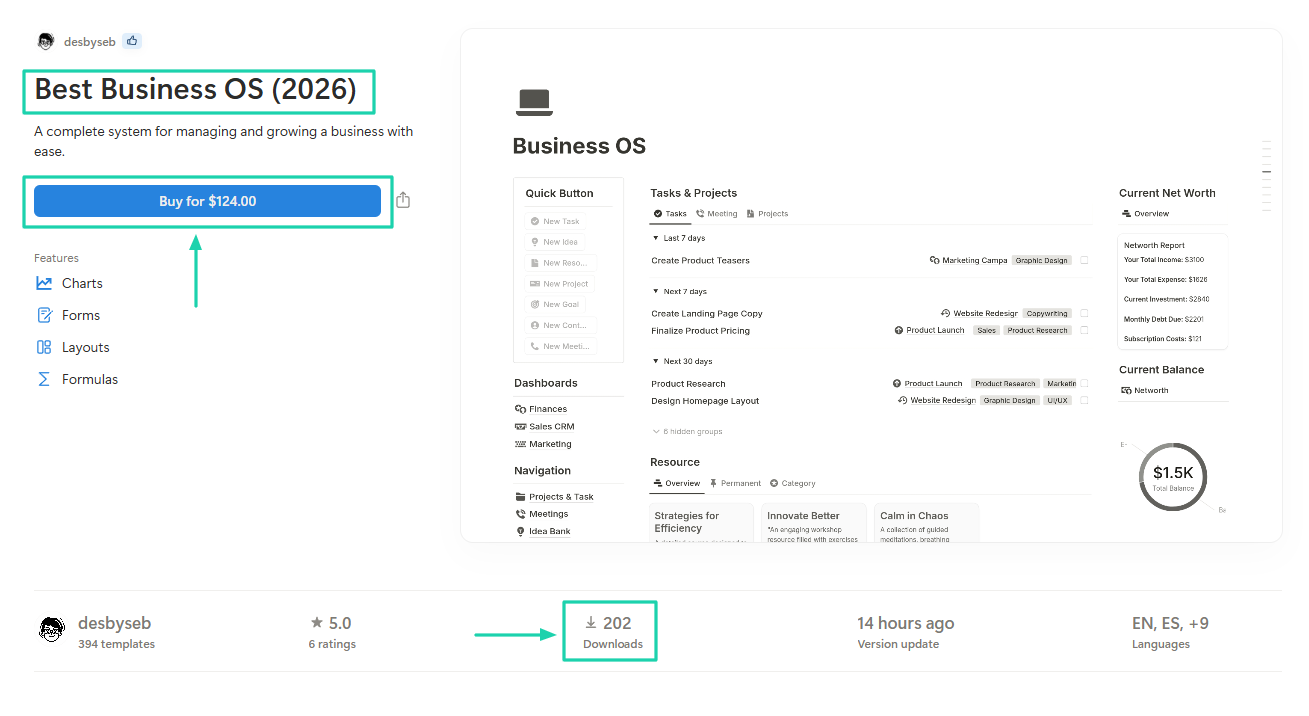
There is also the creator Desbyseb, selling a “Business OS” template for $124, and 202 have already bought it. People are really showing interest.
3. Freelancer OS
These templates also sell because many freelancers realize they need a system to help them manage their customers efficiently and avoid missed deadlines or payments.
Perhaps you, reading this article, are also a freelancer or your friend is. The thing is, freelancers are in numbers.
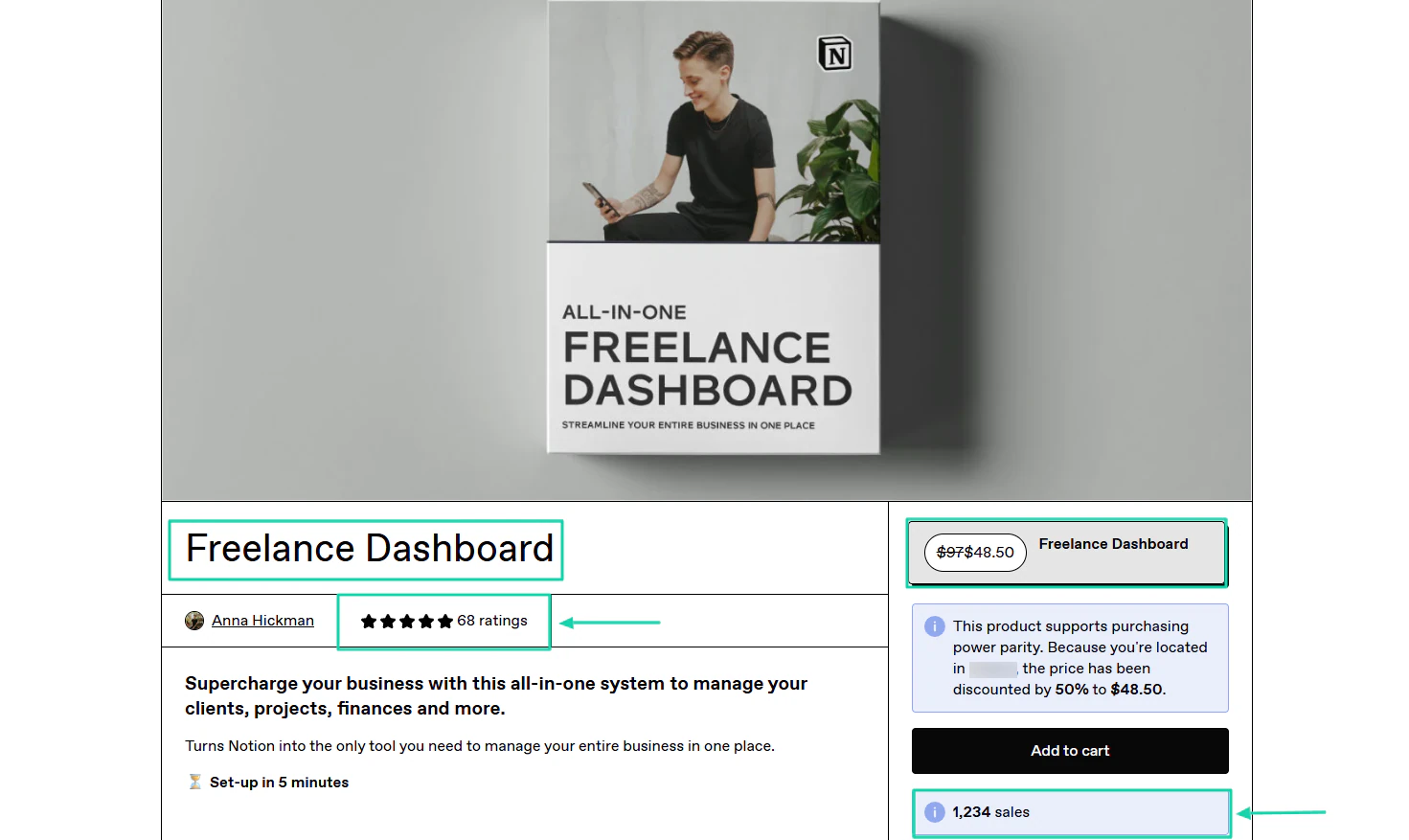
This “Freelance Dashboard” by Anna Hickman is an example. It costs $48.50 and has already sold 1,234 with 68 ratings.
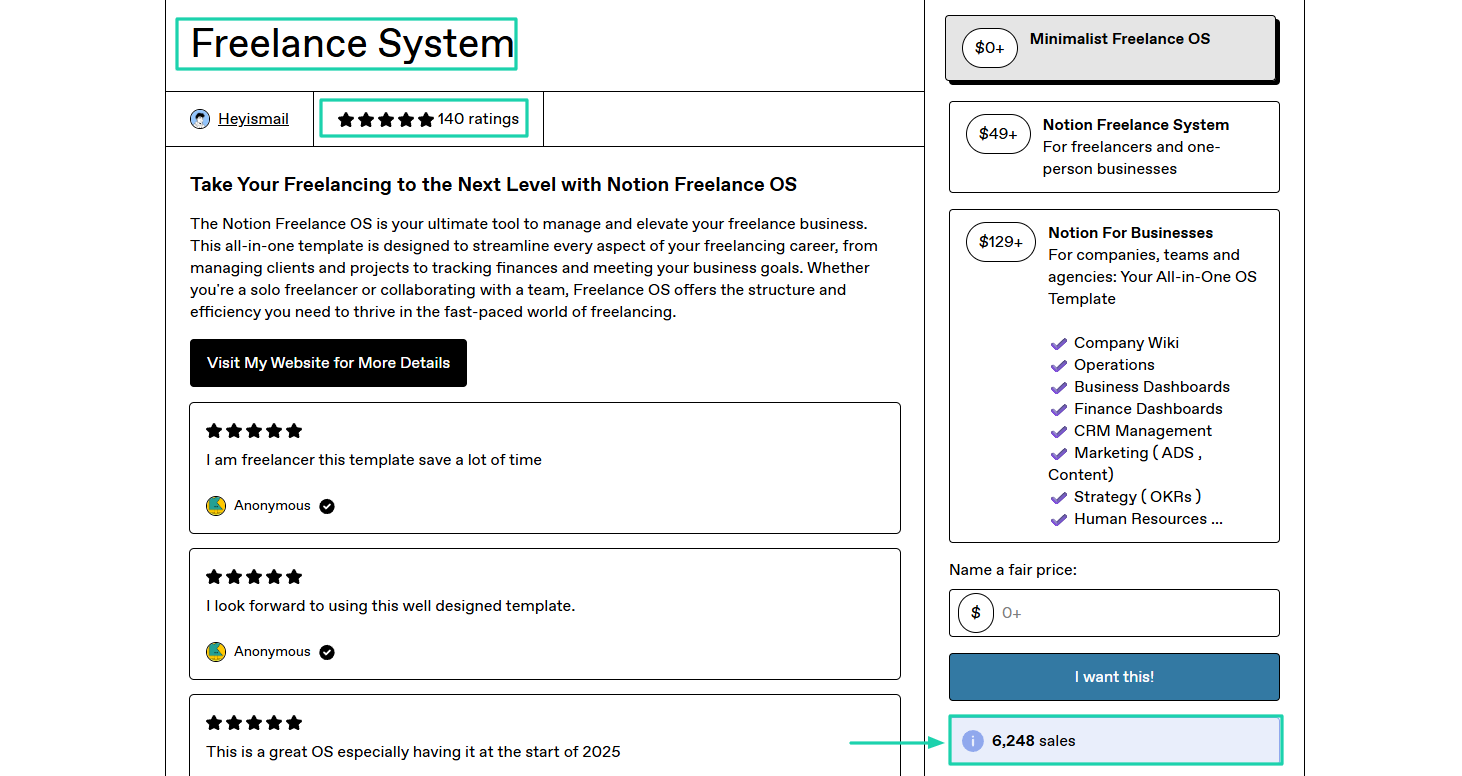
Heyismail’s “Freelance System,” priced at $49, has already made 6,248 sales. It also has 140 ratings.
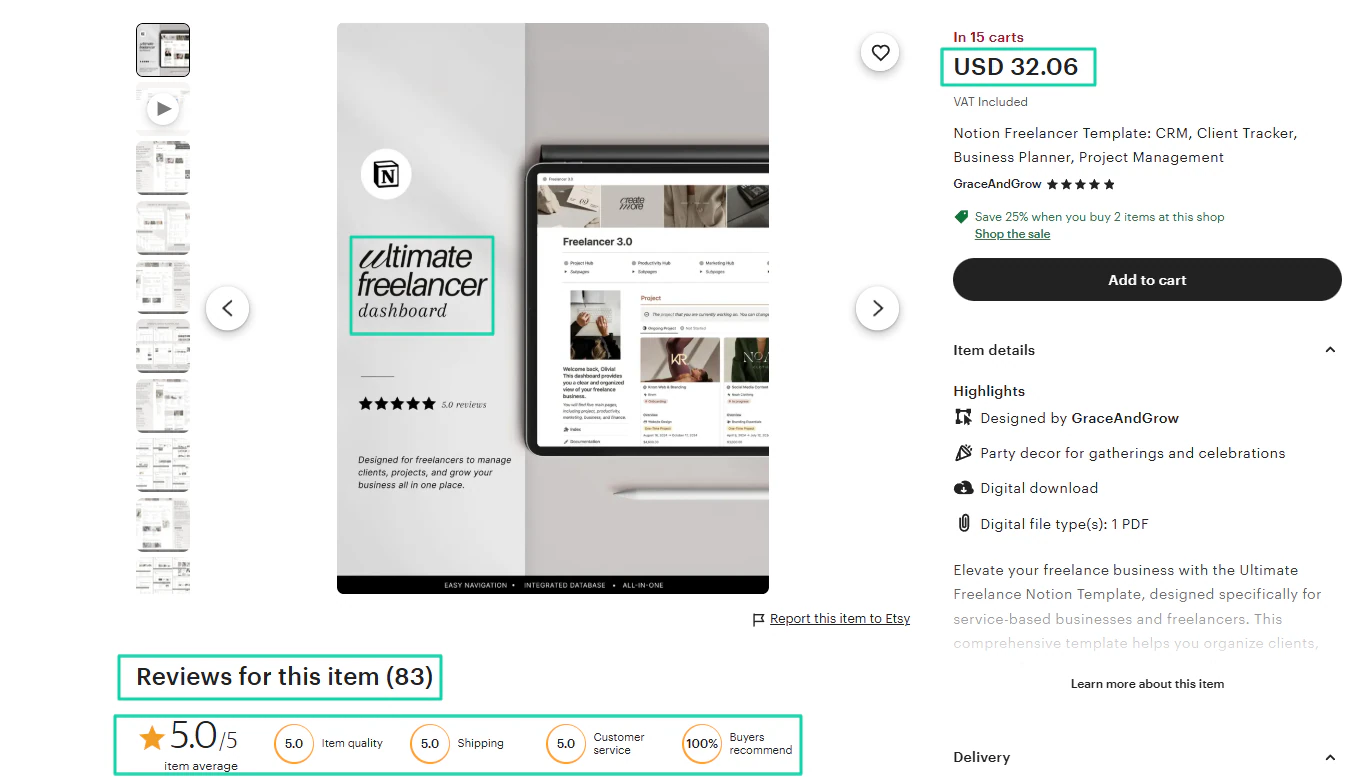
Another example is this “Ultimate freelancer dashboard,” built by GraceandGrow, which sells for $32.06 and has over 80 reviews.
4. Finance Trackers
One thing with these templates is that they’re not for a specific group of people. It’s for anyone who wants better control over their personal or business finances. That’s why they sell.
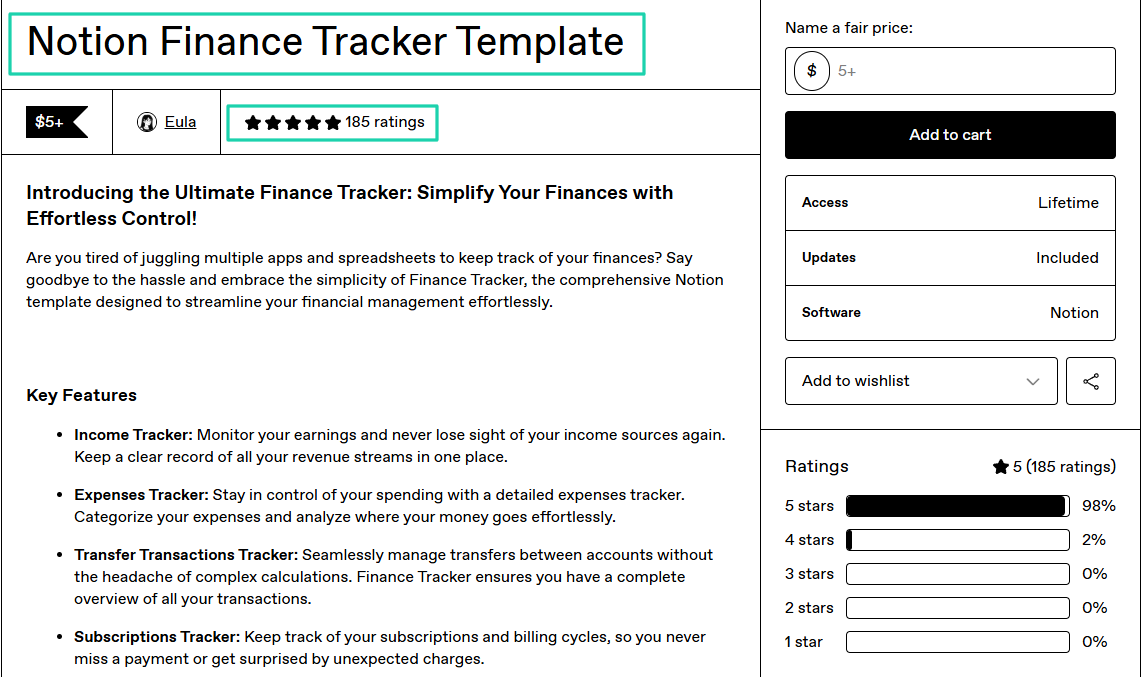
“Notion Finance Tracker Template” from Eula has around 185 ratings, with 5 stars at 98%.
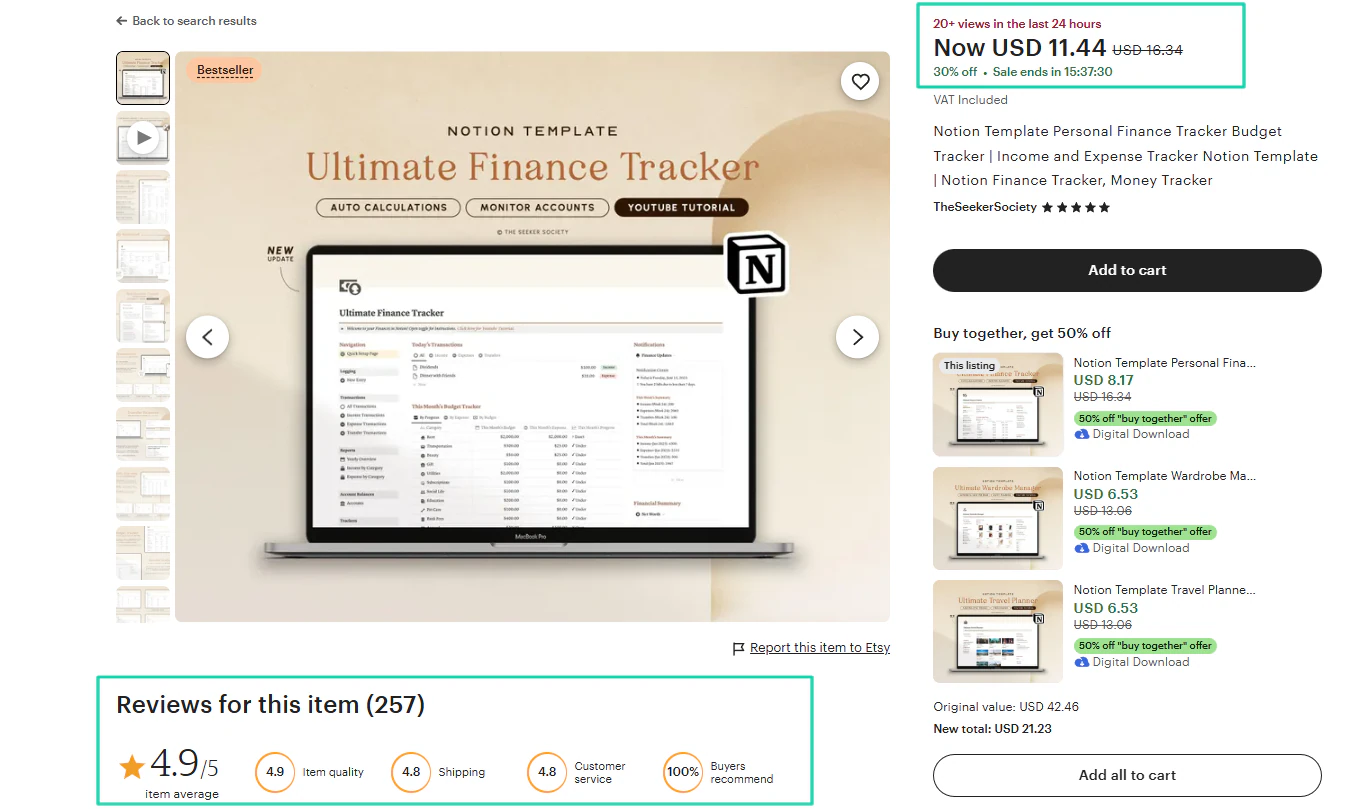
More than 20 people viewed this “Ultimate Finance Tracker” in the last 24 hours, and this template has 250+ great reviews.
5. Student Planners
High school and university students go through a lot of academic stress.
They use student planners to organize assignments, exams, deadlines, and revision schedules in one workspace. That explains why such templates sell a lot.
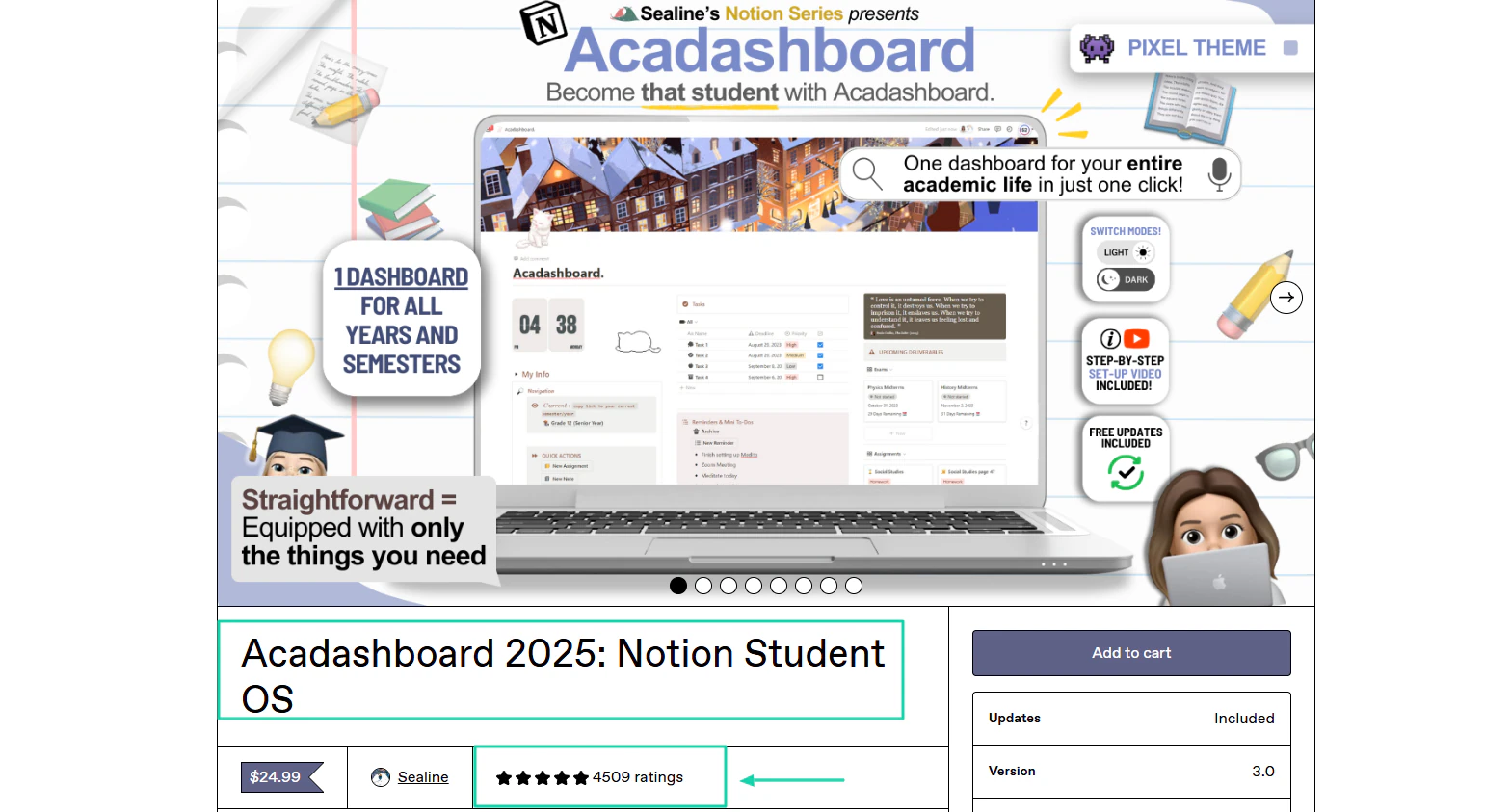
Over 4,500 ratings were left under the Notion student OS built by Sealine. This means more than 4,500 people left comments under this student planner.
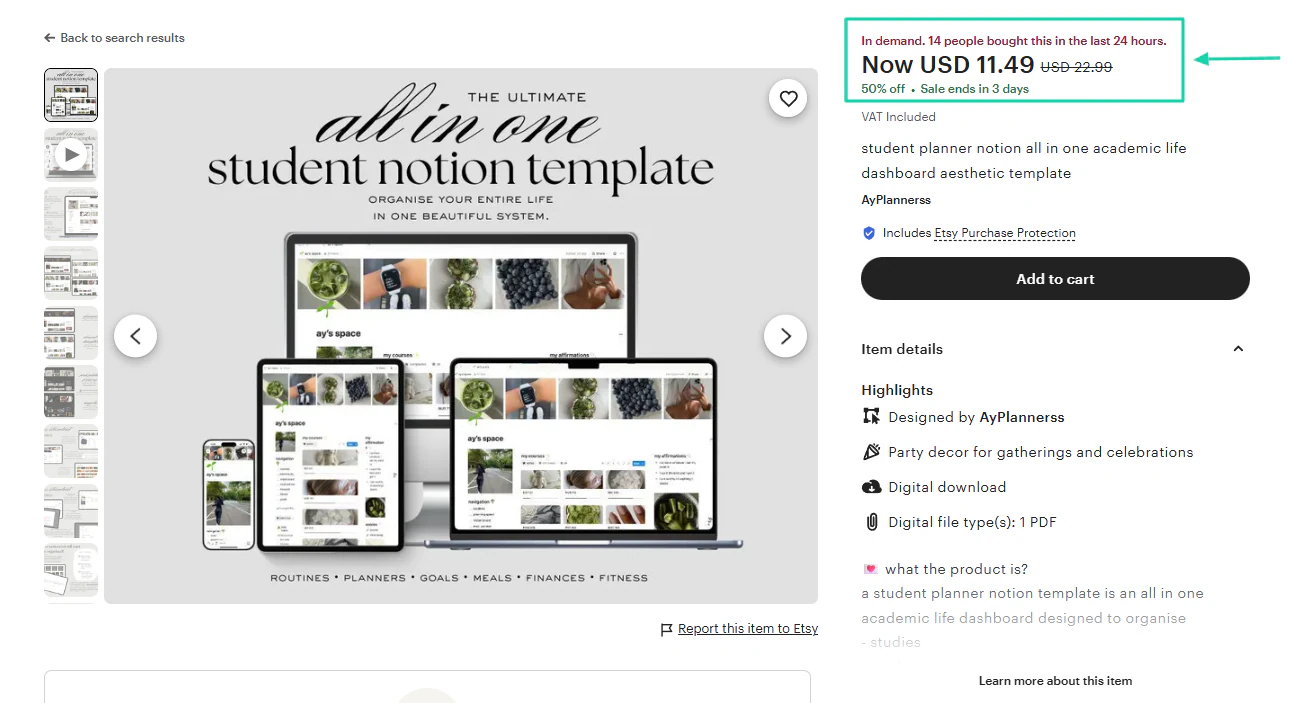
This “All-in-one Student Notion Template” from AyPlannerss is even in demand. At the time I took this screenshot, 14 people had already bought it in the past 24 hours.
Of course, other Notion templates also sell. I can mention:
- All-in-One Life Planners
- Content Creator Dashboards
- CRM and Sales Templates
- E-commerce Store Management Templates
- Habit and Wellness Trackers
- Meal Planning and Nutrition Templates
- Educational/Course Management Templates
- Landing Page and Marketing Templates
- Inventory Management Templates
- Mental Models or Learning OS Templates
But you see, the Notion templates I discussed earlier are the ones that sell the best based on the key factors I shared at the beginning of the section.
But just because the template you want to build isn’t on this list doesn’t mean that you cannot sell it.
Simply remember the five steps I gave you to help you sell successfully.
Now, let’s see how much you can make off selling Notion templates.
How much can you earn selling Notion templates?
You can earn $5 to $100,000+ selling Notion templates. Most beginners make their first $50–$500 before scaling.
Your earnings mostly depend on the niche you choose, your pricing, and how you promote your Notion template.
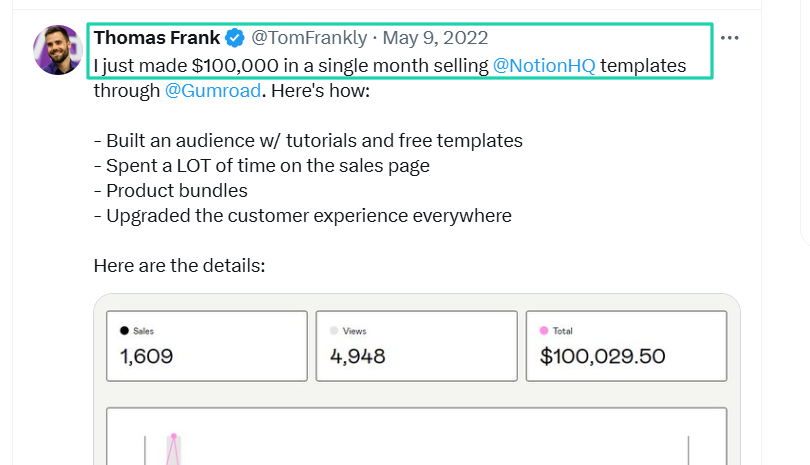
For example, Frank announced on X that he made $100,000 in a single month by selling Notion templates.
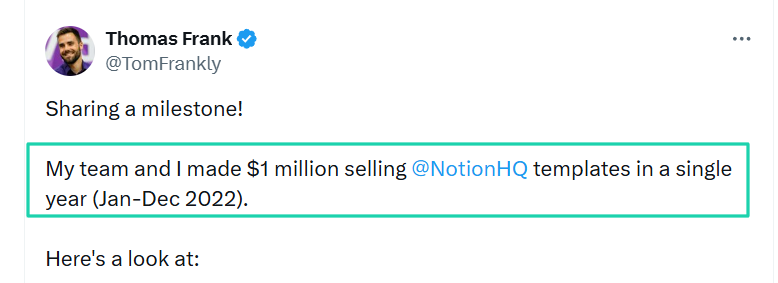
Fast forward, he shared that he and his team accumulated $1 million from January 2022 to December 2022.
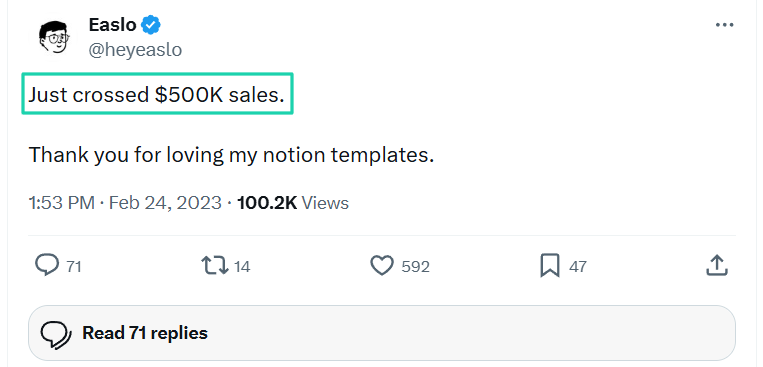
When Easlo crossed $500k, Jason Ruiyi thanked his Notion template users through a post on X.
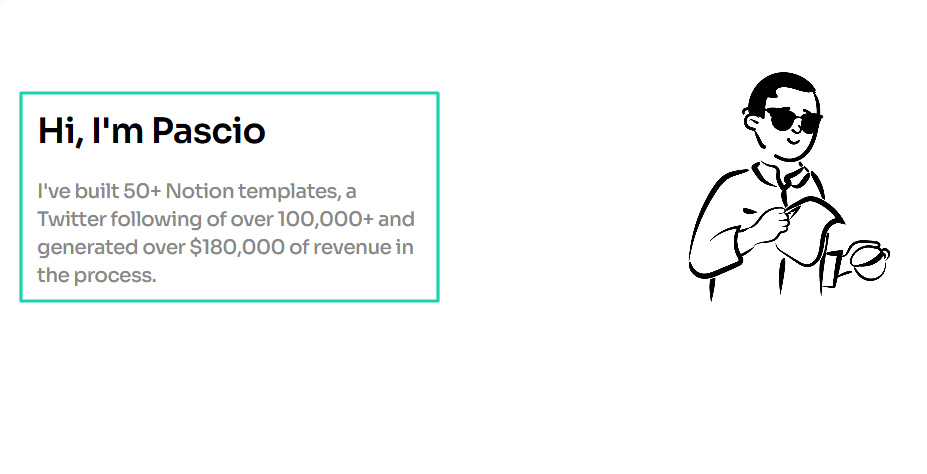
What about Pascio? He’s a Notion template creator who’s built 50+ templates and made over $180,000 in the process.
These examples alone show that selling Notion templates can be very profitable. You can make a lot of money from it.
It’s not about being an expert. You can get started today and earn good cash if you position yourself well.
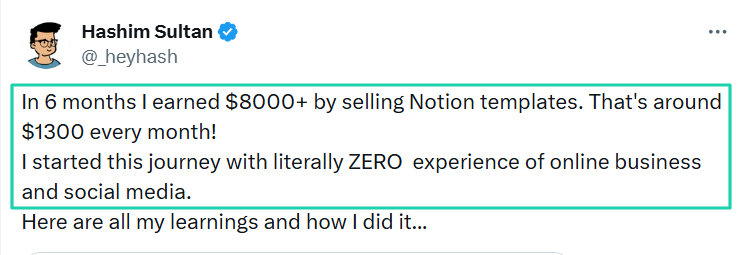
Take the example of Hashim Sultan. When he started, he had zero experience, but 6 months in, he made $8,000.
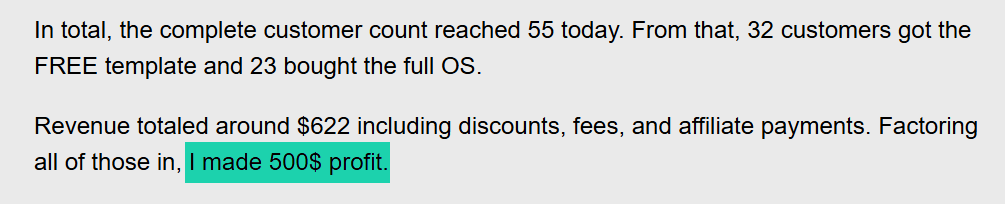
No amount is too small. Making $500 like Julian Paul is still a great start.
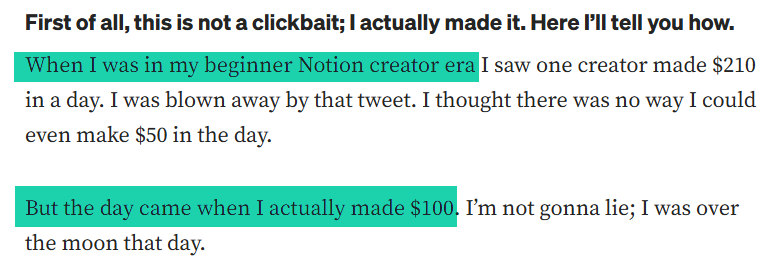
Poonam Sharma didn’t know she could even make $50 in a day. That’s why when she made $100, she was over the moon.
The truth is, there is no limit to the income you can generate selling Notion templates.
But your earnings are influenced by the type of Notion template you build, how you package it, where you sell it, and how you promote it.
Sell Notion templates successfully
What an interesting adventure it was!
Creators like Easlo or Thomas Frank showed us that we could actually make it big selling Notion templates.
Plus, it’s not something only experts can do. Anyone can actually do it.
You simply choose a specific problem to solve, build a high-value template, package and price it, decide where to sell, and promote consistently.
Once you follow all these steps, I guarantee you that only the sky will be your limit.
You will successfully sell your Notion templates!