Blog
How to sell digital products online in 5 bold steps (A simple step-by-step guide)
Learn how to sell digital products online with simple steps, top platforms, pricing tips, and common mistakes to avoid.

Selling digital products online is probably one of the best ways to make more money with lower risk and higher profits.
Surprisingly, it can also be frustrating.
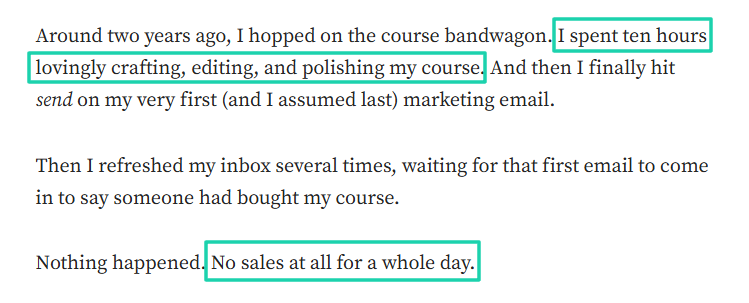
Imagine you spend 10+ hours creating your digital product, and you launch it when you feel ready, only to make zero sales.
Too bad!
Beginners and small business owners are likely to end up in the same spot: selling digital products online without making sales.
This guide is here to change the narrative.
I’m going to share 5 steps to sell digital products online. After going through each step, nothing will stop you from selling successfully.
Keep reading!
How to sell digital products online
Like I have already said, I’ll walk you through five steps to help you sell digital products online. These steps are:
- Create your digital product
- Give it a price
- Pick the best platform to sell it
- Promote it online
- Track performance, collect feedback, and improve your product
I’ll discuss each step in detail.
Step 1: Create your digital product
First things first! You can’t sell digital products online when you don’t even have one.
So, you need a clear idea of what your digital product will be.
If you’re a beginner, people may have told you to “follow your passion.” Well, I hate to sound harsh, but if you create a digital product out of passion, there is no guarantee you’ll even make one sale.
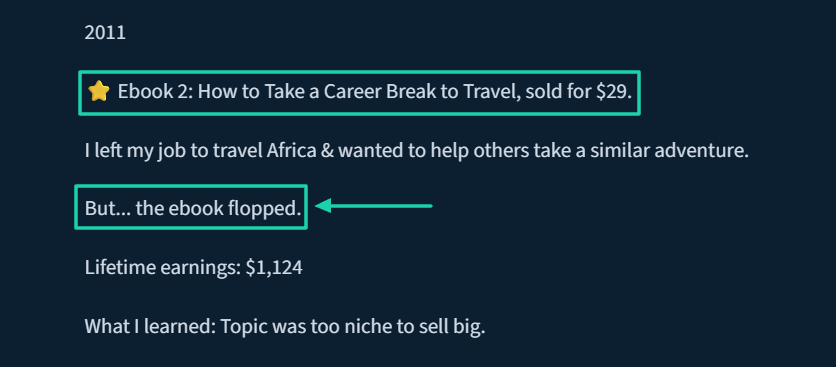
A good example is the media entrepreneur, Alexis Grant. Her passion was helping others take a career break to travel the world.
Great idea, but that e-book flopped. She made only $1,124.
But she made $59,320 with an e-book titled “How to Create a Social Media Strategy.”
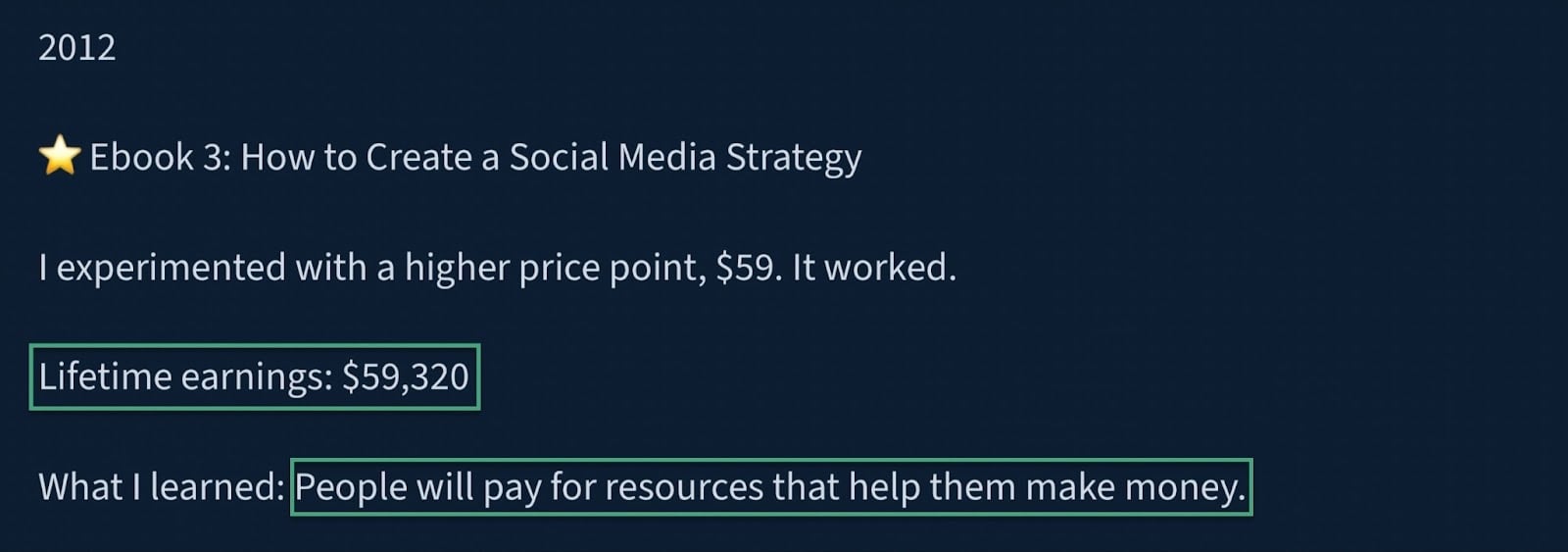
Yes, she experimented with a higher price point, but she also realized that people pay for solutions to their problems.
People won’t pay for your “passion” when it doesn’t address and solve their problem. So, you should start with a:
- Clear audience
- Specific problem
- Product format
When I say clear audience, I mean you should define who the product is for. Saying your digital product is for “business owners” is so vague that it won’t attract anyone.
Finding an audience is an exercise you can do on your own. You can, for instance, take a cue from the people you’re already familiar with, or even yourself.
Yes, you! Look at your life and identify people who are where you once were. That’s a great place to start.
For example, if you’re a freelancer who struggled at some point to get online clients, but did well along the line, you already have your audience. They are the ones currently struggling to get online clients.
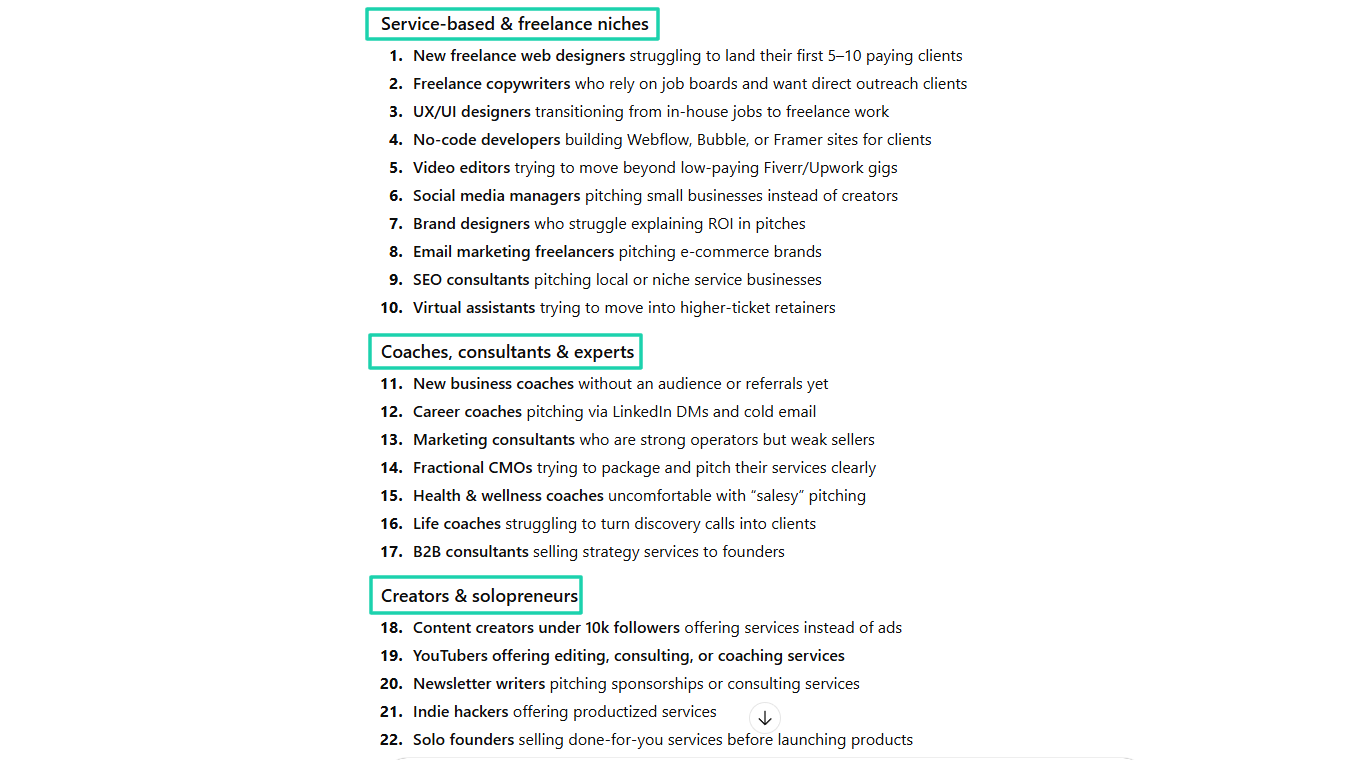
The idea is already there, but not clear. You can go to ChatGPT and ask:
“List specific, clearly defined target niche audiences who need help getting and pitching clients online.”
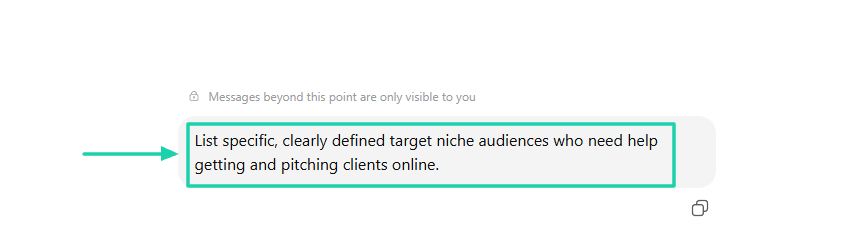
You can trust ChatGPT to provide a long list of specific audiences. Some are under service-based and freelance niches.
Others under coaches, consultants and experts, creators and solopreneurs, and more.
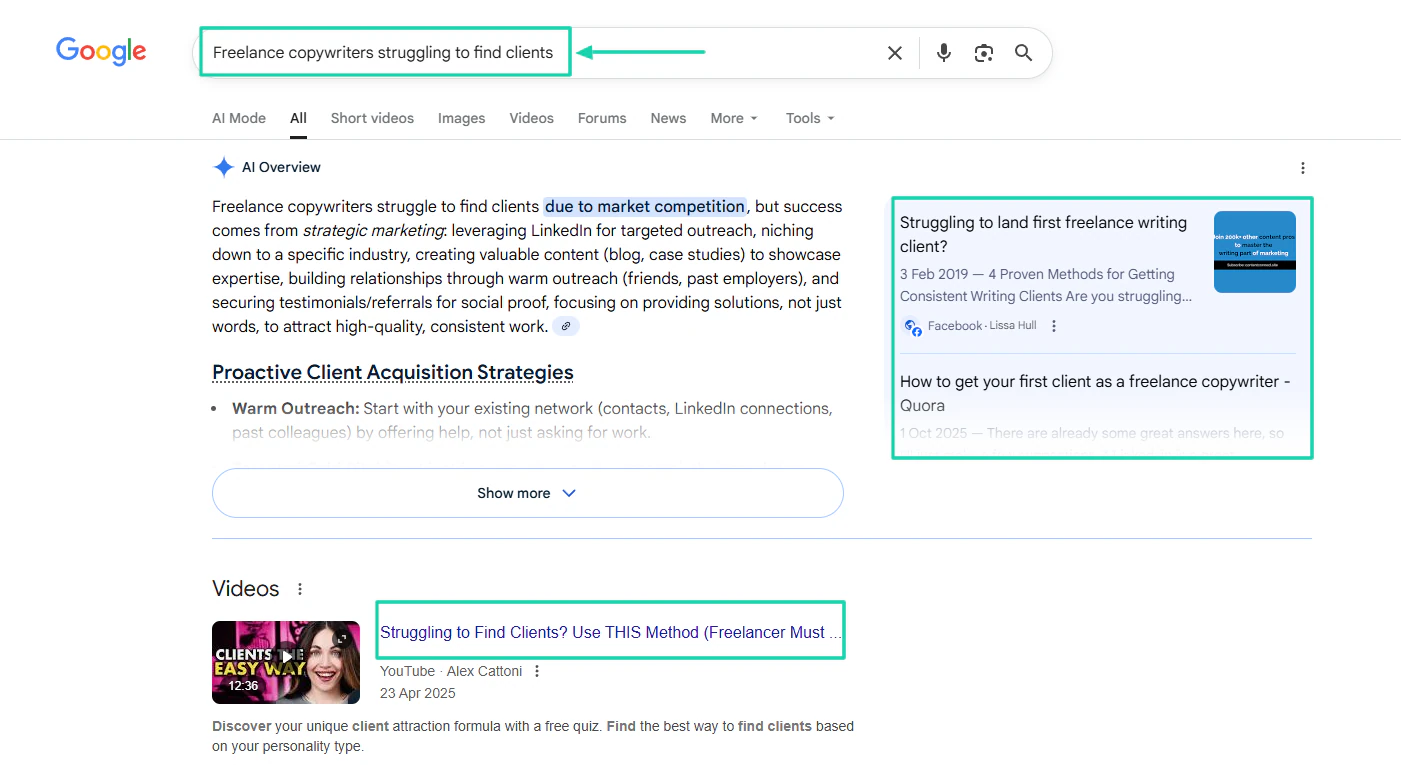
Then, dive into the list and choose one interesting topic. It could be something like: “Freelance copywriters struggling to find clients.” Choose it because it’s a problem you can solve.
The idea is becoming clearer, but you need to do some research before validating it. You can check if it is relevant on Google.
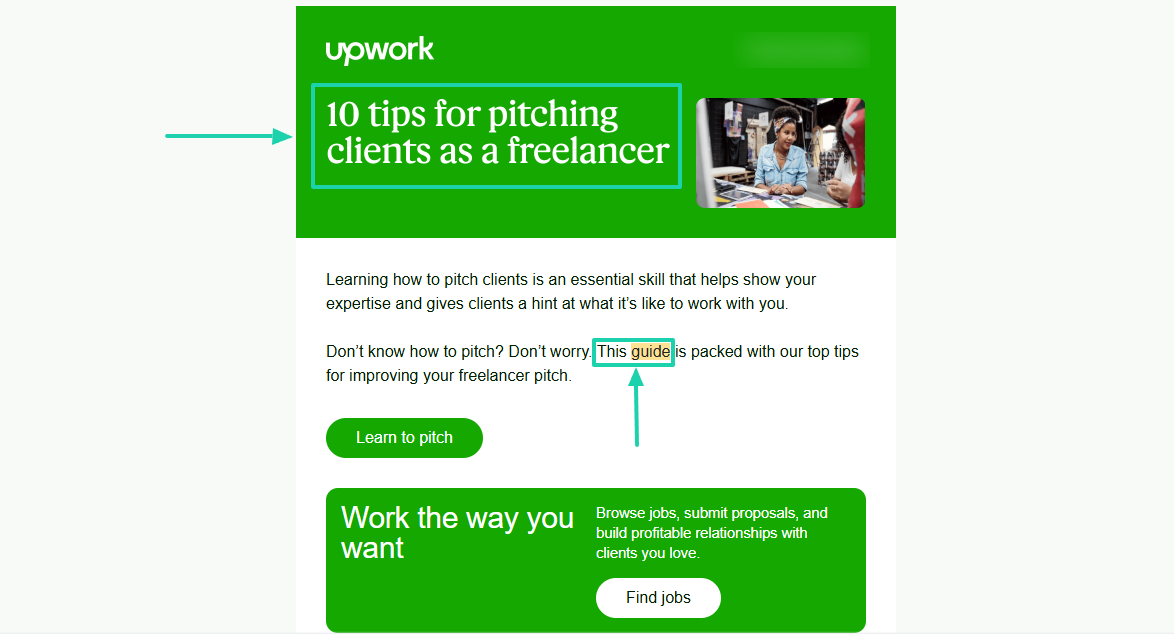
You can also check if some popular platforms have written or created guides on the topic.
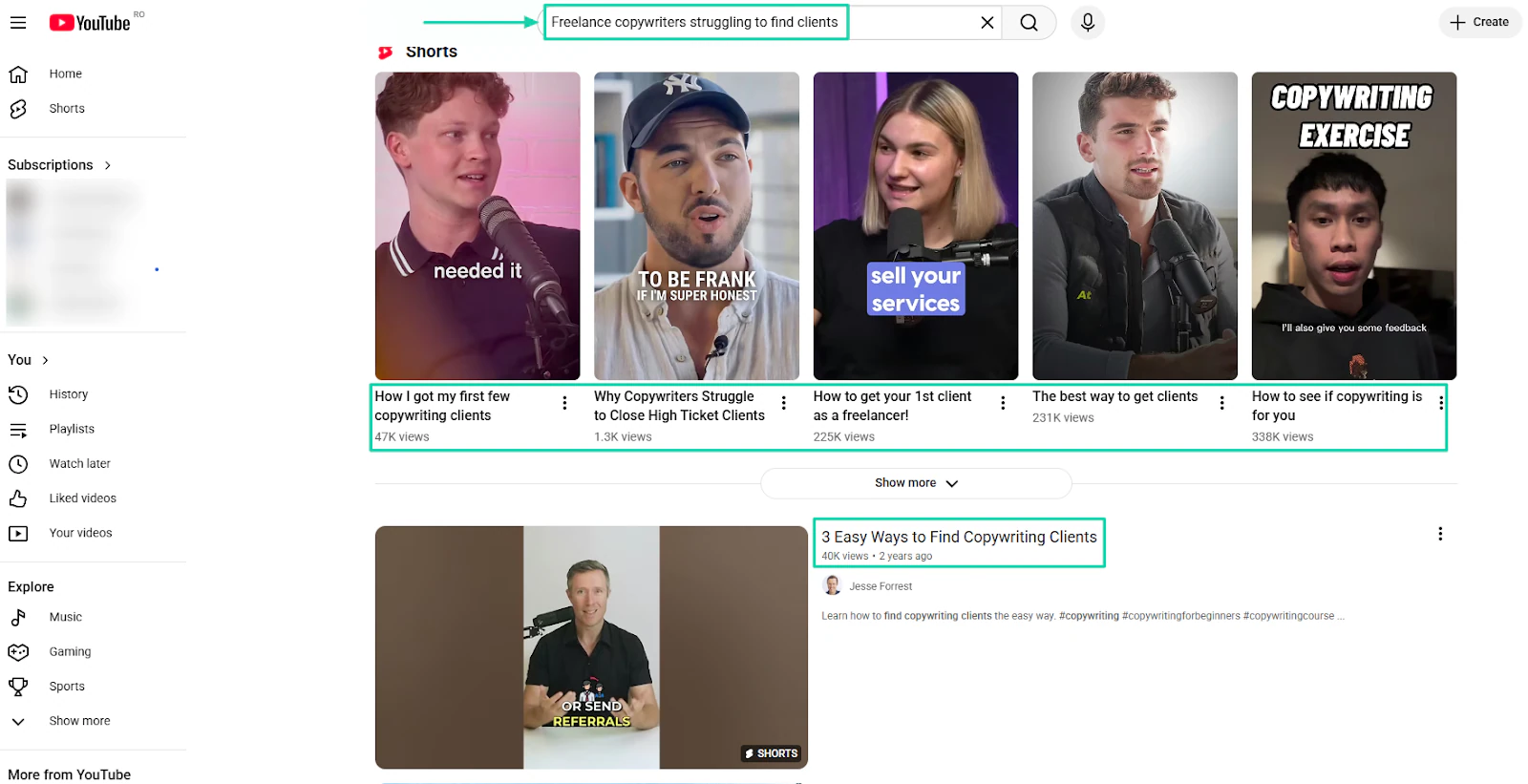
You could even go a step further and check what people are saying on YouTube.
You might see videos on this topic with 200k+ or 300k+ views. That’s proof that people are actually interested in this particular topic.
So, you’ve used your life as an example and validated it online. Now you can go further and tackle the problem.
You should know that if you really understand the problem you’re solving, it’ll be easier to create your digital product.
Here are some of the questions you can answer to help you with this:
- What do I keep hearing over and over?
- What do people constantly ask me for help with?
- What tasks do they complain about doing repeatedly?
- What workaround are they already using(even if it’s messy)?
Answering these questions will give you a clear idea of the problem to solve.
For example, people might ask you: “Can you help me get my first client online?” or “How did you start landing clients?”
Maybe you’ve even heard them say things like, “I have been sending clients cold emails, but still nothing.” Or “I have been applying on freelancing platforms like Upwork and Fiverr, but still have had zero response.”
If you can provide practical solutions to these concerns, then that’s an excellent idea for a digital product.
But don’t stop there. We’ve got a few more points to cover.
You now have an idea of some solutions you can offer people. The next thing is to consider the type of digital product you’ll create.
There are digital products like online courses, e-books, templates, guides, memberships, podcasts, webinars, and other digital downloads.
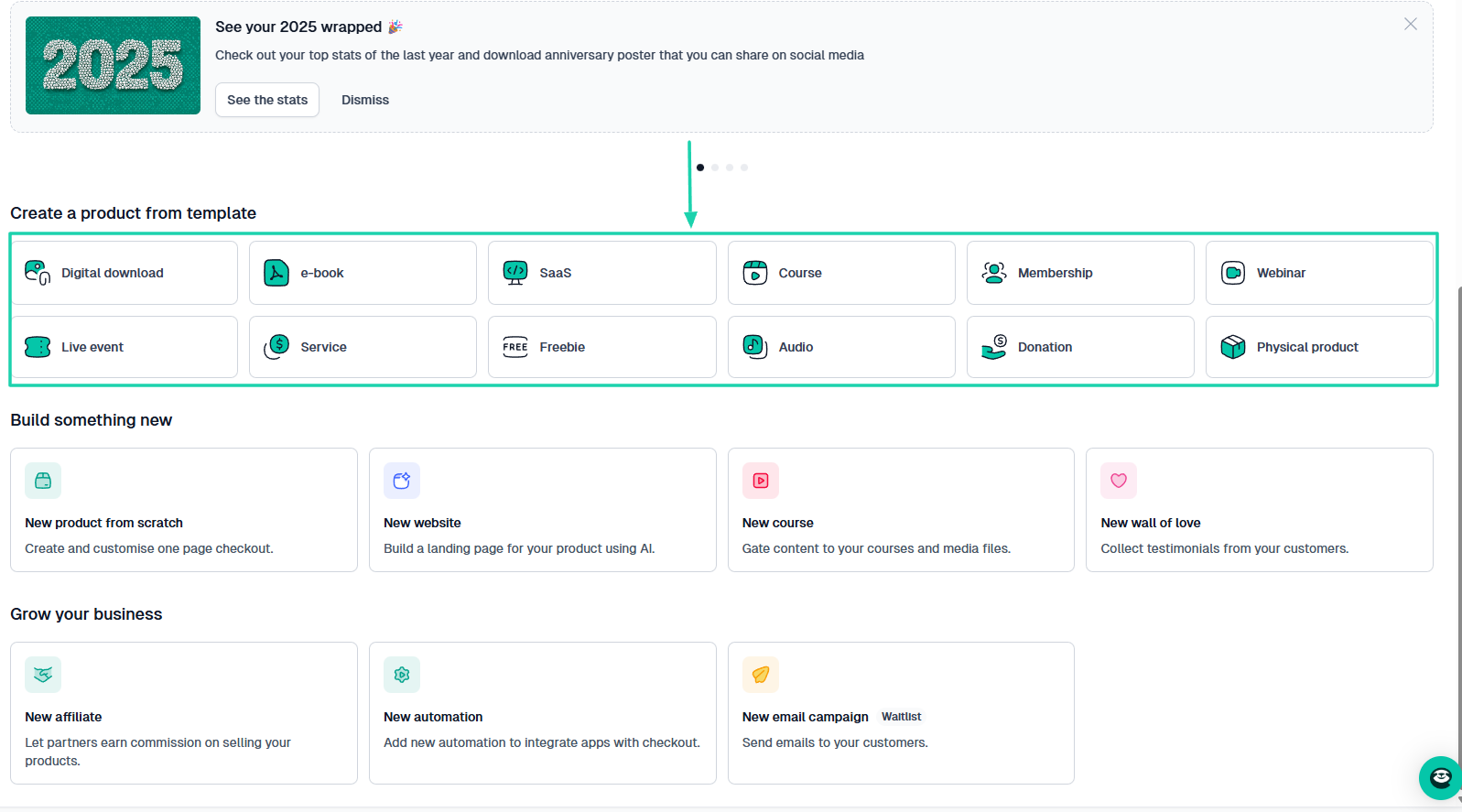
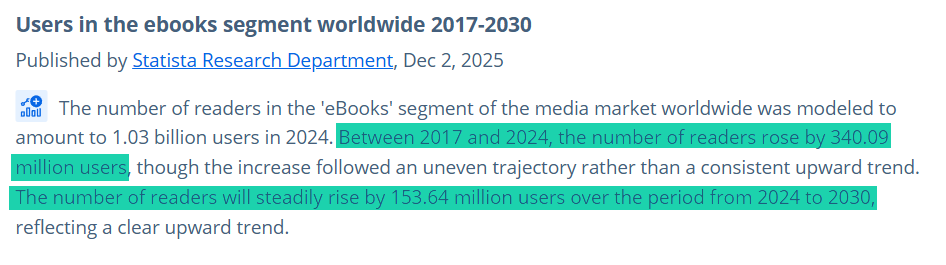
You could choose to create and sell an e-book.
It has its perks. After all, people love to read so much that, between 2017 and 2024, there were about 340M+ e-book users.
That number is even expected to rise by 153.64 million users.
You can also choose to create an online course. It has a huge demand.
In fact, the E-learning market size is expected to reach $1,080.32 billion by 2032.

These statistics only confirm that more creators are considering digital products like e-books and online courses as a gold mine.
Now, let’s just say you choose to sell online courses to address the problem.
Most courses are usually in a video format.
You can record videos on the topic and upload them to your preferred video hosting platform.
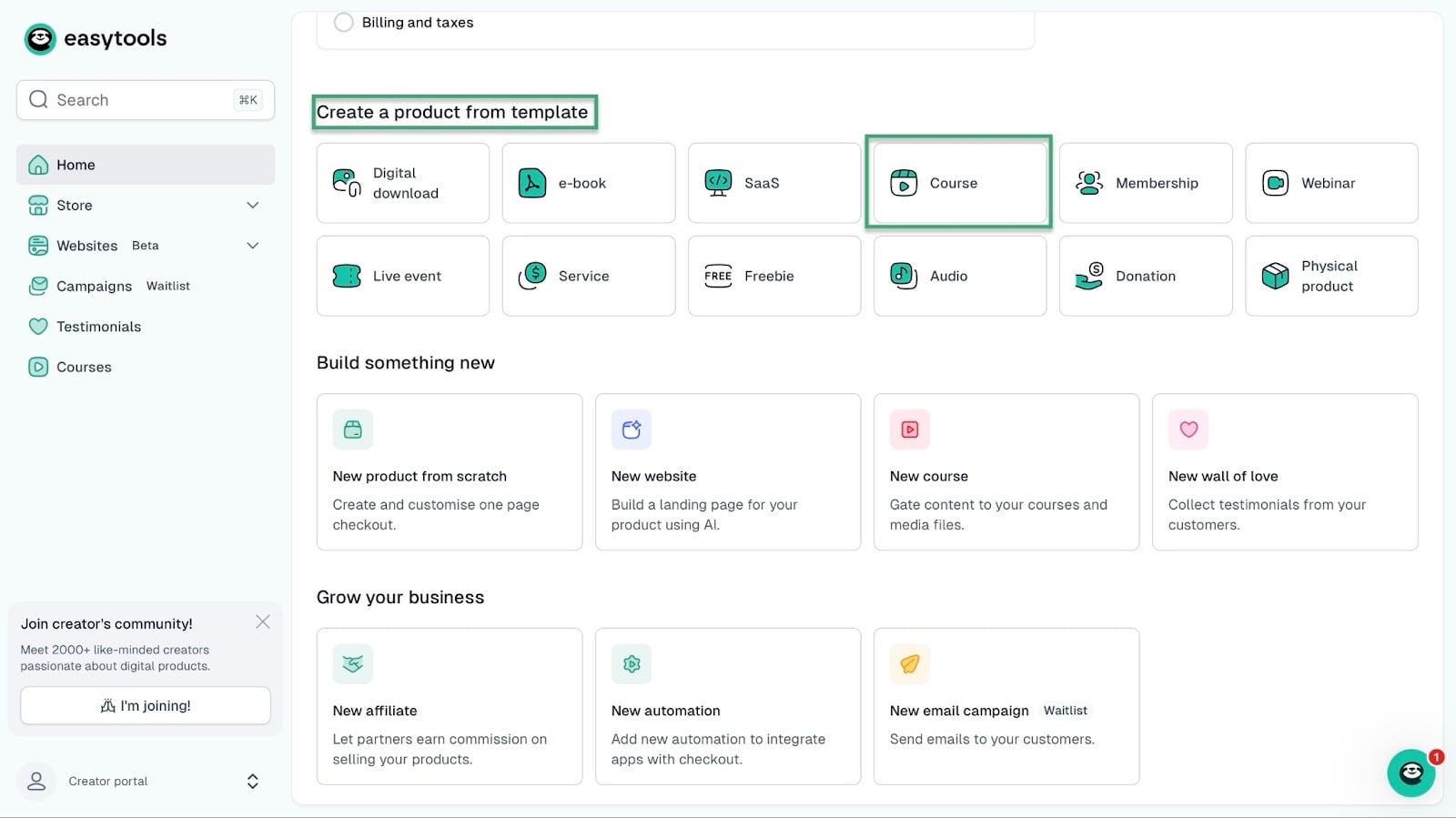
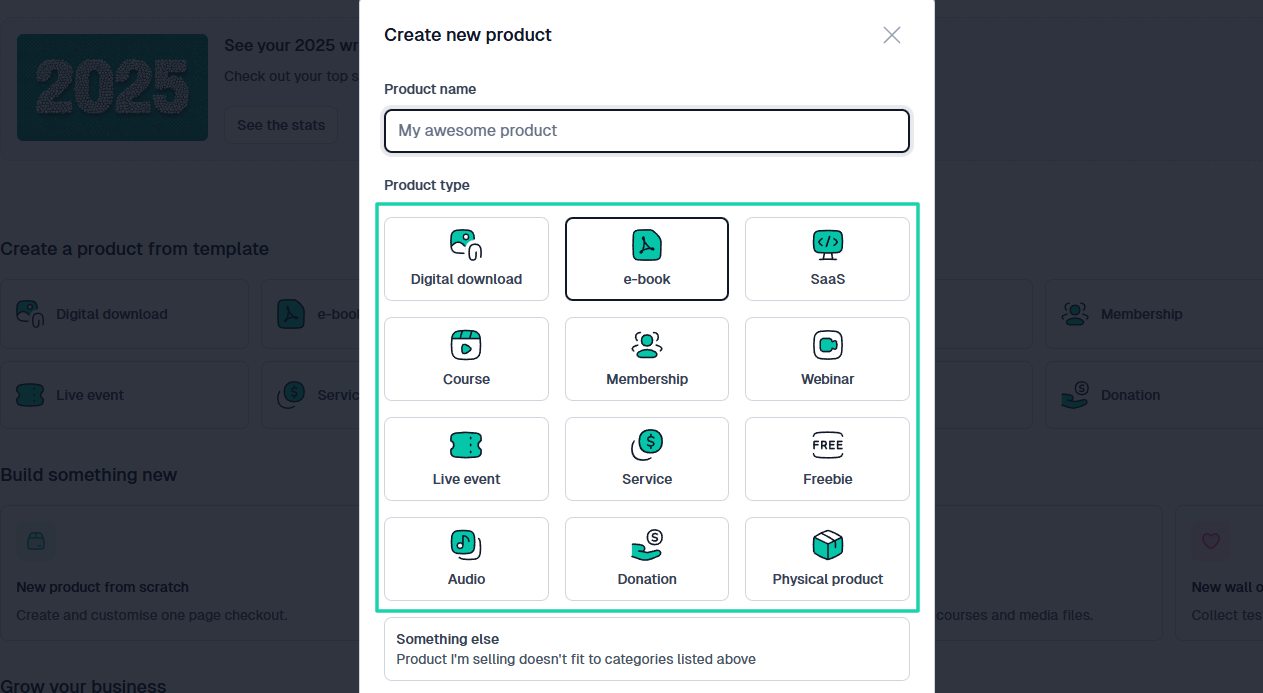
For example, you can create and host an online course on Easytools. Just select “Course” under “Create a product from template” on Easytool’s homepage.
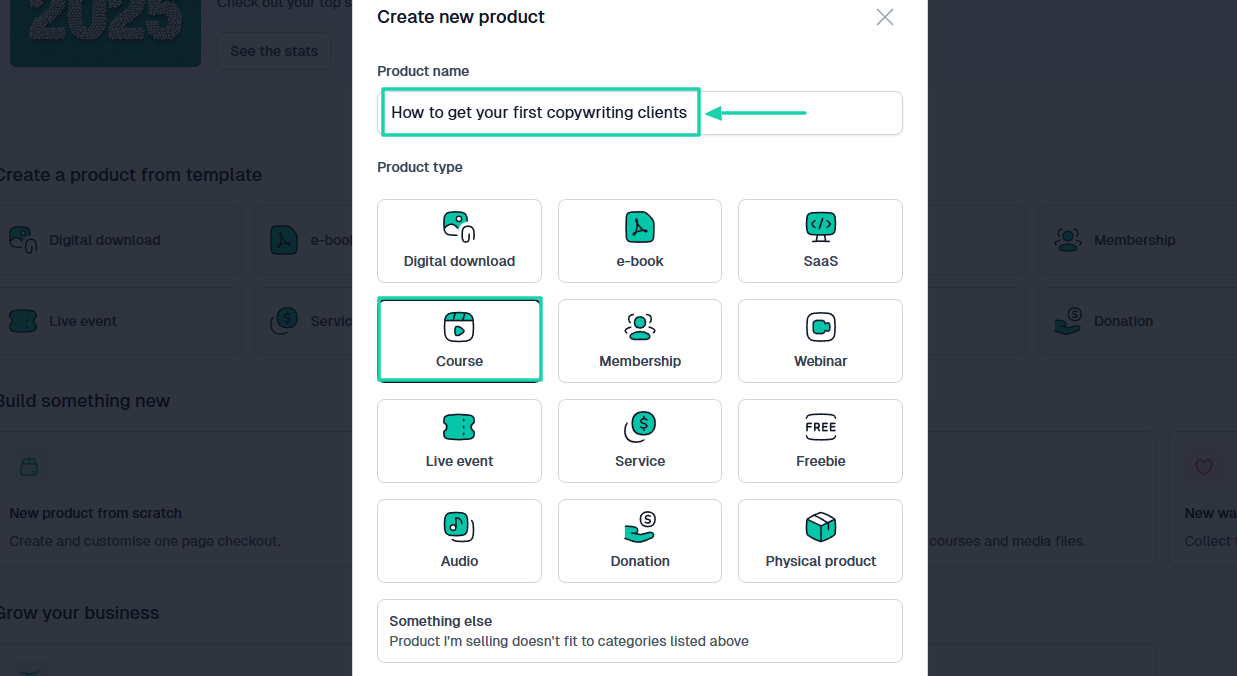
Then enter the name of your online course.
Next, enter the course description. It should be catchy because that’s what people will see on the checkout page (I will discuss it later).
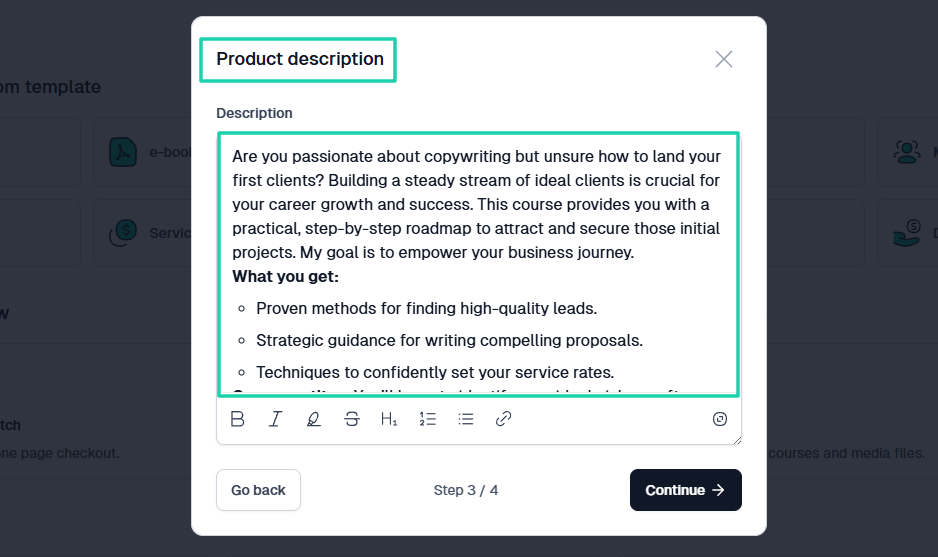
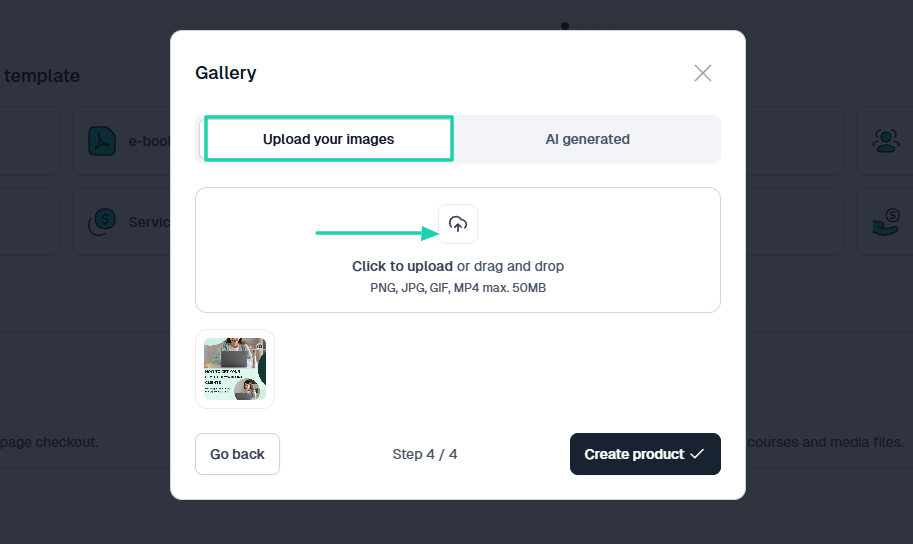
After that, you can add your course image by uploading it or using AI to generate one.
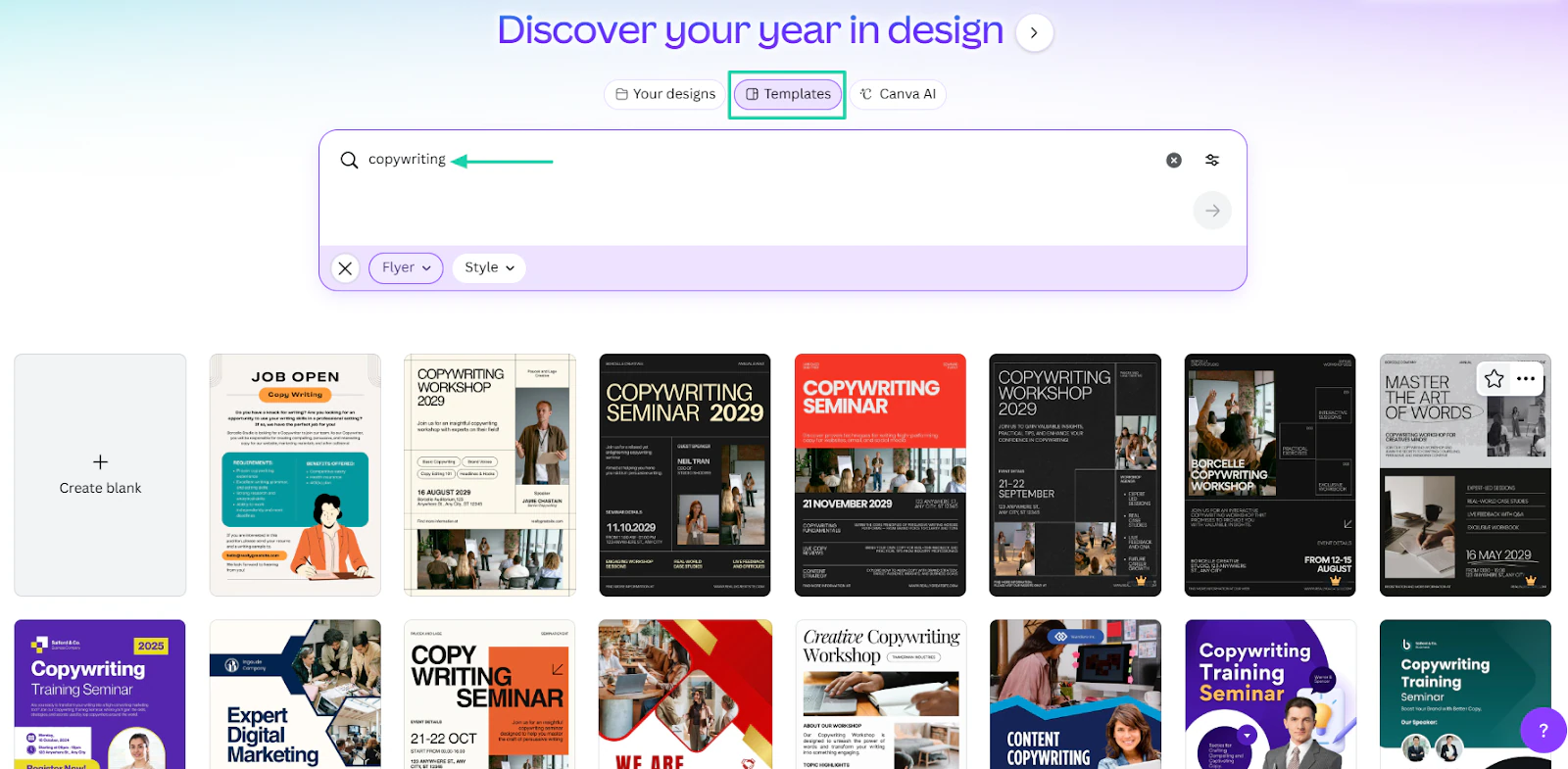
If neither option works for you, head to Canva, type “Copywriting,” choose a free template, and customize it.
Once you’ve done that, let AI generate the course for you.
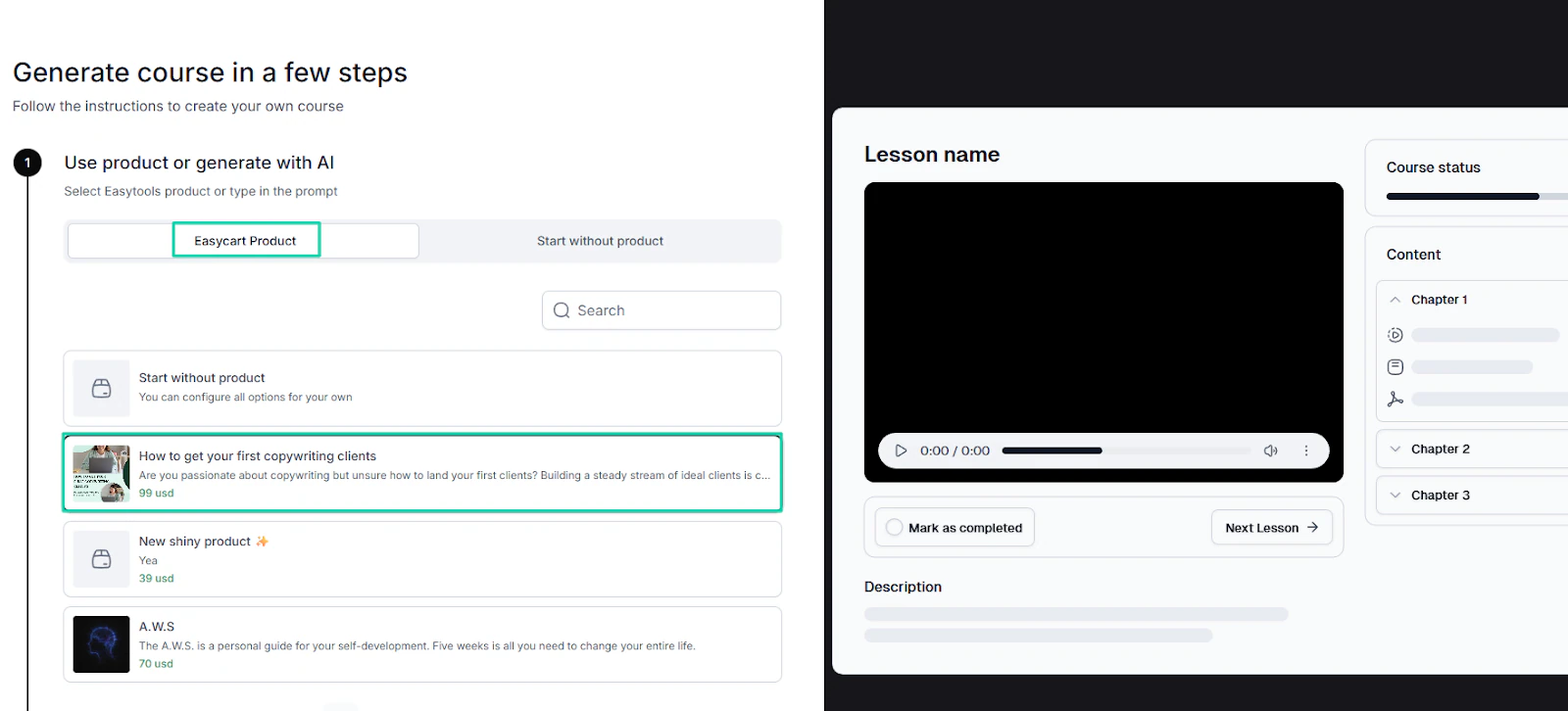
From here, your only job is to edit and add recorded videos to your online course.
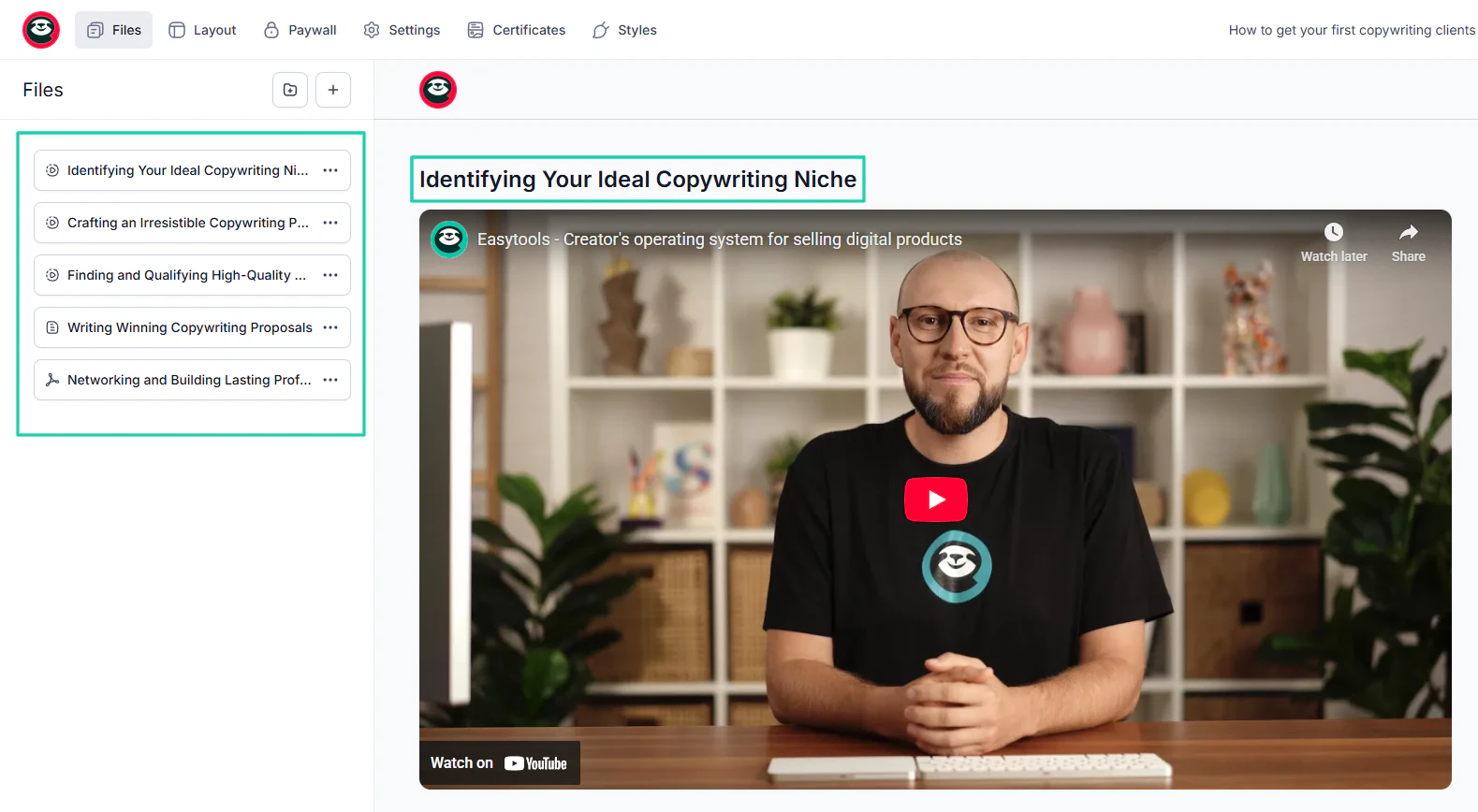
You can edit the title and choose the file type, which, in our context, is a video.
If you’re already hosting videos on third-party platforms like YouTube, Vimeo, Wistia, or Cloudflare, you can add your video’s URL.
For example, you can choose YouTube as the file source and add the link. You can also specify the course duration.
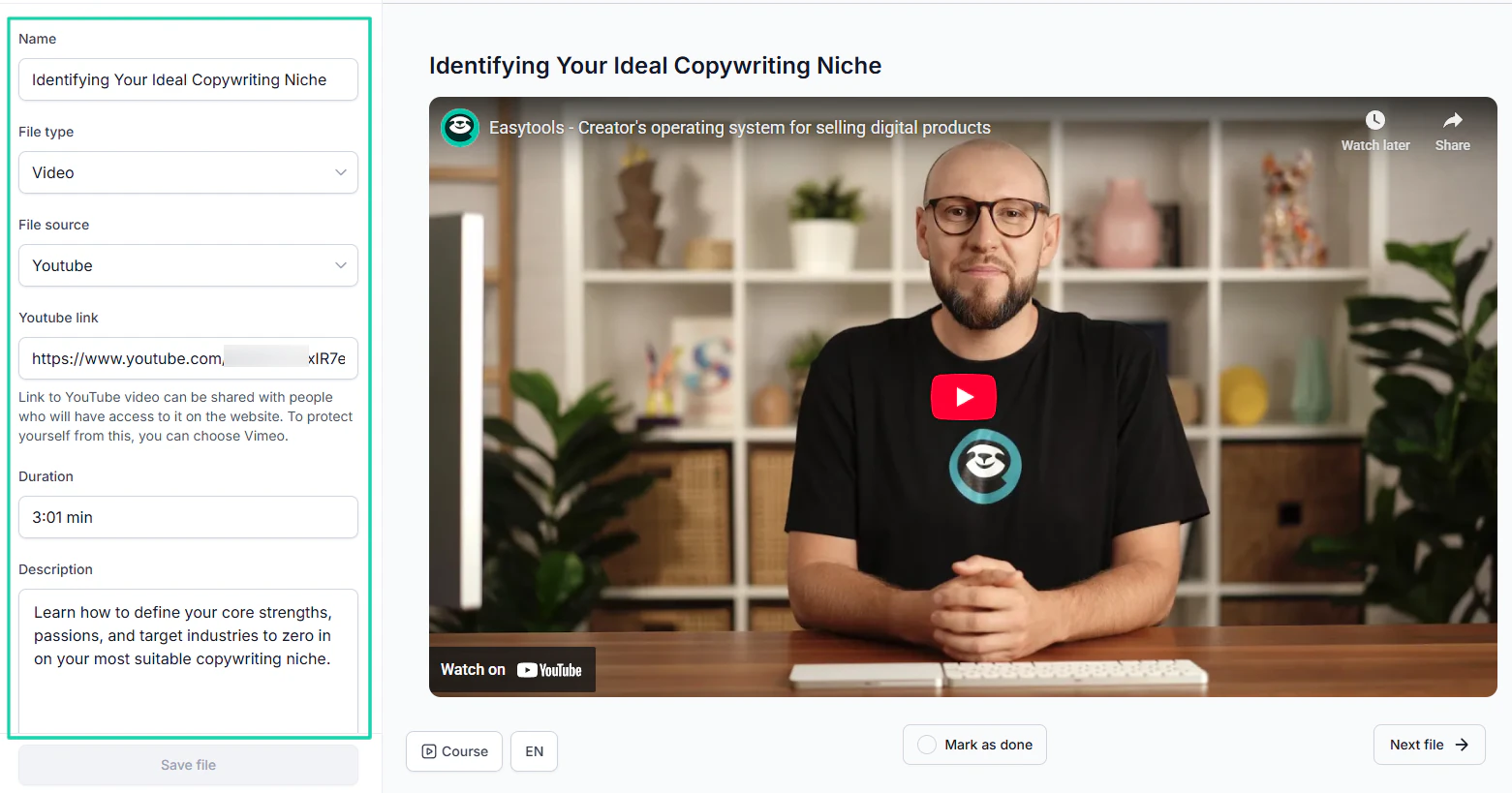
Make sure the YouTube video is unlisted or private. You’re after all selling digital products.
You can add URLs for all the sections in your outline.
Pro tip: If it is your first digital product, don’t overbuild it. Start small with one clear product that addresses a specific problem. It’ll be easier to launch, explain, price, and sell.
But, don’t stop here, we’re just getting started!
The next step is to price our digital product.
Step 2: Price your digital product
To sell digital products online, you need to price them after you’ve created them. And that’s the next step.
It’s understandable to find it difficult to price your product, especially when you’re just getting started. You may be tempted to underprice it.
Sometimes, you could even calculate the time you invested into the creation, the efforts you put in, and the expenses you made along the way.
All because you may feel that it’s only fair that the price reflects these factors.
But fair to whom? The customer or you?
I can assure you that customers don’t know what you went through to create your digital product. In other words, they simply don’t care!
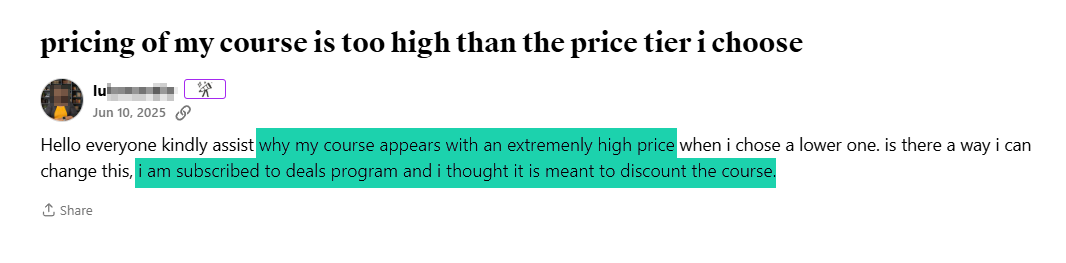
I saw a comment earlier on Udemy of someone complaining about the price of the course they chose. Though the person confessed to having enrolled in a particular program, she thought the course would be cheaper.
Generally, a customer considers a price fair when your digital product addresses their pain points and gives them a clear idea of the results they’ll get.
It’s more about the:
- Time saved
- Mistakes avoided
- Money made or protected
These are some of the factors that should also help you decide on pricing.
For instance, a template that saves someone 4-6 hours of work should be priced to reflect this.
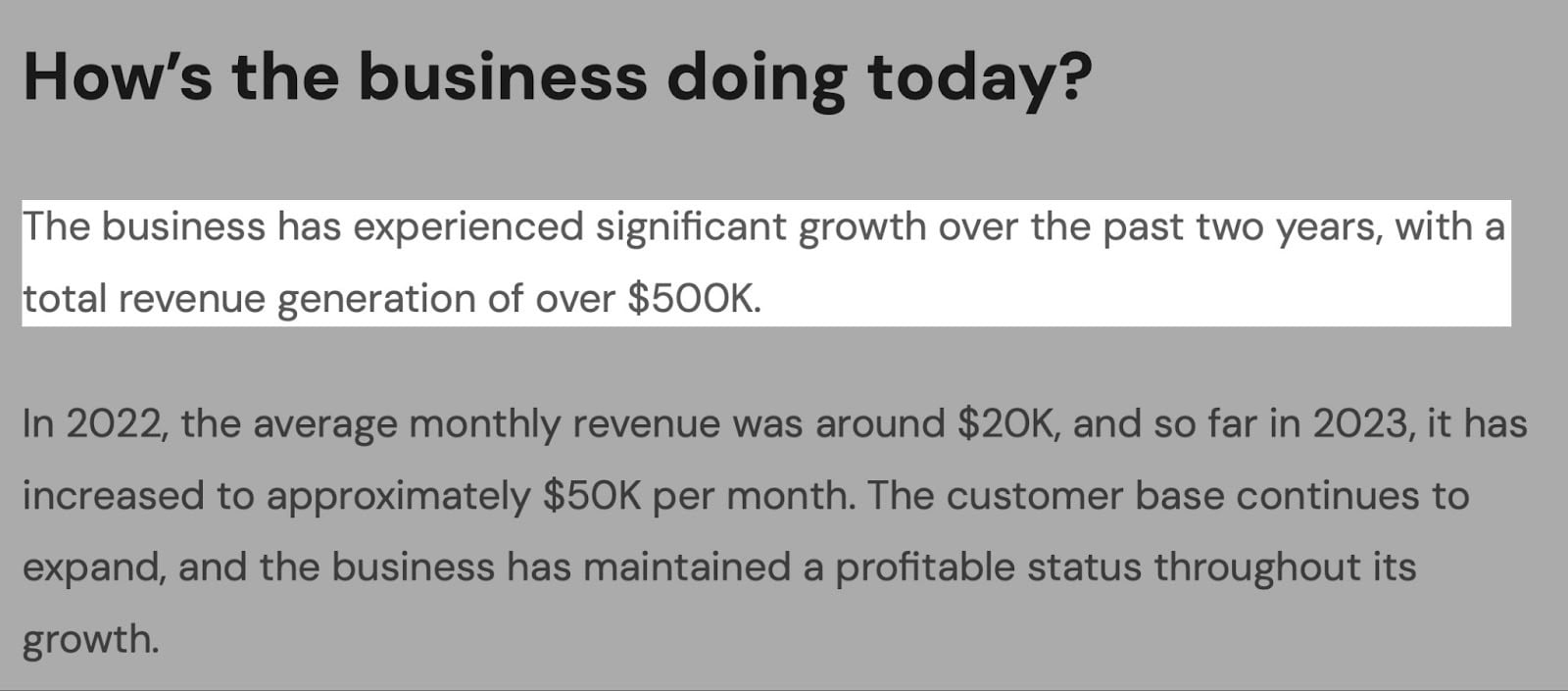
Jason Ruiyi Chin, AKA Easlo, makes templates people are willing to pay for because it saves them valuable time.
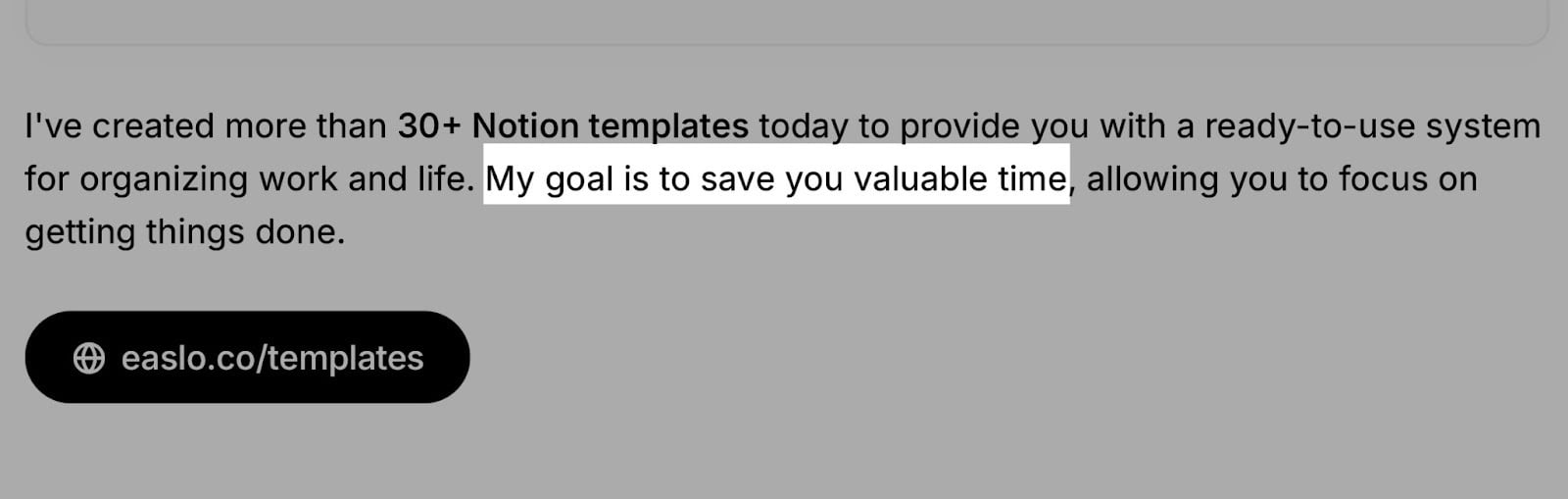
Easlo has made over $500,000 selling minimalist Notion templates.
You could also consider the common errors, frustrations, or delays you help people avoid by buying your product when deciding on pricing.
In the same way, you can price your online courses or e-books when they help a person earn more money with a clear and practical outcome.
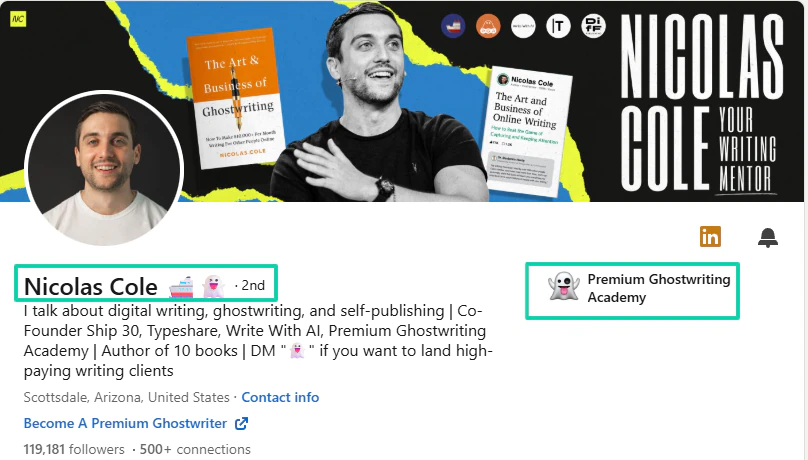
Nicolas Cole, the co-founder of Premium Ghostwriting Academy(PGA), offers courses to help writers land premium customers.
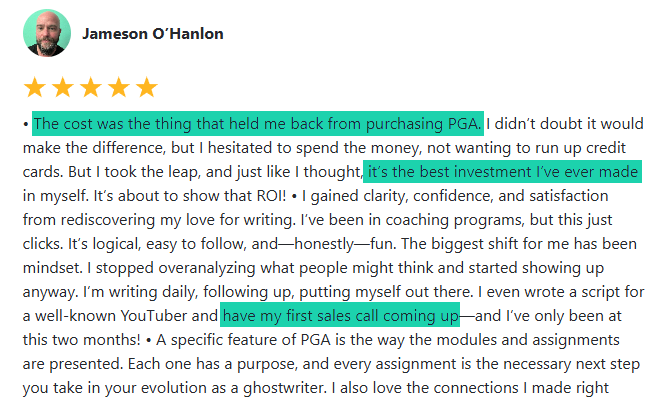
One of the writers, Jameson O’Hanlon, was having difficulty purchasing the course due to the cost. He eventually did and believes it’s the best investment he’s ever made.
He now has his first sales call coming up. It’s a perfect example of how people will pay for your digital products if doing so increases their earnings.
All the examples I’ve shared prove that pricing only matches perceived value.
I know I’ve said a lot without talking about real numbers, so let me go deeper.
One of the best ways to price your digital products is to study the market. I mean, you have to check the prices others charge for similar products compared to yours.
Imagine you price your course at $100, only to find out that other experienced course creators sell theirs for $15-$20.
To avoid that, go to Google and search for your course title and niche.
Then, check at least 5 websites to see what each offers.
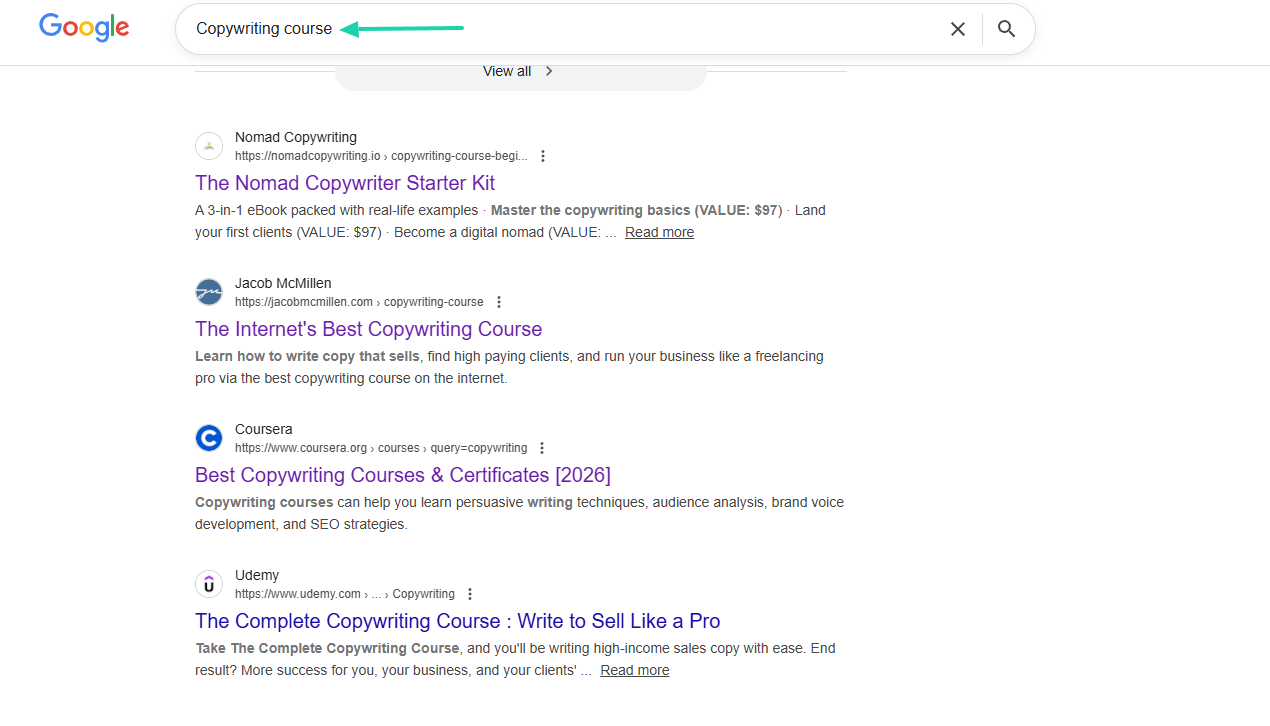
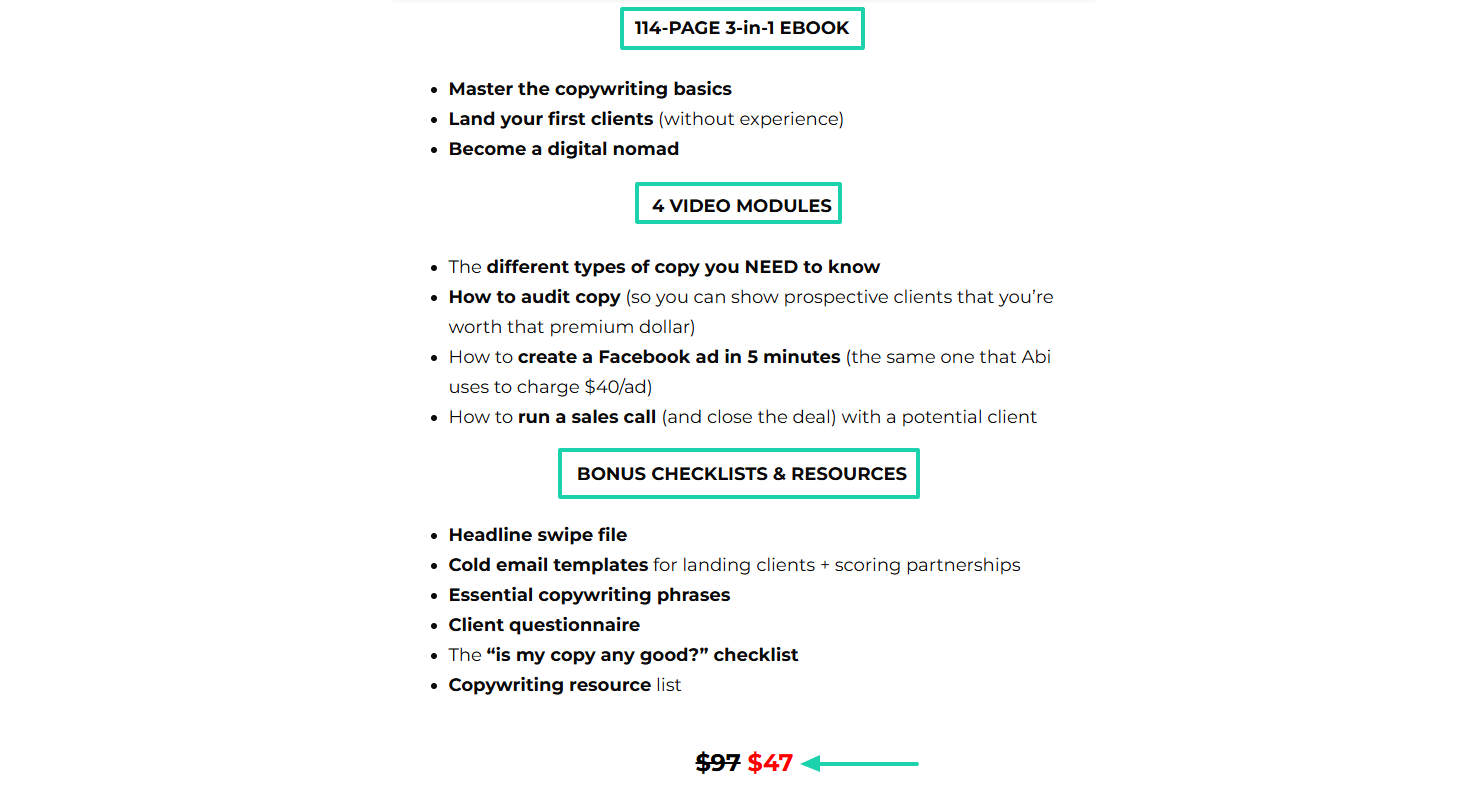
Usually, apart from the course’s price, most creators will also list what it offers.
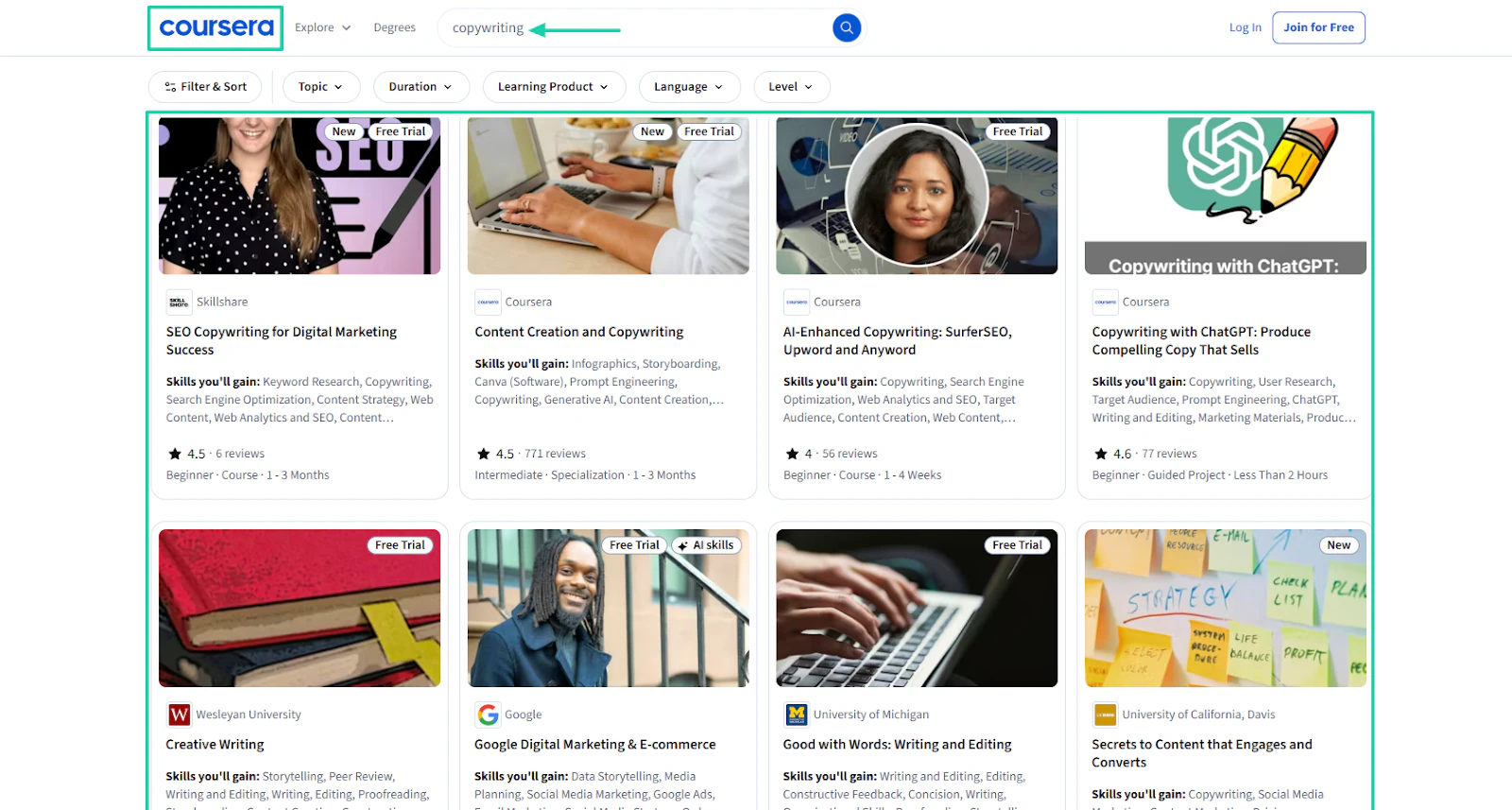
You can also go to popular course platforms like Coursera and check how much they charge for the kind of courses you are creating.
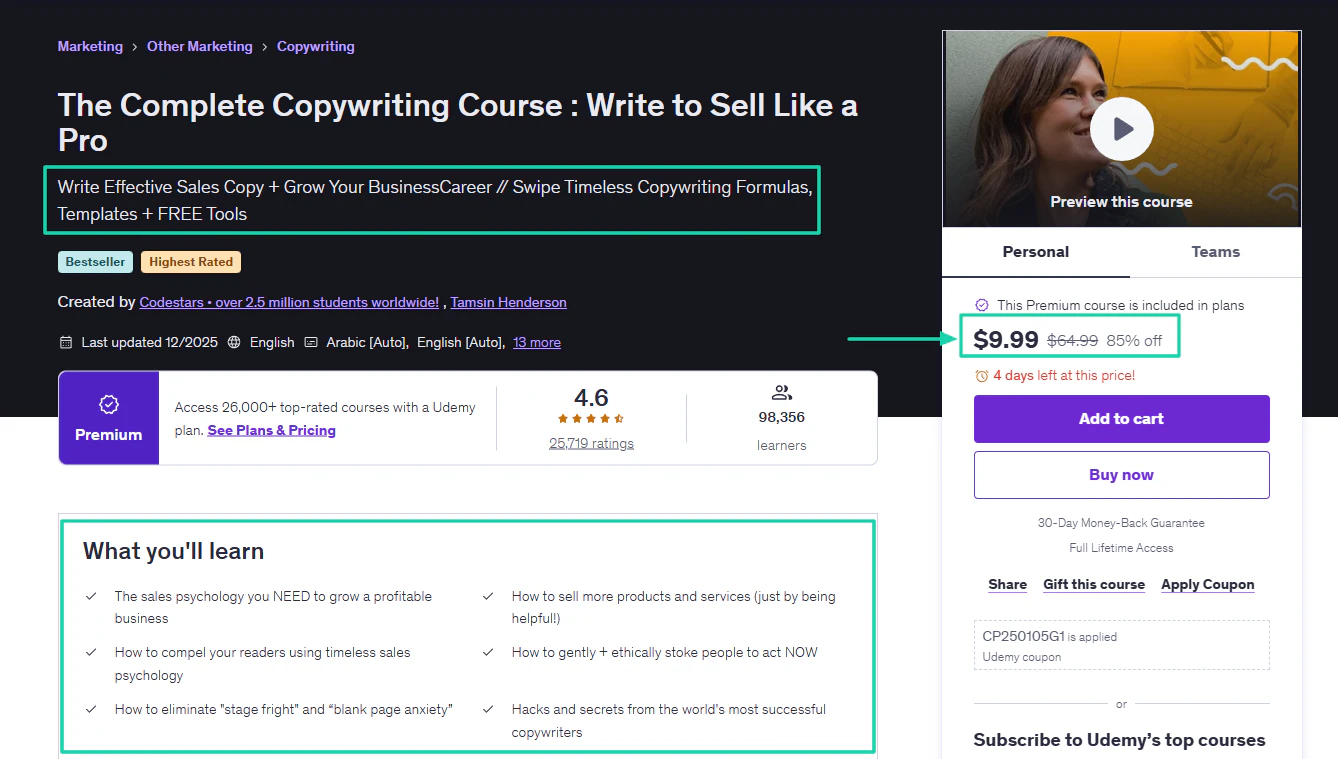
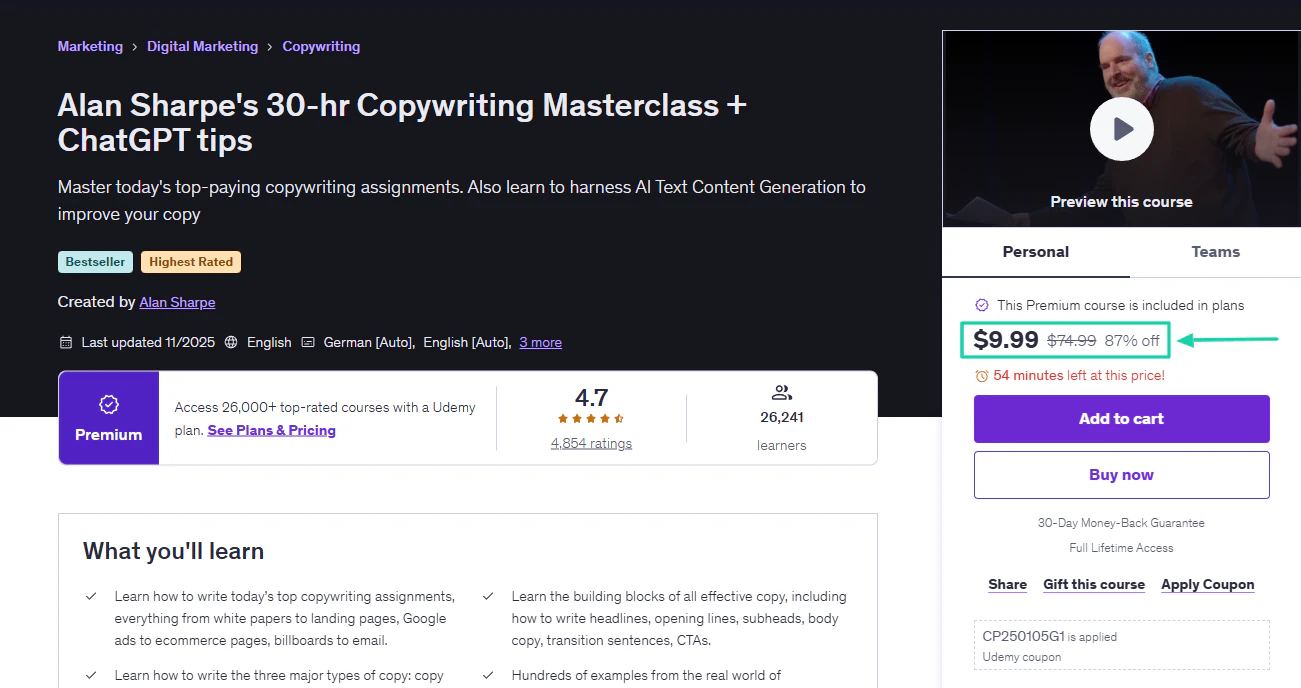
Another platform is Udemy. Let’s use this course, “Complete Copywriting Course: Write to Sell Like a Pro,” for example.
It was created by Codesters, which has 2.5M+ students worldwide. So it makes sense it sells for $9.99 because of a 85% discount for a limited time.
If you scroll further down, you’ll notice that other course creators also offer similar courses at that price.
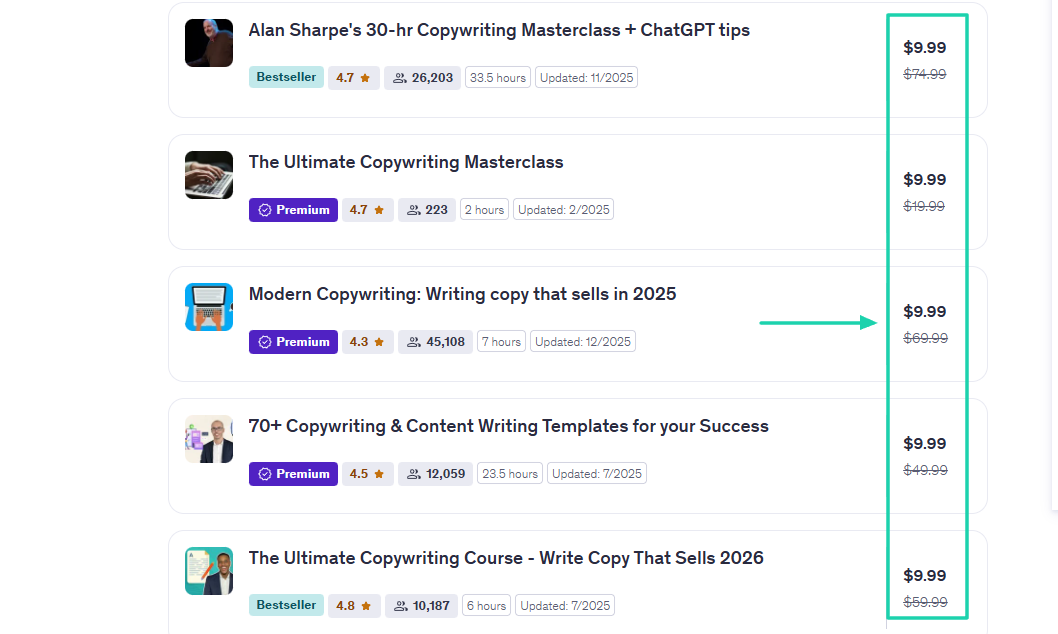
With this insight, you can adjust your own pricing.
You shouldn’t be bothered by this, though. Because your first price is just a starting point, not a lifetime decision. You can intentionally start with an entry-level price to see how people respond.
In our example, the copywriting course ranged from $9.99 to $47. Your entry-level price could be $7, and it should be a one-time payment.
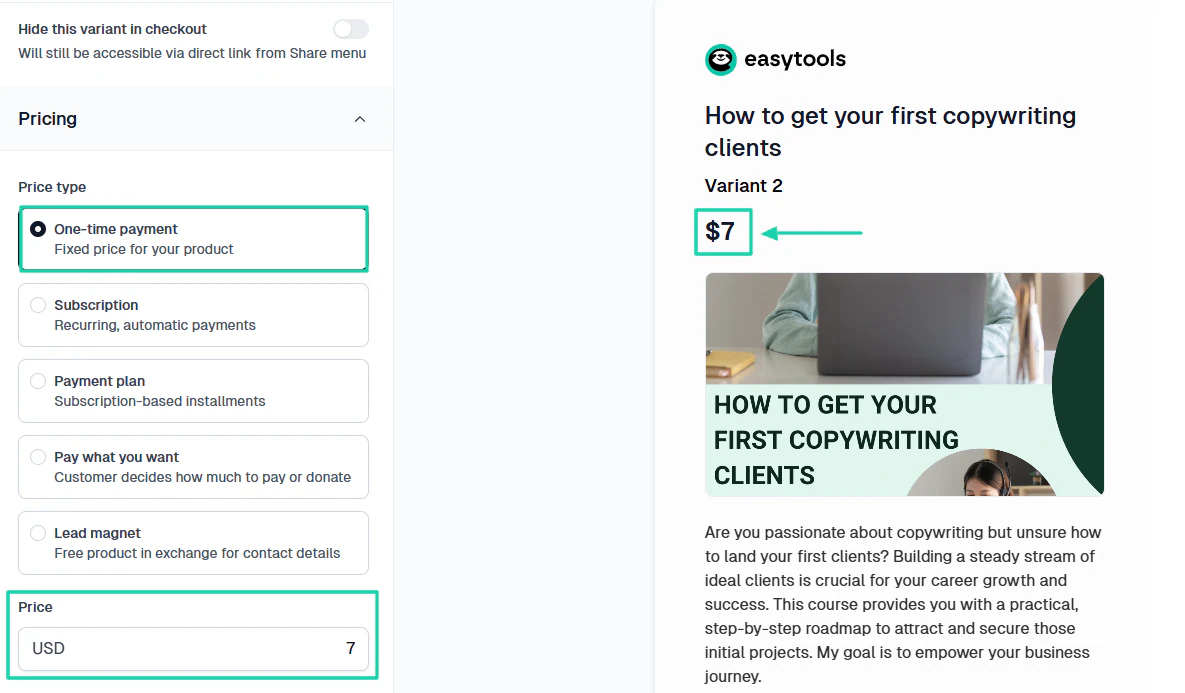
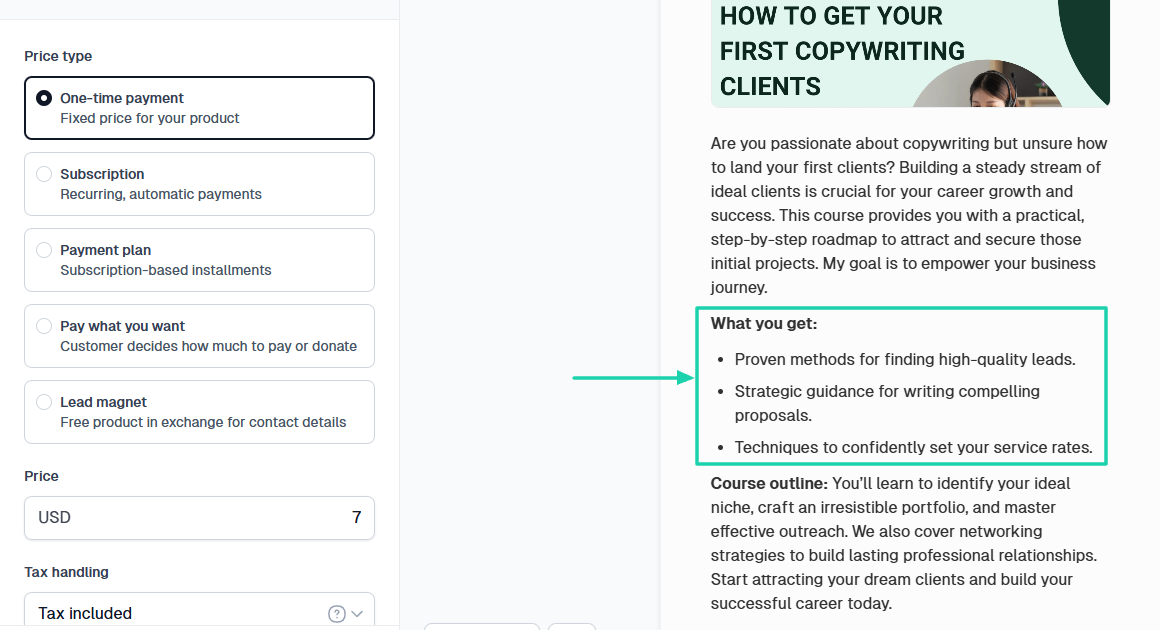
The price alone is not enough. People should see and understand clearly what they are paying for.
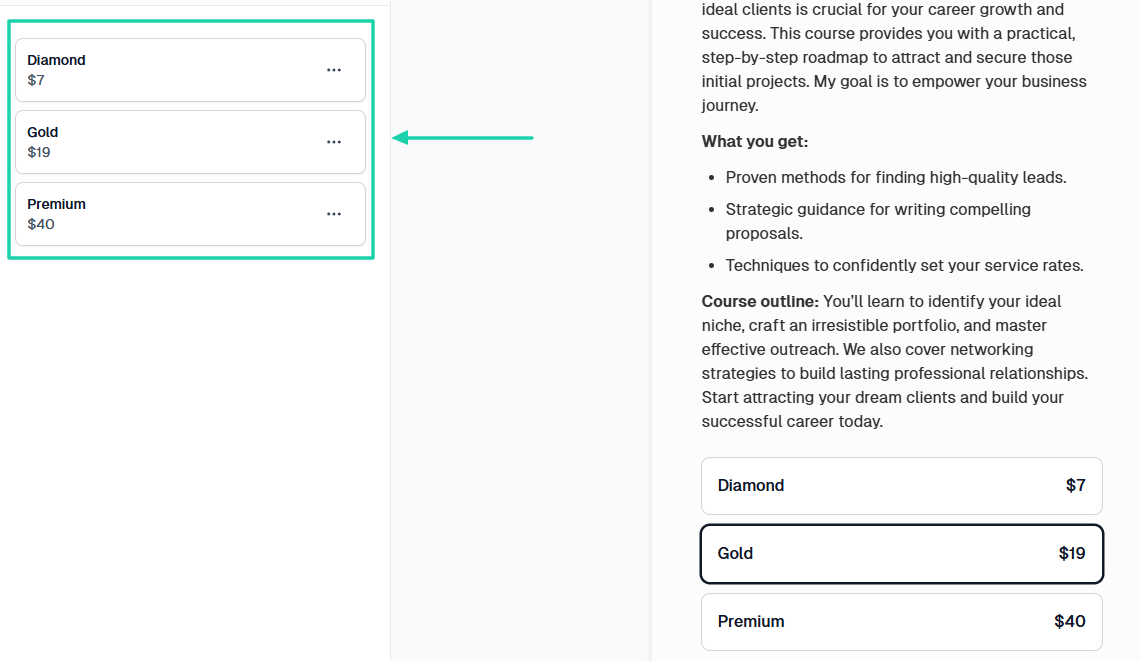
With time, you can experiment with multiple pricing tiers or bundles.
And if the platform you use supports cross-price pricing, you can use it to display the original price crossed out next to the discounted price.
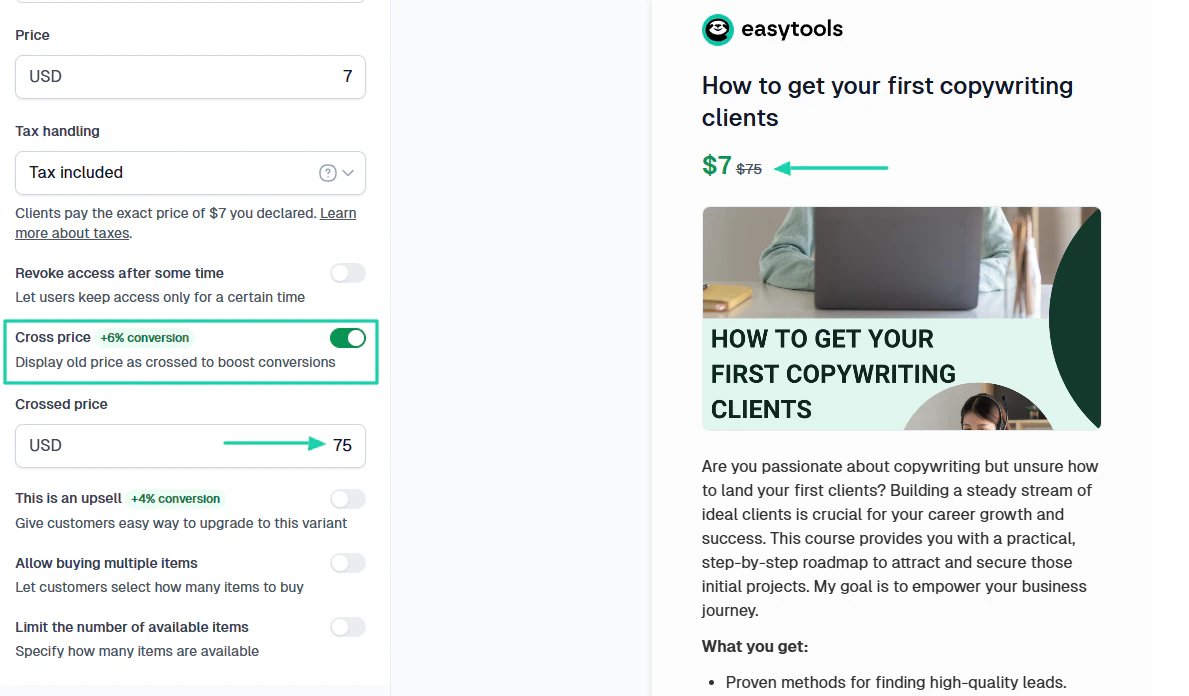
Many creators do that to increase their conversions. It can influence the customer’s buying decision.
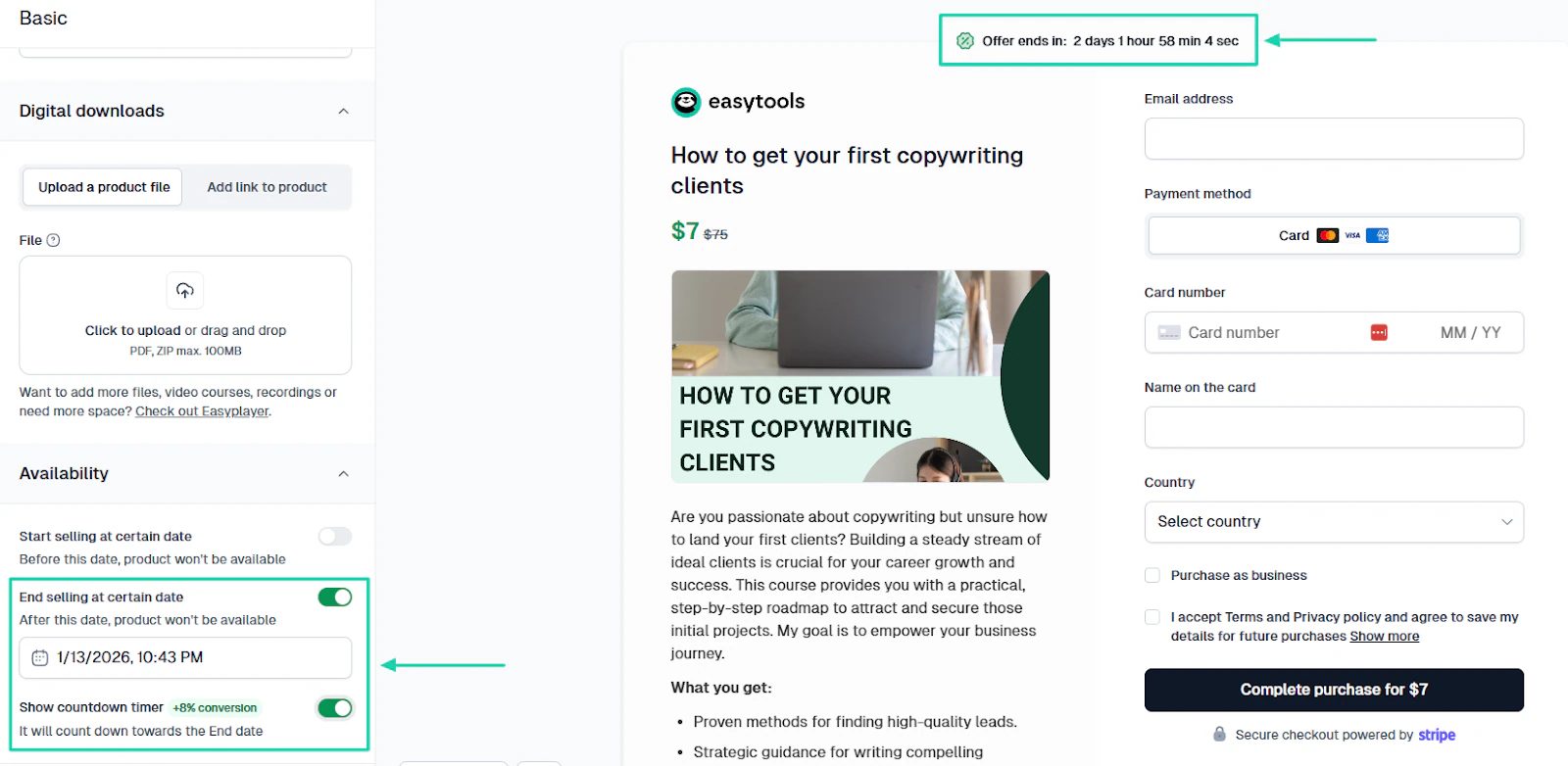
Another strategy you can use later is the time-limited offer. It lets you decide from which date your digital product won’t be available, and you can enable the countdown timer.
You shouldn’t overthink pricing your digital product, although it can be somewhat overwhelming. Feel free to experiment and choose prices based on my suggestions.
For example, start with a price and see how people respond. Then take that feedback and revisit it from time to time.
That’s how you approach the pricing when selling digital products online.
Step 3: Pick the best platform to sell your product
The choice of platform is really important for selling digital products online. If you sell on the right platform, you sell more, avoid hidden fees, and make a profit.
There are many popular platforms for selling digital products, like Easytools, Podia, Gumroad, Kajabi, and Teachable.
So, how do you choose the best platform to sell digital products online? There are a few things you’d have to consider:
- Ease of use
- Transaction fees and commission
- Payment processing
- Integrations with other tools
- Support and community
The list is not exhaustive, but these factors help determine whether or not you are choosing the right platform.
1 . Ease of use
Creating and pricing your digital product has already consumed a lot of your time. You don’t want to waste more of it with a platform that’s difficult to use.
If it takes 10+ minutes to set up, it’s already a bad sign. Also, after signing up, you should find it easy to locate the features.
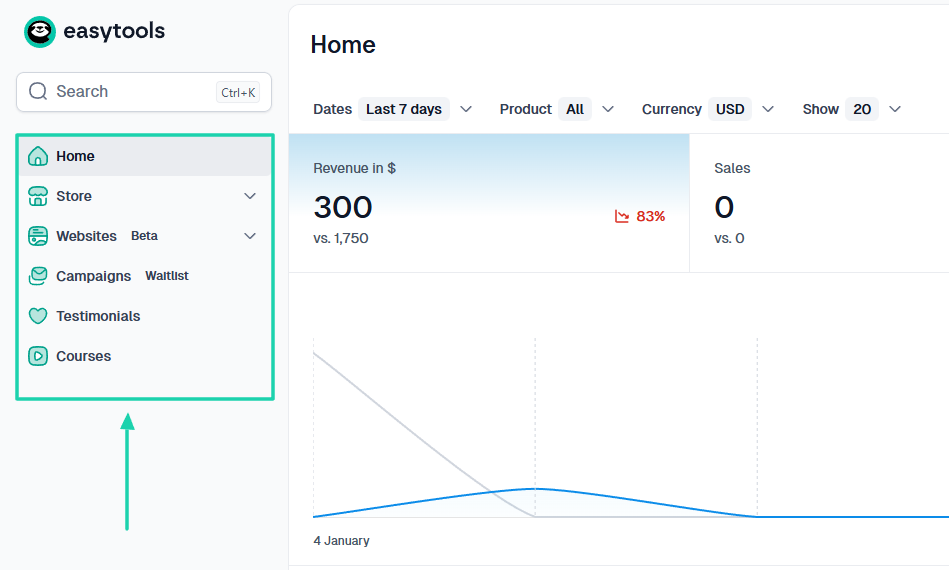
For example, it’ll be such a delight to have all the features in the sidebar for easy access.
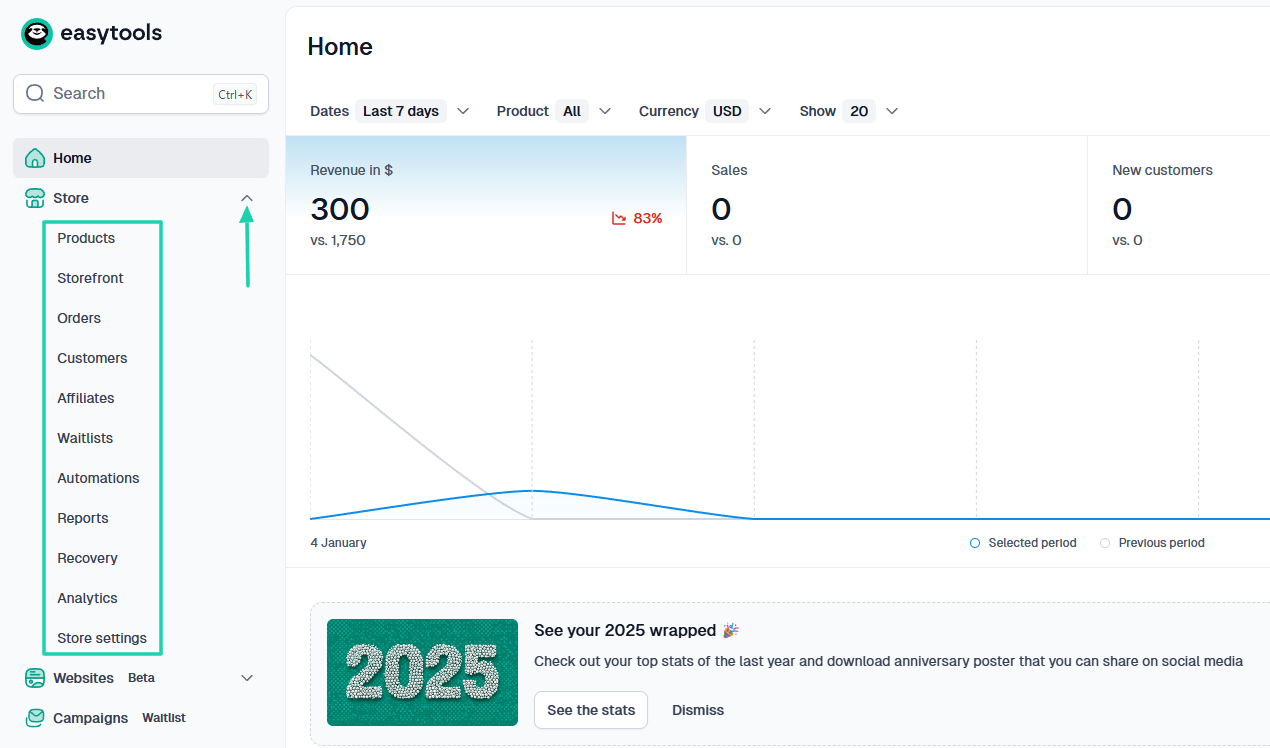
And sub-features should be well-arranged under the main ones. Trust me, it helps.
A platform that is easy to use should let you easily locate all the different digital products you can create.
2 . Transaction fees and commissions
To pick the best platform to sell digital products online, you must also consider transaction and commission fees.
Knowing how much a platform charges helps you decide whether it’s the right fit for you.
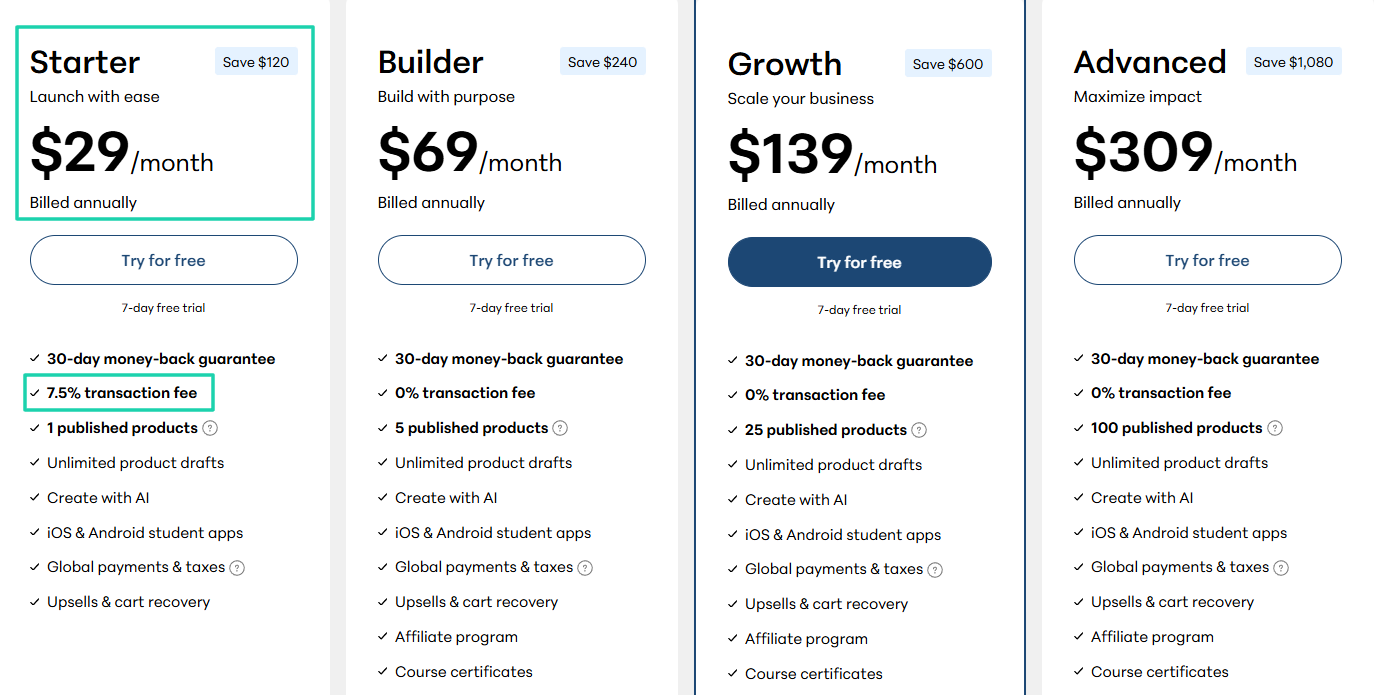
Let’s take Teachable, for example. If you are a beginner, you’re likely to choose its Starter plan.
It costs $29 per month when billed annually and charges a 7.5% transaction fee. This means that for every $100 in sales, the platform collects $ 7.50 in addition to the monthly plan.
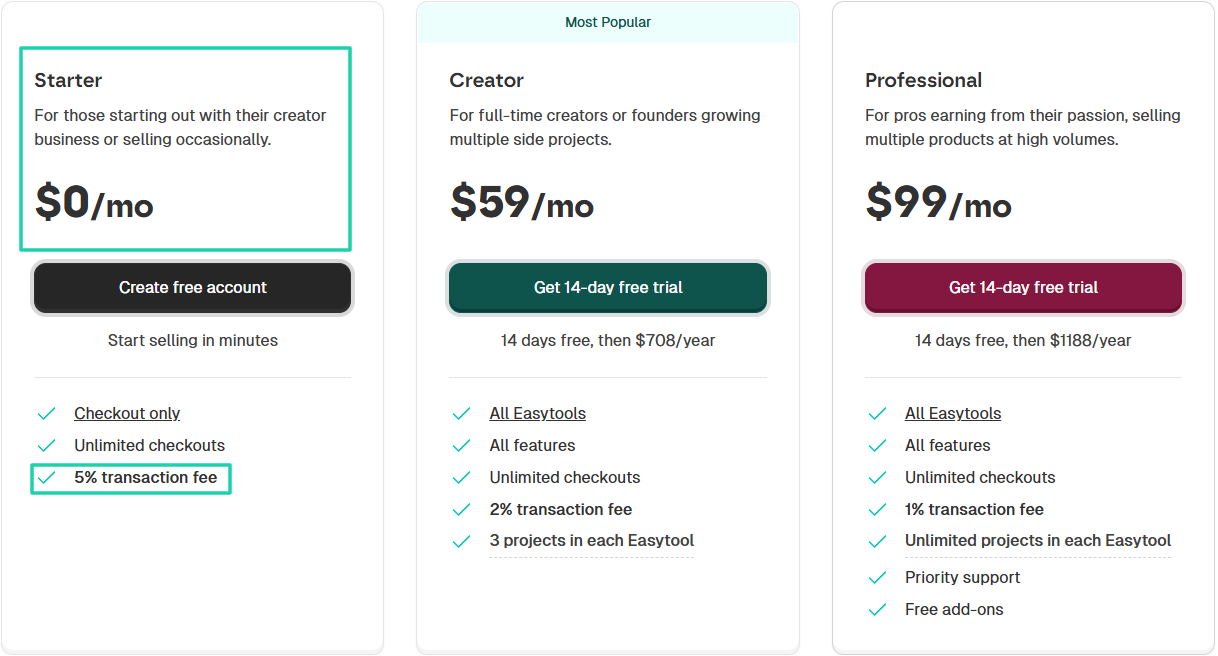
On the other hand, Easytools’ Starter Plan costs $0 per month.
Yes, $0! You have unlimited checkouts, and we will only charge a 5% transaction fee.
Let’s assume your digital product costs $50. This is what it looks like on a table.
When you make such comparisons, you get an idea of which platform could be the most profitable.
3 . Payment processing
This is another factor to consider if you want to choose the best platform for selling digital products online.
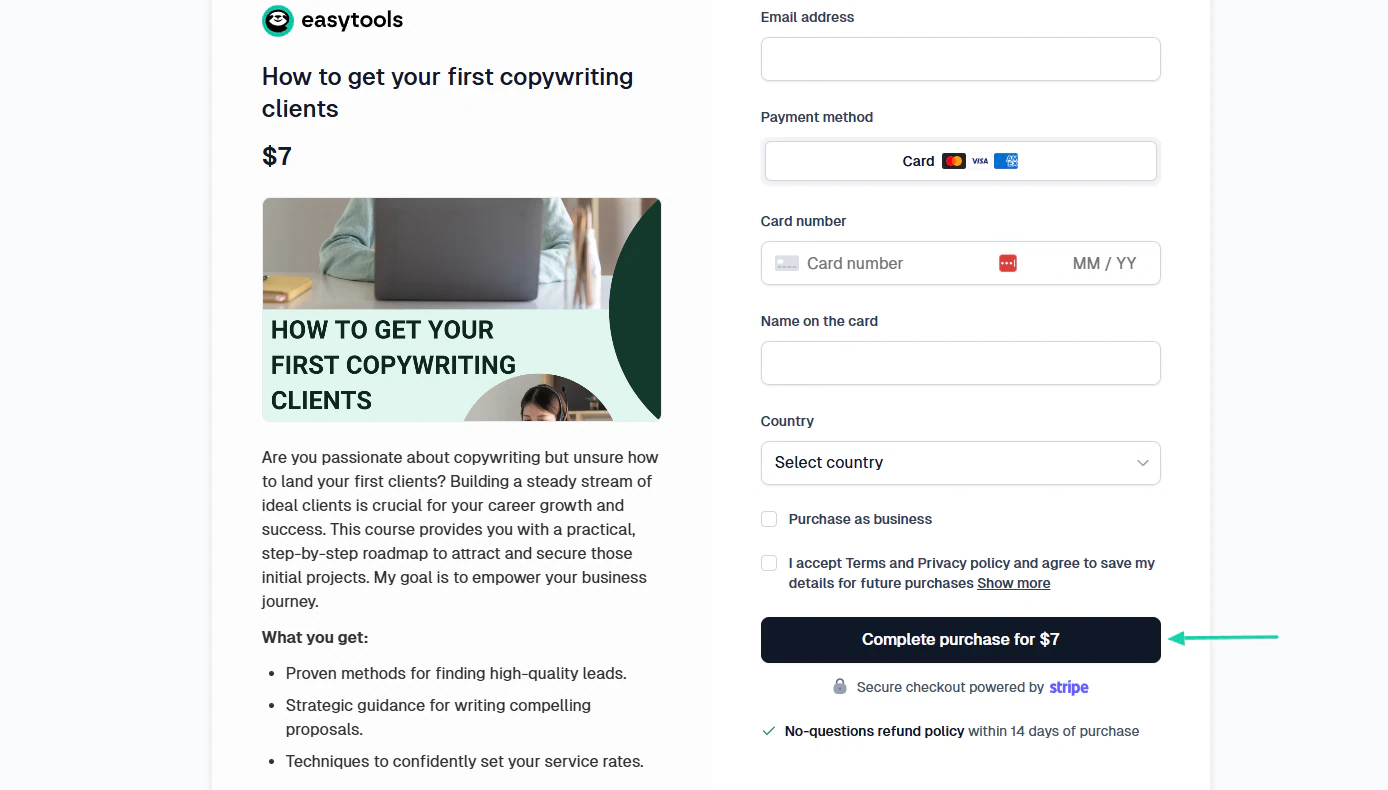
It’s really disturbing to hear that your customers struggle to pay for your digital products. You want the platform you choose to help with a smooth checkout process.
You want customers to complete a purchase in 1-click with Easycart.
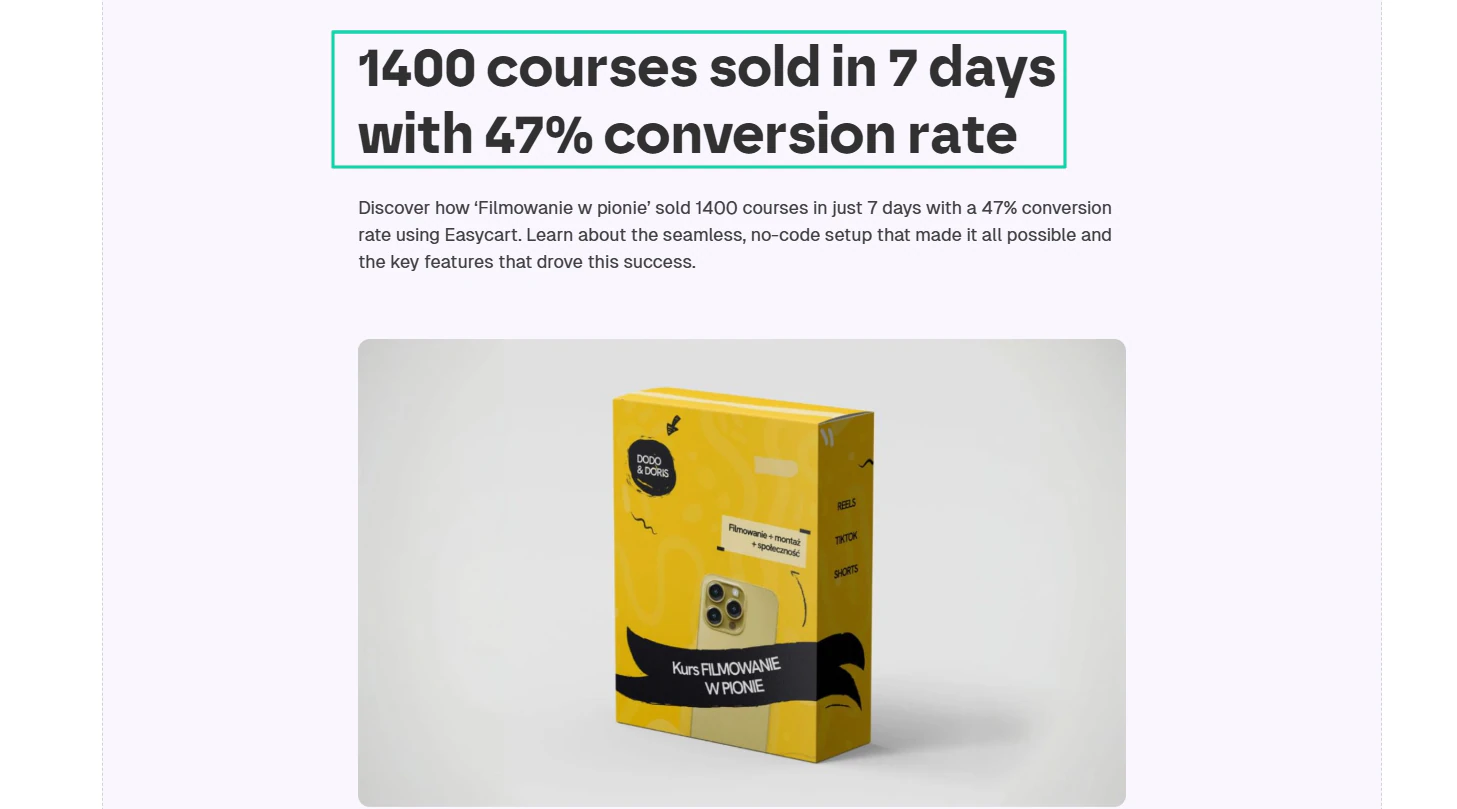
No wonder ‘Filmowanie w pionie’ achieved a 47% conversion rate using Easycart and sold 1,400 courses in 7 days.
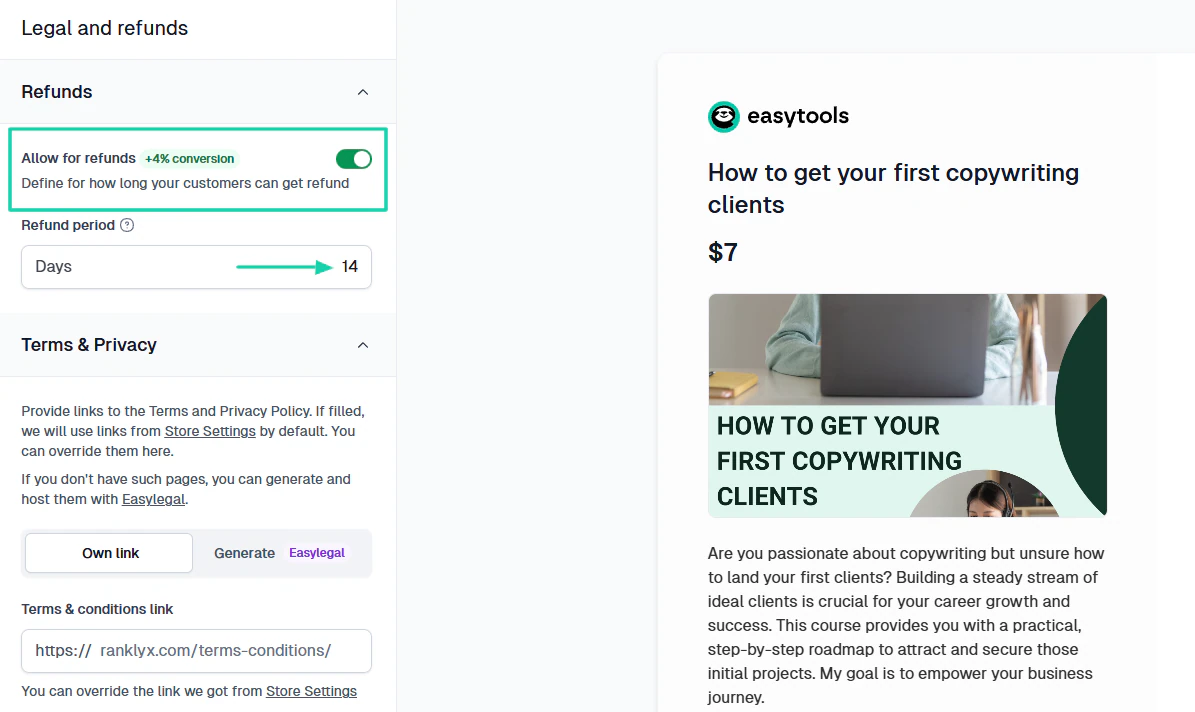
We also have the refunds feature. You can allow for refunds and specify the refund period. It can increase conversions by 4%+.
4 . Integrations with other tools
If you want to know how good a platform is, you need to check its integration capabilities.
Mostly, a good platform to sell digital products online should integrate with:
- Payment gateways
- CRMs(Customer Relationship Management)
- Social proof tools
- Marketing tools
- Automation tools
- E-commerce
I can add more to the list, but at least these are the essential ones.
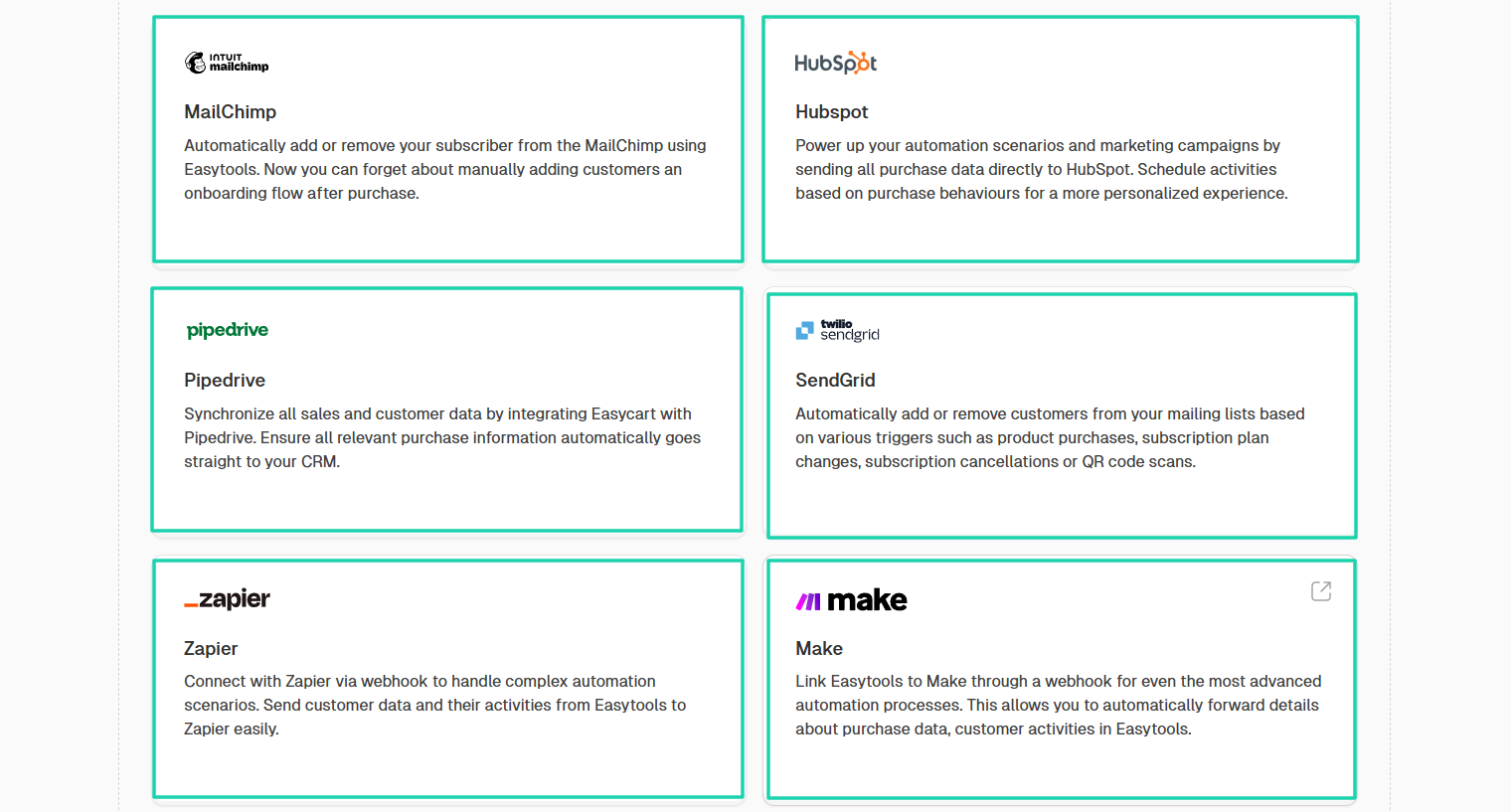
Easytools, for example, integrates with popular platforms like Mailchimp, HubSpot, Pipedrive, Make, and Zapier.
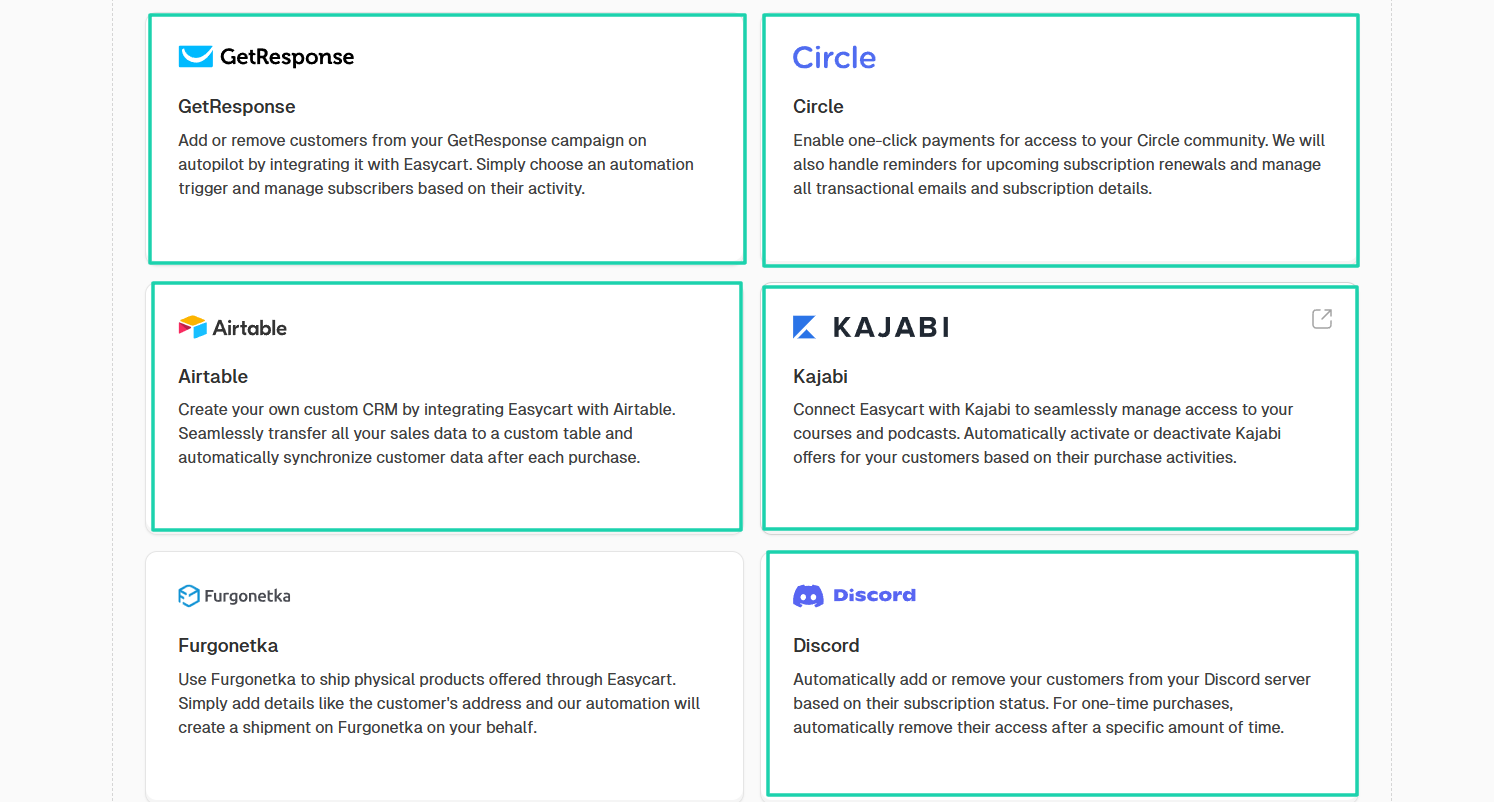
The list of popular integrations continues with Airtable, Discord, Circle, Kajabi, and GetResponse.
If you already use any of these platforms, integrating them with Easytools will only improve your workflow.
There are still other important integrations like MailerLite, WordPress, and WooCommerce.
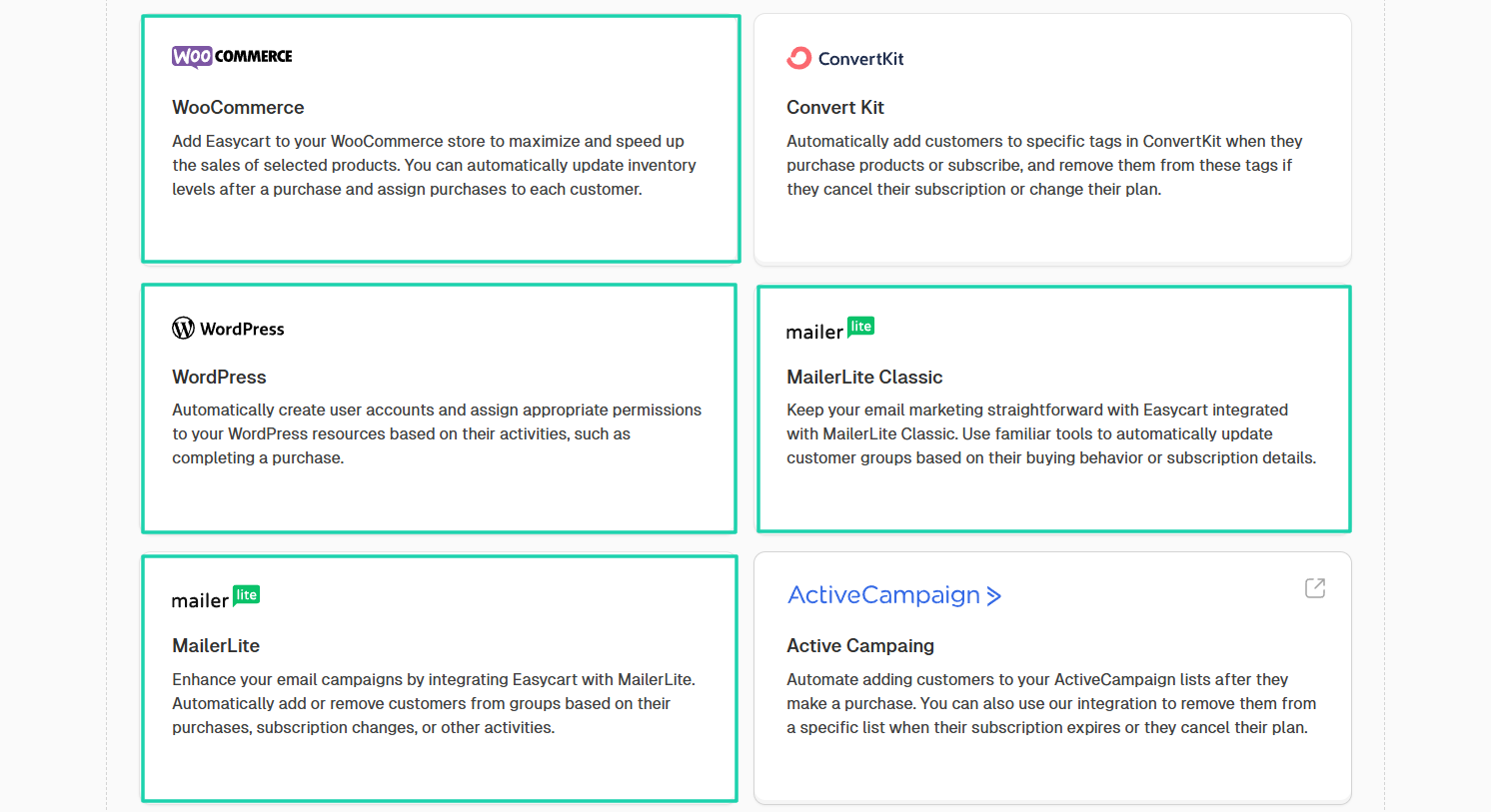
Speaking of WooCommerce, you can integrate it with Easytools and create automation workflows to automatically manage orders completed through Easycart.
Most creators use these integrations to help grow their online businesses and make more money.
5 . Support and community
A platform without support and a strong community can’t be considered the “best” for selling digital products online.
The reason? Joining a community helps you learn from others while also sharing your knowledge.
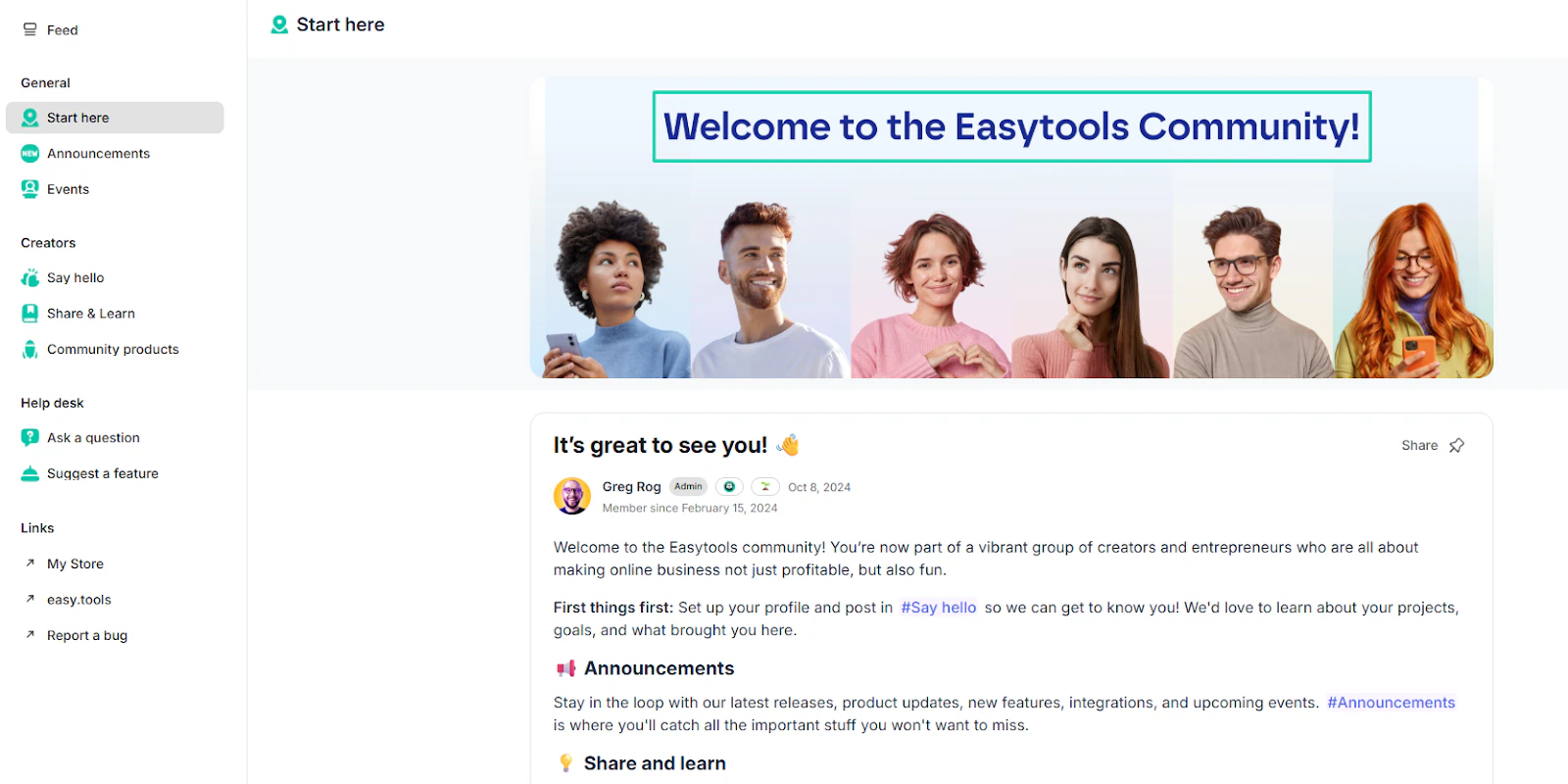
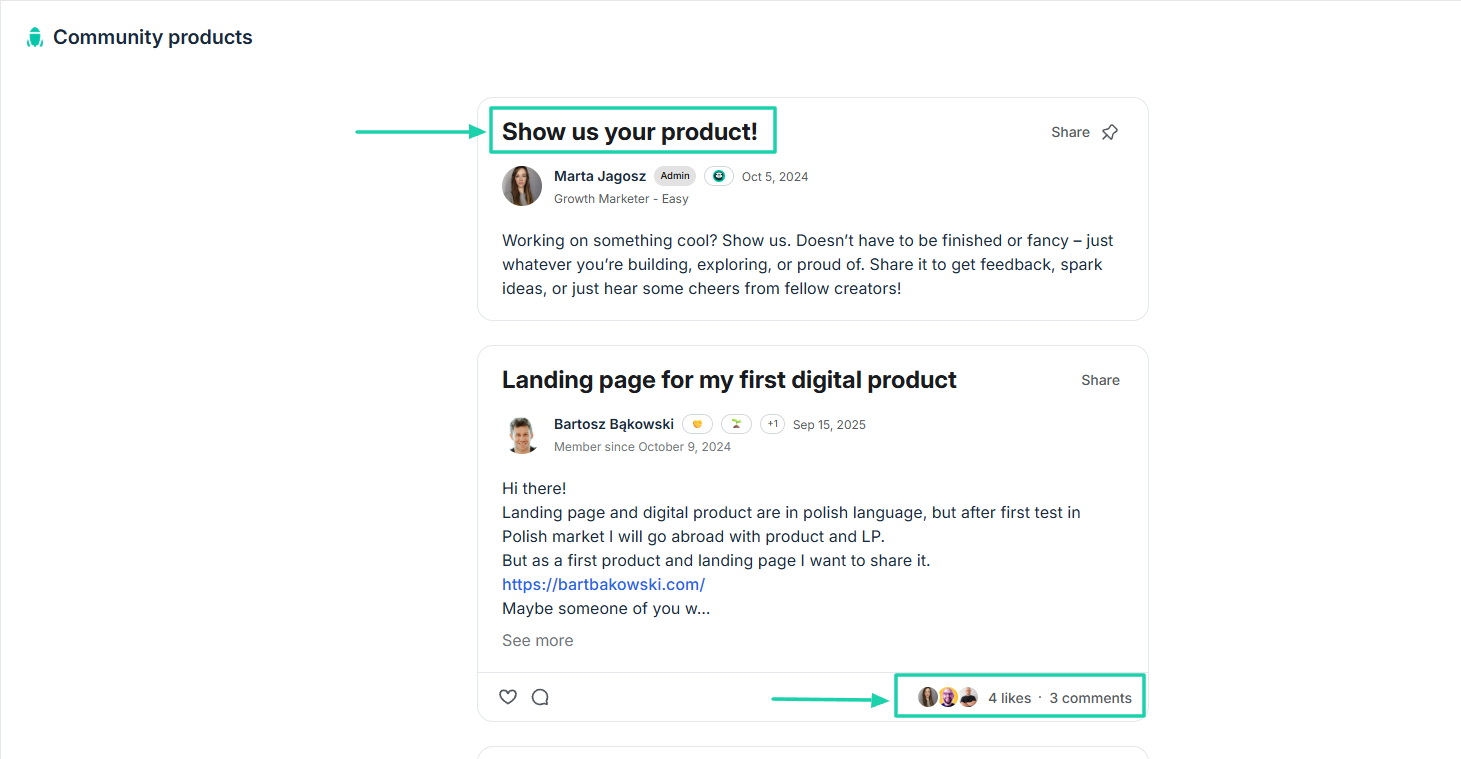
Our community encourages members to show their products. Everyone can try it and give you instant feedback
All the various points I shared with you are just guides to help you pick the best platform.
My point is that the best platform to sell digital products online is:
- easy to use
- not too costly to use
- handles payments without any struggle
- has great integration capabilities
- offers a strong community
But the main topic is how to sell digital products online, so we still have 2 more steps to discuss.
Step 4: Promote your digital product online
Creating and pricing your product and choosing the best platform to sell digital products online is only half the work.
The next step in selling digital products online is promoting them.
Here’s a question for you:
- How will customers buy from you if they don’t know you’re selling digital products online?
You can’t “quietly” drop your checkout link in a post and let people discover it by themselves.
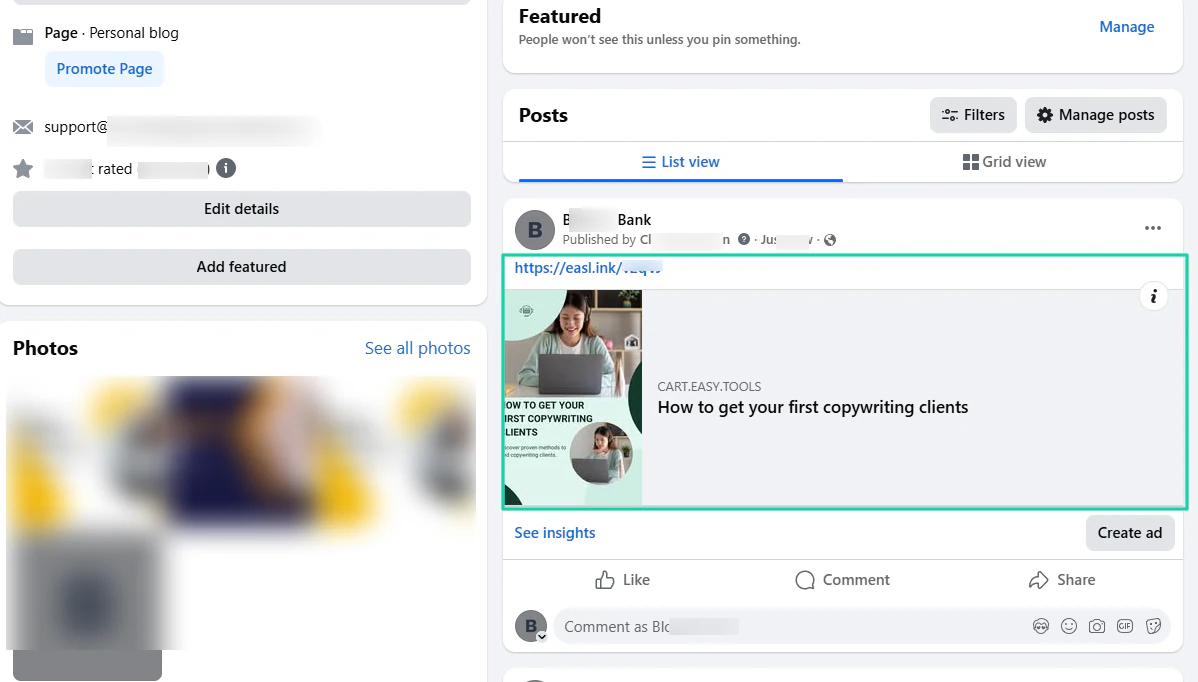
facebook post about copywriting course
Then one day, you go back and check the insights of that post. The disappointment will be to realize that your post has 0 views, 0 new followers, 0 reactions, 0 comments, and 0 saves.
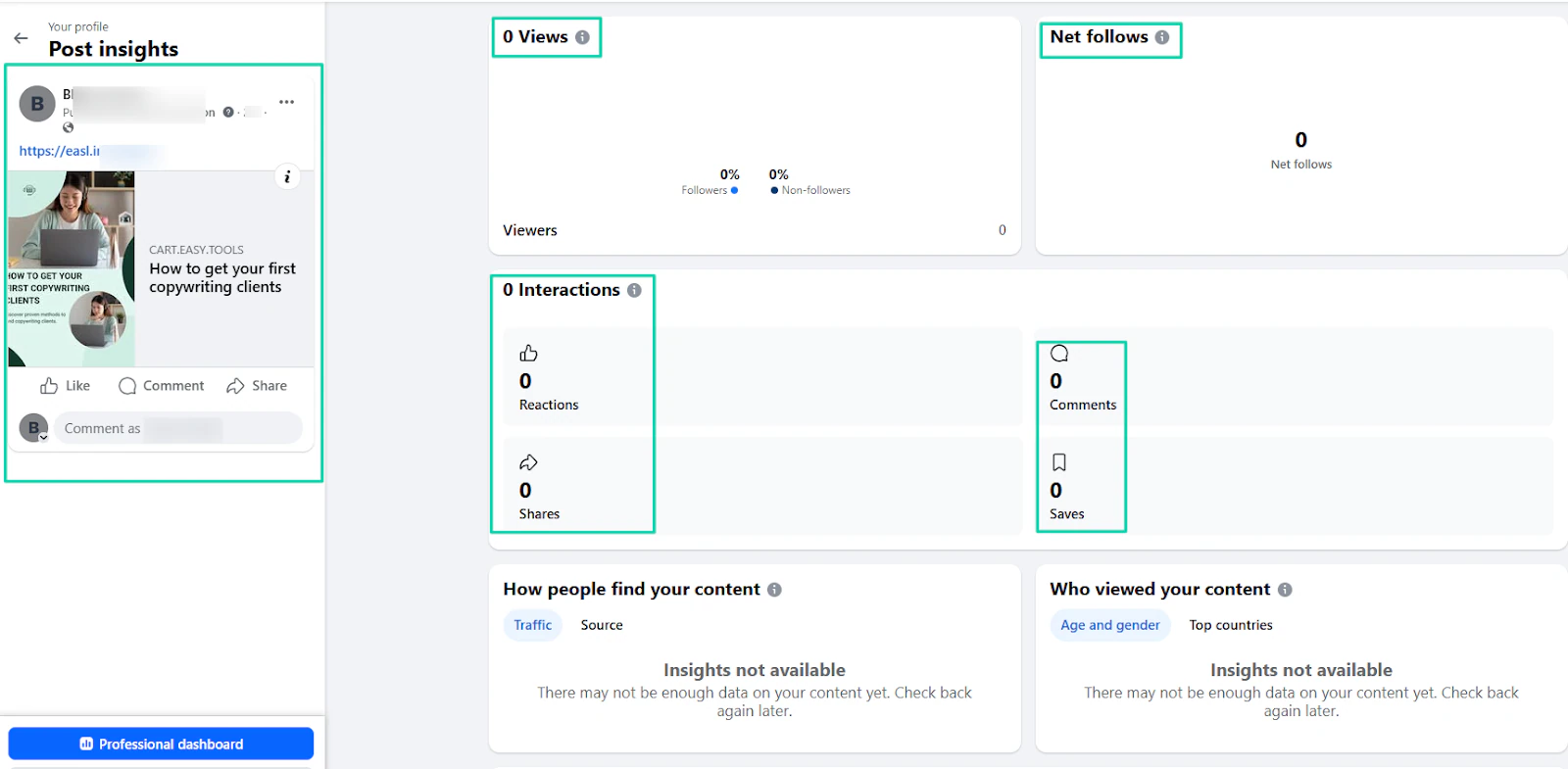
And when you see all those zeros, you wonder if there’s something wrong with your product. You wonder whether people like it. Whether it’s good enough.
When all you had to do was to simply promote it. After all, it can’t promote itself. It needs a voice.
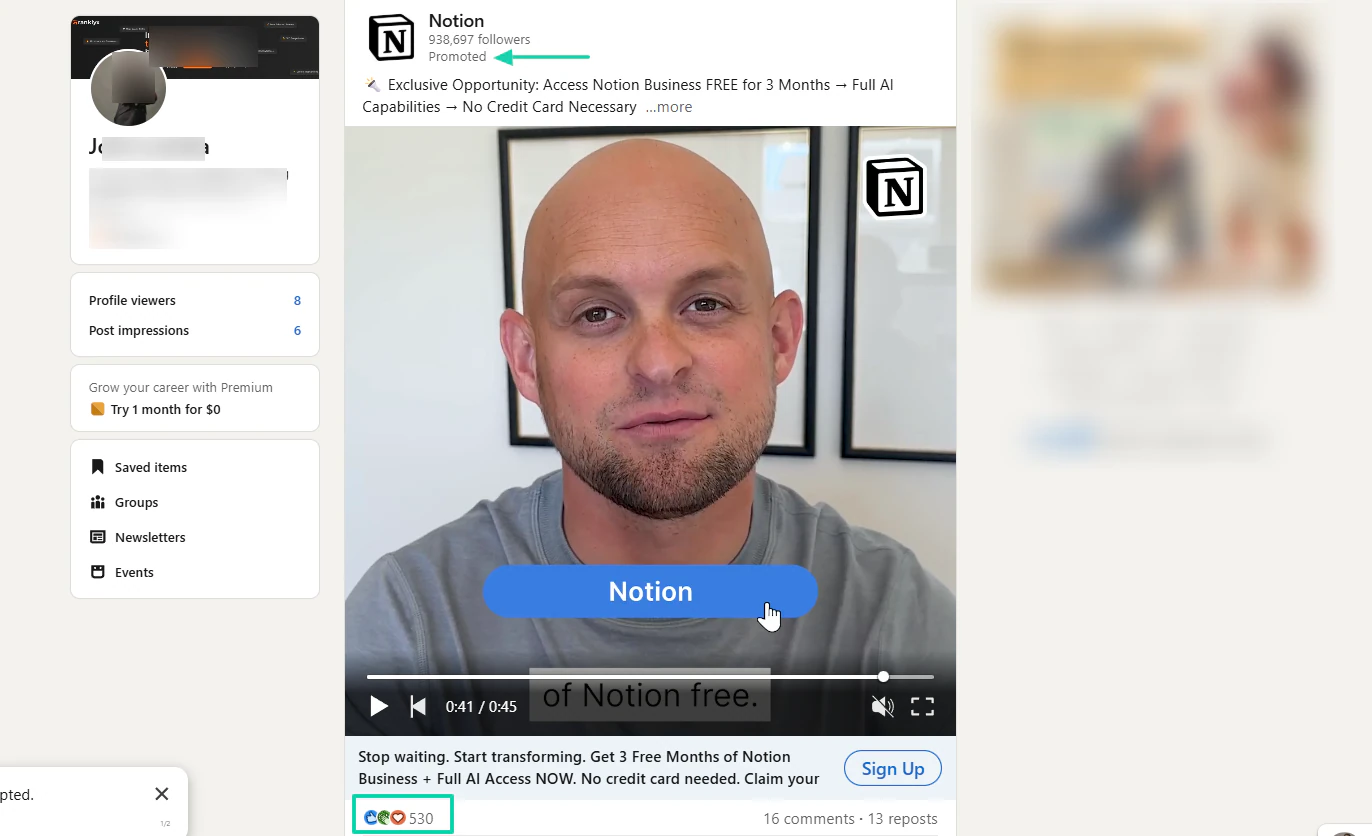
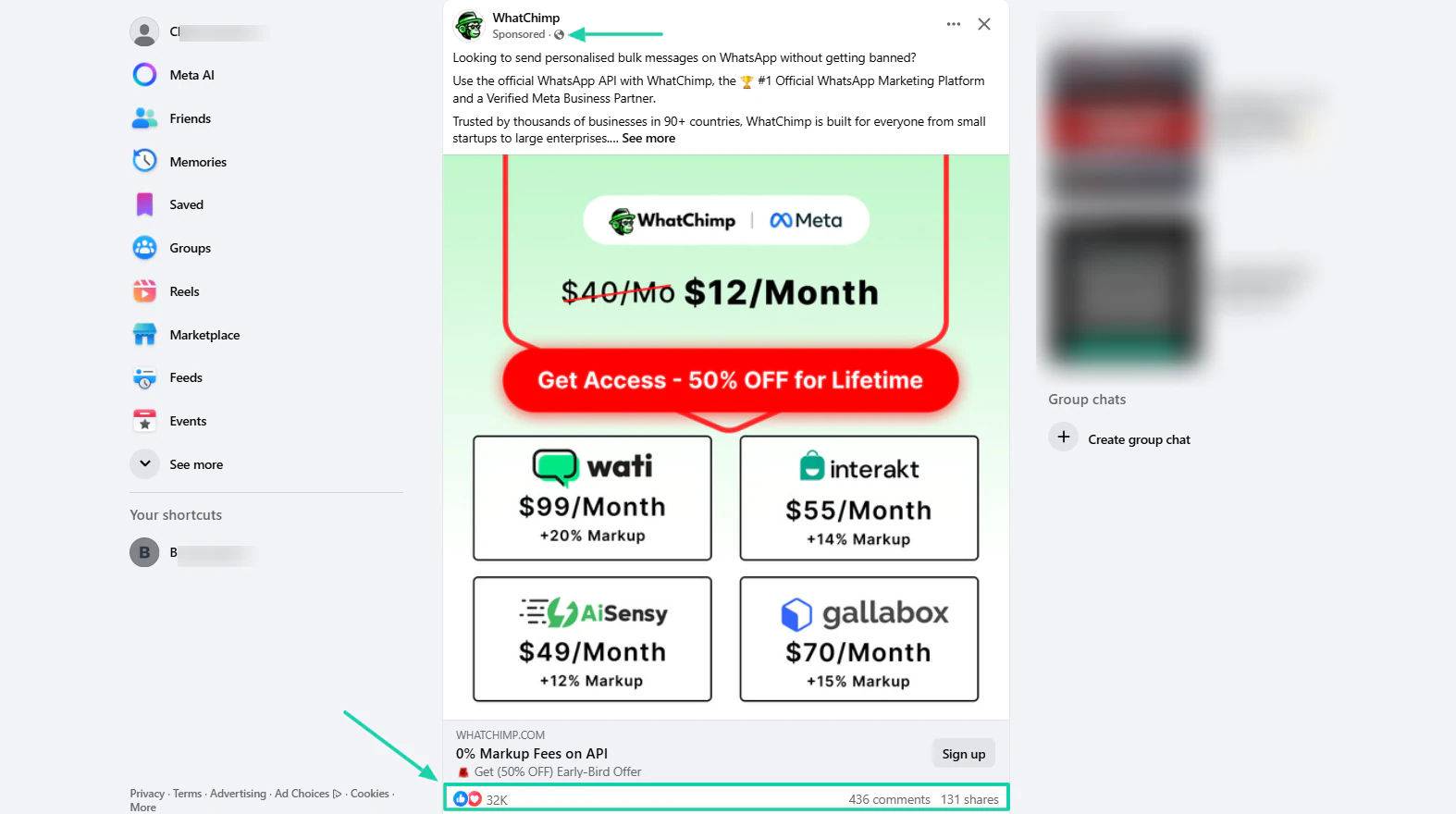
Before you start promoting your product, consider your business stage. You can’t copy what big dogs do.
Like paying a huge sum of money for long ads on professional platforms like LinkedIn.
Or even on Facebook.
If you’re a beginner, these are a few steps I recommend.
One: go back to the platform where you created your digital product and check your sharing options.
Some platforms will allow you to use promo codes and create affiliate links. It’s a good thing because you don’t have a name yet.
When you create an affiliate link, others can share your products and earn a commission.
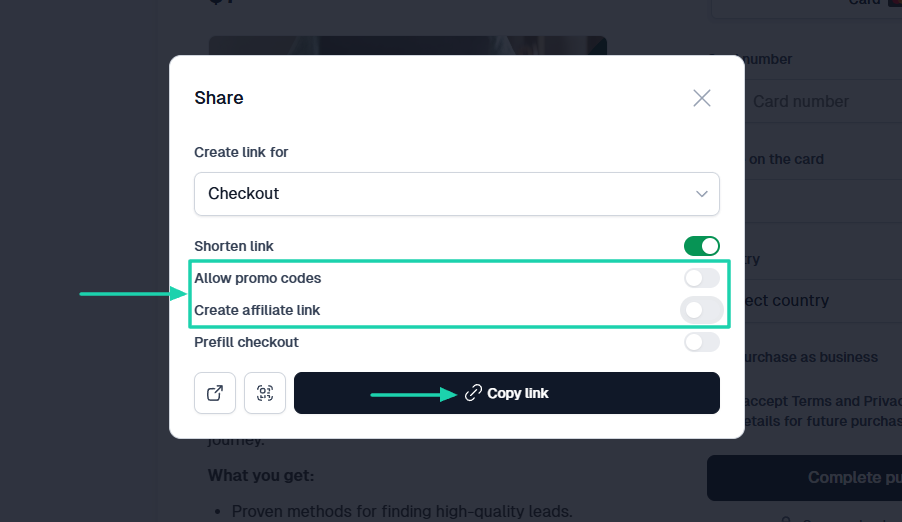
When you have your checkout link, you shouldn’t post everywhere just for the sake of posting. A good strategy is to start from the places where:
- You already spend time
- Your audience hangs out
- Conversations are already happening.
That means, if you already spend lots of time on Twitter, then that’s the right place to drop your link. Or let’s say there are dedicated pages always busy talking about similar products as yours, you can push it there.
It’ll be a great advantage to be part of a community, on Easytools, Discord, or Circle. You can promote your product there.
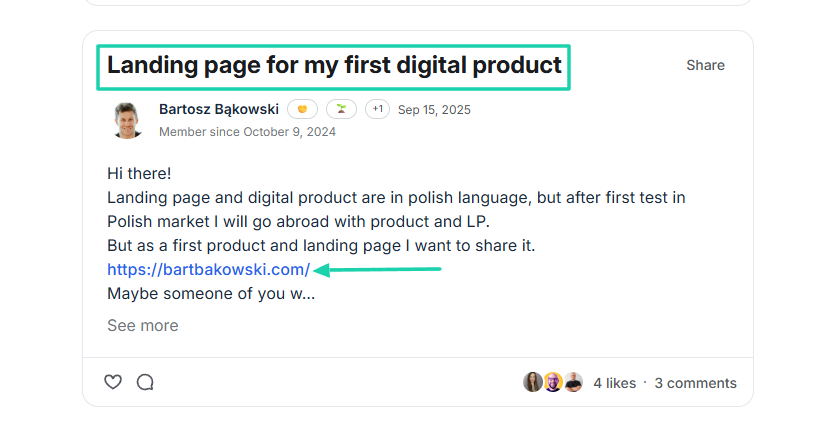
This creates awareness. People will begin to know your product.
Now, there is another aspect of promotion I want to discuss.
One of the biggest problems of promoting a digital product on different channels or social media is the message before the link you add.
Recently, I saw that the click-through rate on social media advertising is less than 1%.
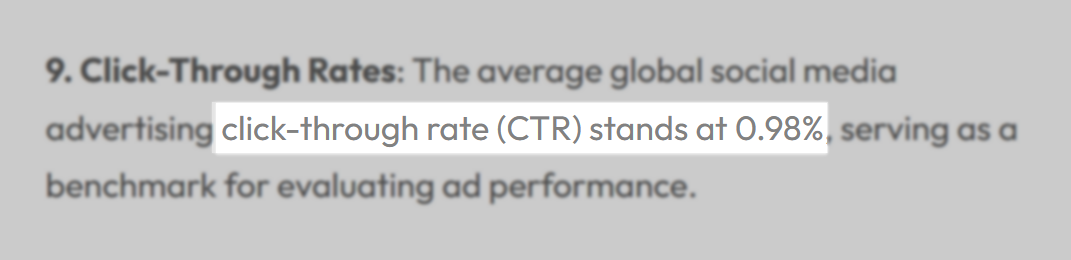
This shows that more links are ignored unless you frame them with a relevant reason to click.
So, to help people buy into your promotion, talk about the problem before you talk about your product.
Compare these two messages:
Message A: “I just launched a template. Link in the bio.”
Message B: “I used to rewrite the same client email every week until I turned it into a template.”
If you add a link to both messages, which one do you think people will be more interested in?
Of course, the second one: Message B. It starts with the problem before landing on the problem.
At Easytools, we’re familiar with the concept of promotion. So much so that we have a lot of success stories.
One of them is Design Practice, which used Easycart to market its online course. They attracted nearly 1,000 participants and made $240,000+ in just two weeks.

In her own words, Paulina said: “I highly recommend joining Easycart if you are a creator and sell e-books, courses, or other digital products.”
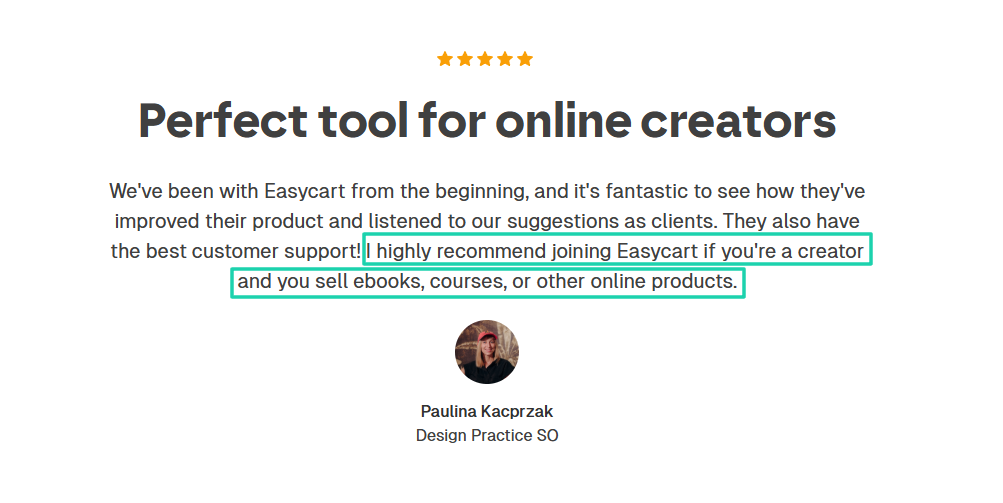
If you want people to share their experiences as well, you must be intentional about promoting your digital product.
The idea is that promotion should feel like a natural extension of what you’re already doing rather than a performance.
Step 5: Track performance, collect feedback, and improve your product
This is the last step to help you sell digital products online.
The goal is not just to sell, but to make sure you have a digital product that sells consistently. And for that, there are three actions you can take:
- Track performance
- Collect feedback
- Improve your product
1 . Track performance
One way to make sure your product keeps selling is to pay attention to what happens after launch.
Let’s be more practical, and I will use Easytools in our example.
Easy shows how many sales you made with your top products, your best single-day sales, and your checkout conversion rate.
You have great insights into total revenue, number of orders, new customers, recurring customers, and average order.
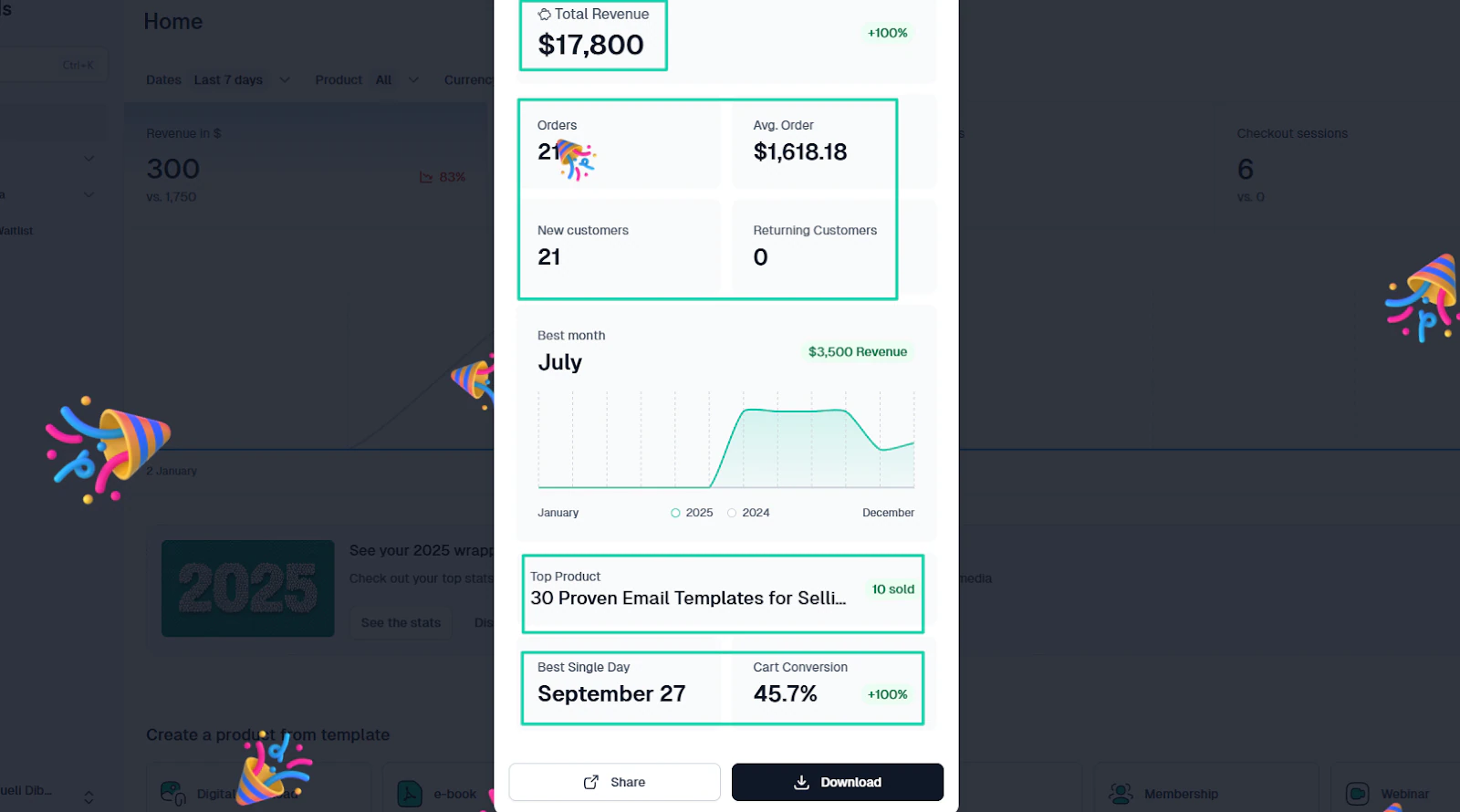
Since we are tracking performance, for more details, you can head to our analytics feature.
There, you can play with the different filters like dates, products, and currency, to track performance.
You can click “Product” to choose only the items you want to see analytics for.
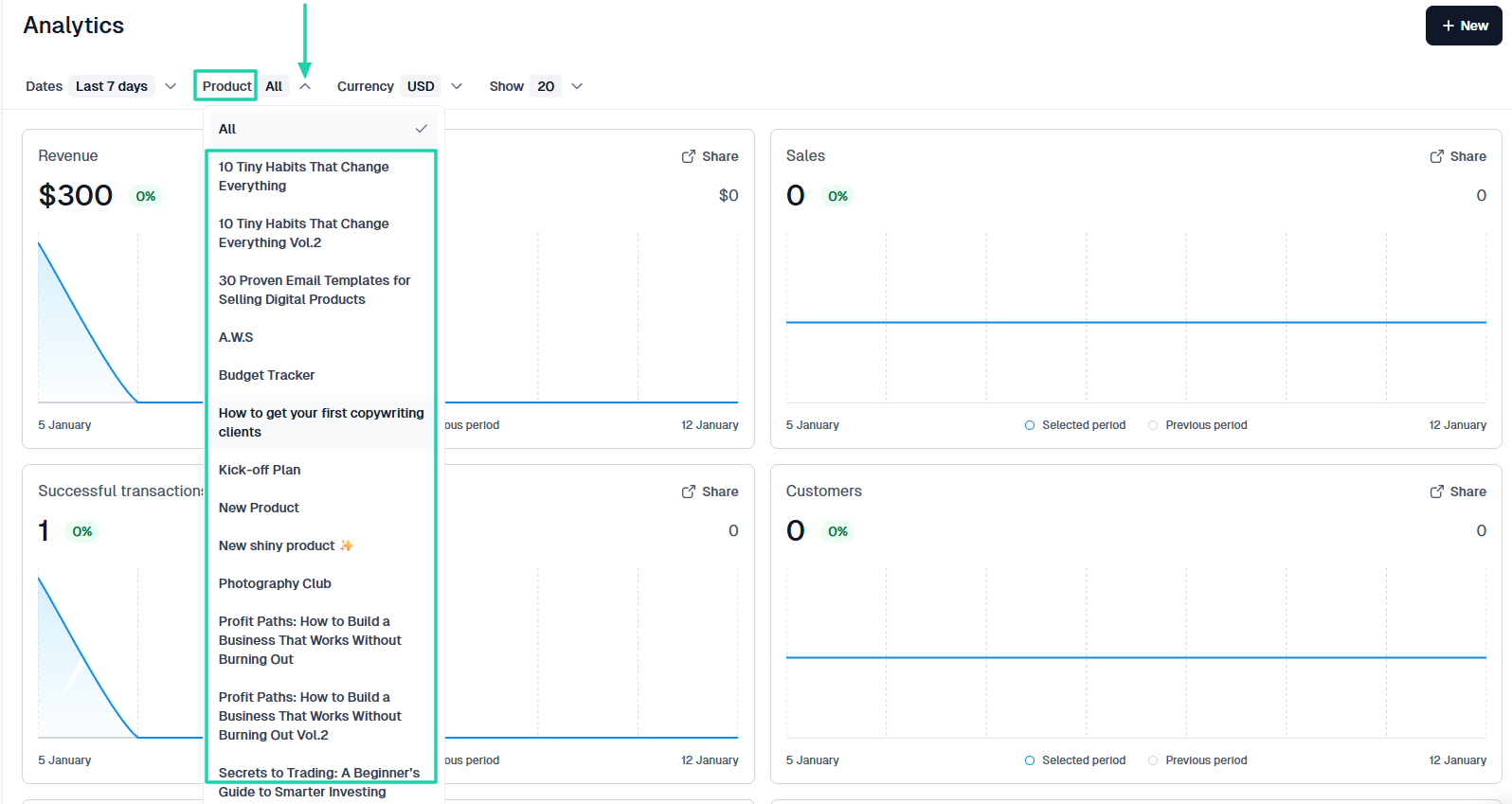
The dashboard displays revenue, sales, successful transactions, and customer number.
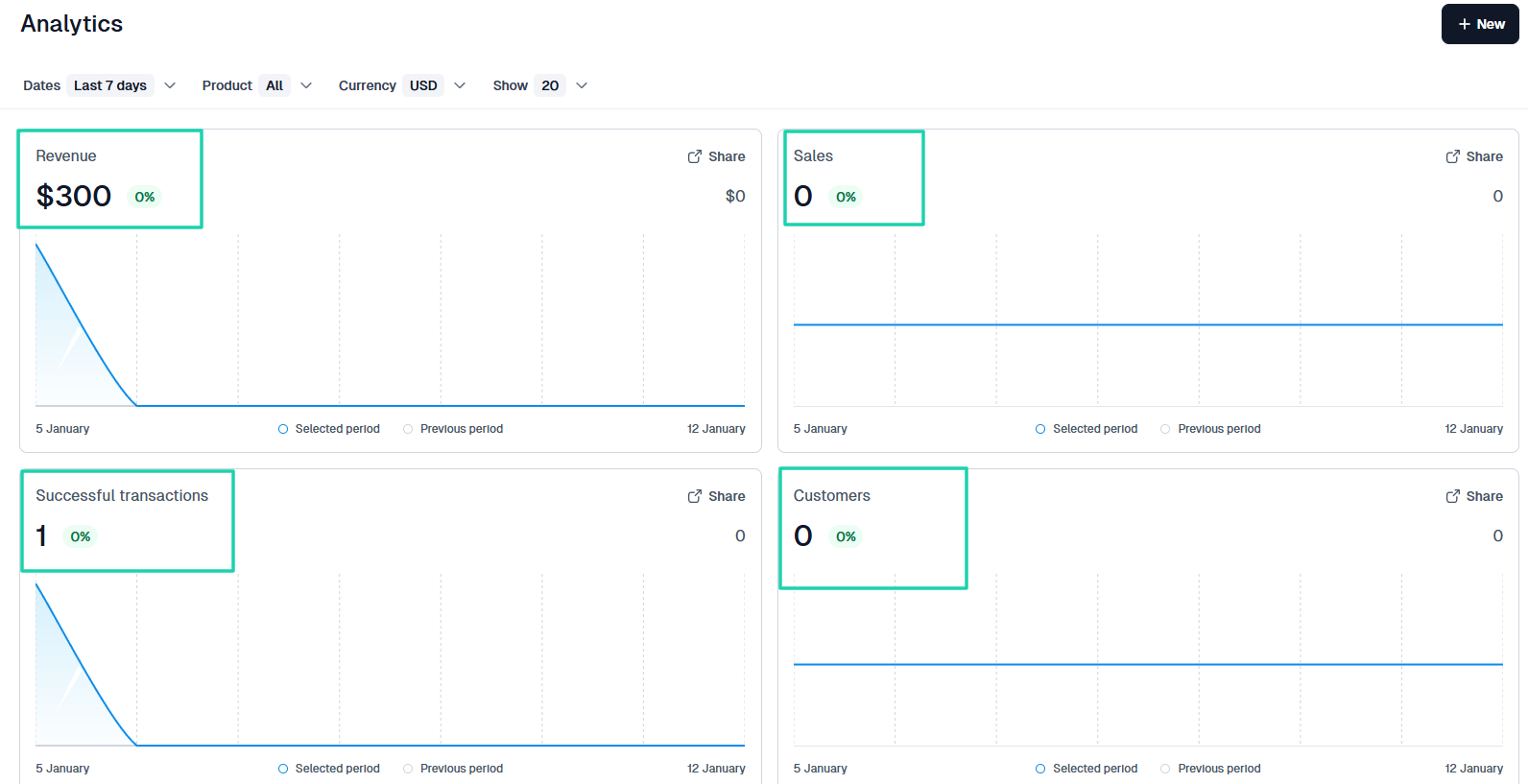
The same feature also shows the number of free products redeemed, checkout sessions, conversions, and recovered revenue.
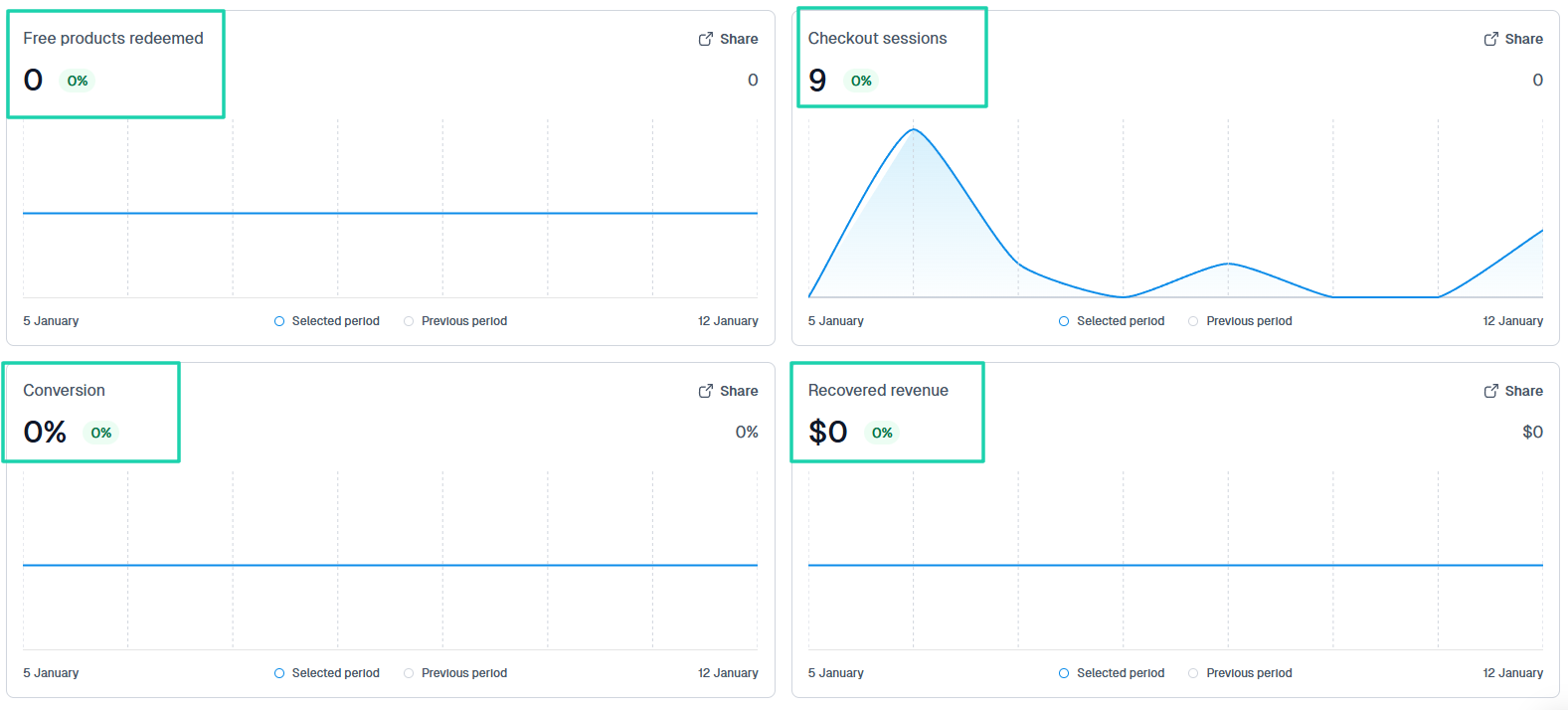
You can see your partners’ revenue, Easy partners’ commissions, and the number of your automation runs.
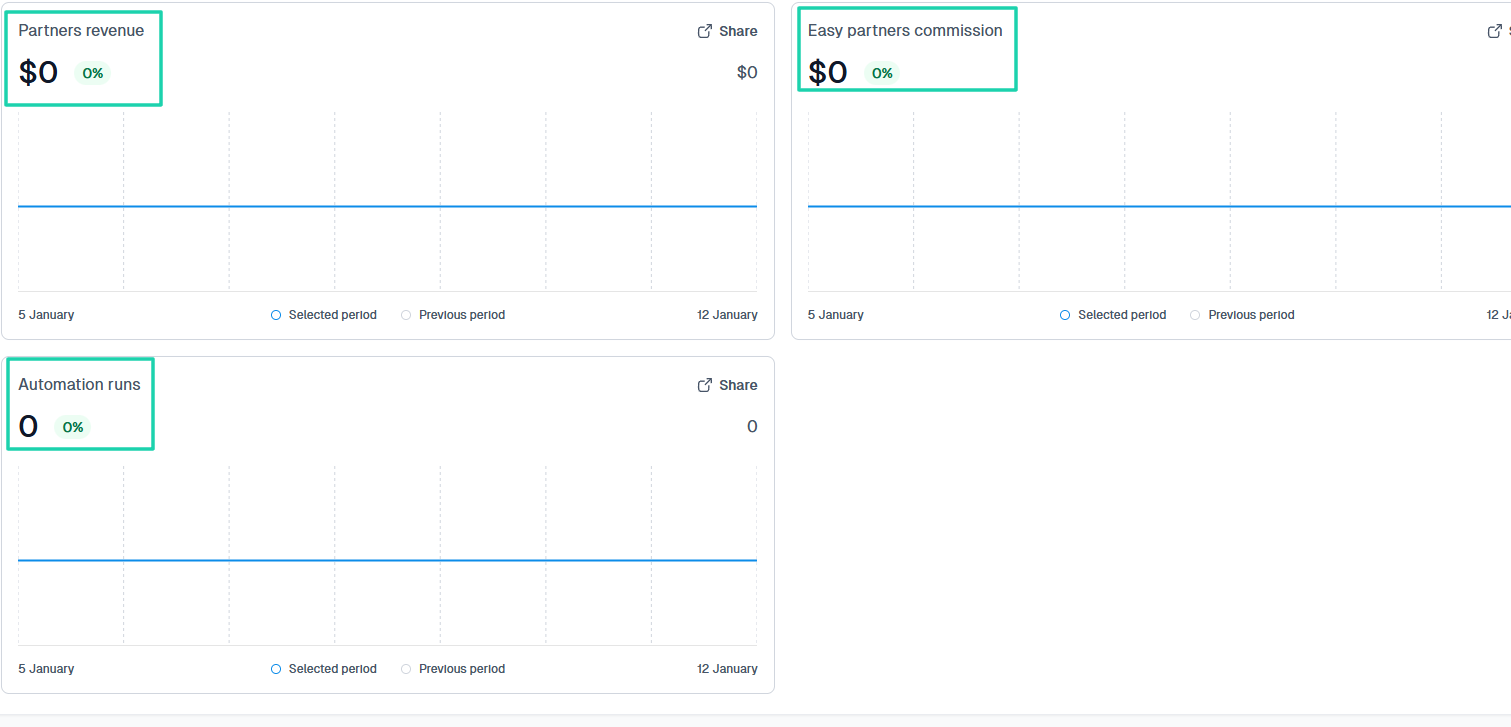
Tracking performance is great, but once you’ve done so, take the next step: collect feedback.
2 . Collect feedback
Getting customer feedback is another way to sell better.
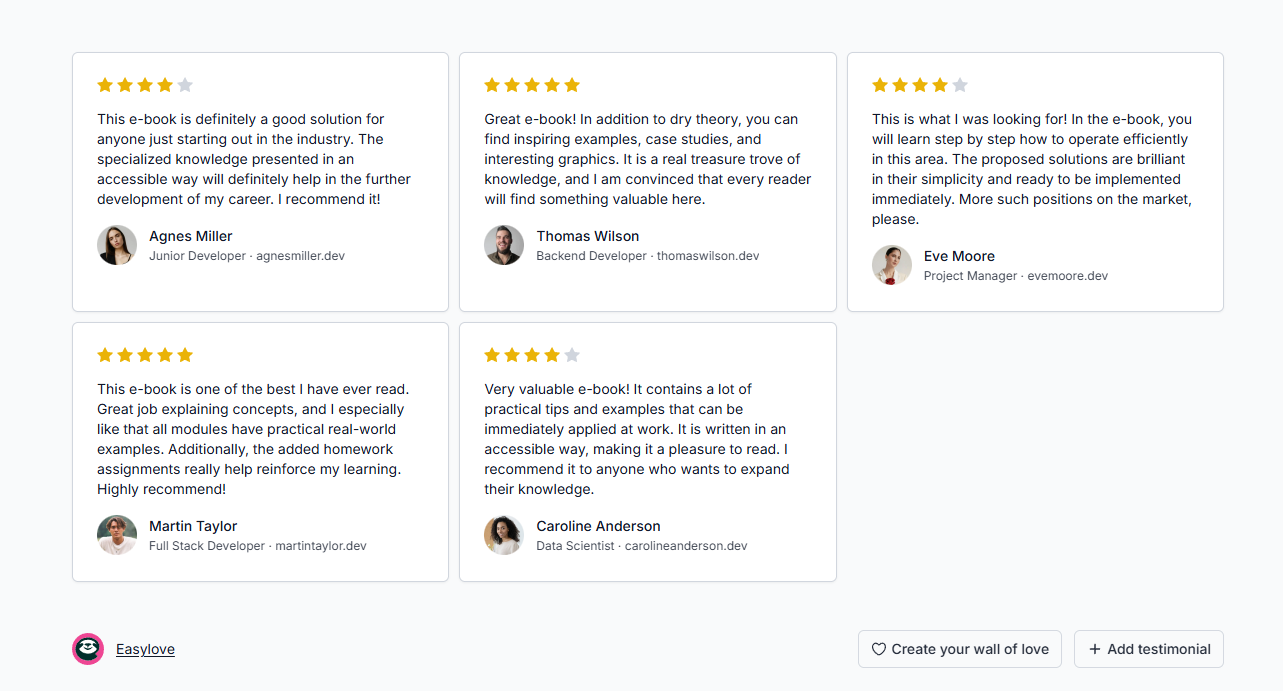
When people can see what other people have achieved with your product, they trust it more. That’s why you need to collect testimonials and display them.
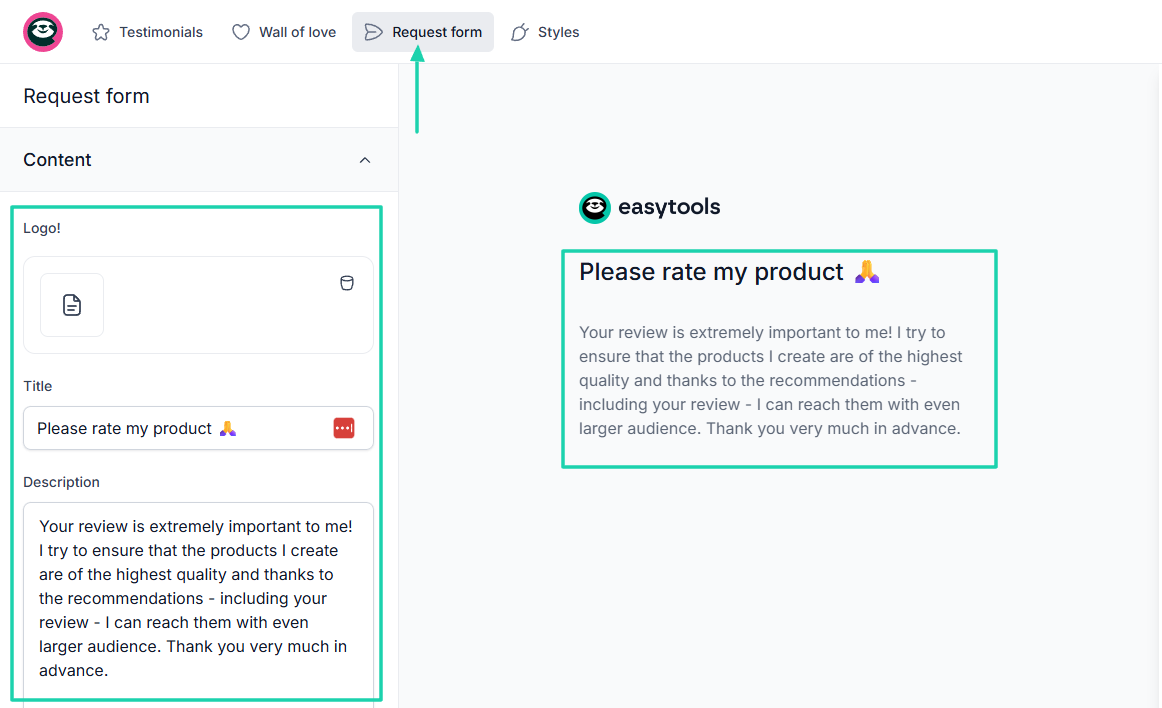
Easytools’ testimonials feature, you can, for instance, request feedback from customers. You simply add your logo, a title, and enter your message.
The right side of the window shows exactly what customers will see.
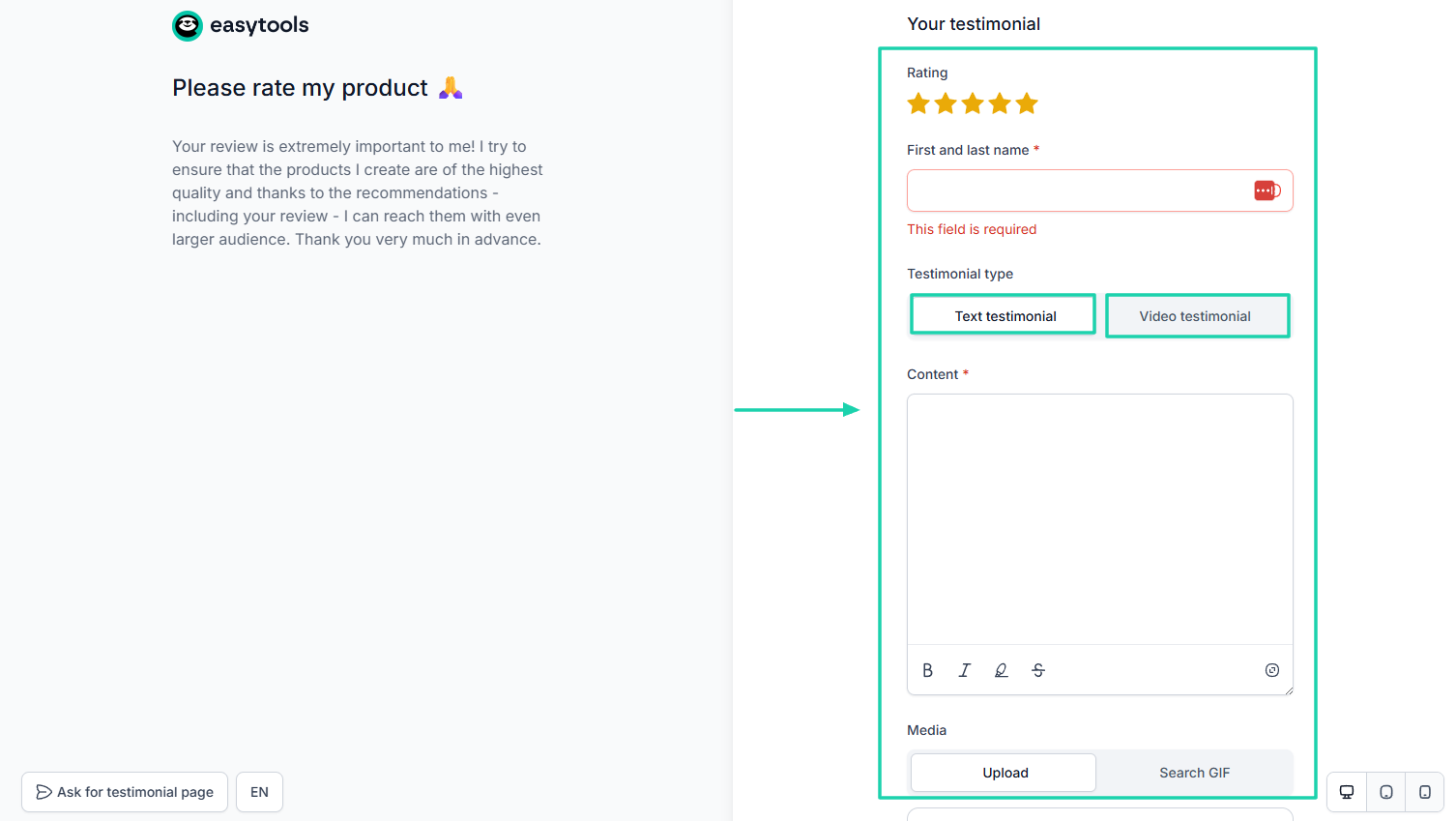
They can submit their testimonials in a text or video format. They can also rate the product, add their email address, and leave feedback.
You can quickly watch this video to learn how to create your own testimonial page.
3 . Improve your product
So like I said before, the goal is for you to have a product that sells consistently.
After you gather customer feedback, you need to analyze it and act on it.
For example, if six customers complain about your e-book title, you need to investigate. You can revisit your product, analyze it, and, after verification, readjust the title.
The same is true for the description and product image, especially if you are using a platform that allows changes.
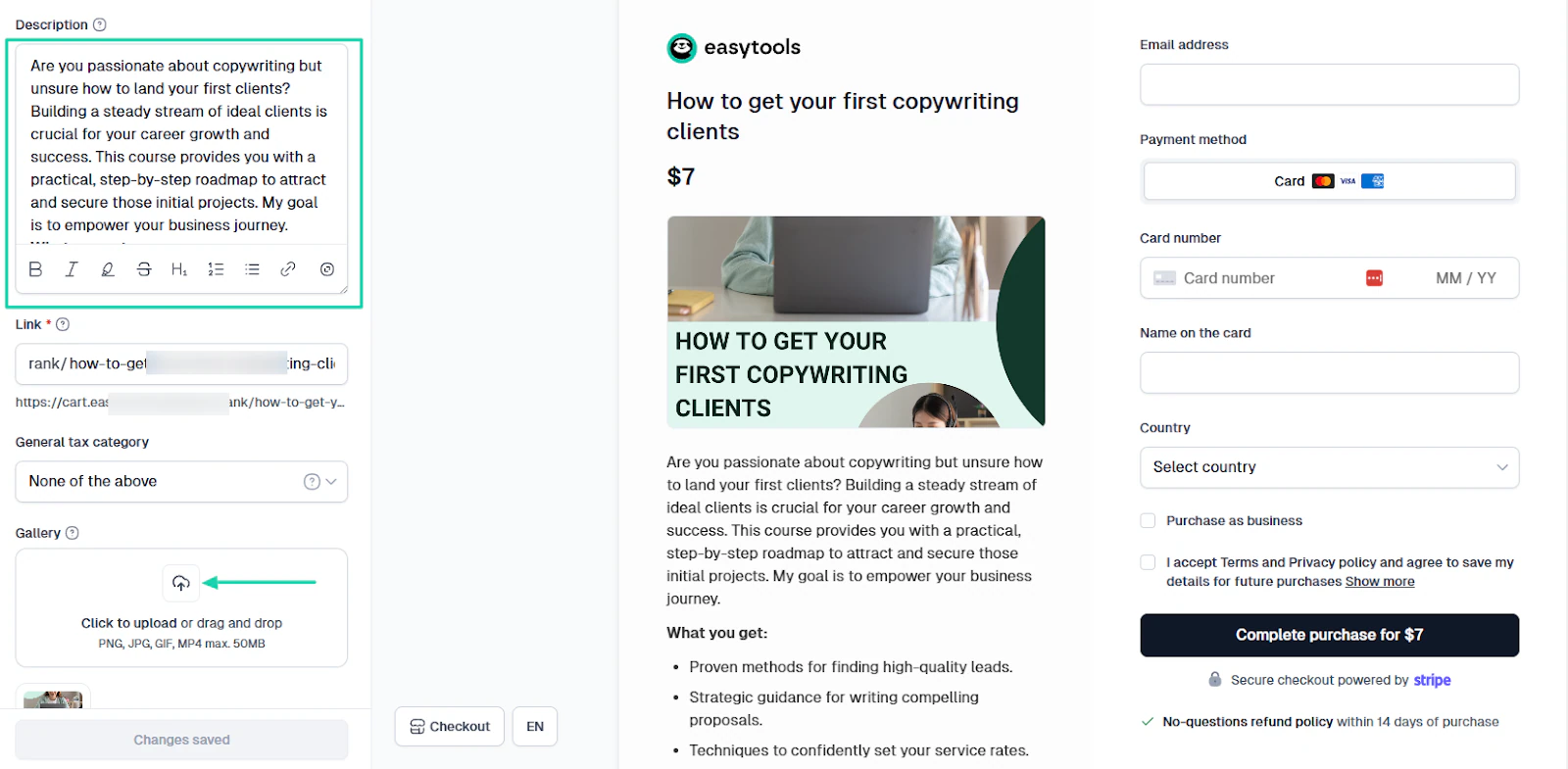
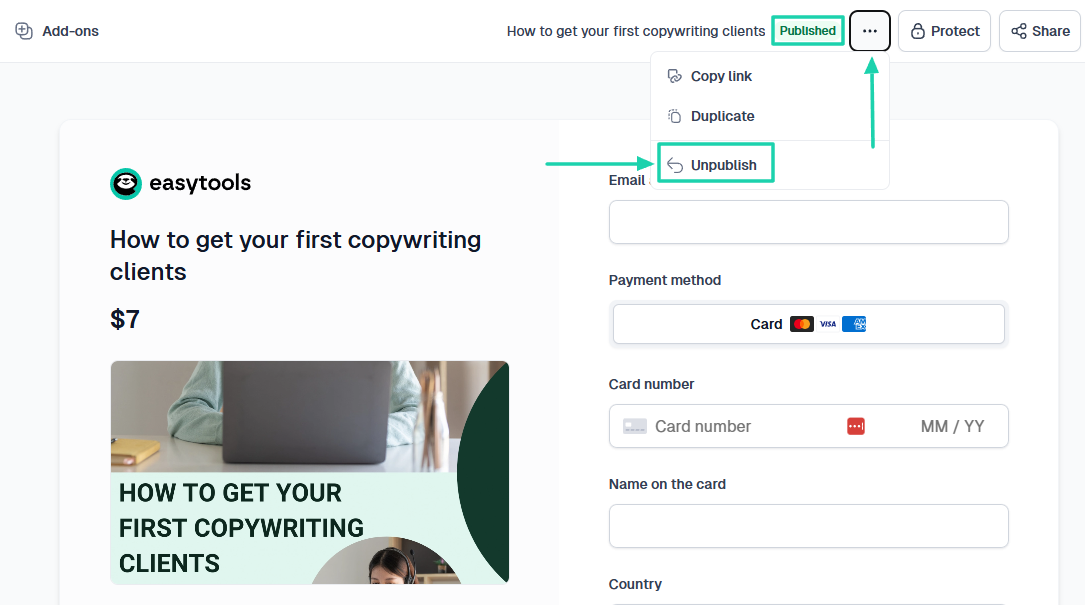
If you realize there is a lot to change, between price, price type, content, or availability, you can unpublish the product.
You will publish it again once you are ready.
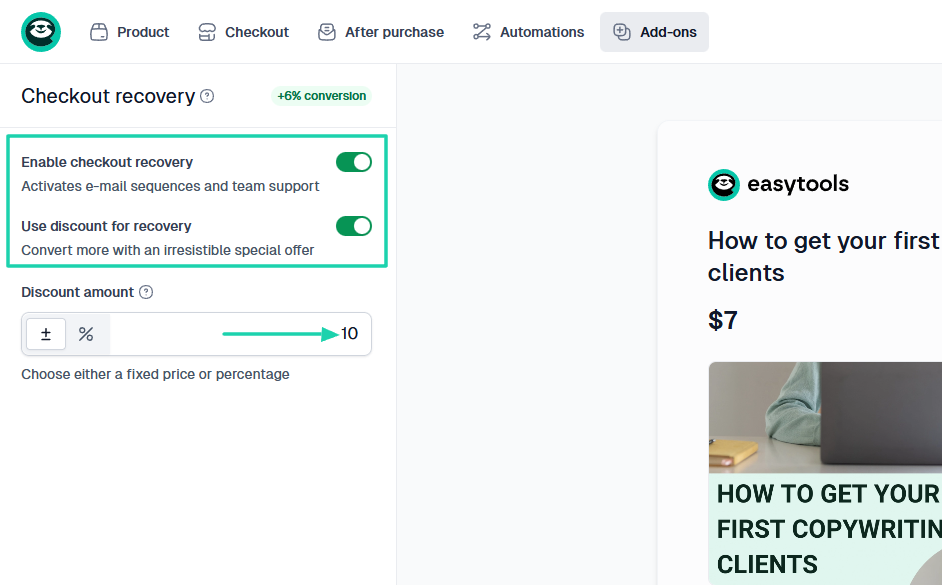
We suggest several other methods to improve your digital products, including using the checkout recovery feature.
You can enable it to help bring back customers with a very low probability of completing a transaction. Or customers who abandoned checkout.
Then you can also set a discount amount that customers will use during the recovery procedure.
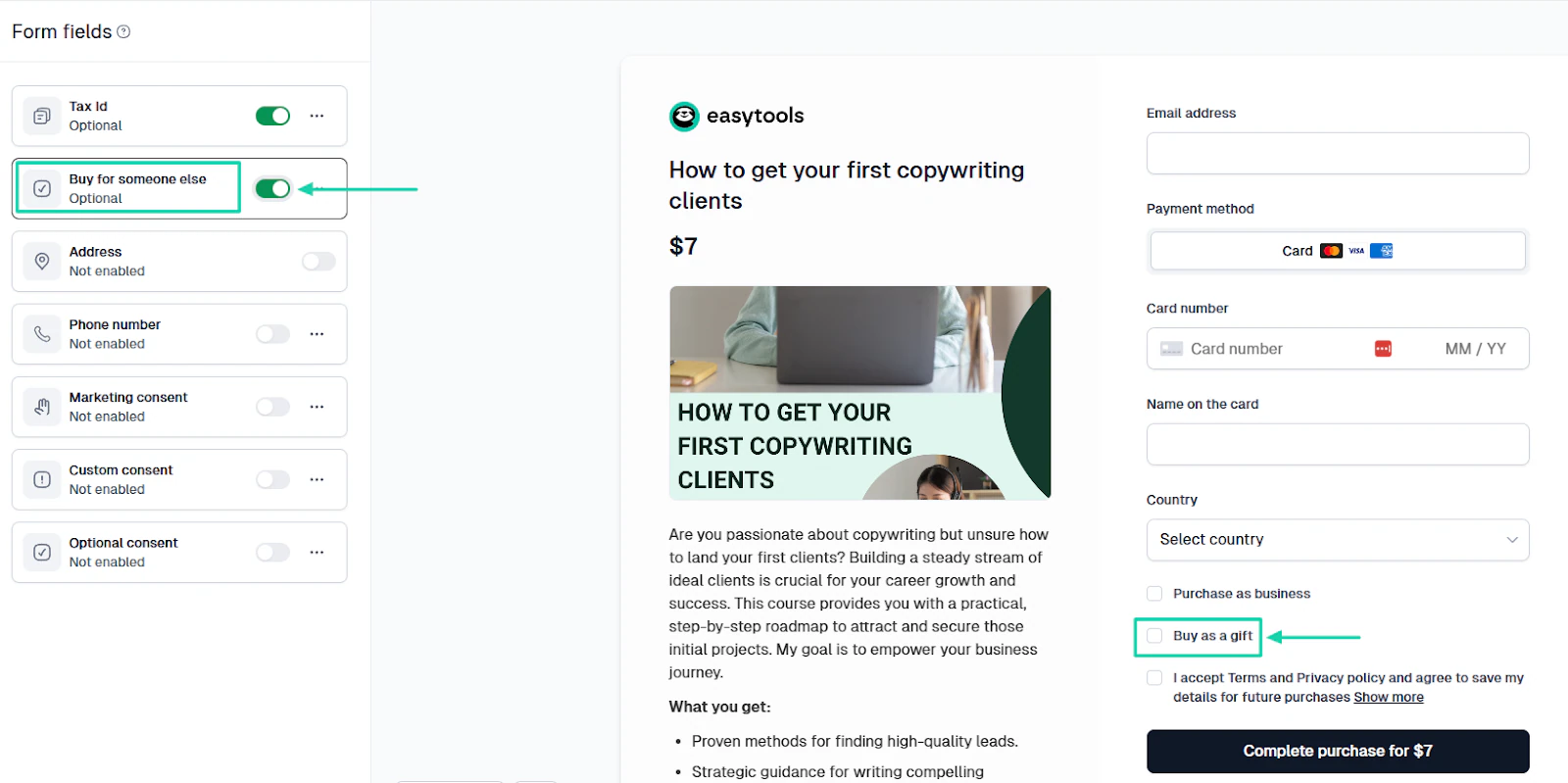
Sometimes you have people who want your product, but not for themselves. You can enable the form field that lets a customer buy for someone else.
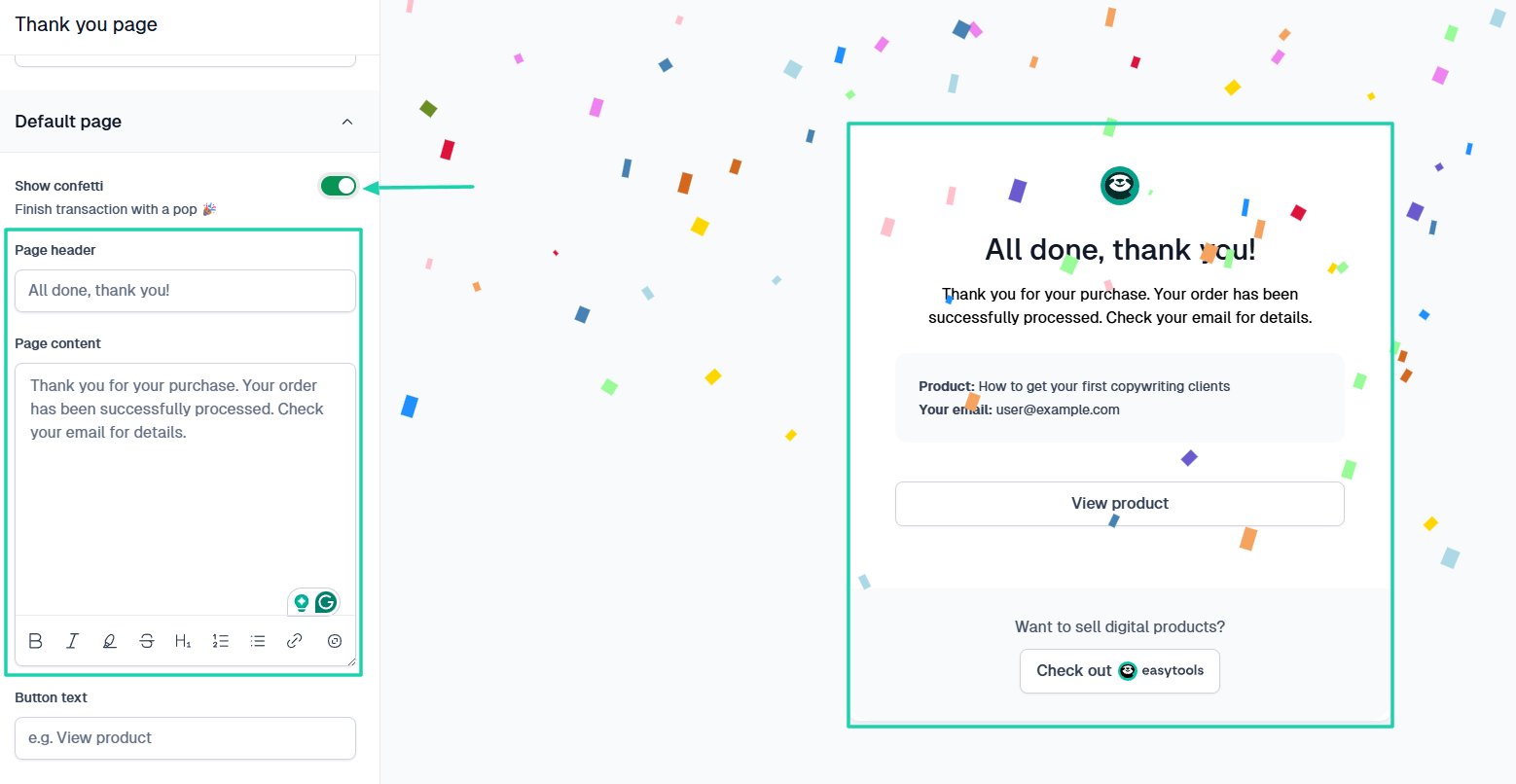
I also think that personalizing the customer’s experience after purchase is important. Because of that, they might always want to come back and even tell others about it.
You can carefully craft the “Thank you page” message and allow Easytools to always finish the transaction with a celebration.
The trick is to improve your checkout and your digital product in any possible way.
It could be from the feedback you get or from the features and settings the platform you use offers.
Sell your digital products online
The truth is, there is nothing difficult about selling digital products online.
You simply follow five steps: create your digital product, price it, pick the best platform, promote it, then track, collect feedback, and improve it.
Again, your platform choice will greatly influence all the steps.
If you carefully go through all the steps I discussed in this article, selling digital products online will be easy.