
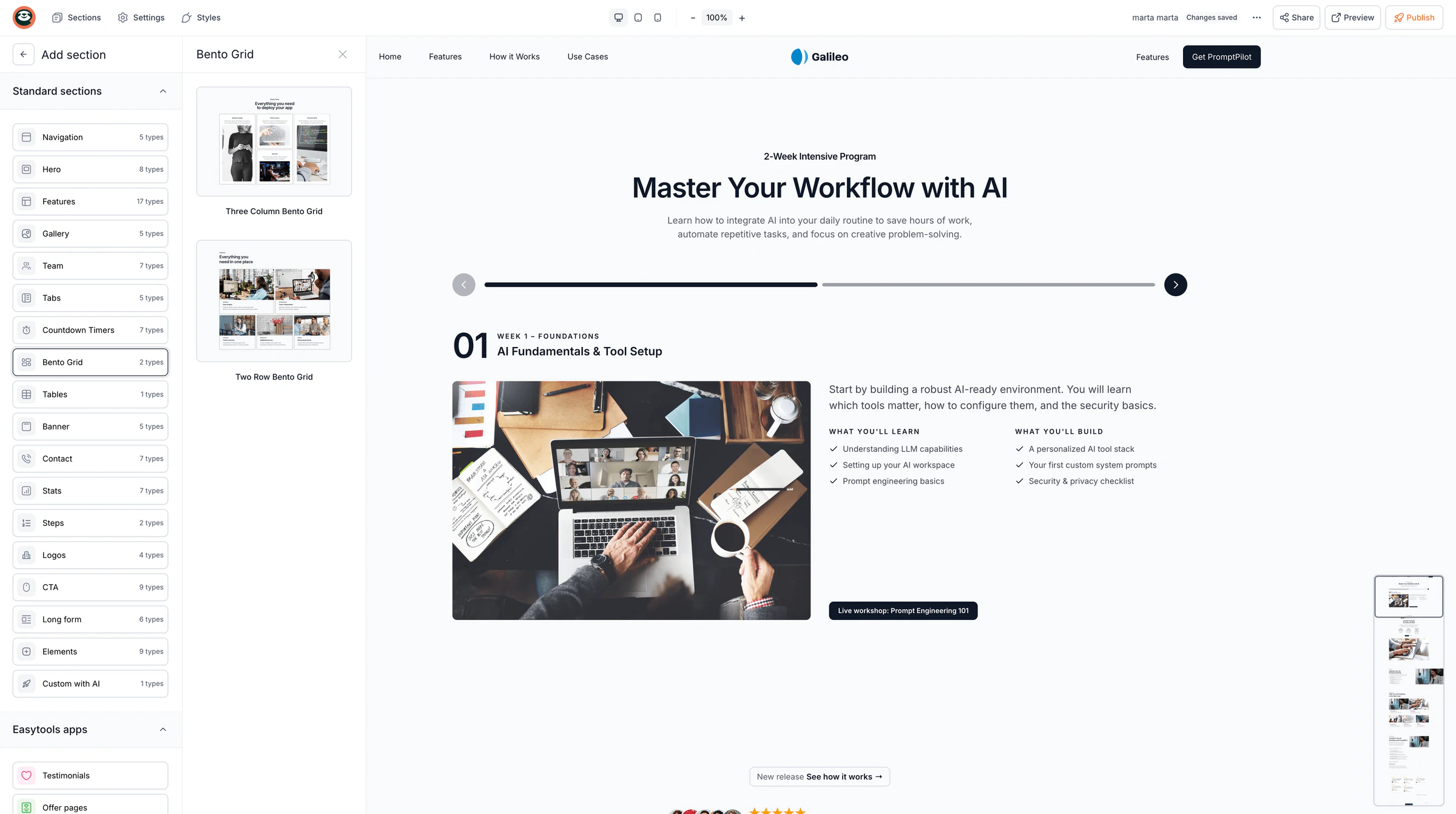
We’ve recently shipped a bunch of updates that make Easypage smoother and a bit more fun to build with. No fluff - just solid improvements that came straight from your ideas and requests. Huge thanks to everyone who shared feedback or tested new bits!
New section: step‑by‑step journey
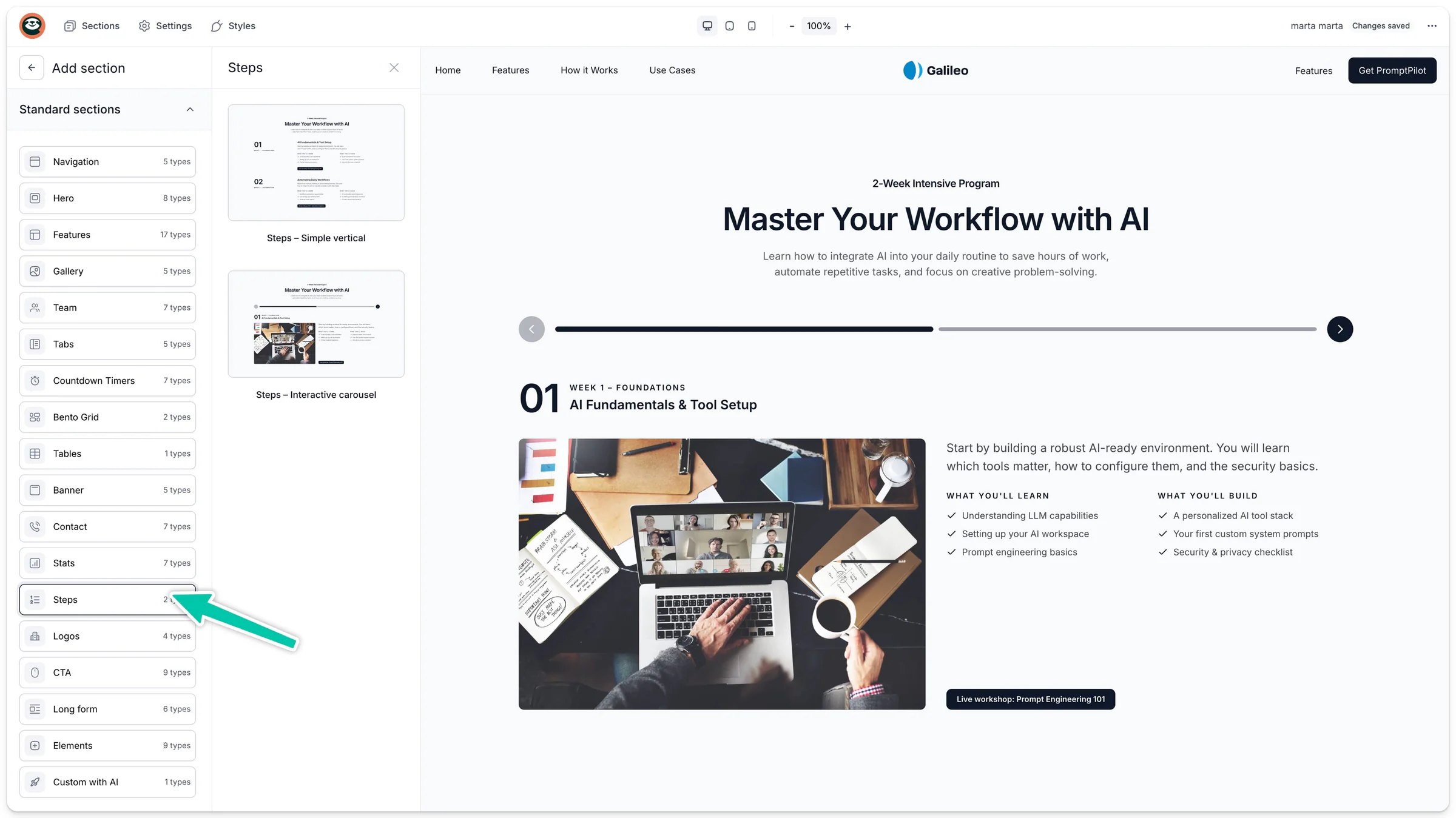
Add a new step‑by‑step journey section to walk visitors through your process, course, or product flow. Choose between a simple scrolling layout or an interactive “one‑step‑at‑a‑time” view - both make it easier for users to quickly grasp what they will learn or what happens next.
Improved navigation
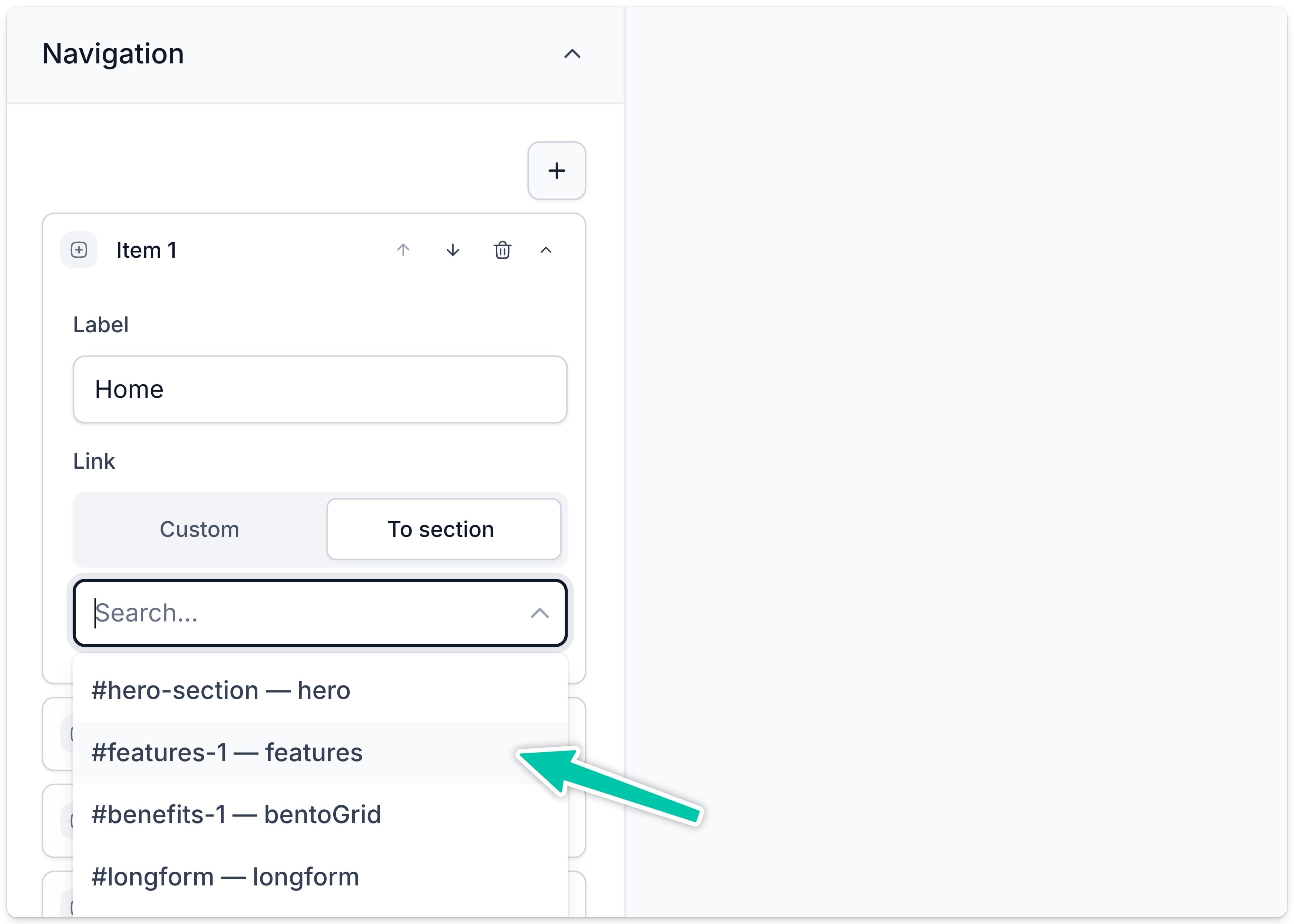
You can now link buttons or nav items directly to any section with precise anchor IDs. Use the improved auto‑generated IDs or define your own in the new “Section ID” field. It’s clean, predictable, and works perfectly with CSS targeting, and JavaScript integration.
Clone sections in a click
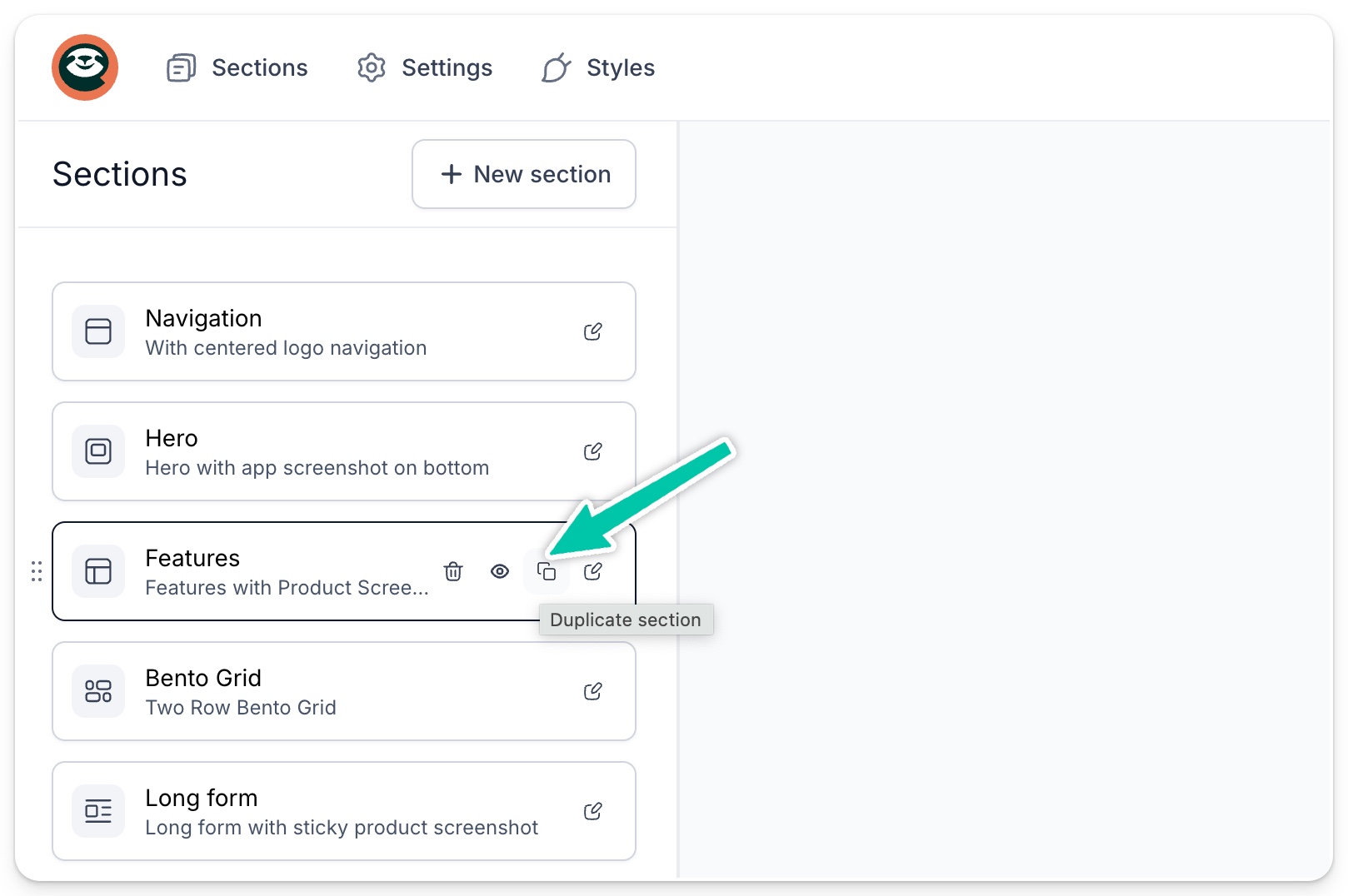
Testing layouts just got faster. Duplicate any section - including Easytools app sections like testimonials or pricing - and everything copies over: content, styling, settings. Each clone gets a fresh ID, so you can experiment safely without breaking links.
Never miss a message again
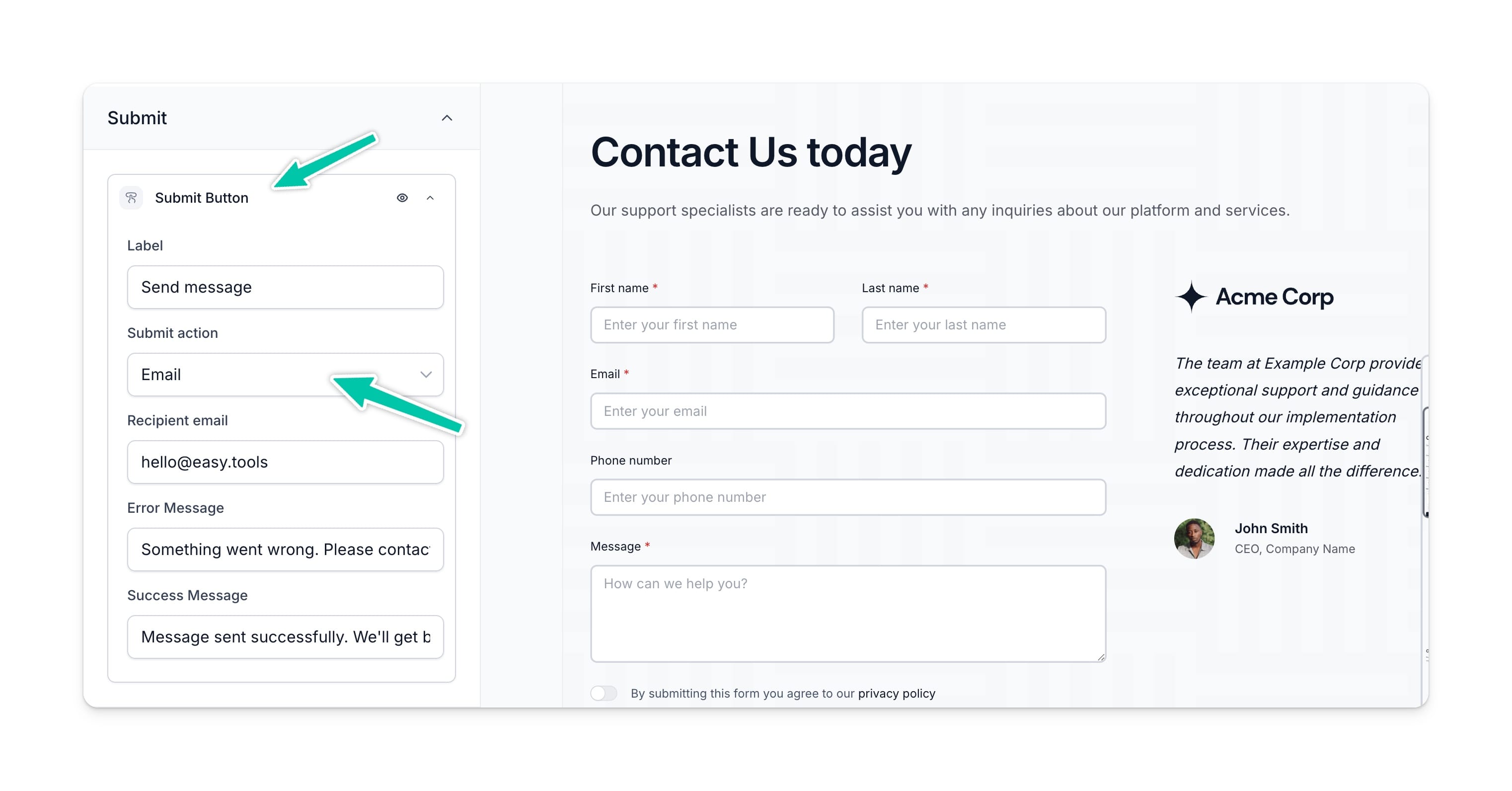
Get instant email notifications when someone fills out a contact form. Simply set your preferred email, and we’ll keep you in the loop with quick updates whenever a lead comes through.
>> Read more about adding contact section to your landing page