
Check the payment
- In Easytools, open Store → Orders and find the transaction.
- Check whether its status means the payment succeeded.
- Open your Stripe dashboard and go to Payments or Balances.
- Check whether the money is still pending or already available.
- In Payouts, see the date and the bank account of the next payout.
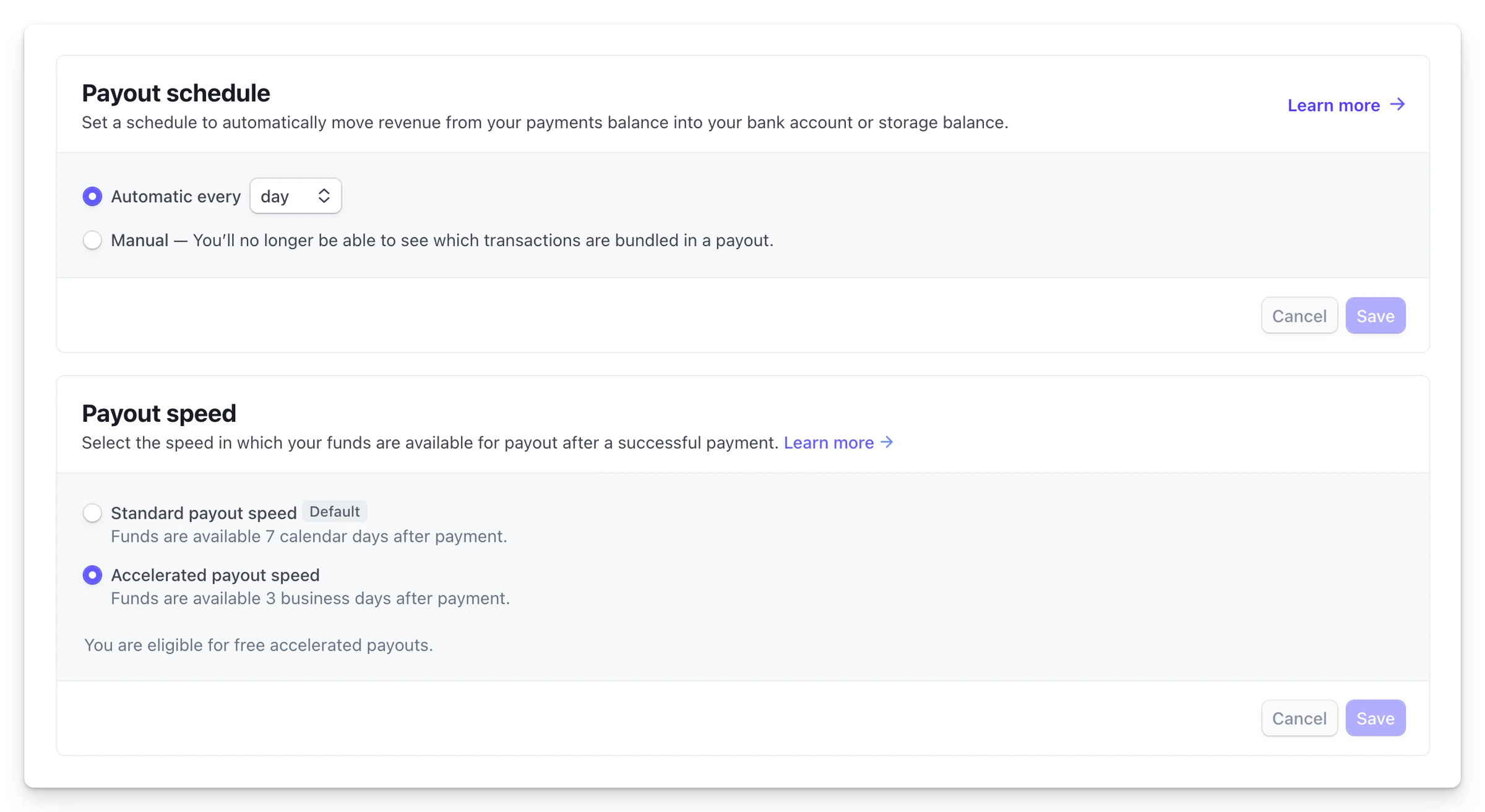
The first payout can take longer. The timing also depends on the country, the bank, the Stripe schedule and any account verification.
When a payout is on hold
Read the messages in your Stripe dashboard. The most common causes are missing details, a verification in progress, a negative balance or an out-of-date bank account.
Easytools shows the order but does not hold the money. For balance and payout details, always look directly in Stripe.