
Find the product
- Check the purchase confirmation message, plus the Spam and Promotions folders.
- Make sure you are checking the mailbox you entered in the checkout.
- Sign in to the Customer portal.
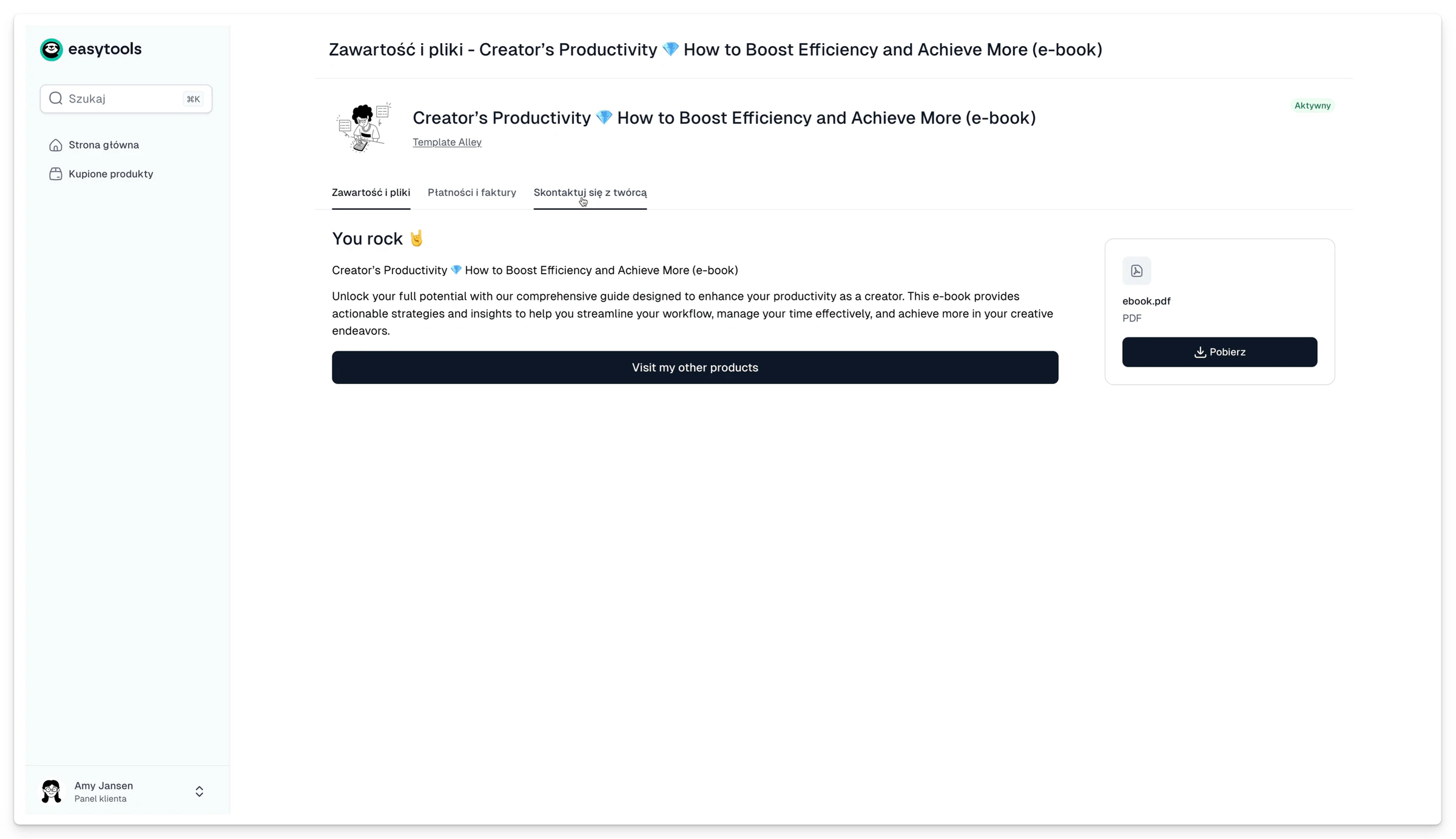
- Open the tile of the product you bought.
- Go to the Content and files tab.
- If it is a course or an external platform, look for a separate message with sign-in instructions.
- If the material is still missing, open the Contact the creator tab.
In your message to the seller, give the purchase email address, the product name, the date and the order number. Never send a full card number.
The Customer portal is for managing a purchase. Sign-in details for the actual course or community can be different, and the seller should supply them.