A lead magnet is a free product - an ebook, checklist or guide - that people get in exchange for their email. In Easytools you build one as a normal product with a free price, then share a link people use to claim it.
Create a new product
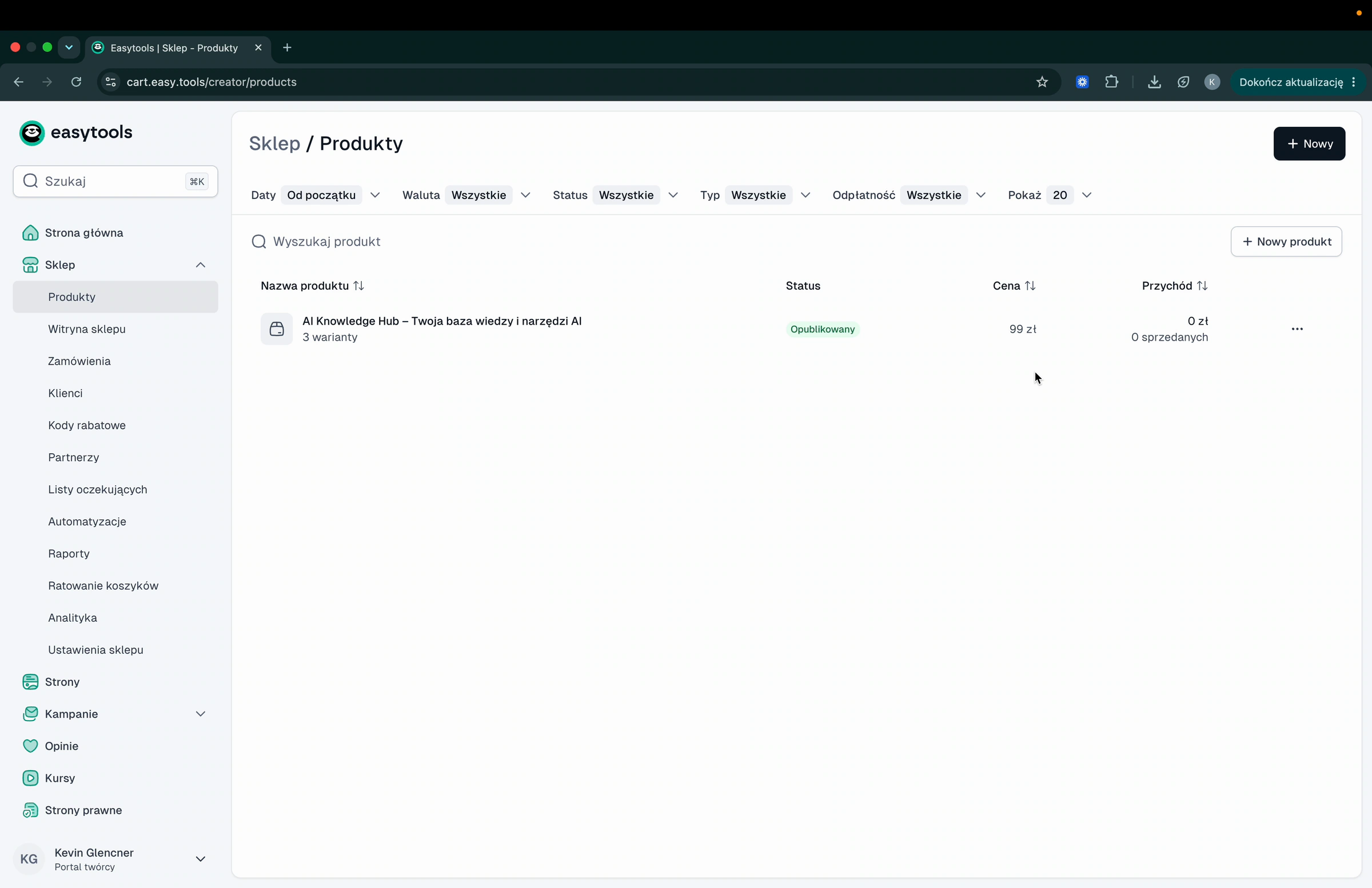
- In your creator panel, go to Store → Products.
- Click + New product.
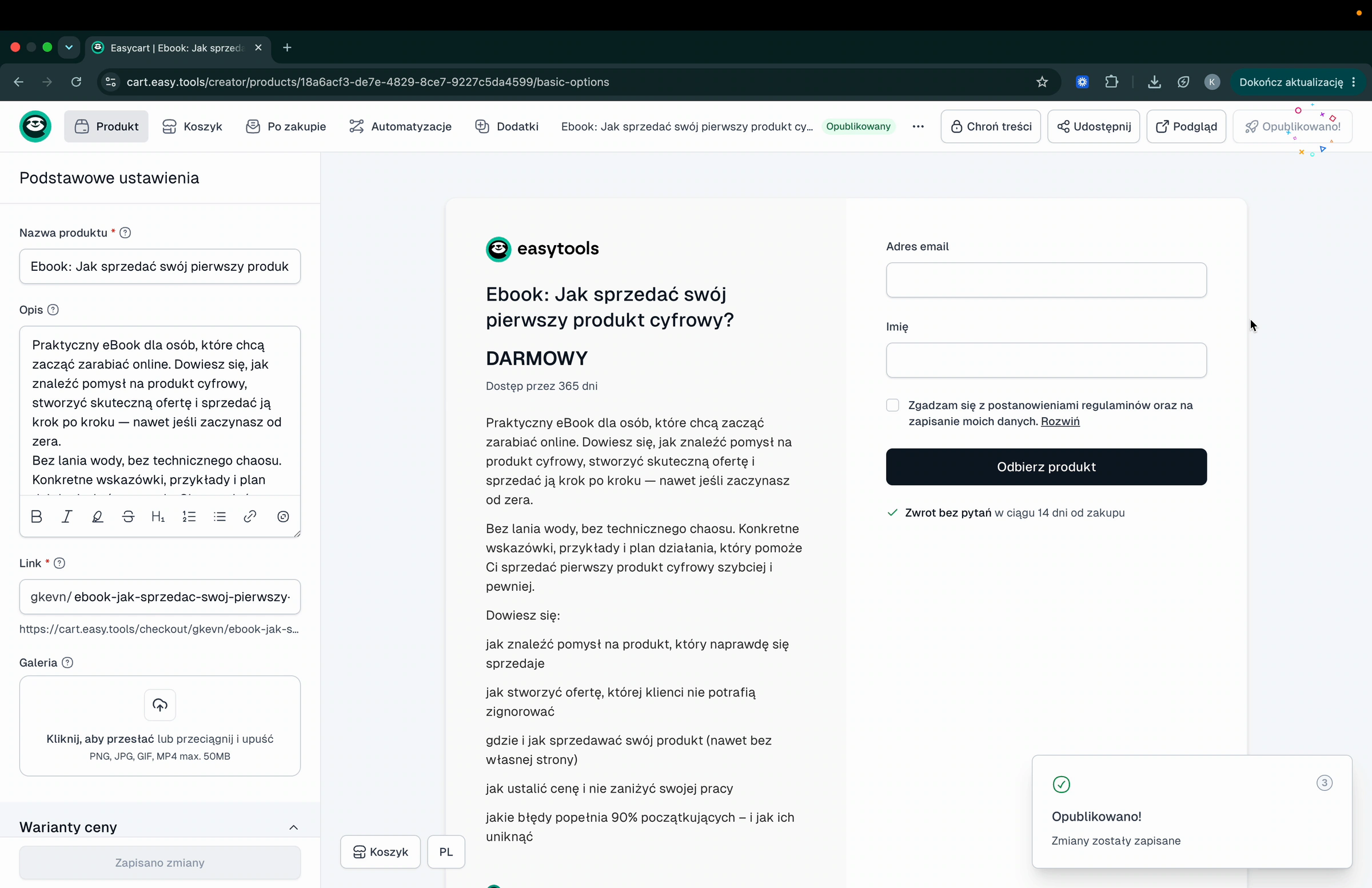
- In Basic settings, enter the Product name and a short Description.
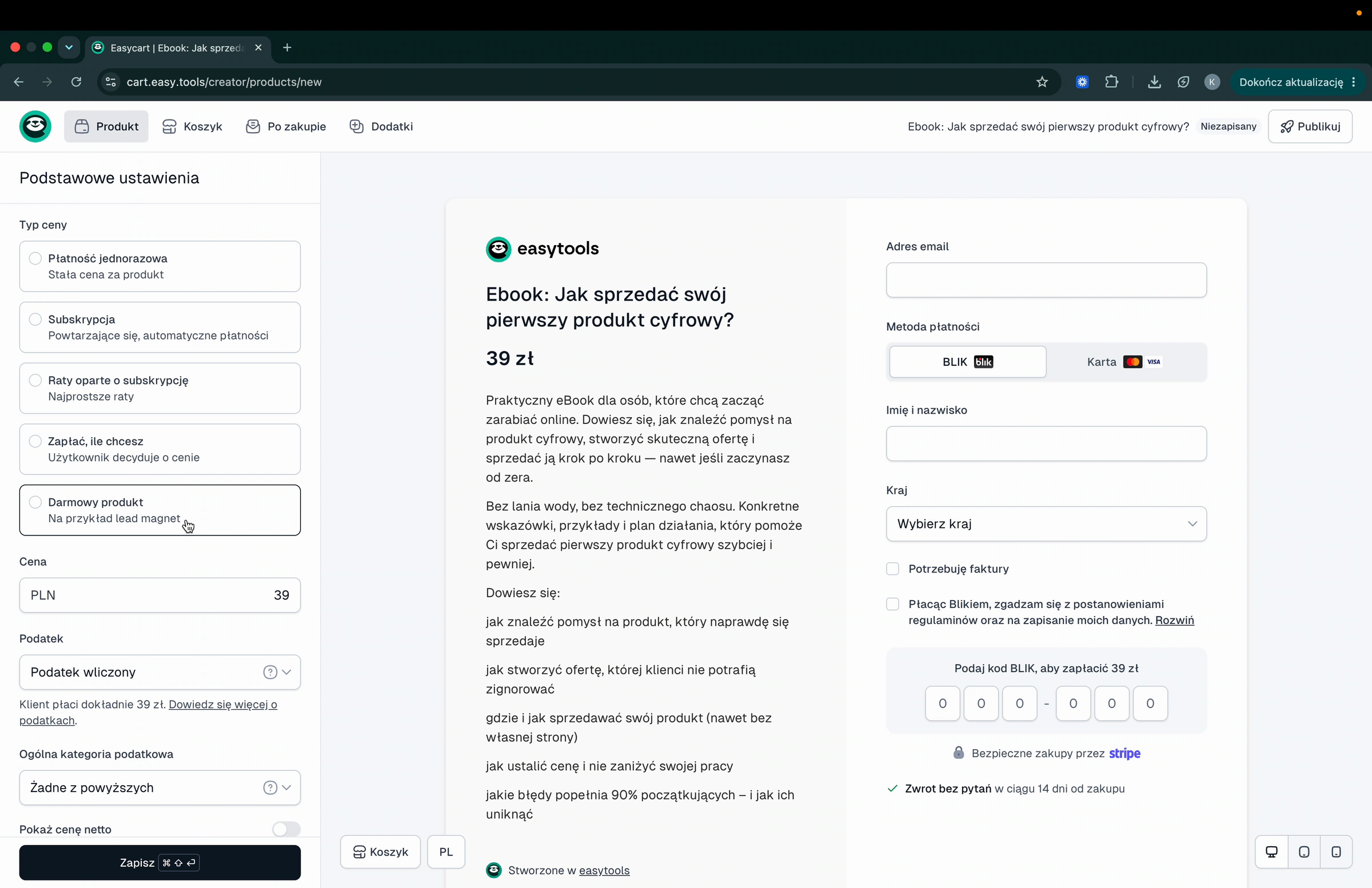
Set the price to free
- Scroll down to Main price and find Price type.
- Choose Free product - the option marked as a lead magnet.
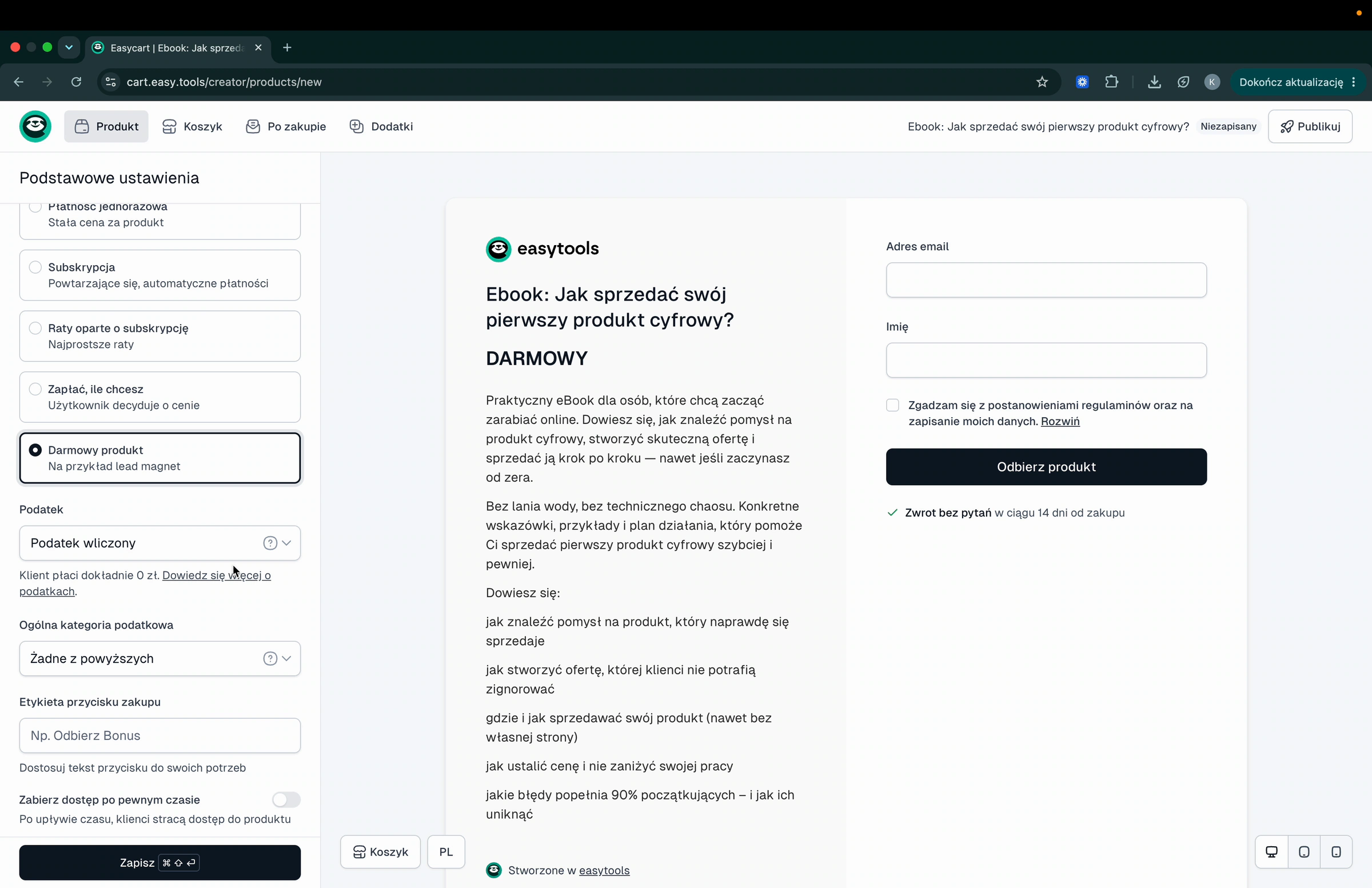
The buy button defaults to Get the product. If you want different wording, type it in the Purchase button label field - for example “Download the ebook”.
Choose how long access lasts
By default customers keep access forever. If you want the download to expire:
- Turn on Remove access after a set time.
- Pick By number of days or a fixed date.
- To give a full year of access, enter 365 in Number of days until access is removed.
Add the file
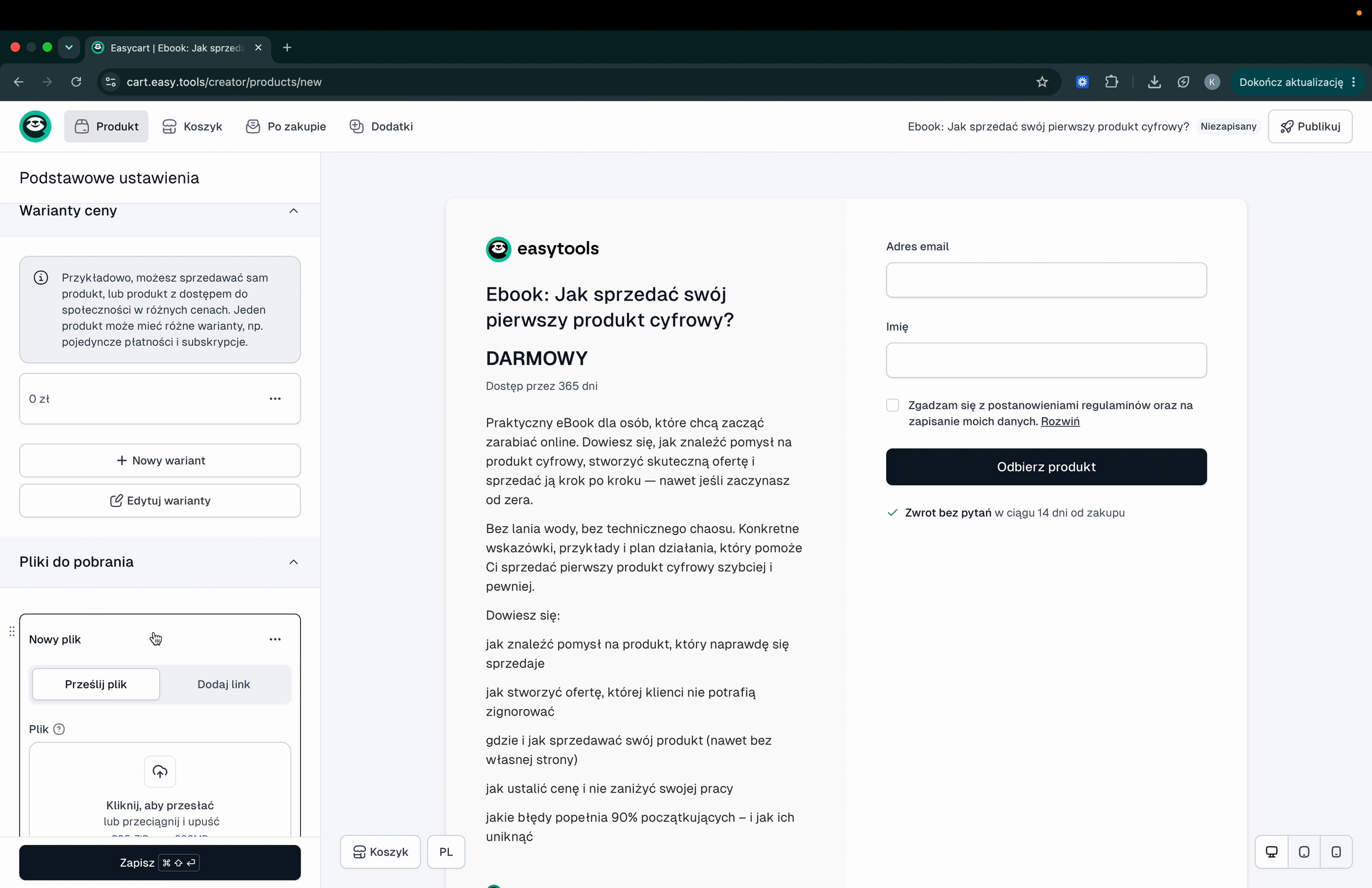
- Scroll to Files to download.
- Click + Add file.
- On the Upload file tab, add your ebook - or switch to Add link to point to a file you host elsewhere.
Note: uploaded files can be up to 300 MB. For video courses or larger files, use Easyplayer instead.
Publish and share
- Click Save, then Publish.
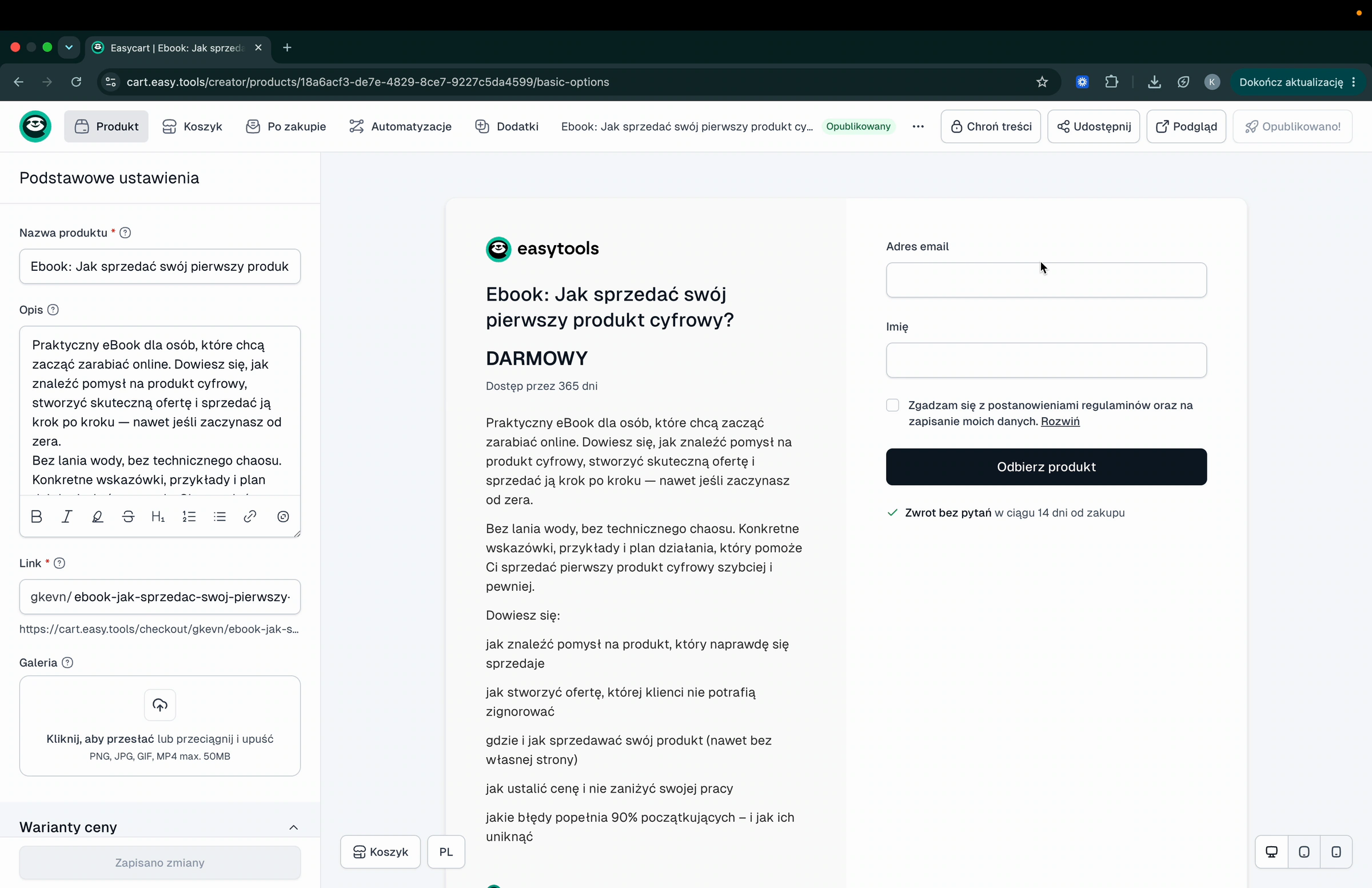
- Click Share → Copy cart link.
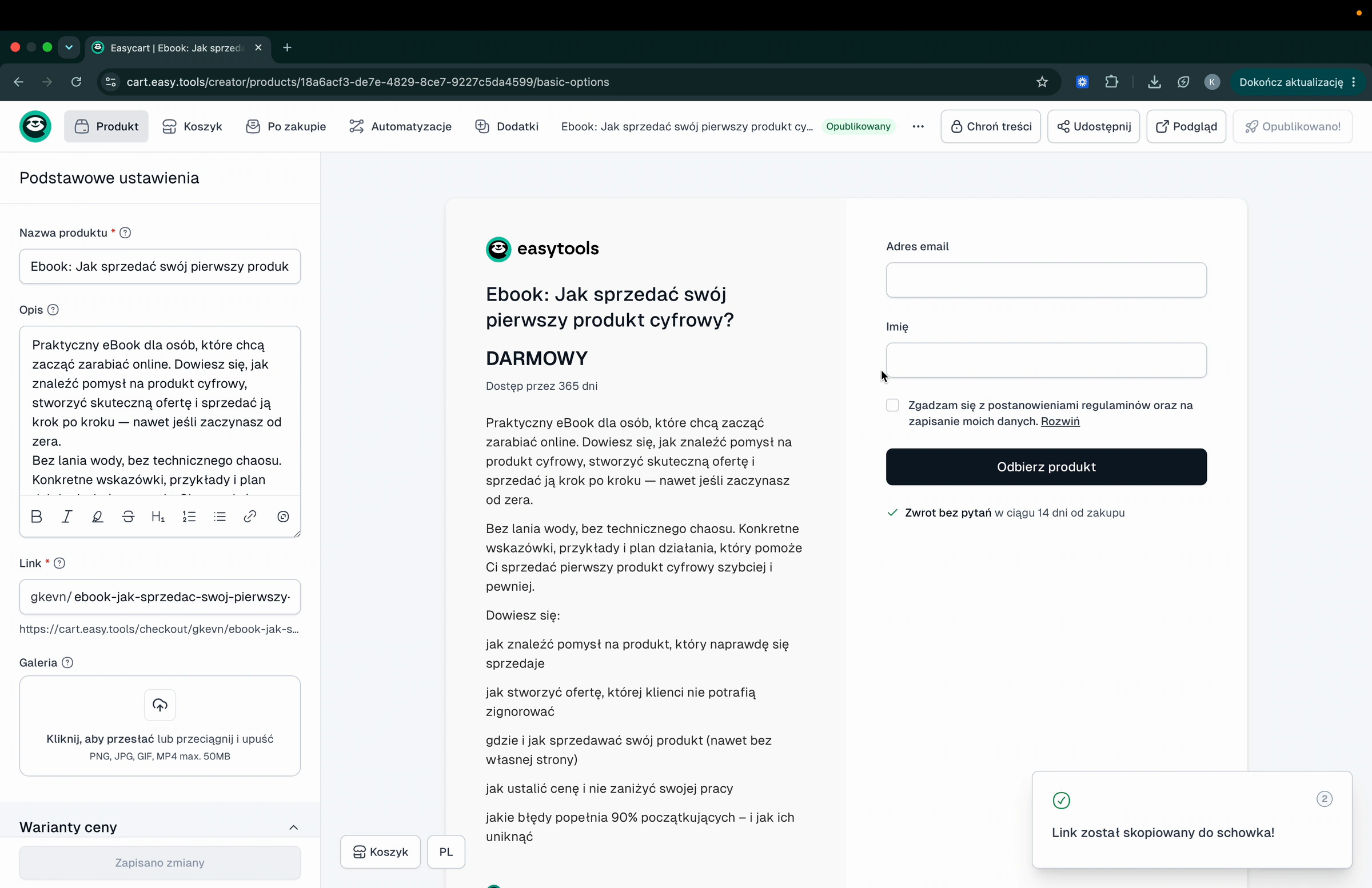
- Send that link wherever your audience is. To claim the lead magnet, the customer enters their email and name, accepts the terms, and clicks Get the product.
That is it - you now have a free product that collects emails and helps you build your personal brand. To manage the file itself, see digital downloads; for more ways to share, see sharing checkout links.