The Quick AI wizard in Easytools enables you to prepare a ready-to-use landing page without any advanced technical knowledge. Simply provide a few details, and the tool will generate content suggestions, layout, and a full project using Easytools. You can then freely adjust the design and text to fit your needs.
Create a landing page with AI
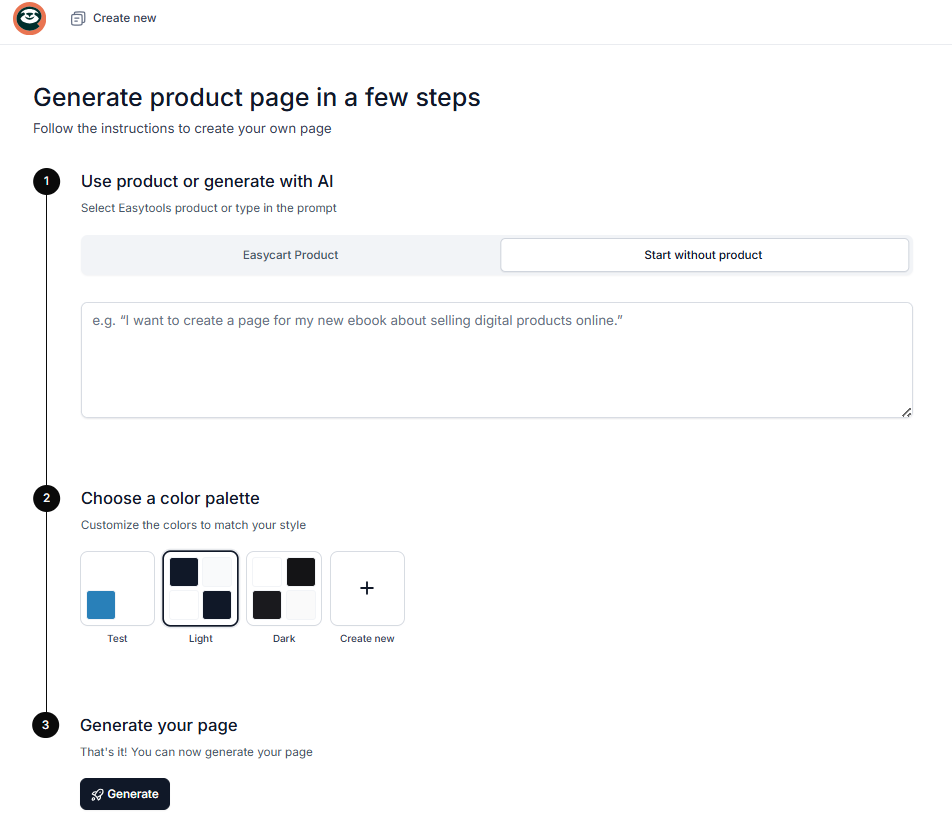
- Go to the website creation section in Easypage under Sites → Websites.
- Click + New website.
- Select Start without a product.
- In the text field, enter a prompt describing how you want your website to look.
How to generate a landing page with built-in Easytools sections
With Easypage’s AI landing page generator, you can instantly create a complete website with ready-made sections - testimonials, pricing, legal pages, FAQ, and more. Just describe what you need in plain text (e.g., “generate a website with pricing, reviews, terms and conditions, and FAQ”), and AI will build it for you using our built-in tools.
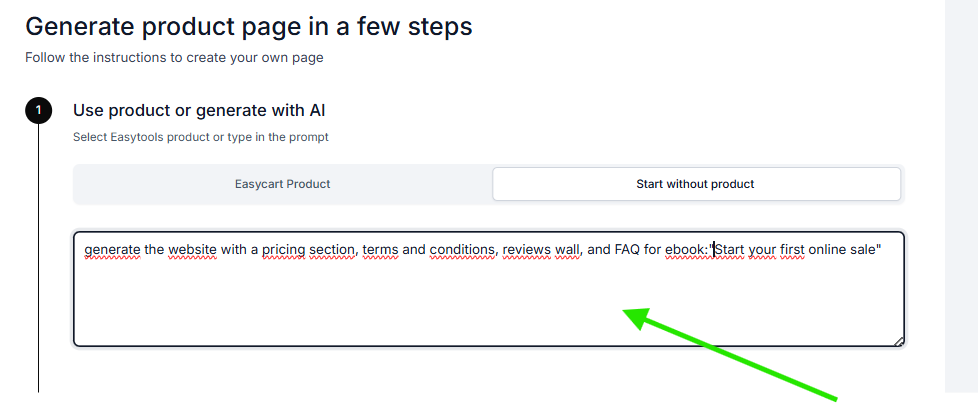
After entering your instruction, click Generate. In the next step, you’ll see that the projects for all selected tools are being created.
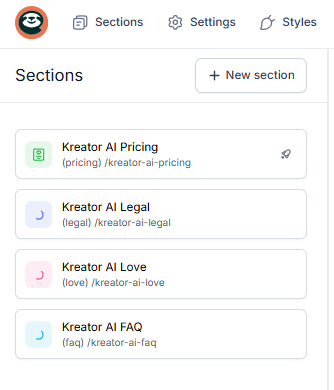
The entire process runs asynchronously, which means you can continue working on other elements of your website while the projects are still being generated.
Note: You can also generate a landing page using existing projects if you choose Easycart Product during website creation. The AI will automatically check whether you already have projects prepared for that product and insert them into your website.