This guide will show you how to create a testimonials wall, allowing you to quickly generate sample reviews, tailor them to your product, and build a credible social proof section on your page.
Generate a testimonials wall for a selected product
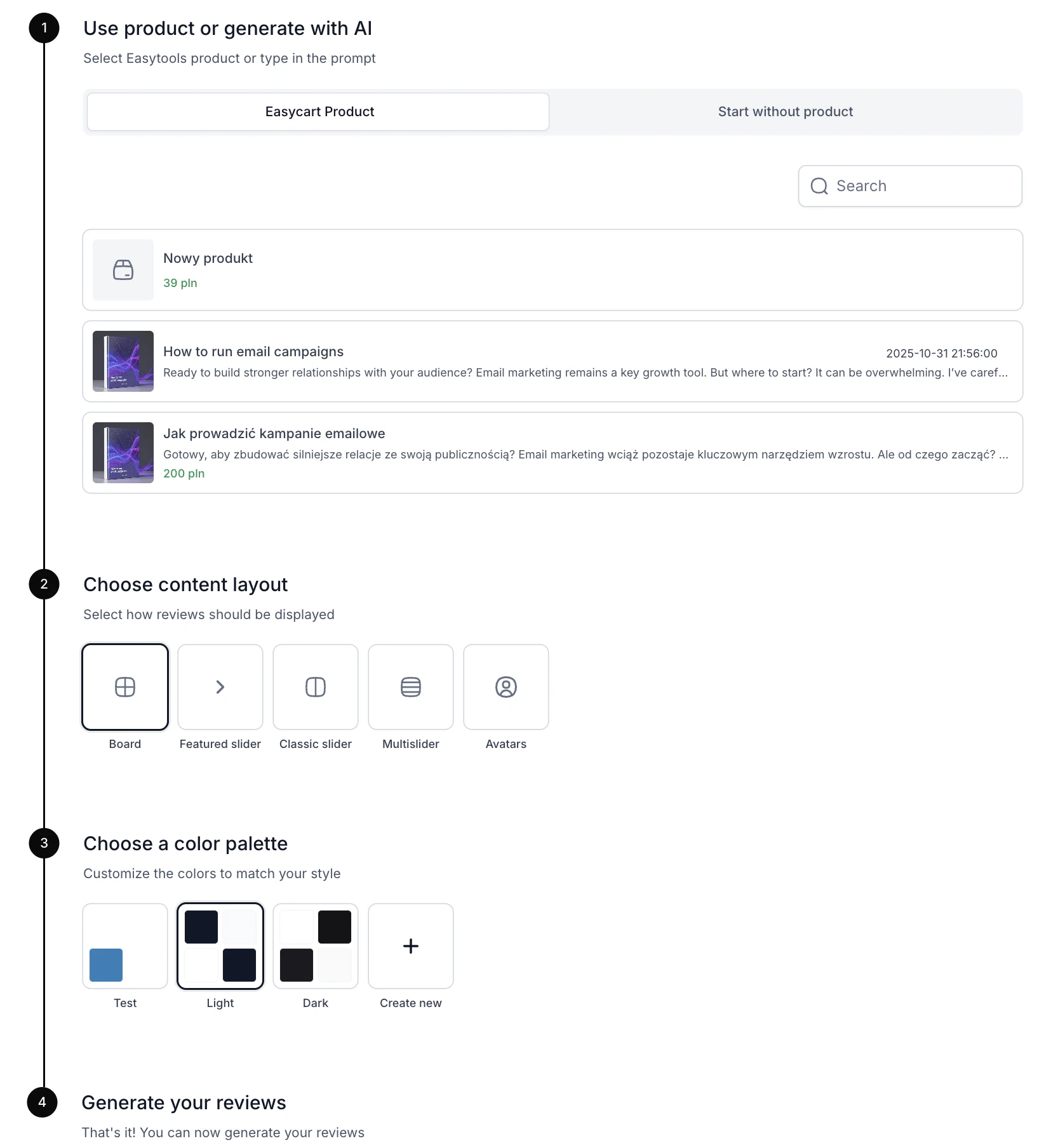
- Go to the project creator in Easylove, in the Testimonials tab.
- Click + New wall of love.
- Choose the Easycart product option.
- Select a content layout.
- Choose one of the default color palettes or create your own custom theme.
- Click Generate.
Generate a testimonials wall with AI
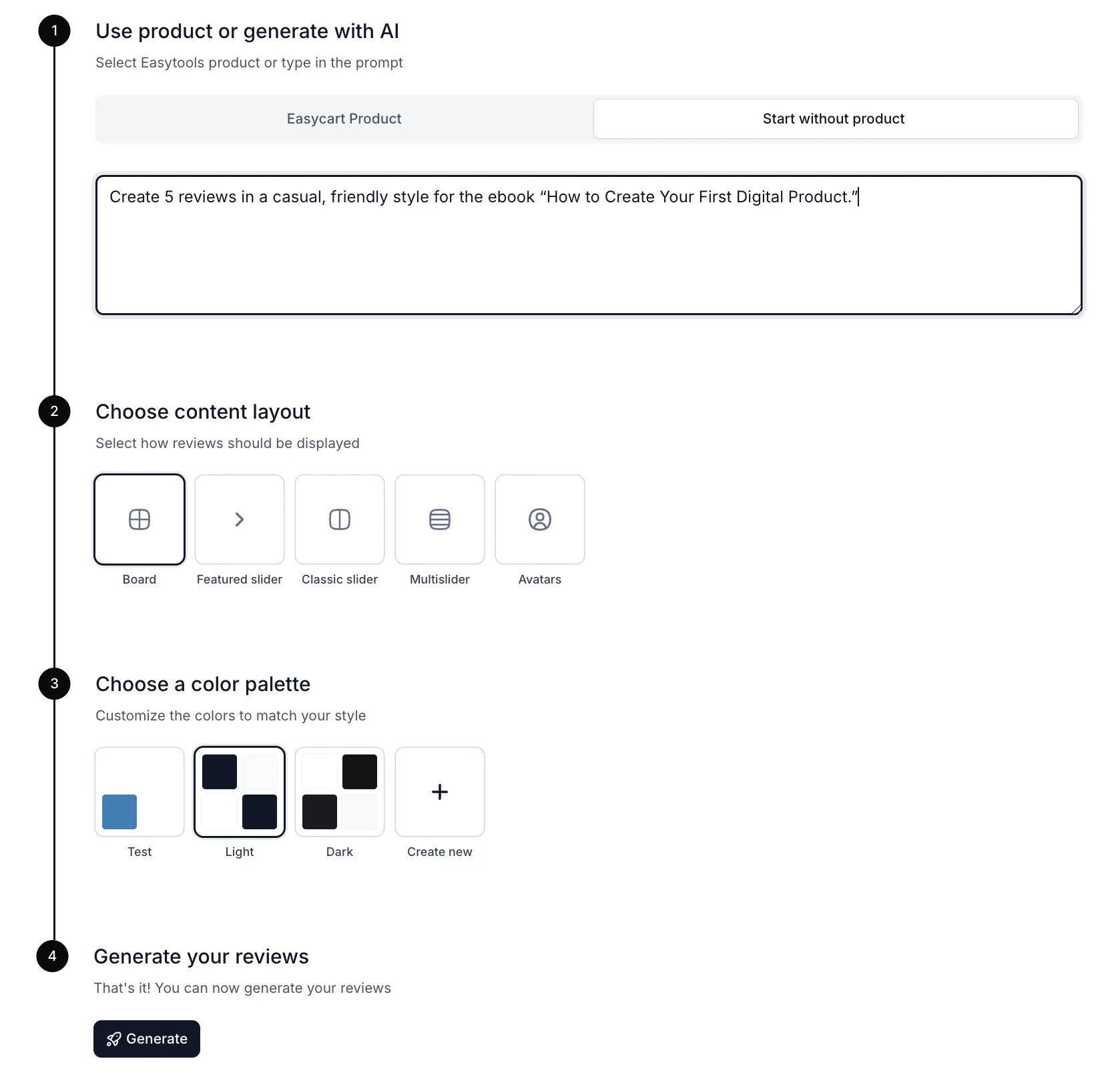
- Go to the project creator in Easylove, in the Testimonials tab.
- Click + New wall of love.
- Choose the Start without a product option.
- In the text field, enter a prompt describing the review style and the product name.
- Select a content layout.
- Choose one of the default color palettes or create your own custom theme.
- Click Generate.
Generating testimonials with AI works asynchronously, so you don’t need to wait for the project to be created. You can leave the tool, and the AI will continue generating in the background.
Note: Reviews generated by AI are provided as templates and include placeholders (empty fields to fill in), marked with lines. They are intended to make it easy to adapt the content to your own experiences, results, or specific product details before publishing. This allows you to quickly personalize the review while keeping it natural and authentic.
Now, when your wall of love is ready, check how to start collecting testimonials.