To prevent unauthorized access to your player, you can easily connect it with Easycart, which will automatically add a login wall.
Adding a login wall
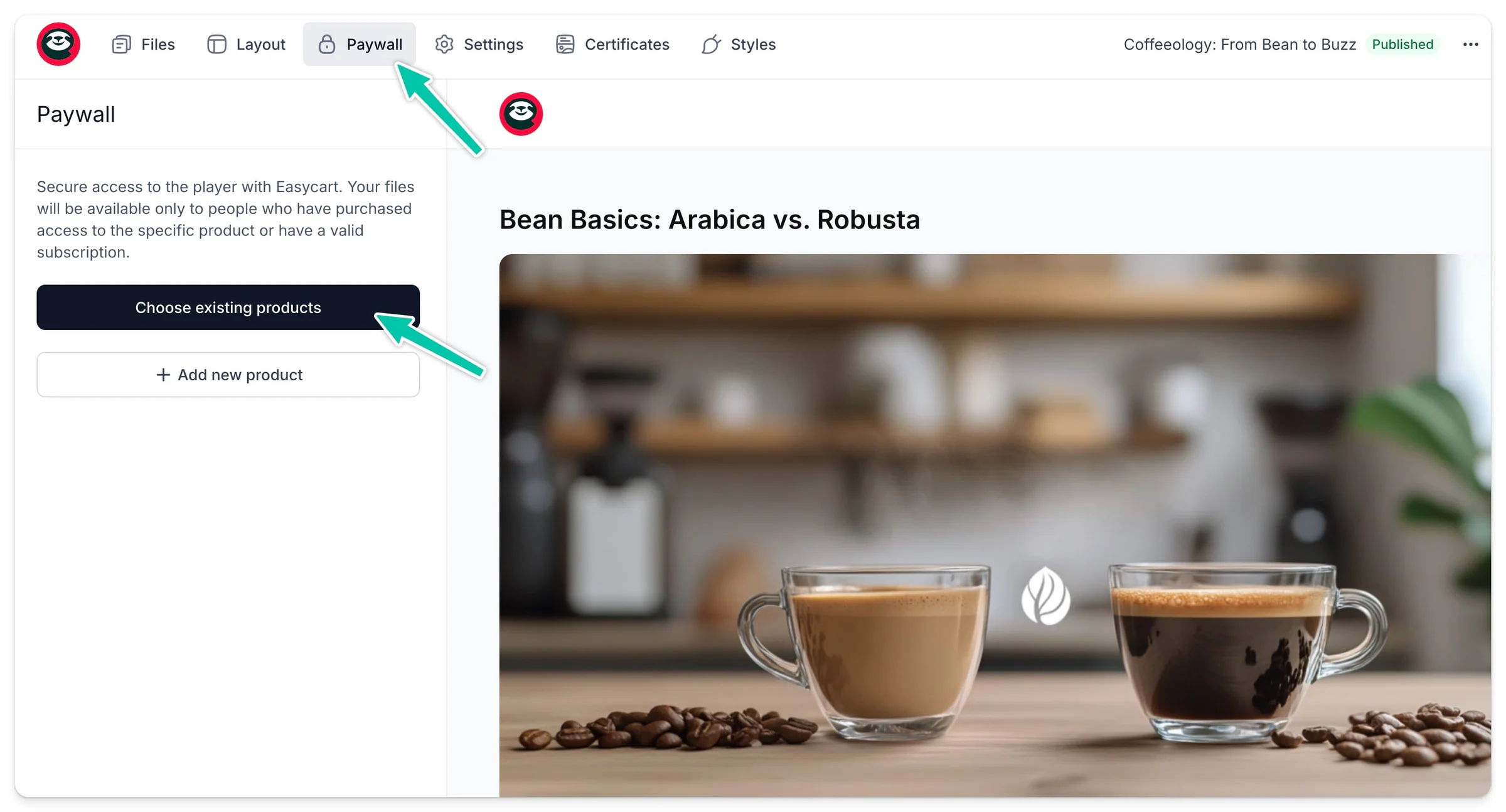
Here’s how you can do it:
- Go to the Paywall tab in the top menu.
- Click Choose existing products if you already created an Easycart product.
- Or, click +Add new product.
You can select one or multiple products that will grant access to this specific player after purchase.
Once you connect your player to a product on Easycart, we not only enable quick purchases but also display a login wall branded with your logo.
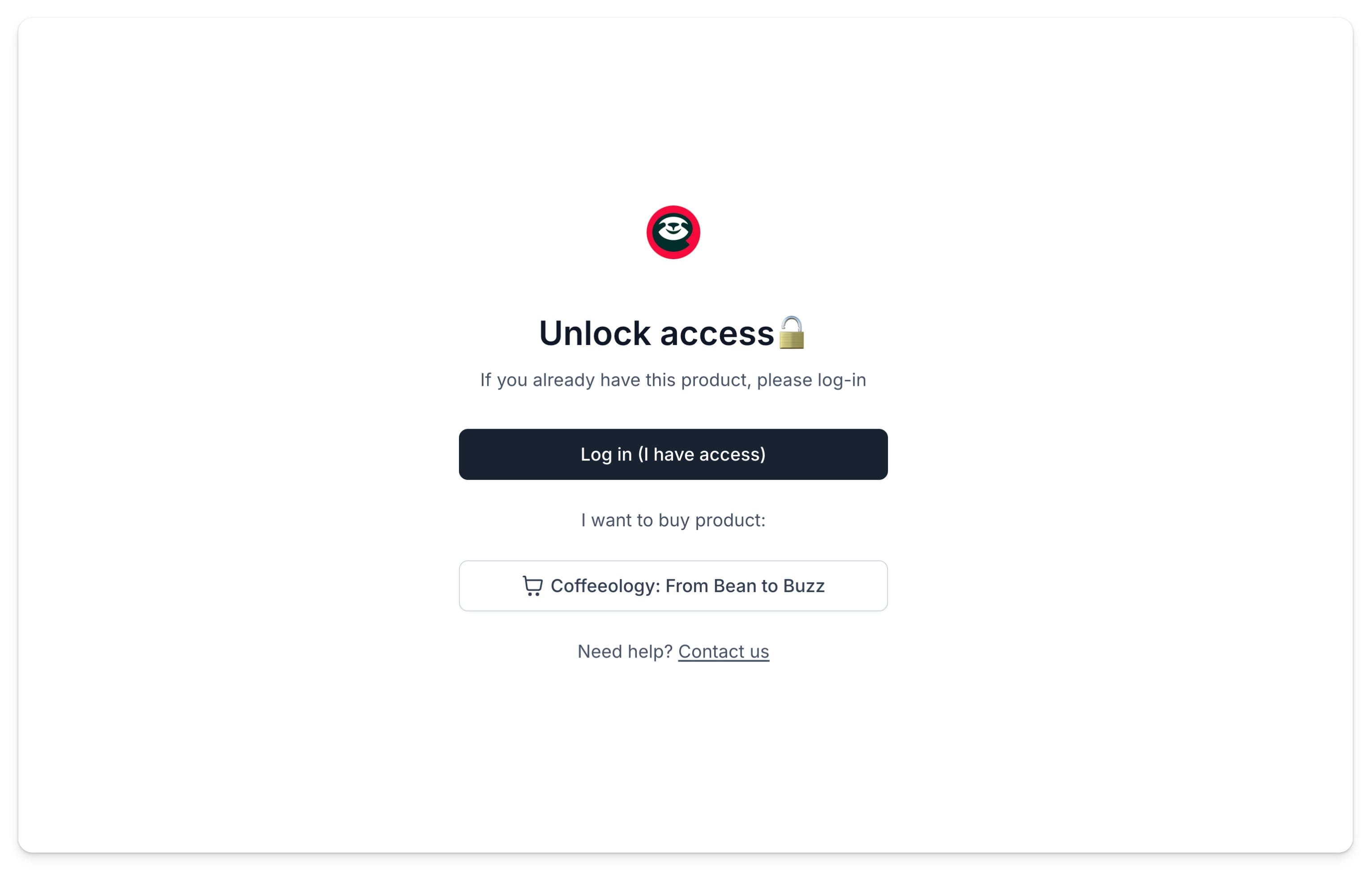
Those who have made a purchase will be able to log in and instantly access your player. Others will be directed to checkout to buy your product. Learn more on creating a product on Easycart, by clicking here.
You don’t need to create and manage any accounts for your customers to access the player - we’ve got you covered. They will log in with their Easycart credentials to access your player.